Remote Mouse
Remote MouseContains ads · In-app purchases
- EveryoneAge rating
- ToolsCategory
- Nov 16, 2026Updated
- FreePrice
Links to the official Google Play listing of com.hungrybolo.remotemouseandroid. Last checked on Nov 19, 2026.
Screenshots
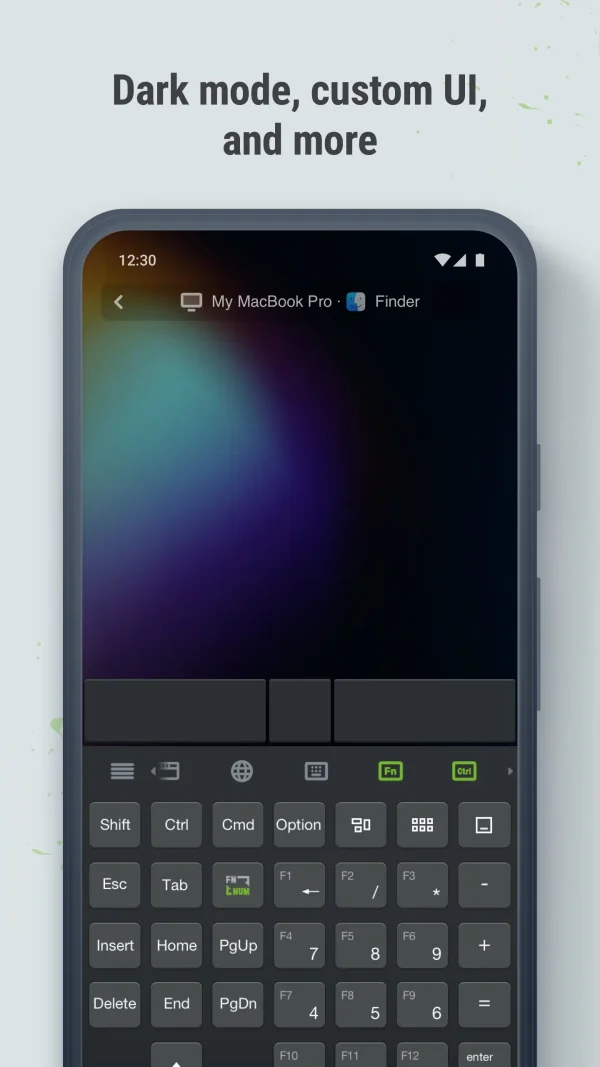
About this app
Use your phone or tablet as a wireless mouse, keyboard & remote for PC or Mac
Remote Mouse™ turns your mobile device into a powerful remote control app for your PC or Mac. Use your phone or tablet as a wireless mouse, keyboard, and touchpad — complete with multi-touch gestures and media controls. Whether you're watching movies, controlling a presentation, or browsing the web from your couch, Remote Mouse™ offers an effortless way to control your computer remotely.
With over 20 million users and featured by CNET, Mashable, and Product Hunt, Remote Mouse™ offers one of the most elegant solutions to computer control from mobile.
What you can do:
Mouse
• Control the cursor like a real PC mouse
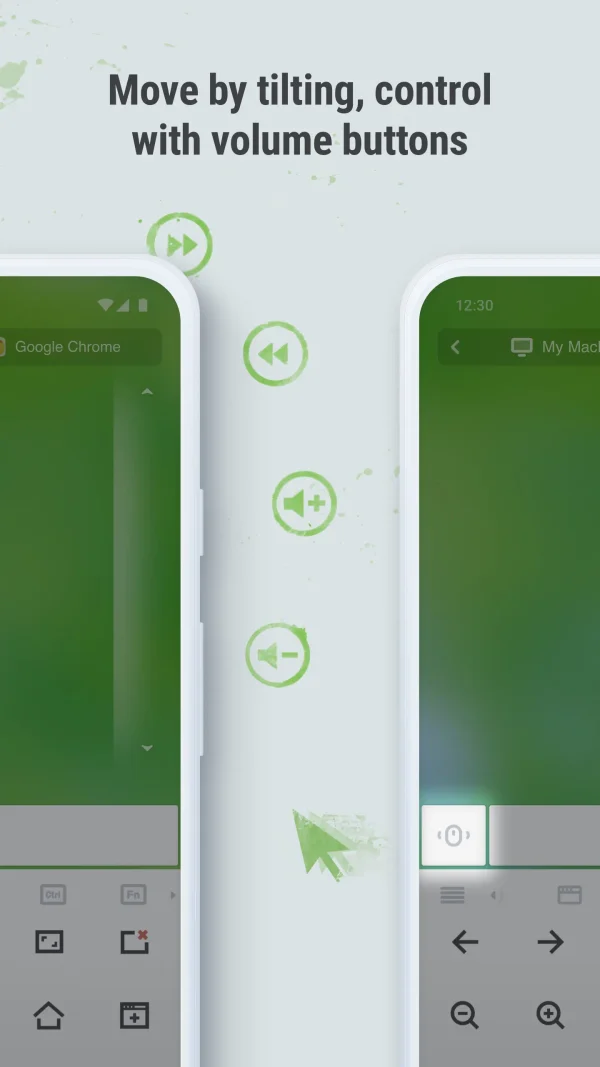
• Move using your phone’s gyroscope (Gyro Mouse)
• Left-handed mode support
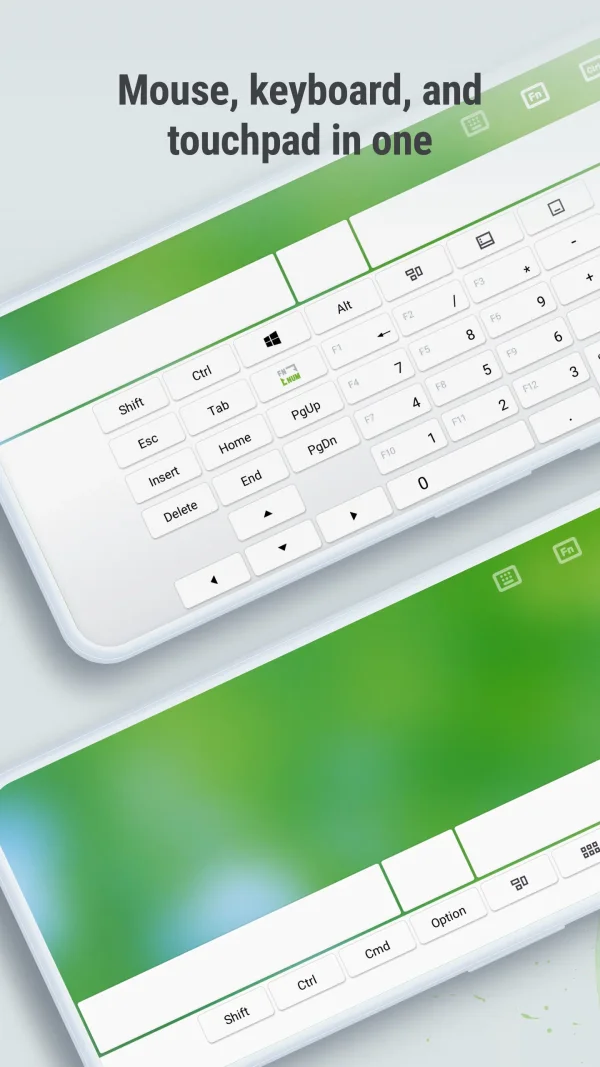
Keyboard
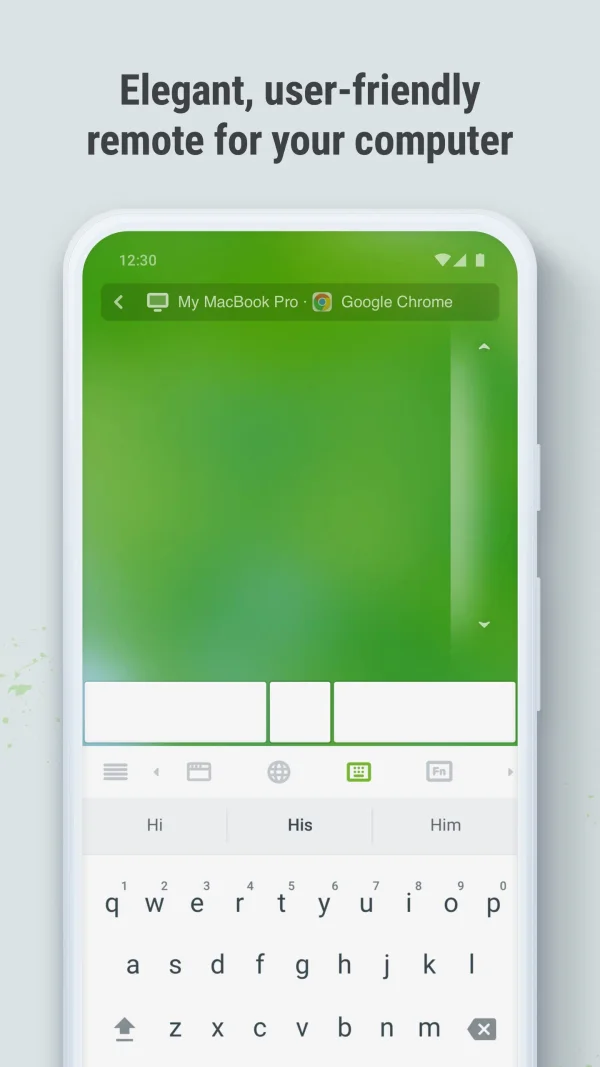
• Type remotely in any language
• Use voice input (if supported by your soft keyboard)
• Send system and app shortcuts
• Adaptive layouts for Mac or PC
• Use your phone as a remote keyboard for your computer
Touchpad
• Simulates Apple Magic Trackpad
• Supports multi-touch gestures
• Ideal wireless touchpad app for remote navigation
Specialty Panels
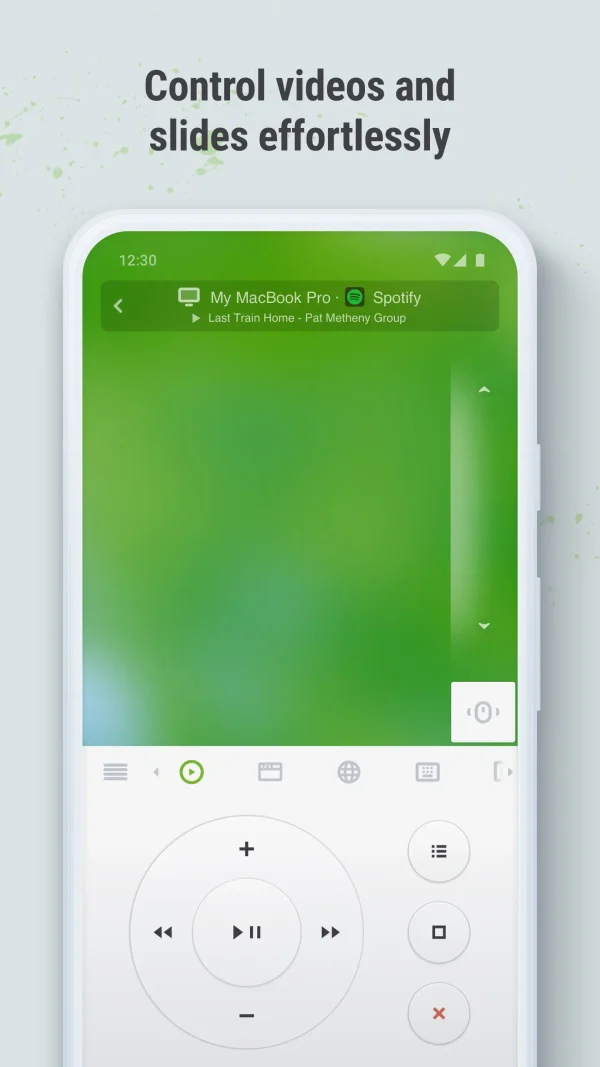
• Media Remote: Control videos, music, and presentations across apps and sites like YouTube, Netflix, Disney+, Apple TV+, VLC, Spotify, and more.
• Web Remote: Navigate Chrome, Firefox, and Opera
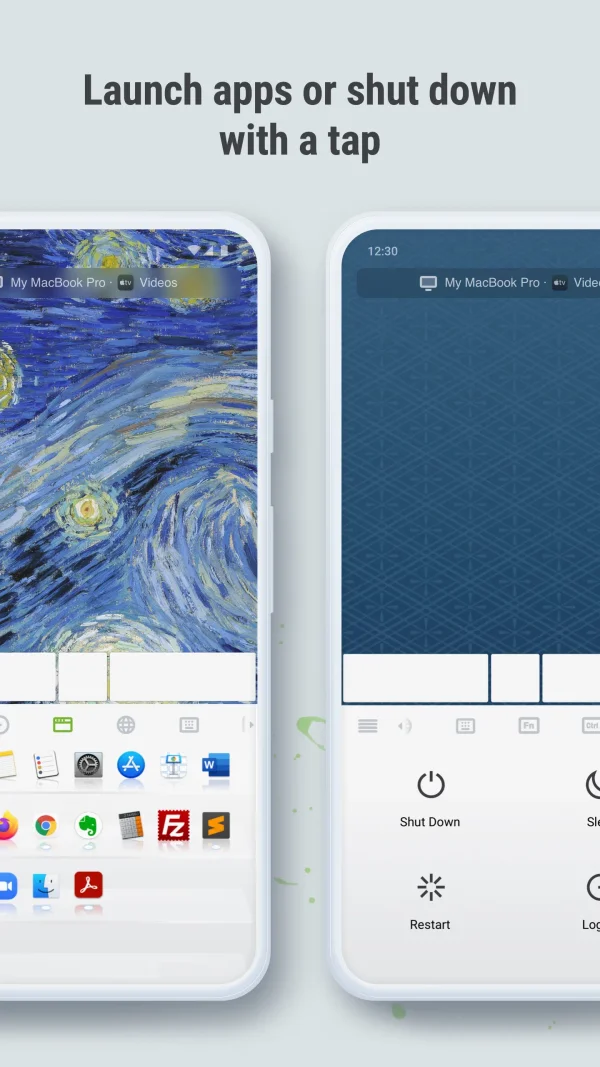
• App Switcher: Launch and switch between apps
• Power Options: Shut down, sleep, or restart remotely
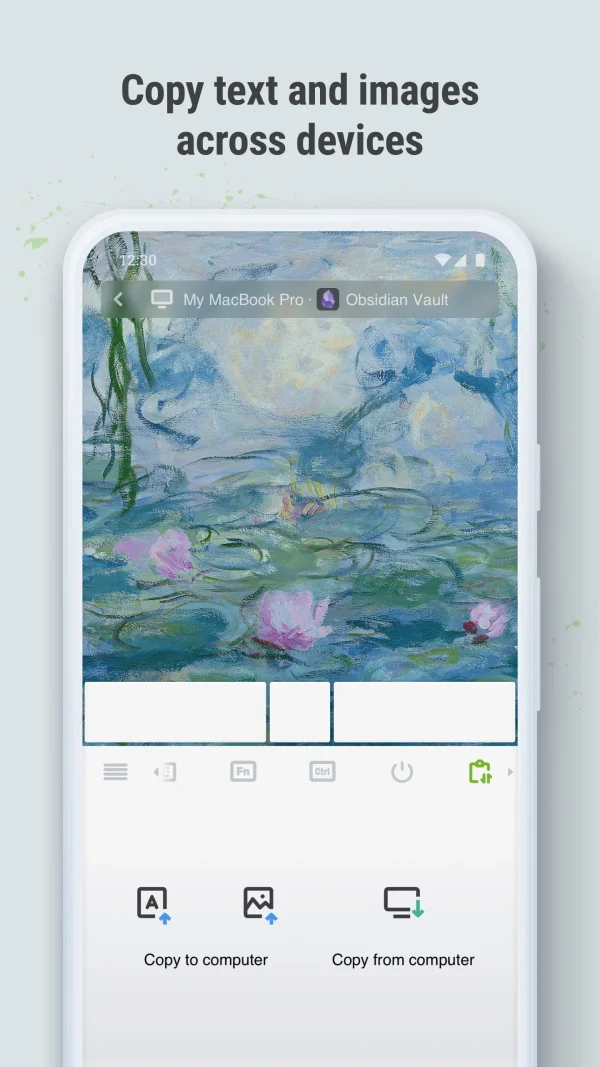
• Clipboard Sync: Copy and paste text/images across devices
Other features
• Control volume using physical phone buttons
• Secure the connection with a password
• Reorder specialty panels
• Customize your remote with personal wallpapers
Easy to set up:
1. Download and install Remote Mouse for desktop on your computer: https://remotemouse.net
2. Launch the desktop version (it runs in the background)
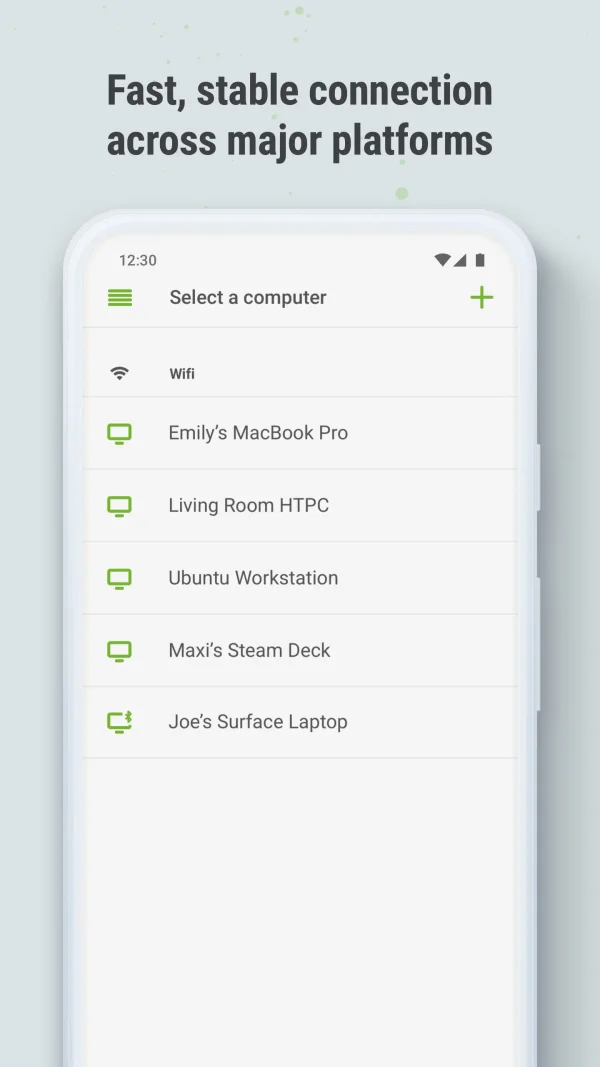
3. Connect your mobile device to your computer via Wi-Fi or Bluetooth
Data safety
What Remote Mouse declares on Google Play about the data this app collects and shares.
- This app may share these data types with third partiesApp info and performance and Device or other IDs
- This app may collect these data typesPersonal info, App activity, and App info and performance
- Data is encrypted in transit
- You can request that data be deleted
What’s new
Version 5.320 · Nov 16, 2026
• Pasted and long text now arrive correctly.
• Bug fixes.
Developer contact
- Websiteremotemouse.net
- Emailsupport@remotemouse.net
- Privacy policyremotemouse.net
- Address高新南十道3号 南山区, 深圳市, 广东省 China 518000
Information
- Offered by
- Remote Mouse
- Category
- Tools
- Version
- 5.320
- Updated
- Nov 16, 2026
- Released
- Mar 9, 2012
- Requires
- Android 6.0 or later
- Age rating
- Everyone
- Price
- Free
- In-app purchases
- $1.45 - $27.00 per item
- Package name
- com.hungrybolo.remotemouseandroid
Similar apps
-
 ScreenStream
Tools
-
 Taskbar
Tools
-
 AppDash: App Manager & Backup
Tools
-
 Ajax PRO: Tool For Engineers
Tools
-
 Square Home Launcher - Tile UI
Personalization
-
 ASUS Router
Tools
-
 IFTTT.ai: Automation made easy
Productivity
-
 spacedesk - Display for PC+Mac
Productivity
-
 Starlink
Tools
-
 WiFiman
Tools
-
 AnyDesk Remote Desktop
Business
-
 UserLAnd - Linux on Android
Tools