FlashGet Finder: Phone Tracker
HONGKONG FLASHGET NETWORK TECHNOLOGYIn-app purchases
- EveryoneAge rating
- ToolsCategory
- Oct 12, 2026Updated
- FreePrice
Links to the official Google Play listing of com.flashget.finder. Last checked on Nov 27, 2026.

Screenshots



About this app
Powerful phone AntiTheft App, use friendly phone tag, easy to find my phone
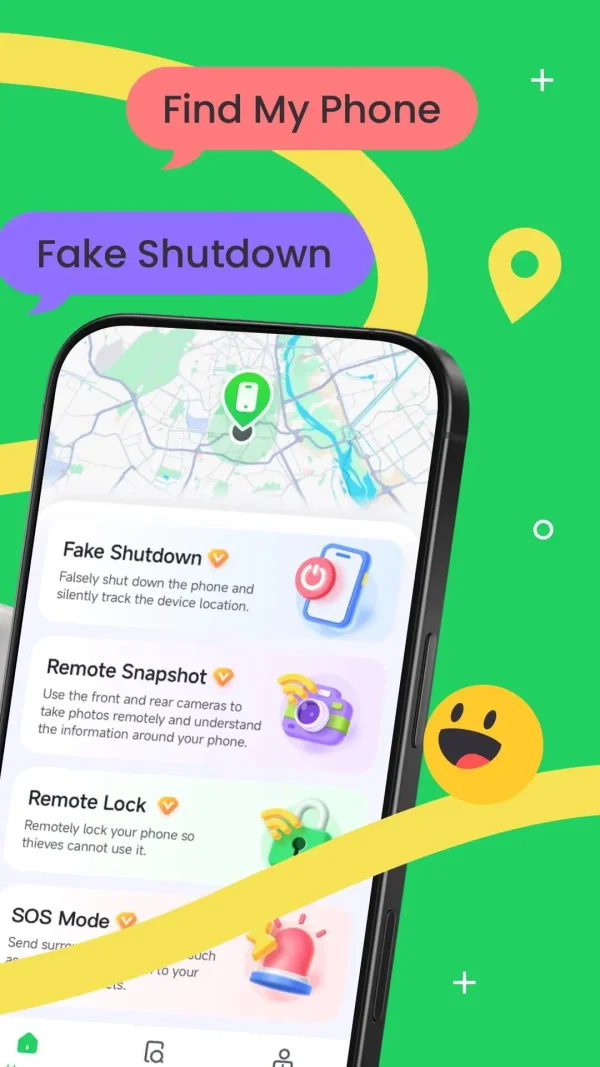
FlashGet Finder is a comprehensive lost phone locator applications, utilizing GPS tracking to locate misplaced or lost phones, and multiple security features to ensure that you get your phone back.
It uses the Accessibility API to provide Fake Shutdown functions, If this permission is not allowed, these functions will not be implemented, None of this data is saved or shared with third parties.
Features:
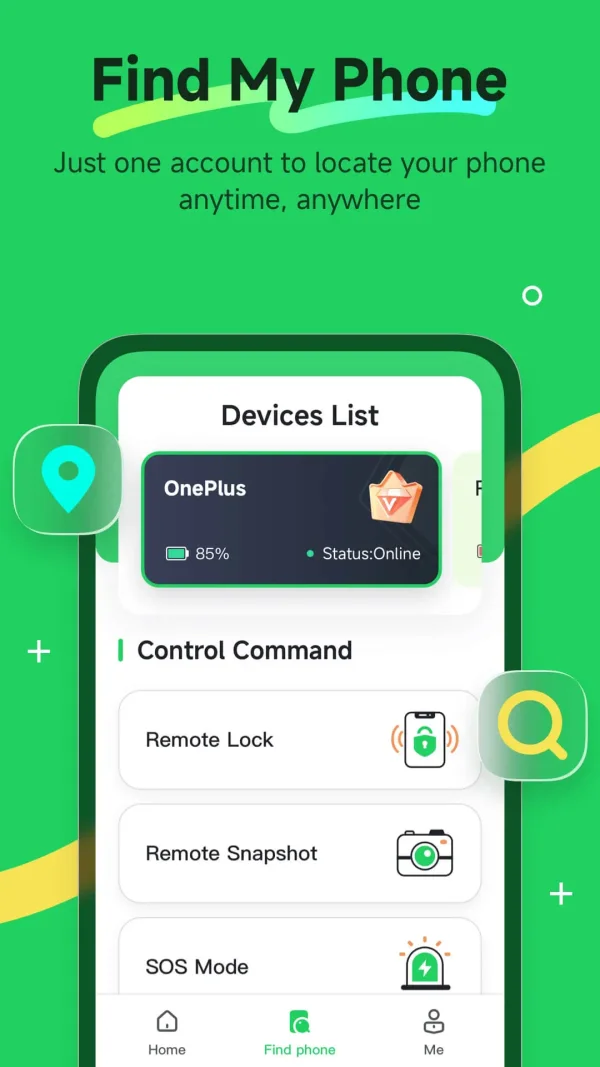
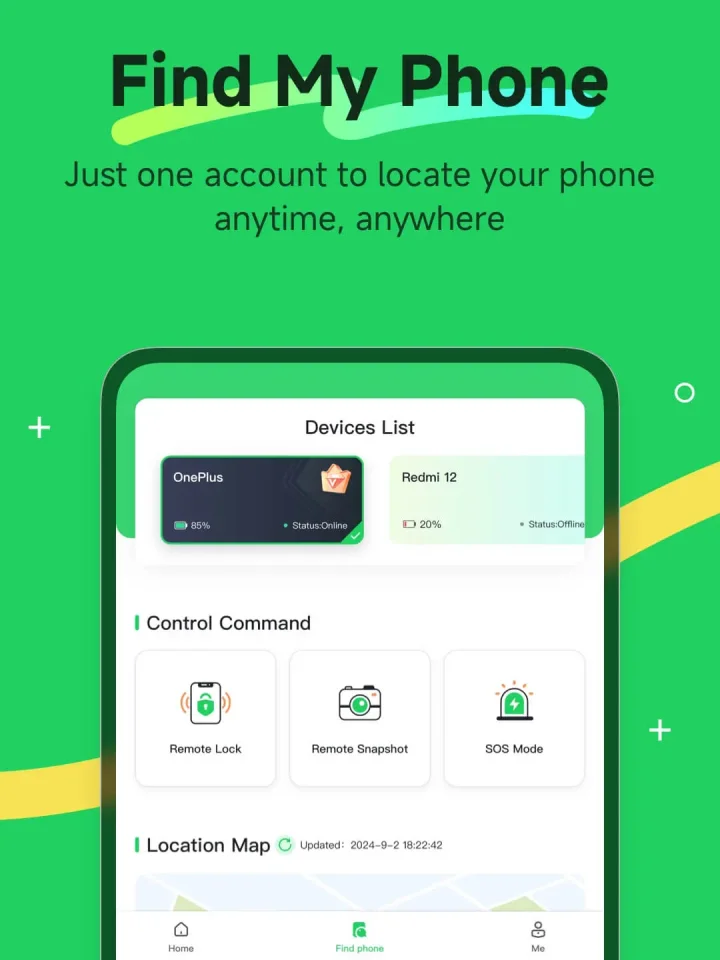
*Locate Stolen/Lost Phones:
You can track your phone by logging into your account and obtain its exact location via map positioning.
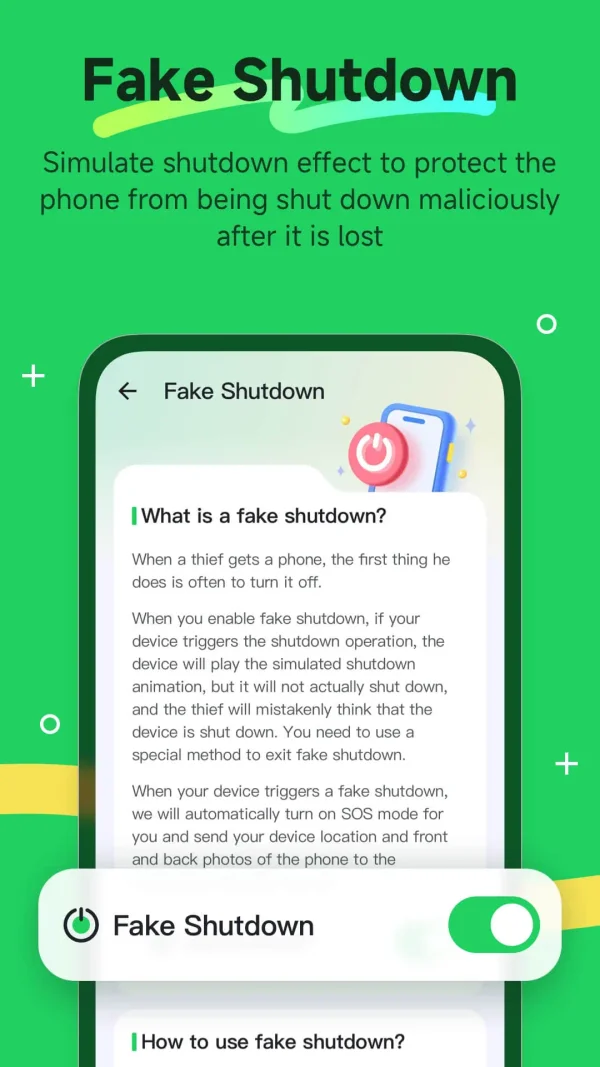
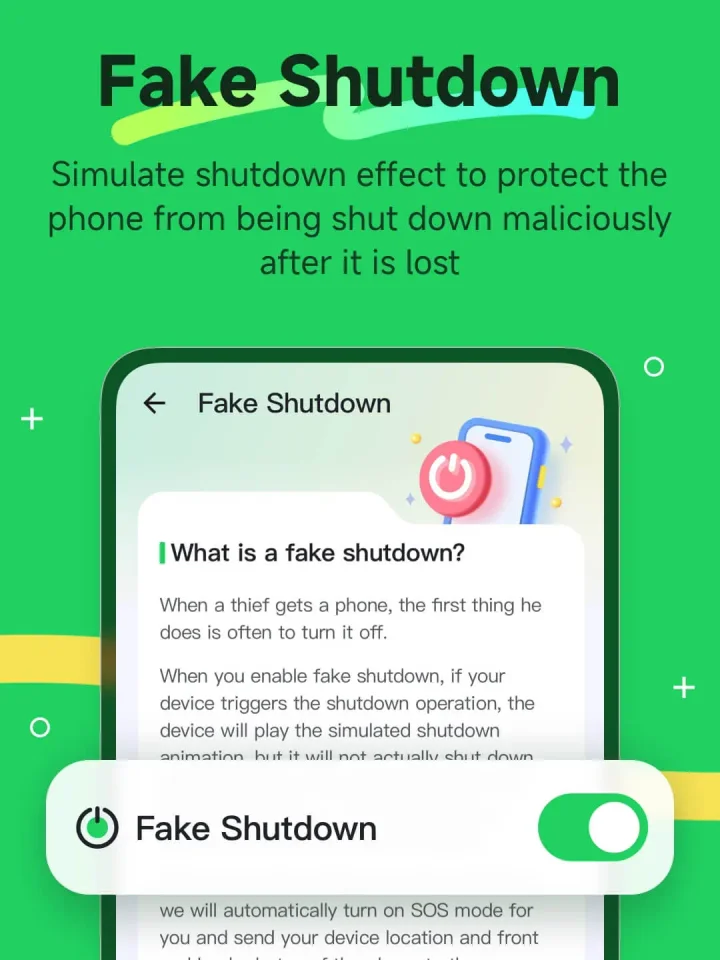
*Fake Shutdown:
It can prevent the stolen phone from being maliciously shut down by the thief, and the device will enter silent mode. You can still continue to obtain information such as the location of your phone.
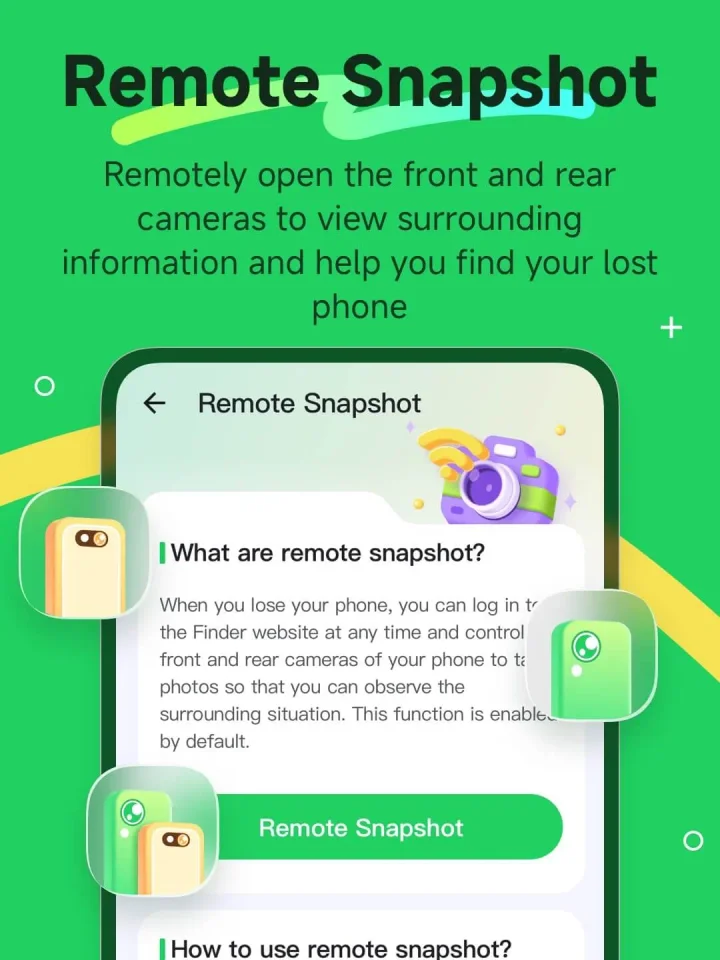
*Remote Snapshot:
Use the front and rear cameras to view the surroundings of your lost phone, facilitating a quicker recovery of your device.
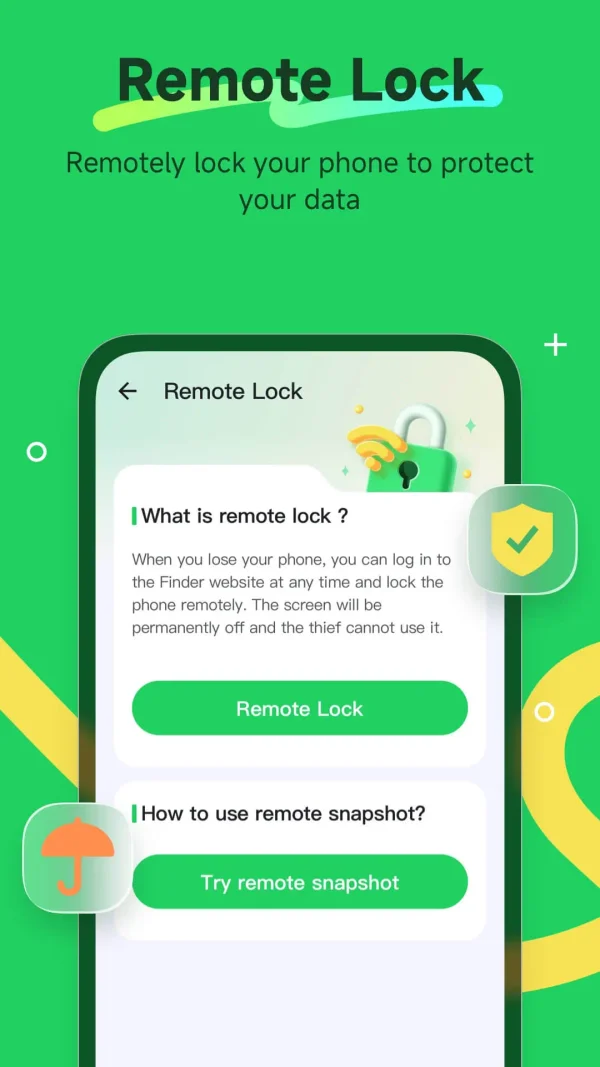
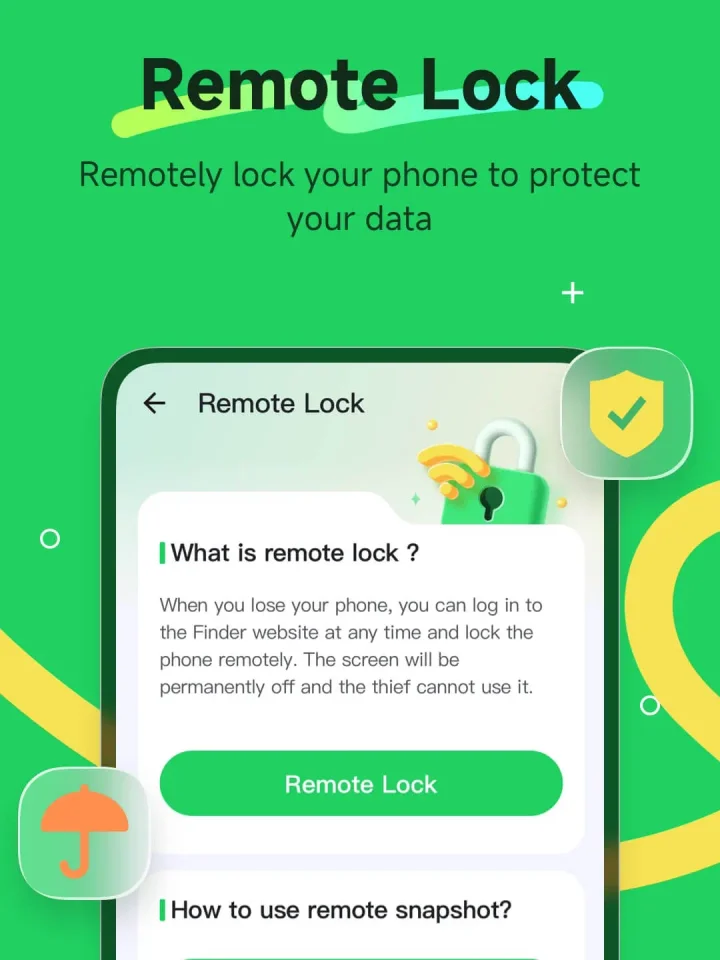
*Remote Lock:
Remotely lock your phone's screen to prevent thieves from accessing the device, safeguarding important information from being exposed.
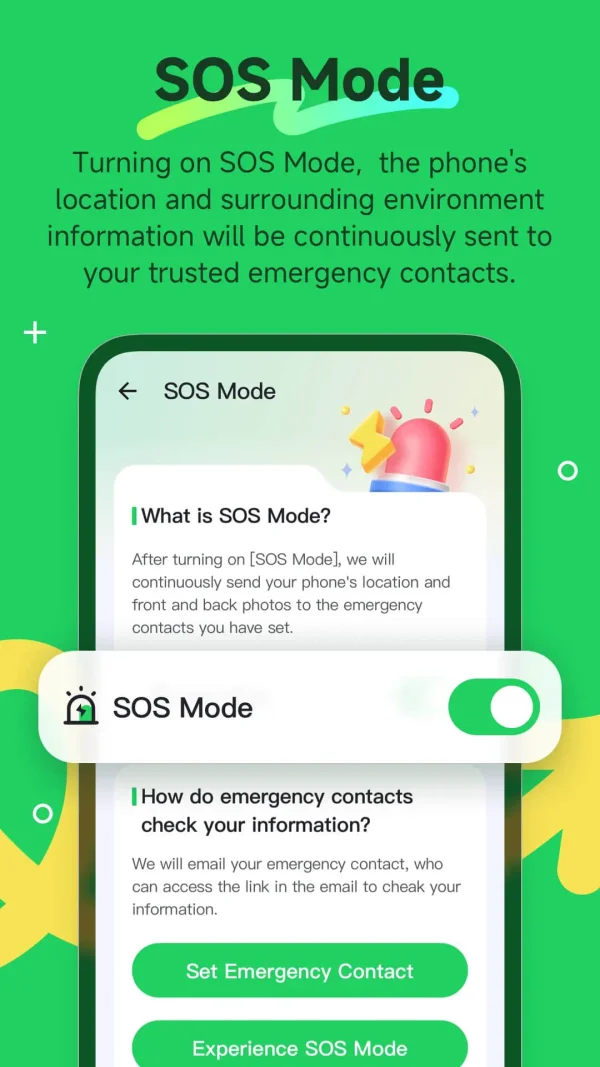
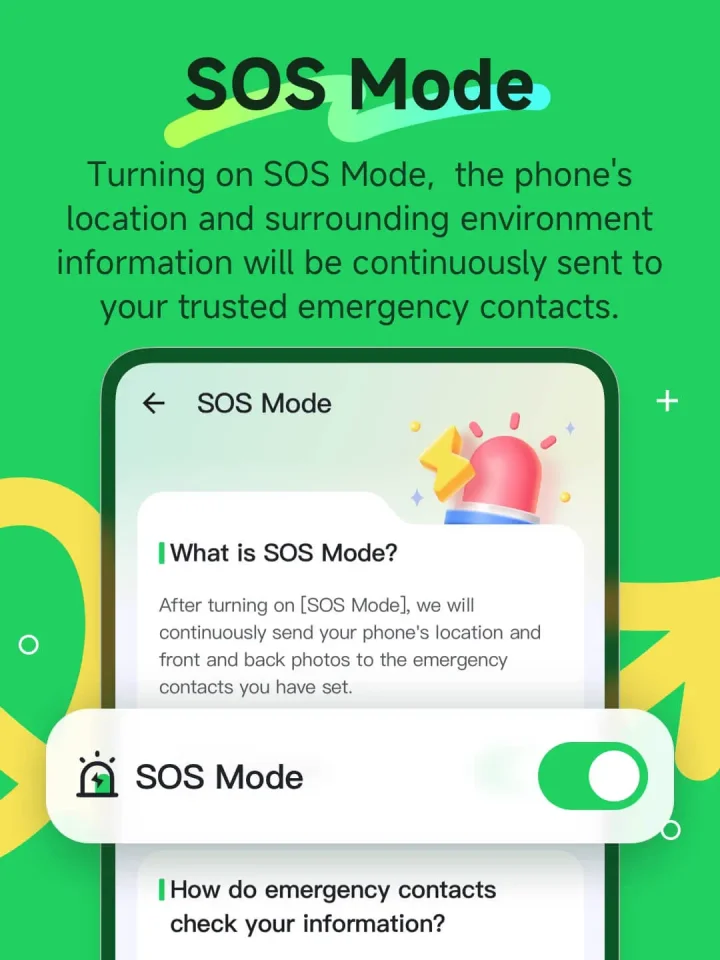
*SOS Mode:
When SOS mode is activated, the phone continuously sends its location and environmental information to your trusted emergency contacts with pre-set alert methods.
We prioritize the privacy and security of data transmission, employing various encryption measures to ensure this. Unless you choose to share your location or environmental information with others, no one can view the related data.
For some functions, we need specific permissions to run normally. If the following permissions are not allowed, some functions may be restricted:
1.Accessibility Service: The app’s usage of accessibility is only for Fake Shutdown and Lock Screen.
2. Read notifications: Put the device in SOS Mode, the phone enters silent and non-vibration state
3. Display notifications: To show Panic Button accessible notification
4. Device Admin: Required for Fake Shutdown
5. Camera: [Not mandatory but suggested] To send pictures either to your Emergency Contacts or to request pictures of your device from the website https://parental-control.flashget.com/finder/device
6. Location / Background location: [Not mandatory but suggested] To send your location either to your Emergency Contacts or to retrieve it from the website https://parental-control.flashget.com/finder/device
7. Battery no restrictions: To let your system know that FlashGet Finder should always be running on the background.
8. Auto start (for some devices): This permission is only required for a few devices. It lets your system know that FlashGet Finder can auto startx at any time. This allows FlashGet Finder to work properly.
Below are the Privacy Policy and Terms of Service for FlashGet Finder:
Privacy Policy: https://parental-control.flashget.com/finder-privacy-policy
Help and Support: You can find help information in the "Help" section within the application or contact us directly at: help@flashget.com
Data safety
What HONGKONG FLASHGET NETWORK TECHNOLOGY declares on Google Play about the data this app collects and shares.
- No data shared with third partiesLearn more about how developers declare sharing
- This app may collect these data typesDevice or other IDs
- Data is encrypted in transit
- You can request that data be deleted
What’s new
Version 1.0.1.5 · Oct 12, 2026
1. Optimize the onboarding process for quicker activation of all features.
2. Fix some issues reported by users.
Developer contact
- Emailhelp@flashget.com
- Privacy policyparental-control.flashget.com
- Address前埔一里221号408 思明区, 厦门市, 福建省 China 361000
Information
- Offered by
- HONGKONG FLASHGET NETWORK TECHNOLOGY
- Category
- Tools
- Version
- 1.0.1.5
- Updated
- Oct 12, 2026
- Released
- Jan 20, 2025
- Requires
- Android 6.0 or later
- Age rating
- Everyone
- Price
- Free
- In-app purchases
- $2.49 - $19.99 per item
- Package name
- com.flashget.finder
Similar apps
-
 AirDroid Parental Control
Parenting
-
 Parental Control App- FamiSafe
Parenting
-
 AirDroid: File & Remote Access
Tools
-
 ScreenStream
Tools
-
 Total Drive - Cloud Storage
Productivity
-
 AirMirror: Remote control
Tools
-
 Tasks.org: to-do list & tasks
Productivity
-
 Robokiller - Spam Call Blocker
Communication
-
 DREO
Lifestyle
-
 Virtual SIM
Communication
-
 Nest
Lifestyle
-
 Parent: Child Care App
Communication