AirMirror: Remote control
SAND STUDIOContains ads · In-app purchases
- EveryoneAge rating
- ToolsCategory
- Aug 28, 2026Updated
- FreePrice
Links to the official Google Play listing of com.sand.airmirror. Last checked on Nov 20, 2026.

Screenshots



About this app
One-way Audio is available in Screen Mirroring and Remote Camera.
One-way Audio is available in Screen Mirroring and Remote Camera. One-way Audio allows you to hear all the surrounding sounds from your remote device.
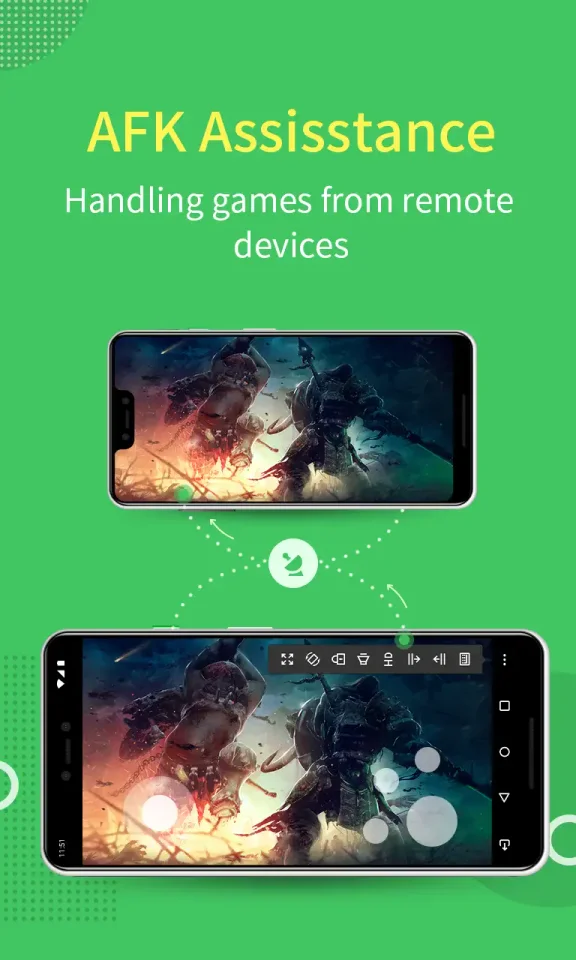
Remote Control
AirMirror fulfills the goal to control one Android phone with another phone.
*This feature needs AirDroid installed on the other end, and log in with the same email account.
You can apply AirMirror with the following features:
Remote Control
Directly control another phone/tablet, do whatever you like, no matter where this device is.
*If the controlled device is not rooted, it is required to process Non-Root setting through AirDroid PC beforehand.
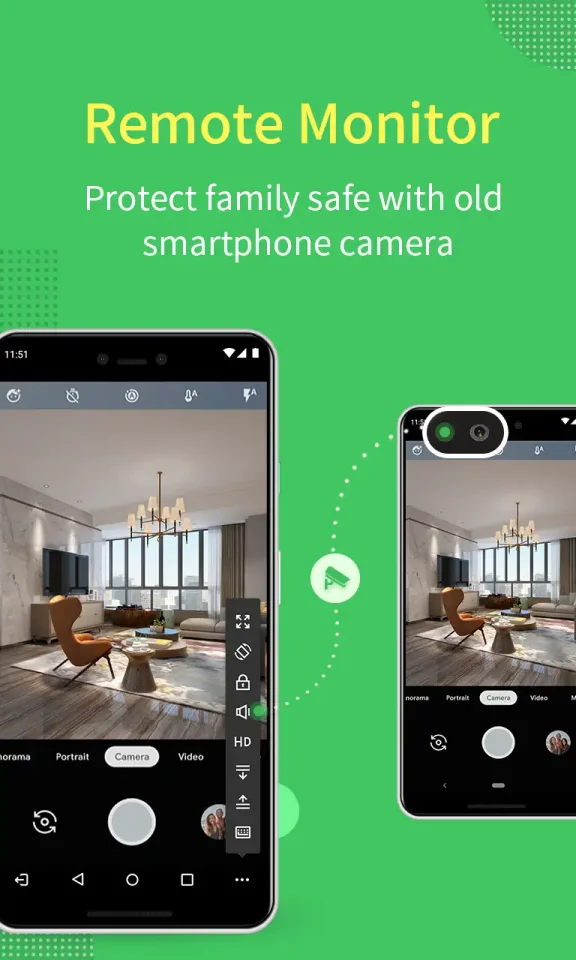
Remote Camera
Access another phone's view from either front camera or rear camera. You can put this phone as a family security camera, guarding your family's safety.
Screen Mirroring
Check your device's screen anytime in real-time.
*If you want to control Android devices through PC, you can use AirDroid PC client.
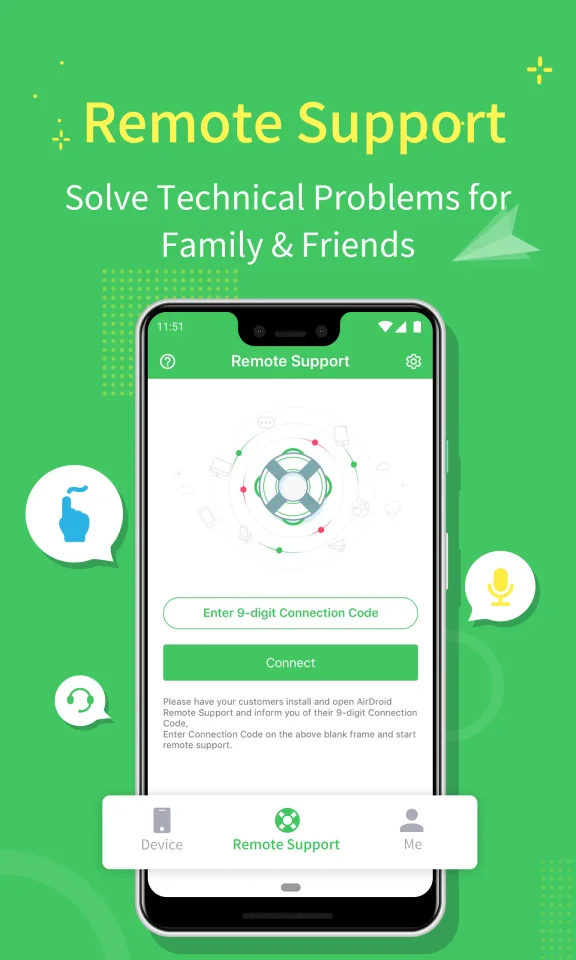
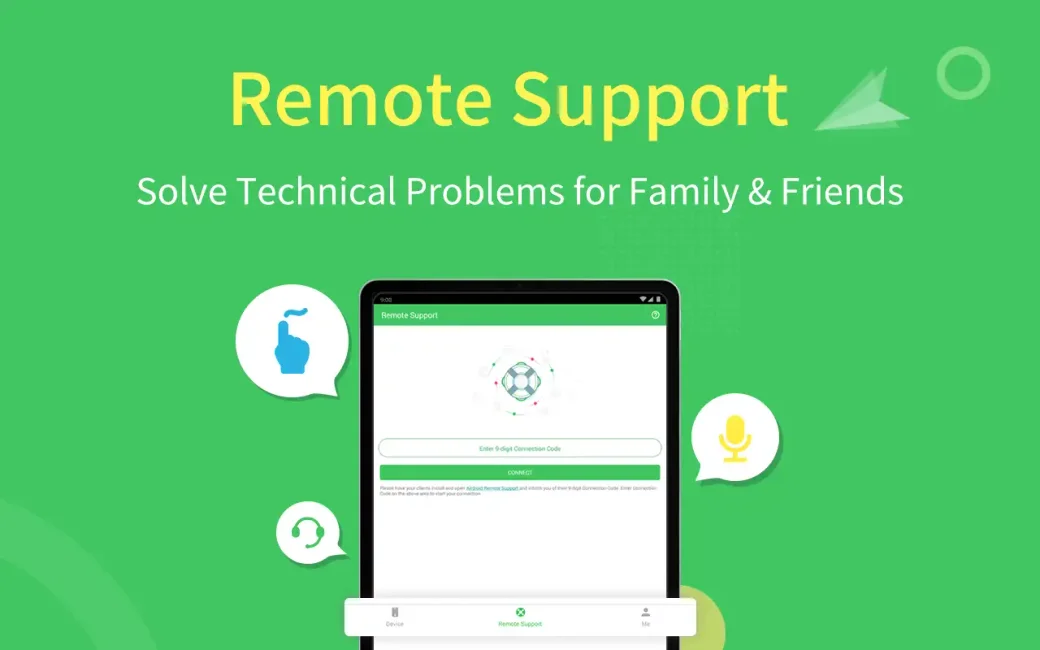
Remote Support
You can easily assist your friend or family to solve mobile device issues through Remote Support.
*This function needs AirDroid Remote Support installed on the other end.
Overview:
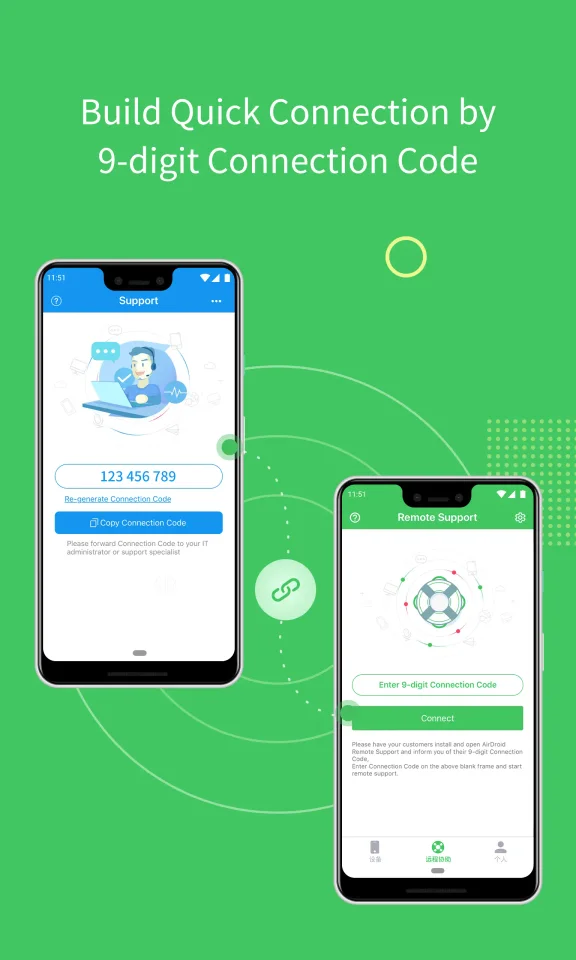
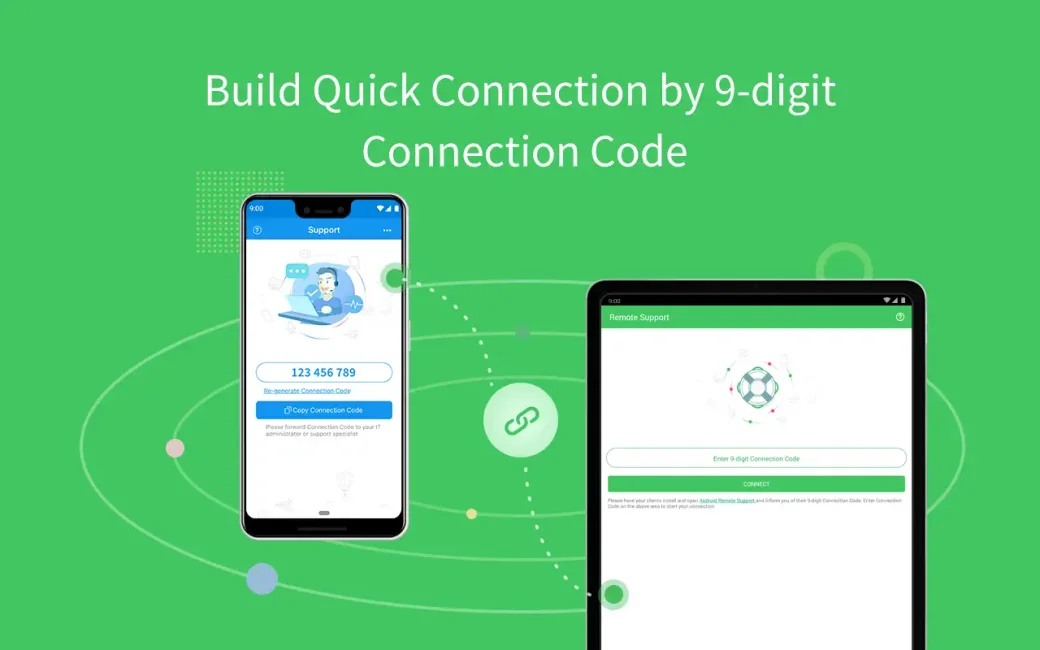
Quick Connection by 9-digit Connection Code
No account is required, your friend or family can connect to you simply by their 9-digit Connection Code.
Screen Sharing
Send the screen sharing request with one tap, and you can see the device screen in real-time.
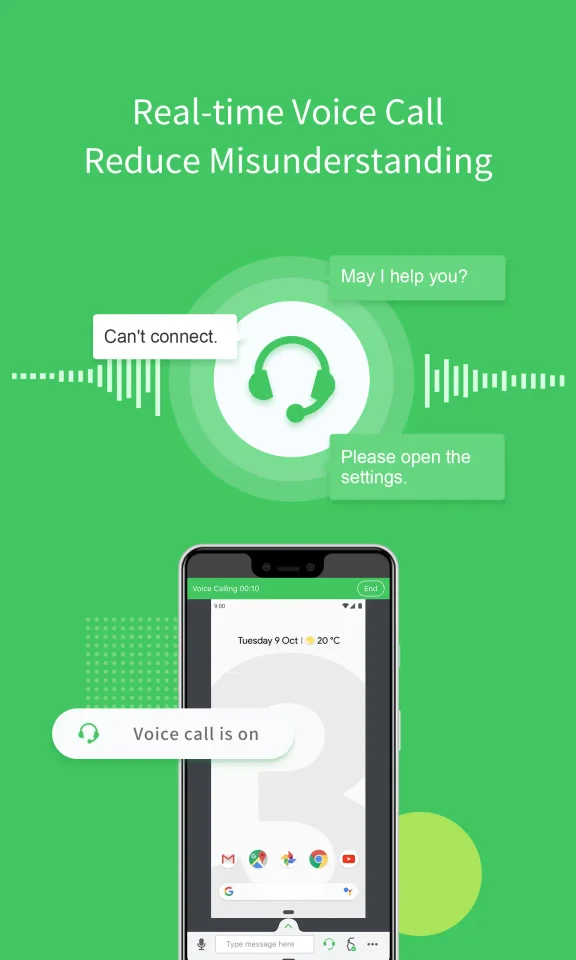
Voice Call
AirMirror provides clear voice communication, you can simply call and talk, saving time for texting.
Tutorial Gesture
Swipe or tap on the shared screen, the Tutorial Gesture will show on your friend or familyˇs device. Follow to easily solve the problem.
Voice Message and Text
If you are under a surrounding not suitable for making a call, you can still communicate through sending texts, pictures and voice messages.
AirMirror facilitates your life. If there is any problem during your experience in AirMirror, feel free to give us feedback anytime.
Thank you very much for your support of AirMirror!
Data safety
What SAND STUDIO declares on Google Play about the data this app collects and shares.
- No data shared with third partiesLearn more about how developers declare sharing
- This app may collect these data typesPersonal info, Financial info and 2 others
- Data is encrypted in transit
- You can request that data be deleted
What’s new
Aug 28, 2026
Bug fixes and finetunes that improve stability and user experience.
Developer contact
- Websiteairdroid.com
- Emailsupport@airdroid.com
- Privacy policyairdroid.info
- AddressRm 29 5/F SILVERCORD CTR TWR 2 30 CANTON RD 尖沙咀 九龍 Hong Kong
Information
- Offered by
- SAND STUDIO
- Category
- Tools
- Updated
- Aug 28, 2026
- Released
- May 19, 2018
- Age rating
- Everyone
- Price
- Free
- In-app purchases
- $0.99 - $304.99 per item
- Package name
- com.sand.airmirror
Similar apps
-
 ADV Screen Recorder
Tools
-
 Universal Remote for Smart TV
Tools
-
 Multiple Accounts - Assist
Tools
-
 TeamViewer Remote Control
Business
-
 ScreenStream
Tools
-
 SmartLife: Smart Living
Lifestyle
-
 EasyShare
Tools
-
 Call Recorder - Auto Recording
Tools
-
 TeamViewer QuickSupport
Productivity
-
 Smart Transfer: File Sharing
Tools
-
 spacedesk - Display for PC+Mac
Productivity
-
 MobileTrans: Data Transfer
Tools