FlashGet Kids:parental control
HONGKONG FLASHGET NETWORK TECHNOLOGYIn-app purchases
- EveryoneAge rating
- ParentingCategory
- Nov 23, 2026Updated
- FreePrice
Links to the official Google Play listing of com.flashget.parentalcontrol. Last checked on Nov 24, 2026.

Screenshots



About this app
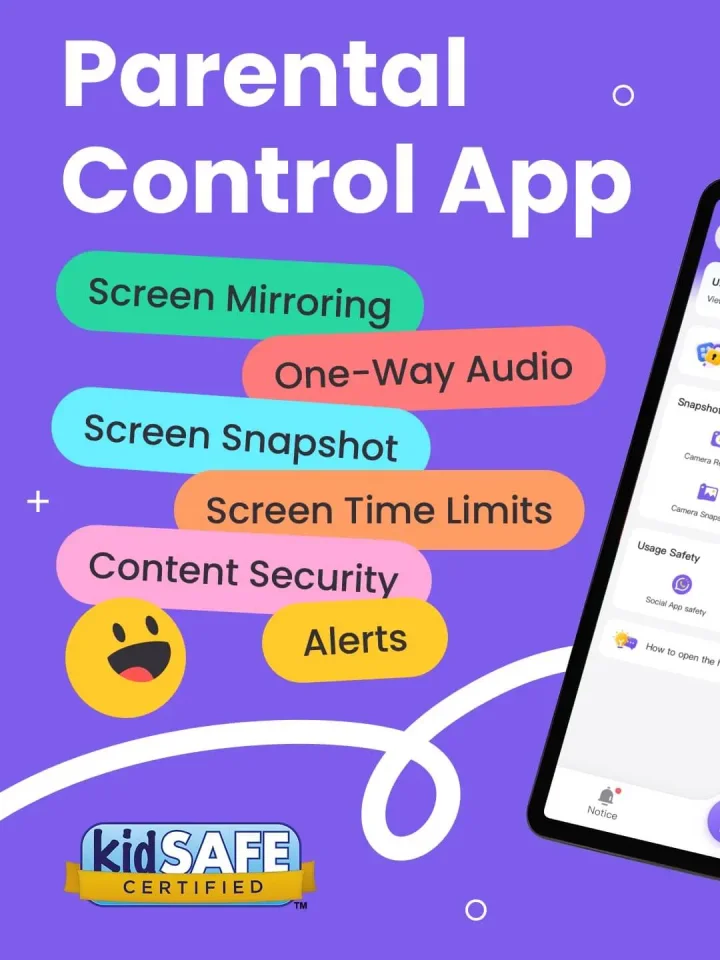
Parental control App for Location, Remote Camera, Screen Mirroring, Block Apps.
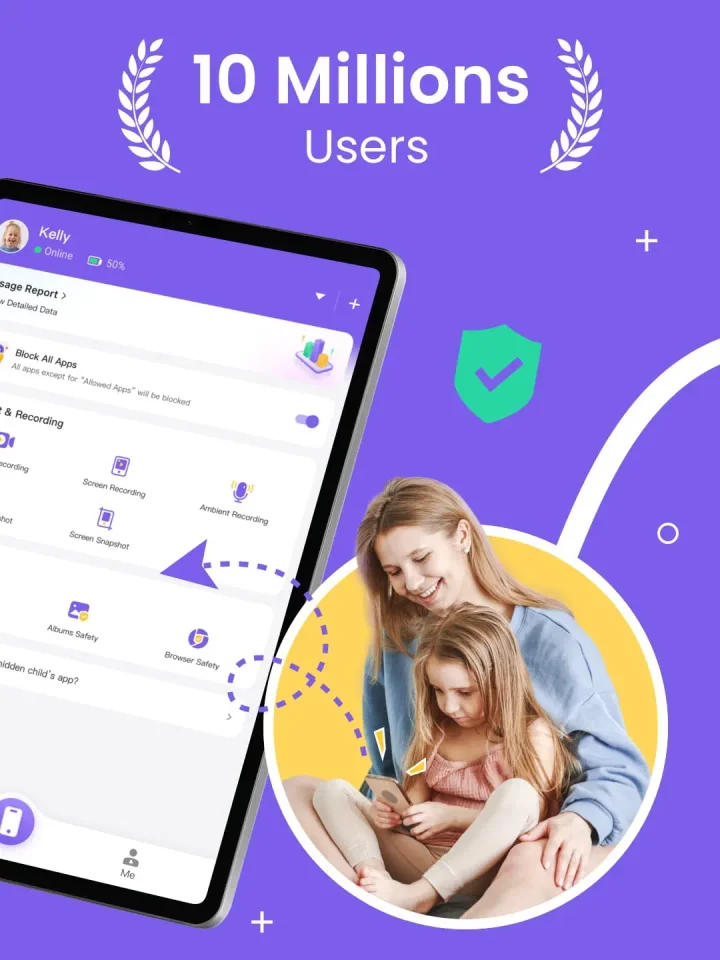
FlashGet Kids: Parental Control is designed for caring parents, helping them track their children's real-time location, monitor digital habits, and ensure children's safety through powerful and secure features such as Live Monitoring, App Block, and Sensitive Content Detection, while fostering good phone usage habits.
How does FlashGet Kids protect your children?
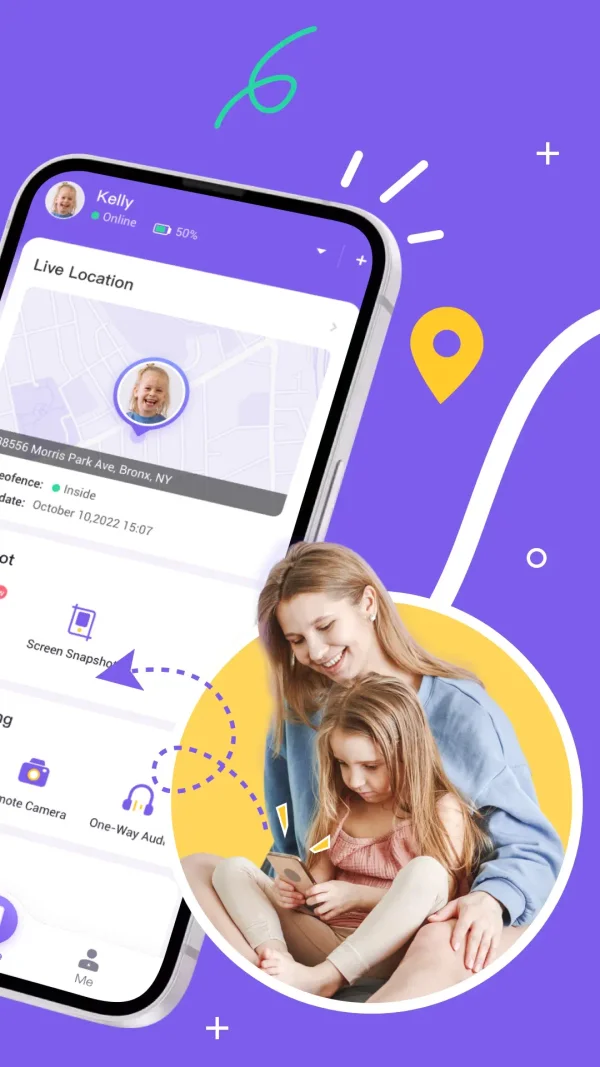
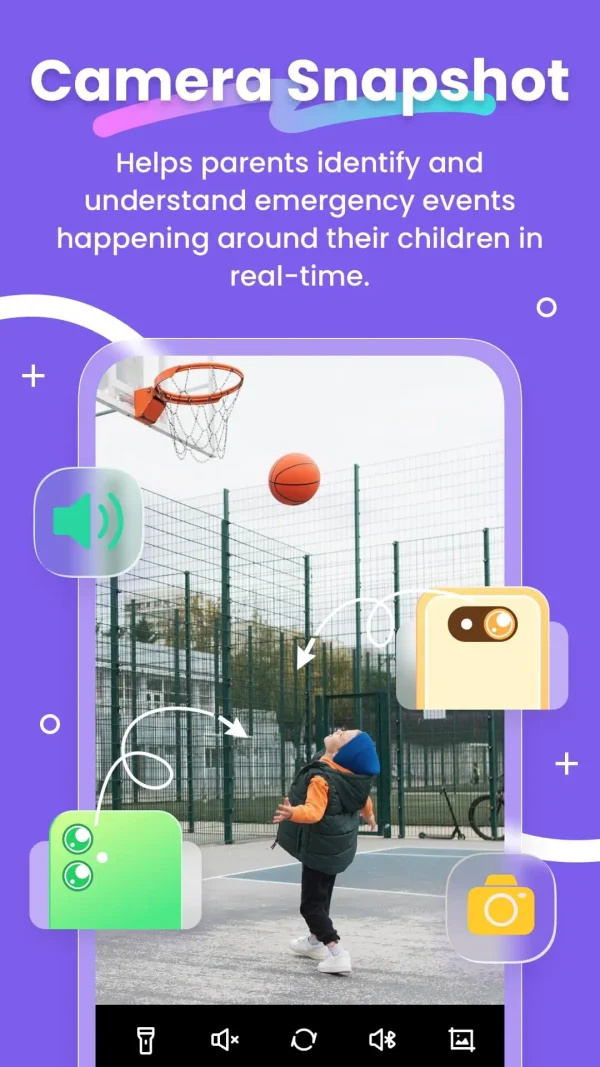
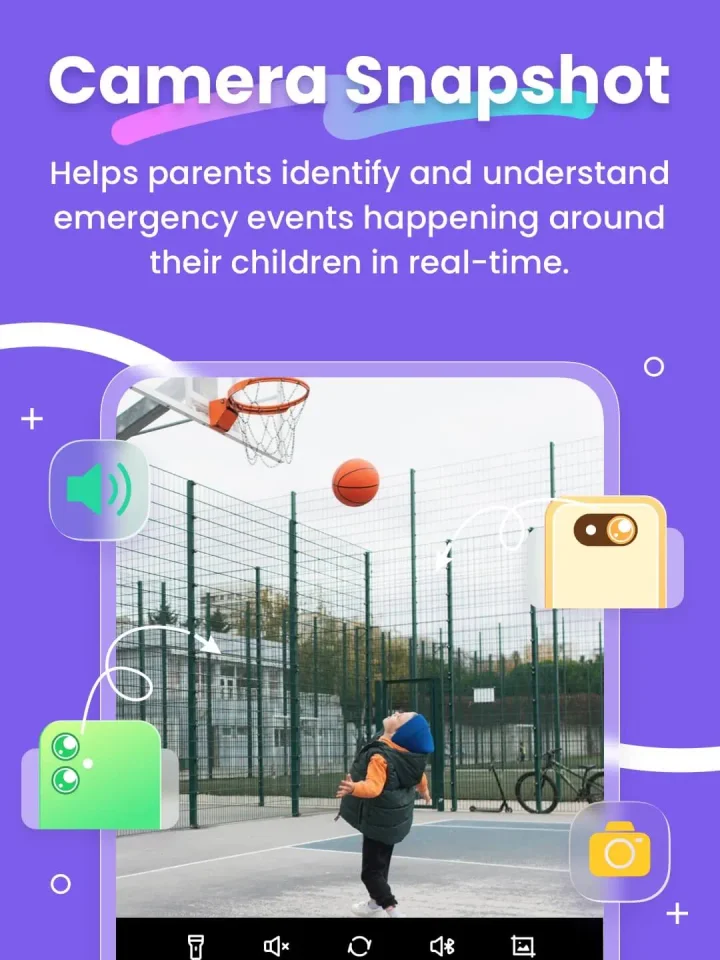
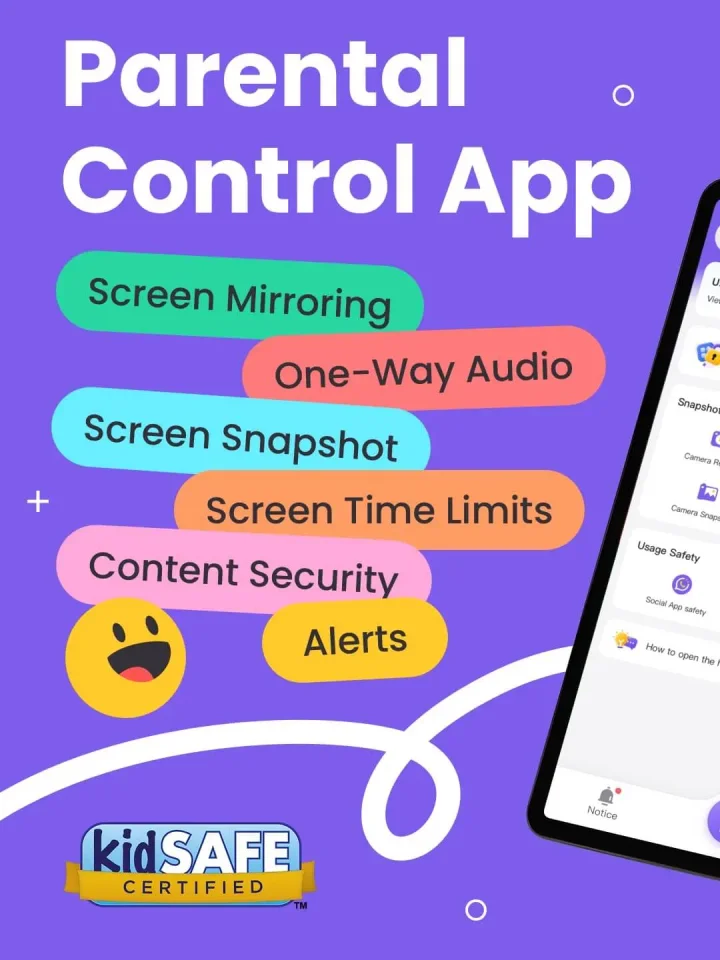
*Remote Camera/One-Way Audio - Helps parents identify and understand emergency events happening around their children in real-time, enabling parents to contact their children anytime and stay informed.
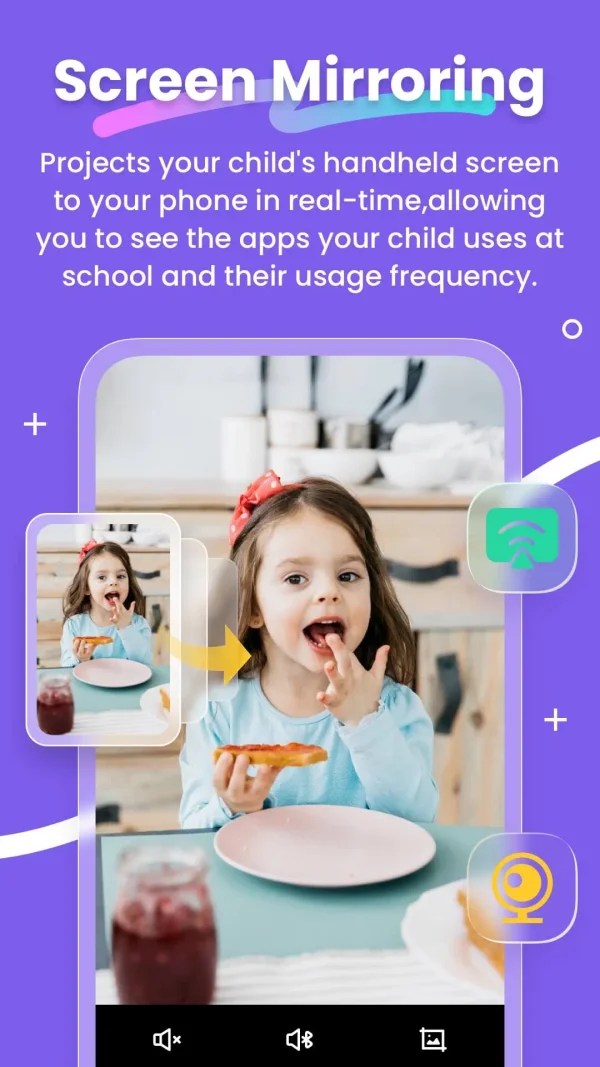
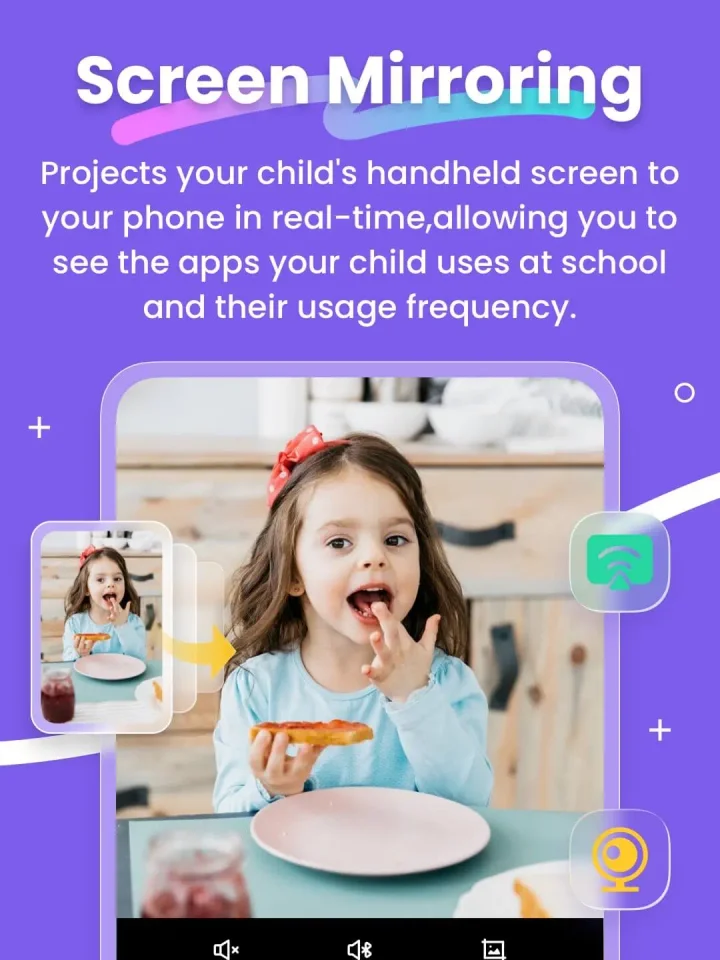
*Screen Mirroring - Projects your child's device screen to your phone in real-time, allowing you to see the apps your child uses at school and their usage frequency, protecting them from potentially dangerous apps.
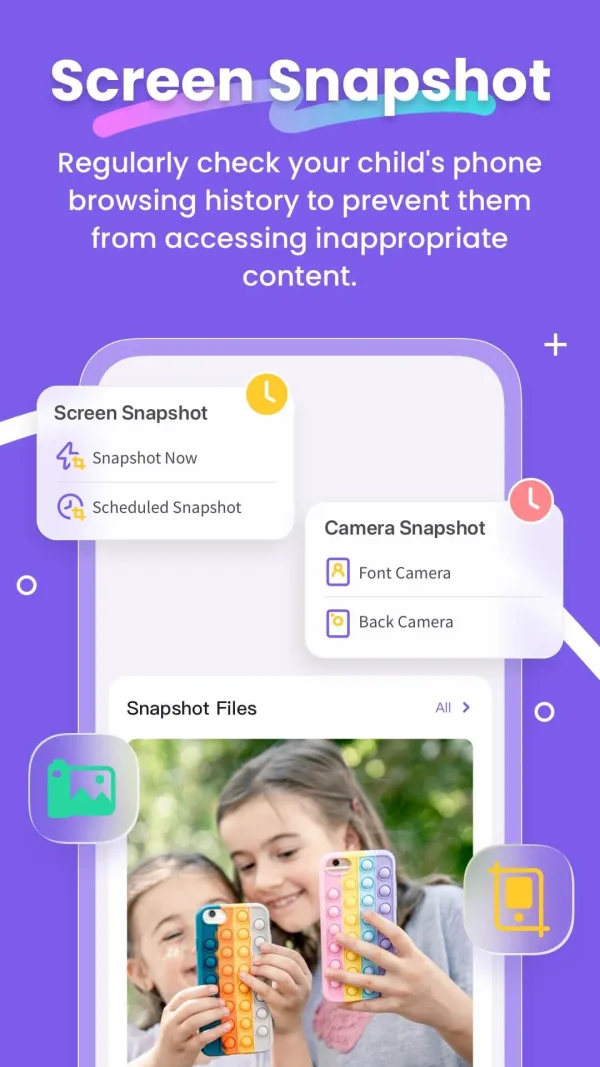
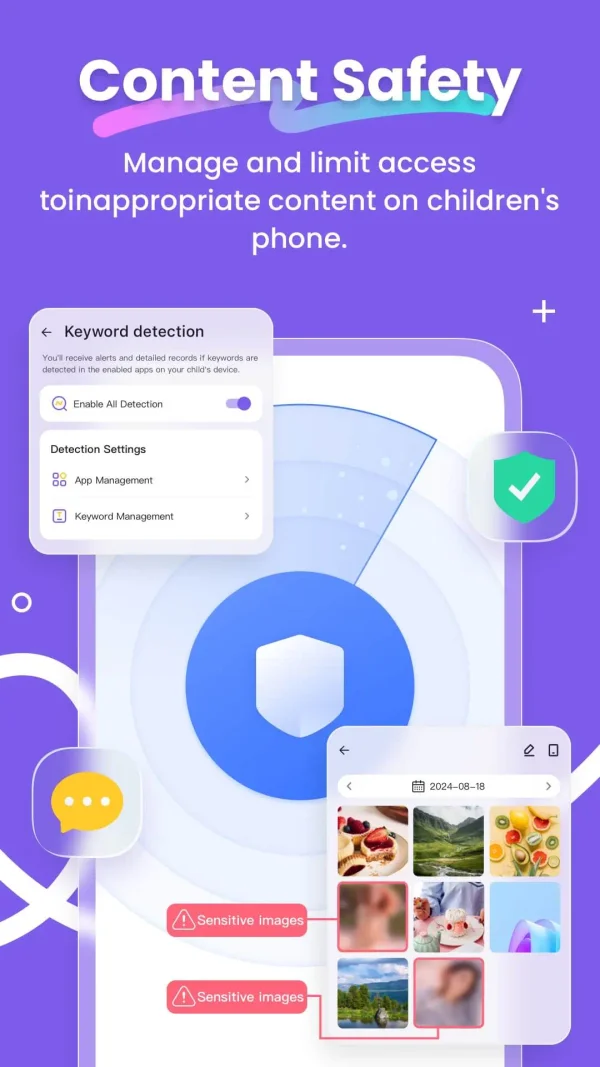
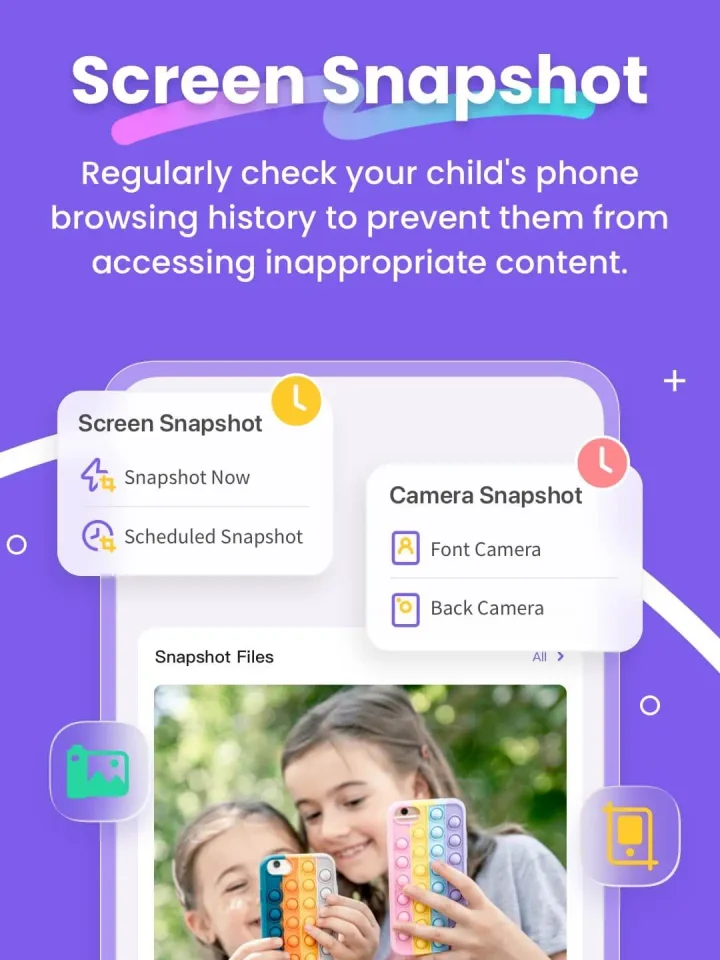
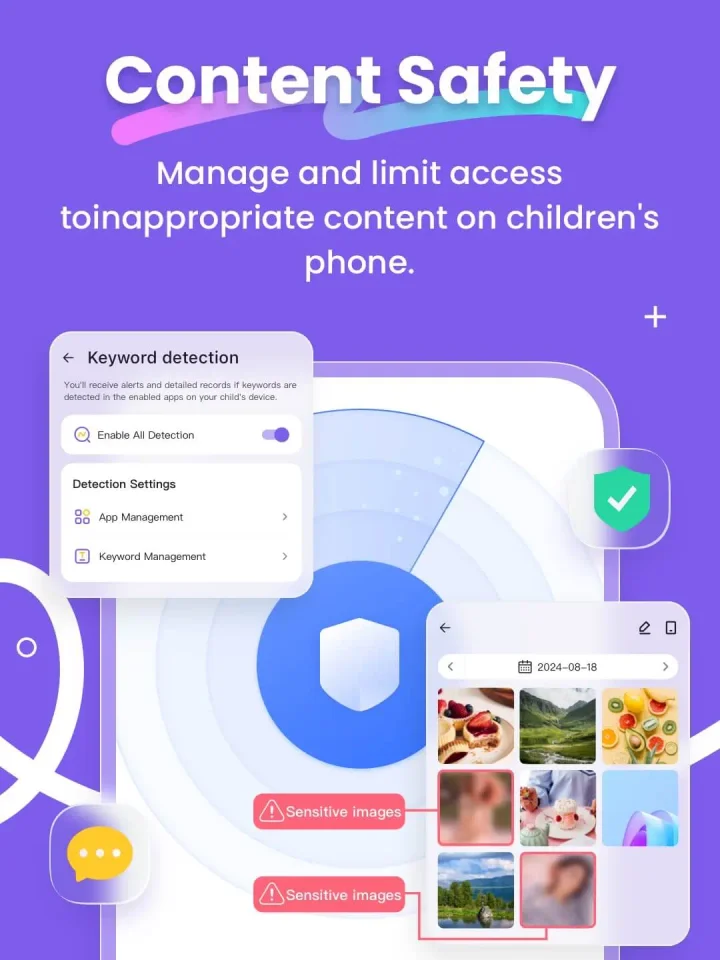
*Screen Snapshot and Recordings - supports Scheduled Record. Through this feature, parents can detect whether their children are browsing inappropriate images or videos on the device, and guide their children to access content appropriate to their age.
*Live Location - High-precision GPS location tracker helps you understand your child's location and historical routes, with customizable geofencing rules that alert parents when children pass certain points, acting like a bodyguard watching over your child 24/7.
*Sync App Notifications - Real-time synchronization helps you keep up with your child's chat activities on social media apps, helping them stay away from cyberbullying and online scams.
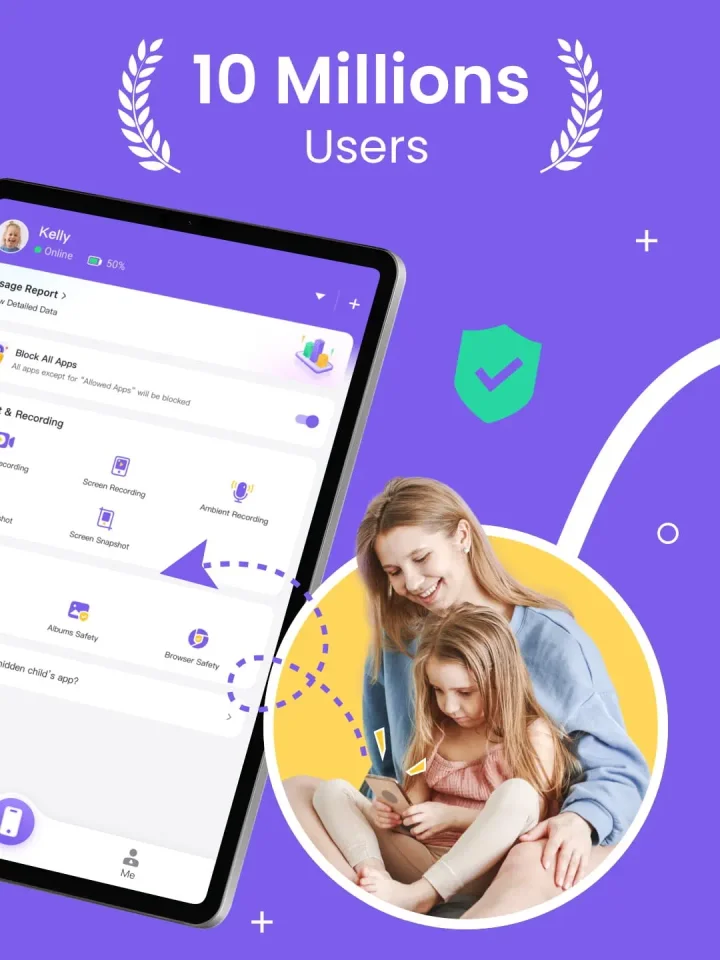
*Social App and Sensitive Content Detection - With Usage Safety features, parents can manage children's access to sensitive content on social media platforms like TikTok, YouTube, Snapchat, WhatsApp, Facebook, Instagram, and Telegram, while also supporting Browser Safety features to filter inappropriate websites. Parents can customize browsing modes to prevent children from accessing sensitive sites, guiding them towards age-appropriate content.
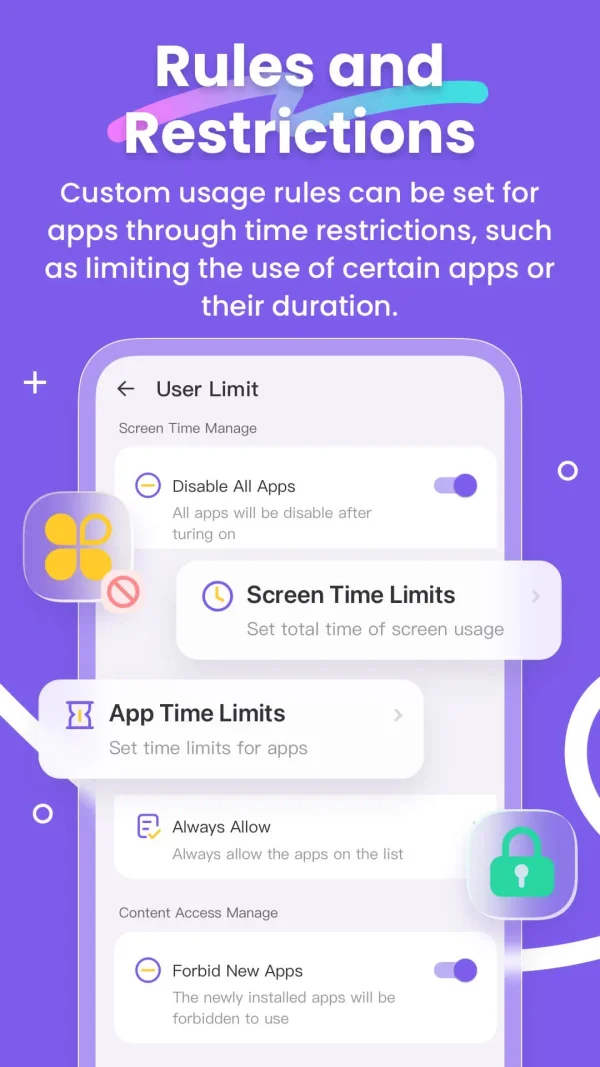
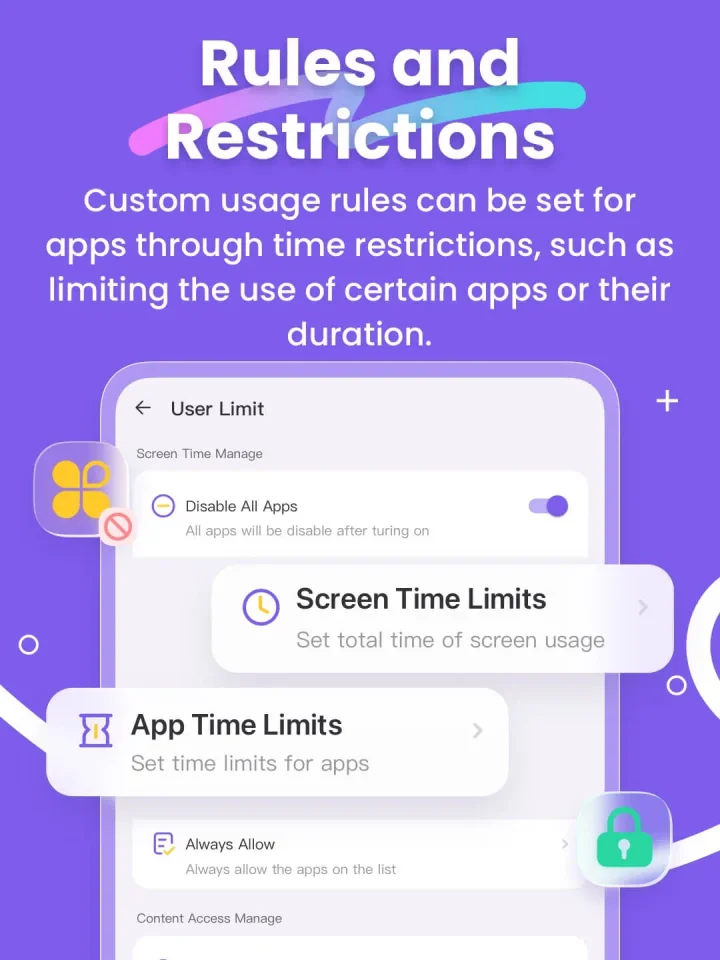
*Screen Time Limits - Set a dedicated schedule for your child, limiting their phone usage time to prevent them from being distracted during class.
*App Rules - Custom usage rules can be set for apps through time restrictions, such as limiting the use of certain apps or their duration. Parents will receive alerts when their child attempts to install or delete an application.
*Live Painting - Parents can send handwritten doodles to their child's phone, expressing their affection or sharing a "secret signal" unique to them, enhancing emotional communication with their kids.
Compared to spy apps, FlashGet Kids is more like a family bond, allowing parents to better understand their children and help them develop good digital device usage habits.
Activating FlashGet Kids is simple:
1. Install FlashGet Kids on your phone
2. Connect to your child's device through an invitation link or code
3. Link your account to your child's device
Below is FlashGet Kids Privacy Policy and Terms
Privacy Policy: https://kids.flashget.com/privacy-policy/
Terms of Service: https://kids.flashget.com/terms-of-service/
Help and Support:
If you have any questions, please feel free to contact us via email: help@flashget.com
Data safety
What HONGKONG FLASHGET NETWORK TECHNOLOGY declares on Google Play about the data this app collects and shares.
- No data shared with third partiesLearn more about how developers declare sharing
- This app may collect these data typesDevice or other IDs
- Data is encrypted in transit
- You can request that data be deleted
What’s new
Version 1.4.3.1 · Nov 23, 2026
1. Optimized interface display and interactions to enhance the user experience.
2. Improved permission guidance for Browser Safety features.
3. Fixed issues reported by users.
Developer contact
- Websiteparental-control.flashget.com
- Emailhelp@flashget.com
- Privacy policyflashget.com
- Address前埔一里221号408 思明区, 厦门市, 福建省 China 361000
Information
- Offered by
- HONGKONG FLASHGET NETWORK TECHNOLOGY
- Category
- Parenting
- Version
- 1.4.3.1
- Updated
- Nov 23, 2026
- Released
- May 18, 2023
- Requires
- Android 7.0 or later
- Age rating
- Everyone
- Price
- Free
- In-app purchases
- $3.49 - $99.96 per item
- Package name
- com.flashget.parentalcontrol
Similar apps
-
 Parental Control App- FamiSafe
Parenting
-
 Kids360: Parental Control App
Parenting
-
 Parental Control: Kid Security
Parenting
-
 Qustodio Parental Control App
Parenting
-
 AirDroid Parental Control
Parenting
-
 Findmykids: GPS Tracker app
Parenting
-
 Control Screen Time - Kidslox
Parenting
-
 Google Family Link
Tools
-
 Alli360 by Kids360
Parenting
-
 AirDroid: File & Remote Access
Tools
-
 TeamViewer Remote Control
Business
-
 AirMirror: Remote control
Tools