TeamViewer Remote Control
TeamViewerIn-app purchases
- EveryoneAge rating
- BusinessCategory
- Nov 4, 2026Updated
- FreePrice
Links to the official Google Play listing of com.teamviewer.teamviewer.market.mobile. Last checked on Nov 19, 2026.

Screenshots
About this app
Stay connected to your devices, wherever you go
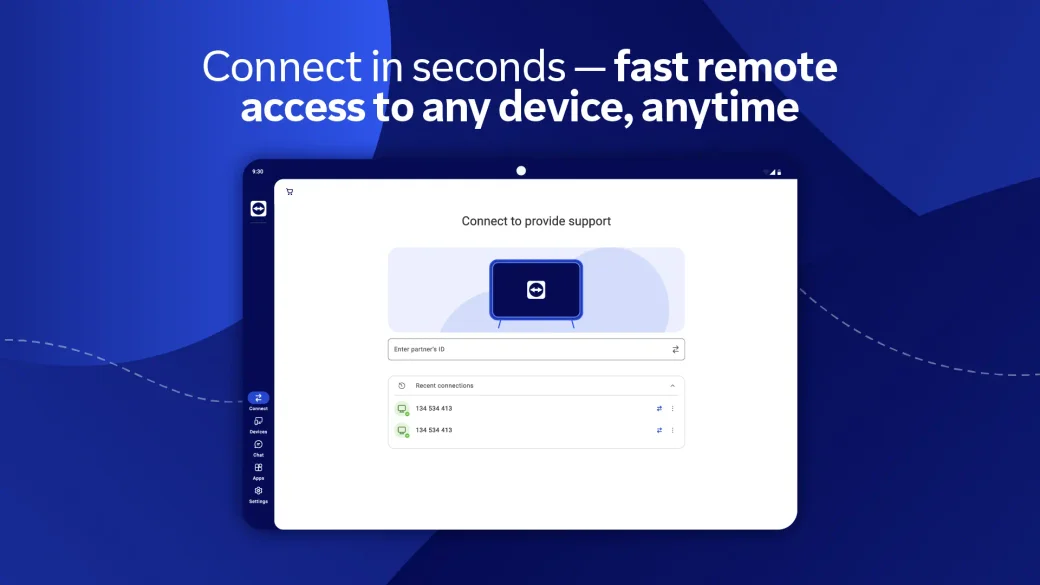
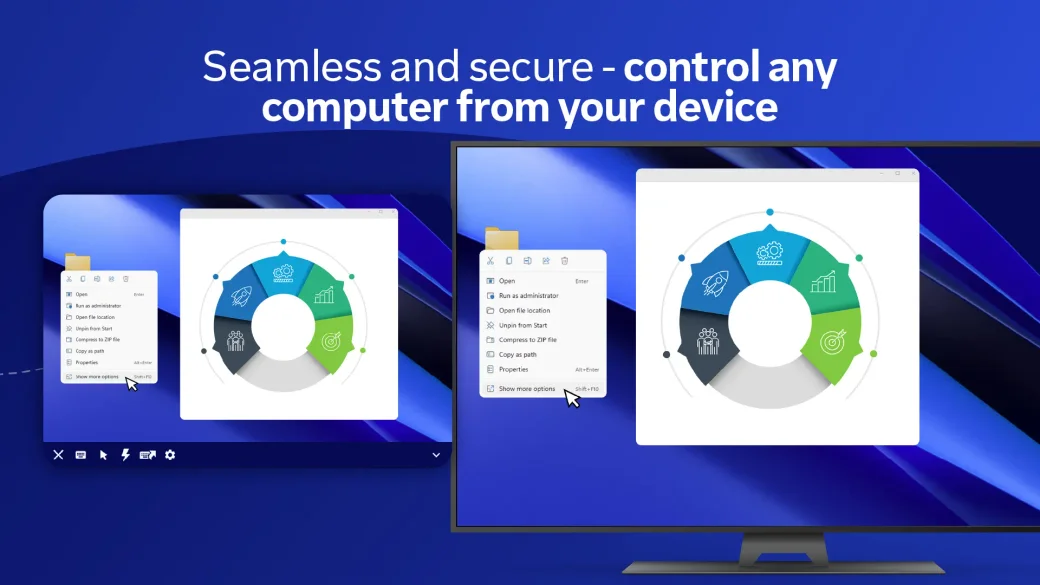
Control your desktop, manage files, and support devices—from anywhere, anytime. Whether you’re on the move, traveling, or in the field, the TeamViewer Remote Control app gives you fast, secure remote access right from your Android phone, tablet, or Chromebook.
What's inside:
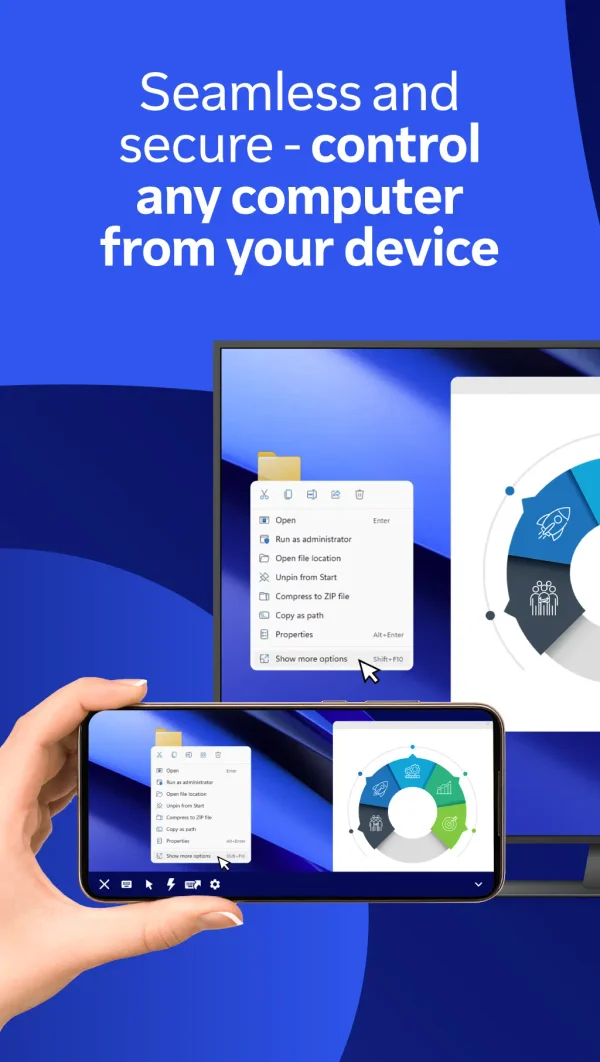
• Securely access Windows, macOS, and Linux computers as if you were right in front of them
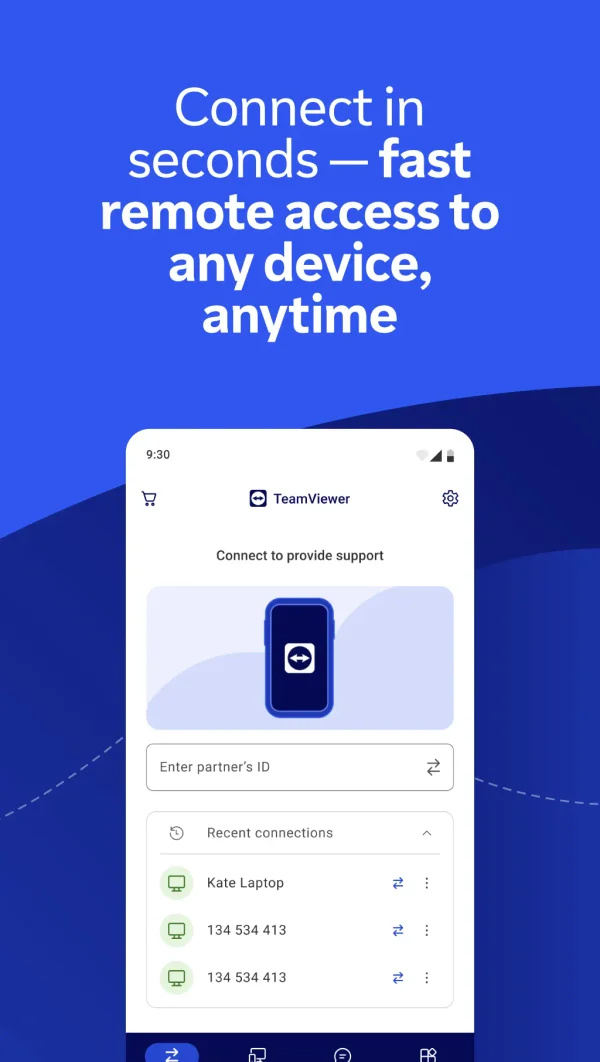
• Provide instant support or manage unattended devices like servers or virtual machines
• Control Android mobile and tablet devices remotely – including rugged devices, kiosks, and smart glasses
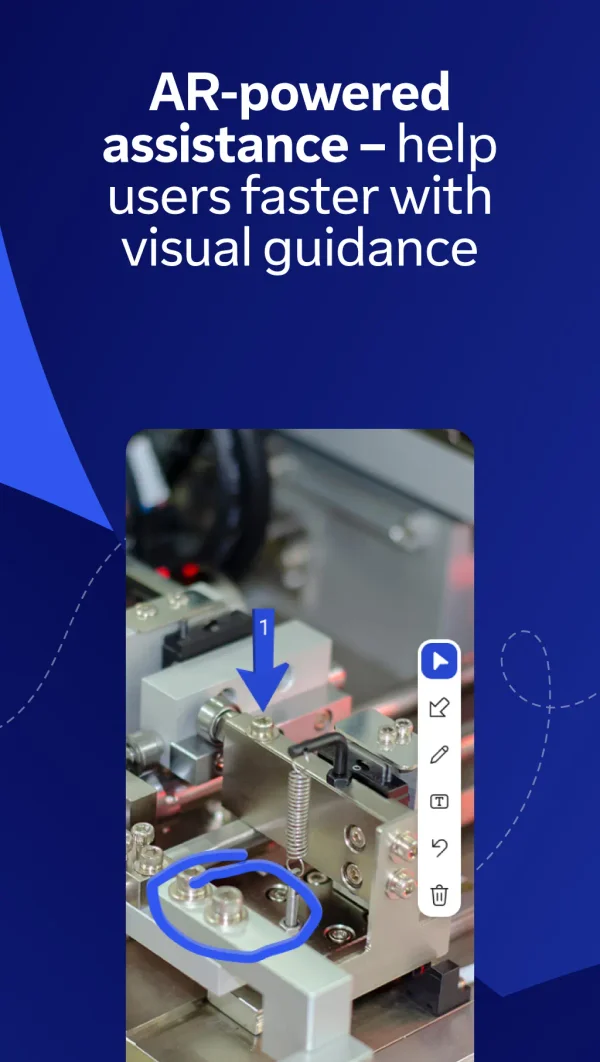
• Use Assist AR for live, visual support with augmented reality — guide users by placing 3D markers in their environment
• Use your phone or tablet to work on your remote desktop while traveling
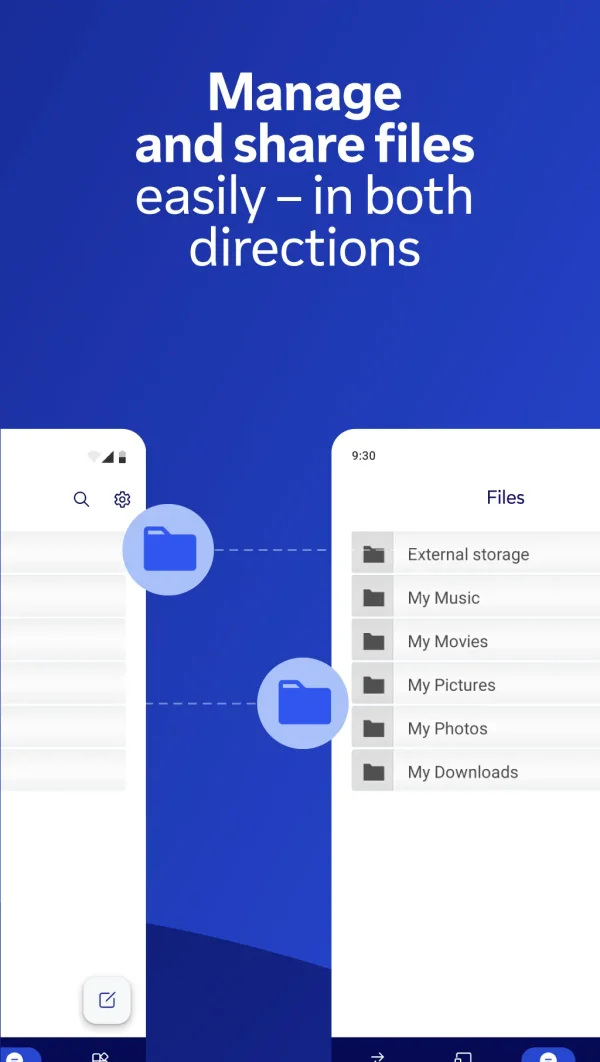
• Share and transfer files easily between devices — in both directions
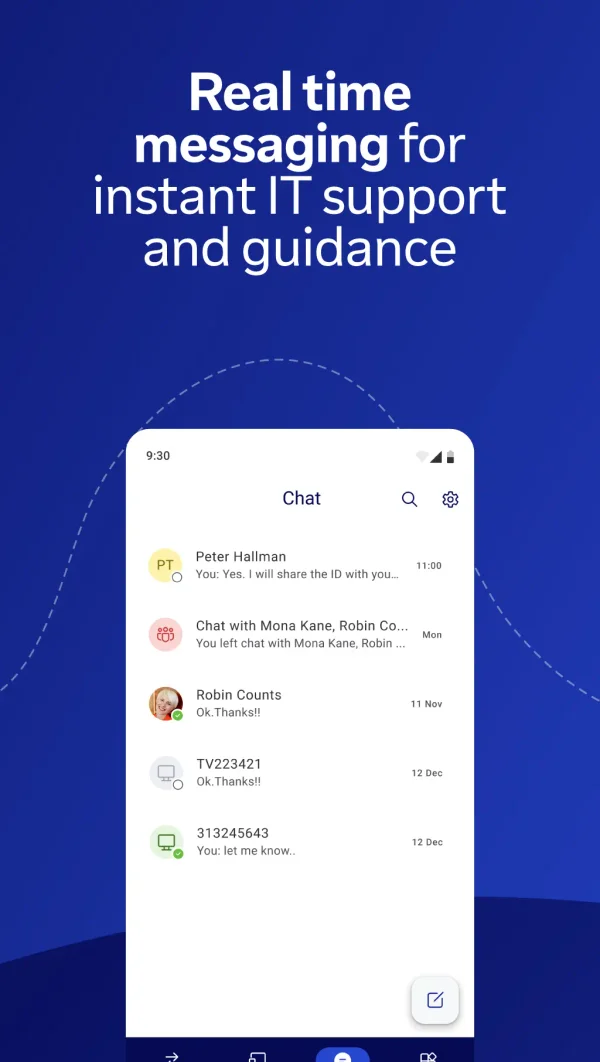
• Chat in real time for questions, updates, or guidance during a session
• Enjoy smooth screen sharing with sound and HD video transmission
Key Features:
• Full remote control and screen sharing
• Intuitive touch gestures and controls
• File transfer in both directions
• Real-time chat
• Effortlessly access computers behind firewalls and proxy servers
• Multi-monitor support
• Sound and video transmission in real-time
• High-quality sound and video
• Industry-grade security: 256-bit AES encryption
• Works across Android, iOS, Windows, macOS, Linux, and more
How to get started:
1. Install this app on your Android device
2. On the device you want to connect to, install the TeamViewer QuickSupport app
3. Open both apps, enter the ID or Session code from QuickSupport, and connect
Optional Access Permissions:
• Camera – To Scan QR codes
• Microphone – To transmit audio or record sessions
(You can use the app without these permissions; adjust them anytime in Settings)
Want to allow remote access to this device instead? Download the TeamViewer QuickSupport app.
TeamViewer subscriptions purchased from the app will be charged to your Google Play account and will automatically renew within 24 hours prior to the end of the current subscription period, unless auto-renewal is turned off, after purchase, go to your Google Play account settings. A subscription cannot be cancelled during the active subscription period.
Privacy Policy: https://www.teamviewer.com/apps-privacy-policy
Terms of Use: https://www.teamviewer.com/eula/
Data safety
What TeamViewer declares on Google Play about the data this app collects and shares.
- No data shared with third partiesLearn more about how developers declare sharing
- This app may collect these data typesPersonal info, App activity, and Device or other IDs
- Data is encrypted in transit
- You can request that data be deleted
What’s new
Version 15.83.298 · Nov 4, 2026
- Fixed a bug causing the application to crash during startup, when loading a list containing legacy devices.
Developer contact
- Websiteteamviewer.com
- Emailsupport@teamviewer.com
- Privacy policyteamviewer.com
- AddressBahnhofsplatz 2 73033 Göppingen Germany
Information
- Offered by
- TeamViewer
- Category
- Business
- Version
- 15.83.298
- Updated
- Nov 4, 2026
- Released
- Jun 14, 2011
- Requires
- Android 8.0 or later
- Age rating
- Everyone
- Price
- Free
- In-app purchases
- $0.99 - $610.80 per item
- Package name
- com.teamviewer.teamviewer.market.mobile
Similar apps
-
 Smart Connect
Productivity
-
 Microsoft Launcher
Personalization
-
 Universal Remote for Smart TV
Tools
-
 Govee Home
Tools
-
 Hik-Connect - for End User
Tools
-
 Samsung Smart Switch Mobile
Tools
-
 spacedesk - Display for PC+Mac
Productivity
-
 Windows App
Business
-
 Remote Mouse
Tools
-
 DMSS
Lifestyle
-
 Family Link parental controls
Tools
-
 RealVNC Viewer: Remote Desktop
Productivity