Good Lock
Samsung Electronics Co., Ltd.- EveryoneAge rating
- ToolsCategory
- Jul 20, 2026Updated
- FreePrice
Links to the official Google Play listing of com.samsung.android.goodlock. Last checked on Nov 20, 2026.
Screenshots
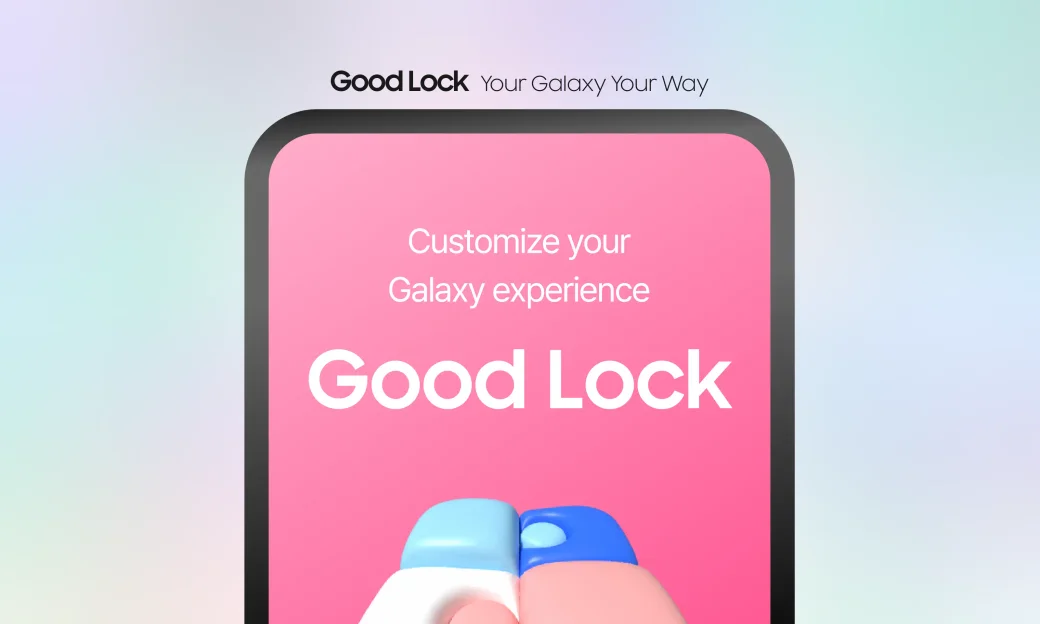
About this app
Powerful UI customization and convenience features - most loved by Galaxy users
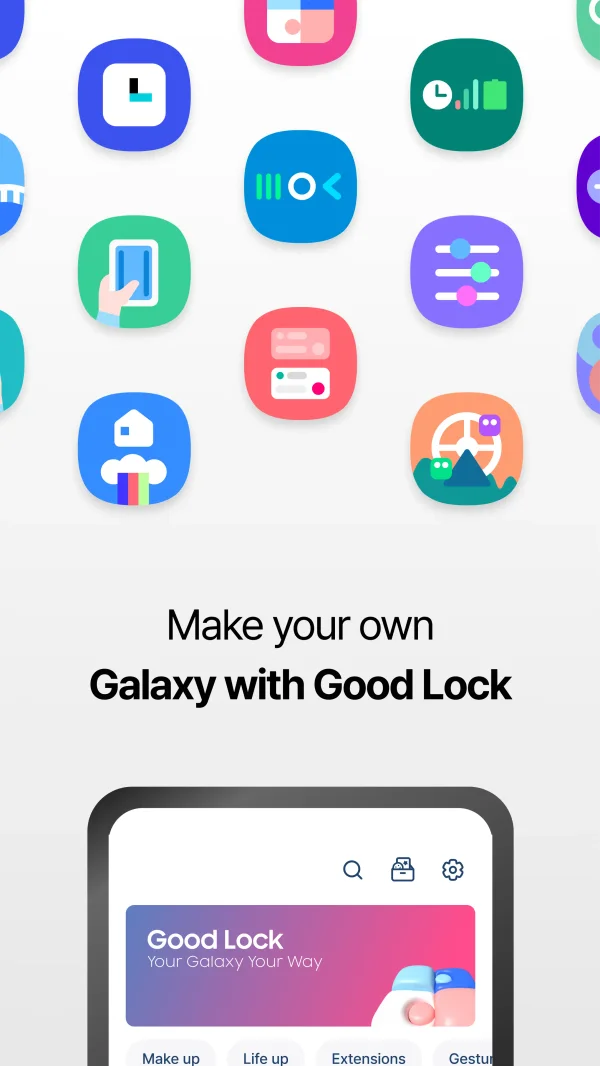
Good Lock is an app that helps Samsung smartphone users use their smartphones more conveniently.
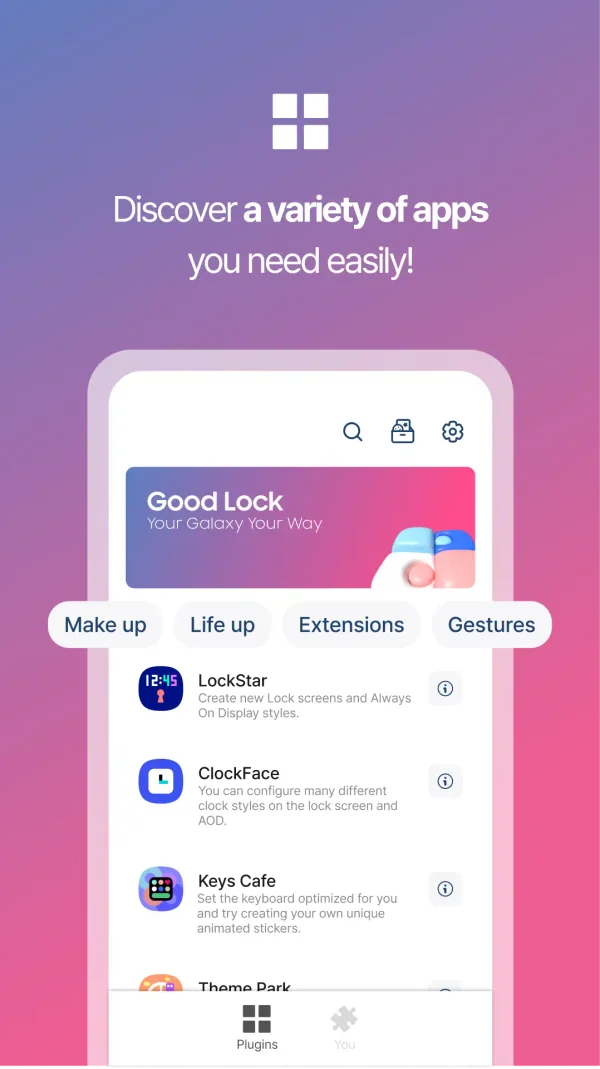
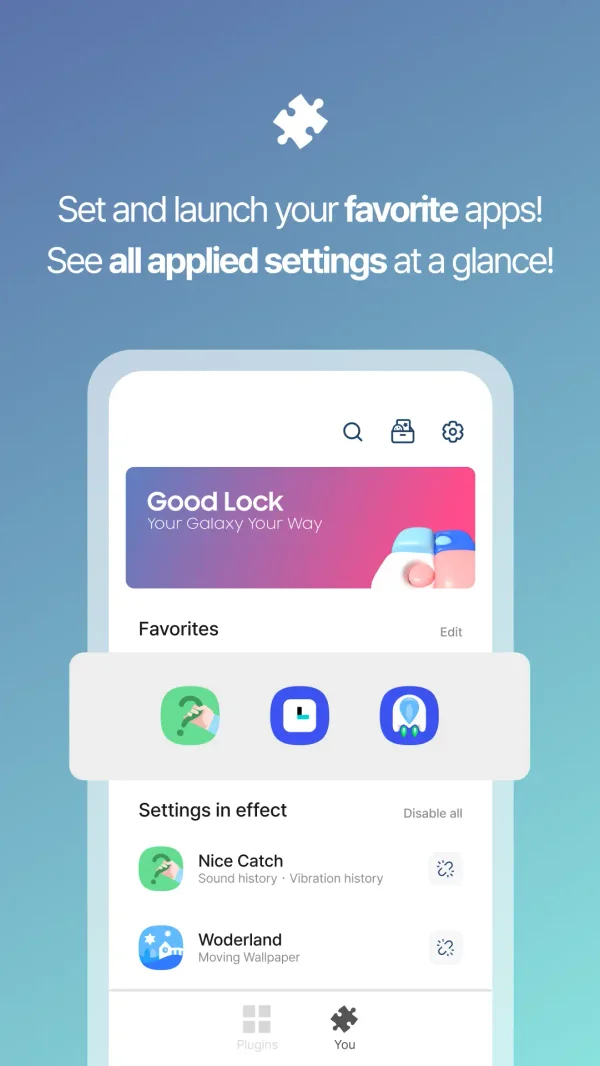
With Good Lock’s plugins, users can customize the UI of the status bar, Quick Panel, lock screen, keyboard, and more, and use features such as Multi Window, audio, and Routine more conveniently.
Good Lock’s main plugins
- LockStar: Create new lock screens and AOD styles.
- ClockFace: Set various clock styles for the lock screen and AOD.
- NavStar: Conveniently organize navigation bar buttons and swipe gestures.
- Home Up: It provides an improved One UI Home experience.
- QuickStar: Organize a simple and unique top bar and Quick panel.
- Wonderland: Create backgrounds that move based on how your device moves.
There are many other plugins with various features.
Install Good Lock and try out each of these plugins!
[Target]
- Android O, P OS 8.0 SAMSUNG devices.
(Some devices may not be supported.)
[Language]
- Korean
- English
- Chinese
- Japanese
Data safety
What Samsung Electronics Co., Ltd. declares on Google Play about the data this app collects and shares.
- This app may share these data types with third partiesApp activity and Device or other IDs
- This app may collect these data typesPersonal info
- Data is encrypted in transit
- You can request that data be deleted
- Committed to follow the Play Families Policy
What’s new
Version 3.0.16.6 · Jul 20, 2026
Improved app stability and UI enhancements
Developer contact
- Emailsec.systemui@samsung.com
- Privacy policycdn.goodlocklabs.com
- Address대한민국 16677 경기도 수원시 영통구 삼성로 129 (매탄동)
Information
- Offered by
- Samsung Electronics Co., Ltd.
- Category
- Tools
- Version
- 3.0.16.6
- Updated
- Jul 20, 2026
- Released
- Jan 20, 2025
- Requires
- Android 12 or later
- Age rating
- Everyone
- Price
- Free
- Package name
- com.samsung.android.goodlock
Similar apps
-
 Color Widgets, Theme: iWidgets
Lifestyle
-
 Minimal Widgets
Personalization
-
 Device Care
Tools
-
 MyICON - Icon Changer, Themes
Personalization
-
 Ratio: Productivity Homescreen
Productivity
-
 One Hand Operation +
Tools
-
 Cool Mi Launcher - CC Launcher
Personalization
-
 DNA Launcher ‧ Home Screen
Personalization
-
 Color Launcher, cool themes
Personalization
-
 Shortcut Maker
Personalization
-
 Widgeet-Color Widgets(Widget)
Personalization
-
 Galaxy Wearable
Tools