GLS Parcels
GLS IT Services- EveryoneAge rating
- ProductivityCategory
- Nov 16, 2026Updated
- FreePrice
Links to the official Google Play listing of com.gls.glsappde.consumer. Last checked on Nov 20, 2026.

GLS Parcels may not be available on Google Play right now
The store listing could not be reached the last time we checked. The link still leads to the official Google Play page.
Screenshots




About this app
Send & receive GLS parcels
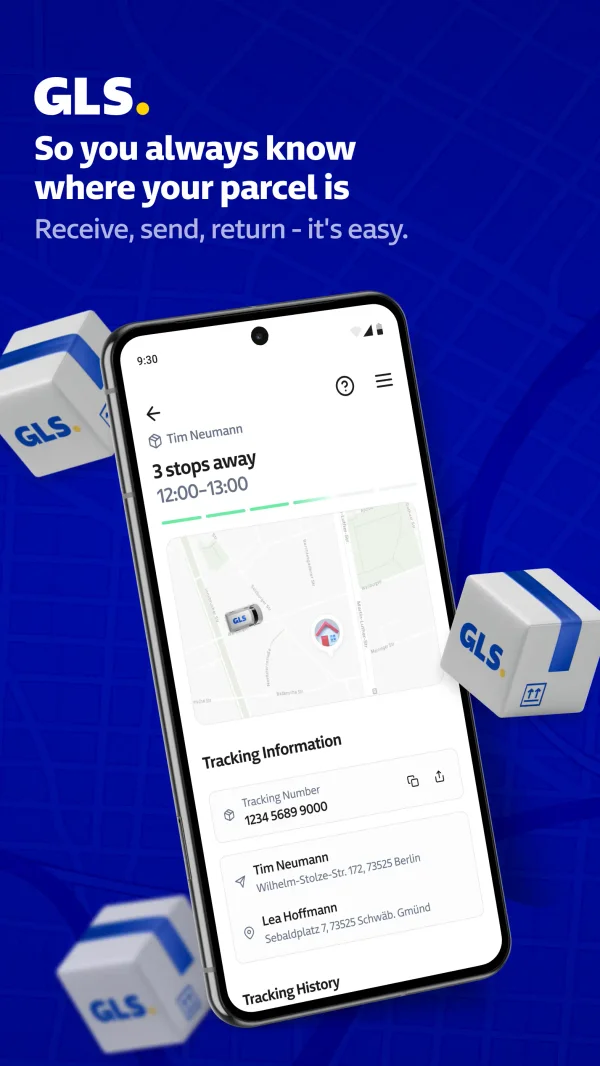
With the “GLS Packages” app, users can manage their GLS parcels to track incoming deliveries and send parcels more easily by purchasing shipping labels directly in the app.
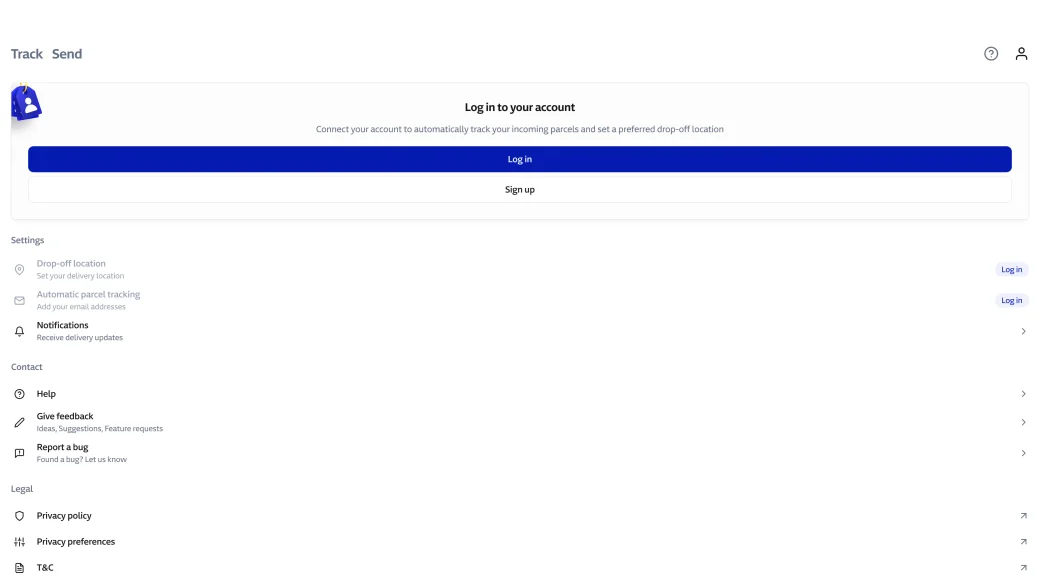
TRACK PACKAGES
Track new parcels by entering a tracking number or Track ID and the recipient’s postal code
Overview of all tracked parcels (incoming, outgoing, and archived)
Option to delete tracked parcels
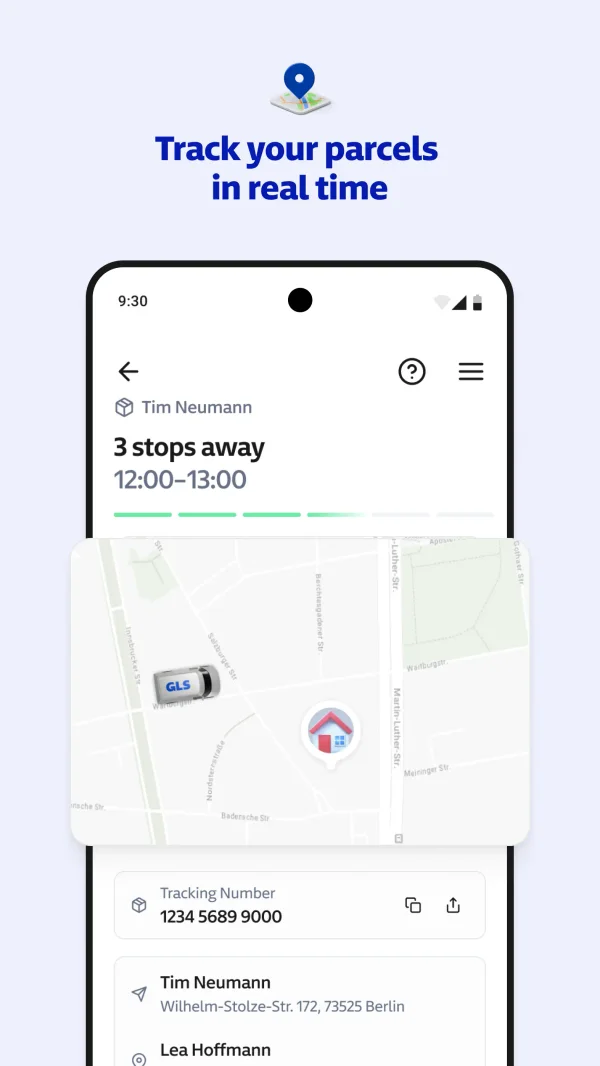
View parcel details and delivery information, such as delivery date and live tracking
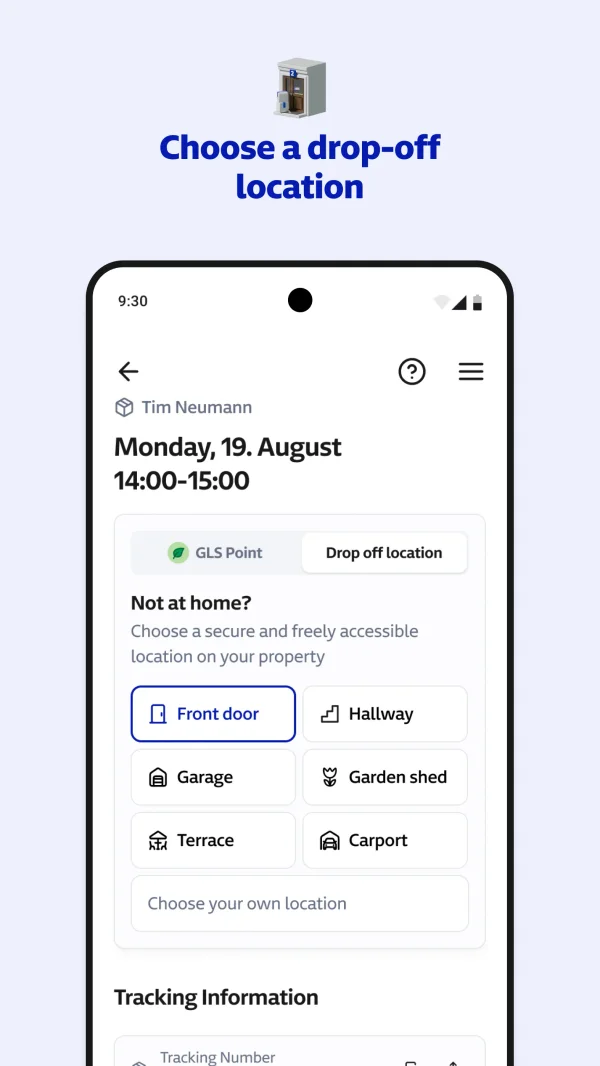
Select a new delivery option for parcels, such as leaving it at a specific location or redirecting it to a shop or parcel station
Automatic tracking of parcels in the app by adding email addresses to my account
SEND PACKAGES
Configure shipping labels by entering parcel details such as size, destination country, sender, and recipient information
Save addresses in the address book to make the purchase process more user-friendly
Pay via PayPal or credit card (Visa / Mastercard)
Order confirmation and receipts via email
Print shipping labels at home
Print shipping labels at a ParcelShop (mobile label / QR code)
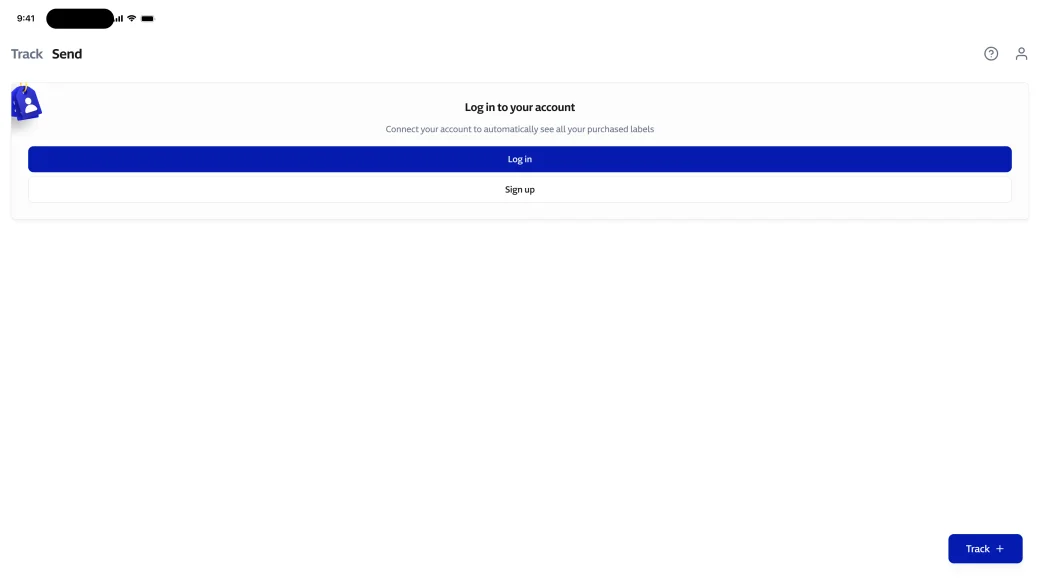
View all shipping labels (active, inactive, and archived)
View the nearest ParcelShop for each shipping label
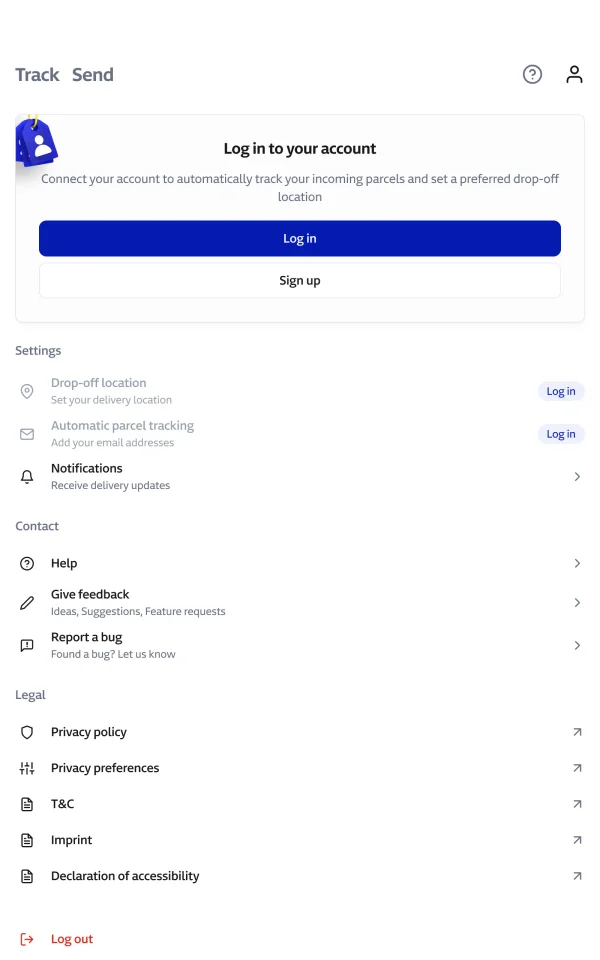
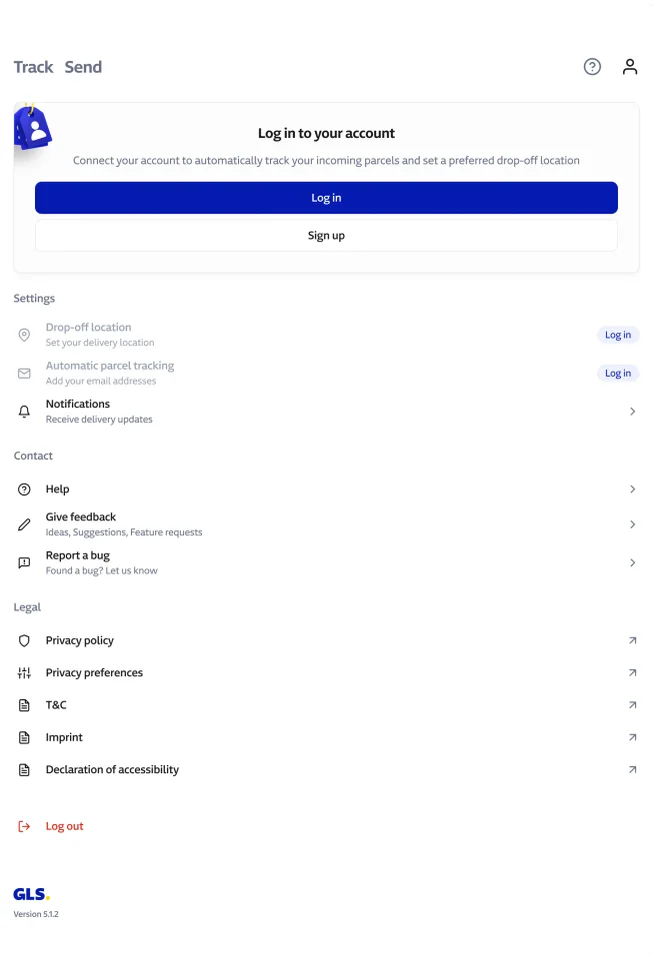
SIGN UP / LOG IN
Register as a new user while retaining previously generated app data such as tracked parcels and shipping labels
Log in with an existing GLS account (after registration; not with GLS-ONE account!)
Log out of the app, which deletes all local data
Change account password
Delete GLS account and app data
SETTINGS
Update account information
Set up and modify a “Permanent Drop-off Permission”
Send app feedback
Option to rate the app (not possible before publication!)
Report a problem
View all legal details of the app
NOTIFICATIONS
Manage notification settings in the app settings
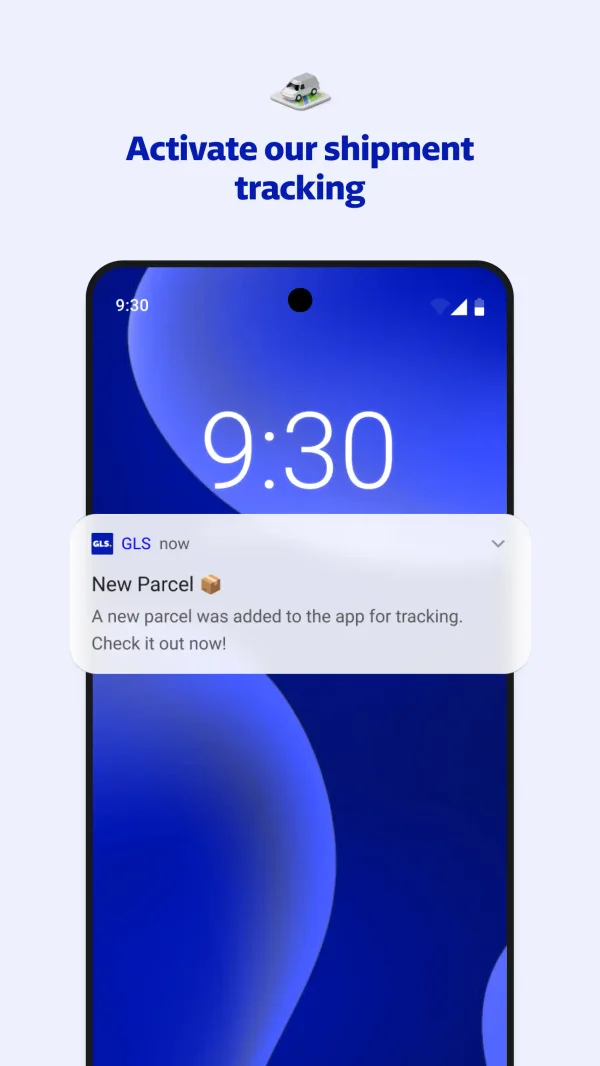
Receive notifications for tracked parcels
USER TESTING & ANALYTICS
Various user events are recorded for quality control and product improvement
Continuous product improvements via A/B tests and remote feature configurations
Data safety
What GLS IT Services declares on Google Play about the data this app collects and shares.
- No data shared with third partiesLearn more about how developers declare sharing
- This app may collect these data typesLocation, Personal info and 4 others
- Data is encrypted in transit
- You can request that data be deleted
What’s new
Version 6.3.4 · Nov 16, 2026
Here’s what’s new in this version:
• Your collection code for the Parcel Station now appears as a QR code – just scan it on site!
• Links in GLS emails now open straight in the app, on the right parcel
• The app now lets you know when our services are under maintenance.
• Plus, as always, bug fixes and improvements.
Developer contact
- Websitegls-pakete.de
- Emailgls-pakete-app-feedback@gls-germany.com
- Privacy policygls-group.com
- AddressGLS Germany-Str. 1-7 36286 Neuenstein Germany
Information
- Offered by
- Google Commerce Ltd
- Category
- Productivity
- Version
- 6.3.4
- Updated
- Nov 16, 2026
- Released
- Sep 1, 2023
- Requires
- Android 7.0 or later
- Age rating
- Everyone
- Price
- Free
- Package name
- com.gls.glsappde.consumer
Similar apps
-
 Commerzbank photoTAN
Finance
-
 ShiftFlow - Track Team Hours
Business
-
 Eurowings - That's fly
Travel & Local
-
 Commerzbank Banking
Finance
-
 FRITZ!App Smart Home
Lifestyle
-
 David Lloyd Clubs
Health & Fitness
-
 Gridio - smart charge your EV
Auto & Vehicles
-
 Fuel Flash
Maps & Navigation
-
 hvv switch – Mobility Hamburg
Travel & Local
-
 My CUPRA App
Auto & Vehicles
-
 iRobot Home (Classic)
Lifestyle
-
 VVS Mobil - Trip planner
Maps & Navigation