GLS Parcels
GLS IT Services- 3 歳以上対象年齢
- 仕事効率化カテゴリ
- 2026/11/16更新日
- 無料価格
com.gls.glsappde.consumerのGoogle Play公式ページにリンクしています。最終確認:2026/11/20。

GLS Parcelsは現在Google Playで入手できない可能性があります
前回の確認時、ストアのページにアクセスできませんでした。リンク先は引き続きGoogle Playの公式ページです。
スクリーンショット


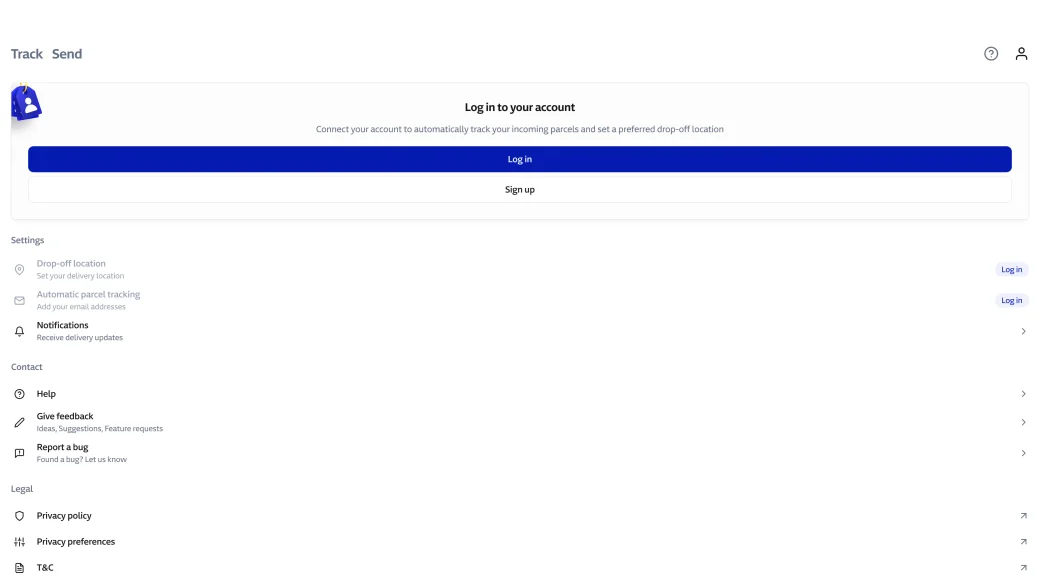

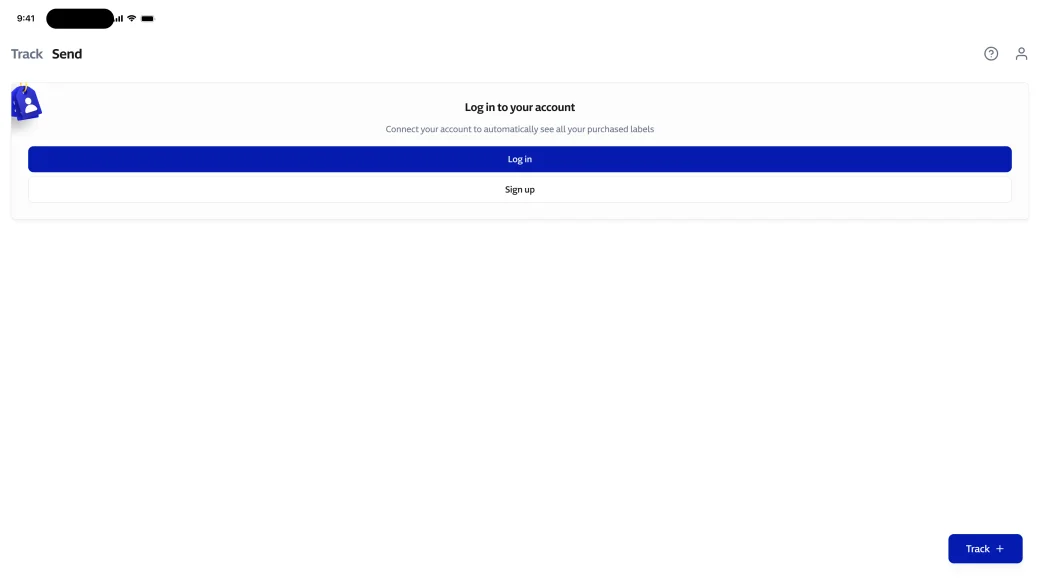
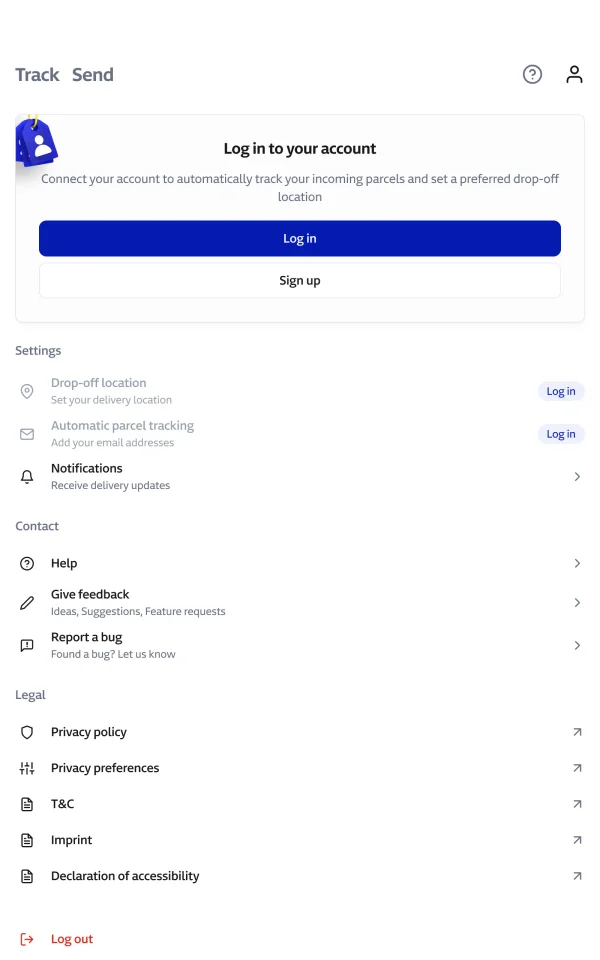
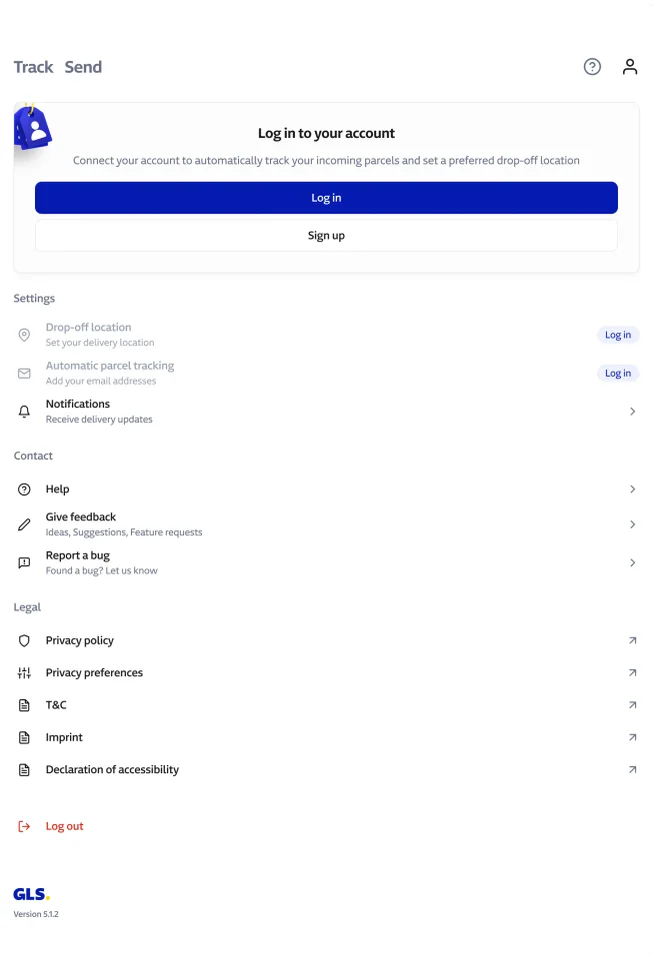

このアプリについて
開発元はこのテキストをお使いの言語で提供していません。
Send & receive GLS parcels
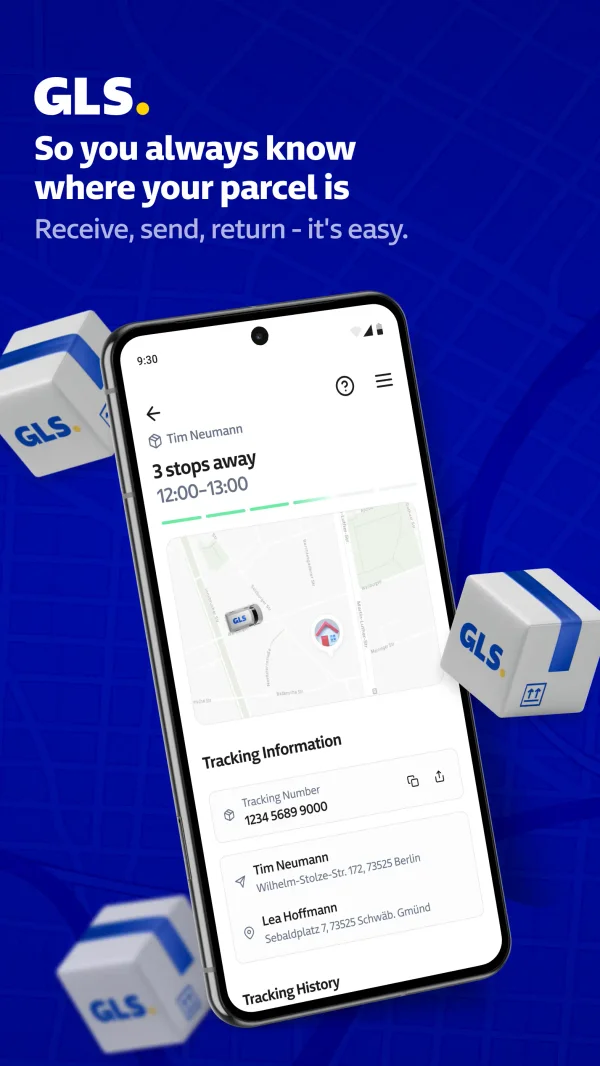
With the “GLS Packages” app, users can manage their GLS parcels to track incoming deliveries and send parcels more easily by purchasing shipping labels directly in the app.
TRACK PACKAGES
Track new parcels by entering a tracking number or Track ID and the recipient’s postal code
Overview of all tracked parcels (incoming, outgoing, and archived)
Option to delete tracked parcels
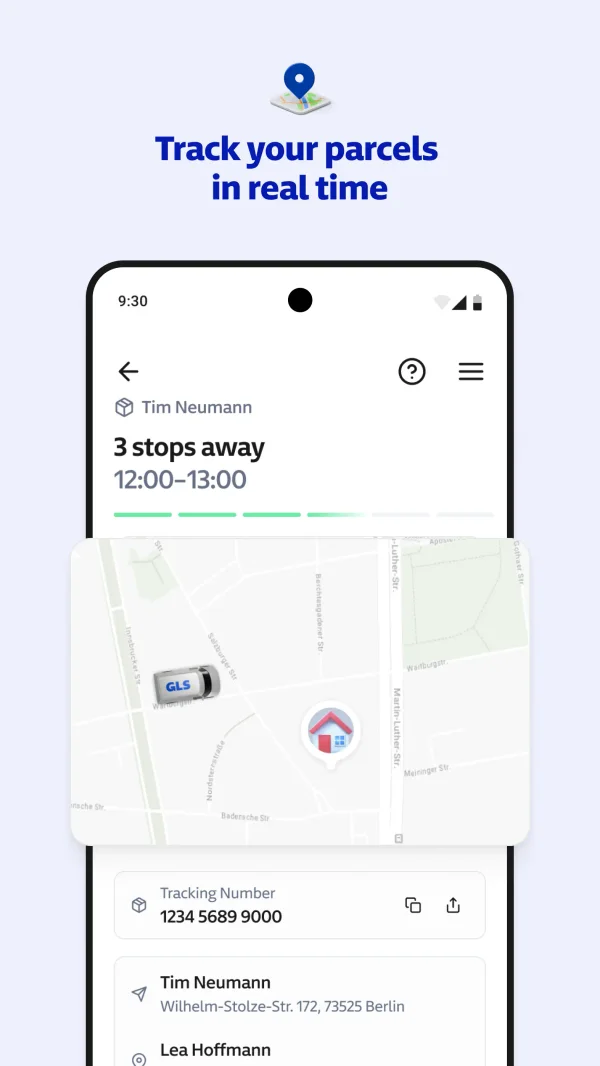
View parcel details and delivery information, such as delivery date and live tracking
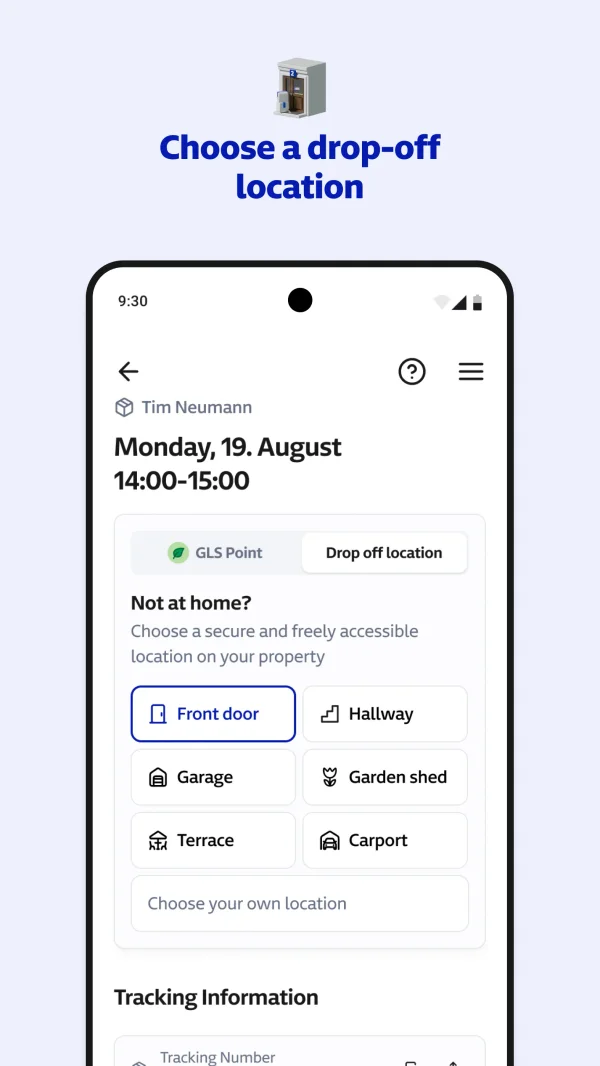
Select a new delivery option for parcels, such as leaving it at a specific location or redirecting it to a shop or parcel station
Automatic tracking of parcels in the app by adding email addresses to my account
SEND PACKAGES
Configure shipping labels by entering parcel details such as size, destination country, sender, and recipient information
Save addresses in the address book to make the purchase process more user-friendly
Pay via PayPal or credit card (Visa / Mastercard)
Order confirmation and receipts via email
Print shipping labels at home
Print shipping labels at a ParcelShop (mobile label / QR code)
View all shipping labels (active, inactive, and archived)
View the nearest ParcelShop for each shipping label
SIGN UP / LOG IN
Register as a new user while retaining previously generated app data such as tracked parcels and shipping labels
Log in with an existing GLS account (after registration; not with GLS-ONE account!)
Log out of the app, which deletes all local data
Change account password
Delete GLS account and app data
SETTINGS
Update account information
Set up and modify a “Permanent Drop-off Permission”
Send app feedback
Option to rate the app (not possible before publication!)
Report a problem
View all legal details of the app
NOTIFICATIONS
Manage notification settings in the app settings
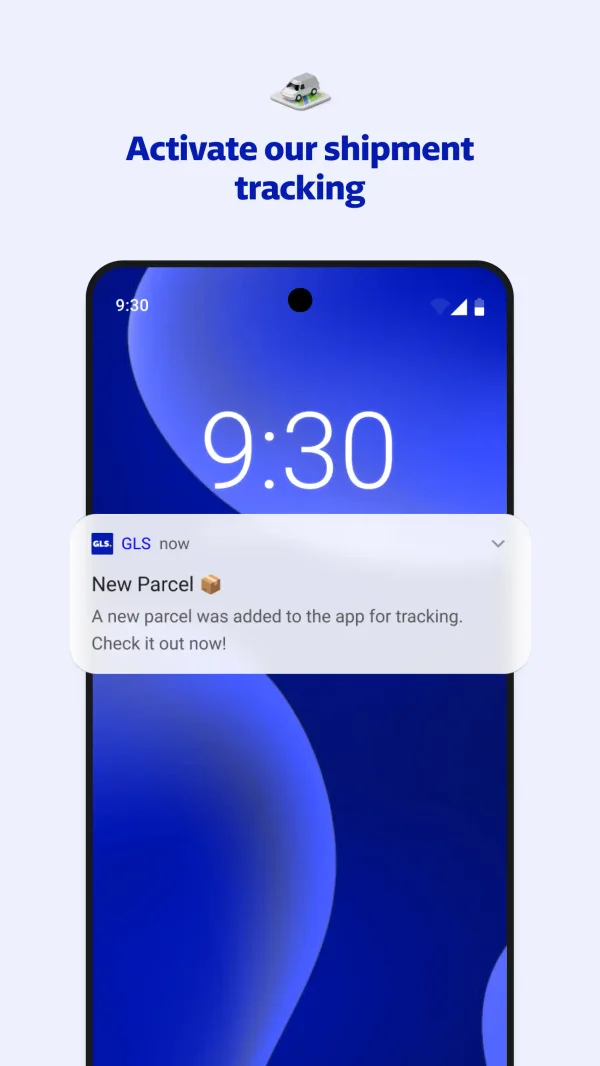
Receive notifications for tracked parcels
USER TESTING & ANALYTICS
Various user events are recorded for quality control and product improvement
Continuous product improvements via A/B tests and remote feature configurations
データ セーフティ
このアプリが収集・共有するデータについて、GLS IT ServicesがGoogle Playで申告している内容です。
- 第三者と共有されるデータはありません詳しくは、デベロッパーが共有を申告する方法についての説明をご覧ください
- このアプリは以下の種類のデータを収集することがあります位置情報、個人情報、他 4 件
- データは送信中に暗号化されます
- データを削除するようリクエストできます
新機能
バージョン 6.3.4 · 2026/11/16
Here’s what’s new in this version:
• Your collection code for the Parcel Station now appears as a QR code – just scan it on site!
• Links in GLS emails now open straight in the app, on the right parcel
• The app now lets you know when our services are under maintenance.
• Plus, as always, bug fixes and improvements.
開発元の連絡先
- ウェブサイトgls-pakete.de
- メールgls-pakete-app-feedback@gls-germany.com
- プライバシーポリシーgls-group.com
- 住所GLS Germany-Str. 1-7 36286 Neuenstein Germany
情報
- 提供元
- Google Commerce Ltd
- カテゴリ
- 仕事効率化
- バージョン
- 6.3.4
- 更新日
- 2026/11/16
- リリース
- 2023/9/1
- 必要条件
- Android 7.0以降
- 対象年齢
- 3 歳以上
- 価格
- 無料
- パッケージ名
- com.gls.glsappde.consumer
類似のアプリ
-
 Commerzbank photoTAN
ファイナンス
-
 ShiftFlow - チームの勤怠管理
ビジネス
-
 Eurowings - That's fly
旅行&地域
-
 Commerzbank Banking
ファイナンス
-
 FRITZ!App Smart Home
ライフスタイル
-
 David Lloyd Clubs
健康&フィットネス
-
 Gridio - smart charge your EV
自動車
-
 Fuel Flash
地図&ナビ
-
 hvv switch – Mobility Hamburg
旅行&地域
-
 My CUPRA App
自動車
-
 iRobot Home (Classic)
ライフスタイル
-
 VVS Mobil - Trip planner
地図&ナビ