GLS Parcels
GLS IT Services- Rating 3+Batasan usia
- ProduktivitasKategori
- 16/11/2026Diperbarui
- GratisHarga
Tertaut ke halaman resmi com.gls.glsappde.consumer di Google Play. Terakhir diperiksa pada 20/11/2026.

GLS Parcels mungkin sedang tidak tersedia di Google Play
Halaman di toko tidak dapat dijangkau saat terakhir kami periksa. Tautan tetap mengarah ke halaman resmi Google Play.
Tangkapan layar




Tentang aplikasi ini
Pengembang belum menyediakan teks ini dalam bahasa Anda.
Send & receive GLS parcels
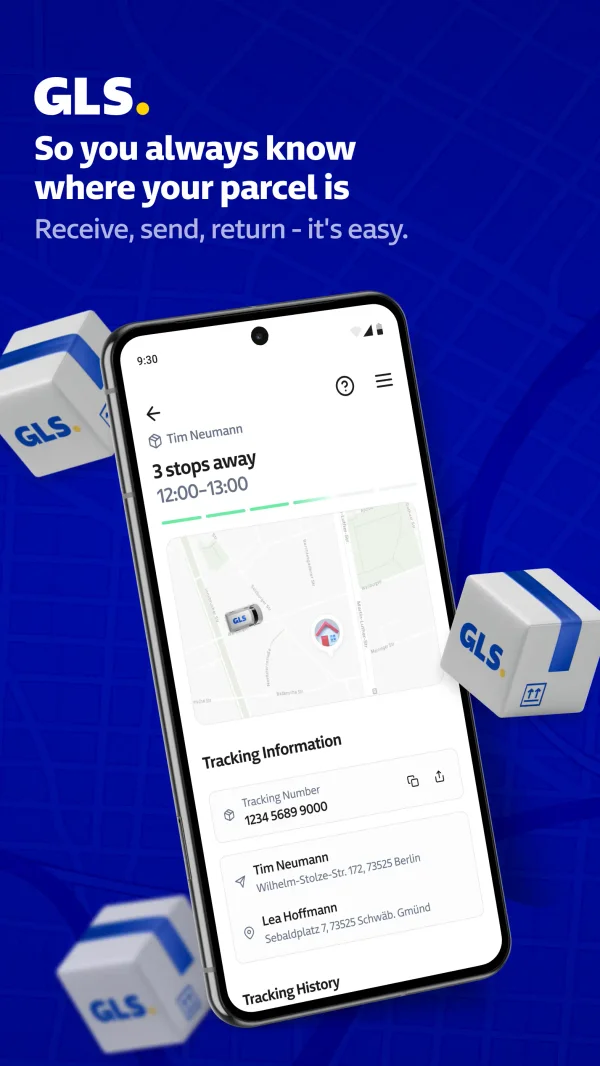
With the “GLS Packages” app, users can manage their GLS parcels to track incoming deliveries and send parcels more easily by purchasing shipping labels directly in the app.
TRACK PACKAGES
Track new parcels by entering a tracking number or Track ID and the recipient’s postal code
Overview of all tracked parcels (incoming, outgoing, and archived)
Option to delete tracked parcels
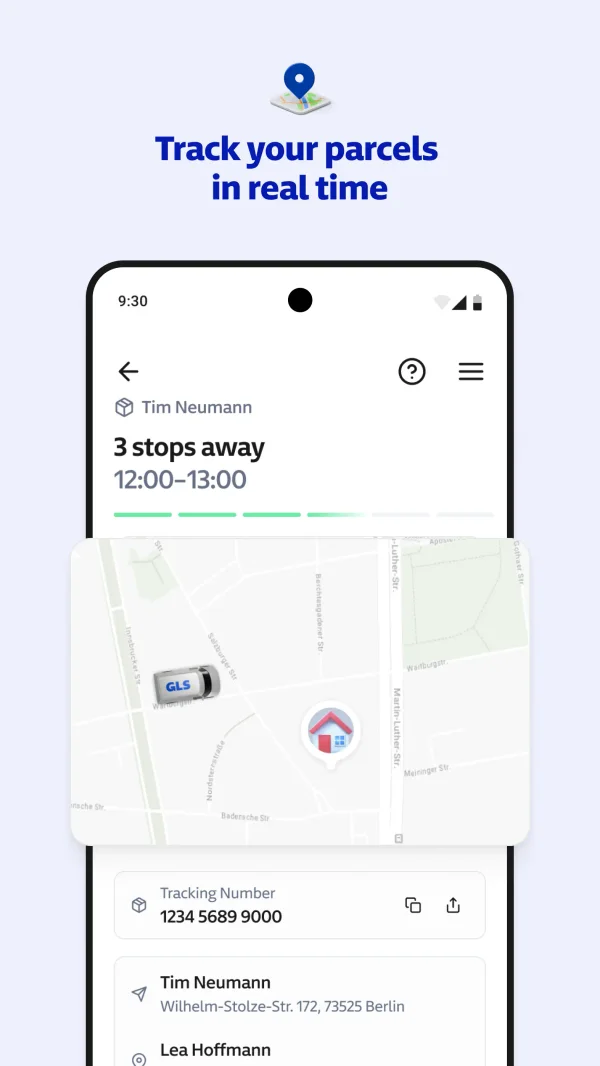
View parcel details and delivery information, such as delivery date and live tracking
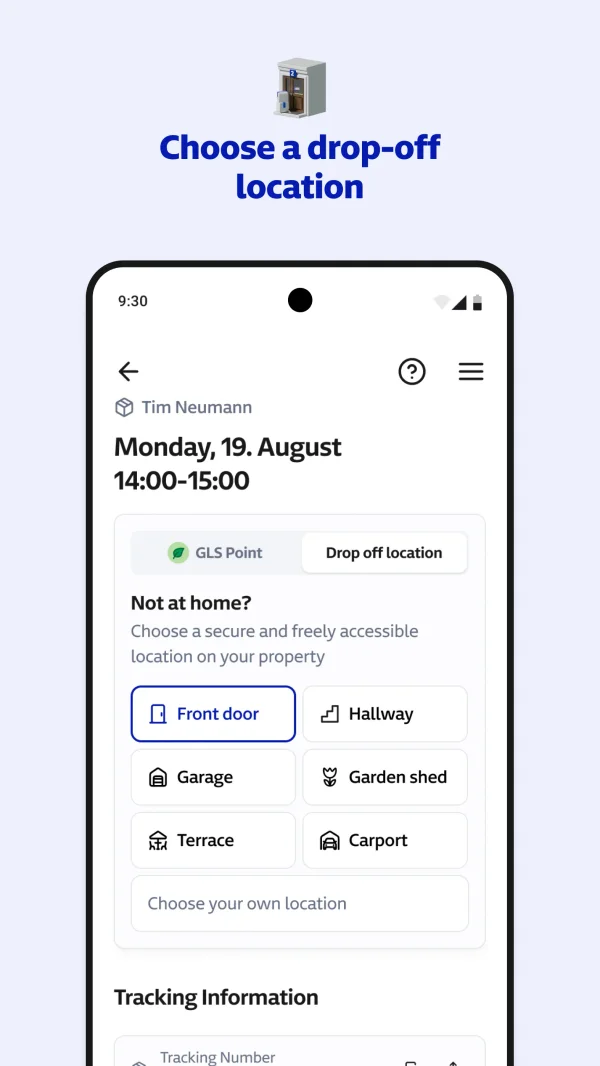
Select a new delivery option for parcels, such as leaving it at a specific location or redirecting it to a shop or parcel station
Automatic tracking of parcels in the app by adding email addresses to my account
SEND PACKAGES
Configure shipping labels by entering parcel details such as size, destination country, sender, and recipient information
Save addresses in the address book to make the purchase process more user-friendly
Pay via PayPal or credit card (Visa / Mastercard)
Order confirmation and receipts via email
Print shipping labels at home
Print shipping labels at a ParcelShop (mobile label / QR code)
View all shipping labels (active, inactive, and archived)
View the nearest ParcelShop for each shipping label
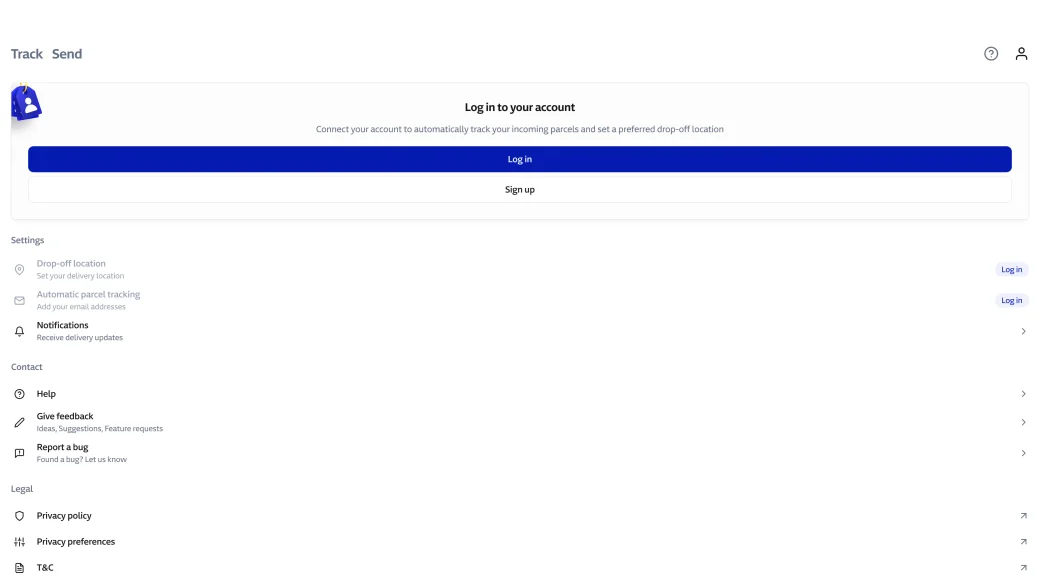
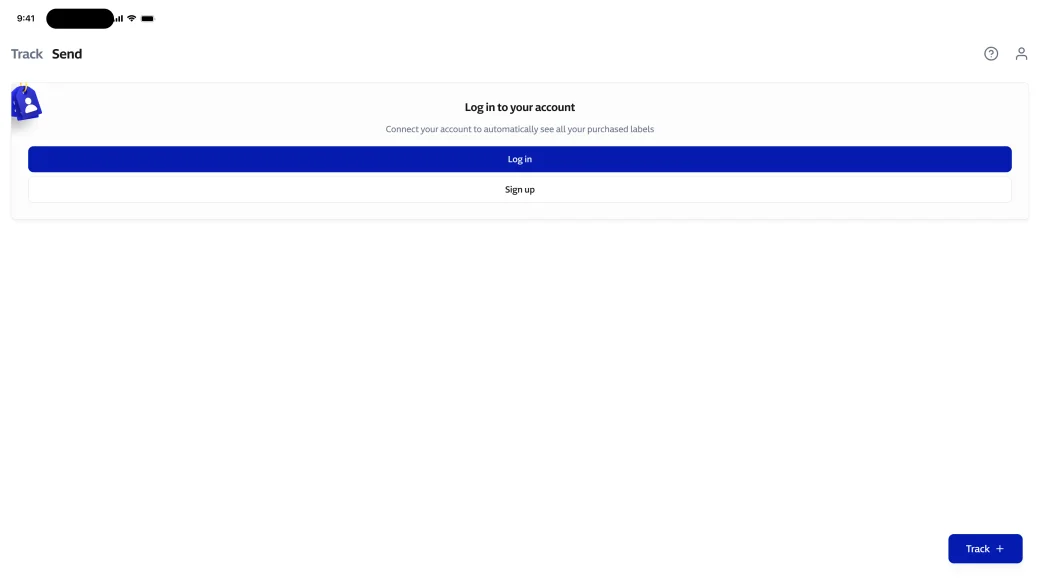
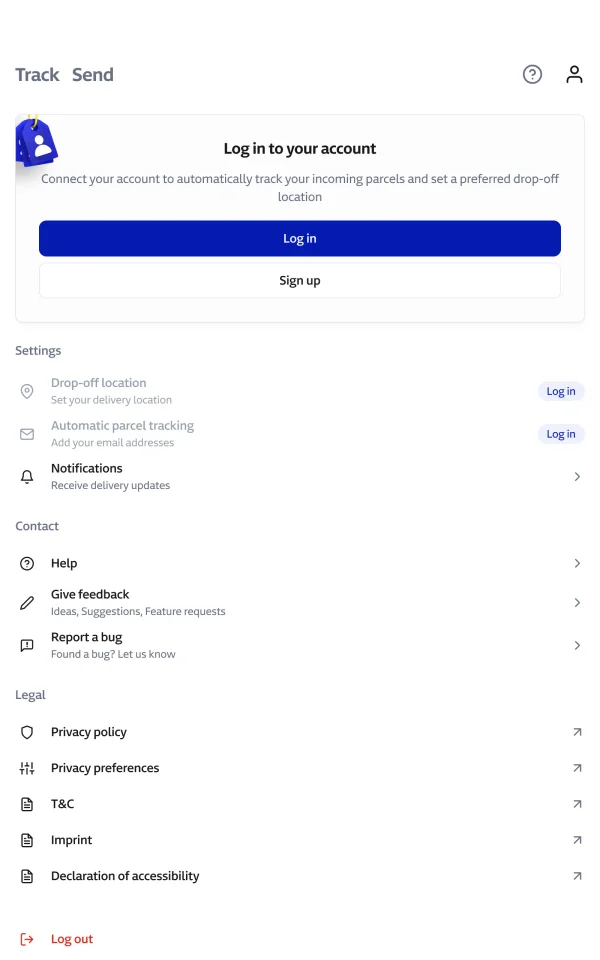
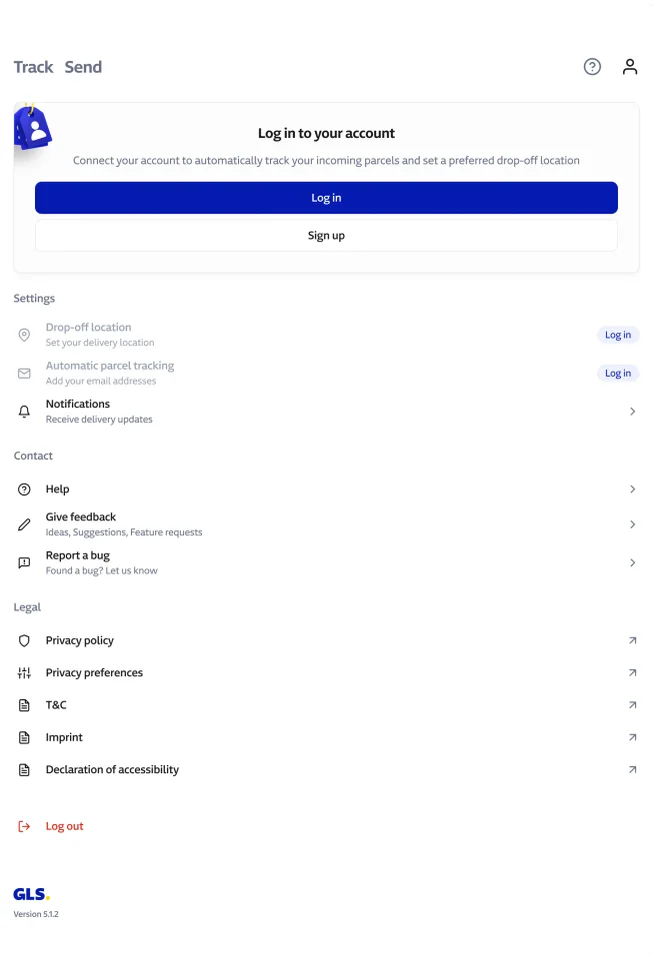
SIGN UP / LOG IN
Register as a new user while retaining previously generated app data such as tracked parcels and shipping labels
Log in with an existing GLS account (after registration; not with GLS-ONE account!)
Log out of the app, which deletes all local data
Change account password
Delete GLS account and app data
SETTINGS
Update account information
Set up and modify a “Permanent Drop-off Permission”
Send app feedback
Option to rate the app (not possible before publication!)
Report a problem
View all legal details of the app
NOTIFICATIONS
Manage notification settings in the app settings
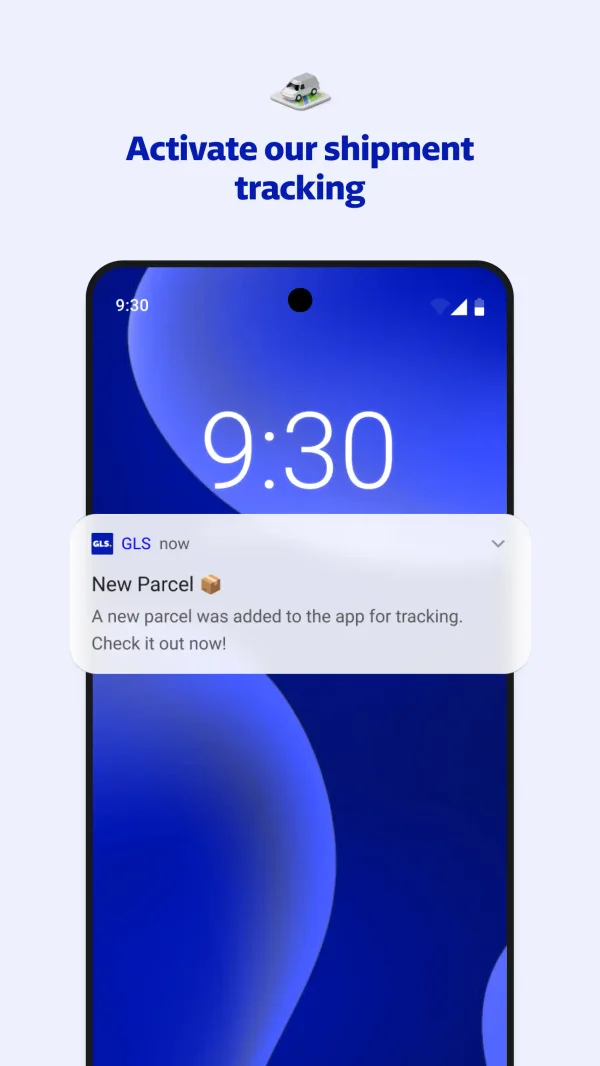
Receive notifications for tracked parcels
USER TESTING & ANALYTICS
Various user events are recorded for quality control and product improvement
Continuous product improvements via A/B tests and remote feature configurations
Keamanan data
Yang dinyatakan GLS IT Services di Google Play tentang data yang dikumpulkan dan dibagikan aplikasi ini.
- Tidak ada data yang dibagikan kepada pihak ketigaPelajari lebih lanjut cara developer menyatakan pembagian data
- Aplikasi ini dapat mengumpulkan jenis data berikutLokasi, Info pribadi, dan 4 lainnya
- Data dienkripsi saat dalam pengiriman
- Anda dapat meminta agar data dihapus
Yang baru
Versi 6.3.4 · 16/11/2026
Here’s what’s new in this version:
• Your collection code for the Parcel Station now appears as a QR code – just scan it on site!
• Links in GLS emails now open straight in the app, on the right parcel
• The app now lets you know when our services are under maintenance.
• Plus, as always, bug fixes and improvements.
Kontak pengembang
- Situs webgls-pakete.de
- Emailgls-pakete-app-feedback@gls-germany.com
- Kebijakan Privasigls-group.com
- AlamatGLS Germany-Str. 1-7 36286 Neuenstein Germany
Informasi
- Ditawarkan oleh
- Google Commerce Ltd
- Kategori
- Produktivitas
- Versi
- 6.3.4
- Diperbarui
- 16/11/2026
- Dirilis
- 1/9/2023
- Memerlukan
- Android 7.0 atau yang lebih baru
- Batasan usia
- Rating 3+
- Harga
- Gratis
- Nama paket
- com.gls.glsappde.consumer
Aplikasi serupa
-
 Commerzbank photoTAN
Keuangan
-
 ShiftFlow - Lacak Jam Tim
Bisnis
-
 Eurowings - That's fly
Wisata
-
 Commerzbank Banking
Keuangan
-
 FRITZ!App Smart Home
Gaya Hidup
-
 David Lloyd Clubs
Kesehatan & Kebugaran
-
 Gridio - smart charge your EV
Otomotif
-
 Fuel Flash
Peta & Navigasi
-
 hvv switch – Mobility Hamburg
Wisata
-
 My CUPRA App
Otomotif
-
 iRobot Home (Classic)
Gaya Hidup
-
 VVS Mobil - Trip planner
Peta & Navigasi