Google Slides
Google LLC- EveryoneAge rating
- ProductivityCategory
- Nov 19, 2026Updated
- FreePrice
Links to the official Google Play listing of com.google.android.apps.docs.editors.slides. Last checked on Nov 20, 2026.

Screenshots
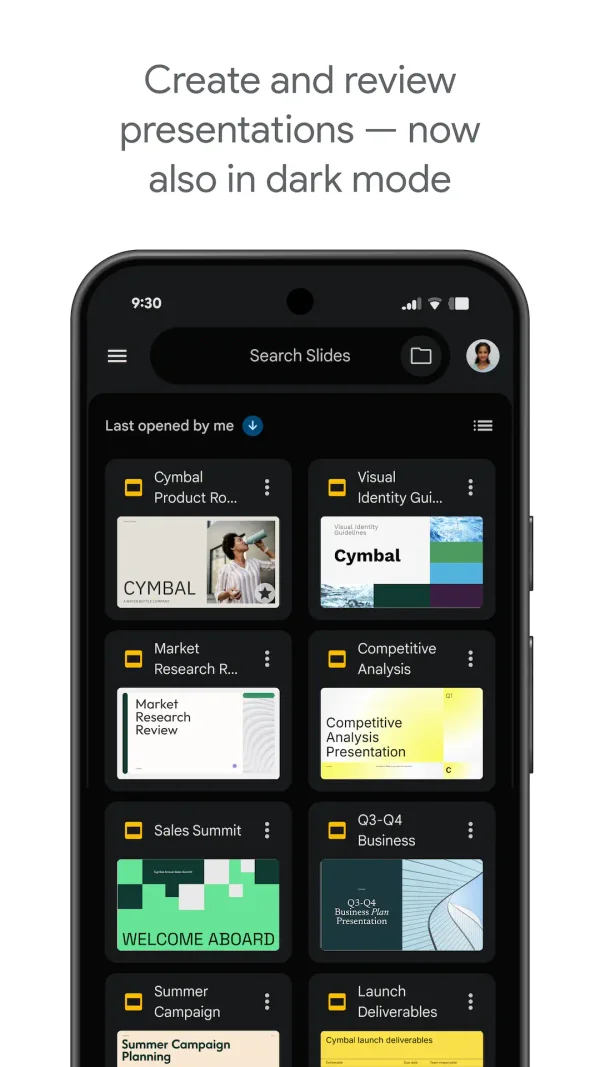
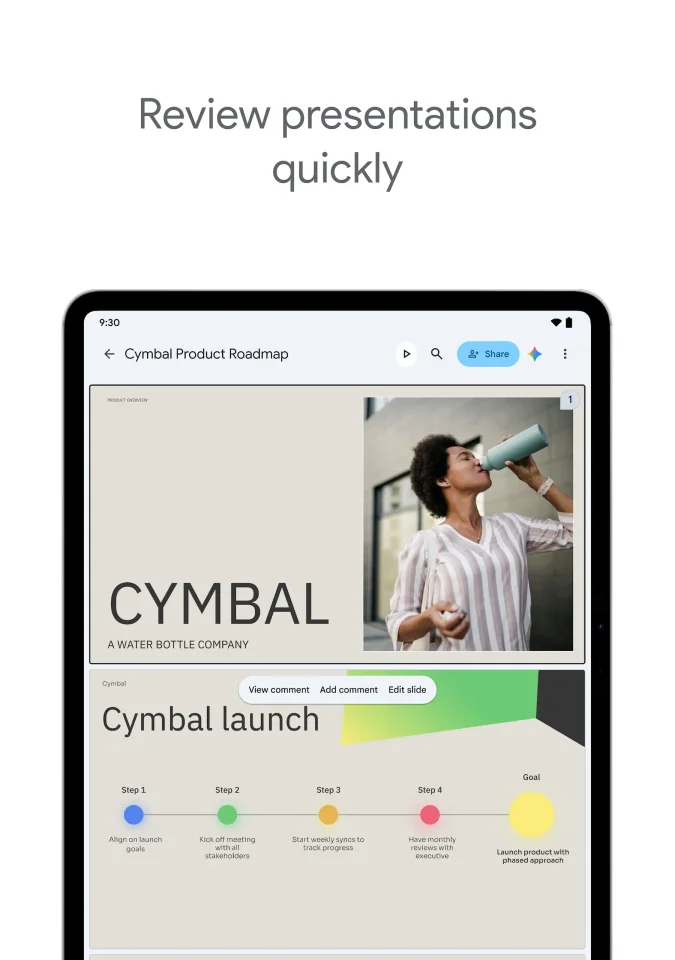
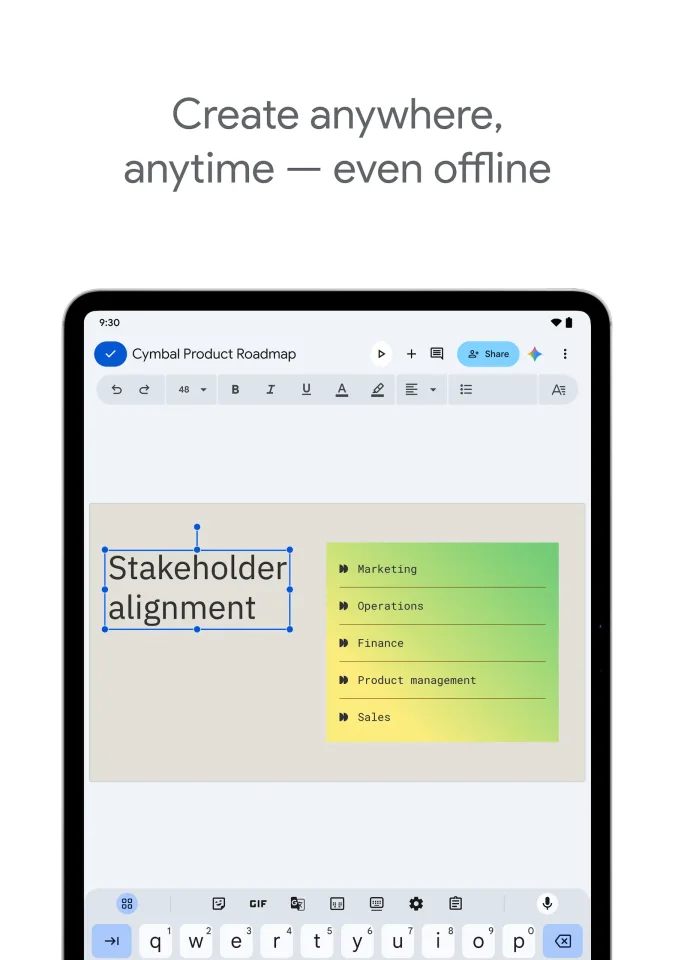
About this app
Create and edit presentations with Google Slides, part of Google Workspace.
Create, edit and collaborate on presentations from your Android phone or tablet with the Google Slides app. With Slides, you can:
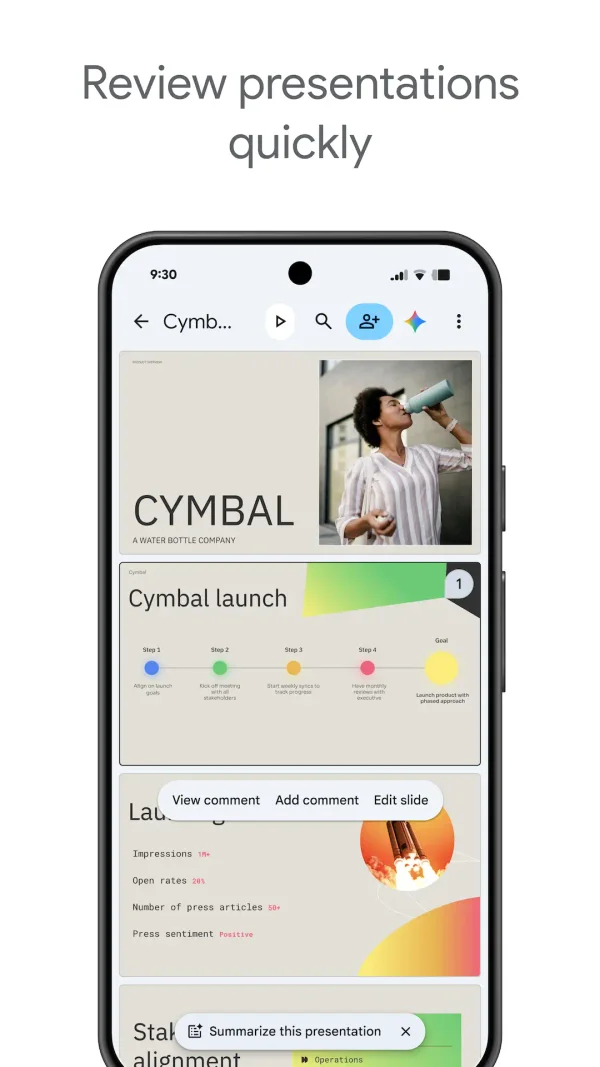
– Create new presentations or edit existing ones
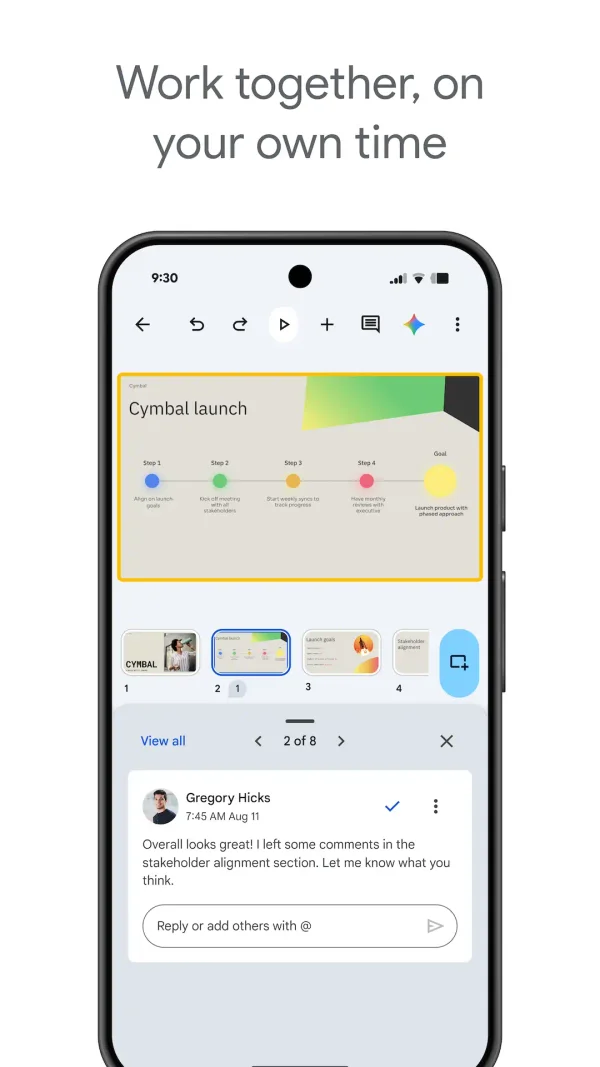
– Share presentations and collaborate in the same presentation at the same time
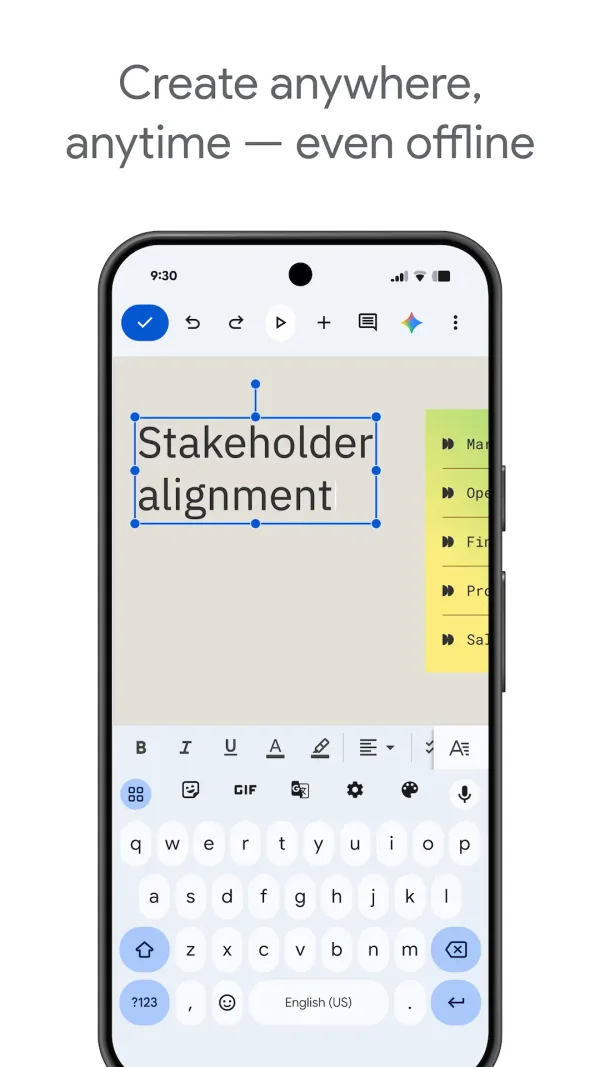
– Work anywhere, anytime – even offline
– Add and respond to comments
– Add and rearrange slides, format text and shapes, and more
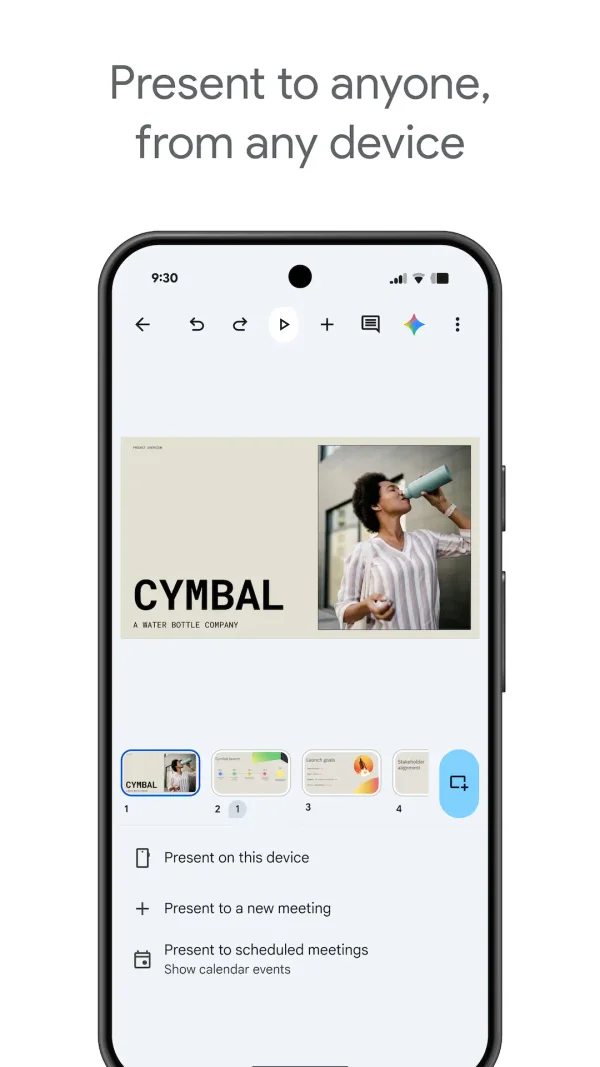
– Present straight from your mobile device
– Never worry about losing your work – everything is saved automatically as you type
– Make beautiful slides, instantly – with smart suggestions
– Present slides to video calls – scheduled meetings will automatically appear
– Open, edit and save PowerPoint files
Google Slides is part of Google Workspace: where teams of any size can chat, create and collaborate.
Google Workspace subscribers have access to additional Google Slides features, including:
– Collaborating on a single presentation online with your business partner, your whole team or external contacts. You control who gets permission to edit, view or just add comments.
– Starting from scratch or expediting the process by choosing a template. You can enhance your presentations with videos, images, drawings and smooth transitions.
– Working across PCs, Macs, mobiles and tablets – View or even present your slides from your phone or tablet, so you always have the option to practise your presentation up until the last minute.
Learn more about Google Workspace: https://workspace.google.com/products/slides/
Follow us for more:
Twitter: https://twitter.com/googleworkspace
LinkedIn: https://www.LinkedIn.com/showcase/googleworkspace
Facebook: https://www.facebook.com/googleworkspace/
Permissions notice
Calendar: This is used to join video calls from calendar invites.
Camera: This is used for camera mode in video calls and to insert images taken with the camera.
Contacts: This is used to give suggestions of people to add to files and share with.
Microphone: This is used to transmit audio in video calls.
Storage: This is used to insert images and to open files from USB or SD storage.
Data safety
What Google LLC declares on Google Play about the data this app collects and shares.
- No data shared with third partiesLearn more about how developers declare sharing
- This app may collect these data typesLocation, Personal info and 8 others
- Data is encrypted in transit
- You can request that data be deleted
- Independent security review
What’s new
Nov 19, 2026
* Bug fixes and performance improvements
Developer contact
- Websitesupport.google.com
- Emailapps-help@google.com
- Privacy policygoogle.com
- Address1600 Amphitheatre Pkwy Mountain View, CA 94043 United States
Information
- Offered by
- Google LLC
- Category
- Productivity
- Updated
- Nov 19, 2026
- Released
- Jun 25, 2014
- Age rating
- Everyone
- Price
- Free
- Package name
- com.google.android.apps.docs.editors.slides