Google Calendar
Google LLC- EveryoneAge rating
- ProductivityCategory
- Nov 19, 2026Updated
- FreePrice
Links to the official Google Play listing of com.google.android.calendar. Last checked on Nov 19, 2026.
Screenshots
About this app
Make the most of your day with Google Calendar, part of Google Workspace
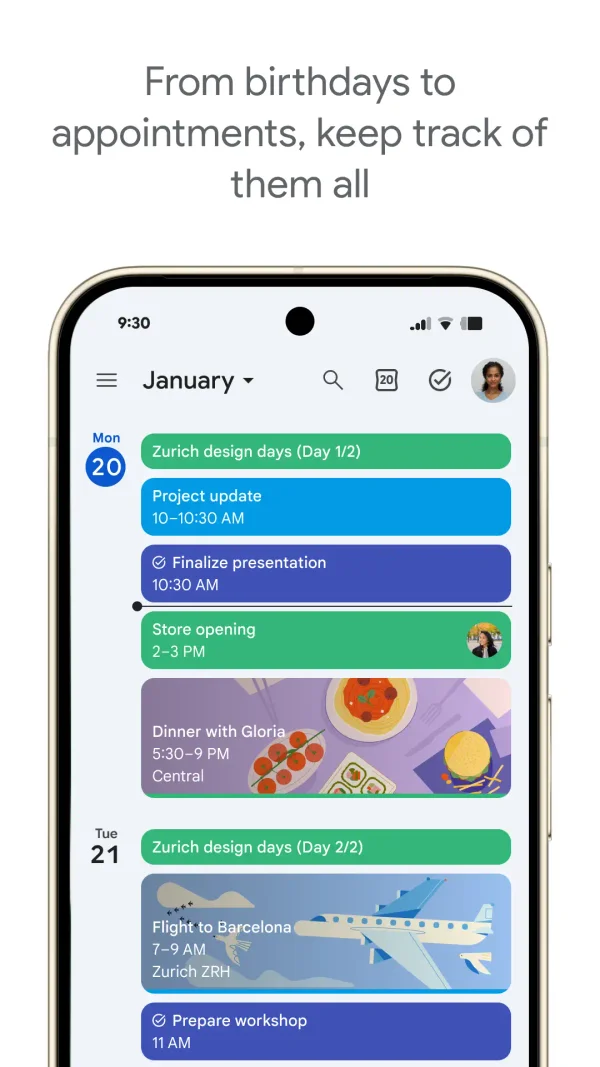
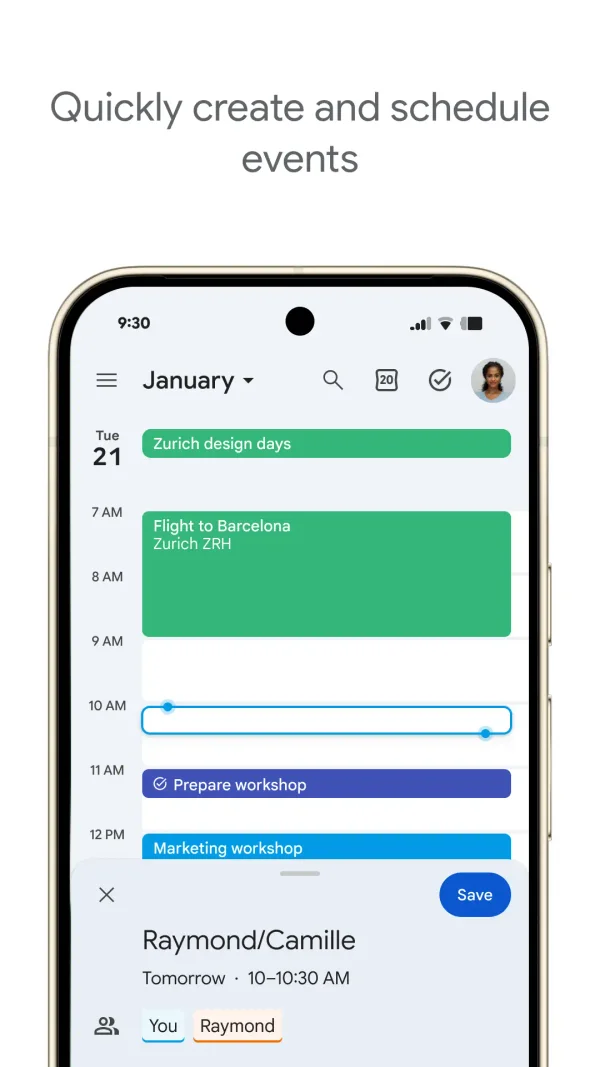
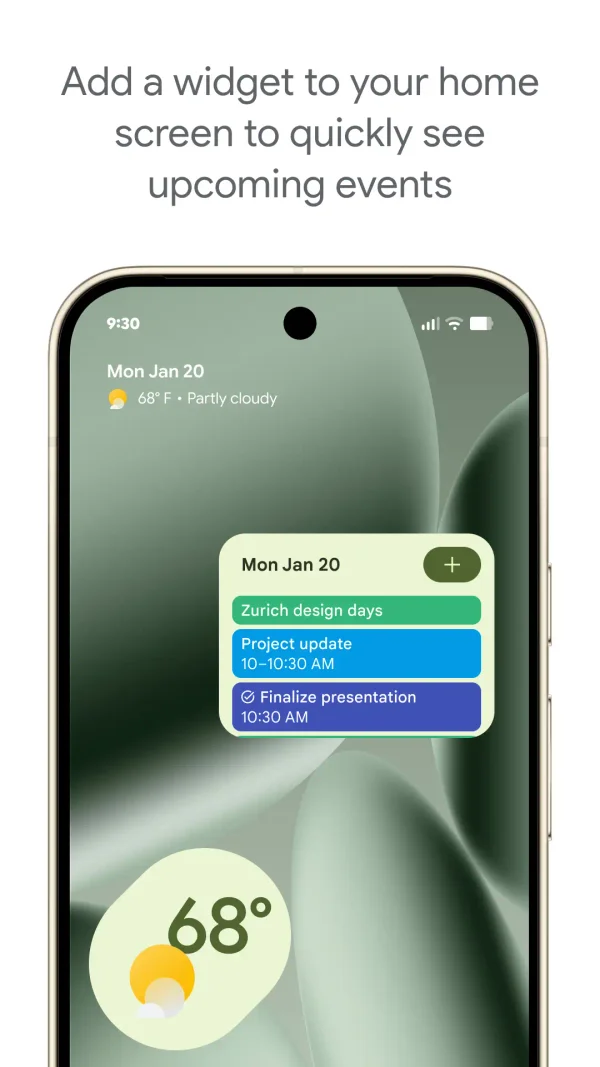
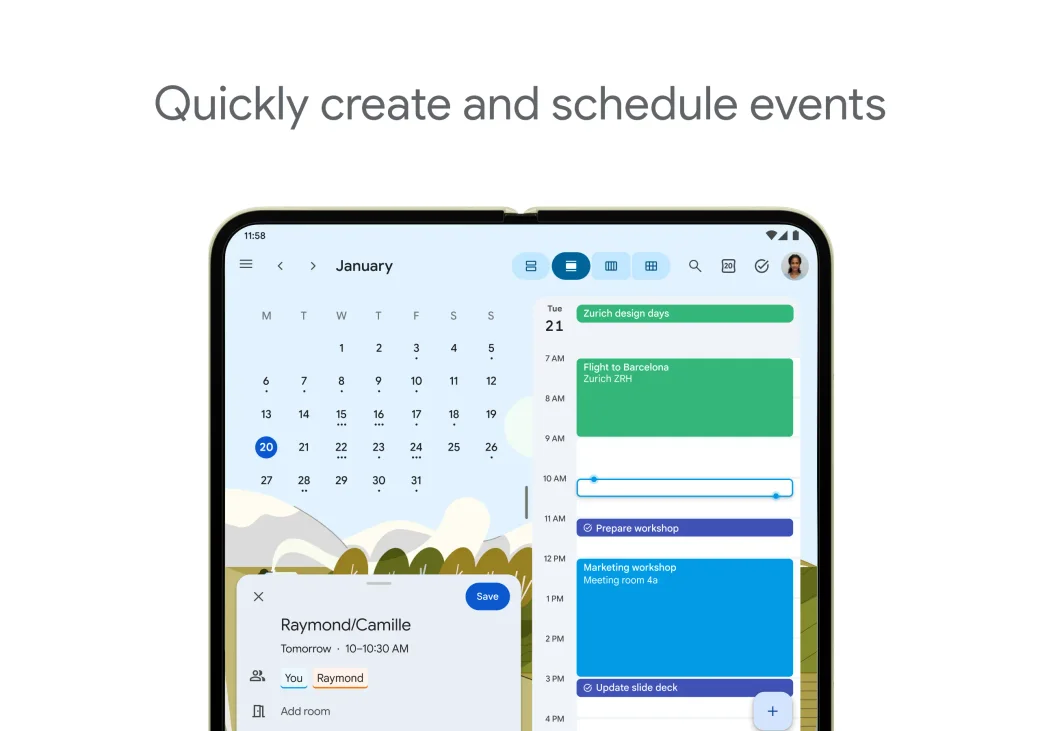
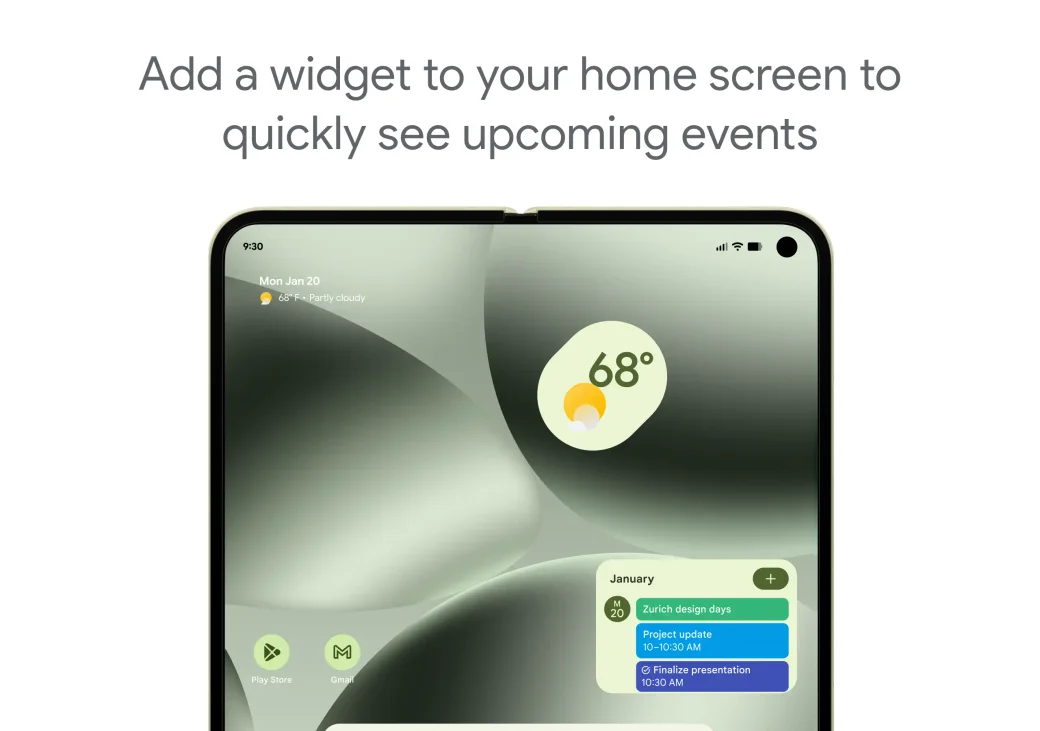
Get the official Google Calendar app for your Android phone, tablet or Wear OS device to stay organised and plan your day. Make the most of your day with easy event creation, multiple calendars, customisable views, widgets, tasks and more
With Google Calendar, you can:
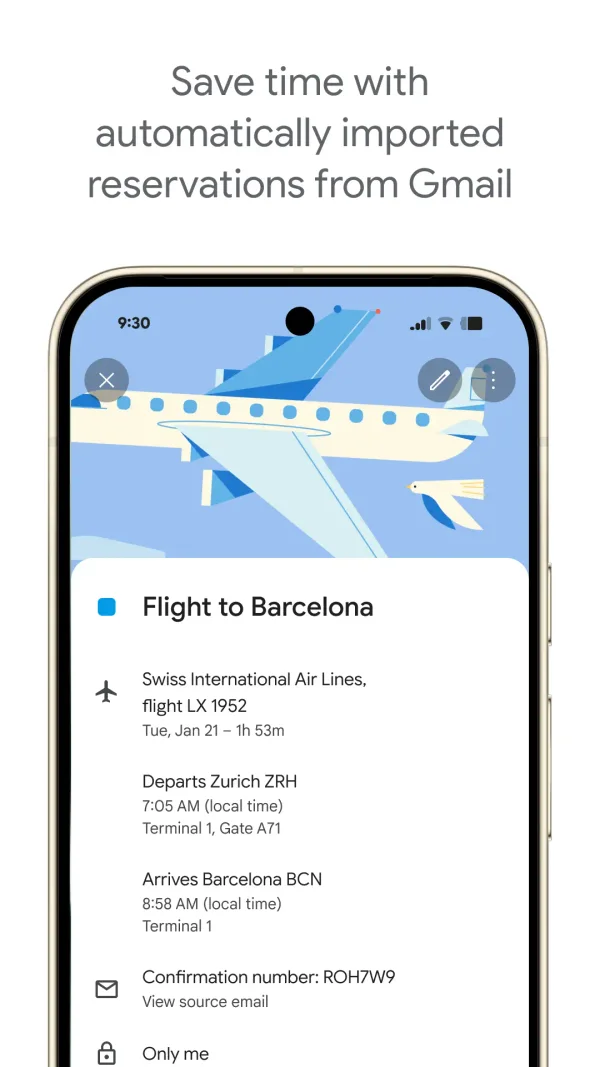
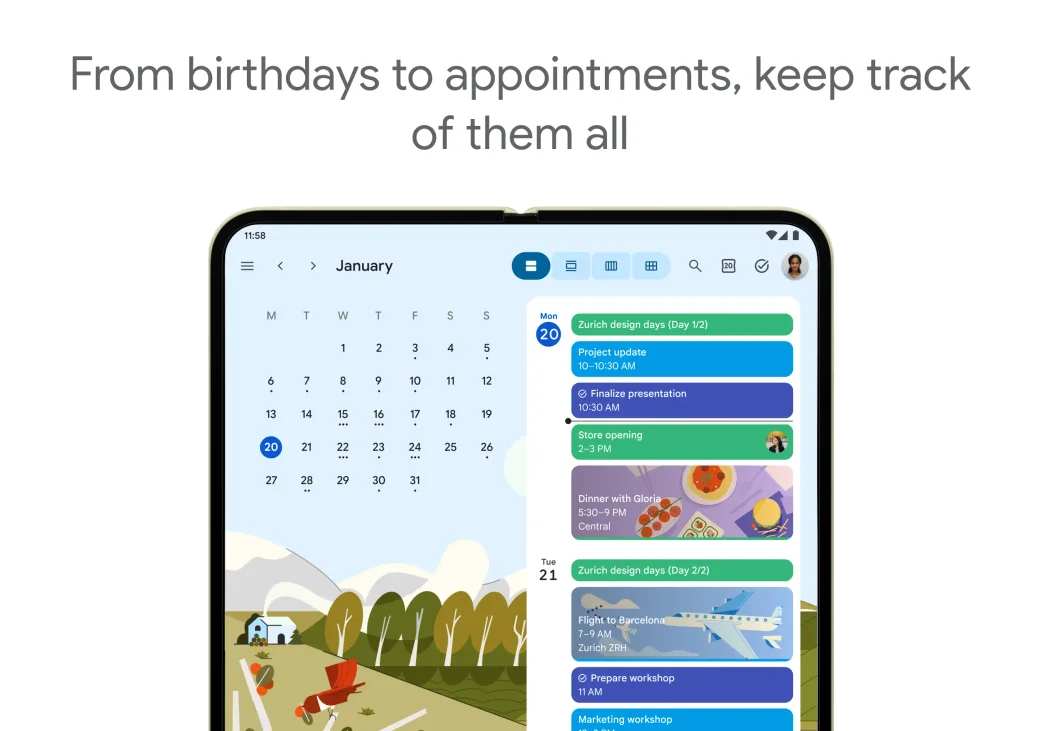
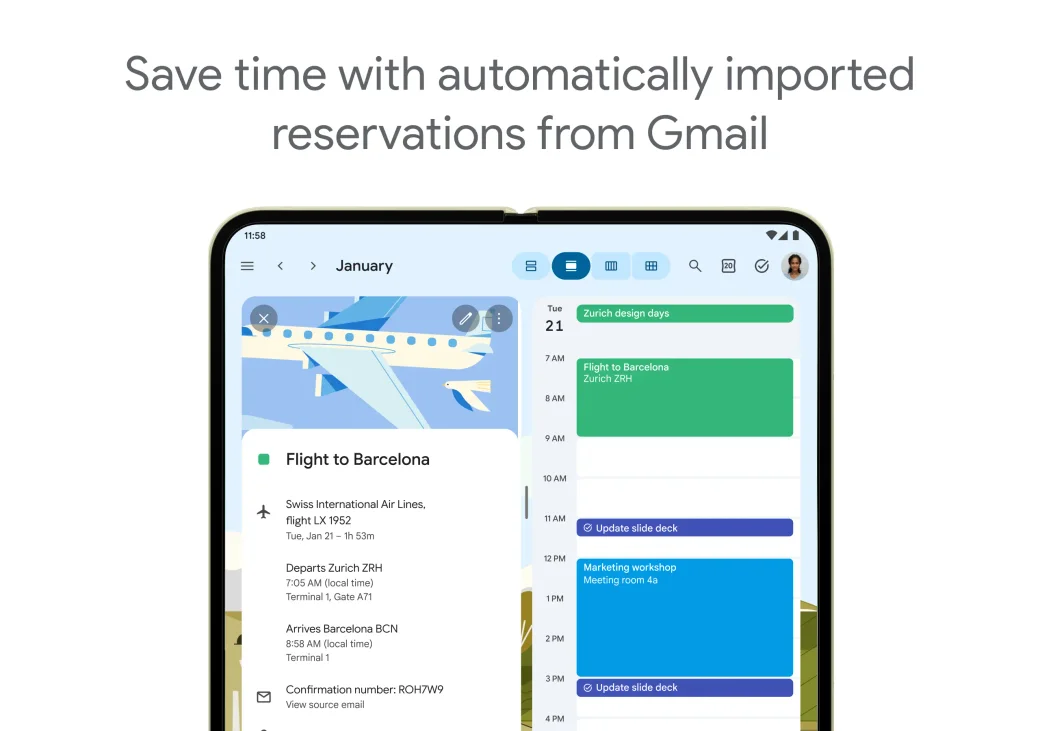
• Get events automatically added to your Calendar from Gmail, including flight, hotel, concert and restaurant reservations.
• Go from using Calendar on your Android phone, tablet or Wear OS device to your computer without missing a beat when you're logged in to the same Google Account.
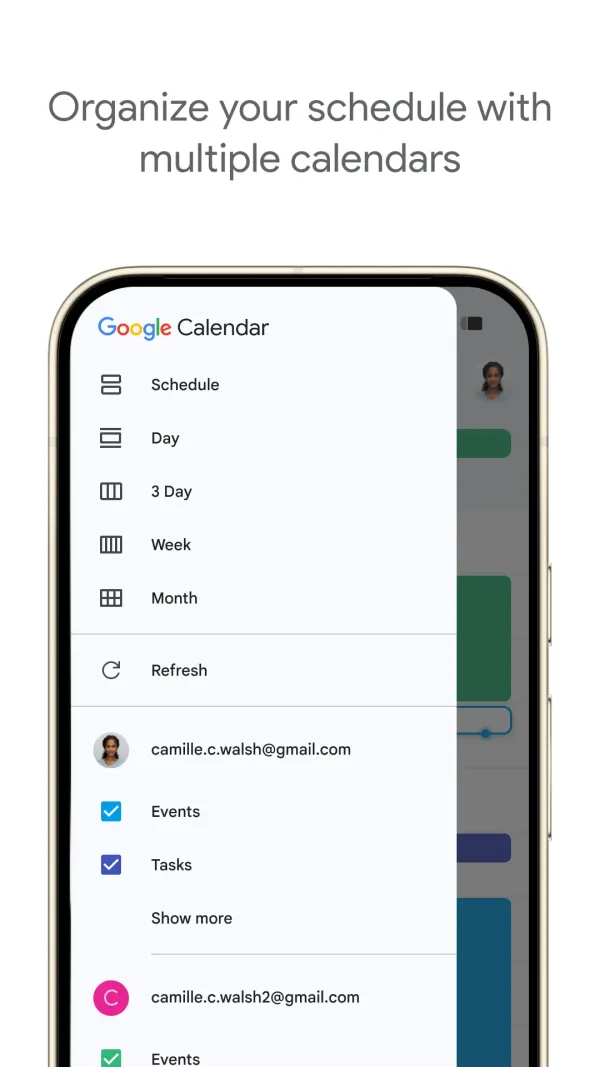
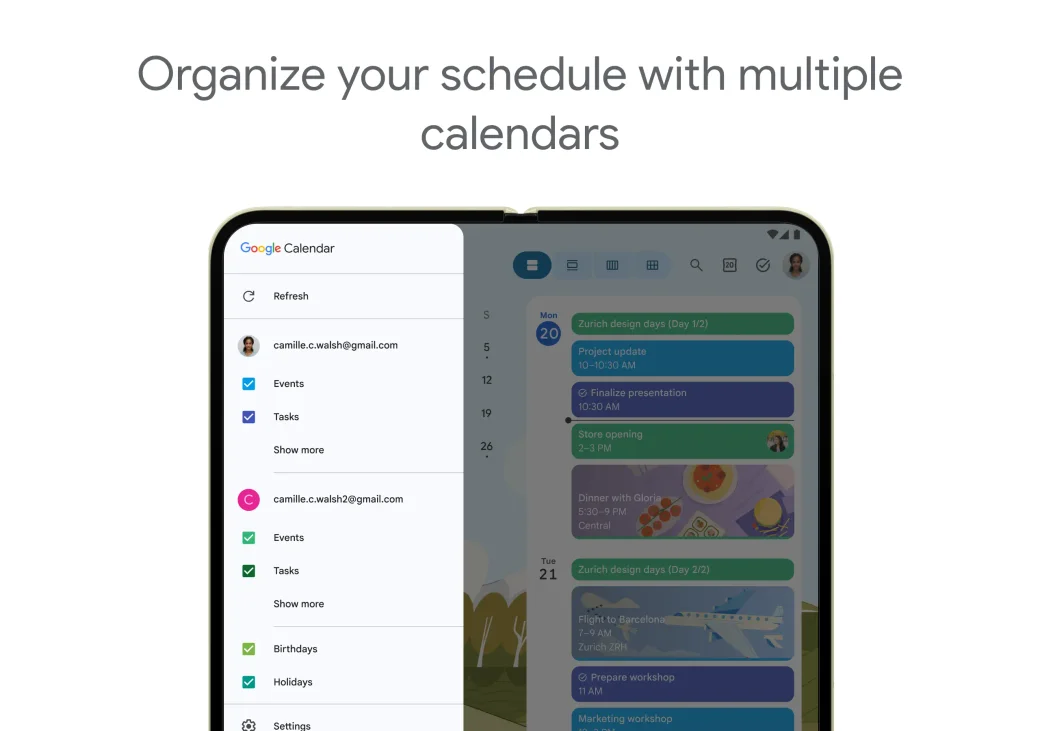
• Consolidate and view Google Calendar events side by side with other calendars on your device, including Exchange.
• Keep family, friends and colleagues in the loop with shared calendars, so that they can view, add or modify events.
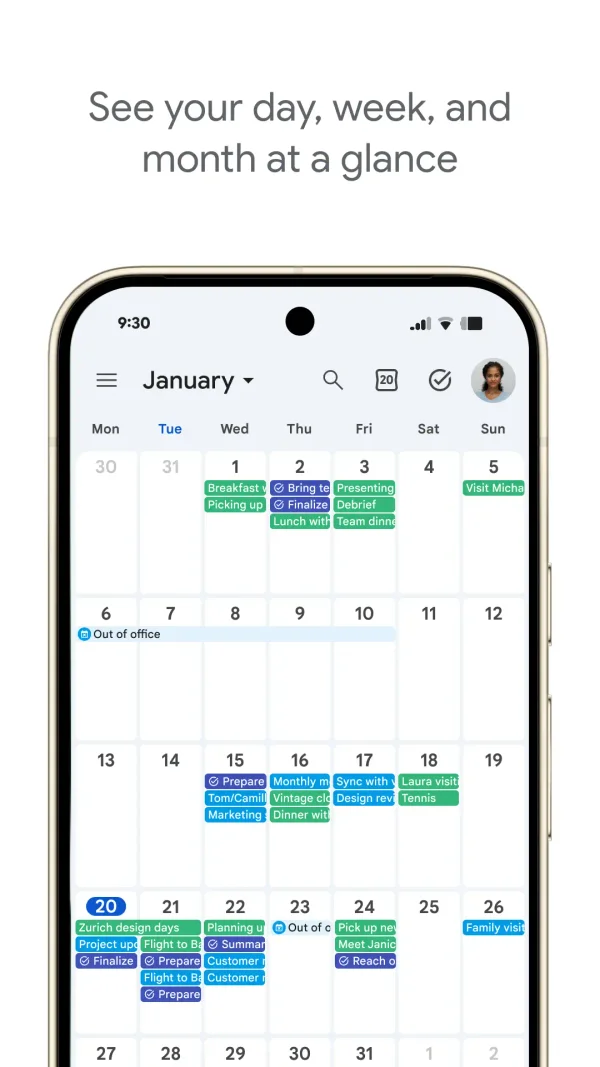
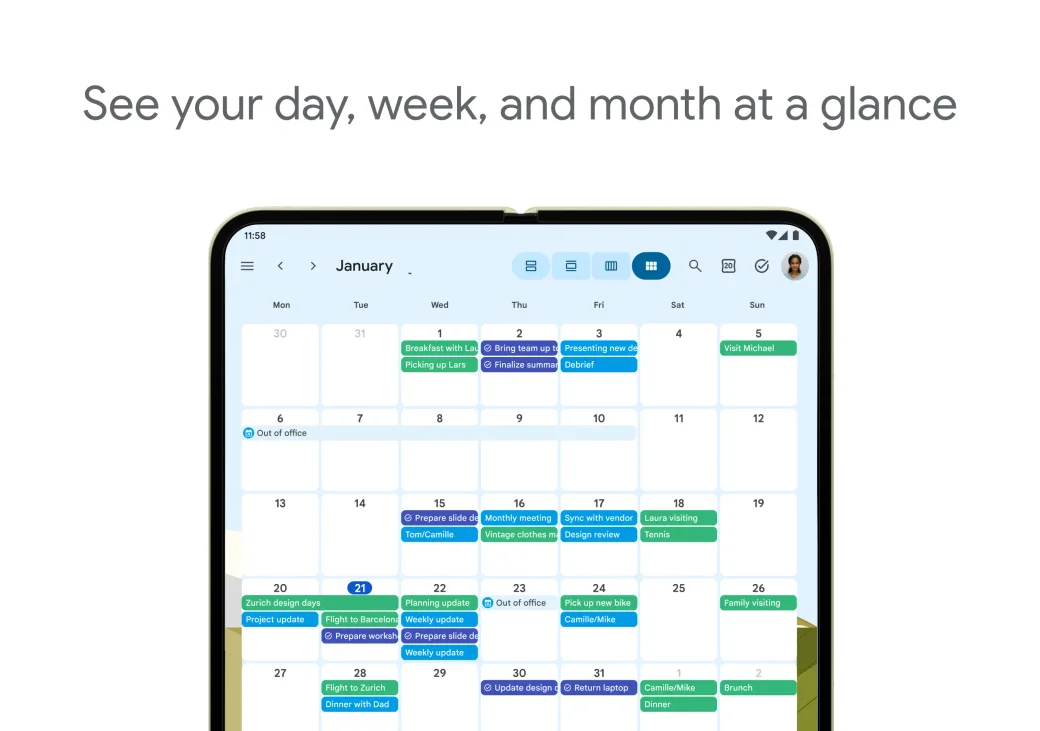
• Quickly switch between month, week and day views.
• Stay on top of to-dos by creating and managing tasks alongside your events in Calendar.
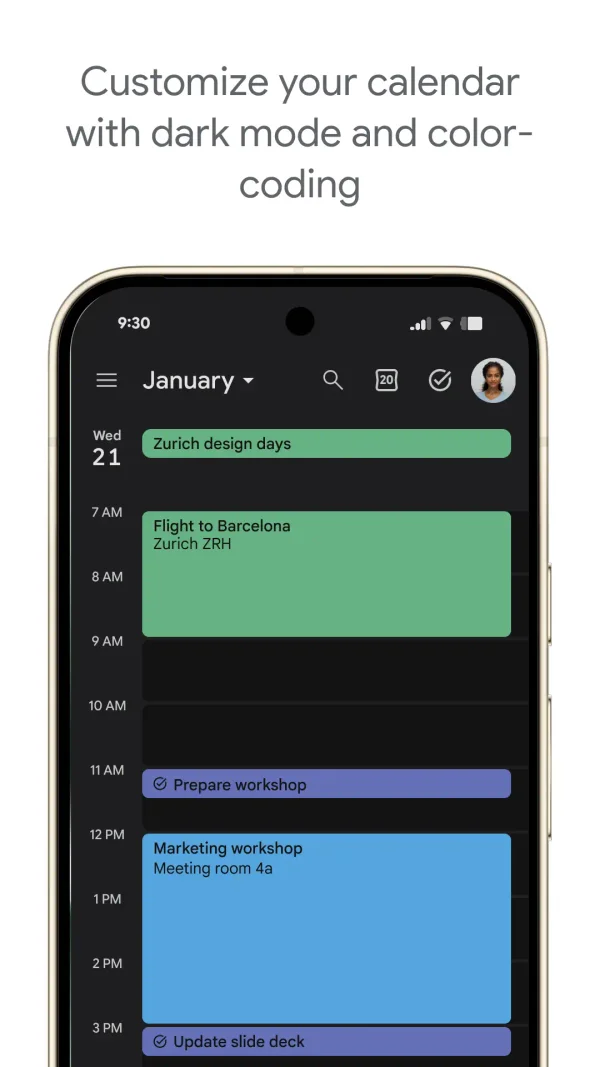
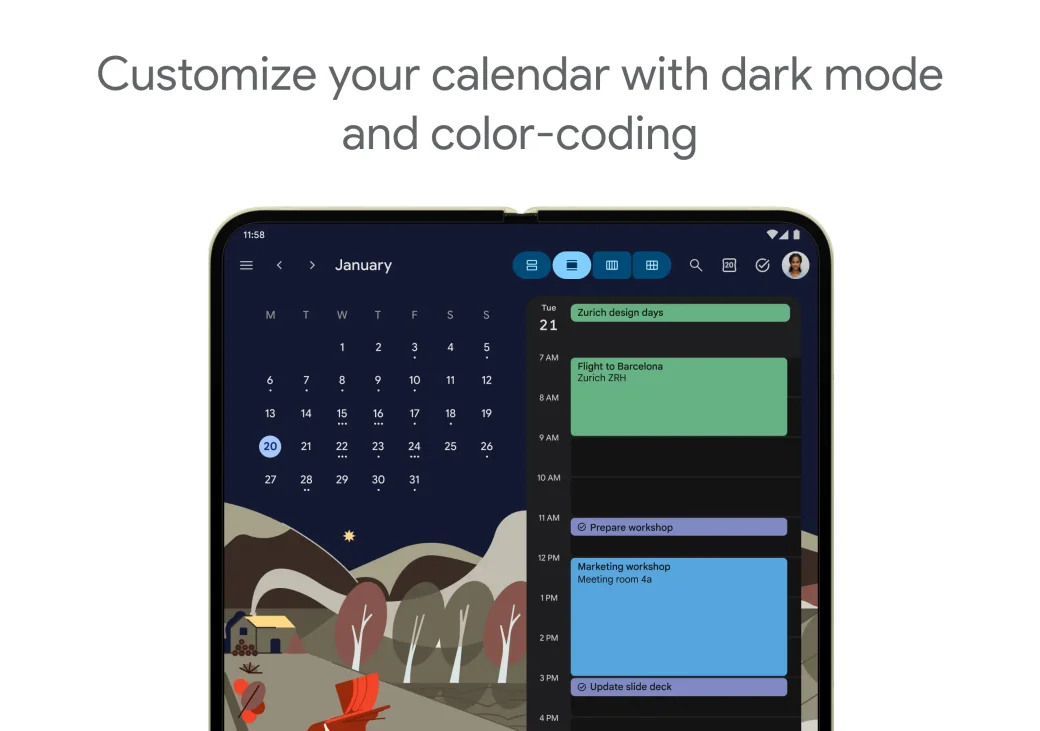
• Personalise your Google Calendar with light or dark mode or by colour-coding your events.
• Access and organise your task lists in a full-screen view directly from the Google Calendar app.
• Keep track of events or tasks while on the go with Google Calendar on Wear OS devices, which supports tiles and complications.
Google Calendar is part of Google Workspace, allowing you and your team to easily connect, create and collaborate across all your favourite Google tools. You can:
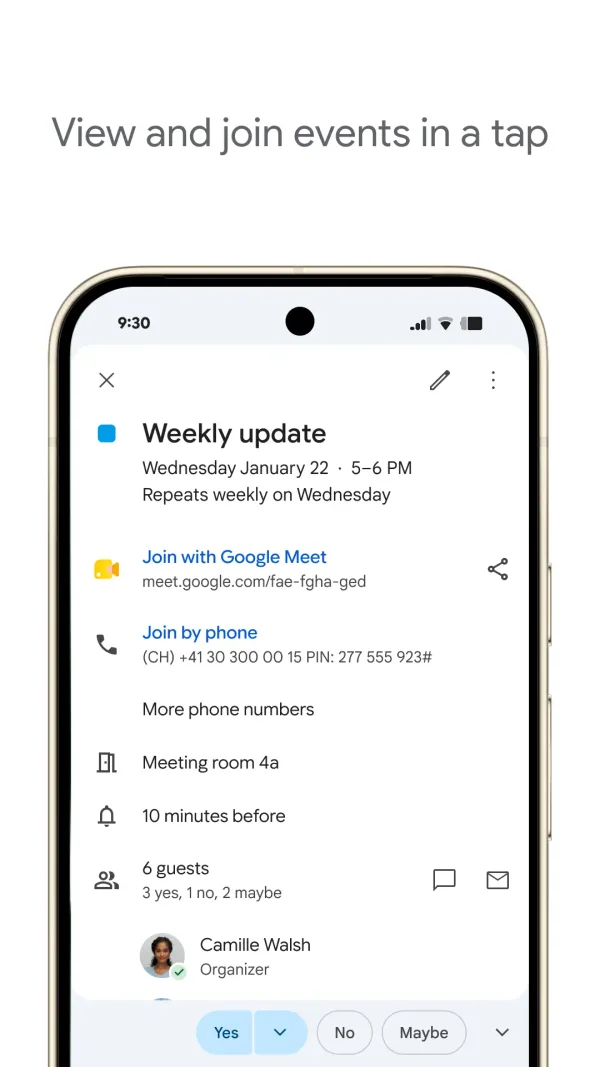
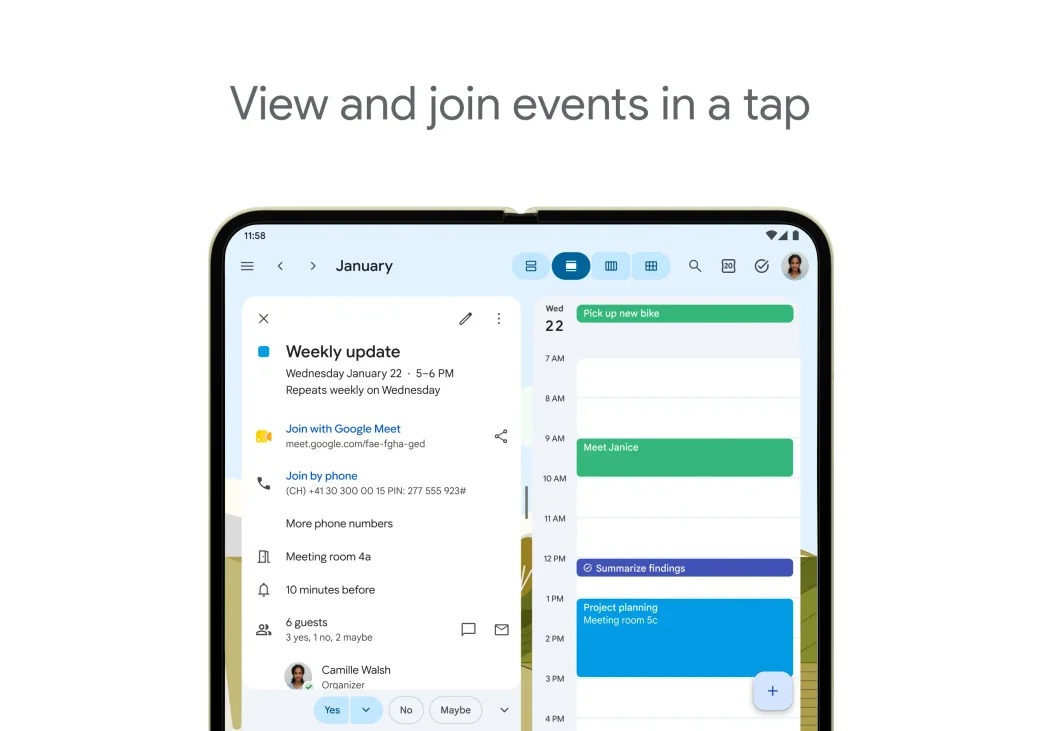
• Collaborate in a hybrid work environment by adding a Google Meet video call to an Calendar event
• Get access to professional booking pages to easily book clients and customers*.
• Schedule meetings with teammates by checking their availability or layering their calendars in a single view
• Add your working location to your calendar to make it easier for your teammates to schedule meetings with you*.
• Keep everyone on track for a meeting by attaching meeting notes, pre-read materials and other documents directly to a calendar event.
• Use Google Calendar with confidence, knowing that it's supported by Google's enterprise-level privacy, user safety and data security.
Learn more about Google Workspace: https://workspace.google.com/products/calendar/
Follow us for more:
X: https://x.com/googleworkspace
LinkedIn: https://www.linkedin.com/showcase/googleworkspace
Facebook: https://www.facebook.com/googleworkspace/
Data safety
What Google LLC declares on Google Play about the data this app collects and shares.
- No data shared with third partiesLearn more about how developers declare sharing
- This app may collect these data typesLocation, Personal info and 8 others
- Data is encrypted in transit
- You can request that data be deleted
- Independent security review
What’s new
Nov 19, 2026
• Bug fixes and performance improvements.
Developer contact
- Websitesupport.google.com
- Emailapps-help@google.com
- Privacy policygoogle.com
- Address1600 Amphitheatre Pkwy Mountain View, CA 94043 United States
Information
- Offered by
- Google LLC
- Category
- Productivity
- Updated
- Nov 19, 2026
- Released
- Oct 17, 2012
- Age rating
- Everyone
- Price
- Free
- Package name
- com.google.android.calendar
Similar apps
-
 Clock
Tools
-
 Calculator
Tools
-
 Phone by Google
Tools
-
 Calendar 2026: Simple Calendar
Productivity
-
 Gmail
Communication
-
 Samsung Calendar
Productivity
-
 Clock
Tools
-
 Speech Recognition & Synthesis
Tools
-
 Google Drive
Productivity
-
 Gboard – the Google Keyboard
Tools
-
 Google Photos
Photography
-
 Google's Find Hub
Tools