iLovePDF: PDF Editor & Scanner
iLovePDFIn-app purchases
- EveryoneAge rating
- ProductivityCategory
- Nov 20, 2026Updated
- FreePrice
Links to the official Google Play listing of com.ilovepdf.www. Last checked on Nov 23, 2026.
Screenshots



About this app
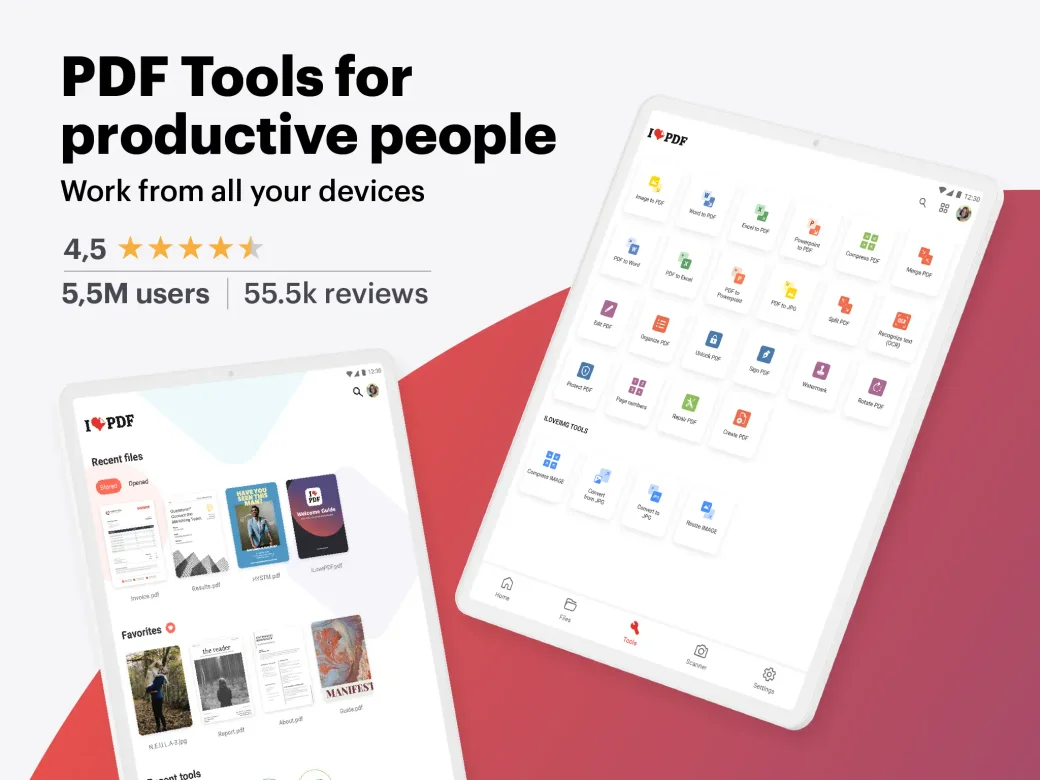
PDF Tools. Sign, edit and convert PDF
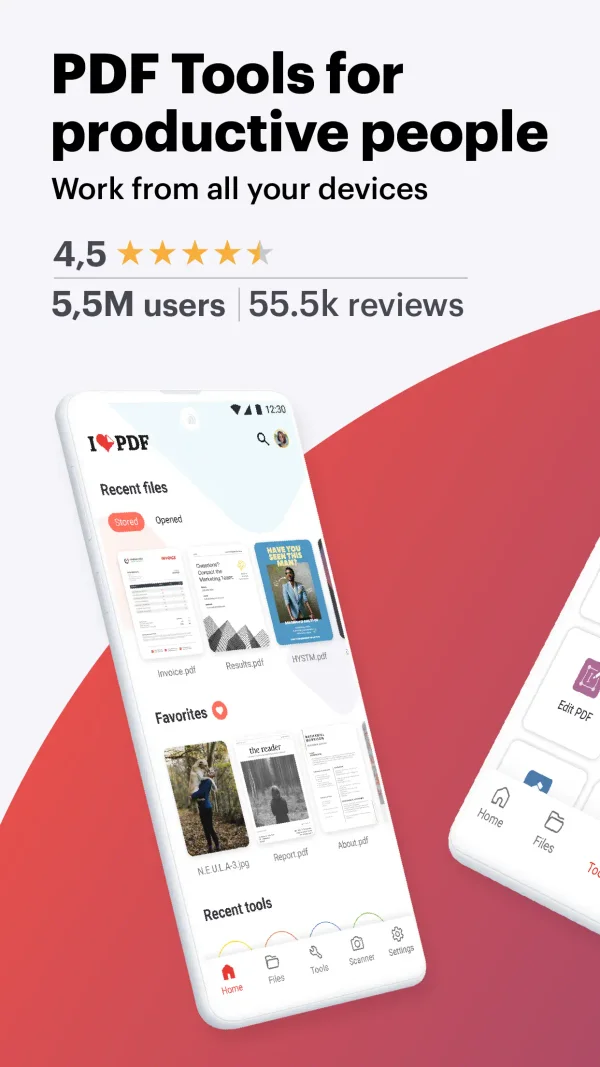
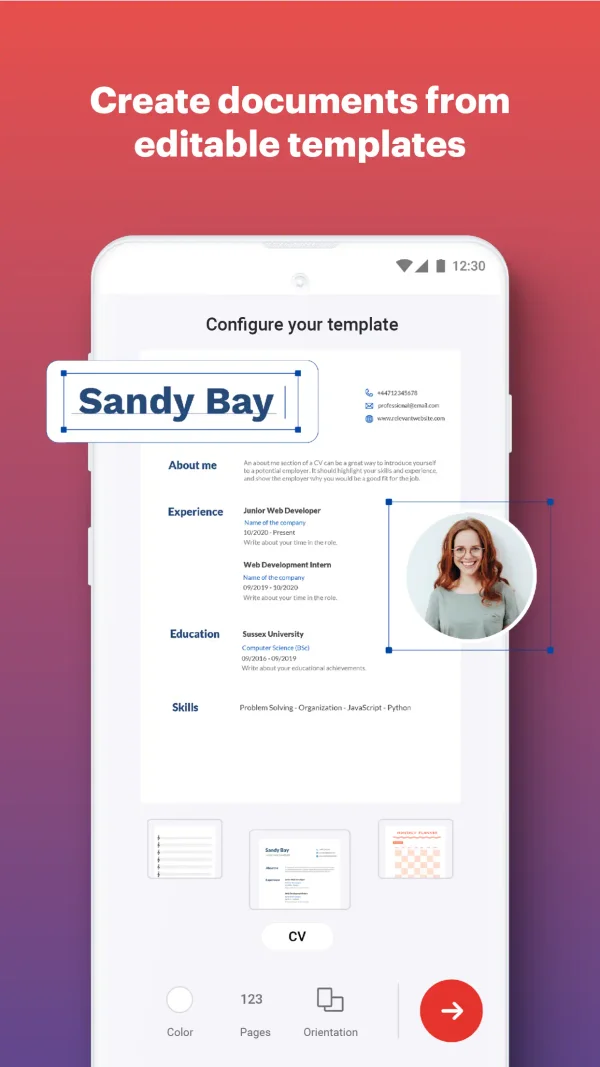
iLovePDF brings document management into one place, so you can get the job done completely paperless from your Android smartphone and tablet.
Read, convert, annotate, and sign PDF in just a few seconds with this handy document scanner and editor. Boost your productivity with every tool you need to work on the go!
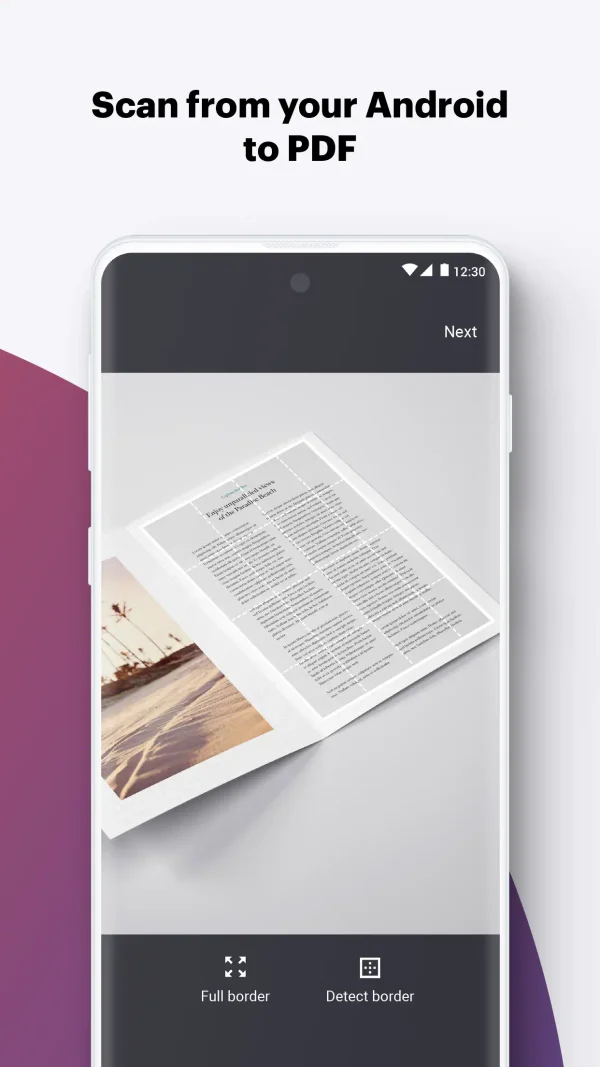
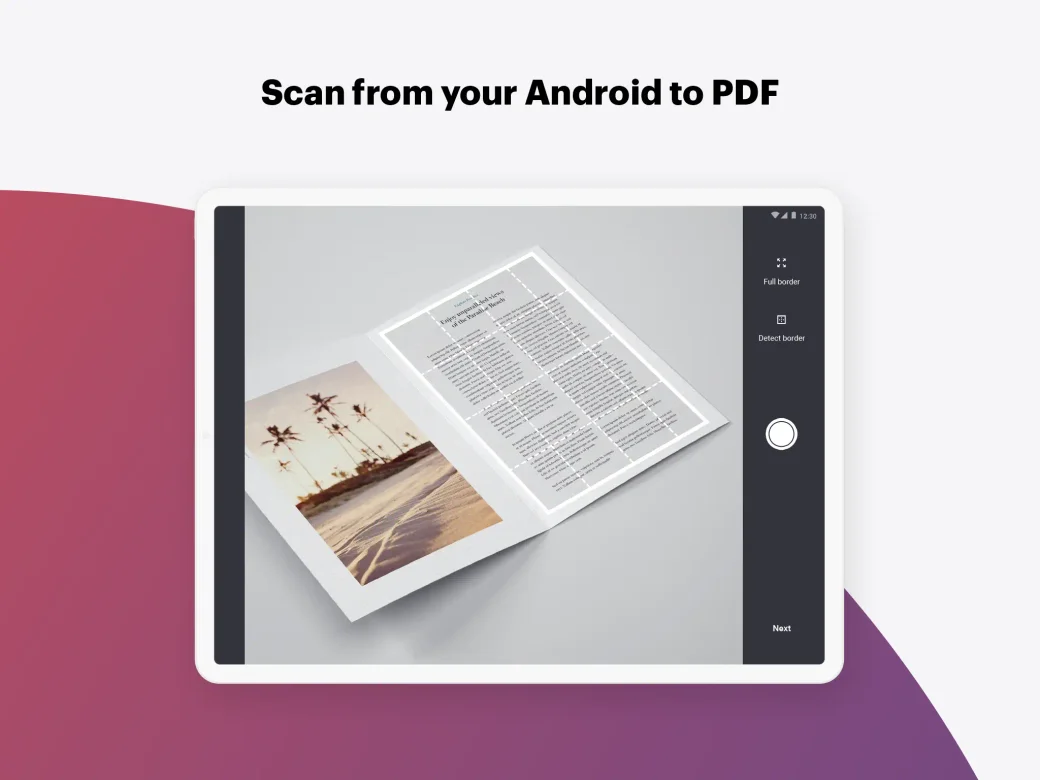
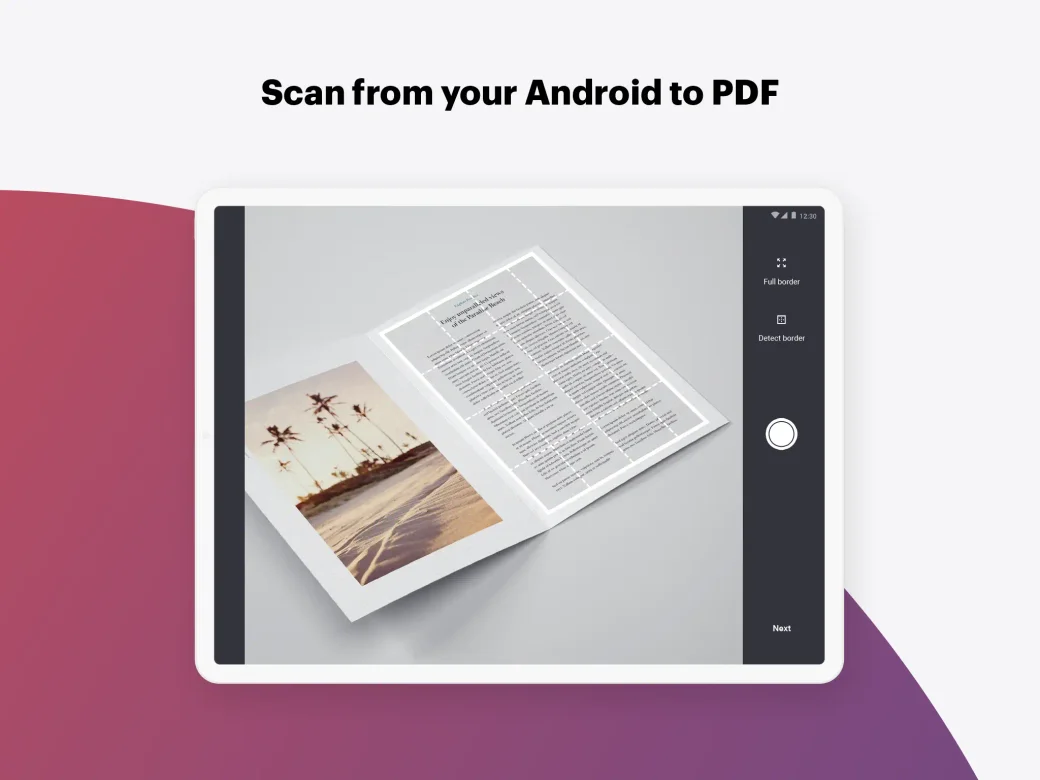
• Smartphone and Tablet Scanner: Snap a photo of anything and save it to PDF. Multipage PDF option available.
• Text recognition (OCR): Turn any scanned text or image into PDF with high accuracy.
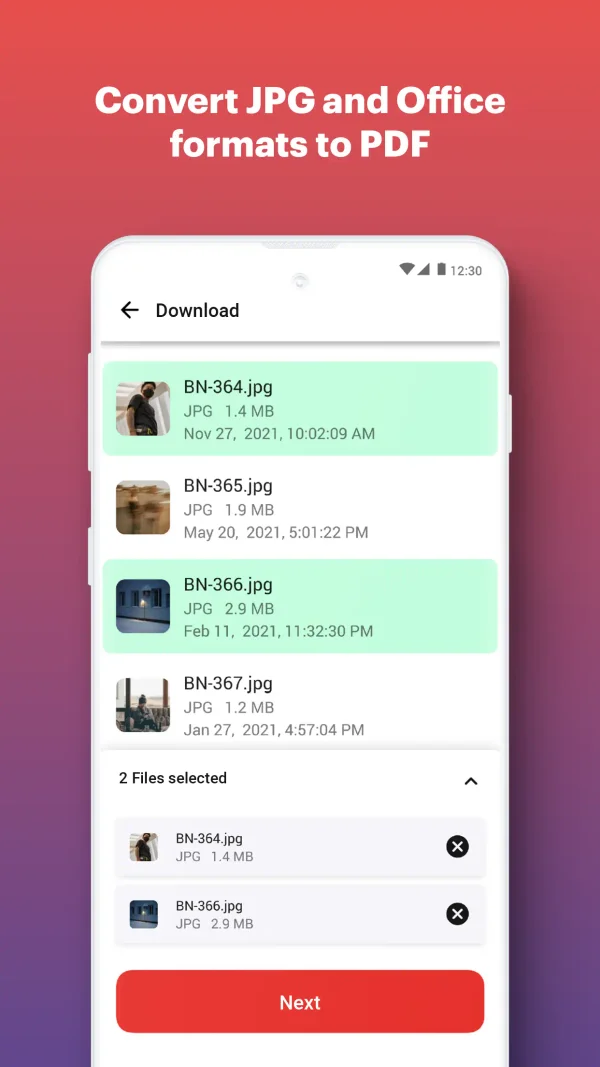
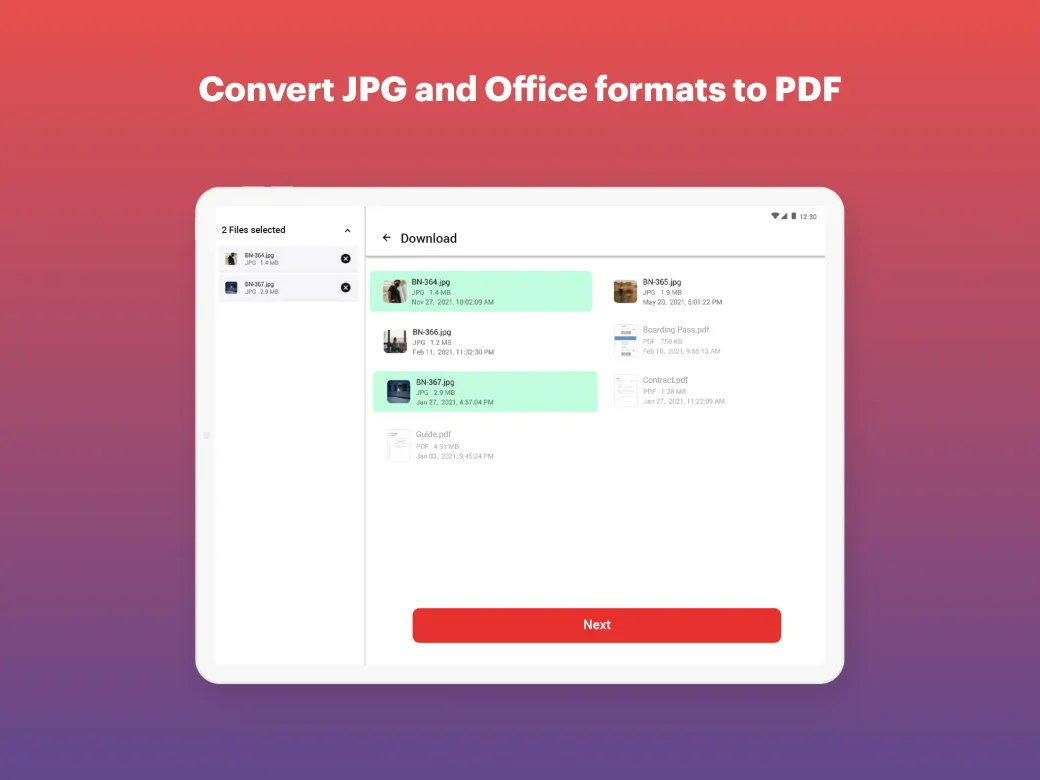
• JPG to PDF: Take a picture of a document and save it to PDF.
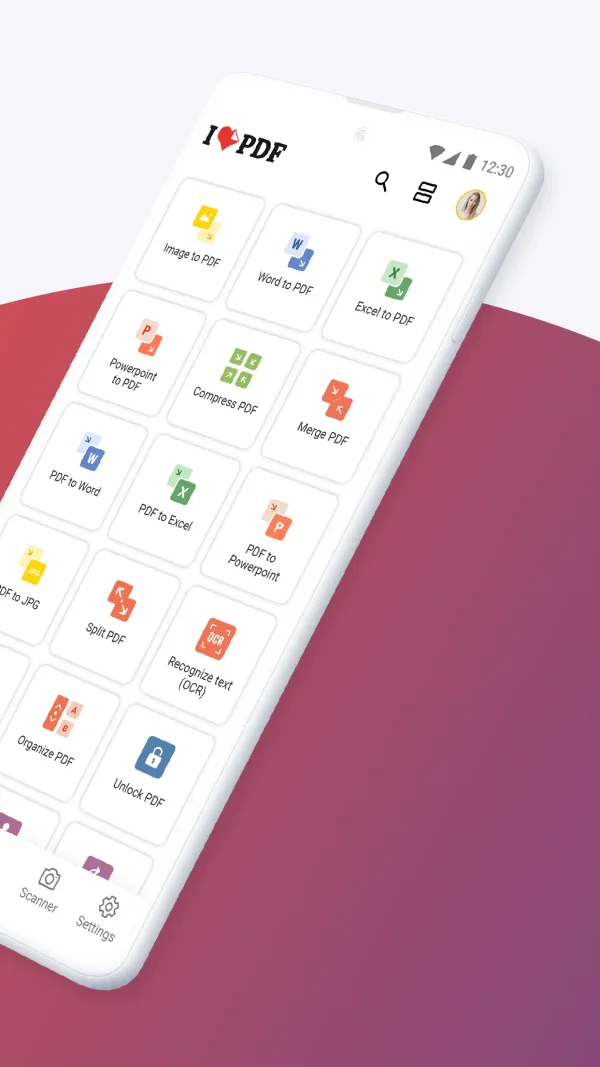
• MS Office Converter: Convert office documents to PDF files. Turn your PDF files into editable Office formats such as Word, Excel, Powerpoint.
• Extract images from PDF: Extract images from your PDF document with high quality. Convert your own images to single or multiple PDF files.
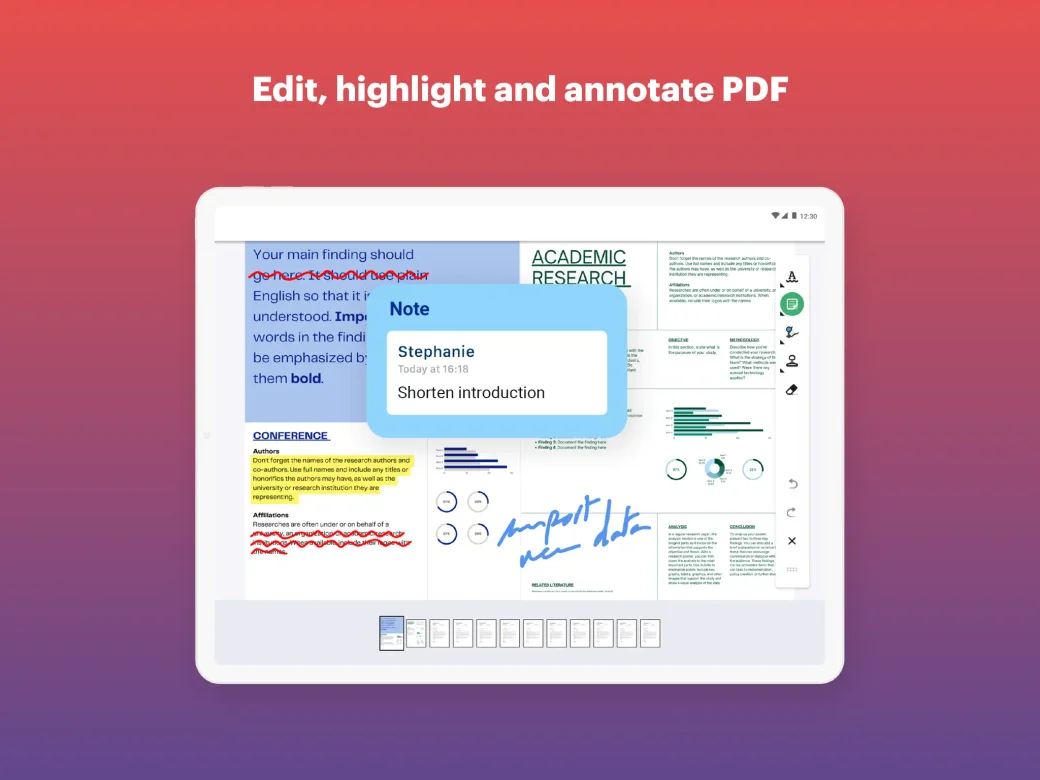
• Annotate PDF: Simply highlight the relevant text in your PDF. Add notes and annotations to PDF documents, leave comments, draw or insert images to PDF. Choose your format of annotation.
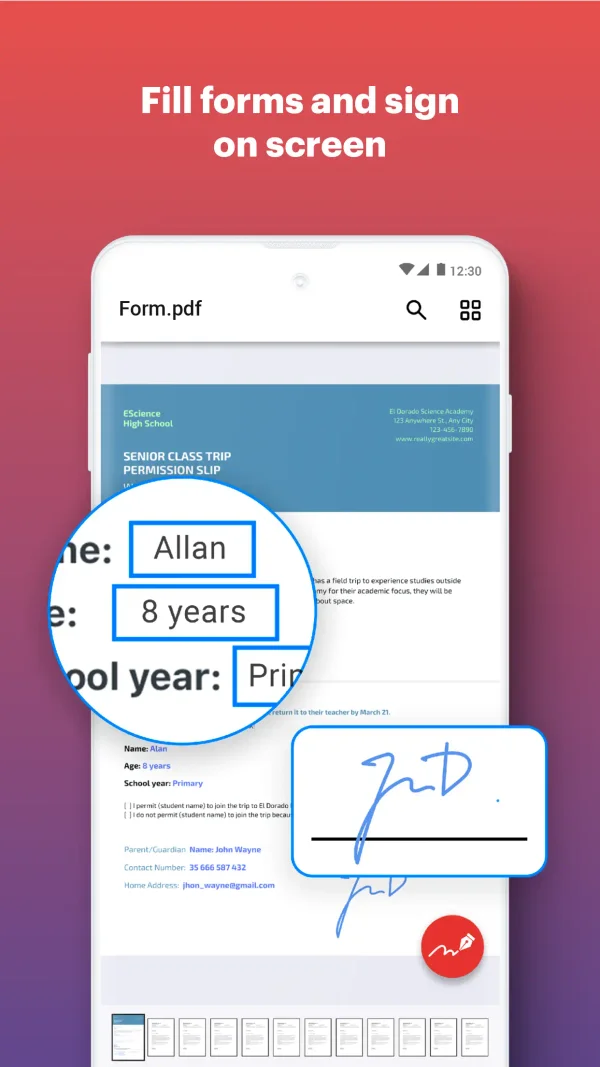
• Fill and sign forms: Quickly fill out a PDF form by typing text and e-sign it using your finger.
• PDF Reader: View, edit and modify PDF files stored on your device whenever you need.
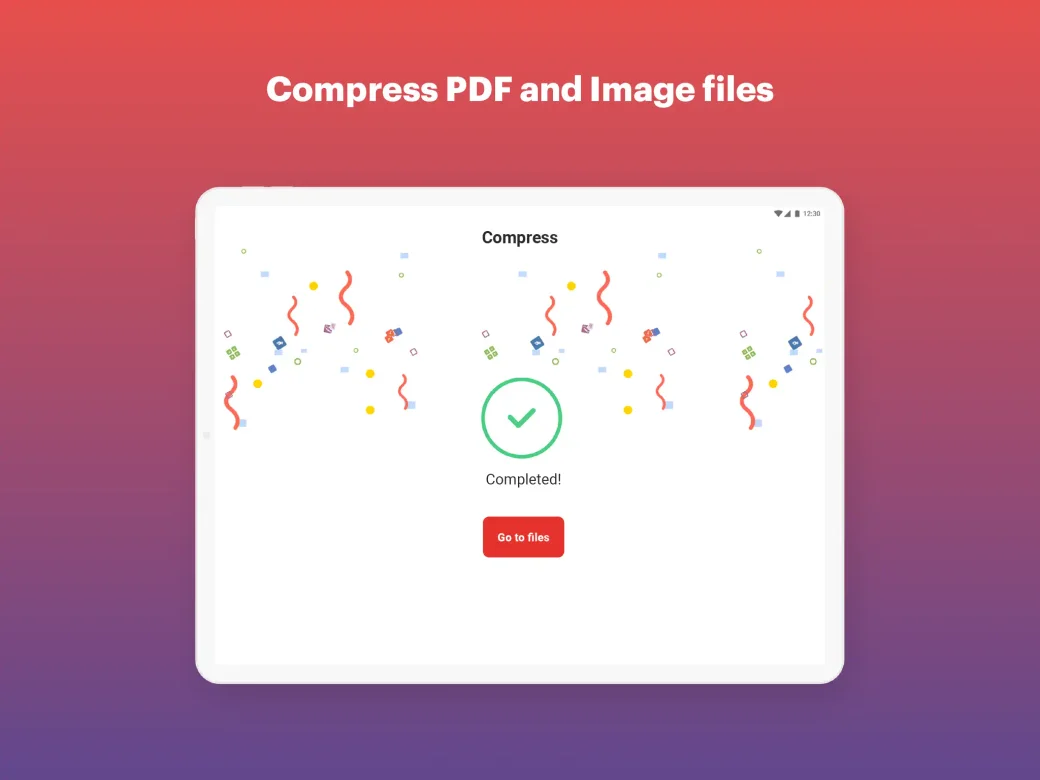
• Compress PDF: Reduce the filesize of your document while keeping visual quality.
• Merge PDF: Combine multiple documents into a single PDF file.
• Split PDF: Split PDF pages or extract pages to multiple PDF documents with high quality.
• Rotate PDF: Rotate specific PDF pages and adjust their fit within your document.
• PDF Protection: Remove or add PDF passwords.
• Add page numbers to PDF: Customize your PDF files. Choose position, typography, and size of your page numbers.
• Watermark PDF: Choose an image or a text and add it to your PDF document. Select position, transparency or typography for the best result.
Upgrade to Premium and work with your favorite PDF tools, unlimited. iLovePDF Premium is available for purchase via an auto-renewable subscription as follows:
• Annual or monthly subscription available.
• Payment will be charged to Google Play Store at confirmation of purchase.
• Account will be charged for renewal within 24-hours prior to the end of the current period.
• Subscriptions may be managed and discontinued by the user.
Terms of use: https://www.ilovepdf.com/help/terms
Privacy Policy: https://www.ilovepdf.com/help/privacy
Read, convert, annotate, and sign PDF in just a few seconds with this handy document scanner and editor. Boost your productivity with every tool you need to work on the go!
PHONE SCANNER
• Smartphone and Tablet Scanner: Snap a photo of anything and save it to PDF. Multipage PDF option available.
• Text recognition (OCR): Turn any scanned text or image into PDF with high accuracy.
PDF CONVERTER
• JPG to PDF: Take a picture of a document and save it to PDF.
• MS Office Converter: Convert office documents to PDF files. Turn your PDF files into editable Office formats such as Word, Excel, Powerpoint.
• Extract images from PDF: Extract images from your PDF document with high quality. Convert your own images to single or multiple PDF files.
PDF EDITOR
• Annotate PDF: Simply highlight the relevant text in your PDF. Add notes and annotations to PDF documents, leave comments, draw or insert images to PDF. Choose your format of annotation.
• Fill and sign forms: Quickly fill out a PDF form by typing text and e-sign it using your finger.
• PDF Reader: View, edit and modify PDF files stored on your device whenever you need.
OPTIMIZE, ORGANIZE AND PROTECT DOCUMENTS
• Compress PDF: Reduce the filesize of your document while keeping visual quality.
• Merge PDF: Combine multiple documents into a single PDF file.
• Split PDF: Split PDF pages or extract pages to multiple PDF documents with high quality.
• Rotate PDF: Rotate specific PDF pages and adjust their fit within your document.
• PDF Protection: Remove or add PDF passwords.
• Add page numbers to PDF: Customize your PDF files. Choose position, typography, and size of your page numbers.
• Watermark PDF: Choose an image or a text and add it to your PDF document. Select position, transparency or typography for the best result.
Upgrade to Premium and work with your favorite PDF tools, unlimited. iLovePDF Premium is available for purchase via an auto-renewable subscription as follows:
• Annual or monthly subscription available.
• Payment will be charged to Google Play Store at confirmation of purchase.
• Account will be charged for renewal within 24-hours prior to the end of the current period.
• Subscriptions may be managed and discontinued by the user.
Terms of use: https://www.ilovepdf.com/help/terms
Privacy Policy: https://www.ilovepdf.com/help/privacy
Data safety
What iLovePDF declares on Google Play about the data this app collects and shares.
- No data shared with third partiesLearn more about how developers declare sharing
- This app may collect these data typesPersonal info, App activity, and App info and performance
- Data is encrypted in transit
- You can request that data be deleted
What’s new
Version 4.3.0 · Nov 20, 2026
Your favorite tools, now easier to find. Plus smoother signing and new image edits.
• Sign PDF: a new signature screen with a better brush for smooth, natural signatures.
Enjoying the update? We\'d love a review.
Developer contact
- Websiteilovepdf.com
- Emailinfo@ilovepdf.com
- Privacy policyilovepdf.com
- AddressCarrer de Sabino Arana, 60 08028 Barcelona Spain
Information
- Offered by
- iLovePDF
- Category
- Productivity
- Version
- 4.3.0
- Updated
- Nov 20, 2026
- Released
- Nov 23, 2017
- Requires
- Android 8.0 or later
- Age rating
- Everyone
- Price
- Free
- In-app purchases
- $5.99 - $46.99 per item
- Package name
- com.ilovepdf.www
Similar apps
-
 Google Docs
Productivity
-
 Microsoft Word: Edit Documents
Productivity
-
 WPS Office-PDF, Word, Sheet
Productivity
-
 Microsoft PowerPoint
Productivity
-
 PDF, Word, Excel, All Offices
Tools
-
 ACE Scanner - PDF Scanner App
Productivity
-
 Clear Scan - PDF Scanner App
Business
-
 CamScanner- scanner, PDF maker
Productivity
-
 DOCX Editor: PDF, DOC, XLSX
Productivity
-
 Image to PDF - PDF Maker
Productivity
-
 PDF Reader: Create & Share PDF
Tools
-
 Office Reader - PDF,Word,Excel
Productivity