Microsoft PowerPoint
Microsoft CorporationIn-app purchases
- EveryoneAge rating
- ProductivityCategory
- Nov 19, 2026Updated
- FreePrice
Links to the official Google Play listing of com.microsoft.office.powerpoint. Last checked on Nov 20, 2026.

Screenshots
About this app
Create, edit, and present slides anywhere with PowerPoint.
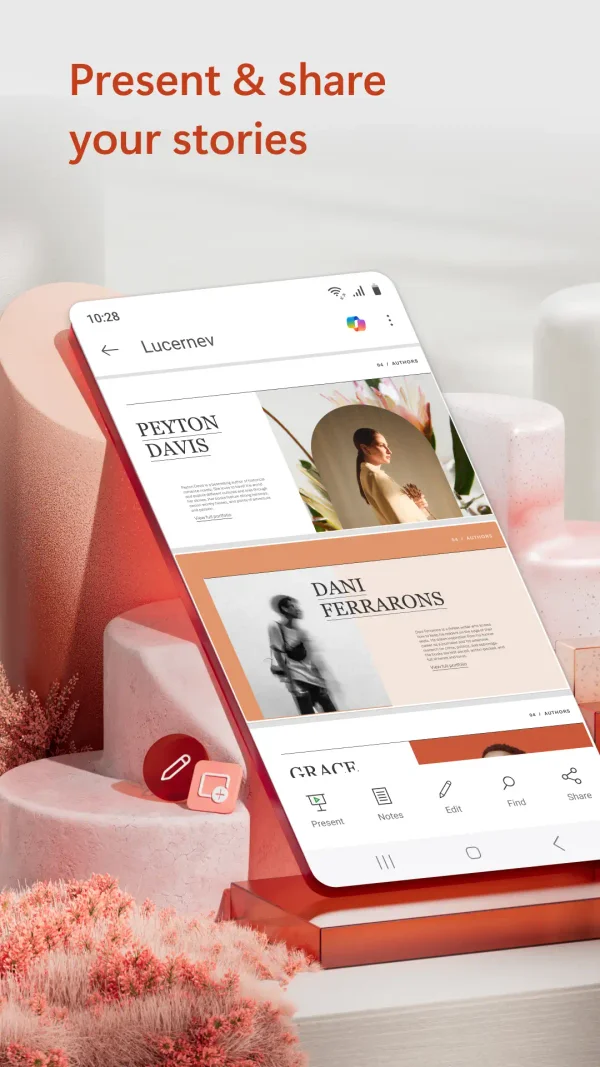
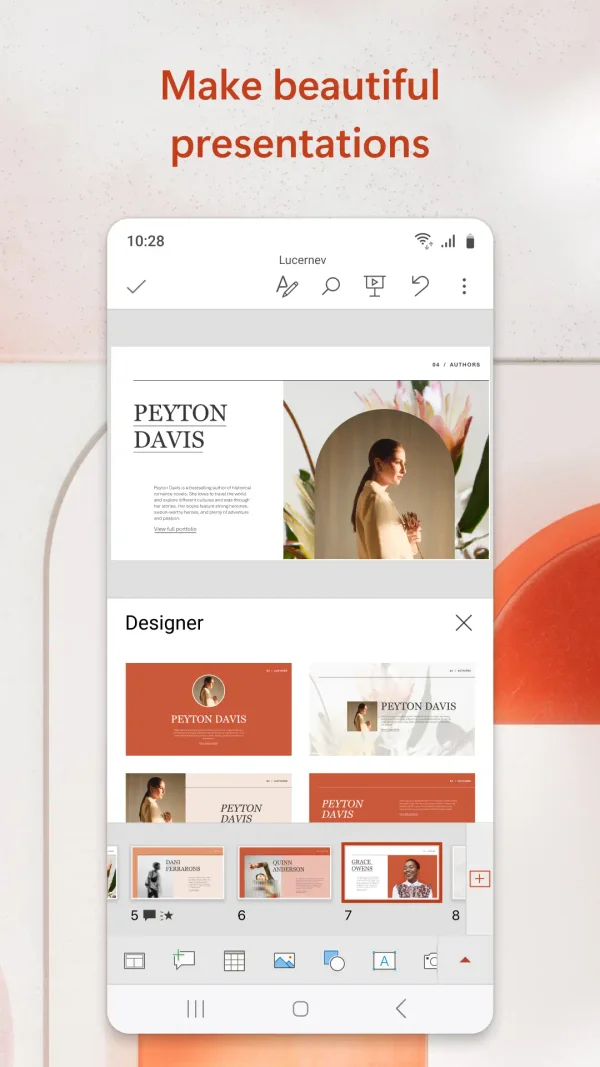
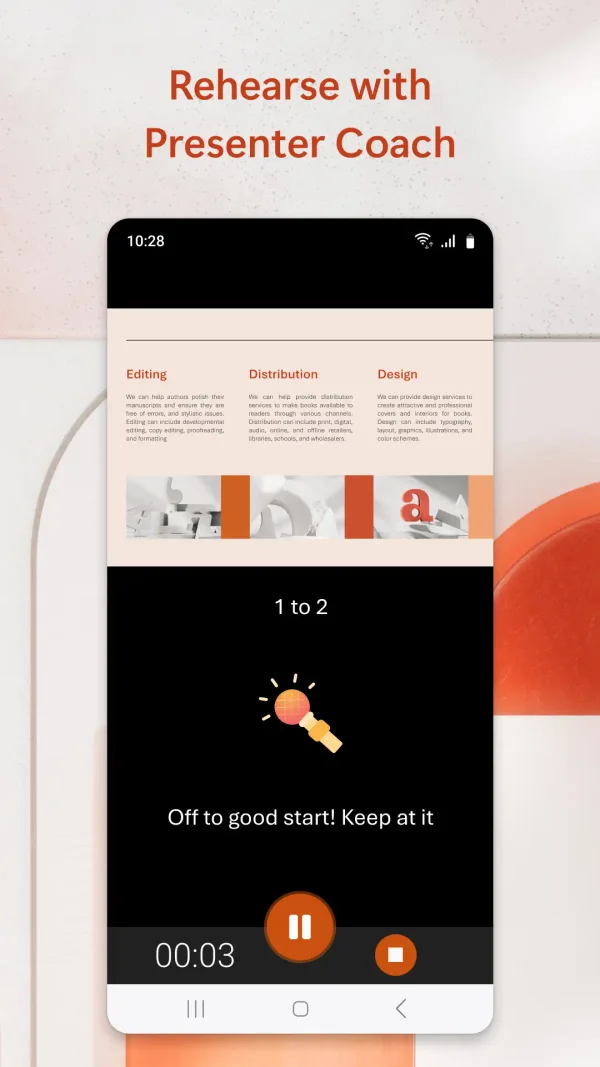
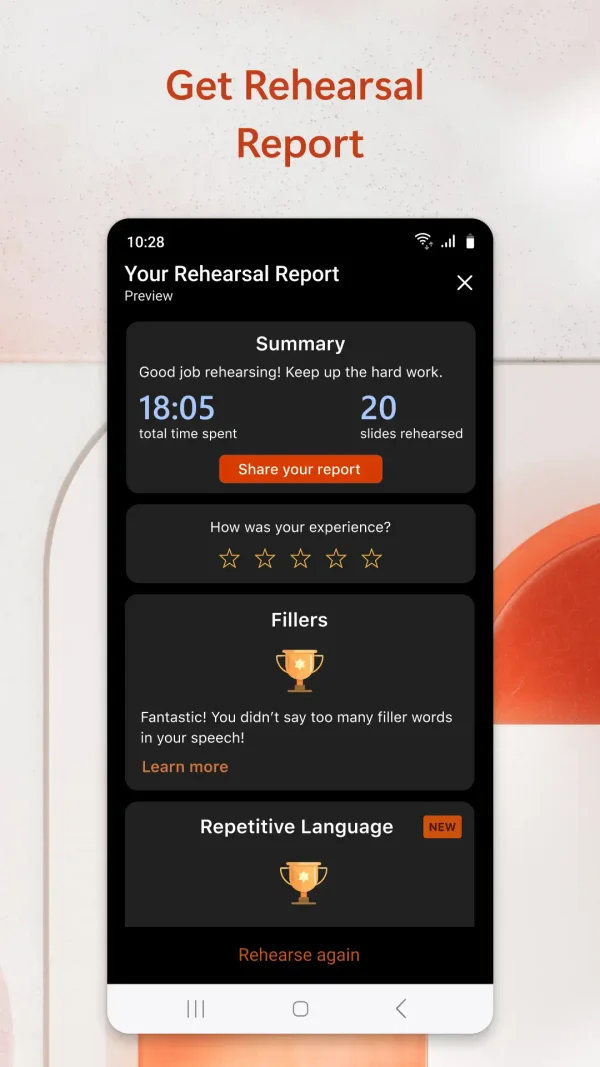
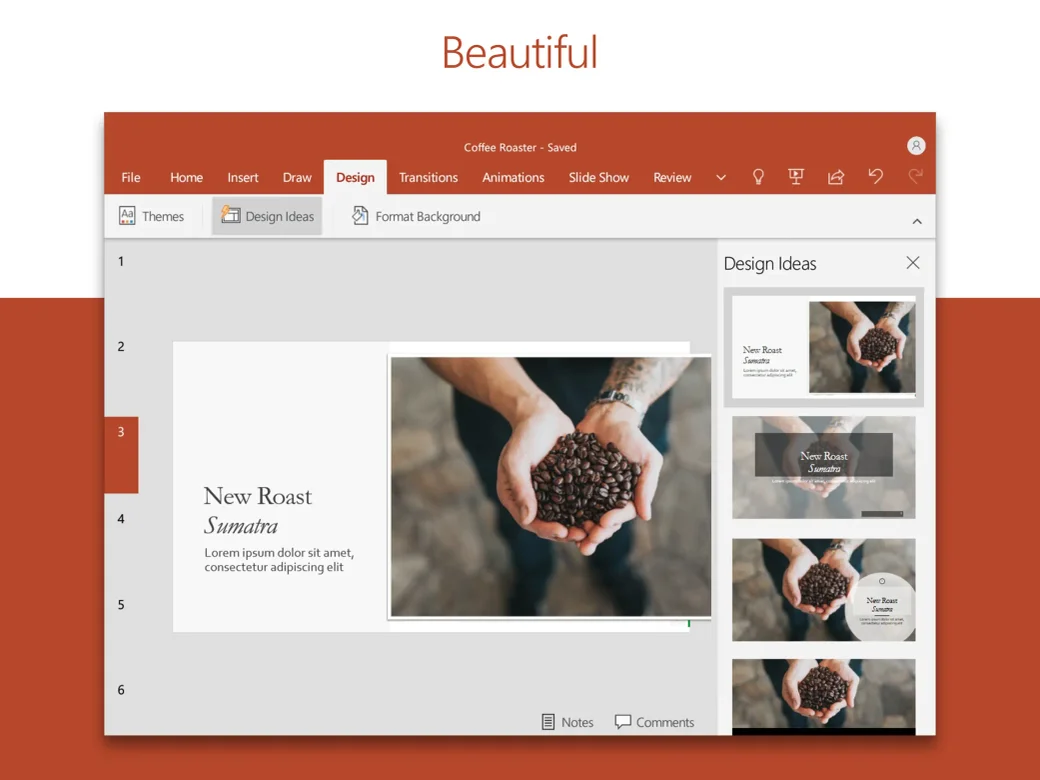
Make an impact with customisable, professional-looking slides. Use templates and design ideas to create polished presentations in minutes. Present confidently with Presenter Coach, an AI tool that offers real time suggestions on pacing, filler words and delivery. (Microsoft 365 subscription required.)
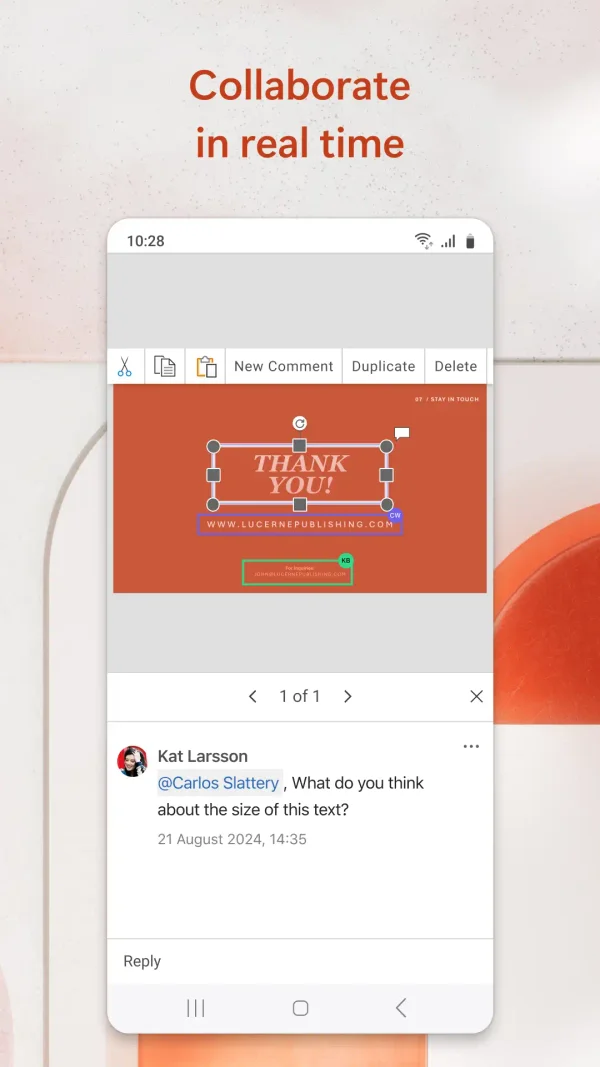
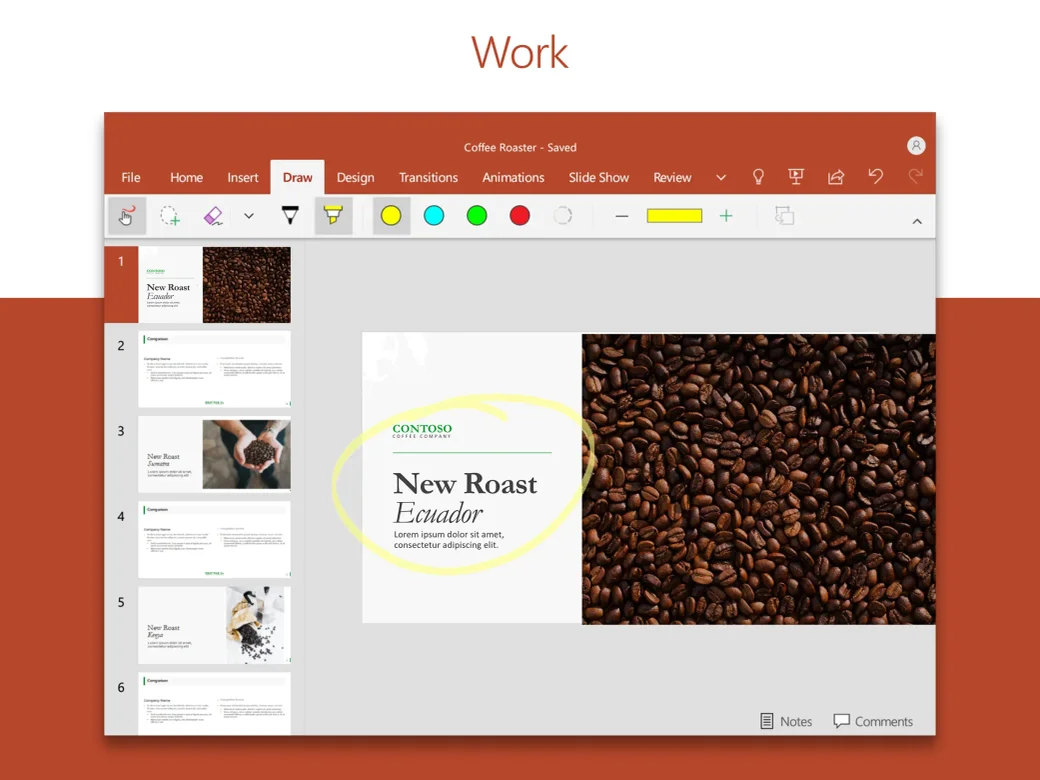
Collaborate easily by sharing presentations and working with others in real time. Manage permissions, track changes and see feedback directly within your slides.
Get more done with Copilot – your built in AI assistant for PowerPoint.*
• Summarise lengthy presentation decks
• Get suggested Q&As to prep for meetings
• Research a topic using Copilot Chat
Present with Confidence
• Create new presentations or edit existing ones on the go
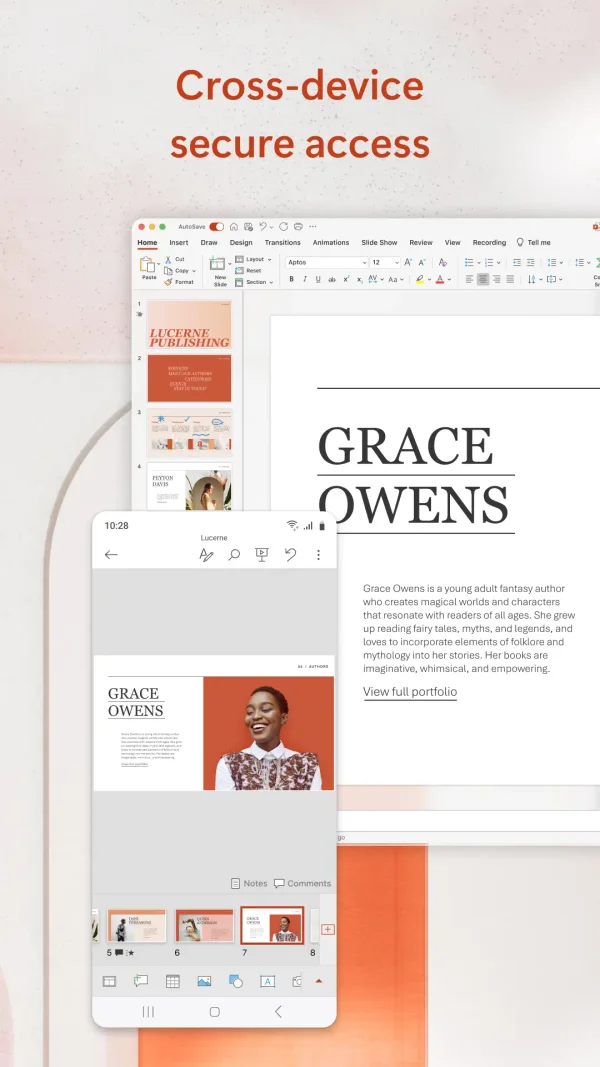
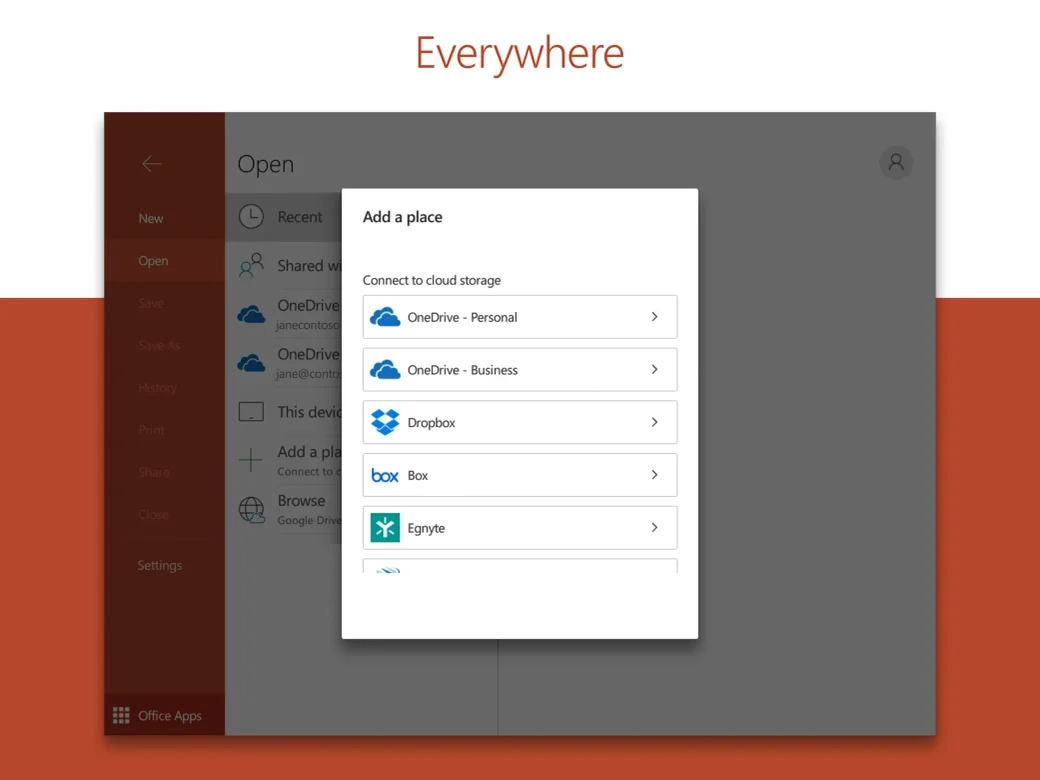
• Sync via OneDrive to keep your work consistent across devices
• Practice with Presenter Coach for personalised feedback
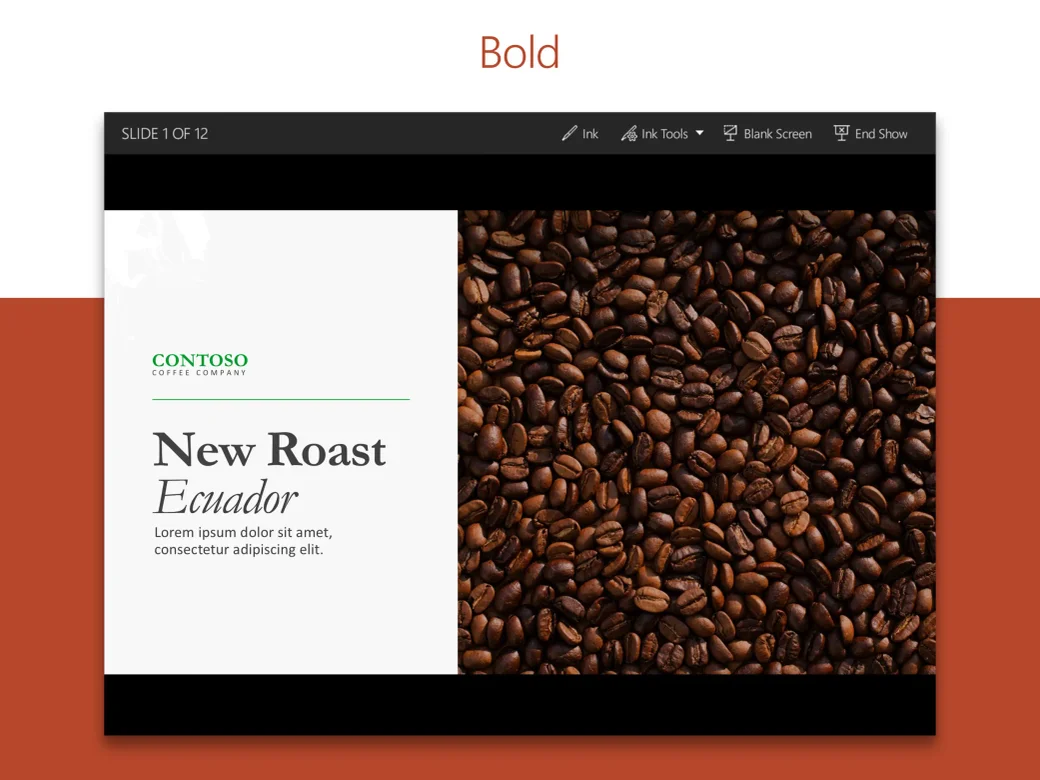
Customisable Slideshow Maker
• Start from templates or build slides from scratch
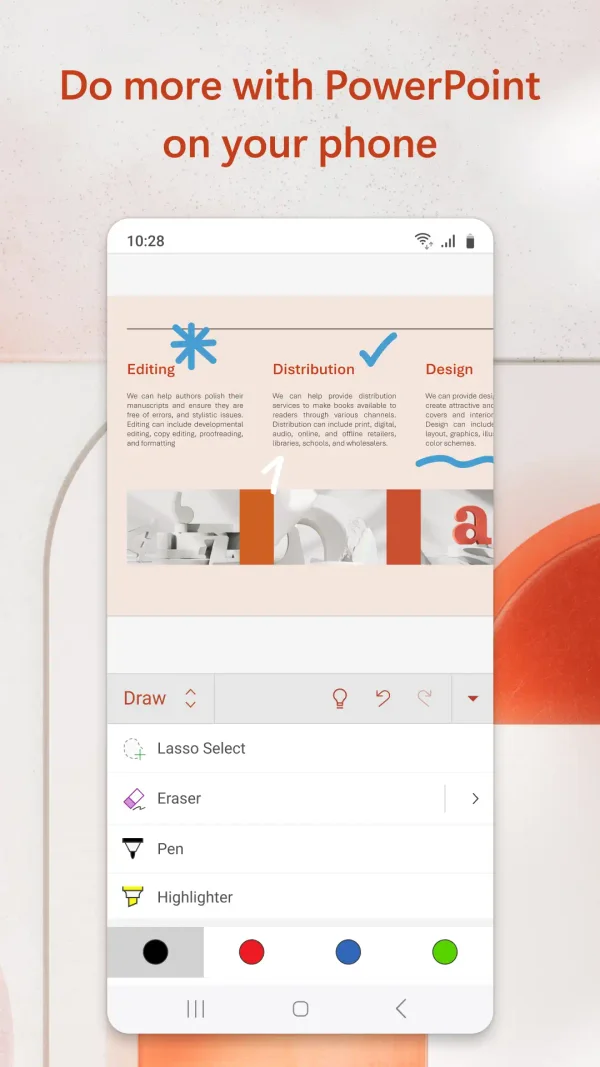
• Use powerful editing tools to create standout presentations
Real Time Collaboration
• Share with one tap to invite others to edit or review
• See who’s working in your deck and track comments and revisions
• Compare changes over time
Requirements
• 1 GB RAM or above
*Unlock the full Microsoft 365 experience with a qualifying subscription for your phone, tablet, PC or Mac.
Microsoft 365 subscriptions purchased through the app are billed to your Play Store account and auto renew unless turned off in account settings. Subscriptions cannot be cancelled during the active period.
This app may be provided by Microsoft or a third party publisher and is subject to its own privacy statement and terms. Data may be transferred to or stored in the United States or other regions where Microsoft or its affiliates operate.
EULA: http://aka.ms/eula
Data safety
What Microsoft Corporation declares on Google Play about the data this app collects and shares.
- This app may share these data types with third partiesLocation and Device or other IDs
- This app may collect these data typesLocation, Personal info and 7 others
- Data is encrypted in transit
- You can request that data be deleted
What’s new
Nov 19, 2026
Thank you for using PowerPoint.
We regularly release updates to the app, which include great new features, as well as improvements for speed and reliability.
Did you know that with a Microsoft 365 subscription, you can unlock the full power of Office across all of your devices? Find special offers in the app.
Developer contact
- Websiteproducts.office.com
- Emailofficeand@microsoft.com
- Privacy policygo.microsoft.com
- Address1 Microsoft Way Redmond, WA 98052 United States
Information
- Offered by
- Microsoft Corporation
- Category
- Productivity
- Updated
- Nov 19, 2026
- Released
- Jan 6, 2015
- Age rating
- Everyone
- Price
- Free
- In-app purchases
- $0.99 - $199.99 per item
- Package name
- com.microsoft.office.powerpoint
Similar apps
-
 Acrobat Reader: PDF Converter
Productivity
-
 Microsoft Outlook
Productivity
-
 Google Slides
Productivity
-
 Google Docs
Productivity
-
 Microsoft Teams
Business
-
 Samsung Notes
Productivity
-
 Microsoft OneDrive
Productivity
-
 Microsoft Edge
Communication
-
 Microsoft Excel: Spreadsheets
Productivity
-
 Microsoft OneNote: Save Notes
Productivity
-
 PDF Reader - PDF Editor
Productivity
-
 Google Drive
Productivity