DrawNote: Drawing Notepad Memo
Huang ZiweiIn-app purchases
- EveryoneAge rating
- ProductivityCategory
- Nov 16, 2026Updated
- FreePrice
Links to the official Google Play listing of com.dragonnest.drawnote. Last checked on Nov 25, 2026.
Screenshots
About this app
All-in-one notepad for notes, memo, todo list, mind mapping, sketch, drawing.
DrawNote is a feature-rich all-in-one notebook & notepad that integrates note-taking, mind mapping, to-do list, handwriting, sketching, drawing and painting. Whether you're a student, teacher, artist, designer, engineer, or someone else, DrawNote offers powerful tools designed to spark your imagination and creativity.
⭐ Infinite Canvas - Create Infinite Possibilities
• DrawNote has an infinite canvas, allowing your imagination and creativity to be fully utilized.
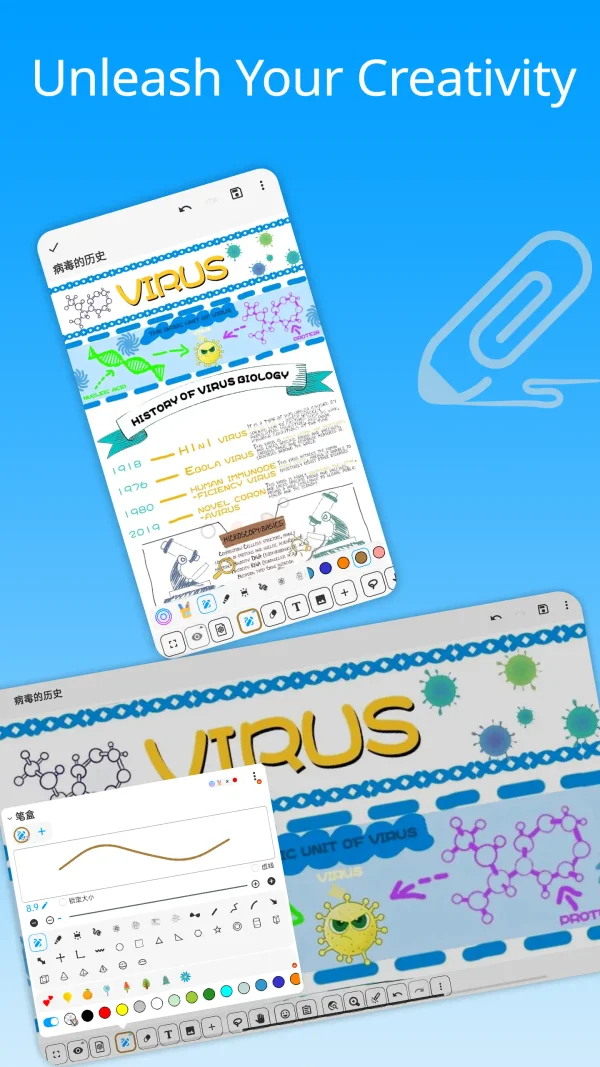
• Using the flexible canvas, you can place text, pictures, recordings, tables, mind maps and other content arbitrarily.
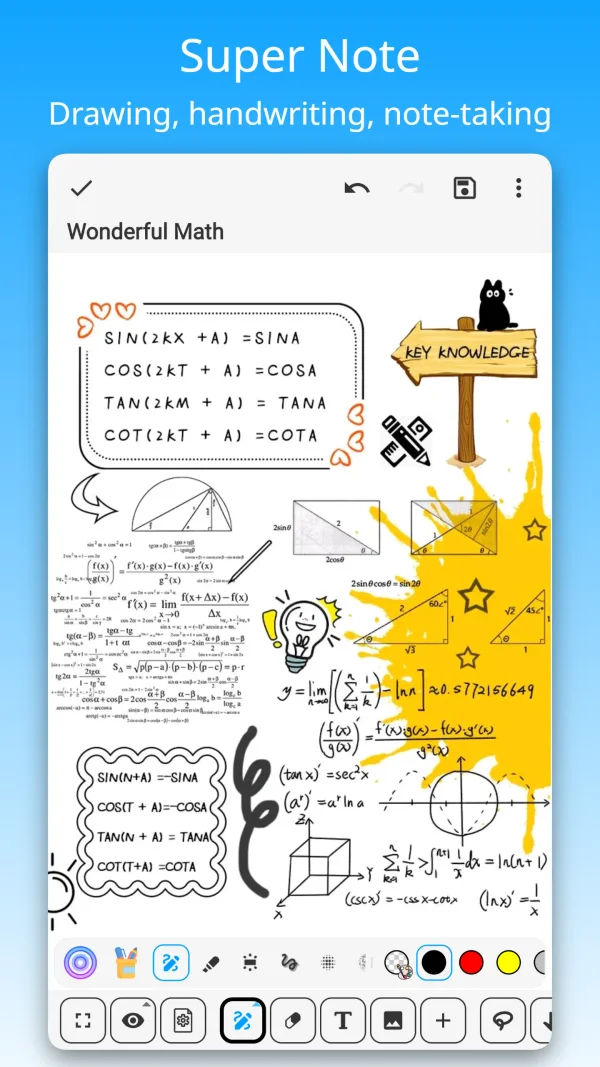
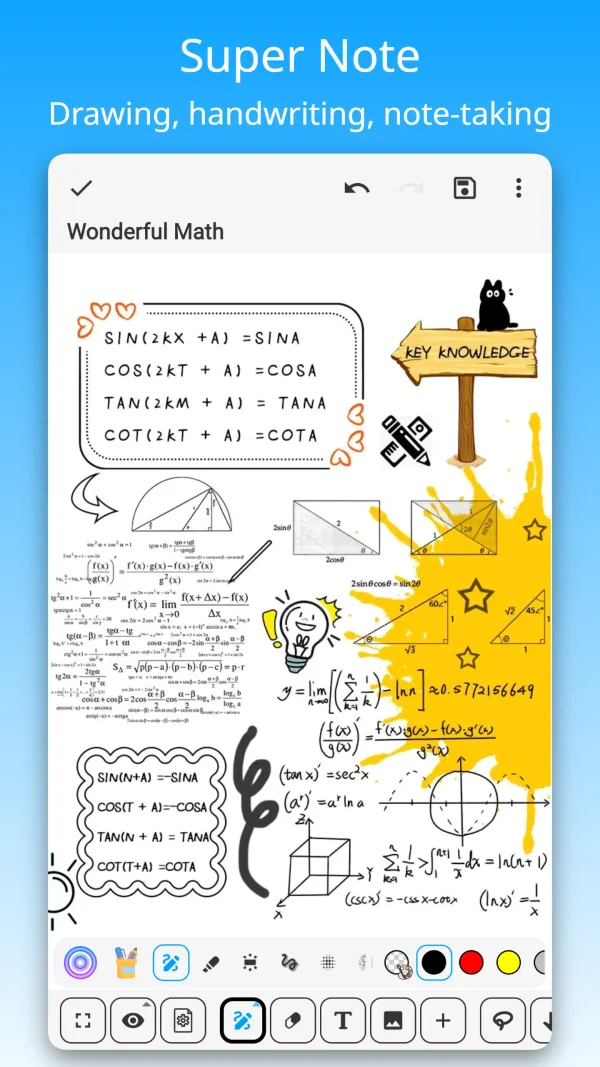
• You can sketch, draw and paint on the notepad and whiteboard with your finger or stylus. Writing, drawing diagrams and annotating content as freely as on paper.
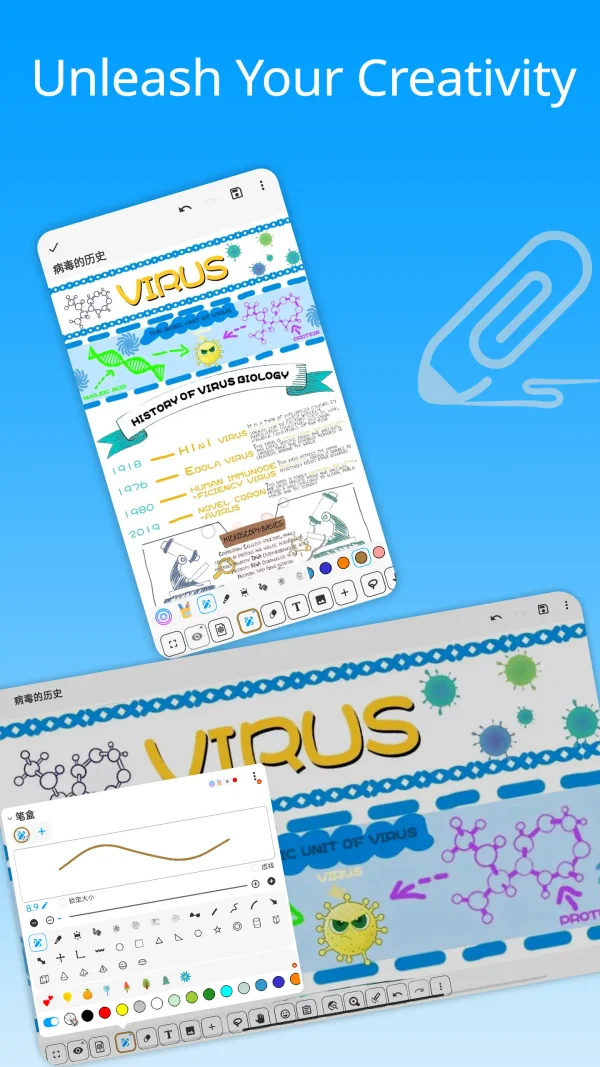
• Abundant stickers make your notes more lively and interesting.
⭐ Various note types
• There are a variety of note types for notes, including Super Note, Text Note and Mind Mapping, to meet different usage scenarios.
• Super Note combines handwriting, drawing, text, picture, table, mind map and other elements to fully express your creativity and artistic talent.
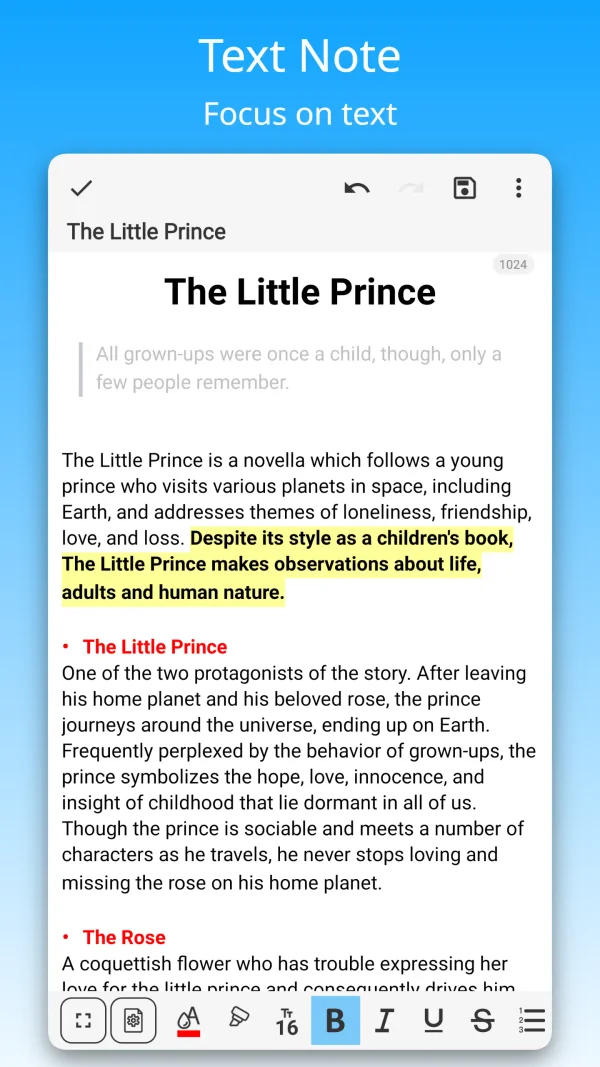
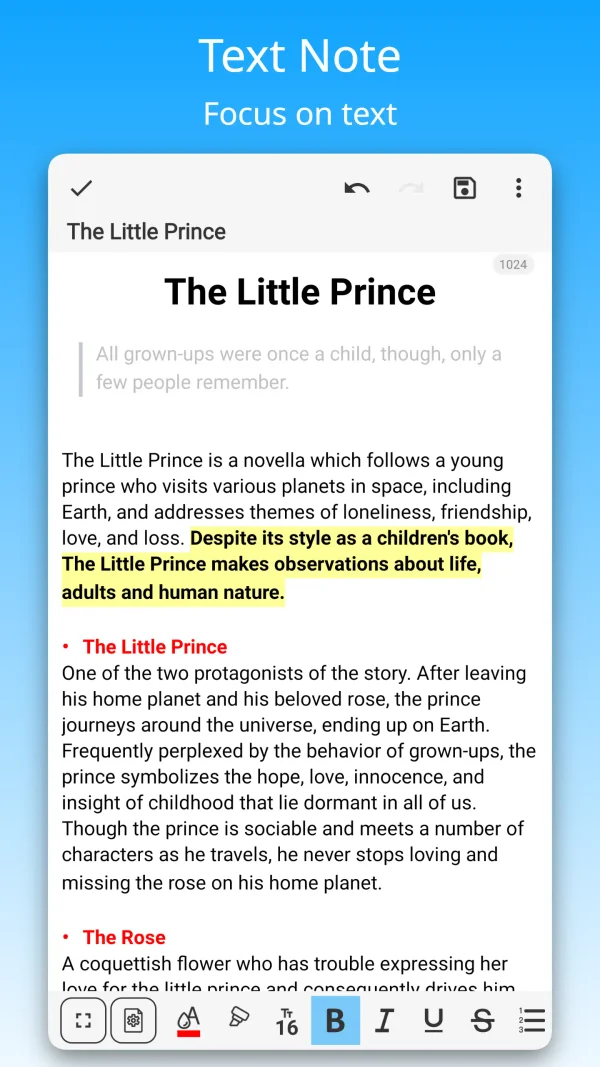
• Text Note focus on text. Support rich text settings, such as color, thickness, size and margin, etc.
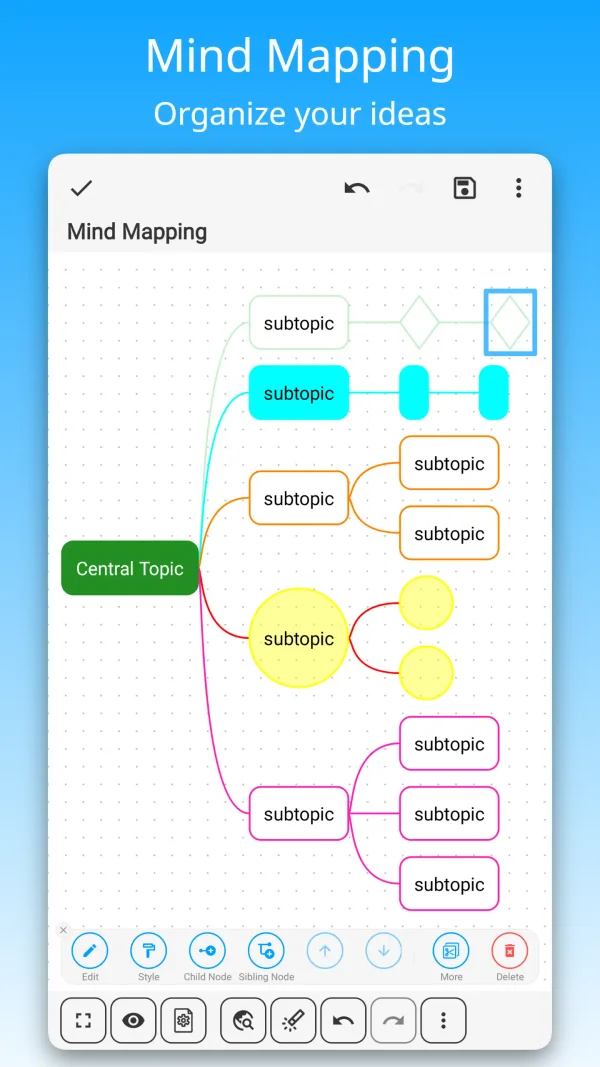
• Mind Mapping help you quickly record ideas and organize knowledge. You can freely choose styles, borders, colors and styles.
⭐ Easily manage notes and share
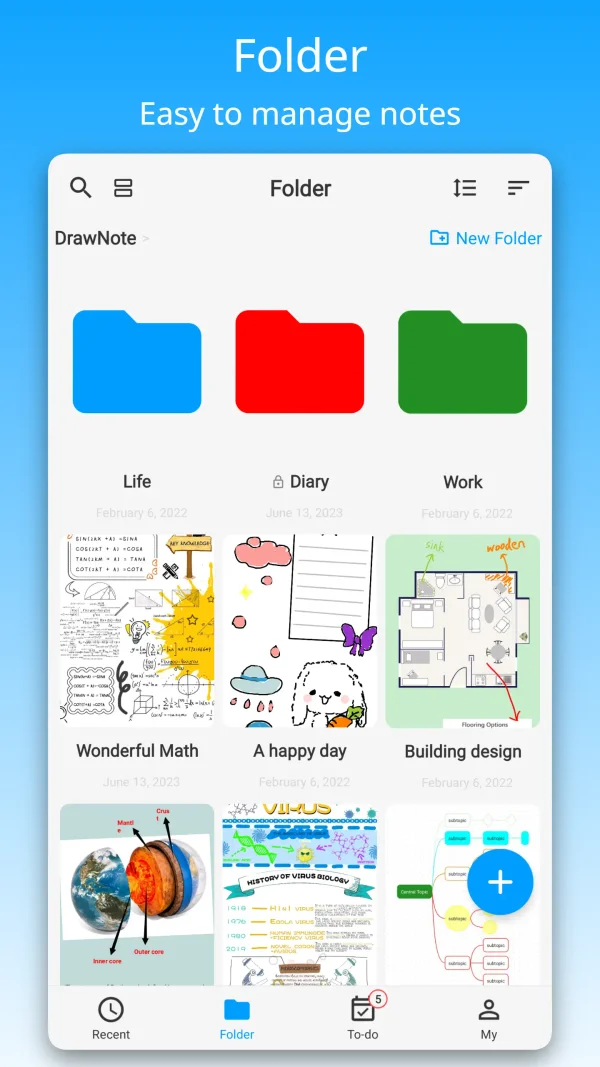
• Organize your work, study and personal life by managing your notes with unlimited folders.
• You can sort notes by date, name, etc., and manually sort them.
• Supports exporting notes in the notebook as high-quality pictures for easy sharing with others.
• Use DrawNote as a notebook, journal or notepad. Access, organize and share your notes anytime, anywhere.
⭐ Efficiently manage to-do list
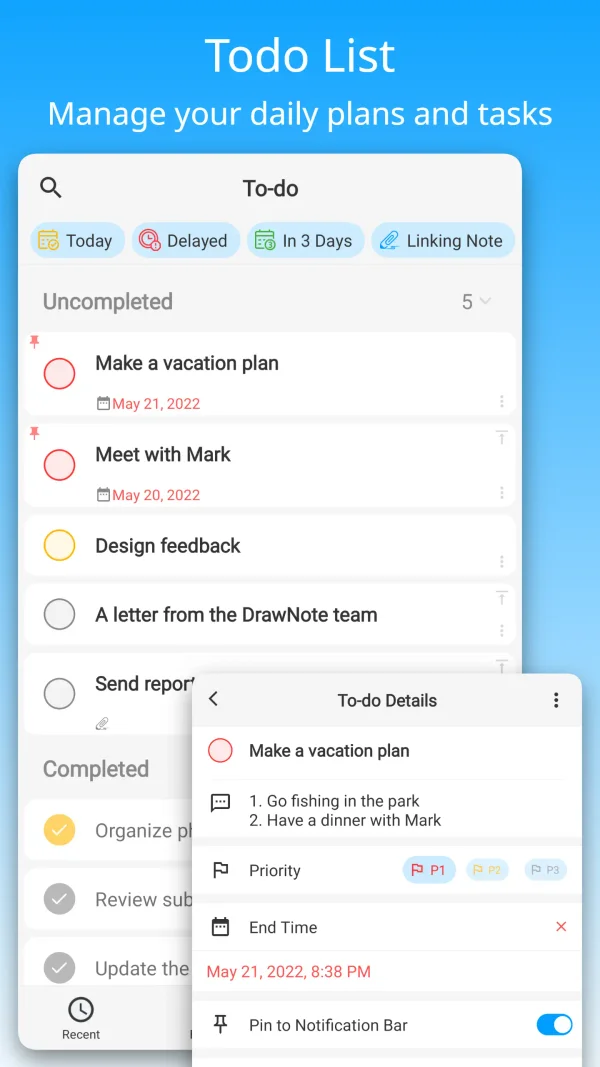
• Create to-dos in DrawNote to make sure you never miss something important.
• Set the priority and end time for the to-do items, and pin the to-do items to the system notification bar.
• Use the notepad to manage your daily plans and tasks.
⭐ Data security and privacy protection
• Cloud backup via Google Drive, turn on the auto backup option to ensure that your data will not be lost.
• Set passwords for specific notes and folders to fully protect your privacy.
⭐ Other Features
• DrawNote can be used as a digital whiteboard and notepad. The markup function helps you find important points and attract attention, which is very suitable for teaching and presentations.
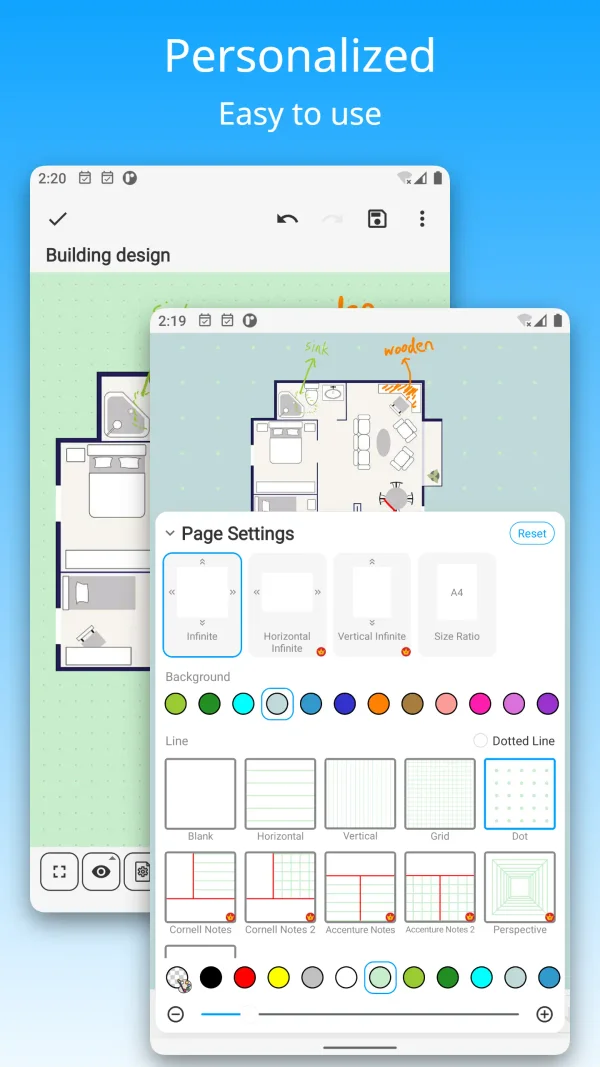
• Support dark mode and switch different theme colors according to personal preference and mood.
• The user interface is simple and elegantly designed for ease of use. Of course, no ads.
DrawNote is a super notebook & notepad. It is the first choice for you to record study notes, make teaching materials, conceive creative ideas, manage task lists, write literary works, record personal moods, and even pursue artistic creation.
There are many more features waiting for you to discover! Download now to experience DrawNote APP and stimulate your creativity!
Have a beautiful day!
Data safety
What Huang Ziwei declares on Google Play about the data this app collects and shares.
- No data shared with third partiesLearn more about how developers declare sharing
- No data collectedLearn more about how developers declare collection
- Committed to follow the Play Families Policy
What’s new
Version 9.11.0 · Nov 16, 2026
1. Set how often to-do items repeat.
2. Add subtasks to to-do items.
3. Find and replace text in Super Notes and mind maps.
Developer contact
- Emaildragonnestapp@gmail.com
- Privacy policy1993hzw.github.io
- Address龙窝镇嶂下村委会新布村民小组21号 紫金县, 河源市, 广东省 China 517428
Information
- Offered by
- Huang Ziwei
- Category
- Productivity
- Version
- 9.11.0
- Updated
- Nov 16, 2026
- Released
- Dec 13, 2021
- Requires
- Android 5.0 or later
- Age rating
- Everyone
- Price
- Free
- In-app purchases
- $1.49 - $19.99 per item
- Package name
- com.dragonnest.drawnote
Similar apps
-
 Notepad - simple notes
Productivity
-
 Notes : Color Folders & To-dos
Productivity
-
 touchnotes: Notes & PDF
Productivity
-
 Lite Writer: Writing/Note/Memo
Productivity
-
 Notepad - Notes and Tasks
Productivity
-
 DrawPlan: Floor Plan Maker AI
Productivity
-
 EasyNotes: Notes, Memo & Lists
Productivity
-
 Huion Note : Easy note-taking
Productivity
-
 Jnotes: Note-Taking, AI, PDF
Productivity
-
 ArcSite
Productivity
-
 Orion Notes: Handwrite & PDFs
Productivity
-
 Tayasui Sketches
Art & Design