Merge Multiple PDF Files
TarrySoftContains ads · In-app purchases
- EveryoneAge rating
- ProductivityCategory
- Oct 30, 2026Updated
- FreePrice
Links to the official Google Play listing of com.pdfmergetool.mergepdf. Last checked on Nov 20, 2026.
Screenshots
About this app
Quickly merge multiple pdf files and make them one.
What is Merge Multiple PDF Files?
Bring separate PDF documents together in the order you need. This Android PDF merger and splitter combines files into one document, separates larger PDFs and helps you keep the results organised on your device.
Who is Merge Multiple PDF Files for?
It is for people putting reports, invoices, forms or study notes into a single file. Arrange related documents before sharing a project, or split a larger PDF when you want separate files rather than one long document.
What does Merge Multiple PDF Files do?
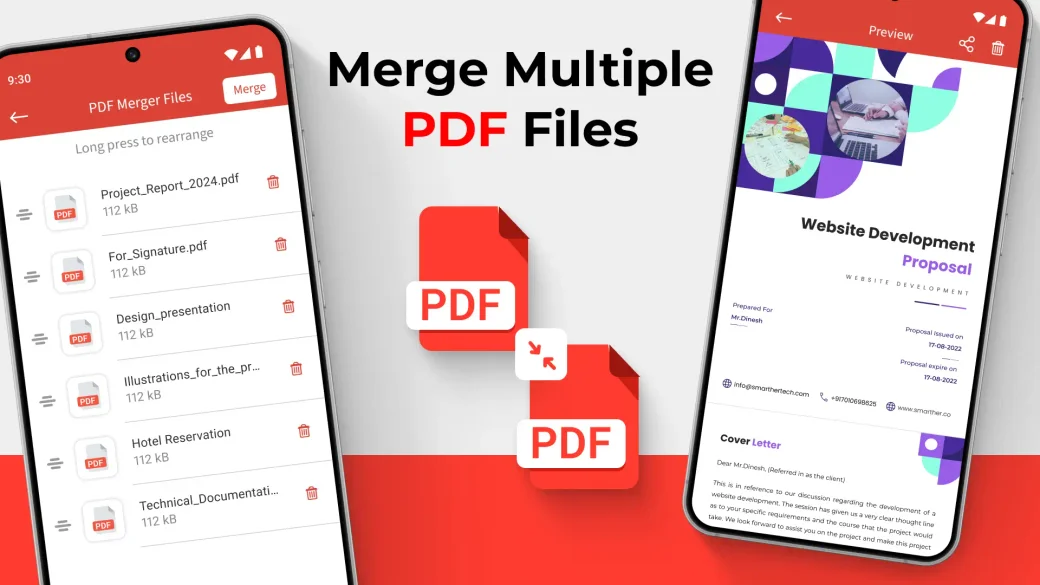
• 📄 Combine several PDF files into one document.
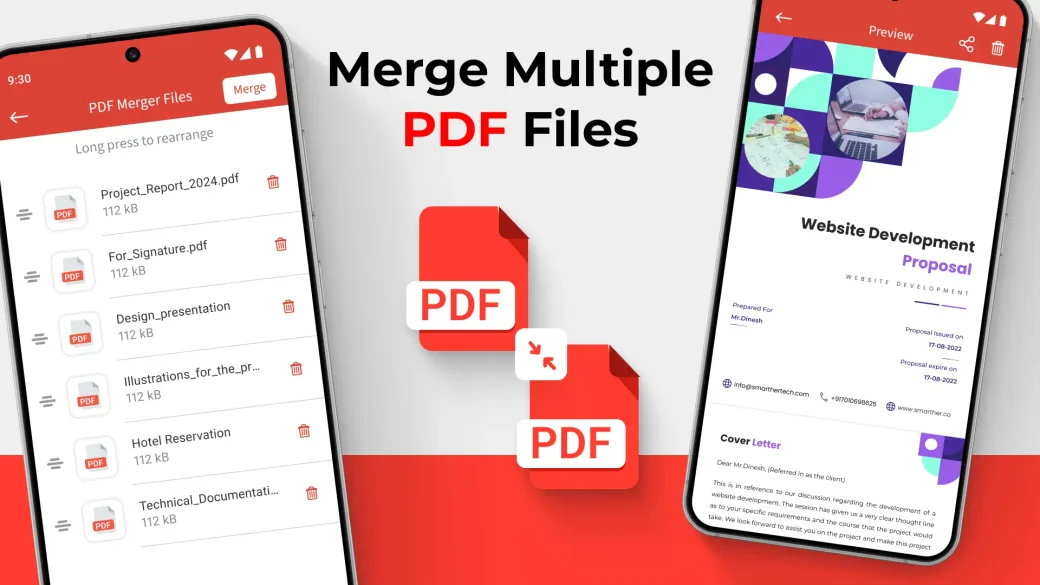
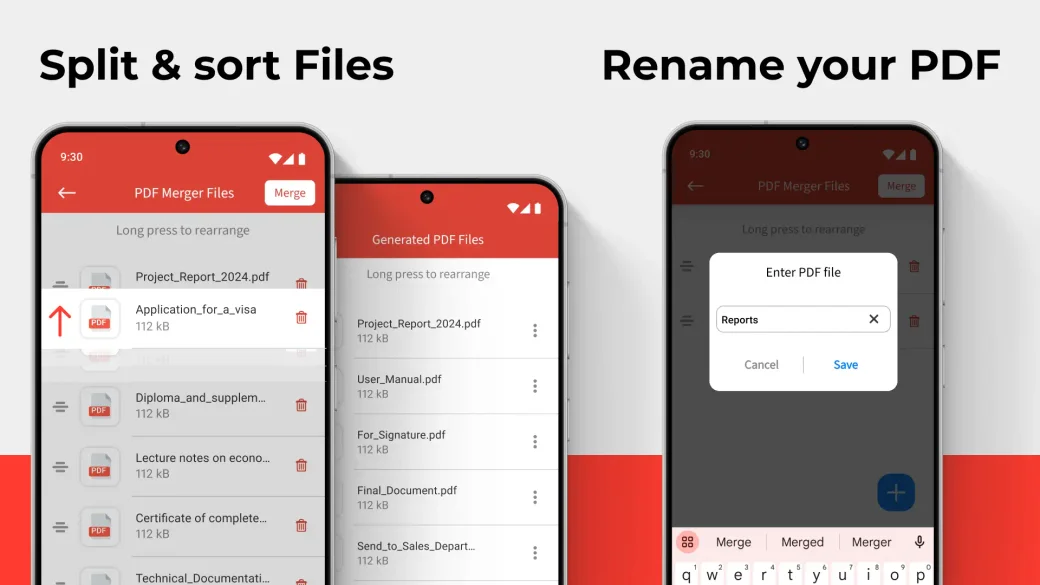
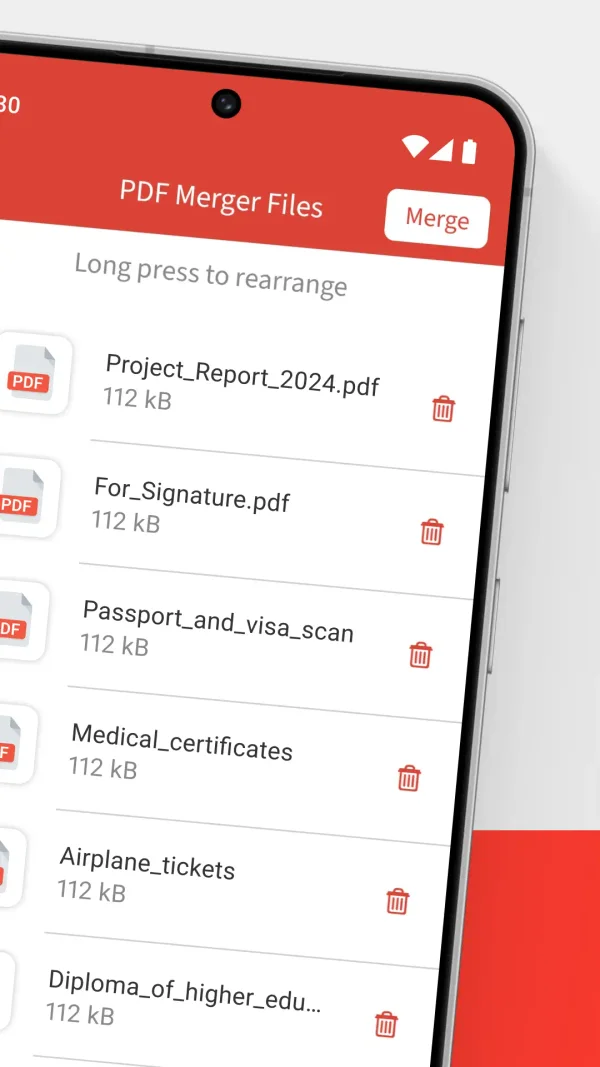
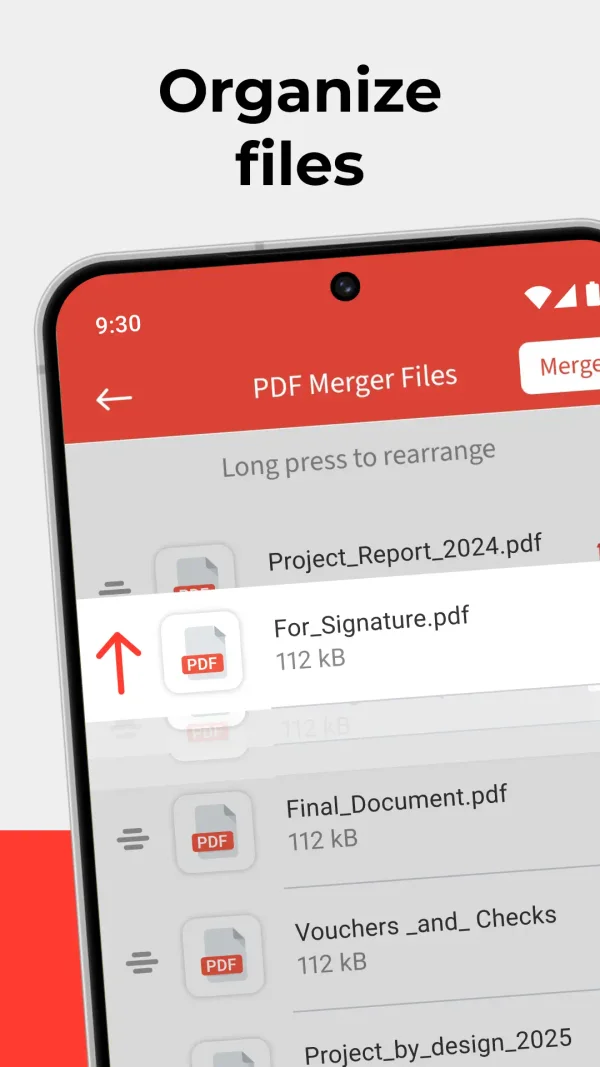
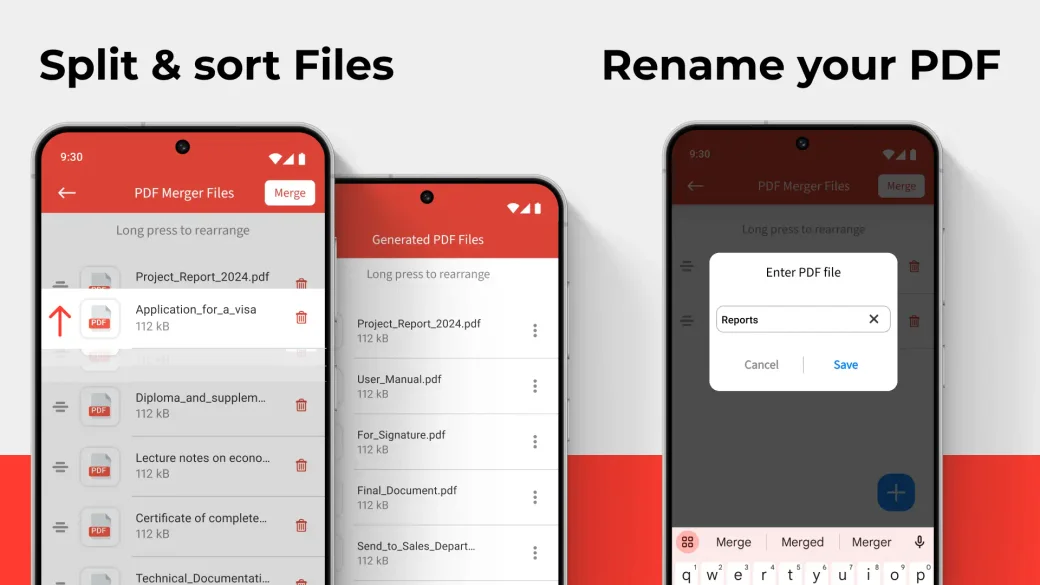
• Rearrange selected files with drag-and-drop before merging, so the result follows your chosen order.
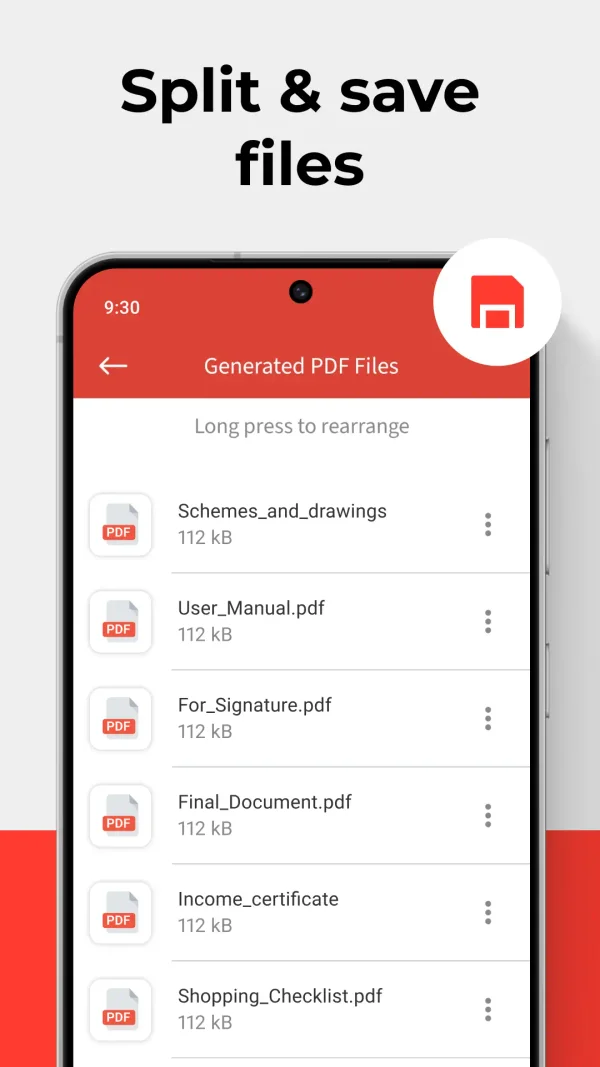
• ✂️ Split a PDF into separate documents.
• 📁 Find your combined and split documents in the generated-files list.
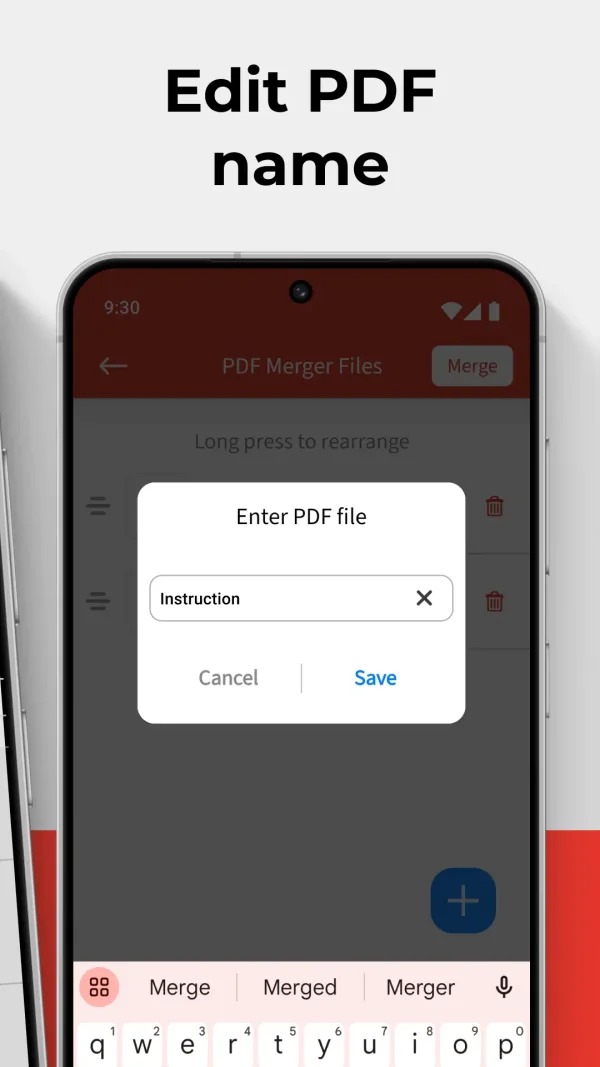
• Give a PDF a recognisable name when saving it.
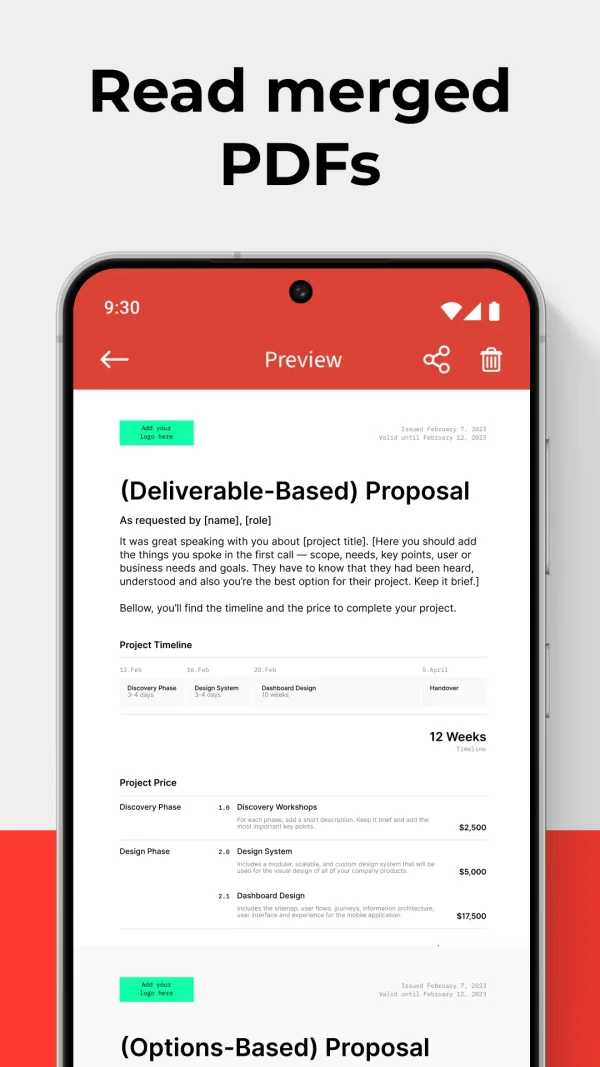
• Read the merged PDF in the preview and use the sharing control to pass it on.
How does Merge Multiple PDF Files work?
Open Choose PDF and select the documents from your device. Drag the files into the order you want, then tap Merge. Name and save the resulting document, and open the preview to read it.
Use the split tool when you need separate documents. The generated-files list keeps the saved results together for later access.
Compatibility and requirements
The merge and split tools work with PDF documents. Choose files that are accessible on your device and arrange them before creating the combined document.
The app contains ads and offers in-app purchases.
Privacy
PDF processing takes place on your device without uploading those documents to a cloud server. This refers to document processing, not all app data: device or other IDs may be shared with third parties.
Merge Multiple PDF Files helps you turn separate PDFs into an ordered document and keep merged or split files ready for your next task.
Data safety
What TarrySoft declares on Google Play about the data this app collects and shares.
- This app may share these data types with third partiesDevice or other IDs
- No data collectedLearn more about how developers declare collection
- Data is encrypted in transit
- Data can’t be deleted
What’s new
Version 9.2.1 · Oct 30, 2026
- Bug Fixes.
Developer contact
- Websitekigelapps.com
- Emailsupport.mergepdf@kigelapps.com
- Privacy policykigelapps.com
- Address8 The Grn Ste 4184 Dover, DE 19901-3618 United States
Information
- Offered by
- TarrySoft
- Category
- Productivity
- Version
- 9.2.1
- Updated
- Oct 30, 2026
- Released
- May 26, 2020
- Requires
- Android 6.0 or later
- Age rating
- Everyone
- Price
- Free
- In-app purchases
- $0.99 - $99.99 per item
- Package name
- com.pdfmergetool.mergepdf
Similar apps
-
 PDF Scanner App: Document Scan
Tools
-
 PDF Merge: Scan, Sign & Edit
Productivity
-
 PDF, Word, Excel, All Offices
Tools
-
 Image to PDF - PDF Maker
Productivity
-
 Clear Scan - PDF Scanner App
Business
-
 iLovePDF: PDF Editor & Scanner
Productivity
-
 PDF Reader: Create & Share PDF
Tools
-
 Document Reader - PDF Editor
Productivity
-
 PDF Reader - PDF Editor
Productivity
-
 Polaris Office: Edit&View, PDF
Productivity
-
 PDF Scanner Plus - Doc Scanner
Productivity
-
 PDF Editor – Edit Everything!
Tools