Microsoft SwiftKey AI Keyboard
SwiftKeyContains ads
- EveryoneAge rating
- PersonalizationCategory
- Nov 26, 2026Updated
- FreePrice
Links to the official Google Play listing of com.touchtype.swiftkey. Last checked on Nov 27, 2026.
Screenshots
About this app
SwiftKey keyboard from Microsoft, now with Copilot — your everyday AI companion
Microsoft SwiftKey is the intelligent keyboard that learns your writing style, so you can type faster.
Use your personalized keyboard to type and send emoji, GIFs and stickers just the way you like.
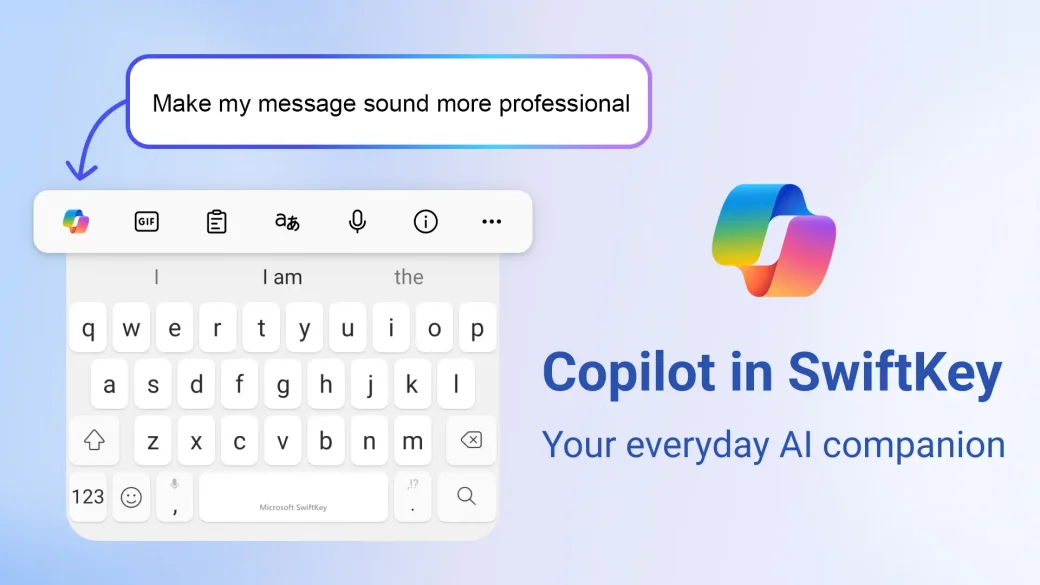
Microsoft SwiftKey comes with Copilot - your everyday AI companion. You can ask AI anything in your favourite apps.
The Microsoft SwiftKey swipe keyboard is always learning and adapting to match your unique way of typing - including your slang, nicknames and emoji.
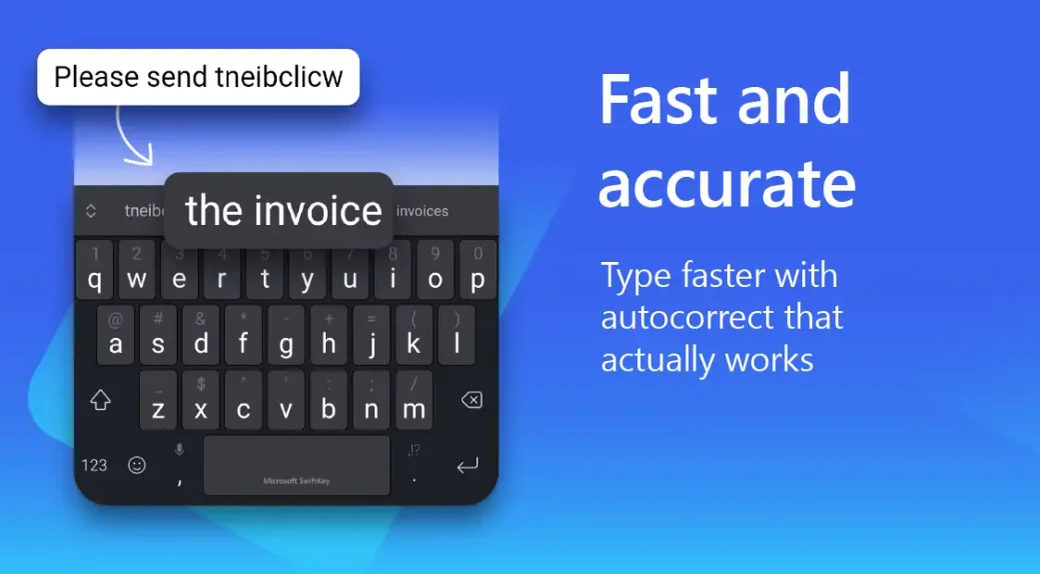
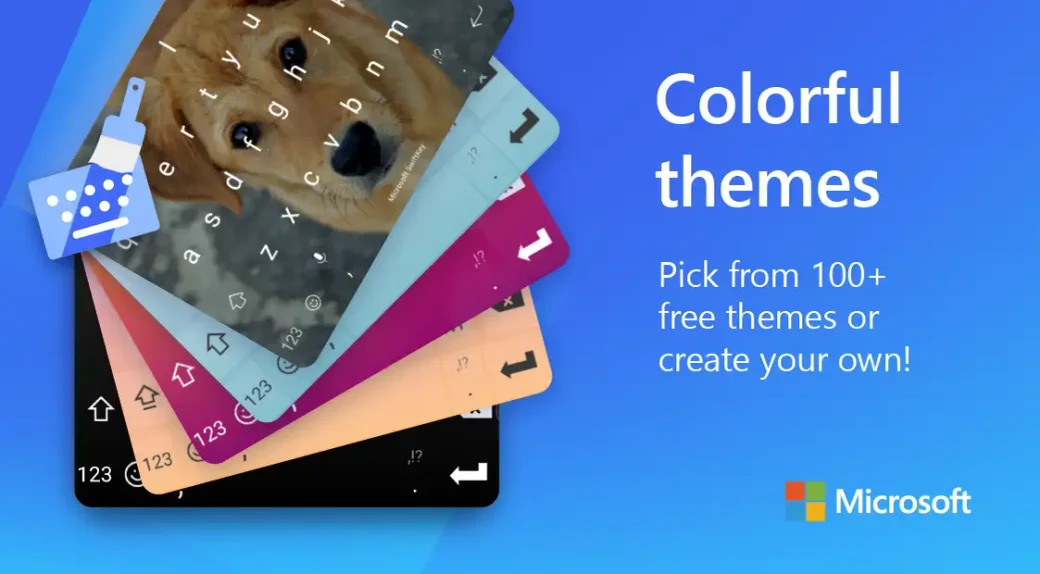
Microsoft SwiftKey caters to all typing tastes, with free designs and themes to fit any style. The custom keyboard provides autocorrect that actually works. Microsoft SwiftKey provides helpful predictions, so you can get your point across fast, without errors. Type and text any way you like, with swipe-to-type, tap-to-type, and searchable emojis and GIFs.
TYPE LESS, DO MORE
Typing
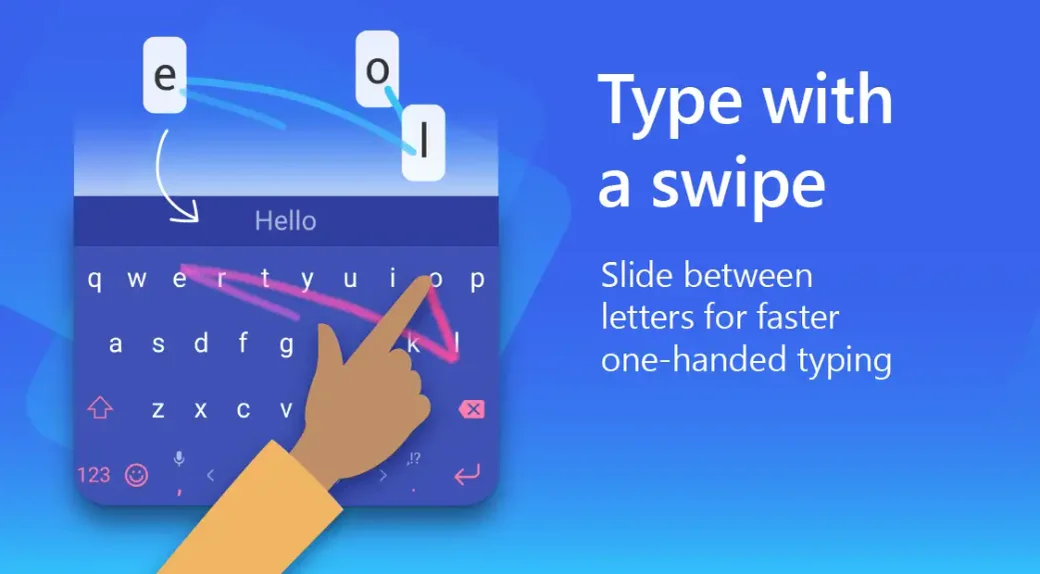
- Swipe to type or tap to type
- Spell checker and auto text with AI-powered predictions
- Custom keyboard toolbar with an expandable menu of quick shortcuts
- Rewrite your text in a different tone and Compose text to effortlessly transform your ideas into polished drafts via AI
Rich content
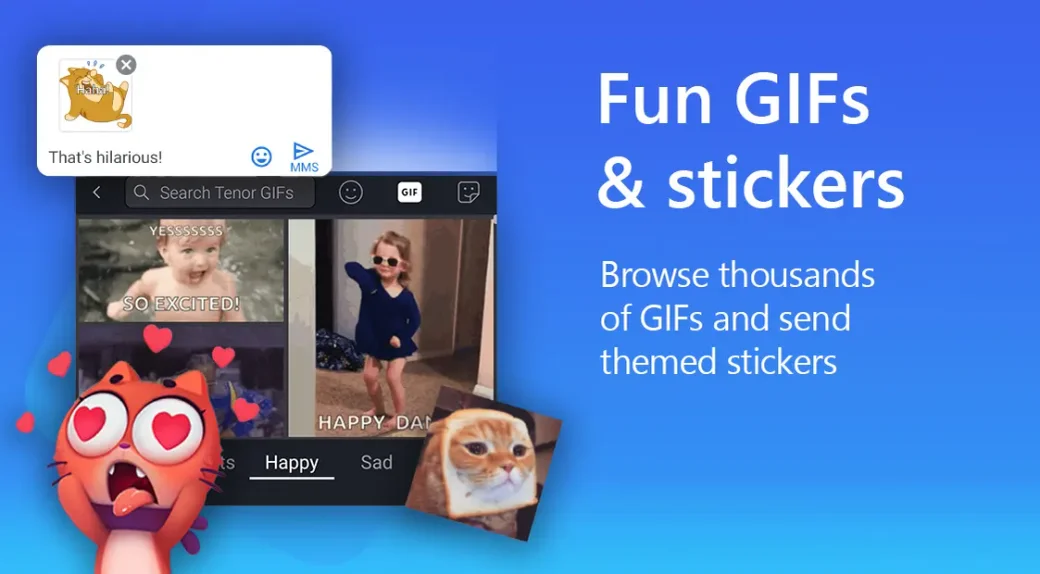
- Use emoji, GIFs and stickers to express yourself 😎
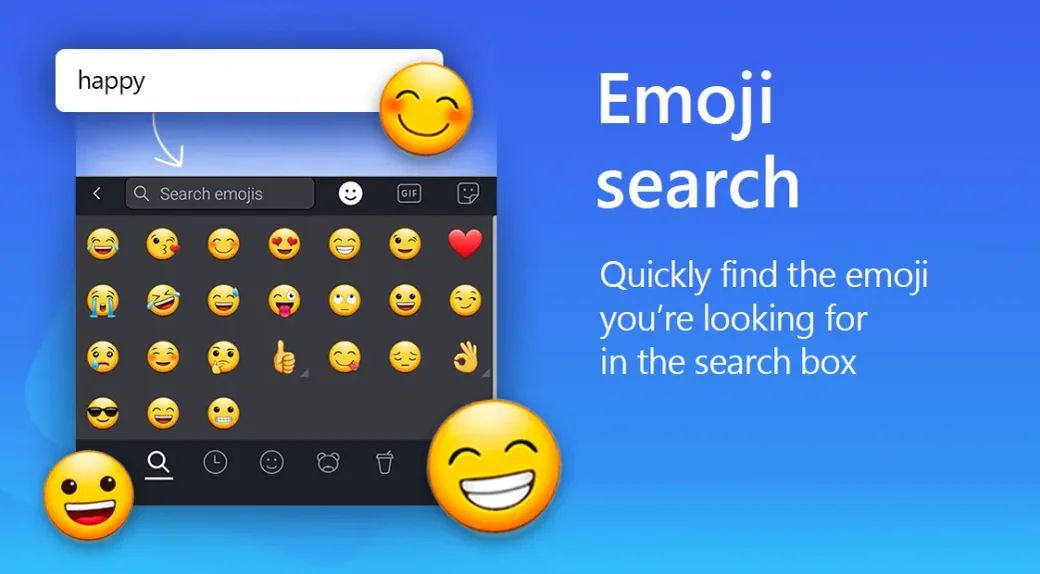
- Emoji keyboard is adaptive, learning and predicting your favorite emoticons for any conversation 👍
- Search emojis and GIFs to find the best one for your reaction 🔥
- Create unique AI-powered images and memes to stand out from the crowd 🪄
Customise
- 100+ colorful keyboard themes
- Make your own custom keyboard theme with your photo as the background
- Customise your keyboard size and layout
Multilingual
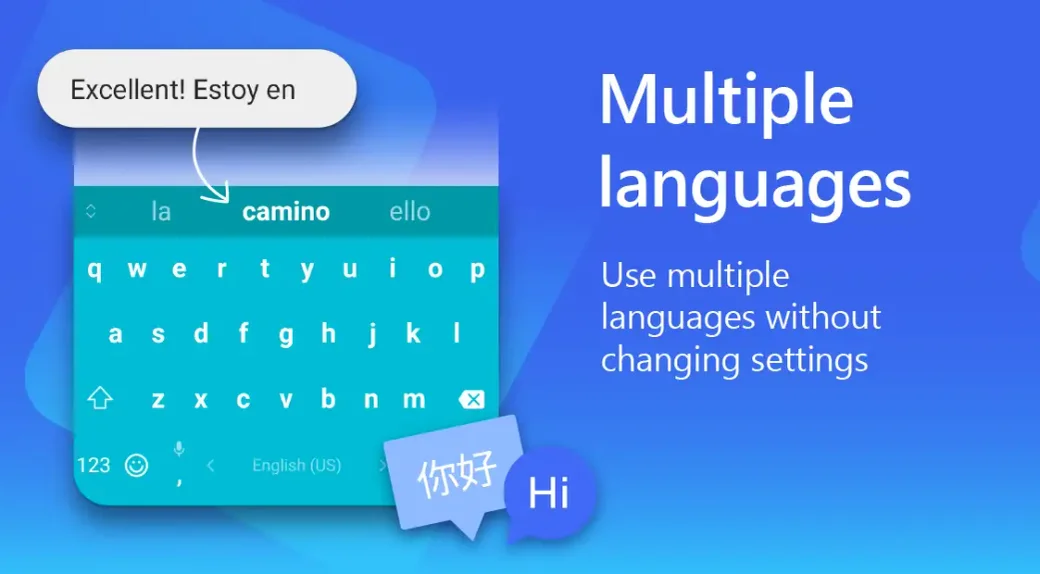
- Enable up to five languages at once
- Keyboard supports over 700 languages
Get the custom keyboard that always matches your style – download Microsoft SwiftKey Keyboard today!
Find out more about Microsoft SwiftKey’s key features: https://www.microsoft.com/swiftkey
SUPPORTS 700+ LANGUAGES: English (US, UK, AU, CA)
Spanish (ES, LA, US)
Portuguese (PT, BR)
German
Turkish
French
Arabic
Russian
Italian
Polish
Data safety
What SwiftKey declares on Google Play about the data this app collects and shares.
- No data shared with third partiesLearn more about how developers declare sharing
- This app may collect these data typesLocation, Personal info and 4 others
- Data is encrypted in transit
- You can request that data be deleted
What’s new
Version 9.13.20.4 · Nov 26, 2026
General improvements to ensure your Microsoft SwiftKey Keyboard runs smoothly.
Developer contact
- Websitesupport.microsoft.com
- Emailswiftkeysupport@microsoft.com
- Privacy policygo.microsoft.com
- Address1 Microsoft Way Redmond, WA 98052 United States
Information
- Offered by
- SwiftKey
- Category
- Personalization
- Version
- 9.13.20.4
- Updated
- Nov 26, 2026
- Released
- Sep 23, 2010
- Requires
- Android 8.0 or later
- Age rating
- Everyone
- Price
- Free
- Package name
- com.touchtype.swiftkey
Similar apps
-
 Gboard – the Google Keyboard
Tools
-
 HiOS Launcher - Fast
Personalization
-
 XOS Launcher -Cool Stylish
Personalization
-
 Facemoji AI Emoji Keyboard
Personalization
-
 Pinterest
Lifestyle
-
 Speech Recognition & Synthesis
Tools
-
 Google Messages
Communication
-
 Microsoft Launcher
Personalization
-
 Digital Wellbeing
Tools
-
 Volume Styles - Custom control
Personalization
-
 MYTECNO
Entertainment
-
 Super S9 Launcher for Galaxy S
Tools