MirrorLink - Car Screen
Fa9ssaContains ads
- EveryoneAge rating
- Libraries & DemoCategory
- Nov 19, 2026Updated
- FreePrice
Links to the official Google Play listing of com.mirrorLink.tvScreen. Last checked on Nov 21, 2026.
Screenshots

About this app
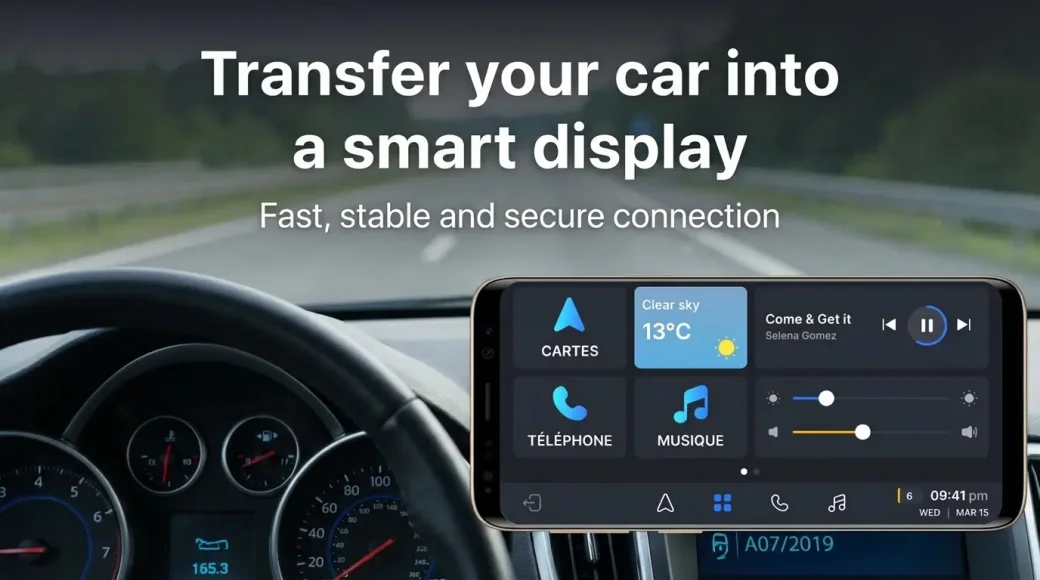
Connect your phone to your car screen with Mirror Link ans screen mirroring.
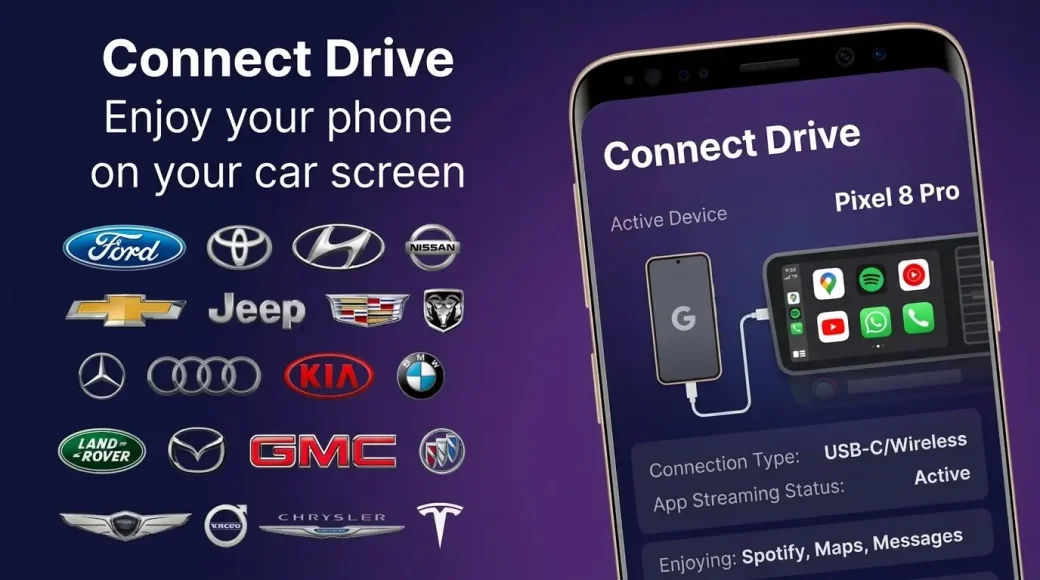
With Mirror Link , you can connect your phone to your car's screen wirelessly or via USB. This app allows you to display your phone's screen on your car's screen and other devices, enhancing driving safety by providing easy access to your phone's features.
Features:
Static Screen Sharing: Share your smartphone screen with your car screen easily and stably.
WIRELESS AND USB CONNECTION: Connect your phone to your car's display without any cables using wireless connectivity options.
Screen Sharing and Communication: Simple and fast connection with one click.
Multimedia Access: Listen to music, watch movies, text, call, and view maps on your car screen.
Automation: You can play and pause music automatically when your device connects to the car display.
Full Mirror Link: Enjoy the phone with full mirror link on the car screen.
Smart mirror link: Works with old and new cars.
Universal Compatibility: Compatible with all car brands and devices with built-in web browsers.
Mirrorlink Car Play: Seamlessly integrates with Mirror Link CarPlay and Android Auto systems.
Turn your phone into a convenient control panel for using various applications via your car's touchscreen, watch movies and listen to music on YouTube and other platforms, and utilize Apple CarPlay and Android Auto for hands-free calling, navigation maps, and music streaming. Enhance road safety with easy access to your phone's features, allowing you to focus on driving. Additionally, use a simple car starter app to connect your phone to your car's TV without any screen sharing cable.
how to use:
Make sure your phone and car have Miracast/Wireless display options.
In the car's Dashbroid, turn on the "Miracast" function.
Open the Mirror Link app, select “Connect Car”, and wait for the device to be searched.
Create a connection to mirror your phone screen with car screen easily.
Mirror Link is an easy app to cast to any car screen, providing a great mirror experience. Enable Mirrorlink for your car to enjoy web video streaming, photo streaming, audio streaming, and simple automation screen connections. Automatically play and pause when your mobile phone connects to your car's screen.
Disclaimer:
Mirror Link is owned by us and we are not affiliated, associated, authorized, sponsored, or endorsed by, or in any way officially connected with any other apps or companies.
Data safety
What Fa9ssa declares on Google Play about the data this app collects and shares.
- This app may share these data types with third partiesLocation, App info and performance, and Device or other IDs
- No data collectedLearn more about how developers declare collection
- Data is encrypted in transit
Developer contact
- Websitefa9ssa.space
- Emailsupport@fa9ssa.space
- Privacy policyfa9ssa.space
- Address932 Rue Poirier McMasterville, QC J3G 1K4 Canada
Information
- Offered by
- Fa9ssa
- Category
- Libraries & Demo
- Version
- 25.0
- Updated
- Nov 19, 2026
- Released
- Apr 9, 2025
- Requires
- Android 7.0 or later
- Age rating
- Everyone
- Price
- Free
- Package name
- com.mirrorLink.tvScreen