MirrorLink - Car Screen
Fa9ssaBerisi iklan
- Rating 3+Batasan usia
- Pustaka & DemoKategori
- 19/11/2026Diperbarui
- GratisHarga
Tertaut ke halaman resmi com.mirrorLink.tvScreen di Google Play. Terakhir diperiksa pada 21/11/2026.
Tangkapan layar

Tentang aplikasi ini
Terjemahan otomatis oleh Google. Bahasa asli: Inggris (Amerika Serikat).
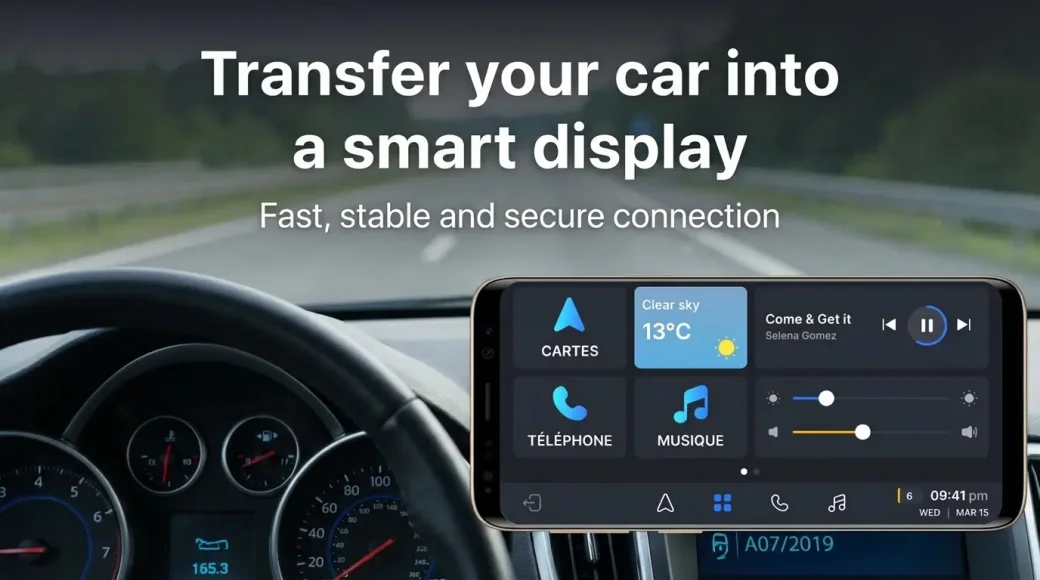
Hubungkan ponsel Anda ke layar mobil dengan Mirror Link dan pencermian layar.
Dengan Mirror Link, Anda dapat menghubungkan ponsel Anda ke layar mobil secara nirkabel atau melalui USB. Aplikasi ini memungkinkan Anda untuk menampilkan layar ponsel Anda di layar mobil dan perangkat lain, meningkatkan keselamatan berkendara dengan menyediakan akses mudah ke fitur-fitur ponsel Anda.
Fitur:
Berbagi Layar Statis: Bagikan layar ponsel cerdas Anda dengan layar mobil dengan mudah dan stabil.
KONEKSI NIRKABEL DAN USB: Hubungkan ponsel Anda ke layar mobil tanpa kabel menggunakan opsi konektivitas nirkabel.
Berbagi Layar dan Komunikasi: Koneksi sederhana dan cepat dengan sekali klik.
Akses Multimedia: Dengarkan musik, tonton film, kirim pesan, telepon, dan lihat peta di layar mobil Anda.
Otomatisasi: Anda dapat memutar dan menjeda musik secara otomatis saat perangkat Anda terhubung ke layar mobil.
Mirror Link Penuh: Nikmati ponsel Anda dengan Mirror Link penuh di layar mobil.
Mirror Link Cerdas: Berfungsi dengan mobil lama dan baru.
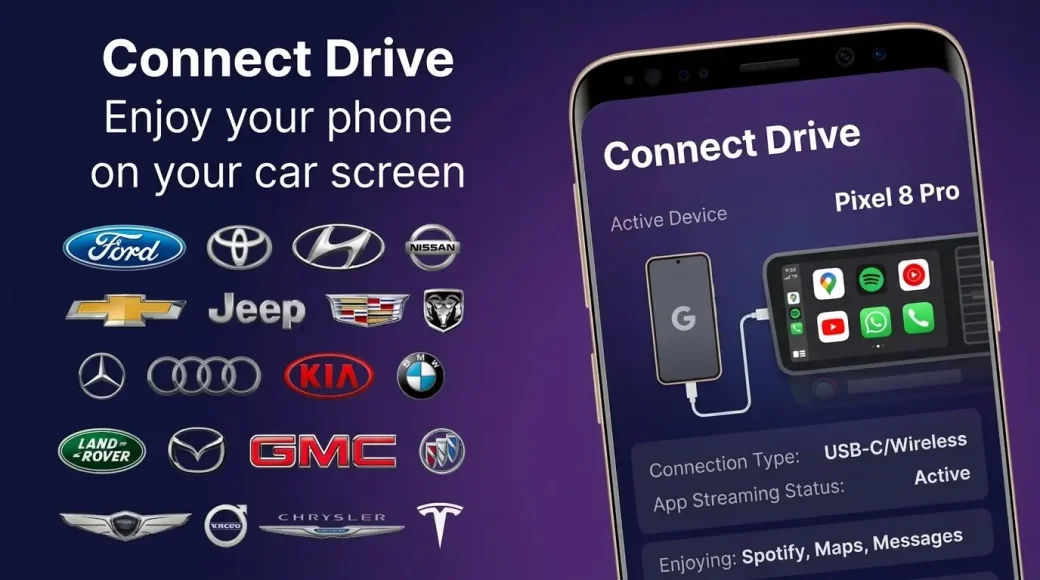
Kompatibilitas Universal: Kompatibel dengan semua merek mobil dan perangkat dengan browser web bawaan.
Mirrorlink Car Play: Terintegrasi dengan mulus dengan sistem Mirror Link CarPlay dan Android Auto. Ubah ponsel Anda menjadi panel kontrol yang nyaman untuk menggunakan berbagai aplikasi melalui layar sentuh mobil Anda, menonton film dan mendengarkan musik di YouTube dan platform lainnya, serta memanfaatkan Apple CarPlay dan Android Auto untuk panggilan bebas genggam, peta navigasi, dan streaming musik. Tingkatkan keselamatan di jalan dengan akses mudah ke fitur ponsel Anda, memungkinkan Anda untuk fokus pada mengemudi. Selain itu, gunakan aplikasi pengaktif mobil sederhana untuk menghubungkan ponsel Anda ke TV mobil tanpa kabel berbagi layar.
Cara penggunaan:
Pastikan ponsel dan mobil Anda memiliki opsi tampilan Miracast/Nirkabel.
Di Dashbroid mobil, aktifkan fungsi "Miracast".
Buka aplikasi Mirror Link, pilih "Hubungkan Mobil", dan tunggu hingga perangkat dicari.
Buat koneksi untuk mencerminkan layar ponsel Anda dengan layar mobil dengan mudah.
Mirror Link adalah aplikasi mudah untuk mentransmisikan ke layar mobil mana pun, memberikan pengalaman pencerminan yang hebat. Aktifkan Mirrorlink untuk mobil Anda untuk menikmati streaming video web, streaming foto, streaming audio, dan koneksi layar otomatis yang sederhana. Secara otomatis memutar dan menjeda saat ponsel Anda terhubung ke layar mobil Anda.
Penafian:
Mirror Link dimiliki oleh kami dan kami tidak berafiliasi, terkait, diotorisasi, disponsori, atau didukung oleh, atau secara resmi terhubung dengan aplikasi atau perusahaan lain mana pun.
Tampilkan teks asli
With Mirror Link , you can connect your phone to your car's screen wirelessly or via USB. This app allows you to display your phone's screen on your car's screen and other devices, enhancing driving safety by providing easy access to your phone's features.
Features:
Static Screen Sharing: Share your smartphone screen with your car screen easily and stably.
WIRELESS AND USB CONNECTION: Connect your phone to your car's display without any cables using wireless connectivity options.
Screen Sharing and Communication: Simple and fast connection with one click.
Multimedia Access: Listen to music, watch movies, text, call, and view maps on your car screen.
Automation: You can play and pause music automatically when your device connects to the car display.
Full Mirror Link: Enjoy the phone with full mirror link on the car screen.
Smart mirror link: Works with old and new cars.
Universal Compatibility: Compatible with all car brands and devices with built-in web browsers.
Mirrorlink Car Play: Seamlessly integrates with Mirror Link CarPlay and Android Auto systems.
Turn your phone into a convenient control panel for using various applications via your car's touchscreen, watch movies and listen to music on YouTube and other platforms, and utilize Apple CarPlay and Android Auto for hands-free calling, navigation maps, and music streaming. Enhance road safety with easy access to your phone's features, allowing you to focus on driving. Additionally, use a simple car starter app to connect your phone to your car's TV without any screen sharing cable.
how to use:
Make sure your phone and car have Miracast/Wireless display options.
In the car's Dashbroid, turn on the "Miracast" function.
Open the Mirror Link app, select “Connect Car”, and wait for the device to be searched.
Create a connection to mirror your phone screen with car screen easily.
Mirror Link is an easy app to cast to any car screen, providing a great mirror experience. Enable Mirrorlink for your car to enjoy web video streaming, photo streaming, audio streaming, and simple automation screen connections. Automatically play and pause when your mobile phone connects to your car's screen.
Disclaimer:
Mirror Link is owned by us and we are not affiliated, associated, authorized, sponsored, or endorsed by, or in any way officially connected with any other apps or companies.
Keamanan data
Yang dinyatakan Fa9ssa di Google Play tentang data yang dikumpulkan dan dibagikan aplikasi ini.
- Aplikasi ini dapat membagikan jenis data ini kepada pihak ketigaLokasi, Info dan performa aplikasi, dan Perangkat atau ID lainnya
- Tidak ada data yang dikumpulkanPelajari lebih lanjut cara developer menyatakan pengumpulan data
- Data dienkripsi saat dalam pengiriman
Kontak pengembang
- Situs webfa9ssa.space
- Emailsupport@fa9ssa.space
- Kebijakan Privasifa9ssa.space
- Alamat932 Rue Poirier McMasterville, QC J3G 1K4 Canada
Informasi
- Ditawarkan oleh
- Fa9ssa
- Kategori
- Pustaka & Demo
- Versi
- 25.0
- Diperbarui
- 19/11/2026
- Dirilis
- 9/4/2025
- Memerlukan
- Android 7.0 atau yang lebih baru
- Batasan usia
- Rating 3+
- Harga
- Gratis
- Nama paket
- com.mirrorLink.tvScreen