MirrorLink - Car Screen
Fa9ssa広告を含む
- 3 歳以上対象年齢
- ライブラリ&デモカテゴリ
- 2026/11/19更新日
- 無料価格
com.mirrorLink.tvScreenのGoogle Play公式ページにリンクしています。最終確認:2026/11/21。
スクリーンショット

このアプリについて
Googleによる英語 (アメリカ合衆国)からの自動翻訳です。
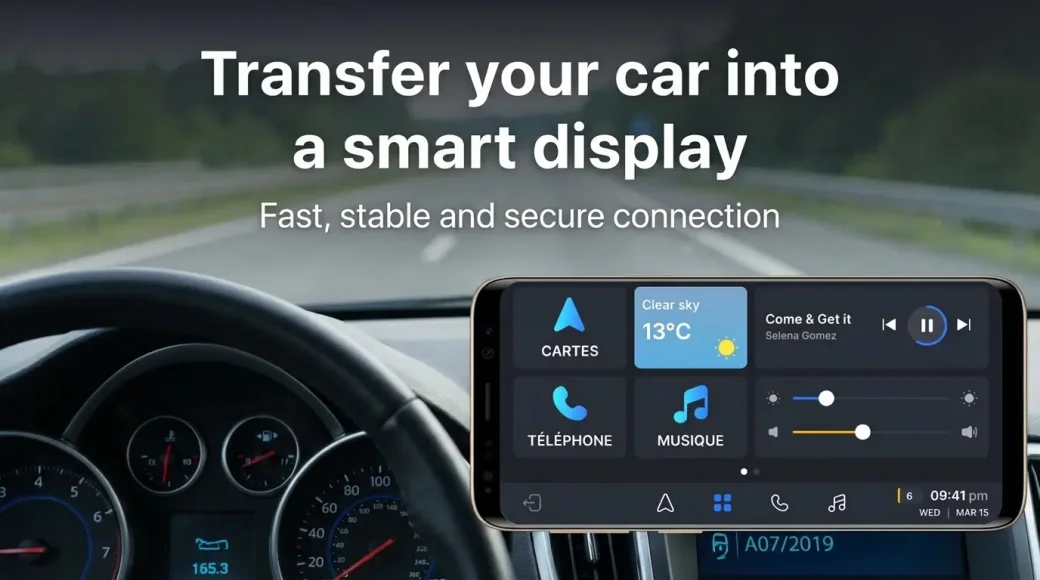
Mirror Linkとスクリーンミラーリング機能を使って、スマートフォンを車の画面に接続しましょう。
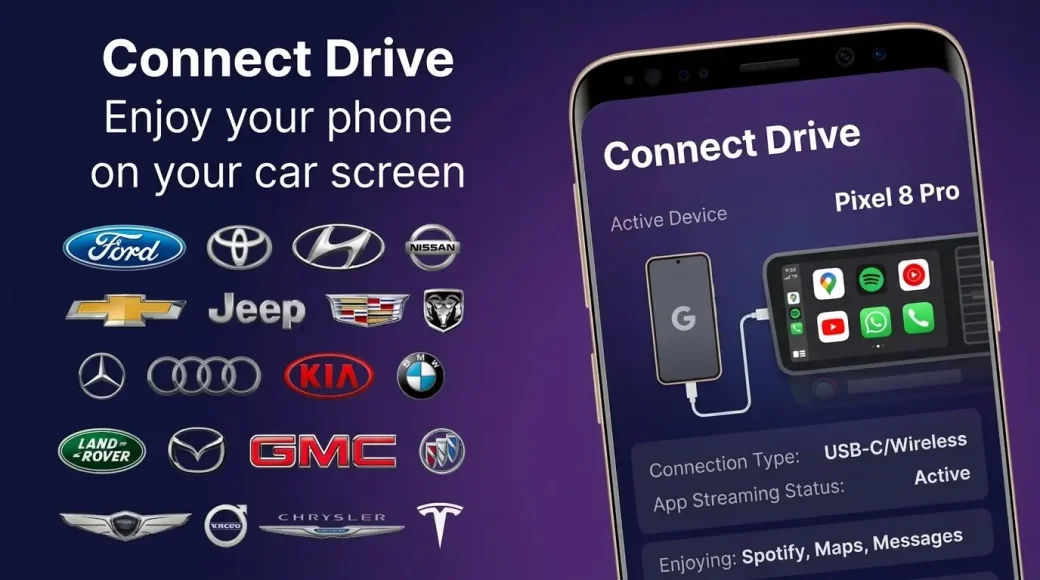
Mirror Linkを使えば、スマートフォンを車のスクリーンにワイヤレスまたはUSBで接続できます。このアプリを使えば、スマートフォンの画面を車のスクリーンや他のデバイスに表示できるため、スマートフォンの機能に簡単にアクセスでき、運転の安全性が向上します。
機能:
静止画面共有:スマートフォンの画面を車のスクリーンに簡単かつ安定して共有できます。
ワイヤレス&USB接続:ワイヤレス接続オプションを使用して、ケーブルを使わずにスマートフォンを車のディスプレイに接続できます。
画面共有と通信:ワンクリックで簡単かつ迅速に接続できます。
マルチメディアアクセス:車のスクリーンで音楽を聴いたり、映画を見たり、テキストメッセージを送信したり、電話をかけたり、地図を表示したりできます。
自動化:デバイスが車のディスプレイに接続されると、音楽の再生と一時停止を自動的に行うことができます。
フルミラーリンク:車のスクリーンでスマートフォンの画面をフルミラーリンクで楽しめます。
スマートミラーリンク:新旧問わず、あらゆる車種に対応しています。
幅広い互換性:すべての車種と、ウェブブラウザを内蔵したデバイスに対応しています。
MirrorLink CarPlay:MirrorLink CarPlayおよびAndroid Autoシステムとシームレスに連携します。
スマートフォンを便利なコントロールパネルに変え、車のタッチスクリーンを通して様々なアプリケーションを操作したり、YouTubeなどのプラットフォームで映画や音楽を視聴したり、Apple CarPlayやAndroid Autoを利用してハンズフリー通話、ナビゲーション、音楽ストリーミングを楽しんだりできます。スマートフォンの機能に簡単にアクセスできるため、運転に集中でき、安全性が向上します。さらに、シンプルなカースターターアプリを使えば、画面共有ケーブルを使わずにスマートフォンを車のテレビに接続できます。
使用方法:
スマートフォンと車の両方にMiracast/ワイヤレスディスプレイ機能が搭載されていることを確認してください。
車のダッシュボードで「Miracast」機能をオンにします。
MirrorLinkアプリを開き、「車に接続」を選択して、デバイスが検索されるまで待ちます。
接続を確立すると、スマートフォンの画面を車の画面に簡単にミラーリングできます。
MirrorLinkは、あらゆる車の画面に簡単にキャストできるアプリで、優れたミラーリング体験を提供します。 MirrorLinkを車載システムで有効にすれば、ウェブ動画ストリーミング、写真ストリーミング、音声ストリーミング、そして簡単な自動画面接続をお楽しみいただけます。スマートフォンが車の画面に接続されると、自動的に再生・一時停止が行われます。
免責事項:MirrorLinkは当社が所有するサービスであり、当社は他のアプリや企業とは一切提携、関連、承認、後援、推奨、または公式な関係はありません。
原文を表示
With Mirror Link , you can connect your phone to your car's screen wirelessly or via USB. This app allows you to display your phone's screen on your car's screen and other devices, enhancing driving safety by providing easy access to your phone's features.
Features:
Static Screen Sharing: Share your smartphone screen with your car screen easily and stably.
WIRELESS AND USB CONNECTION: Connect your phone to your car's display without any cables using wireless connectivity options.
Screen Sharing and Communication: Simple and fast connection with one click.
Multimedia Access: Listen to music, watch movies, text, call, and view maps on your car screen.
Automation: You can play and pause music automatically when your device connects to the car display.
Full Mirror Link: Enjoy the phone with full mirror link on the car screen.
Smart mirror link: Works with old and new cars.
Universal Compatibility: Compatible with all car brands and devices with built-in web browsers.
Mirrorlink Car Play: Seamlessly integrates with Mirror Link CarPlay and Android Auto systems.
Turn your phone into a convenient control panel for using various applications via your car's touchscreen, watch movies and listen to music on YouTube and other platforms, and utilize Apple CarPlay and Android Auto for hands-free calling, navigation maps, and music streaming. Enhance road safety with easy access to your phone's features, allowing you to focus on driving. Additionally, use a simple car starter app to connect your phone to your car's TV without any screen sharing cable.
how to use:
Make sure your phone and car have Miracast/Wireless display options.
In the car's Dashbroid, turn on the "Miracast" function.
Open the Mirror Link app, select “Connect Car”, and wait for the device to be searched.
Create a connection to mirror your phone screen with car screen easily.
Mirror Link is an easy app to cast to any car screen, providing a great mirror experience. Enable Mirrorlink for your car to enjoy web video streaming, photo streaming, audio streaming, and simple automation screen connections. Automatically play and pause when your mobile phone connects to your car's screen.
Disclaimer:
Mirror Link is owned by us and we are not affiliated, associated, authorized, sponsored, or endorsed by, or in any way officially connected with any other apps or companies.
データ セーフティ
このアプリが収集・共有するデータについて、Fa9ssaがGoogle Playで申告している内容です。
- このアプリはサードパーティと以下の種類のデータを共有することがあります位置情報、アプリの情報、パフォーマンス、デバイスまたはその他の ID
- データは収集されません詳しくは、デベロッパーが収集を申告する方法についての説明をご覧ください
- データは送信中に暗号化されます
開発元の連絡先
- ウェブサイトfa9ssa.space
- メールsupport@fa9ssa.space
- プライバシーポリシーfa9ssa.space
- 住所932 Rue Poirier McMasterville, QC J3G 1K4 Canada
情報
- 提供元
- Fa9ssa
- カテゴリ
- ライブラリ&デモ
- バージョン
- 25.0
- 更新日
- 2026/11/19
- リリース
- 2025/4/9
- 必要条件
- Android 7.0以降
- 対象年齢
- 3 歳以上
- 価格
- 無料
- パッケージ名
- com.mirrorLink.tvScreen