MyScript Notes: AI Note Taking
MyScriptIn-app purchases
- EveryoneAge rating
- ProductivityCategory
- Nov 10, 2026Updated
- FreePrice
Links to the official Google Play listing of com.myscript.nebo. Last checked on Nov 20, 2026.
Screenshots
About this app
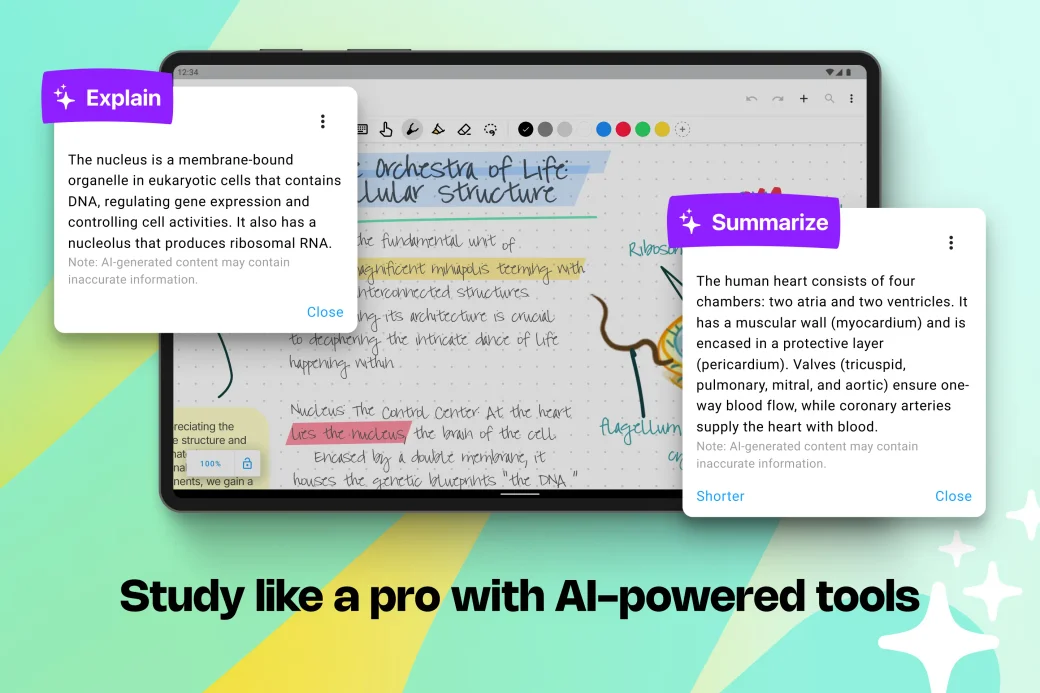
Smart note taking with PDF, handwriting to text & AI notes — perfect for study.
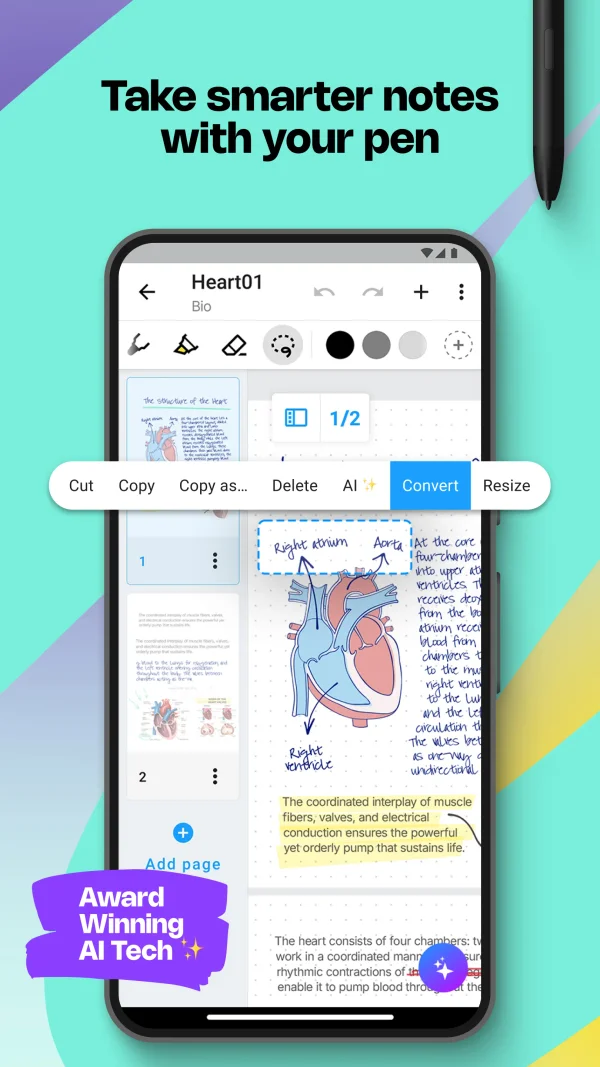
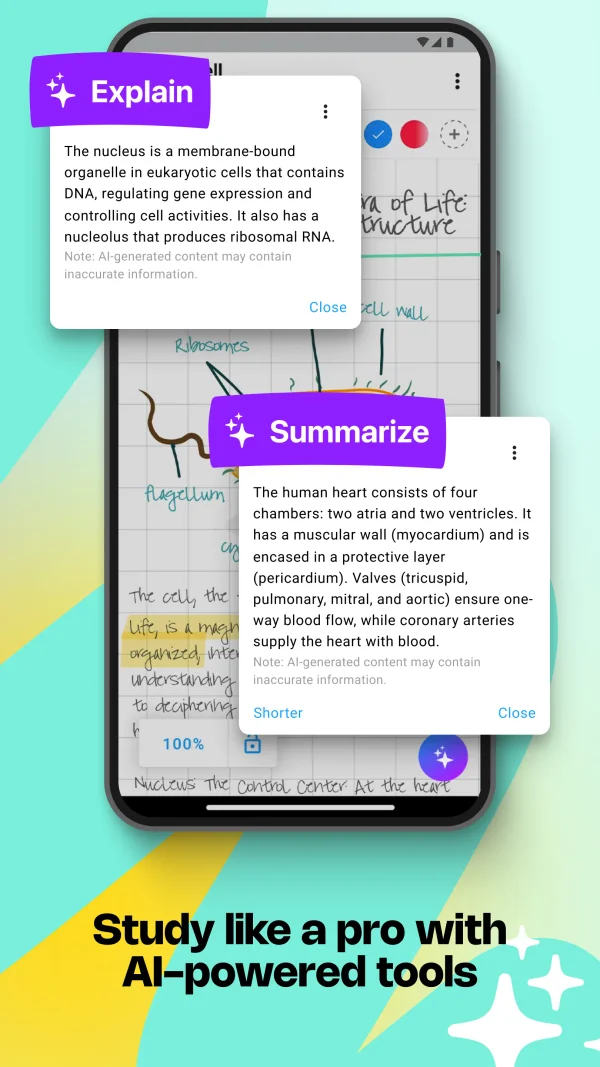
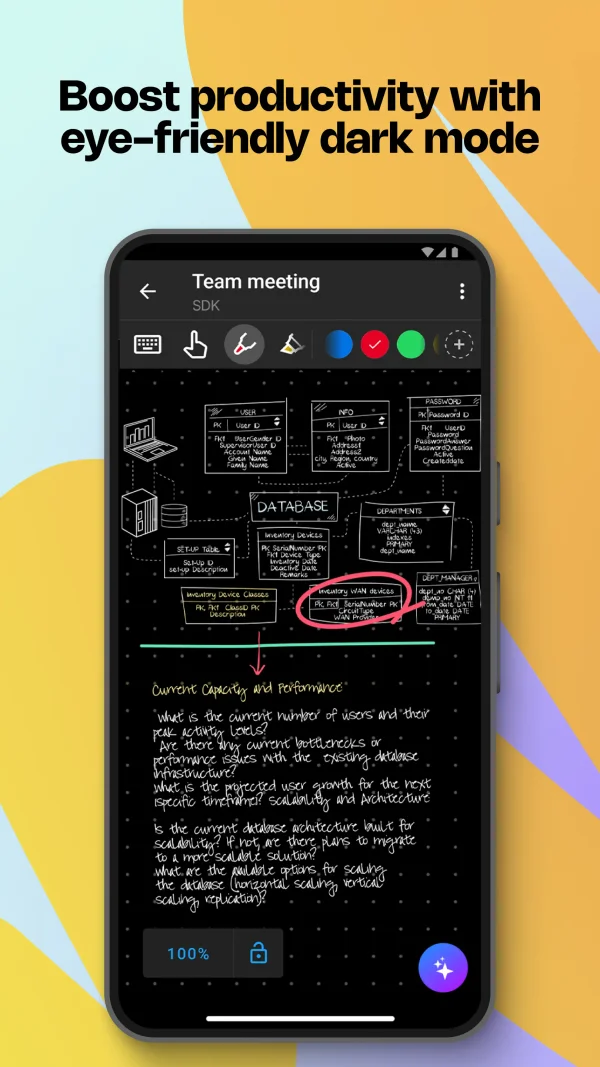
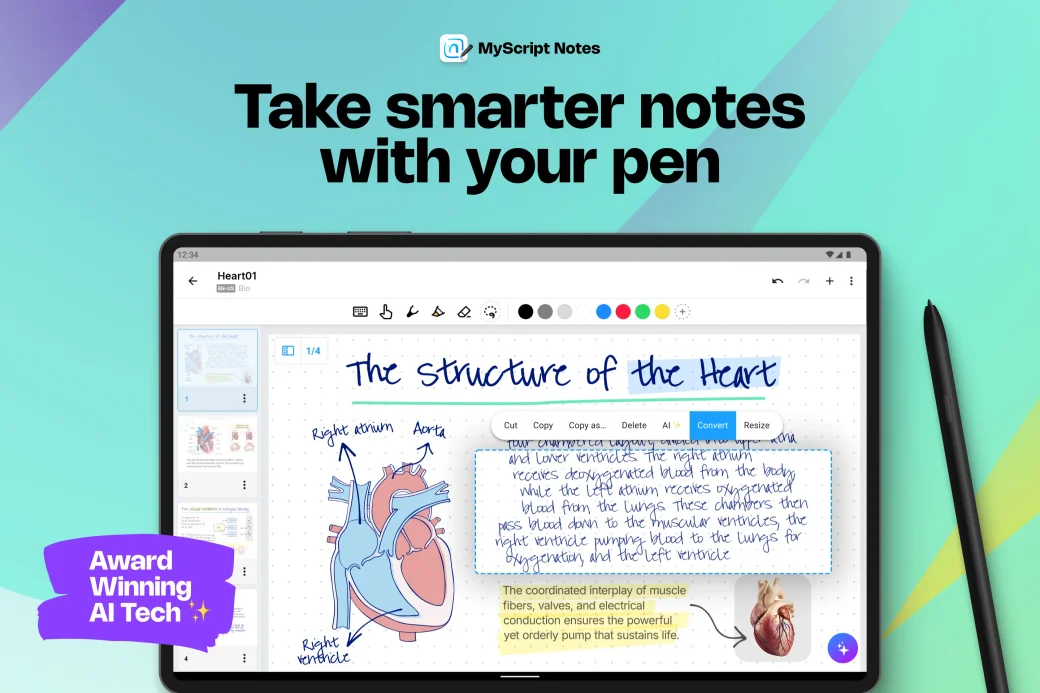
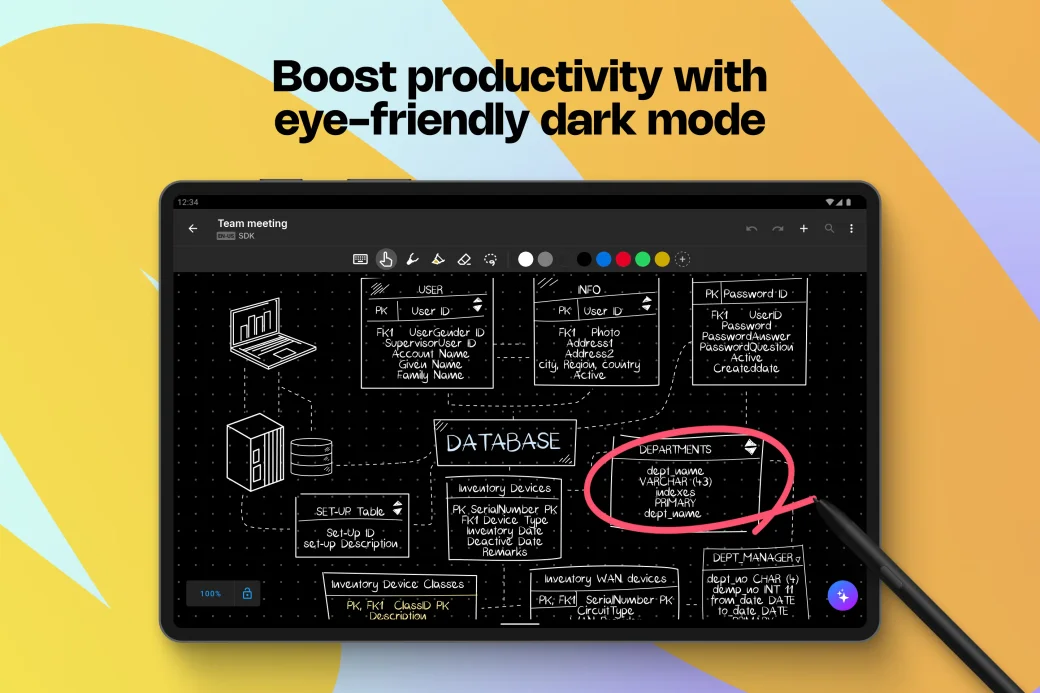
Create stunning notes and professional documents effortlessly by hand, brainstorm ideas on an infinite canvas, and annotate PDFs seamlessly. Powered by the world's leading AI handwriting recognition technology, MyScript Notes offers a dynamic platform where handwriting, text, drawings, diagrams, and images seamlessly coexist on an expandable canvas. Enhance your note-taking experience with intuitive pen gestures, effortlessly converting handwriting and shapes into typed text and precise forms.
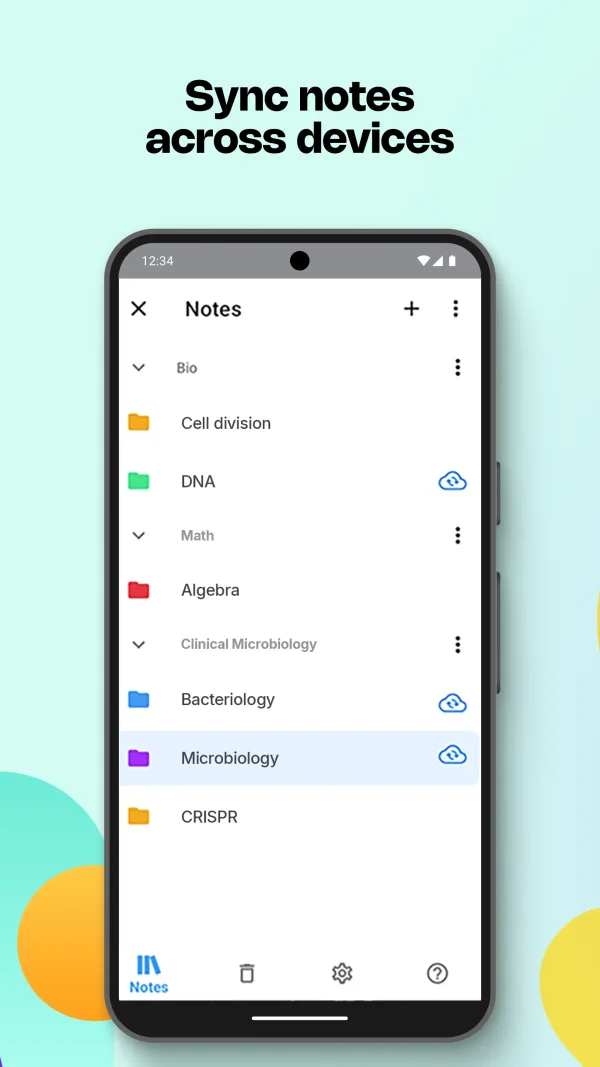
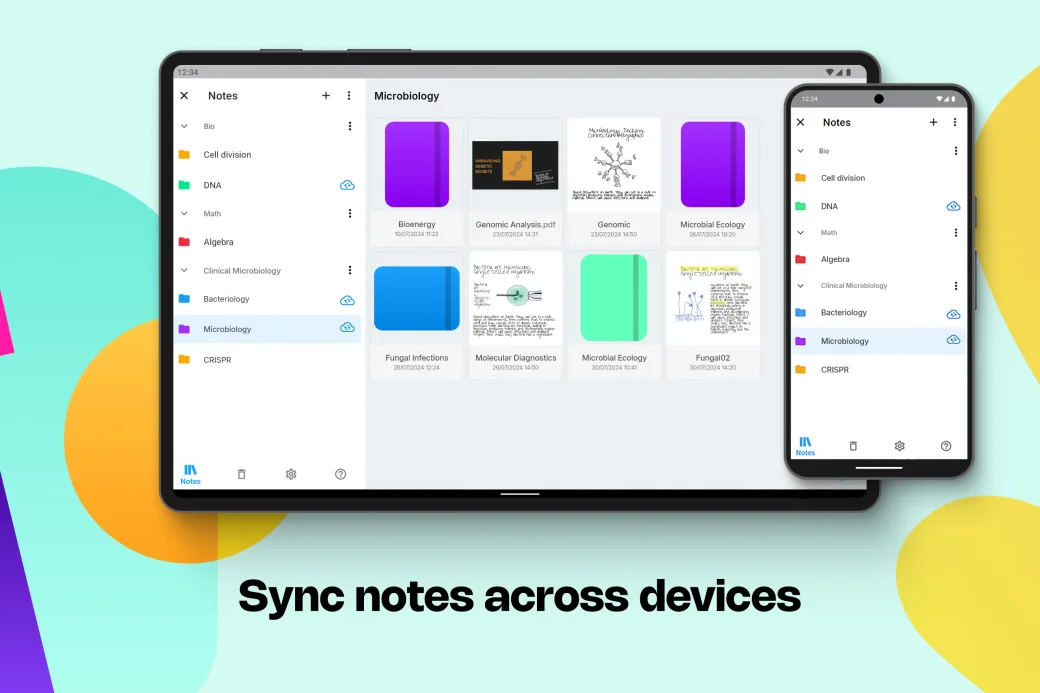
MyScript Notes understands every word you write in your choice of 66 languages, and works on mobile platforms — so you can access and search your notes from any compatible device.
Enjoy 4 powerful experiences in one app:
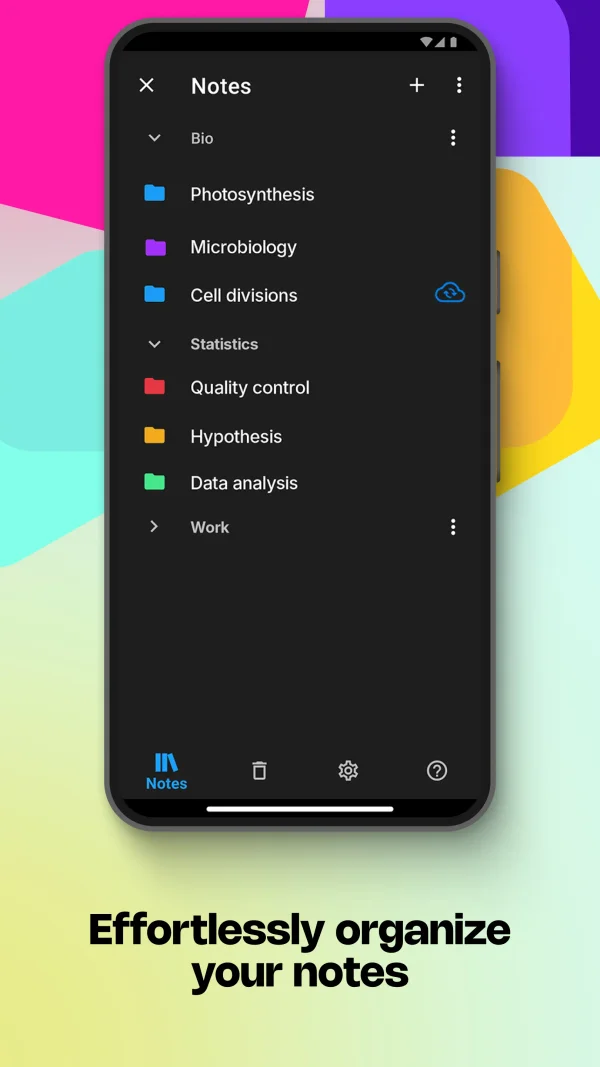
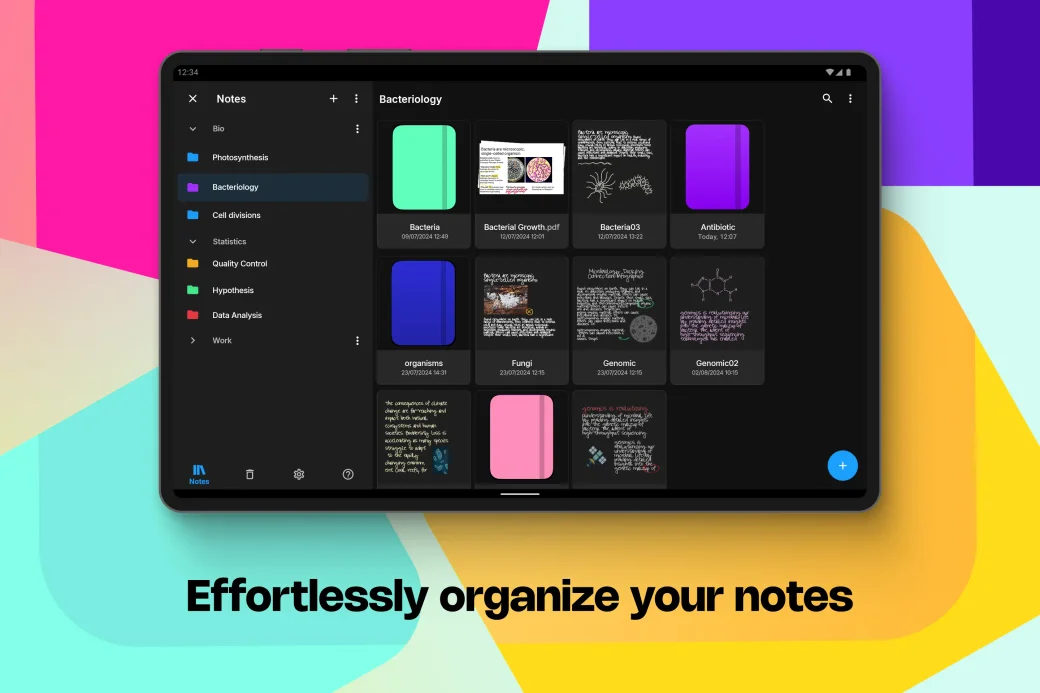
◼︎ Create unlimited notebooks and fixed-size pages for your daily notes.
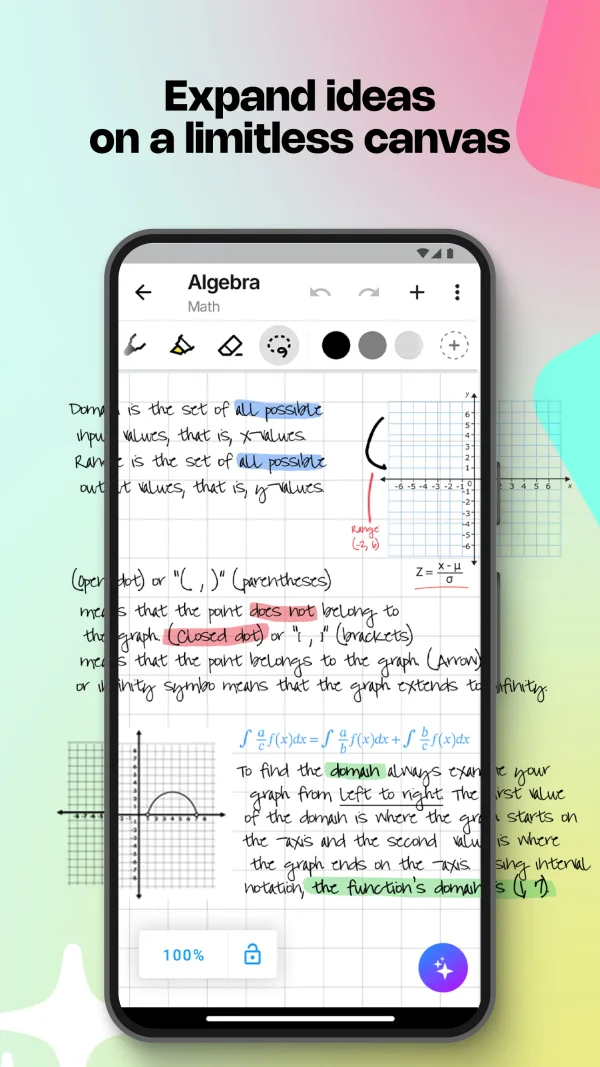
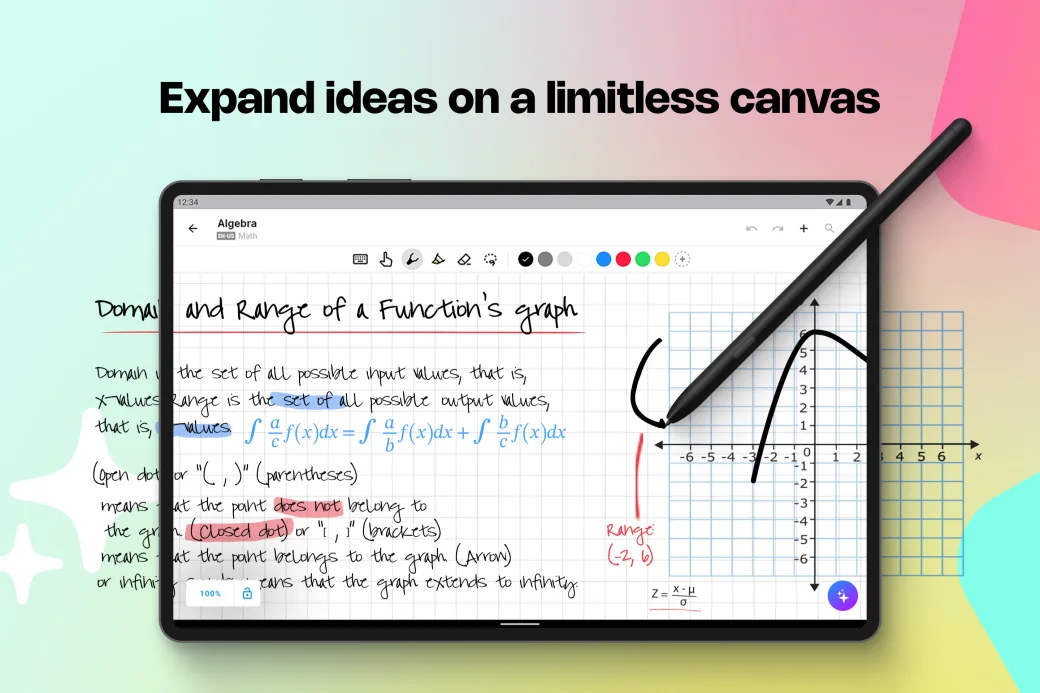
◼︎ Take freeform notes on boards — the world's most advanced endless canvas.
◼︎ Handwrite responsive documents, adding math calculations and diagrams.
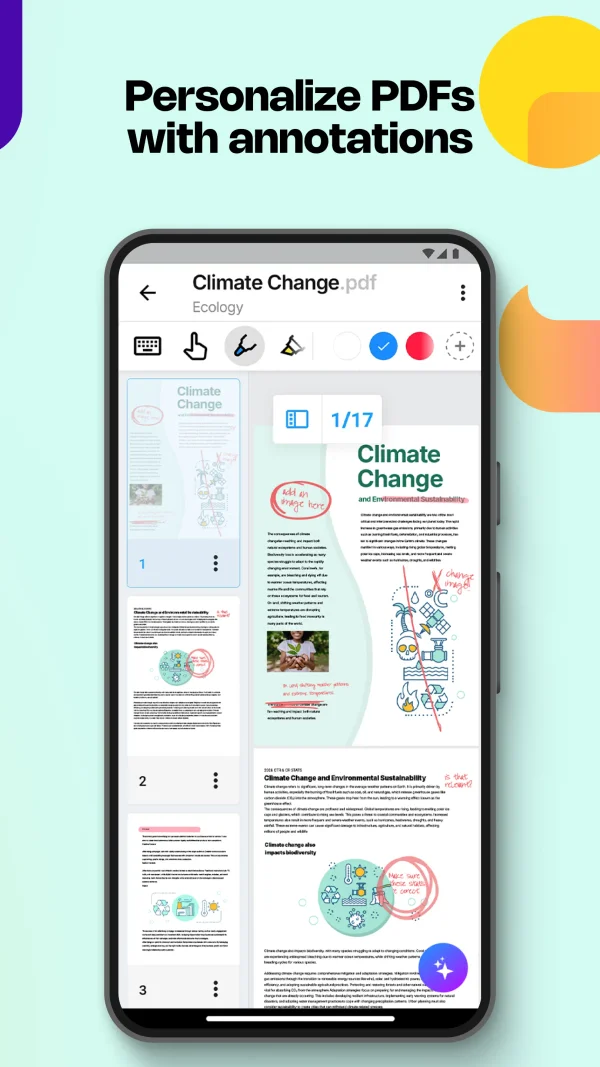
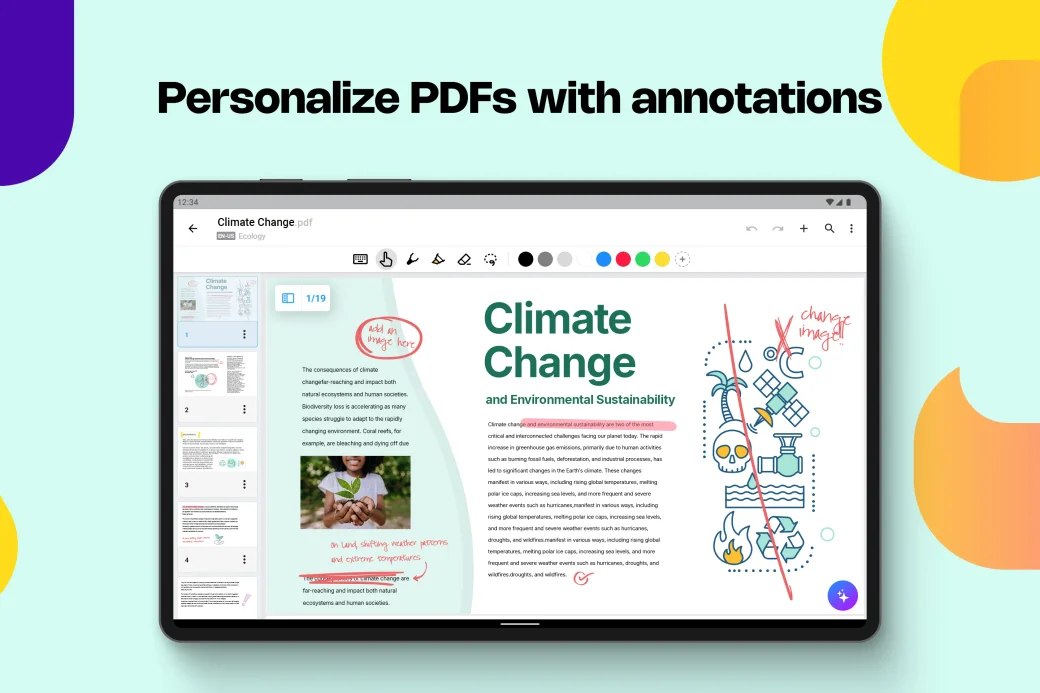
◼︎ Import existing files as PDFs, ready to annotate.
Start with a 7-day free trial to get the full experience — then choose to upgrade to keep all features, or continue with a free limited version.
————————
DIGITAL HANDWRITING
• Write¹, type or dictate in the same page, sentence or even word.
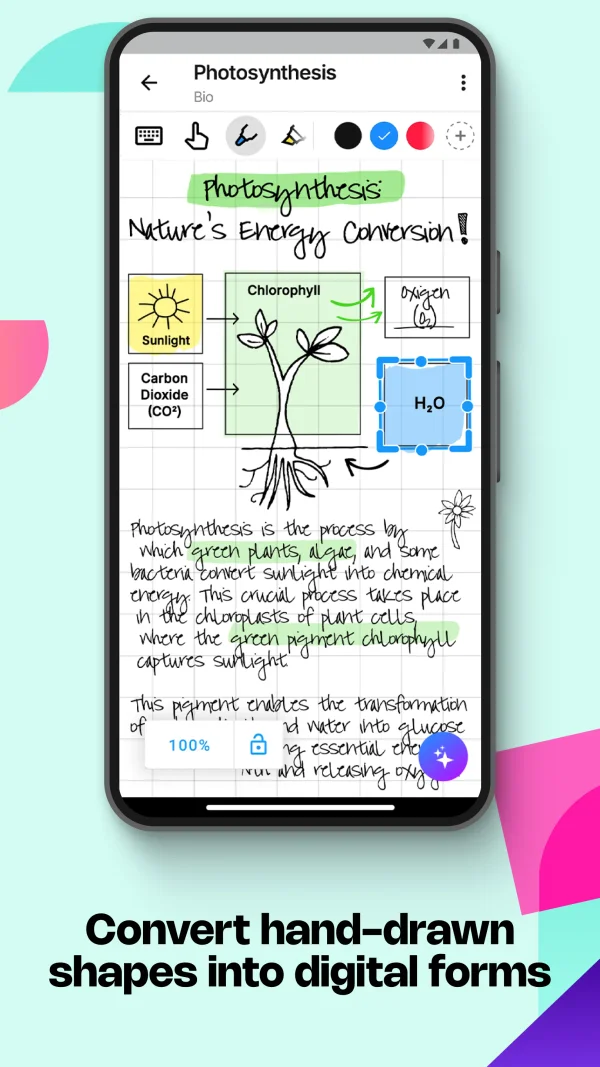
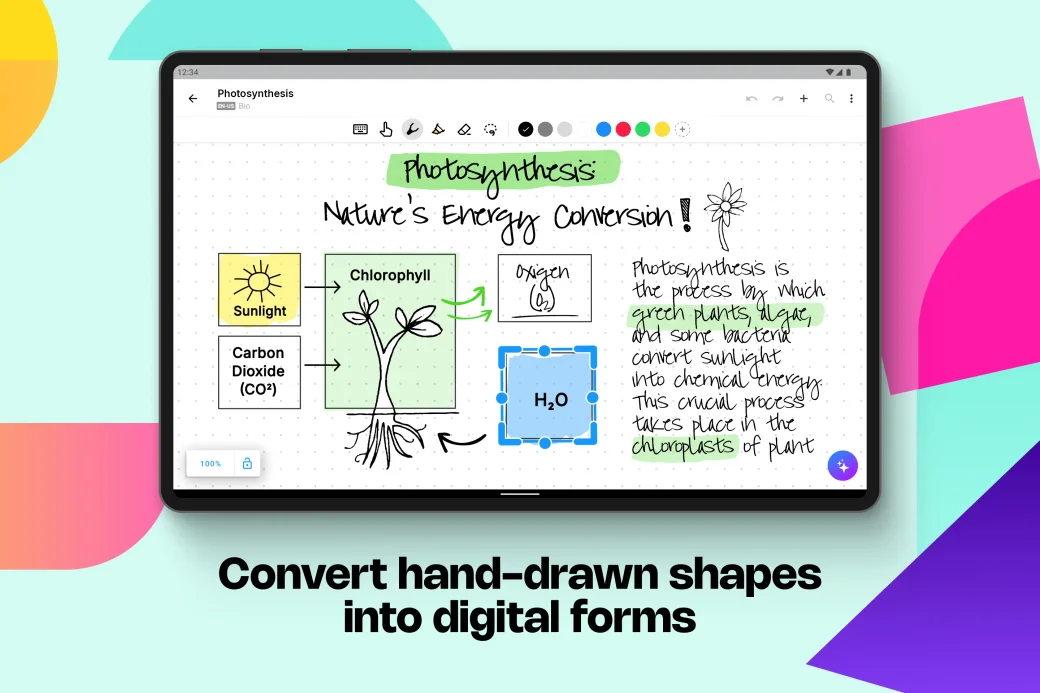
• Accurately convert handwriting and math to typed text, and drawn diagrams to perfect shapes. Diagrams stay editable when pasted into PowerPoint!
• Write emoji and symbols with your pen.
EDIT WITH YOUR PEN
• Use intuitive gestures to edit and format content without breaking your flow.
• Use the marker to highlight or color, the lasso to select, and the eraser to delete entire strokes or precisely defined content.
WRITE, TYPE AND DRAW FREELY ON A BOARD
• Enjoy an infinite canvas, ideal for brainstorming, mind mapping and freeform note-taking.
• Pan around and zoom in or out for a fresh perspective.
• Use the lasso to select, move, copy, delete or resize content — and to convert handwriting to typed text.
SWITCH TO A DOCUMENT FOR A RESPONSIVE EXPERIENCE
• Create and edit structured notes — your handwriting will automatically reflow as needed.
• Make edits, adjust layout, rotate your device or split your screen without worrying about readability.
ENRICH YOUR NOTES
• Personalize content using a range of pen types and page backgrounds.
• Add photos, sketches and smart objects like math and diagrams.
• Handwrite math equations and matrices across several lines, solve simple calculations and copy math as LaTeX or image.
————————
MyScript Notes respects your privacy and never stores content on our servers without your explicit consent.
For help or feature requests, create a ticket at https://myscri.pt/support
Check out MyScript Notes' webpage for more information about cross-platform: https://www.myscript.com/notes
————————
¹You can use any compatible active or passive pen, including Apple Pencil, to write in MyScript Notes. Check minimum and recommended requirements for MyScript Notes: https://myscri.pt/notes-devices
Data safety
What MyScript declares on Google Play about the data this app collects and shares.
- No data shared with third partiesLearn more about how developers declare sharing
- This app may collect these data typesPersonal info, Files and docs, and App activity
- Data isn’t encrypted
- You can request that data be deleted
What’s new
Version 7.4.9 · Nov 10, 2026
◼︎ Improve PDF performance
Optimize your PDFs for faster loading and smoother navigation.
◼︎ Find notes faster
Search by note name to instantly open the one you need.
◼︎ Import multiple PDFs at once
Save time by adding all your PDFs in one go.
Developer contact
- Websitemyscript.com
- Emailapp.support@myscript.com
- Privacy policymyscript.com
- AddressPARC CLUB DU PERRAY 3 RUE DE LA RAINIERE 44300 NANTES France
Information
- Offered by
- MyScript
- Category
- Productivity
- Version
- 7.4.9
- Updated
- Nov 10, 2026
- Released
- Oct 3, 2017
- Requires
- Android 8.0 or later
- Age rating
- Everyone
- Price
- Free
- In-app purchases
- $1.99 - $29.99 per item
- Package name
- com.myscript.nebo
Similar apps
-
 Goodnotes: AI Notes, docs, PDF
Productivity
-
 Noteshelf 3: AI Notes & PDF
Productivity
-
 Notein:Handwriting Notes & PDF
Productivity
-
 StarNote: Note Taking & PDF
Productivity
-
 Jnotes: Note-Taking, AI, PDF
Productivity
-
 Color Notes, Notebook, Notepad
Productivity
-
 Kilonotes-Notes & Mark up PDF
Productivity
-
 Noteshelf - Notes, Annotations
Productivity
-
 Huion Note : Easy note-taking
Productivity
-
 May: Beautiful Bullet Journal
Lifestyle
-
 Notewise - AI Notes, PDF, Docs
Productivity
-
 Notepad - Notes and Tasks
Productivity