NetSpeed Indicator
Nisarg JhaveriIn-app purchases
- EveryoneAge rating
- ToolsCategory
- Sep 28, 2025Updated
- FreePrice
Links to the official Google Play listing of com.nisargjhaveri.netspeed. Last checked on Nov 20, 2026.
Screenshots
About this app
Shows network speed in the status bar to easily monitor your internet connection
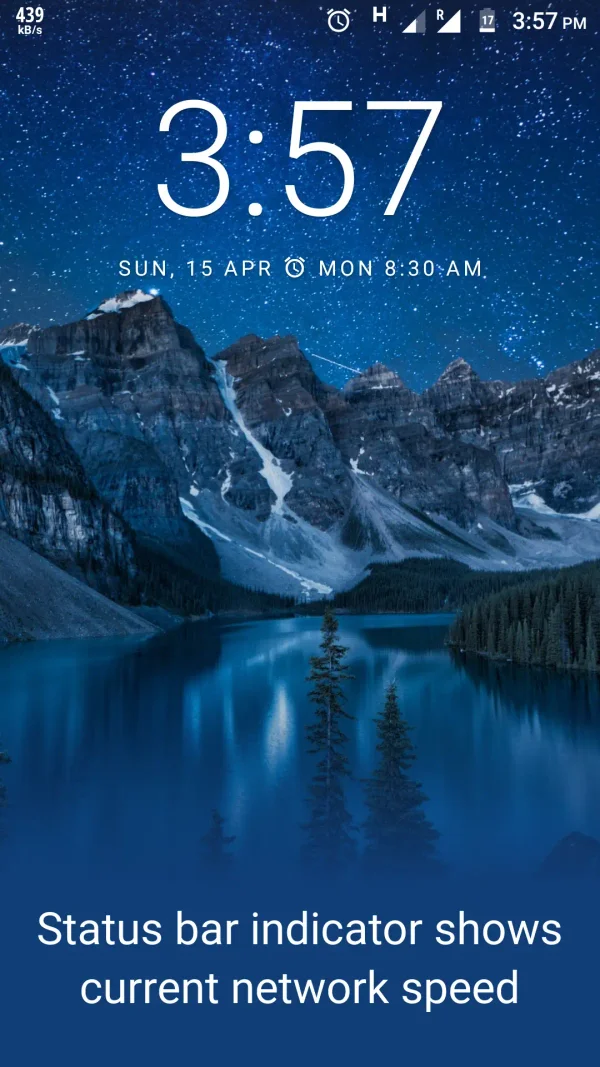
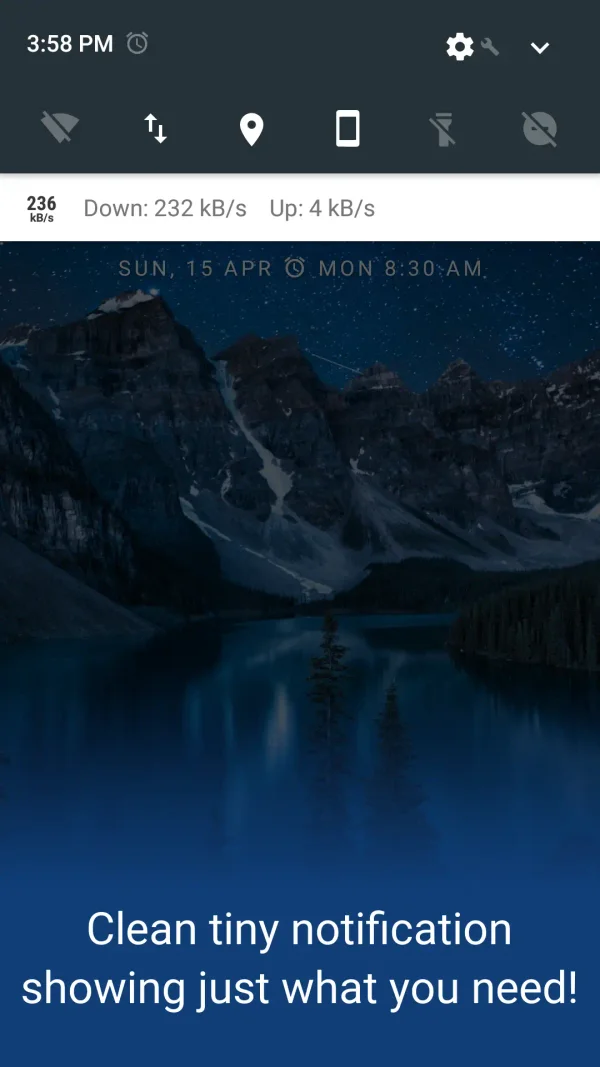
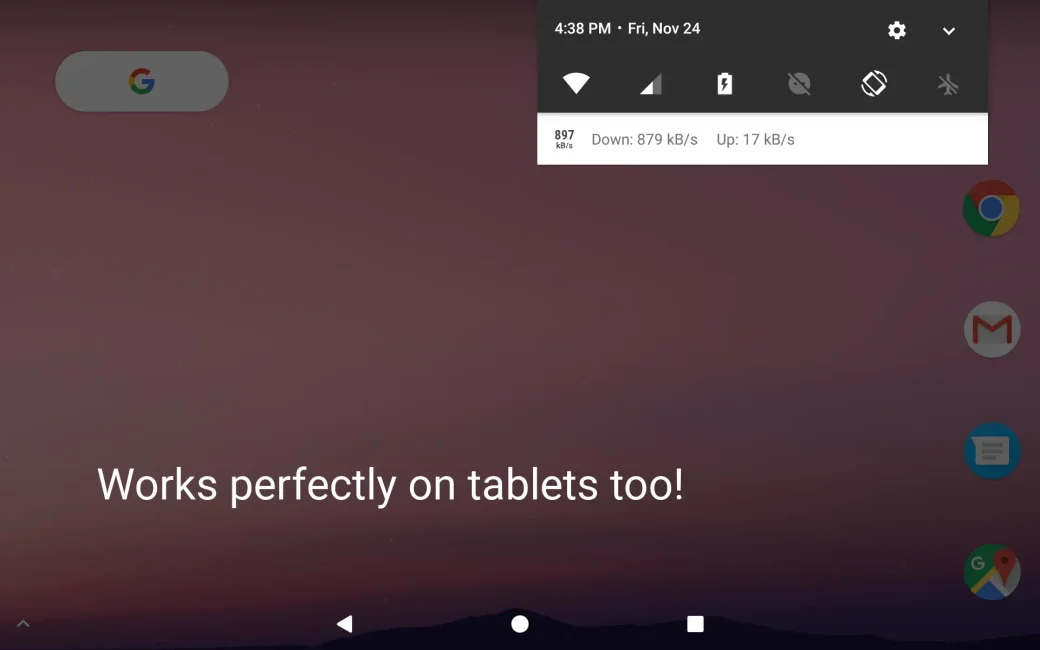
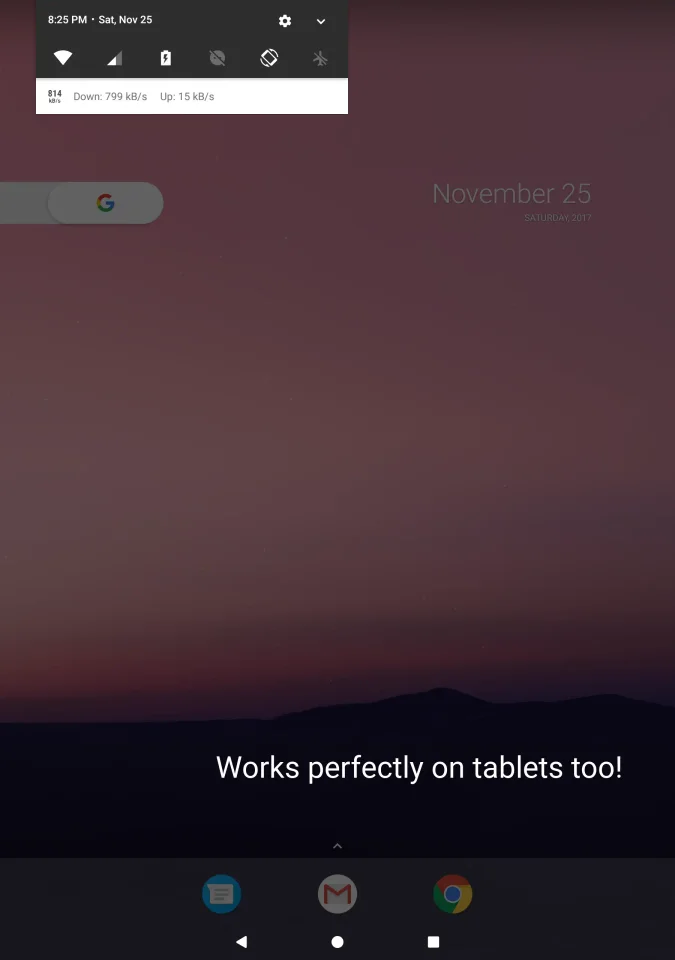
A cleaner and simpler way to monitor network connection speed on your Android devices. NetSpeed Indicator shows your current internet speed in the status bar. The notification area shows a clean and unobtrusive notification displaying live upload/download speed and/or daily data/WiFi usage.
Key features:
• Real-time internet speed in status bar
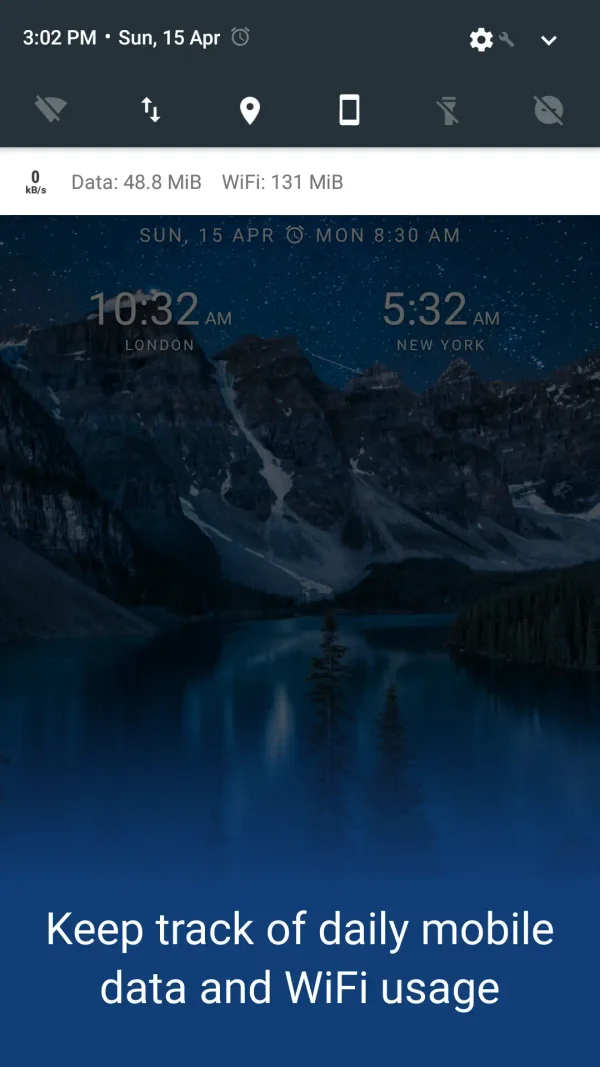
• Track and monitor daily data and WiFi usage from notification
• Unobtrusive notification to let you focus on what's important
• Highly customizable
• Battery and memory efficient
• No ads, No bloat
Feature details:
Real-time
It adds an indicator in your status bar that shows mobile data or WiFi speed. The indicator shows the current speed at which your internet is being used by other apps. The indicator updates in real-time showing the current speed at all time.
Daily data usage
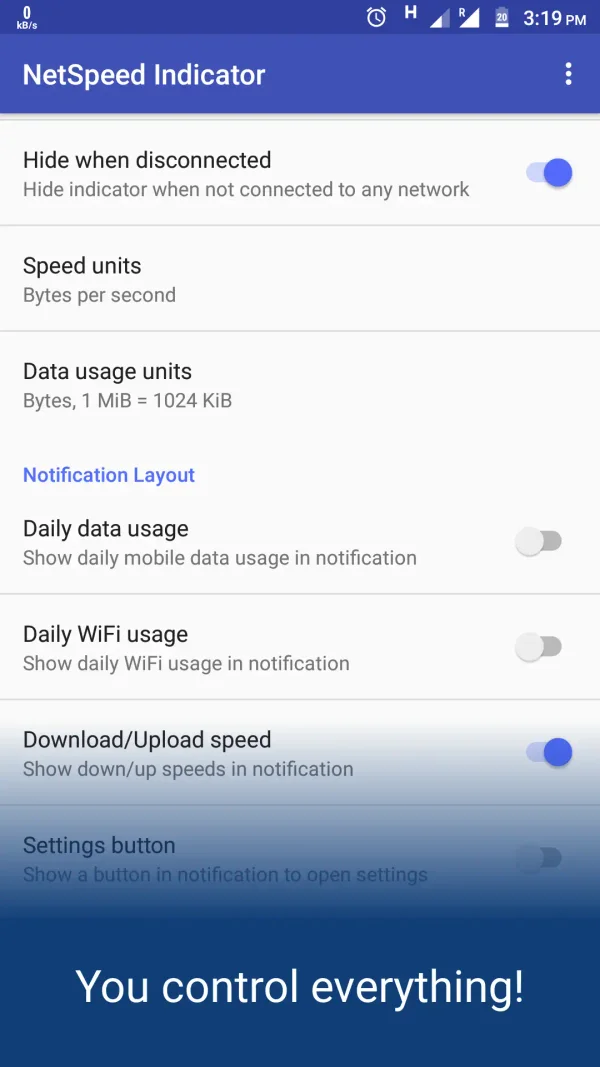
Track your daily 5G/4G/3G/2G data or WiFi usage right from notification bar. When enabled the notification shows daily mobile data and WiFi usage. No need of a separate app just to keep track of your daily data usage.
Unobtrusive
This provides and easy way to monitor your network usage and speed throughout the day without needing to open a separate app. Additionally the notification area shows a carefully designed notification that takes minimal space and attention so that it doesn't come in your way ever.
Highly Customizable
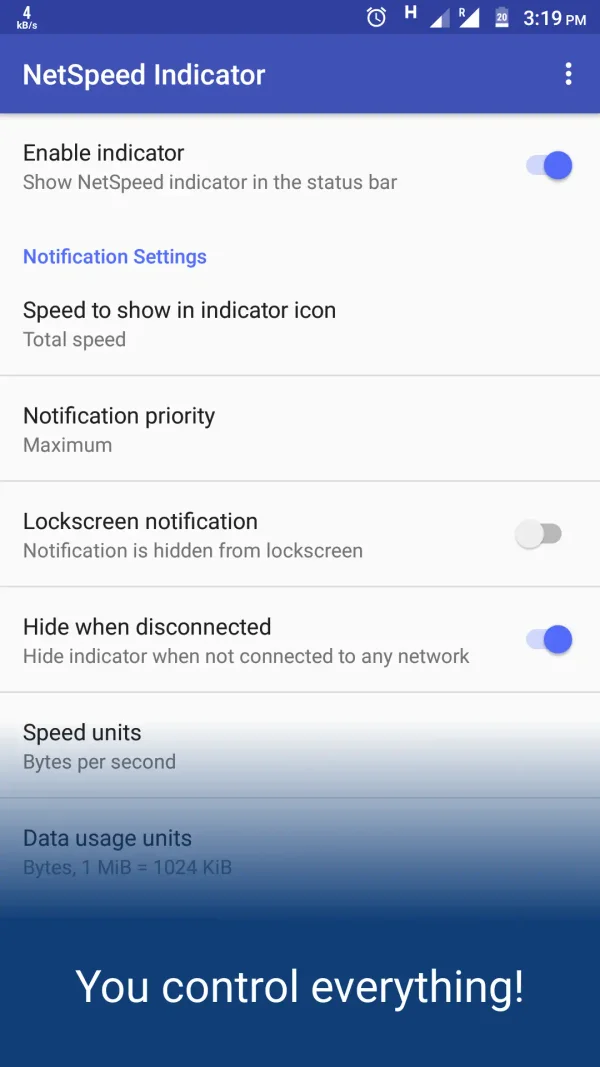
You can customize almost everything you want. Easily show and hide the indicator if needed. Decide for you where you want to show the indicator in the status bar, whether it should be shown on lockscreen or whether you want to use bytes per second (e.g. kBps) or bits per second (e.g. kbps) to show the speed.
Battery and memory efficient
The indicator is designed keeping in mind that we don't have unlimited battery backup, and our experiments shows that it consumes significantly less memory compared to other popular Internet Speed Meter Apps.
No ads, No bloat
No ads that can interrupt you. No bloatware or unnecessary features to help you focus on what's important for you. It never sends anything over the internet to ensure your privacy.
Data safety
What Nisarg Jhaveri declares on Google Play about the data this app collects and shares.
- No data shared with third partiesLearn more about how developers declare sharing
- No data collectedLearn more about how developers declare collection
What’s new
Version 1.12.0 · Sep 28, 2025
Removed "Hide when disconnected" for Android 12+ as it is no longer possible due to Android restrictions.
Tap on "Notification settings - Disconnected" for more control over notification priority and lock-screen notification when disconnected! Keep the "Hide when disconnected" option off for better reliability.
Developer contact
- Emailnetspeed.indicator@gmail.com
- Privacy policygist.github.com
- Address602, Jaldarshan Tower, Near Bahumali, Nanpura Surat, Gujarat 395001 India
Information
- Offered by
- Nisarg Jhaveri
- Category
- Tools
- Version
- 1.12.0
- Updated
- Sep 28, 2025
- Released
- Nov 26, 2017
- Requires
- Android 6.0 or later
- Age rating
- Everyone
- Price
- Free
- In-app purchases
- $0.99 - $6.99 per item
- Package name
- com.nisargjhaveri.netspeed
Similar apps
-
 ASUS Router
Tools
-
 Wi-Fi Toolkit
Tools
-
 Nokia WiFi
Lifestyle
-
 WiFiman
Tools
-
 Device Care
Tools
-
 Cold Shower
Health & Fitness
-
 WiFi Analyzer (open-source)
Tools
-
 NetShare - no-root-tethering
Communication
-
 3DMark — The Gamer's Benchmark
Tools
-
 Deye Cloud
Tools
-
 mSecure - Password Manager
Productivity
-
 Red Bull MOBILE Saudi
Communication