Notepad: Notes & Easy Notebook
Nuts Mobile Inc.Contains ads · In-app purchases
- EveryoneAge rating
- ProductivityCategory
- Sep 29, 2026Updated
- FreePrice
Links to the official Google Play listing of com.notepad.notes.notebook. Last checked on Nov 20, 2026.

Screenshots


About this app
Notepad is an easy notebook for notes, to-do lists, reminder, draft, recording
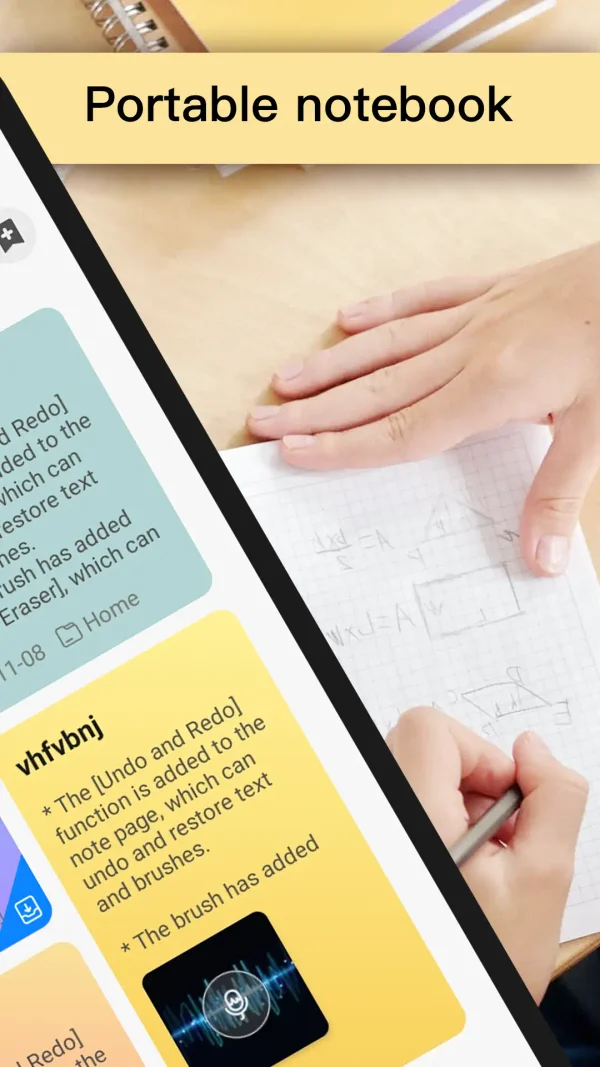
Notepad - Nuts Note is an easy-to-use notebook app for notes. Whether you need to take notes, create to-do lists, manage checklists, or jot down memos, Notepad is optimized to enhance your productivity. Say goodbye to scattered thoughts and disorganized tasks – Notepad is here to help you efficiently manage your tasks and improve your life.✏️
Notepad: Notes & Easy Notebook Main Features
📝 Fast & Easy Notes - Take fast and easy notes with the Notepad app
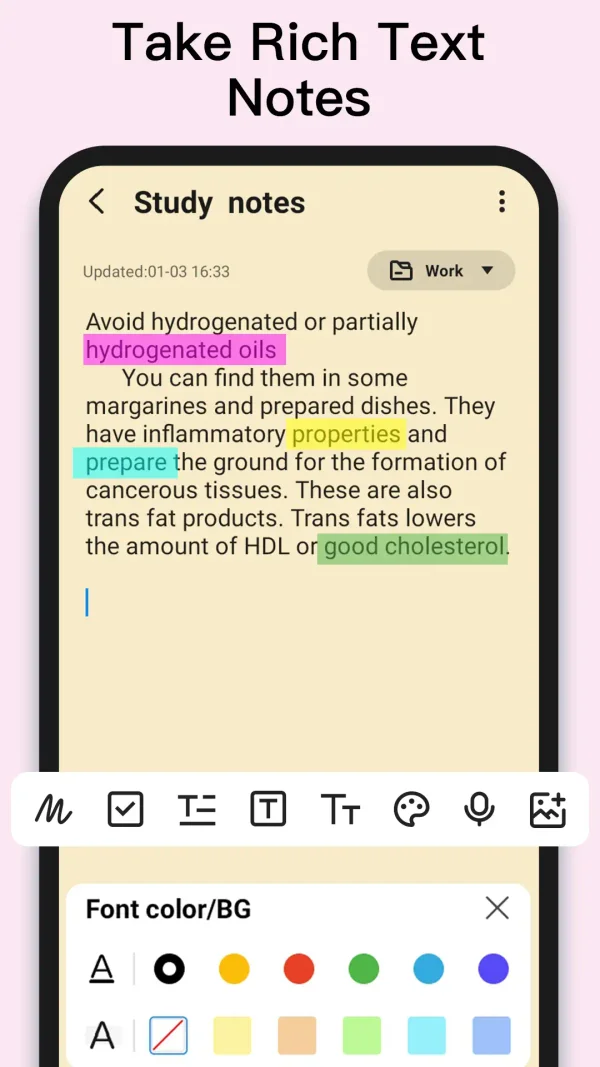
📝 Color Notes - Change the background color/texture/picture of your notes to suit your personal preference
📝 Checklist Functionality - Create a to-do-list, shopping list, grocery list or task list
📝 Reminder - Add reminder notes
📝 Format Text - Personalize your notes with bold, underline, text color and italic text
📝 Recording - Add recording memorandum
📝 Real-time speech-to-text: No rush typing
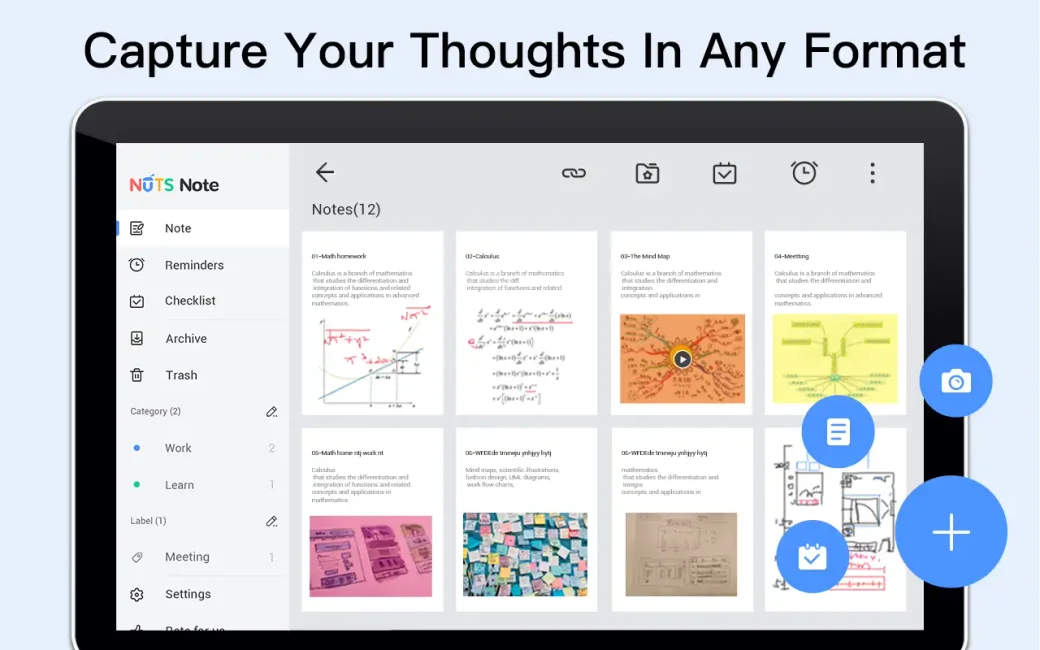
📝 Attachment - Add attachment: image, file
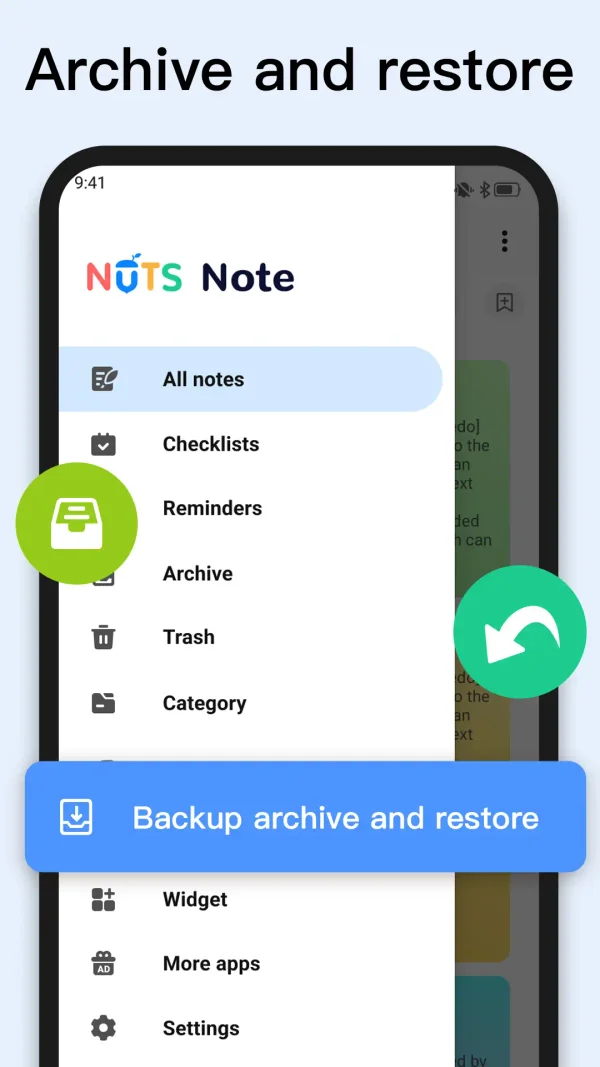
📝 Backup Notes - Never be worried you might lose your notes
📝 Encrypted notes - lock your notes to protect your privacy
📝 Widgets - Many exquisite desktop widgets easy for your remind
📝 Category - Quick classification: work, home, checklist, reminders
📝 Label - Add label to note for quick search
📝 Emoji function and more note backgrounds
Backup your Notes
Never worry about losing your important notes again. With the Notepad app, you can easily backup to your google drive, and restore your notes easily, ensuring that your valuable information is safe and secure. Whether you switch devices or accidentally delete a note, our backup feature will ensure that you always have a copy of your notes available on your google drive.
Personalize Your Notes with Colored Notepad and Text Format
Our app offers a remarkable feature that sets it apart: the ability to create color-coded notes and customize text formats. Instantly transform the appearance of your notes by adjusting the background color. Whether it's personal memos, work-related tasks, or important reminders, you can tailor the background color to match your preferred style. Take personalization to the next level with the text format option, allowing you to highlight your notes with bold, underline, or italic styles. And if that's not sufficient, utilize the search function to easily find specific notes by their titles.
In conclusion, the Notepad app is the ultimate companion for all your note-taking needs. Stay organized, manage tasks efficiently, personalize your notes, and collaborate with others seamlessly. Download the Notepad app today and experience a new level of productivity and organization.
Data safety
What Nuts Mobile Inc. declares on Google Play about the data this app collects and shares.
- No data shared with third partiesLearn more about how developers declare sharing
- This app may collect these data typesLocation, App activity and 2 others
- Data is encrypted in transit
- Data can’t be deleted
What’s new
Version 2.11.1 · Sep 29, 2026
* Fixed some issues
Developer contact
- Websitenutsmobileapp.web.app
- Emaildonuts.interactive@gmail.com
- Privacy policysites.google.com
- Address石马镇石马社区居委会石马街59号 兴宁市, 梅州市, 广东省 China 514500
Information
- Offered by
- Nuts Mobile Inc.
- Category
- Productivity
- Version
- 2.11.1
- Updated
- Sep 29, 2026
- Released
- Apr 12, 2021
- Requires
- Android 7.0 or later
- Age rating
- Everyone
- Price
- Free
- In-app purchases
- $0.99 - $39.99 per item
- Package name
- com.notepad.notes.notebook
Similar apps
-
 Notepad - simple notes
Productivity
-
 Notes
Productivity
-
 Nested Folder Notes - Folino
Productivity
-
 Samsung Notes
Productivity
-
 Notes : Color Folders & To-dos
Productivity
-
 Lite Writer: Writing/Note/Memo
Productivity
-
 Notepad Notes
Productivity
-
 Notepad - Notes、Todo、Memo
Productivity
-
 Notepad, Notes, Easy Notebook
Productivity
-
 Writer Journal - Text,Note
Productivity
-
 DrawNote: Drawing Notepad Memo
Productivity
-
 Notesnook Secure Private Notes
Productivity