One Click Lock Screen
Rushikesh KamewarIn-app purchases
- EveryoneAge rating
- ToolsCategory
- Feb 4, 2026Updated
- FreePrice
Links to the official Google Play listing of rk.android.app.lockscreen. Last checked on Nov 20, 2026.
Screenshots
About this app
Simple app to lock the screen, it also supports unlocking with fingerprint.
Features:
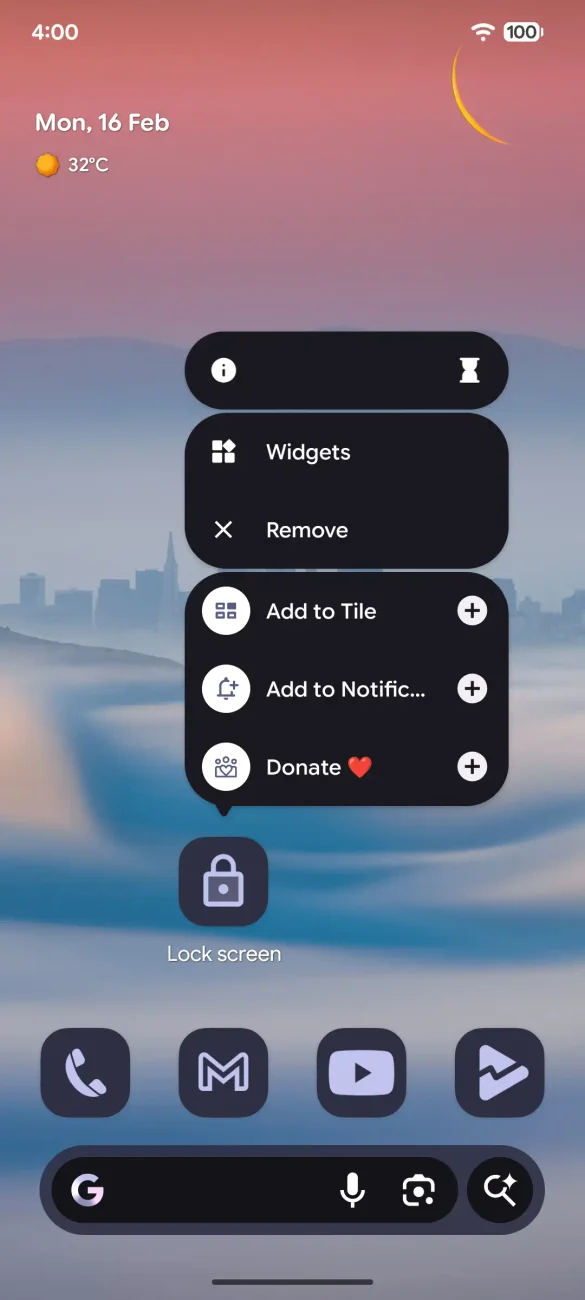
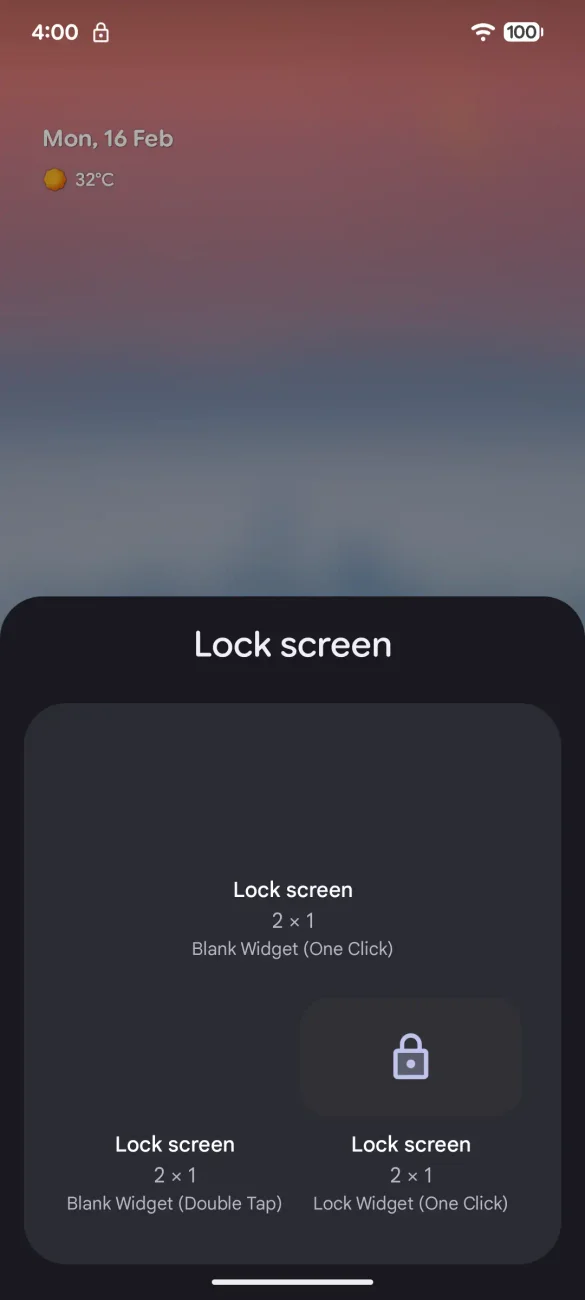
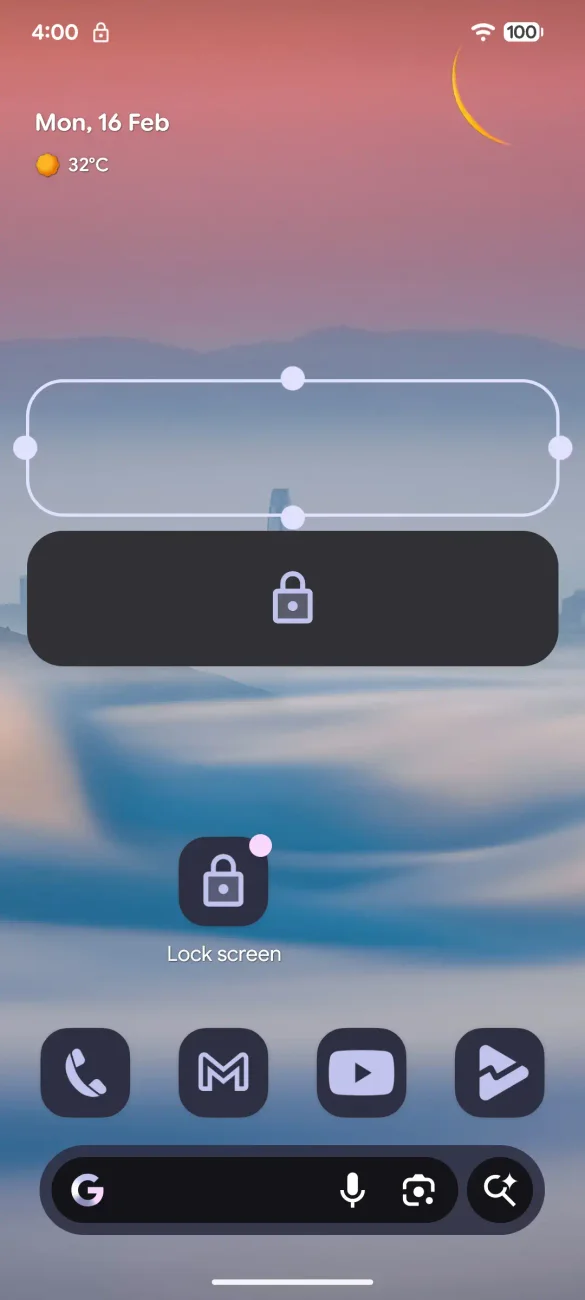
- Lock the screen by just tapping on the app icon.
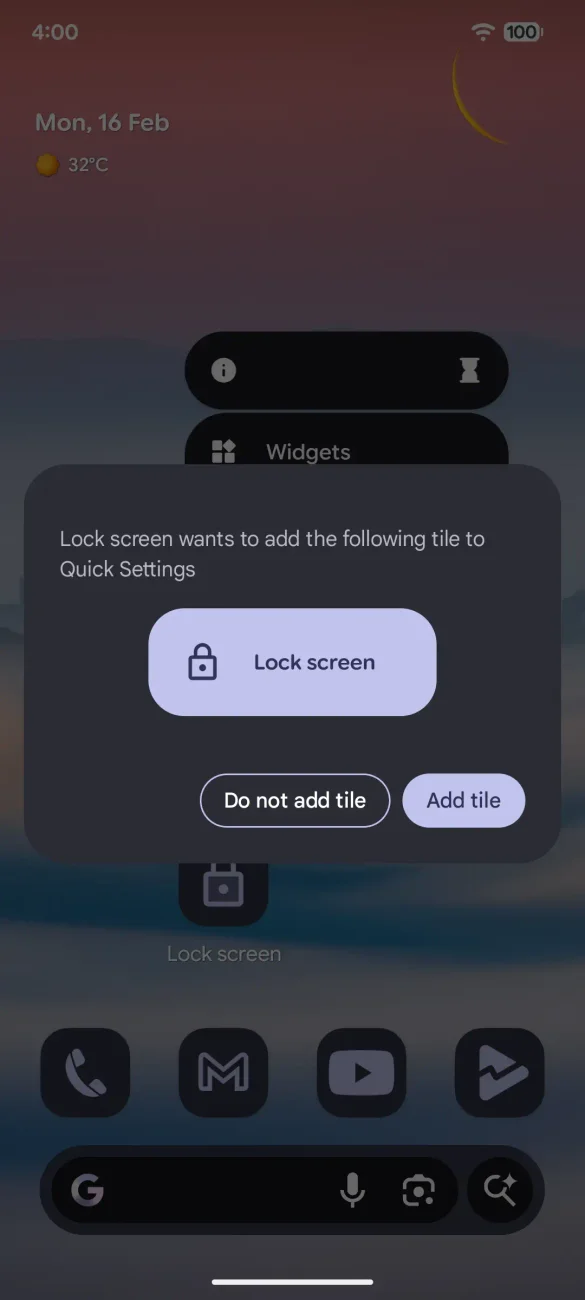
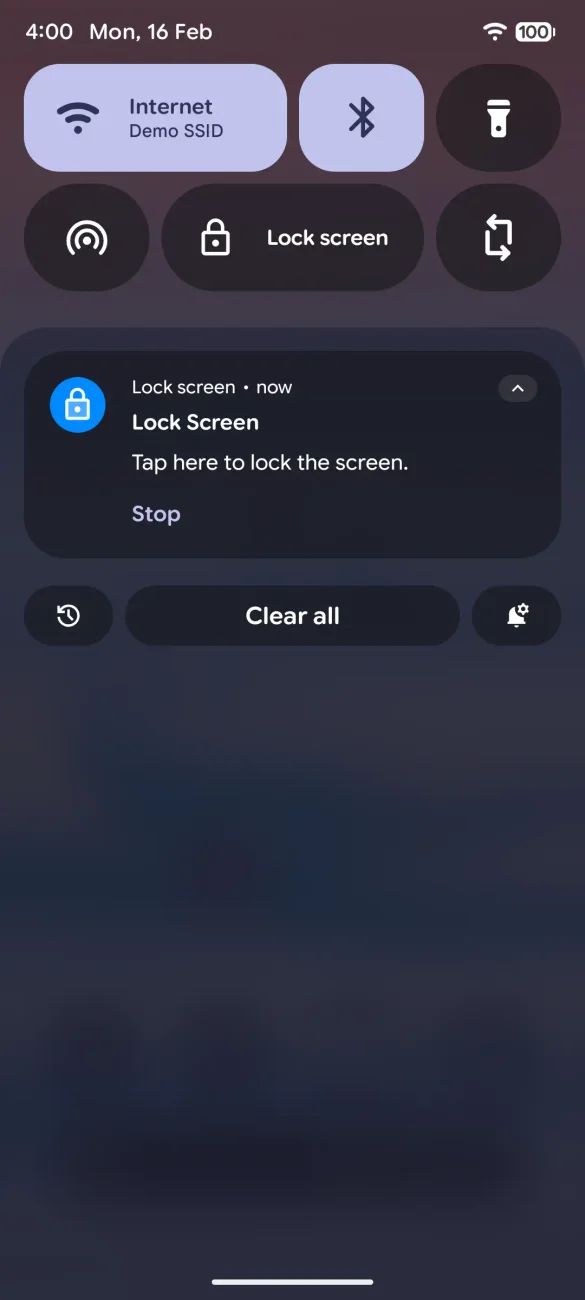
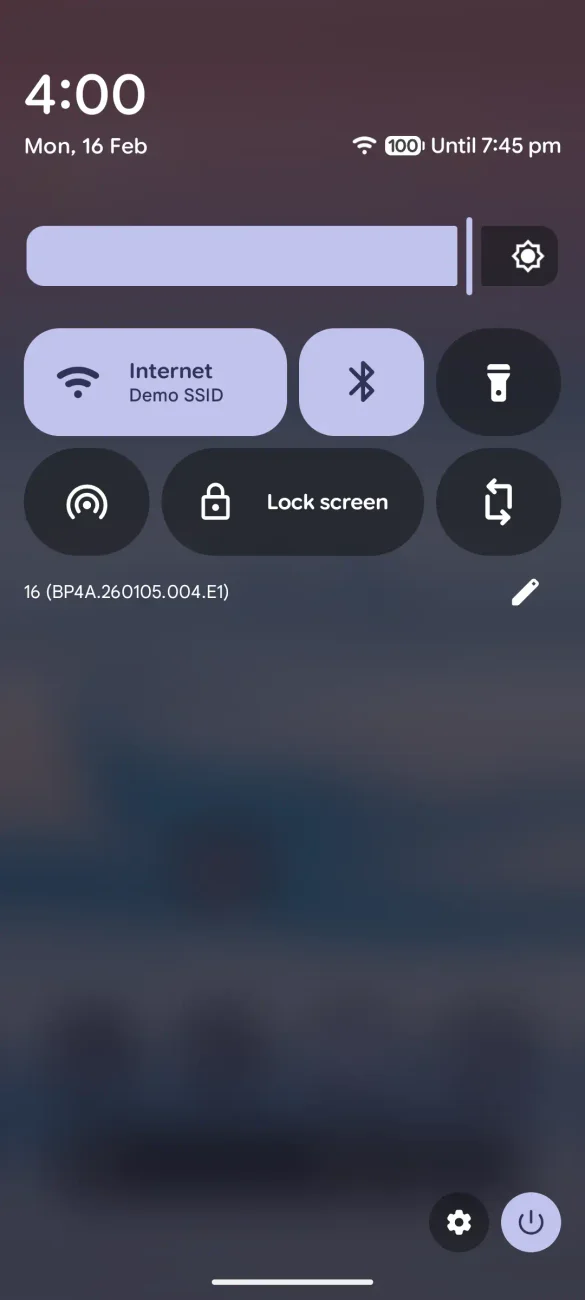
- Lock the screen from the quick settings panel.
- Lock the screen by Long press home button or gesture.
- No unwanted UI and permissions.
Permissions used:
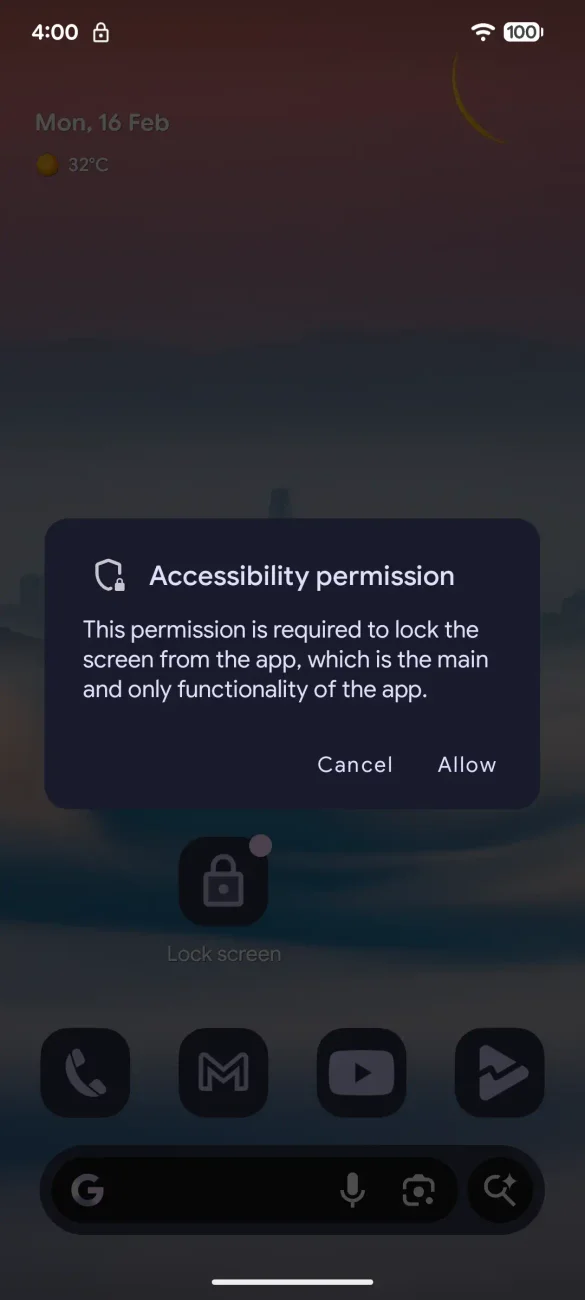
Accessibility Permission:
This permission is required for the app in order to lock the screen from the app, which is main and only functionality of the app.
You can check documentation on how this permission is used to lock the screen here:
https://developer.android.com/reference/android/accessibilityservice/AccessibilityService#GLOBAL_ACTION_LOCK_SCREEN
Here's a small video of app in action while using the permission:
https://youtube.com/shorts/H6sGauaa8SI?feature=share
Data safety
What Rushikesh Kamewar declares on Google Play about the data this app collects and shares.
- No data shared with third partiesLearn more about how developers declare sharing
- No data collectedLearn more about how developers declare collection
What’s new
Version 1.7 · Feb 4, 2026
- Reverted to old icon.
- Added new ways to lock screen via notification and tile addition (long press on app)
- In the shortcuts, donations option is added.
If you like the app, please consider donating :)
Please note: donations are completely optional.
Developer contact
- Emailrushikesh.kamewar96@gmail.com
- Privacy policypages.flycricket.io
- AddressW/O Chandrakant Mukundrao Kamewar, 225, MUKUND NIWAS, AT.POST.MALEGAON TQ. ARDHAPUR, NEAR TELEPHONE EXCHANGE-431750 Nanded, Maharashtra 431750 India
Information
- Offered by
- Rushikesh Kamewar
- Category
- Tools
- Version
- 1.7
- Updated
- Feb 4, 2026
- Released
- Jan 22, 2021
- Requires
- Android 9 or later
- Age rating
- Everyone
- Price
- Free
- In-app purchases
- $0.49 - $109.99 per item
- Package name
- rk.android.app.lockscreen
Similar apps
-
 Applock - lock apps - pin lock
Tools
-
 AppDash: App Manager & Backup
Tools
-
 Calculator Pro: Calculator App
Tools
-
 AppLock - Fingerprint
Tools
-
 Quikshort: Shortcut Creator
Tools
-
 Skit Premium - apps manager
Tools
-
 LOCKit: App Lock, Photos Vault
Tools
-
 PhotoWear Classic Watch Face
Personalization
-
 App Lock - AppLock VIP
Tools
-
 Vera Icon Pack: shapeless icon
Personalization
-
 heyUp: Custom Lock Screen
Personalization
-
 Taskbar
Tools