PDF Editor - PDF Viewer
Bizcraft AppsContains ads · In-app purchases
- EveryoneAge rating
- ProductivityCategory
- Aug 10, 2026Updated
- FreePrice
Links to the official Google Play listing of com.cma.pdf.pdffiller.sign.fill. Last checked on Nov 24, 2026.
Screenshots
About this app
Create, Edit, Fill, Sign, Annotate, Split, Merge and Convert PDF in one place
PDF Editor For Android - Read, Edit, Sign, Create, And Organize Documents!
PDF Editor For Android brings everyday document tools together in one convenient workspace. Open files, make annotations, complete forms, add signatures, rearrange pages, convert content, and manage important documents without needing an account.Image To PDF Signer is useful when you want to turn photos into shareable documents and add an electronic signature. PDF Creator App also lets you start with a blank file and choose page count, orientation, or background.
Document Tools And Features:
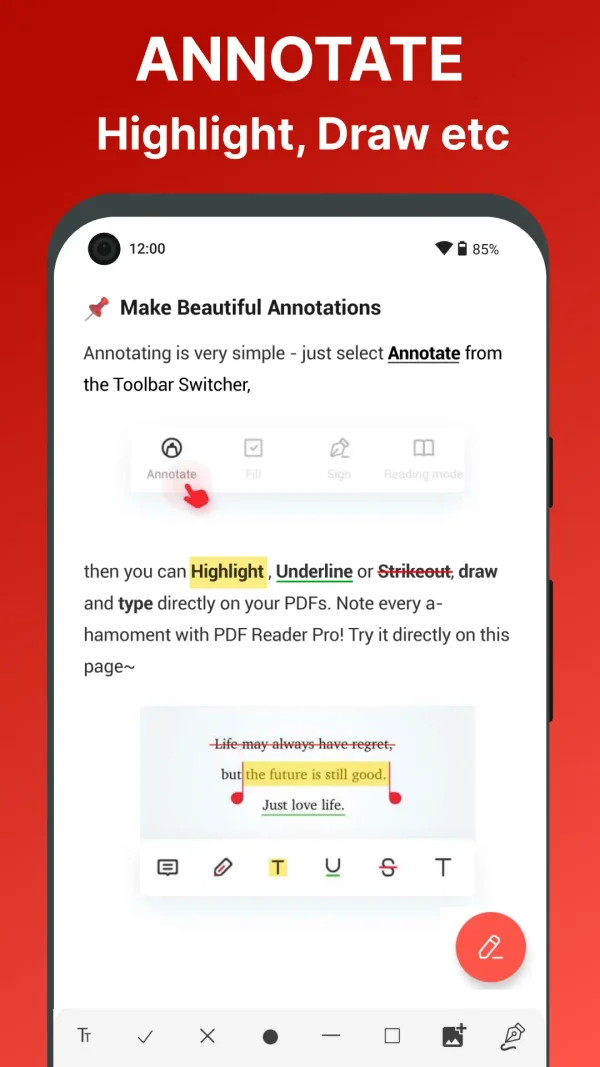
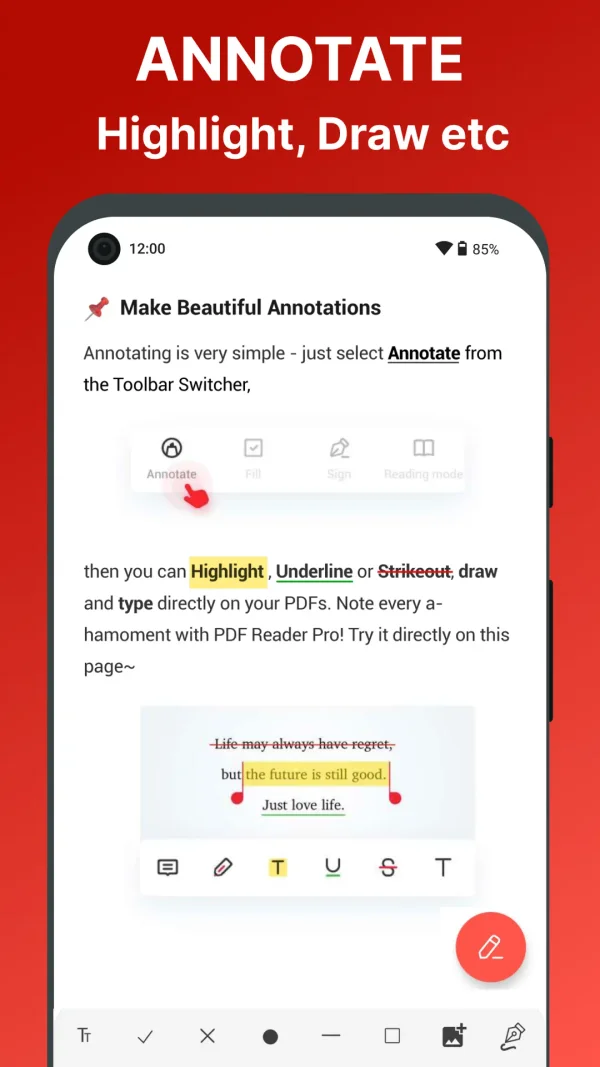
✍️Edit PDF Files - Add notes, drawings, highlights, underlines, and strikeout marks;
📄PDF Maker Tool - Create new documents from blank pages, images, or text;
👀PDF Viewer For Android - Open files with zoom, scrolling, bookmarks, and different layouts;
📚All PDF Reader For Android - Browse stored documents and find what you need with search;
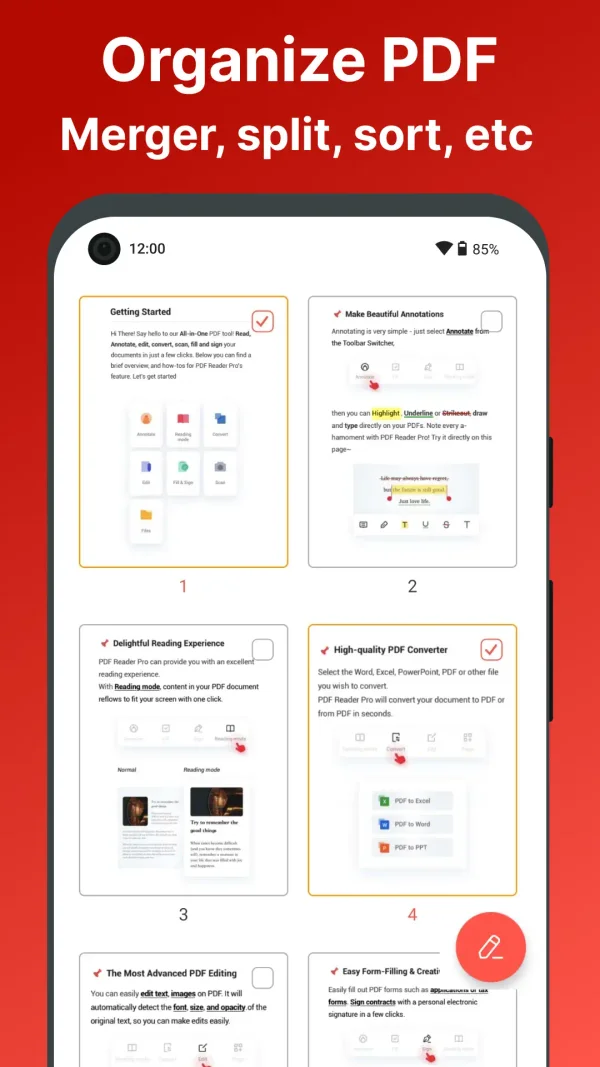
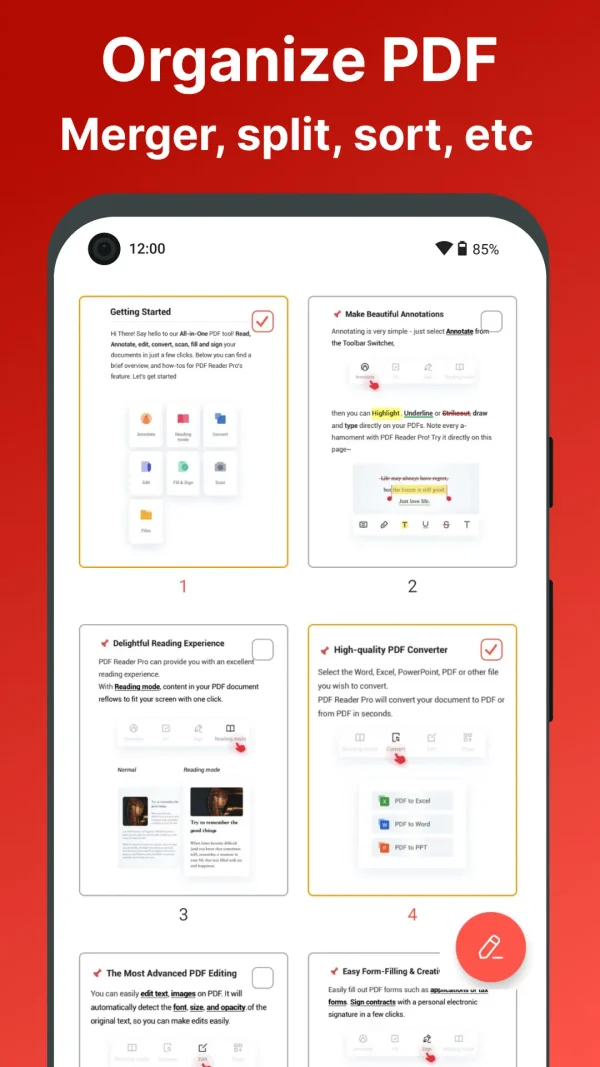
🗂️PDF Organizer App - Reorder, rotate, insert, extract, or remove selected pages;
🖼️Image To PDF Signer - Convert pictures and place your saved or drawn signature;
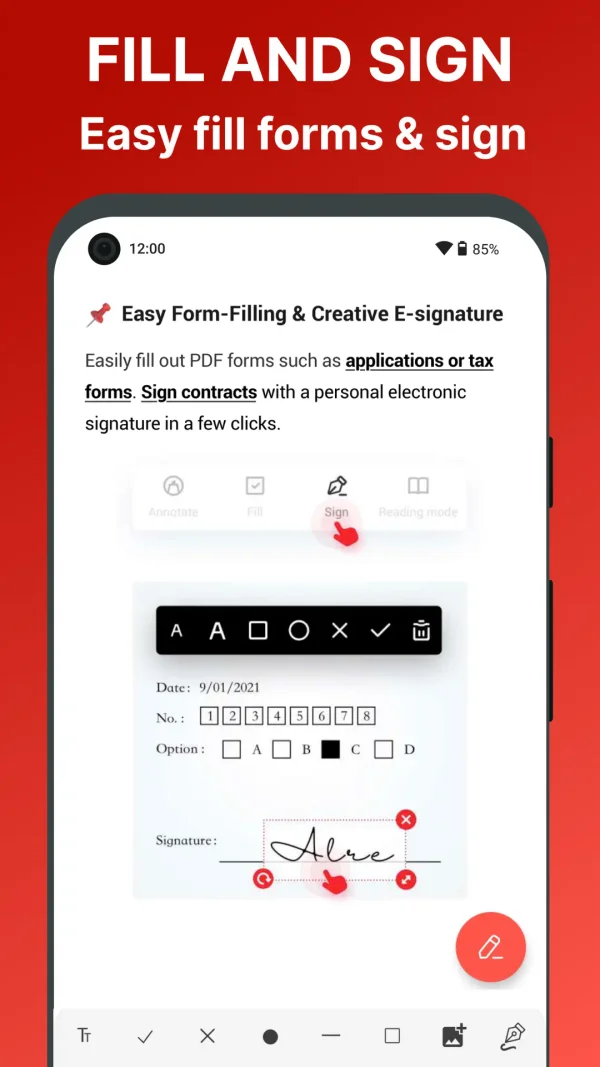
📝Form Filling - Enter text, check fields, and complete supported interactive forms;
🔐Protection Tools - Add password encryption to supported sensitive documents;
Open a document, make your changes, and save the finished version!
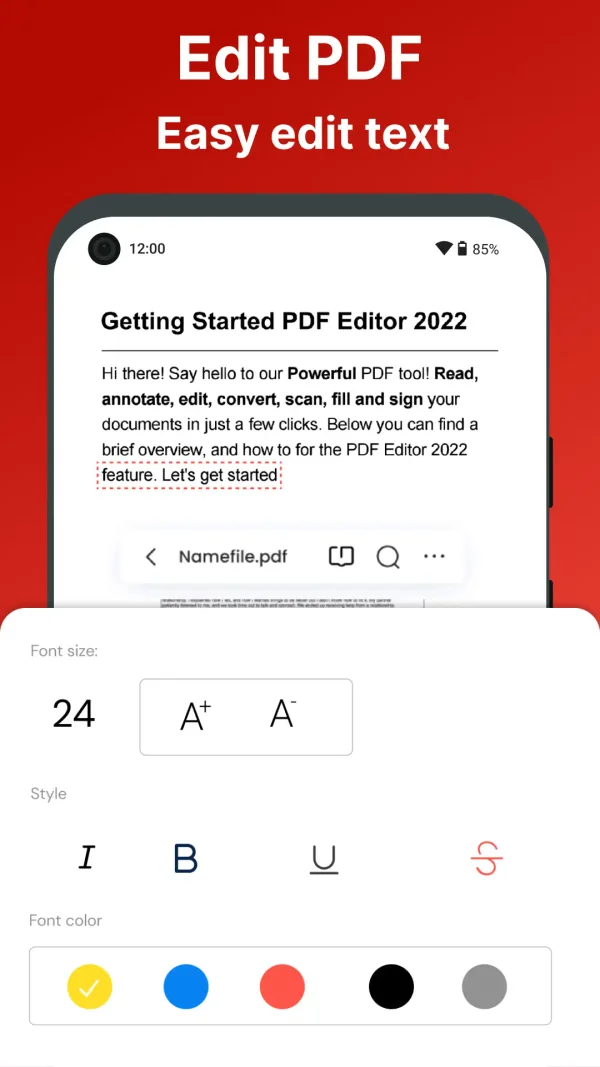
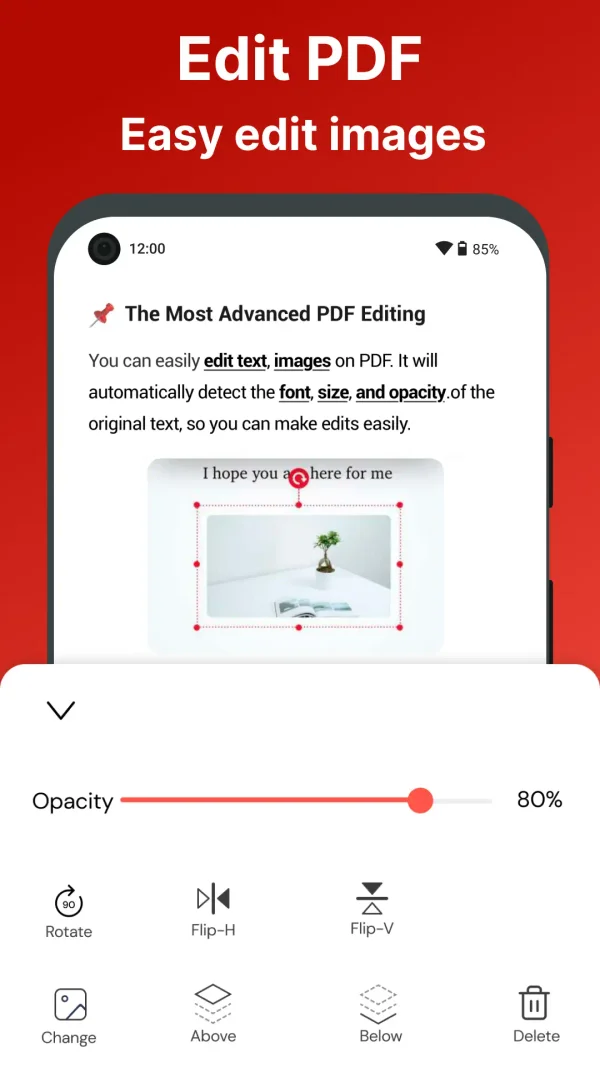
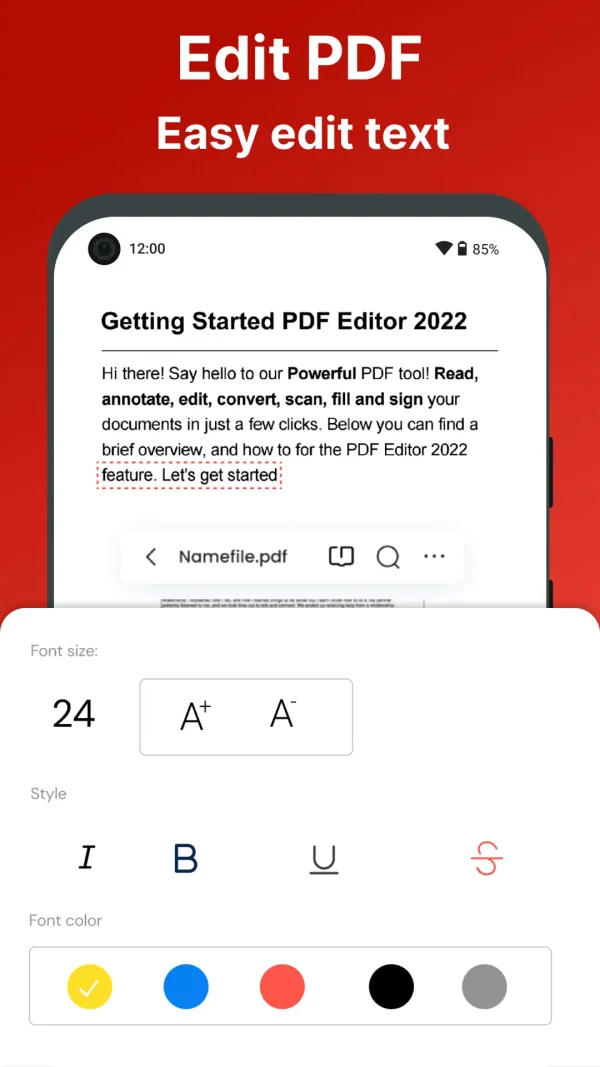
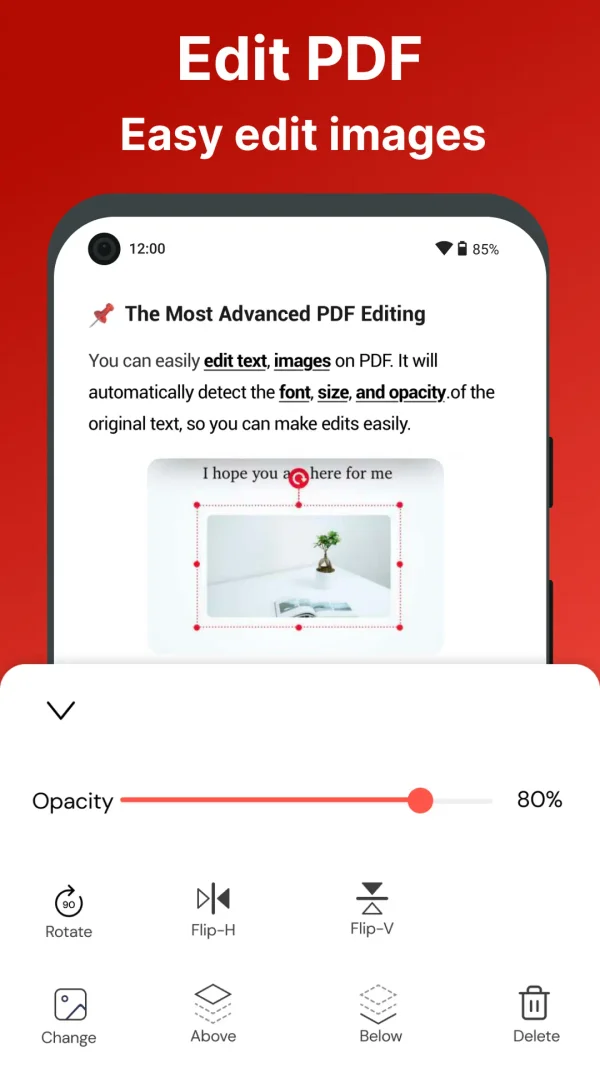
Edit PDF Files helps with everyday corrections and annotations when you are away from a computer. Add comments with sticky notes, mark important text, draw directly on a page, or use available editing tools to change text, fonts, and images.PDF Maker Tool gives you flexible creation options when you are starting from scratch. Build a blank document or convert existing photos and text into a convenient file for sharing, storage, or printing.
How To Use:
📲Open PDF Viewer For Android and choose a document from your device;
✍️Select the editing, annotation, drawing, or form tool you need;
🖊️Use Image To PDF Signer when a signature needs to be added;
📑Open PDF Organizer App to rearrange or rotate pages;
➕Merge multiple documents or extract selected pages into separate files;
🔐Apply password protection when additional privacy is needed;
💾Save the finished version and share it through supported apps;
✍️Sign Forms And Add Annotations:
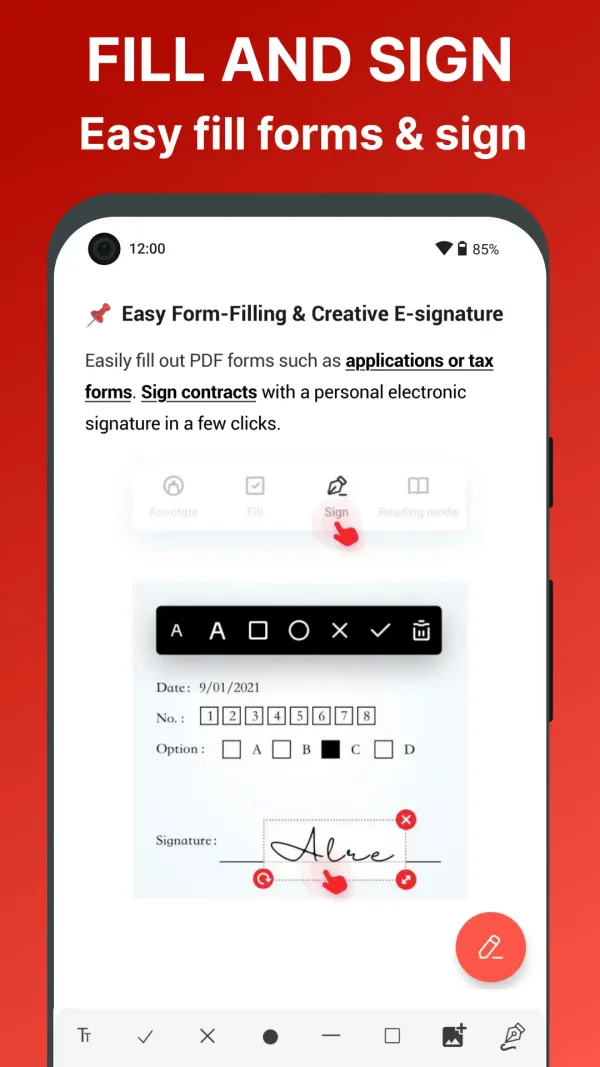
PDF Editor For Android lets you draw a signature with your finger or stylus, or import one you already use. Fill supported form fields for details such as names, addresses, phone numbers, or company information. Annotation tools also make it easy to leave comments or mark sections for later review.
👀Comfortable Reading And File Search:
All PDF Reader For Android helps keep stored documents accessible with search, page-by-page navigation, zoom controls, and bookmarks. Different viewing layouts make longer documents, forms, and ebooks easier to read. You can also rename files to keep your library more organized.
🗂️Page Management, Merge, And Split:
PDF Organizer App gives you control over document structure without requiring desktop software. Rearrange pages, rotate them, add blank ones, remove unwanted sections, combine multiple files, or extract selected pages into separate documents.
🖼️Conversion And Document Creation:
PDF Creator App supports creating content from images or text and exporting document pages into image or text formats when supported. These tools are useful for photos, scans, forms, notes, work files, and other everyday content.
Keep Everyday Document Work In One Place!
PDF Viewer For Android makes reading straightforward, while Edit PDF Files provides practical tools when changes are needed. With signing, creation, page management, conversion, annotation, form filling, and password protection, the app keeps common document tasks easier to handle from your phone.Data safety
What Bizcraft Apps declares on Google Play about the data this app collects and shares.
- This app may share these data types with third partiesDevice or other IDs
- No data collectedLearn more about how developers declare collection
- Data is encrypted in transit
- Data can’t be deleted
Developer contact
- Websitebizcraftapps.com
- Emailsupport.pdfeditoredit@bizcraftapps.com
- Privacy policybizcraftapps.com
- Address8 The Grn Ste 4184 Dover, DE 19901-3618 United States
Information
- Offered by
- Bizcraft Apps
- Category
- Productivity
- Version
- 5.1.0
- Updated
- Aug 10, 2026
- Released
- Aug 18, 2023
- Requires
- Android 8.0 or later
- Age rating
- Everyone
- Price
- Free
- In-app purchases
- $0.99 - $99.99 per item
- Package name
- com.cma.pdf.pdffiller.sign.fill
Similar apps
-
 PDFelement: PDF Editor & Scan
Productivity
-
 AI Resume Builder CV Maker PDF
Business
-
 PeriPage
Education
-
 Nested Folder Notes - Folino
Productivity
-
 BoxHero - Inventory Management
Business
-
 Grade Corner
Education
-
 PDF Reader(KDAN PDF): Edit PDF
Business
-
 MyLebara
Communication
-
 eReader Prestigio: Book Reader
Books & Reference
-
 SCRIBZEE®
Productivity
-
 PDF Merge: Scan, Sign & Edit
Productivity
-
 PDF Editor – Edit Everything!
Tools