PDFelement: PDF Editor & Scan
Wondershare Technology (Hunan) Co.,Ltd.In-app purchases
- EveryoneAge rating
- ProductivityCategory
- Nov 11, 2026Updated
- FreePrice
Links to the official Google Play listing of com.wondershare.pdfelement. Last checked on Nov 19, 2026.

Screenshots



About this app
AI PDF Expert: All-in-one tool to scan, edit, convert, and sign PDFs with ease.
PDFelement 6.1.0:All-New Scan Upgrade
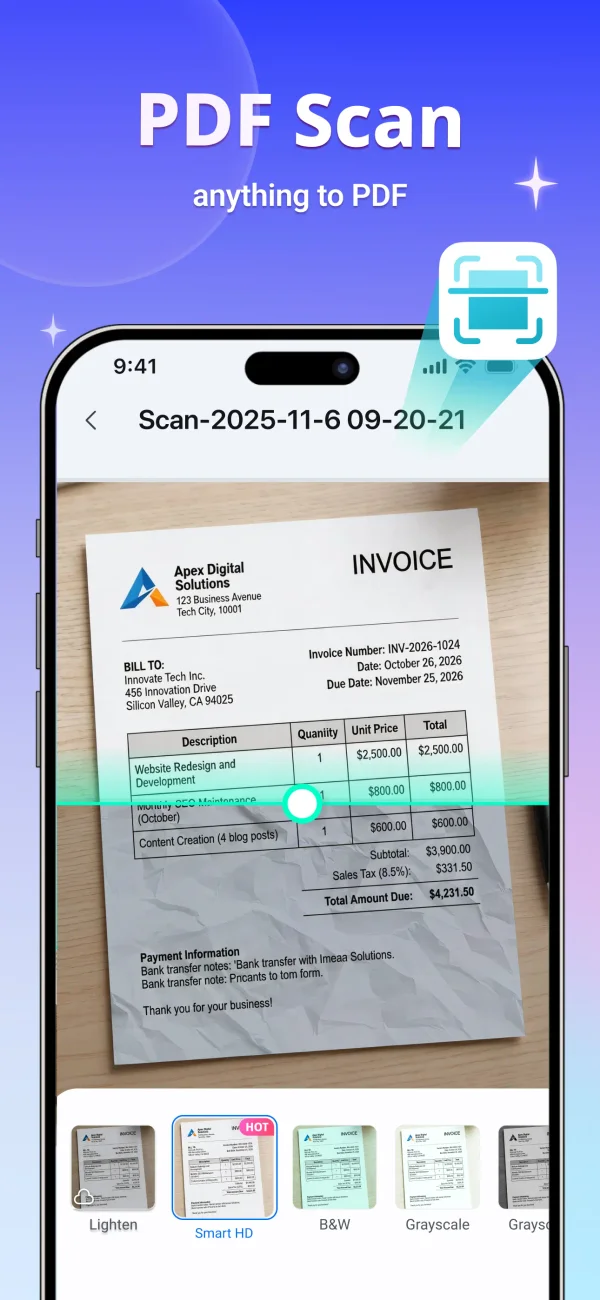
Powerful scan upgrade with optimized core algorithms. New dedicated scan modes for ID, books, invoices, text extraction and whiteboards. One-tap scanning ensures clearer, faster and more efficient results.
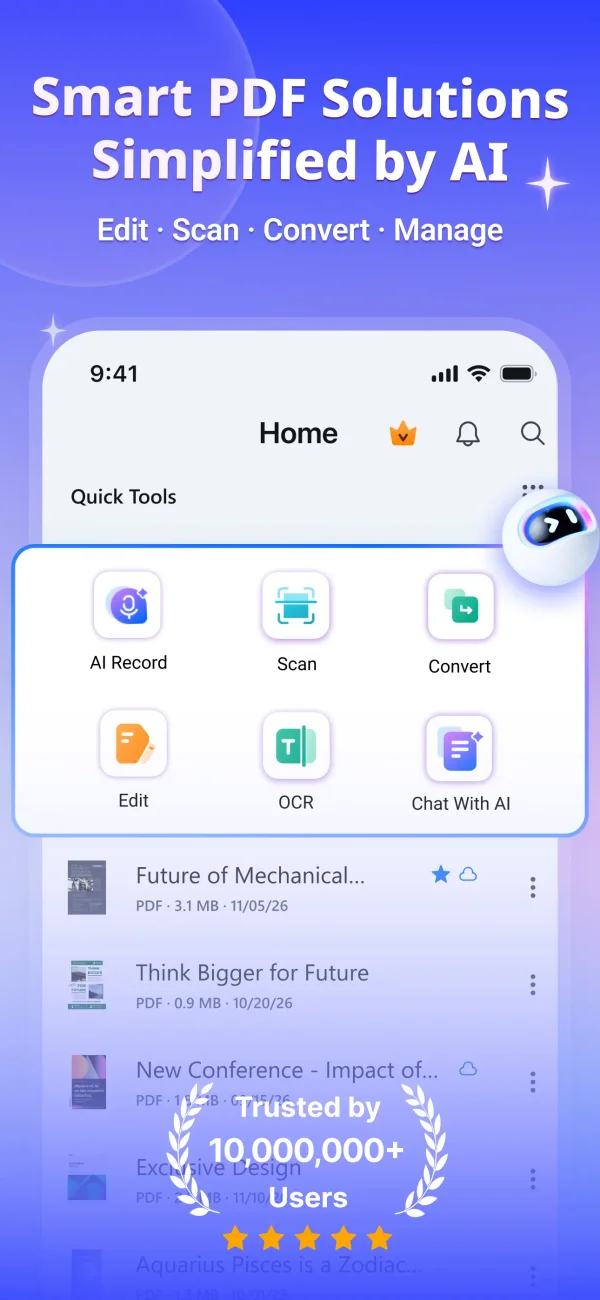
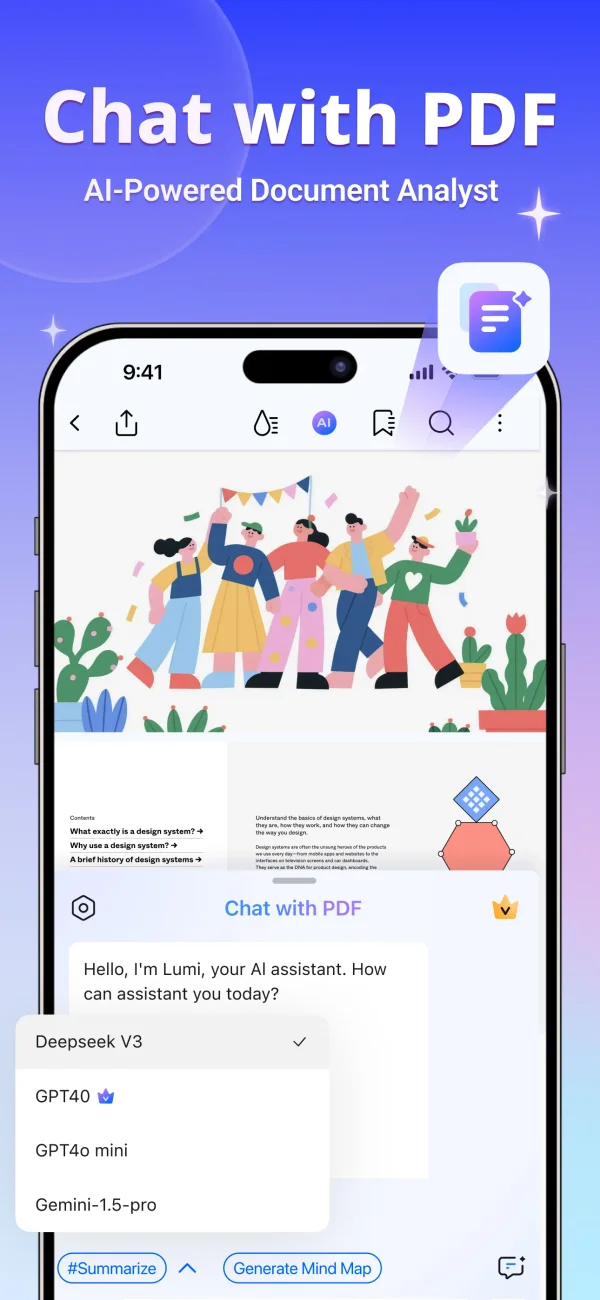
Discover the Smart PDF solution with PDFelement AI PDF Editor, Reader, Scanner, and Converter. Experience seamless AI for PDFs that lets you chat, translate, proofread, summarize PDFs and more. Unlock new possibilities with our AI PDF reader and editor. Install now!
KEY FEATURES
🤖 HOT AI PDF
• Chat with PDF/AI: Ask clear questions and get instant, accurate answers from the PDF.
• AI PDF Summarizer: Summarize PDFs into key points, generate abstract, and extract keywords.
• AI PDF Rewriting: Proofread your PDF content and correct errors in grammar, spelling, word choice, etc. and enhance accuracy of PDF content.
NEW PDF Template
• Hundreds of multi-purpose templates
• Editable and printable templates that are available
• Easily adjust the colors, fonts, and other design across the template
• Add content and images across the templates with ease
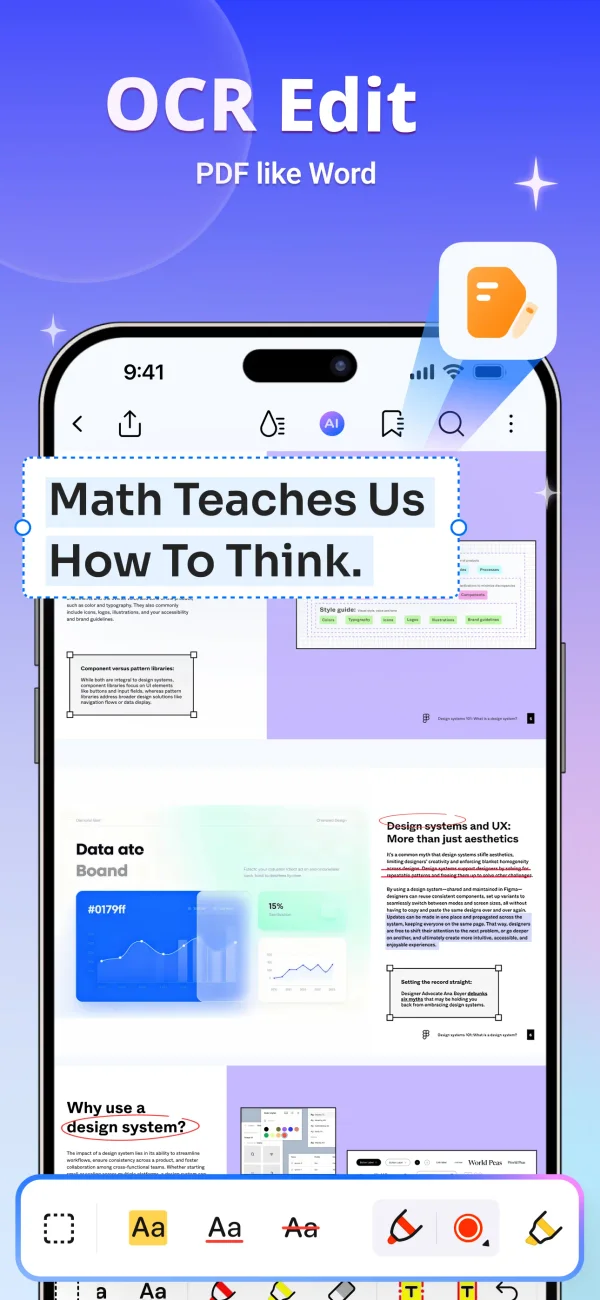
✒️Edit PDF Like Word
• PDF Editing: Edit text and images directly for ultimate convenience.
• Font: Edit with the same font and erase easily, quickly navigate & adjust the font size or spacing.
📖Professional PDF Reader
• Liquid Mode: Get the best PDF reading experience with Liquid Mode, PDFs readjust to fit your screen.
• Bookmark: Navigate PDFs intuitively with Bookmarks for a seamless reading experience.
• Read aloud: Listen to PDFs with your preferred reading range, voice, speed, and volume.
📷Scan and OCR
• Scanner: Scan and digitize paper documents: receipts, invoices, certificates, etc..
• OCR: Recognize and extract text in images or PDFs for later searching and editing.
• Scan multiple pages: Easily scan multiple pages into one document.
🔁PDF Converter
• PDF to Office and image: convert PDF to Microsoft Word, Excel, PPT, Text, HWP, JPG, PNG, TIFF, BMP, GIF and more in high resolution.
• Covert to PDF: create PDFs from various document types, including Microsoft Office files, images, and more.
📝Annotate PDF
• Annotate: Add text, sticky notes, corrections, shapes, arrows and more.
• Text Markup: Highlight text to produce the best study outcome for you to follow.
• Comment: Popular styles to make your comments stand out.
• Measure: measure distance, perimeter, and area in PDF
📂Create PDF
• Create blank PDF: Custom Templates like blank, lined, grid, dotted, graph, and music paper options.
• Create from images: import files directly from the Photos or use your device's camera to scan paper documents.
📑 Manage PDF
• Compress: Reduce PDF Size to Smaller Without Losing Quality.
• Merge PDF: Quickly combine PDFs, images and other files into one PDF.
• Organize page: Add, delete, extract, rotate, merge, split, crop, and rearrange PDF pages.
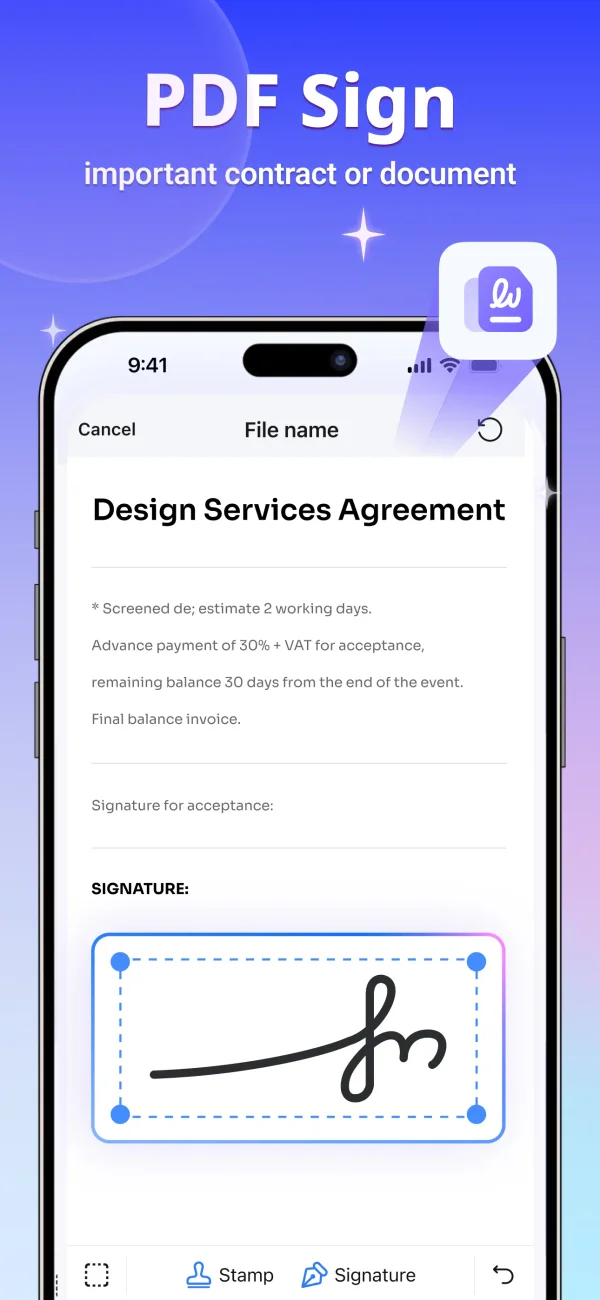
🖋Fill and Sign
• Fill forms: Fill out PDF forms using interactive text fields, checkboxes, and radio buttons.
• Digitally Sign: show text or an image, such as an image of your handwritten signature.
• Custom Stamp: You can stamp PDF documents with an image, drawing, or text.
🔐Store & Share PDFs
• Save PDF: Upload files to PDFelement Cloud and access cloud files from any device.
• Protect PDF: Set a password to the confidential content to ensure better security.
• Share PDF: Easily share PDFs in multiple ways: social media, link, or email.
WORDS FROM THE DEVELOPER:
We offer Premium plans (Monthly, Yearly, Perpetual) and an AI Add-on. A free version with limited features is also available.Premium members get 100 free uses for AI content features (Chat with PDF / AI) and 10 free uses for document AI features (Summarize / Rewrite). Get unlimited AI access with the AI Add-on.
Email: customer_service@wondershare.com
Support Center: http://support.wondershare.com
Data safety
What Wondershare Technology (Hunan) Co.,Ltd. declares on Google Play about the data this app collects and shares.
- This app may share these data types with third partiesLocation and Device or other IDs
- This app may collect these data typesLocation, Personal info and 4 others
- Data is encrypted in transit
- You can request that data be deleted
What’s new
Version 6.2.0 · Nov 11, 2026
New onboarding guide to help you get started.
Upgraded AI chat model for smoother conversations about your documents.
Refreshed home screen for a clearer, more comfortable experience.
Developer contact
- Websitepdf.wondershare.com
- Emailpdfelement@wondershare.com
- Privacy policywondershare.com
- Address中国 湖南省长沙市 高新开发区尖山路39号长沙中电软件园有限公司总部大楼902室 邮政编码: 410000
Information
- Offered by
- Wondershare Technology (Hunan) Co.,Ltd.
- Category
- Productivity
- Version
- 6.2.0
- Updated
- Nov 11, 2026
- Released
- Sep 27, 2017
- Requires
- Android 7.0 or later
- Age rating
- Everyone
- Price
- Free
- In-app purchases
- $0.99 - $129.99 per item
- Package name
- com.wondershare.pdfelement
Similar apps
-
 PDF Scanner Plus - Doc Scanner
Productivity
-
 Foxit PDF Editor
Productivity
-
 PDF Reader & Editor - Falcon
Productivity
-
 MyScript Notes: AI Note Taking
Productivity
-
 Genius Scan - PDF Scanner
Business
-
 UpNote - notes, diary, journal
Productivity
-
 MobiOffice: Word, Sheets, PDF
Productivity
-
 Smallpdf: PDF Scanner & Editor
Productivity
-
 DOCX Editor: PDF, DOC, XLSX
Productivity
-
 PDF Editor – Edit Everything!
Tools
-
 Notewise - AI Notes, PDF, Docs
Productivity
-
 Fill, Sign and Edit Documents
Business