PDF Scanner app - TapScanner
Tap AIContains ads · In-app purchases
- EveryoneAge rating
- BusinessCategory
- Nov 19, 2026Updated
- FreePrice
Links to the official Google Play listing of pdf.tap.scanner. Last checked on Nov 19, 2026.

Screenshots

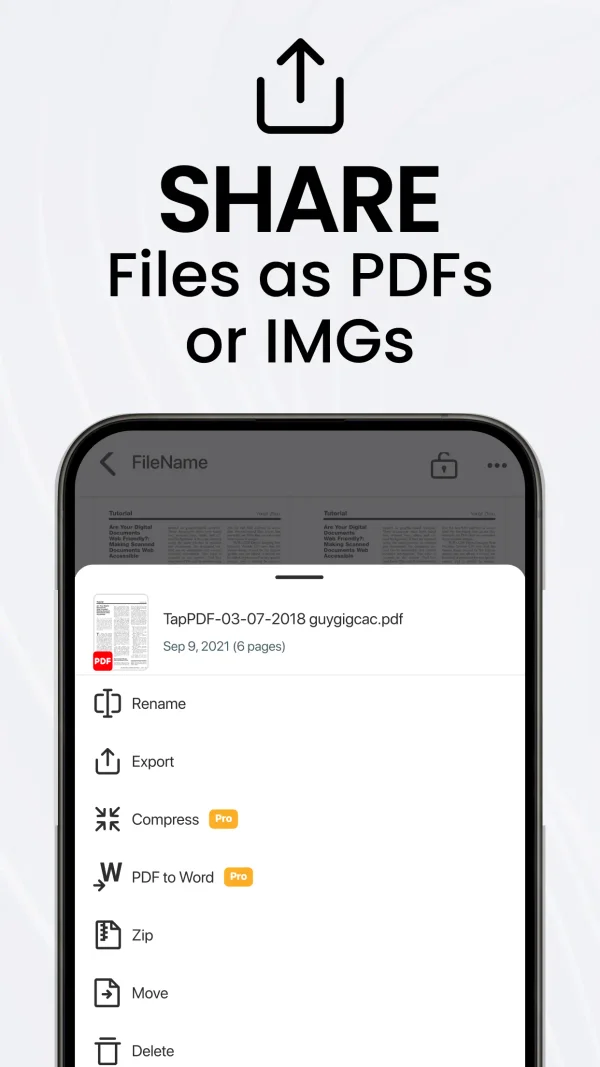
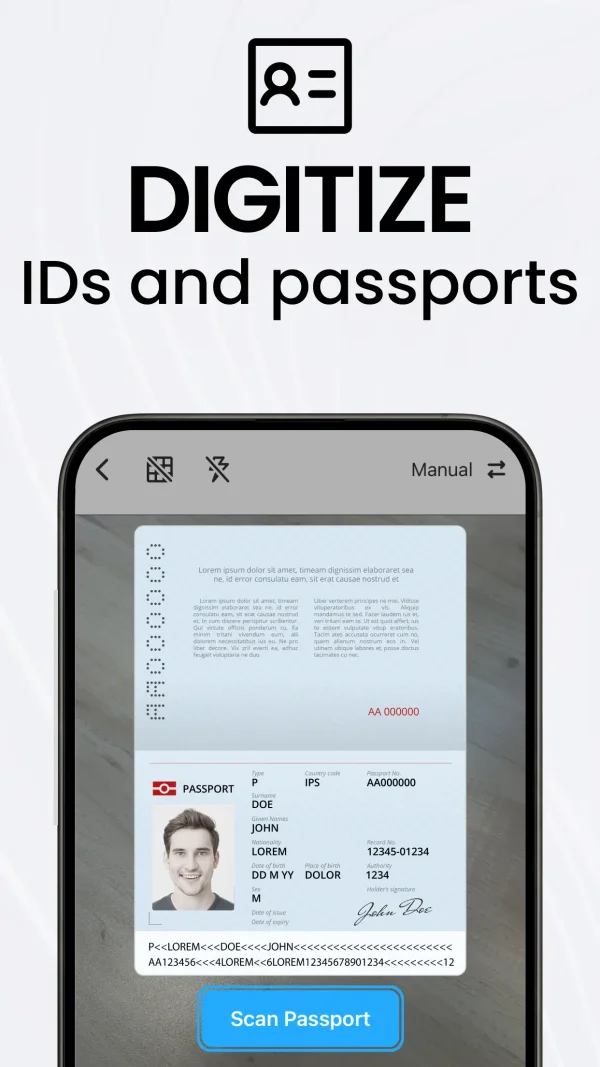
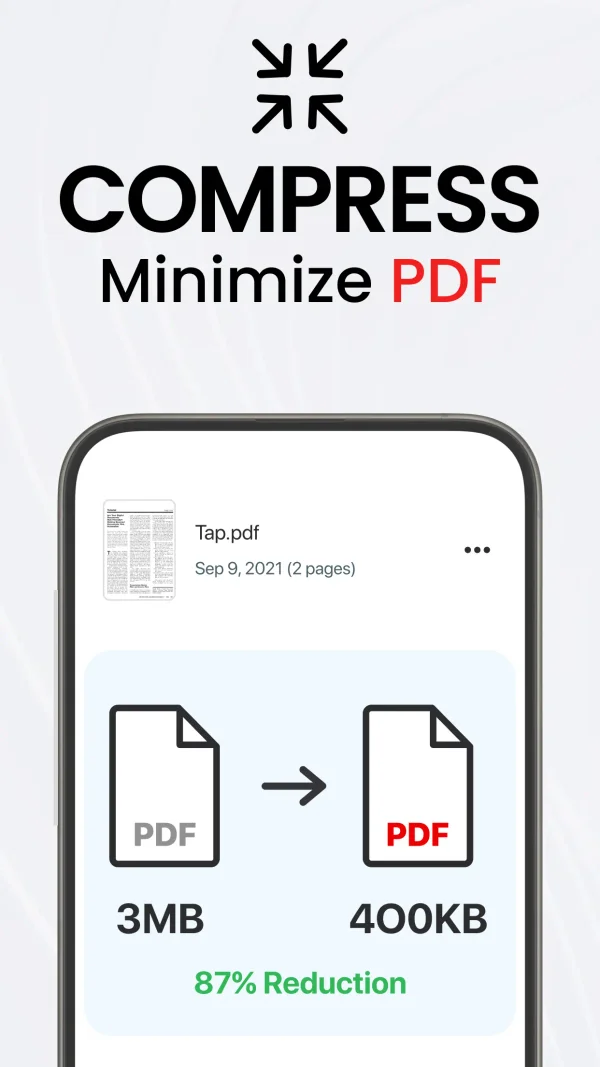
About this app
Scan docs to PDF with your mobile device! Text & Document Camera Scanner
TapScanner: Scan, Edit & Manage PDFs with Ease
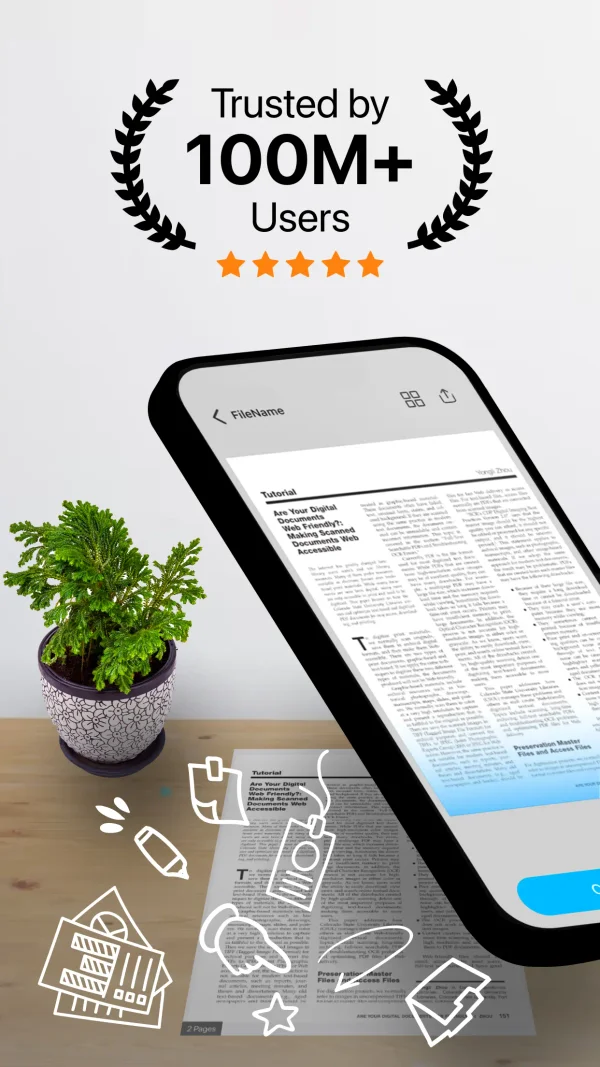
Turn your device into a high‑quality document scanner and PDF toolkit trusted by millions worldwide. TapScanner lets you capture, organize, and share paperwork quickly, securely, and professionally.
Why Choose TapScanner?
High‑Quality Scans
Automatic edge detection and smart image correction create clear, professional scans of receipts, business cards, contracts, and multi‑page documents.
Complete PDF Workspace
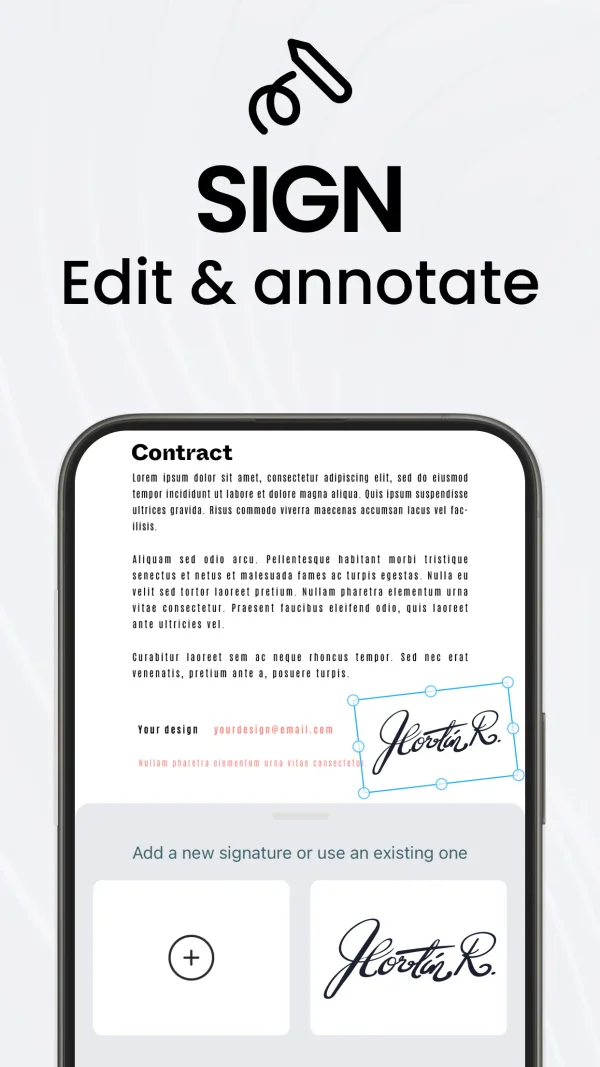
Merge, split, reorder, sign, and annotate PDFs directly in the app. Export to standard PDF formats with no quality loss.
OCR Text Recognition
Convert images into searchable, editable text in over 110 languages.
Productivity Boosters
Save time with batch scanning, one‑tap renaming, and automated file organization.
Secure Cloud Backup
Sync scans to Google Drive, Dropbox, OneDrive, and more. Add password protection for sensitive documents.
Multi‑Page Support
Scan dozens of pages and compile them into a single, neatly ordered PDF.
Image Enhancements
Adjust brightness and contrast, remove shadows, and apply filters for optimal results.
Instant Sharing & Printing
Send scans via email, messaging apps, or print directly to any Wi‑Fi printer.
User‑Friendly Interface
Clean design makes advanced tools easy for professionals, students, and everyday users alike.
Download TapScanner and streamline your paperwork today!
Free Trial & Subscription Details
After the free trial period, if the user does not cancel, the subscription will automatically convert to the paid version and be billed at the selected package price.
You can cancel the subscription at any time via the Google Play app by tapping the profile icon > Payments & subscriptions > Subscriptions.
Privacy Policy - https://tap.pm/privacy-policy-v5/
Service Terms - https://tap.pm/terms-of-service/
Data safety
What Tap AI declares on Google Play about the data this app collects and shares.
- No data shared with third partiesLearn more about how developers declare sharing
- This app may collect these data typesPersonal info, App activity and 2 others
- Data is encrypted in transit
- You can request that data be deleted
What’s new
Version 3.1.26 · Nov 19, 2026
Just like your documents, TapScanner needs some editing sometimes too. In this version you will find improvements and bug fixes. We are working hard to improve the app. If you’re satisfied, we’d appreciate it if you rate the app!
Developer contact
- Websitetap.pm
- Emailsupport@tap.pm
- Privacy policytap.pm
- Address11 Hayachasut BEER SHEVA, 8470924 Israel
Information
- Offered by
- Tap AI
- Category
- Business
- Version
- 3.1.26
- Updated
- Nov 19, 2026
- Released
- Oct 13, 2017
- Requires
- Android 9 or later
- Age rating
- Everyone
- Price
- Free
- In-app purchases
- $1.49 - $99.99 per item
- Package name
- pdf.tap.scanner
Similar apps
-
 Clear Scan - PDF Scanner App
Business
-
 PDF Merge: Scan, Sign & Edit
Productivity
-
 PDF Scanner App: Document Scan
Tools
-
 Samsung Print Service Plugin
Productivity
-
 QR Scanner: Barcode Scanner
Productivity
-
 PDF Editor – Edit Everything!
Tools
-
 QR Code Scanner
Productivity
-
 Photo to PDF Maker & Converter
Productivity
-
 HP Print Service Plugin
Productivity
-
 AI Resume Builder CV Maker PDF
Business
-
 PDF Scanner Plus - Doc Scanner
Productivity
-
 CamScanner- scanner, PDF maker
Productivity