KineMaster - AI Video Editor
KineMaster, Video Editor Experts GroupContains ads · In-app purchases
- EveryoneAge rating
- Video Players & EditorsCategory
- Nov 25, 2026Updated
- FreePrice
Links to the official Google Play listing of com.nexstreaming.app.kinemasterfree. Last checked on Nov 27, 2026.

Screenshots



About this app
Create videos, Reels & Shorts faster with powerful AI tools.
No editing skills needed — just tap and go viral.
[ AI Tools for Your Next Video ]
Turn your clips and photos into awesome videos faster with KineMaster’s built-in AI tools! Create captions, generate voices, remove backgrounds, add incredible visual effects, and more!
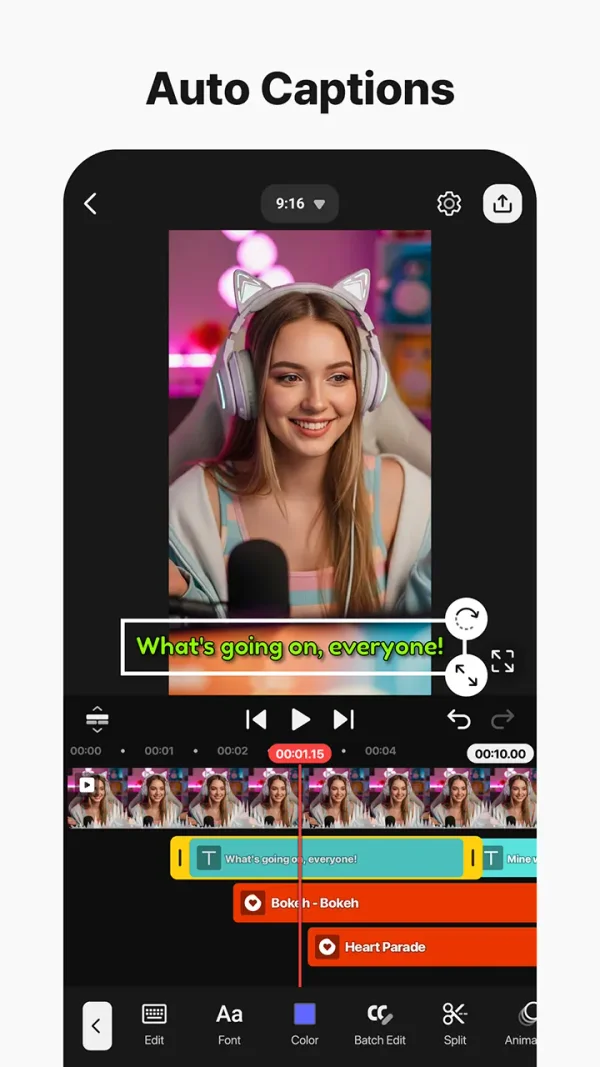
• AI Auto Captions: Add subtitles instantly from video or audio
• AI Text-to-Speech: Create spoken audio from text with one tap
• AI Voice: Make your audio unique with AI Voices
• AI Music Match: Get song recommendations fast
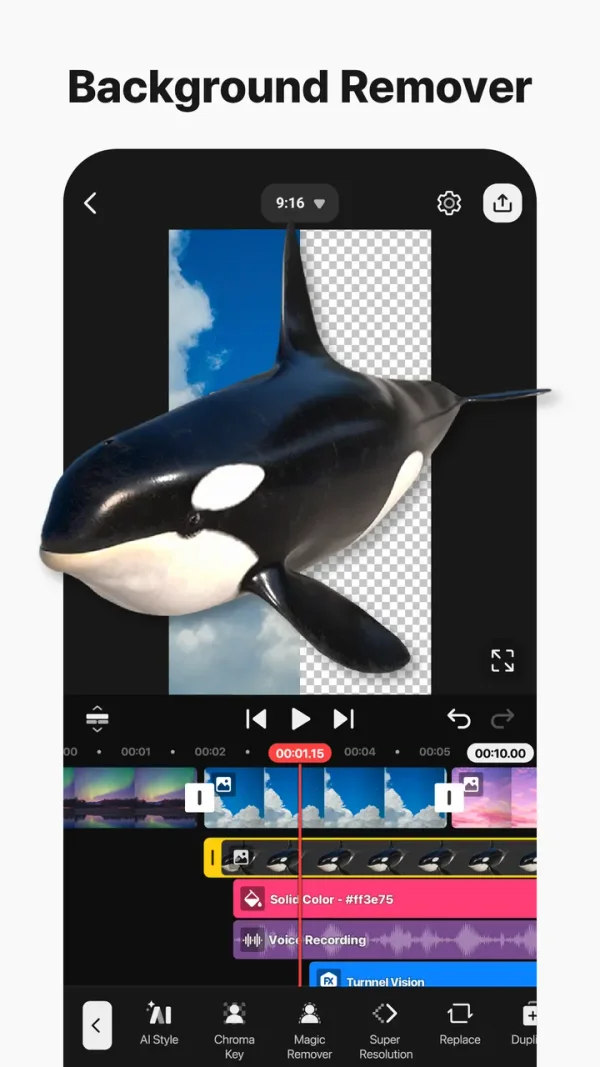
• AI Magic Removal: Cut out the background around people and faces
• AI Noise Removal: Zap distracting sounds in your video or audio
• AI Vocal Separator: Split a song into vocals and music
• AI Tracking: Make your text and stickers follow moving objects
• AI Upscaling: Boost the resolution of low-resolution media
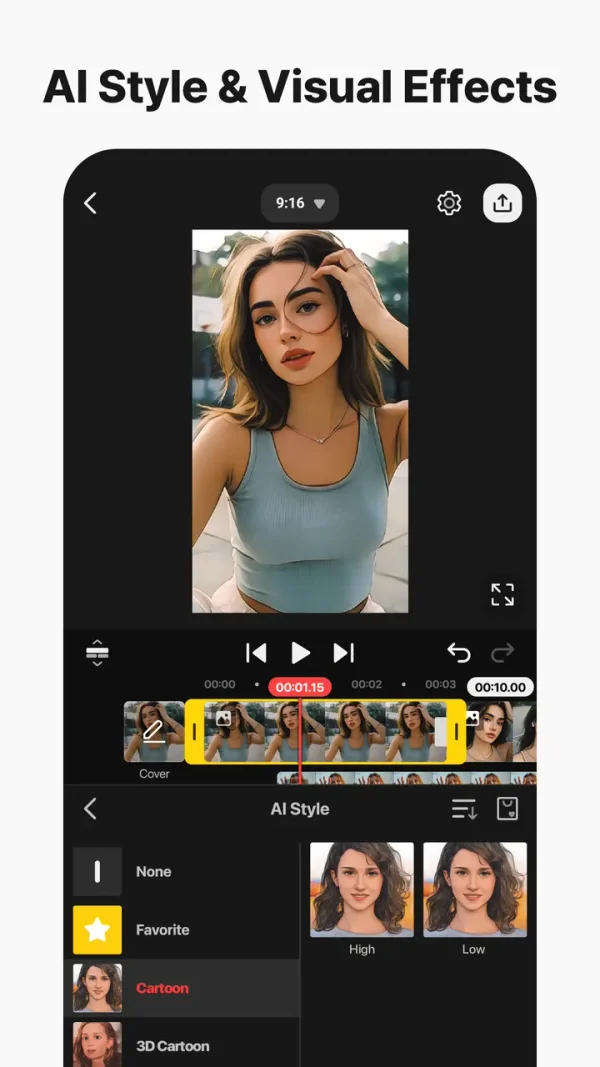
• AI Style: Add artistic effects to your videos and images
• AI Templates: Get a template recommended for your next awesome video!
[ Professional Video Editing for Everyone ]
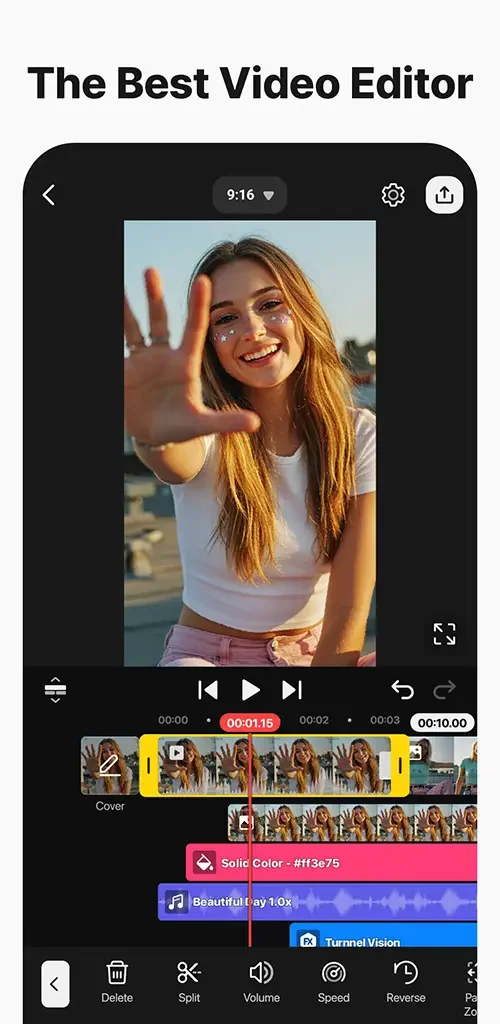
KineMaster makes advanced tools easy to use.
• Keyframe Animation: Adjust the size, position, and rotation of every layer
• Chroma Key (Green Screen): Remove backgrounds and combine videos like the pros
• Speed Control: Reverse, slow down, or turn your videos into time-lapse masterpieces
[ Jumpstart Your Creativity ]
Pick a template, replace its photos and videos, and you’re done!
• Thousands of Templates: Build your own from pre-made video projects
• Mix: Save your video project as a template to share with KineMaster editors everywhere
• KineCloud: Back up personal projects to the cloud to continue editing on another day or another device
[ Make Your Video Stand Out with Assets ]
The KineMaster Asset Store has tens of thousands of resources to make your next video amazing! Effects, stickers, music, fonts, transitions, and VFX: everything is ready to use.
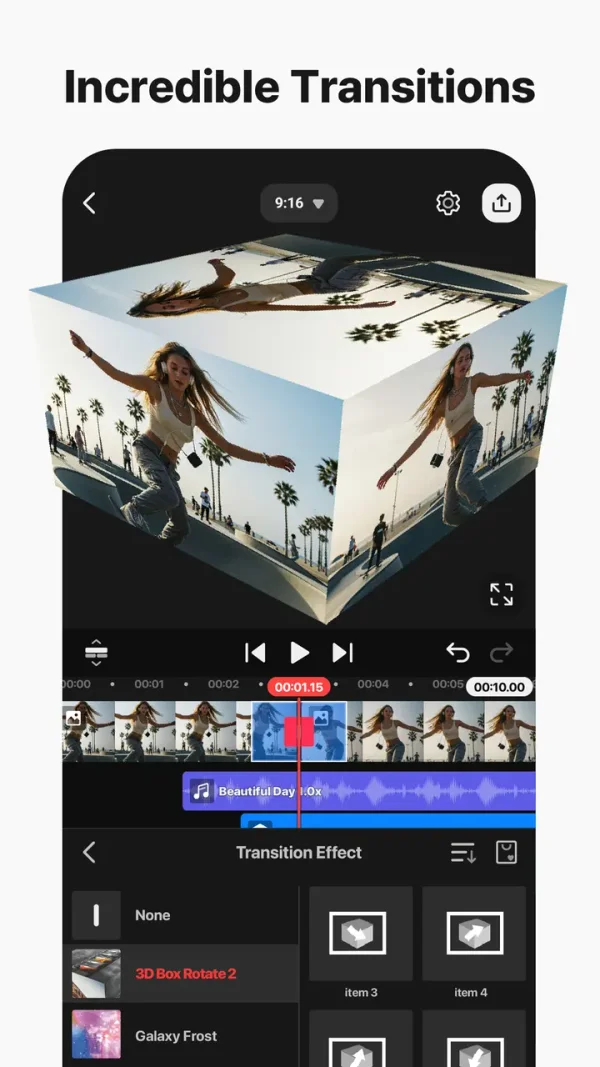
• Effects & Transitions: Enhance your videos with amazing visuals
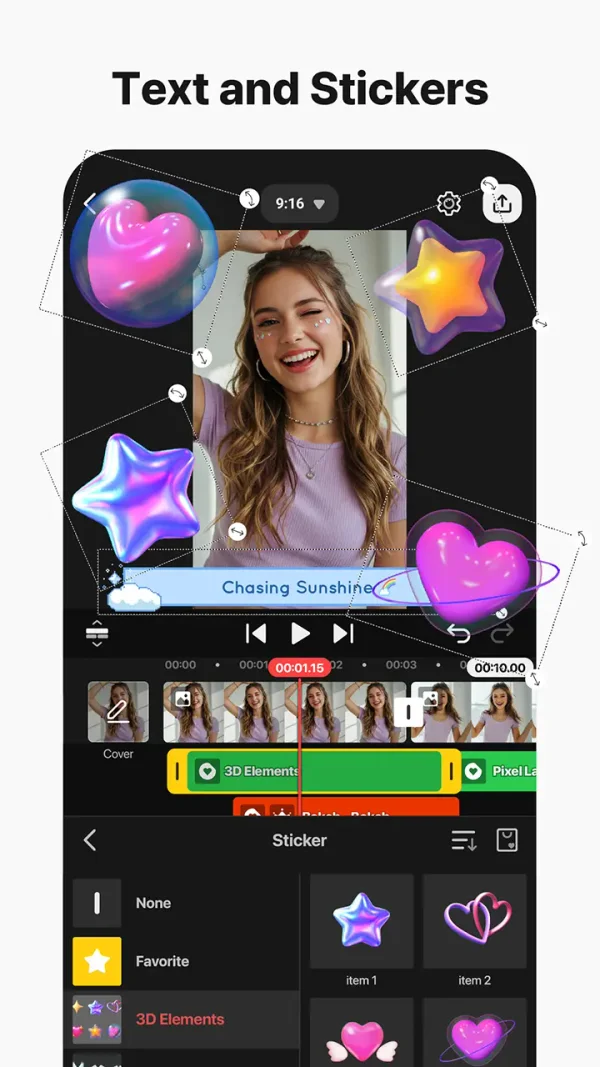
• Stickers & Clip Graphics: Add graphic animations and design elements
• Music & SFX: Make a video that sounds as good as it looks
• Stock Videos & Images: Get pre-made green screen effects, free stock footage, and tons of video backgrounds
• Variety of Fonts: Apply design-ready stylish fonts
• Color Filters: Choose from a huge variety of color filters for the perfect look
[ High-Quality Output or Optimized Video: You Decide ]
Save your edited videos in high resolution or dial the quality to make them load fast on social media.
Incredible 4K 60 FPS: Produce videos in 4K and 60 frames per second
Optimized for Social Media Sharing: Save videos that are ready to upload to YouTube, TikTok, Instagram, and more
Transparent Background Support: Make videos ready for compositing for use with other videos
[ The Best Tools for Fast, Precise Editing ]
KineMaster is loaded with tools that make editing fun and easy.
• Offers both portrait and landscape editing, the best of both worlds
• Lots of layers: Add and stack photos, videos, and GIFs to all play at once
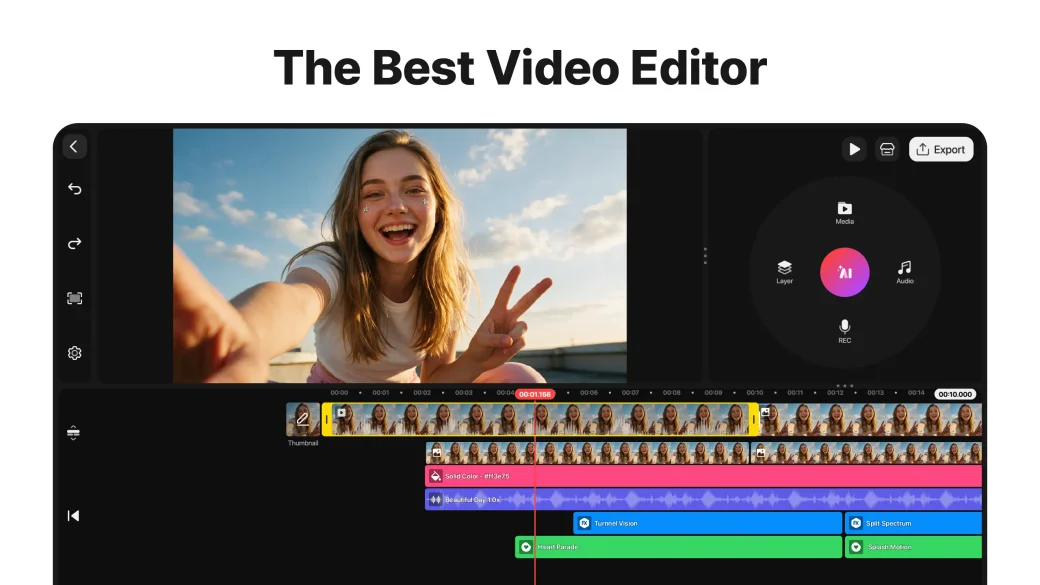
• Tablet/Chromebook Support: Provides an editing environment optimized for wide screens
• Multiple Undo (and Redo): Revert or reapply your editing history
• Magnetic Guides: Align elements to guides and snap layers in place on the timeline
• Full-Screen Previews: See your edits full screen before saving
• Multi-Selection: Save time by selecting and aligning, duplicating, or repositioning more than one video project layer at a time
• Continue On: Transfer your project from your phone to your tablet or Googlebook (requires Android 17+)
KineMaster & Asset Store Terms of Service:
https://resource.kinemaster.com/document/tos.html
Contact: support@kinemaster.com
Data safety
What KineMaster, Video Editor Experts Group declares on Google Play about the data this app collects and shares.
- No data shared with third partiesLearn more about how developers declare sharing
- This app may collect these data typesLocation, Personal info, and Device or other IDs
- Data is encrypted in transit
- You can request that data be deleted
What’s new
Version 8.2.20.37538.GP · Nov 25, 2026
• Get inspired faster: Let AI recommend templates that match your editing style
• Align with precision: Select and adjust multiple layers at once
• Continue On: Transfer your project from your phone to your tablet or Googlebook (requires Android 17+)
Developer contact
- Websitekinemaster.com
- Emailsupport@kinemaster.com
- Privacy policyredirect.kinemasters.com
- Address서초구 반포대로24길 21, 1,2층(서초동, 솔본빌딩) 서초구, 서울특별시 06648 South Korea
Information
- Offered by
- KineMaster, Video Editor Experts Group
- Category
- Video Players & Editors
- Version
- 8.2.20.37538.GP
- Updated
- Nov 25, 2026
- Released
- Dec 27, 2013
- Requires
- Android 8.0 or later
- Age rating
- Everyone
- Price
- Free
- In-app purchases
- $0.19 - $77.77 per item
- Package name
- com.nexstreaming.app.kinemasterfree
Similar apps
-
 FlipaClip: Create 2D Animation
Art & Design
-
 Screen Recorder - XRec Lite
Video Players & Editors
-
 Screen Recorder - XRecorder
Video Players & Editors
-
 Mobizen Screen Recorder
Productivity
-
 Alight Motion
Video Players & Editors
-
 Smart Video Crop - Video Cut
Video Players & Editors
-
 YouCut - Video Editor & Maker
Video Players & Editors
-
 Screen Recorder Video Recorder
Video Players & Editors
-
 InShot - Video Editor & Maker
Photography
-
 Vozo AI Video Translator & Dub
Video Players & Editors
-
 Canva: AI Photo & Video Editor
Art & Design
-
 FilmoraHD - Video Creator
Video Players & Editors