Presentation Creator
Desygner Pty LtdContains ads · In-app purchases
- EveryoneAge rating
- ProductivityCategory
- Nov 20, 2026Updated
- FreePrice
Links to the official Google Play listing of com.desygner.presentations. Last checked on Nov 21, 2026.

Screenshots








About this app
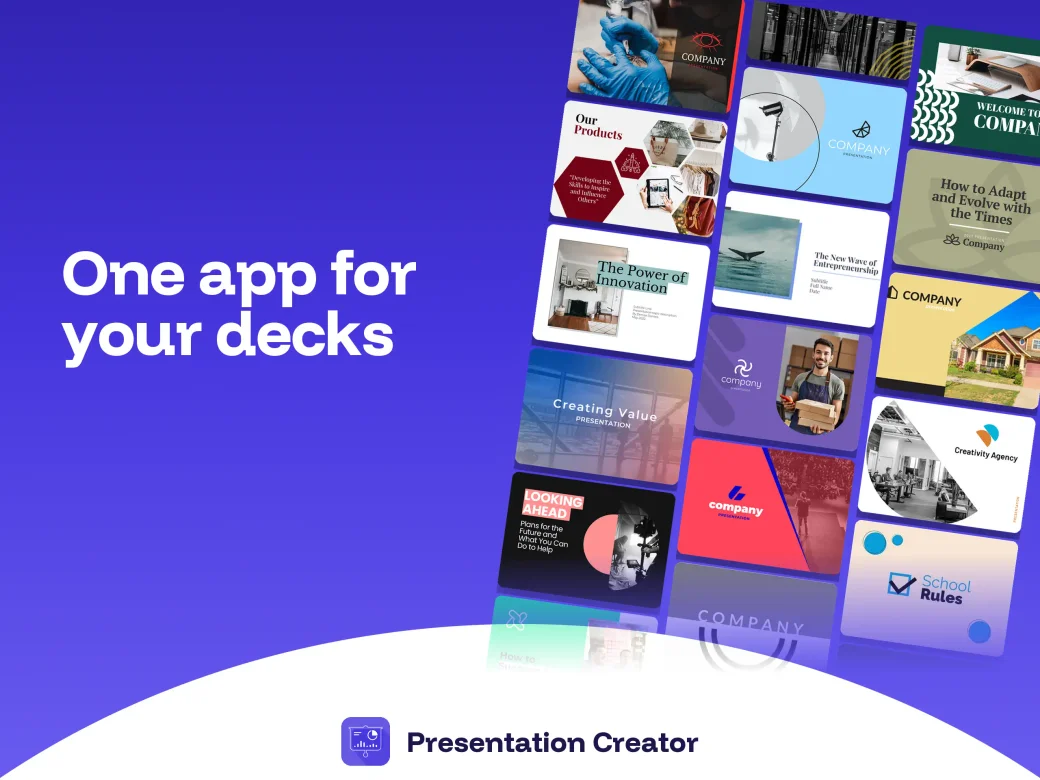
Create awesome Presentations! Use High-Quality Templates, Graphics & Animations!
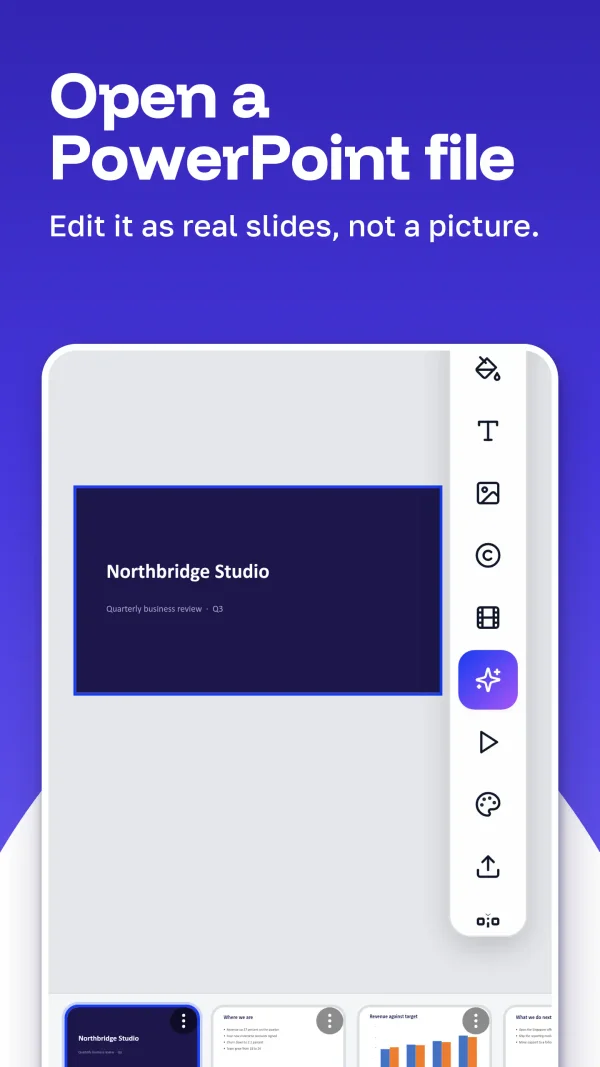
Presentation Creator is a presentation maker for your phone and tablet. Open a PowerPoint file, edit every slide, present from your device and export back to PowerPoint or PDF. No design experience needed.
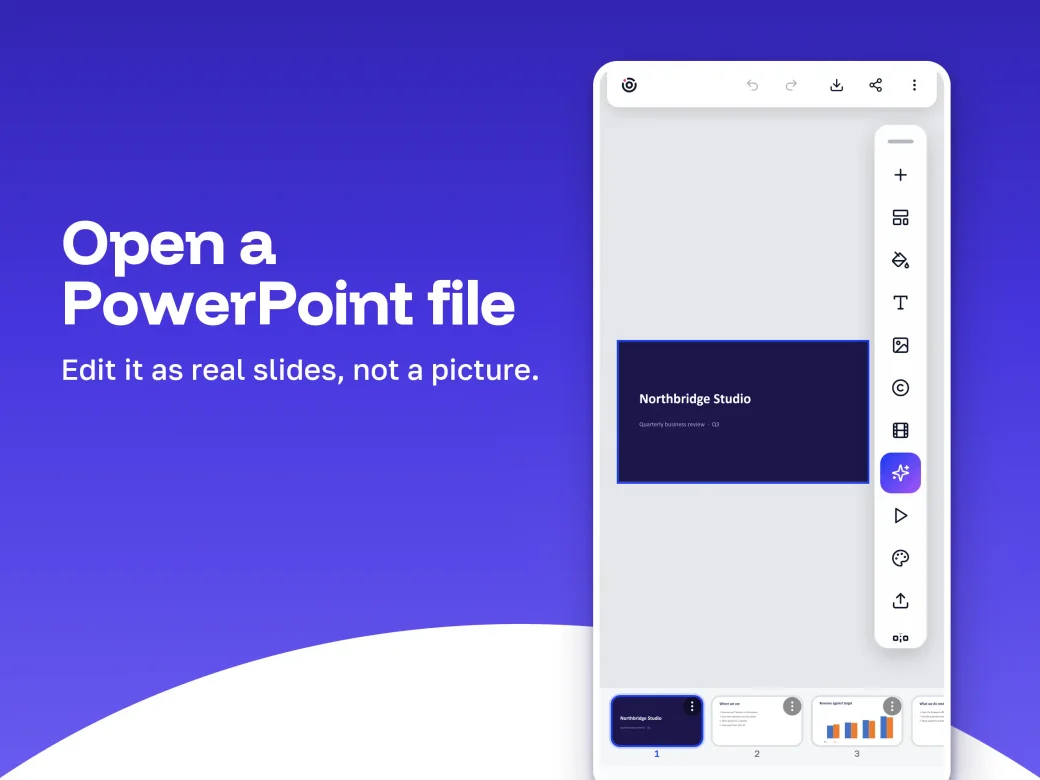
WORKS WITH POWERPOINT
• Open a .pptx file and edit it as real slides, not a flat picture
• Text, images, shapes, charts, layouts and theme colours come through
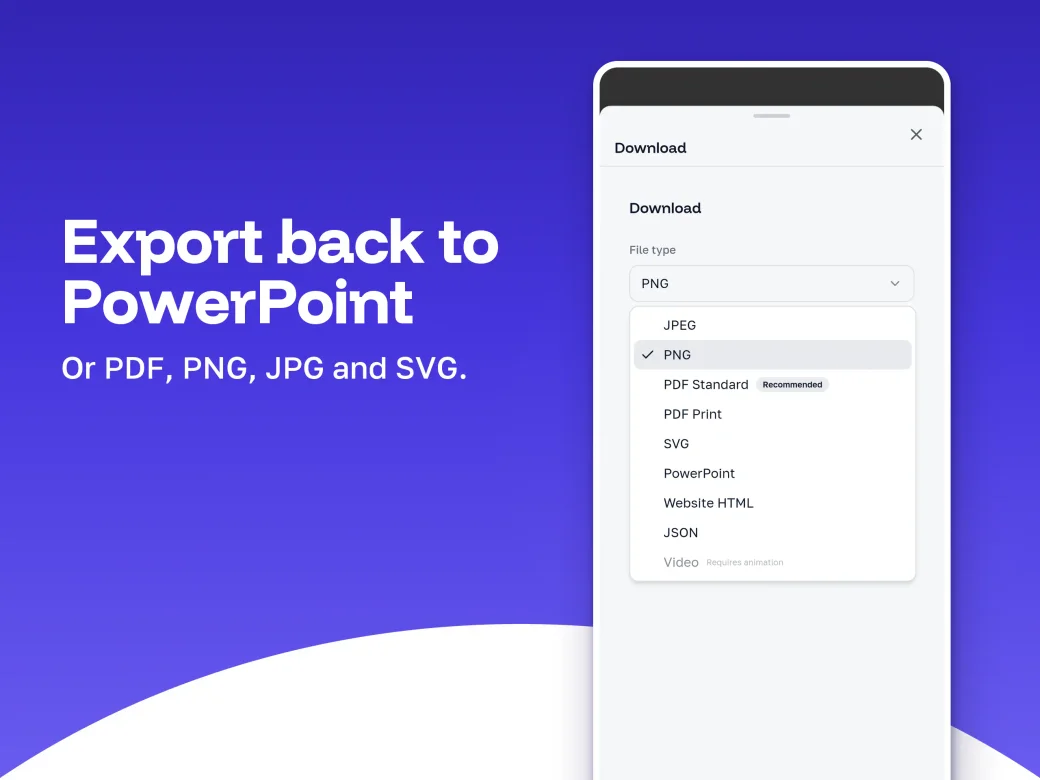
• Export the finished deck back to PowerPoint (.pptx)
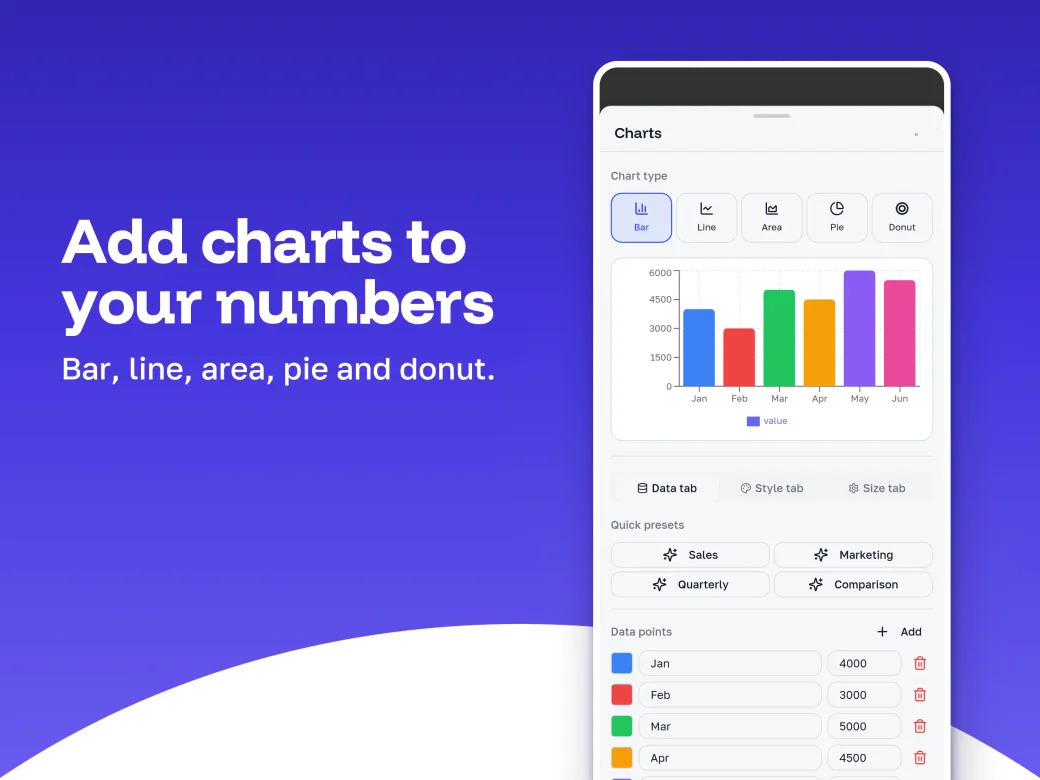
• Charts come back out as real charts, with their data table intact
• Element animations come out with the file and play in PowerPoint
• .pptx files are supported. The older .ppt format is not
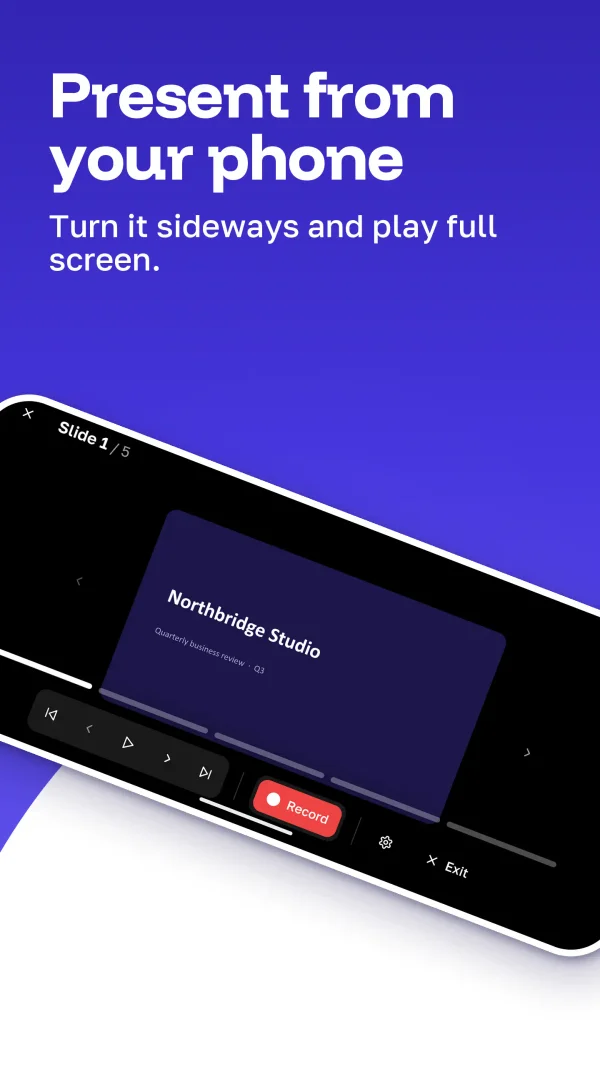
PRESENT FROM YOUR PHONE
• Play your slides full screen with one tap
• Step through with on-screen controls, and see where you are in the deck
• No laptop needed to show your deck
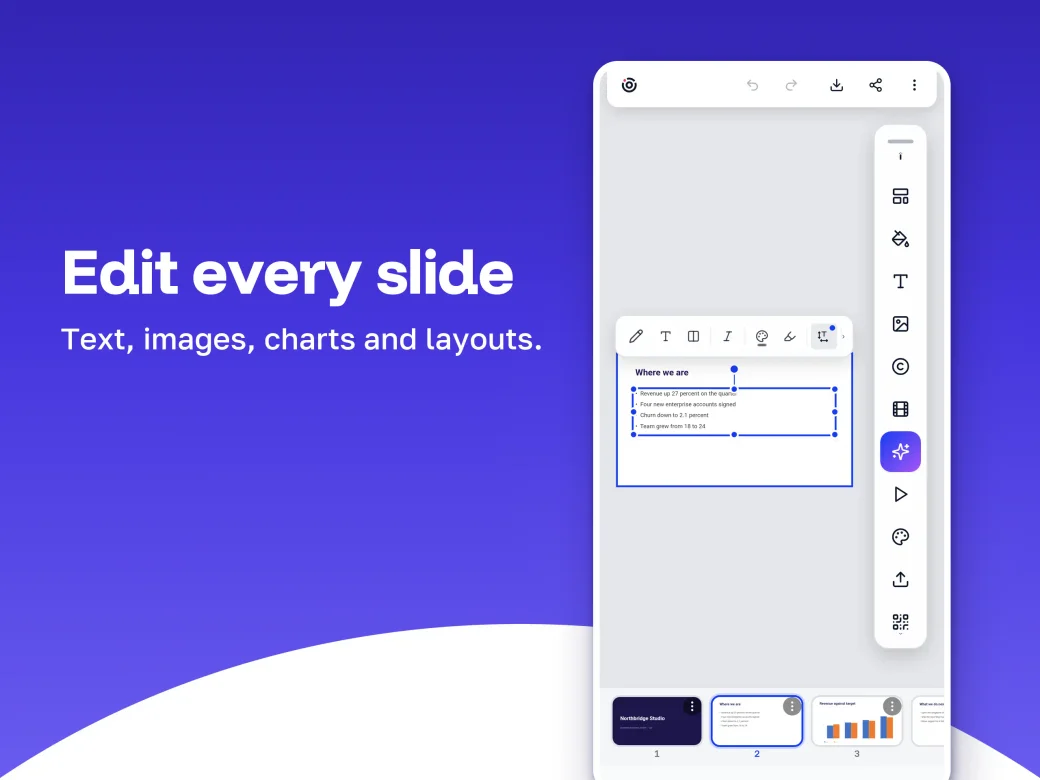
A REAL SLIDE EDITOR
• Start from a designed template or a blank slide
• Change fonts, colours, images, shapes and layouts with simple controls
• Add charts and diagrams to show your numbers
• Add photos from your phone or from the built-in photo library
• Remove a photo background in one tap
• Add, duplicate and drag slides into a new order
• Open a PDF and edit its pages in the same editor
ANIMATE YOUR SLIDES
• Fade, slide, zoom, bounce, flip, rotate and more
• Set one animation for a whole slide, or a different one per element
• Play them in present mode, and take the element ones with you into PowerPoint
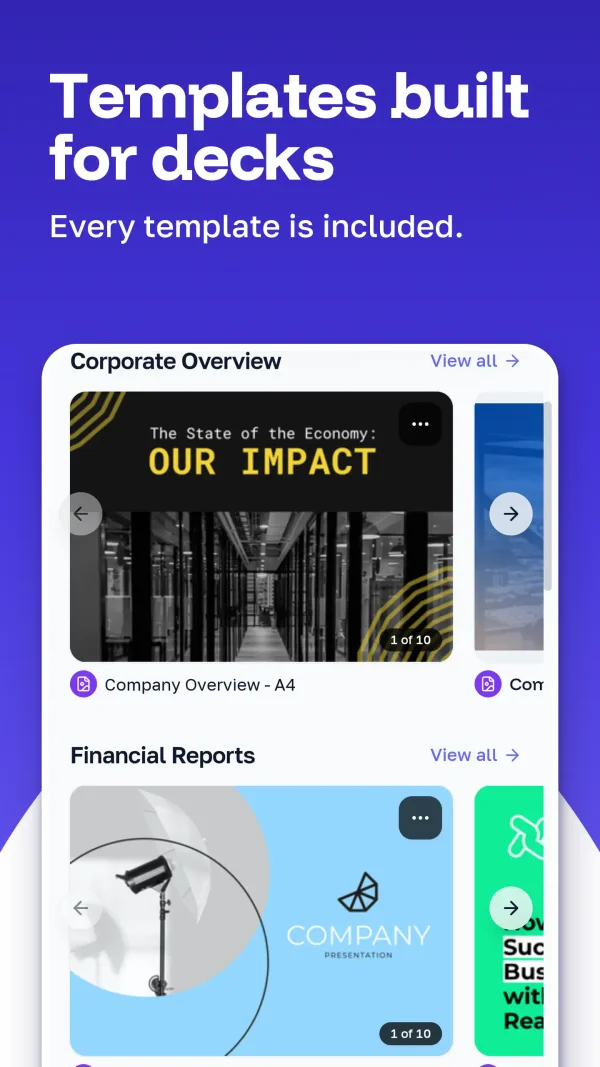
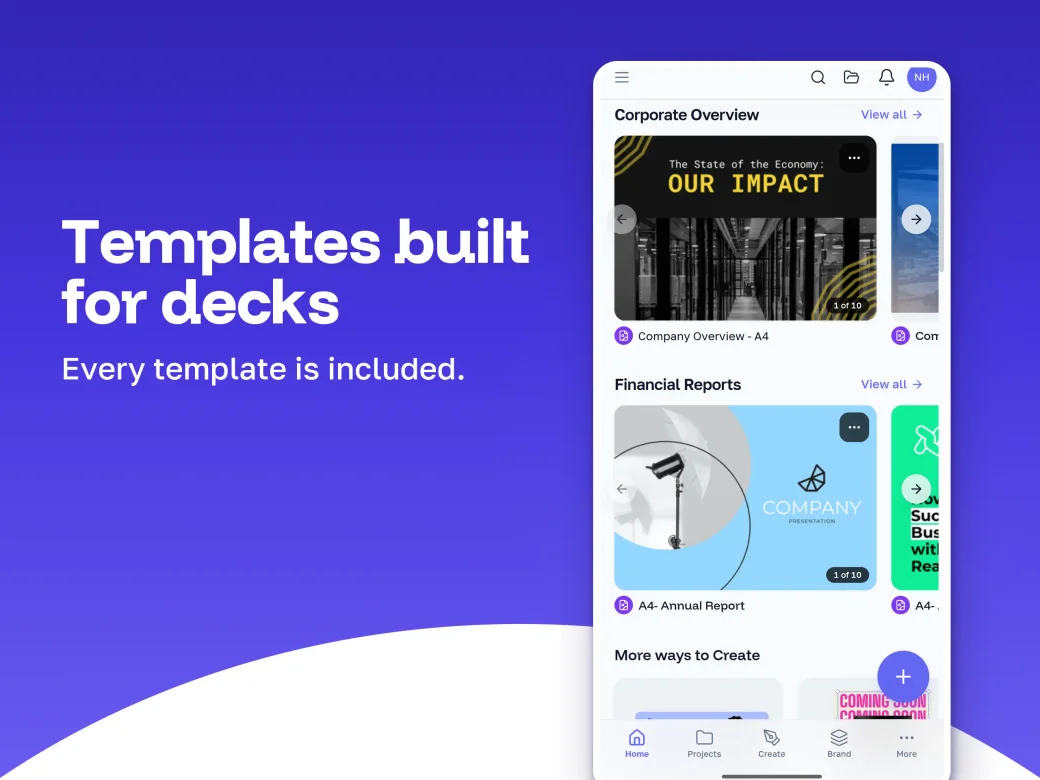
TEMPLATES FOR EVERY KIND OF DECK
• Corporate overview and business proposals
• Financial reports and project updates
• Sales and marketing presentations
• Training and development decks
• Lecture notes, student assignments and classroom presentations
Every template is included. There are no locked templates.
AI THAT HELPS YOU FINISH
• Draft or rewrite the text on a slide
• Generate images for your slides using AI credits
BRING IN WHAT YOU ALREADY HAVE
Import from your phone, from Google Drive, Dropbox and OneDrive, or from Google Photos.
• PowerPoint (.pptx) and PDF files
• Adobe Illustrator (AI) and SVG artwork
WORK TOGETHER
• Share a deck with your team or your class
• Share a workspace so everyone edits the same decks
• Brand kit: save your fonts and colours once, then apply them to every slide
ON EVERY DEVICE
Start a deck on your phone and finish it on your tablet or computer. Presentations sync automatically.
EXPORT AND SHARE
• PowerPoint (.pptx)
• PDF, with a print-ready option
• PNG, JPG and SVG
• Share a link so other people can view the deck
• No watermark on your files
WHY PEOPLE CHOOSE PRESENTATION CREATOR
• A real slide editor that opens and saves PowerPoint files
• Present from the phone in your hand
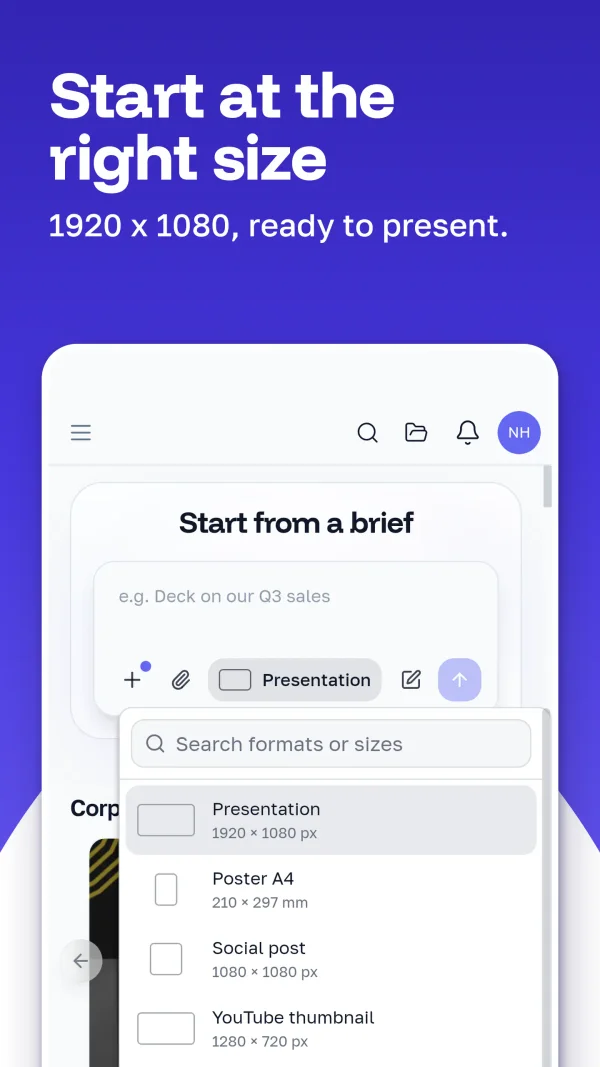
• Templates built for decks, at slide size
• Every template is free
PLANS
Presentation Creator is free to download and use, and every template is included free. Starter, Business and Scale plans raise the allowances and add AI credits, storage and team seats. Prices are shown in the app before you buy. Subscriptions are billed through Google Play and can be cancelled at any time in your Play account settings.
Built in Australia.
Data safety
What Desygner Pty Ltd declares on Google Play about the data this app collects and shares.
- No data shared with third partiesLearn more about how developers declare sharing
- This app may collect these data typesPersonal info, Financial info and 5 others
- Data is encrypted in transit
- You can request that data be deleted
What’s new
Version 6.5.1 · Nov 20, 2026
Welcome to the all-new Presentation Creator — completely rebuilt from the ground up for a faster, smoother presentation-design experience. Presentation Creator is now part of Automo, with powerful new tools and a cleaner design. Best of all, most features are now free. Create stunning presentations and edit anywhere. Thanks for designing with us!
Developer contact
- Websitedesygner.com
- Emailsupport@desygner.com
- Privacy policydesygner.com
- AddressLEVEL 6 64 FERNY AVENUE SURFERS PARADISE QLD 4217 Australia
Information
- Offered by
- Desygner Pty Ltd
- Category
- Productivity
- Version
- 6.5.1
- Updated
- Nov 20, 2026
- Released
- May 17, 2018
- Requires
- Android 7.0 or later
- Age rating
- Everyone
- Price
- Free
- In-app purchases
- $3.95 - $999.99 per item
- Package name
- com.desygner.presentations
Similar apps
-
 MyLebara
Communication
-
 Canvas By Instructure
Education
-
 Readwise Reader
Productivity
-
 MyScript Notes: AI Note Taking
Productivity
-
 Notein:Handwriting Notes & PDF
Productivity
-
 AiPPT- AI Presentation Maker
Productivity
-
 Brother Mobile Connect
Tools
-
 Focusmeter: Pomodoro Timer
Productivity
-
 Foxit PDF Editor
Productivity
-
 Insta360
Video Players & Editors
-
 Quantfury: Trading & Investing
Finance
-
 Ultrahuman
Health & Fitness