Focusmeter: Pomodoro Timer
zeitic.coIn-app purchases
- EveryoneAge rating
- ProductivityCategory
- Nov 20, 2026Updated
- FreePrice
Links to the official Google Play listing of co.zeitic.focusmeter. Last checked on Nov 21, 2026.

Screenshots


About this app
The timer that tracks your focus & rest for better productivity and health.
Focus is important for productivity, but rest is equally important too! Focusmeter helps you to maximize your productivity by balancing focus and rest.
HOW IT WORKS:
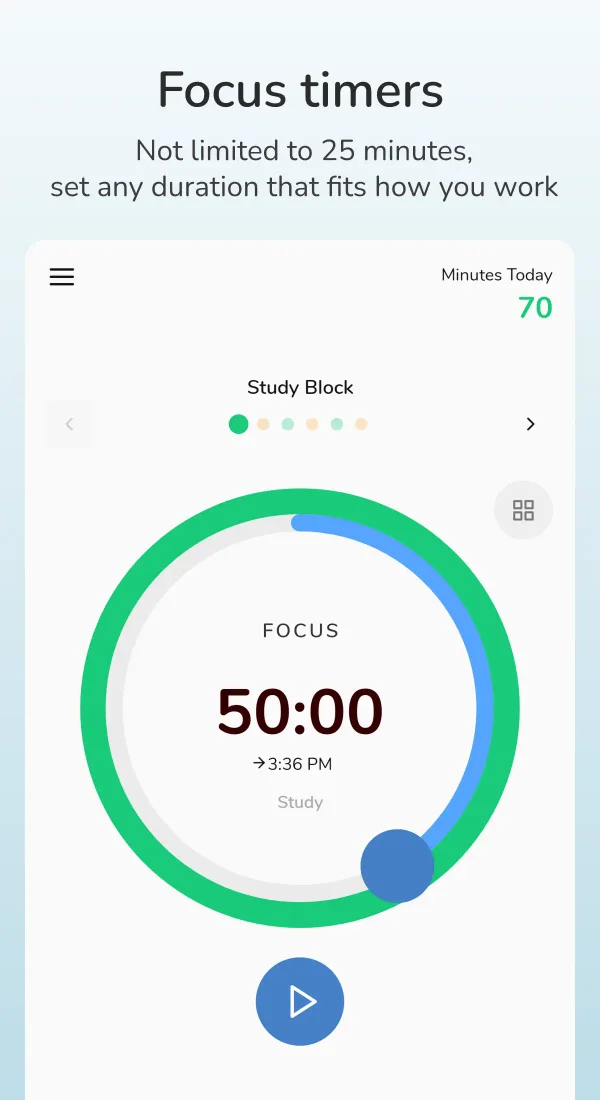
1️⃣ Setup your routine: customize the length of your Focus and Rest timers.
2️⃣ Start your first Focus timer. 👨💻
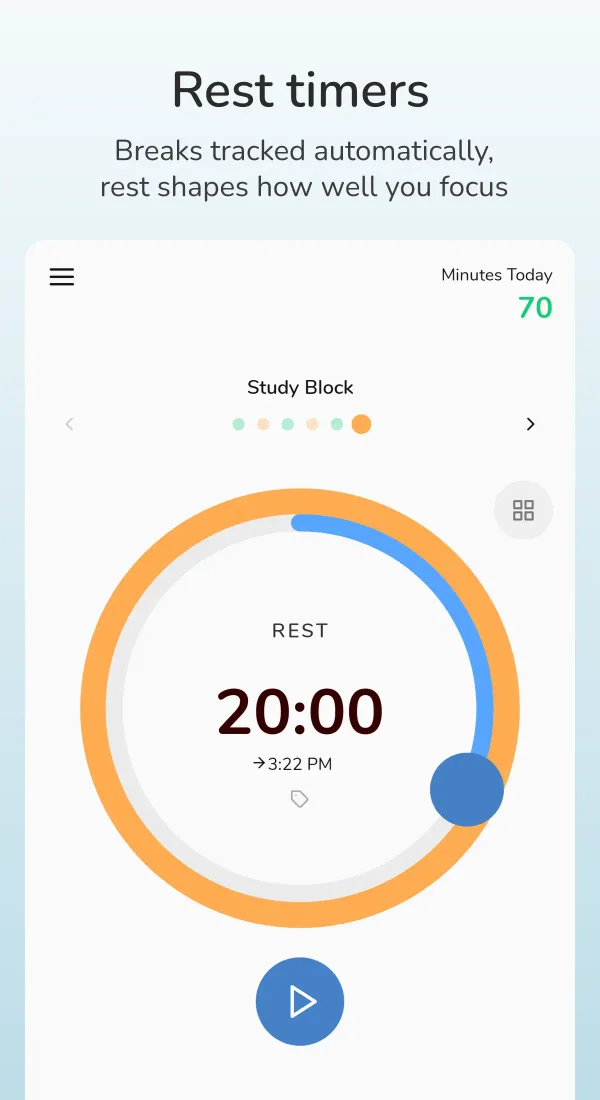
3️⃣ After your timer is completed, it's time for a break. ☕
4️⃣ Start the next Focus timer and stay productive! 👨💻
FEATURES
Timer features:
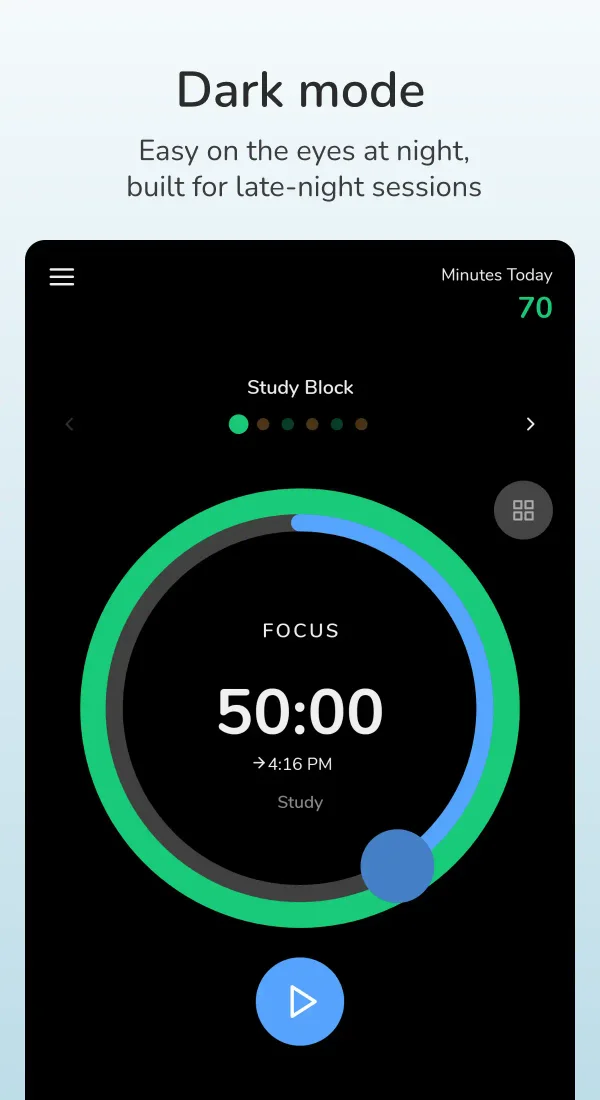
⏲ CUSTOMIZE your own timers. Pomodoro or 52/17, easily customize what works for you!
🌠 TRANSITION automatically between focusing or rest. Or manual if you prefer.
🎵 AMBIENT sounds (rain, white noise & more) to help you focus.
🌕 CLEAN and SIMPLE interface.
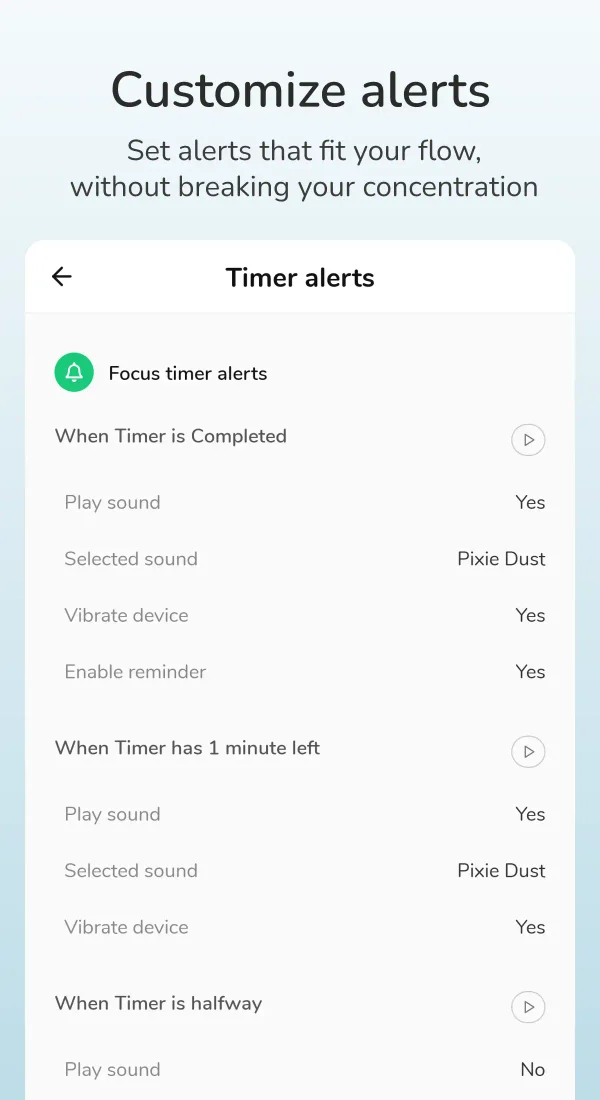
🔔 CHOOSE your own Focus and Rest alerts when the timer is completed or about to be completed.
⏱️ STOPWATCH or normal timers: Both counting up and counting down timers supported.
➕ EXTEND timers if you need just a bit more time!
Tasks & projects:
✅ PLAN tasks with a planned date, tags and a project.
🗂️ PROJECTS to group tasks and filter your list. Search tasks by title.
🔗 LINKED sessions: every session counts toward its task.
Analytics features
🏷️ TAG Focus and Rest sessions and keep track of distractions.
📈 STATISTICS to get insights for individual tags over time.
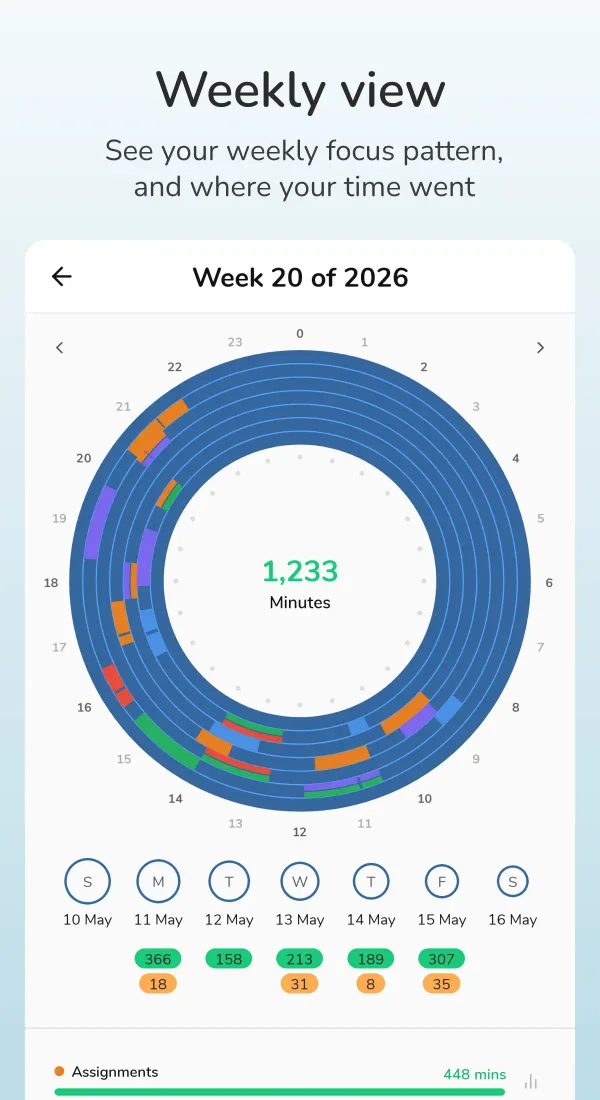
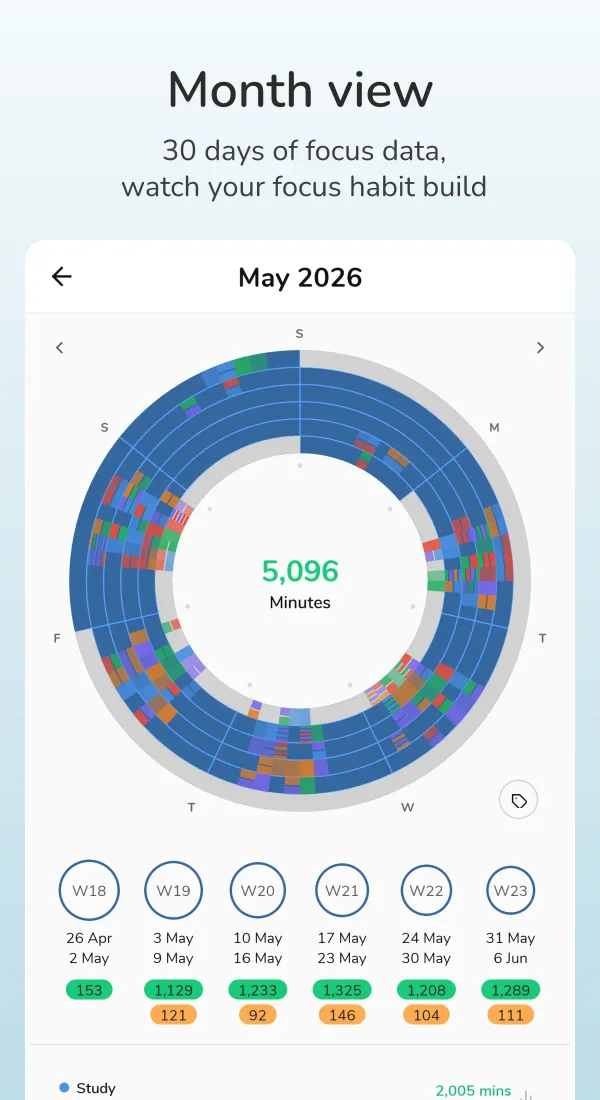
✨ INSIGHTS from your past activities in a month, week or day. See how your routine has been working for you.
Timeline features:
📝 EDIT your timeline/activities. Never forget to track your time.
✍️ Add NOTES to your timers.
➕ ADD sessions/timers anytime.
⏱️ TRACK time in minutes, hours or sessions.
Other great features:
📎 APP SHORTCUTS to start timers quickly
👏 REPEATED completed alerts, in case you missed the completed alert. Extra time is also added.
🏃 Runs in the background. This app does not need to be constantly open to work.
🔕 Activate DO NOT DISTURB during timers.
🔄 LANDSCAPE and FULLSCREEN mode supported.
🌙 DARK/NIGHT theme.
📏 LONG sessions of up to 3/4/5 hours supported.
🎨 TAG colors supported.
📥 Export your data anytime in CSV or JSON format.
📁 AUTOMATIC backup if your Google account is connected. Please visit https://support.google.com/android/answer/2819582?hl=en for more information.
✨ Support us with PRO FEATURES ✨
📈 EXTENDED tag and date analytics
🎨 CUSTOMIZE UI colors and more tag colors
⏱️ Start timers earlier/change duration with the TIME MACHINE
🌅 Custom START OF DAY for night owls
Watch for new features coming soon!
Visit our website for more info: https://focusmeter.app
Find our FAQ here: https://focusmeter.app/faqs.html
* Focusmeter runs in the background, please visit https://dontkillmyapp.com/ to check if your phone/device supports background services.
Data safety
What zeitic.co declares on Google Play about the data this app collects and shares.
- No data shared with third partiesLearn more about how developers declare sharing
- This app may collect these data typesApp activity, App info and performance, and Device or other IDs
- Data is encrypted in transit
- Data can’t be deleted
What’s new
Version 1.27.1 · Nov 20, 2026
1.27:
Tasks and projects feature
Developer contact
- Websitezeitic.co
- Emailzeitic.co@gmail.com
- Privacy policyzeitic.co
- Address22 Sin Ming Lane #06-76 Midview City Singapore 573969
Information
- Offered by
- zeitic.co
- Category
- Productivity
- Version
- 1.27.1
- Updated
- Nov 20, 2026
- Released
- Mar 16, 2019
- Requires
- Android 7.0 or later
- Age rating
- Everyone
- Price
- Free
- In-app purchases
- $2.49 - $22.99 per item
- Package name
- co.zeitic.focusmeter
Similar apps
-
 Kaizen: Focus & Study Timer
Productivity
-
 ASWB Exam Test Prep 2026
Education
-
 SupaTask - Daily Task Planner
Productivity
-
 Pomodoro Focus Timer: Balance
Productivity
-
 TIME TIMER for ANDROID
Education
-
 Daypad - Simple Time Tracker
Productivity
-
 Awesome Breathing: Pacer Timer
Health & Fitness
-
 Basecamp - Project Management
Productivity
-
 Supershift Shift Work Calendar
Productivity
-
 TimeTune - Schedule Planner
Productivity
-
 Time Clock: Work Time Tracker
Business
-
 Notesnook Secure Private Notes
Productivity