QuickEdit Text Editor
Rhythm SoftwareContains ads
- EveryoneAge rating
- ProductivityCategory
- Oct 25, 2026Updated
- FreePrice
Links to the official Google Play listing of com.rhmsoft.edit. Last checked on Nov 27, 2026.

Screenshots



About this app
QuickEdit is a fast, stable and full featured text and code editor.
QuickEdit text editor is a fast, stable and full featured text editor. It has been optimized for use on both phones and tablets.
QuickEdit text editor can be used as standard text editor for plain text files, or as a code editor for programming files, making it suitable for both general and professional use.
QuickEdit text editor includes a number of performance optimizations and user experience tweaks, making it faster and more responsive than other text editor apps commonly found on Google Play.
Features:
✓ Enhanced notepad application with numerous improvements.
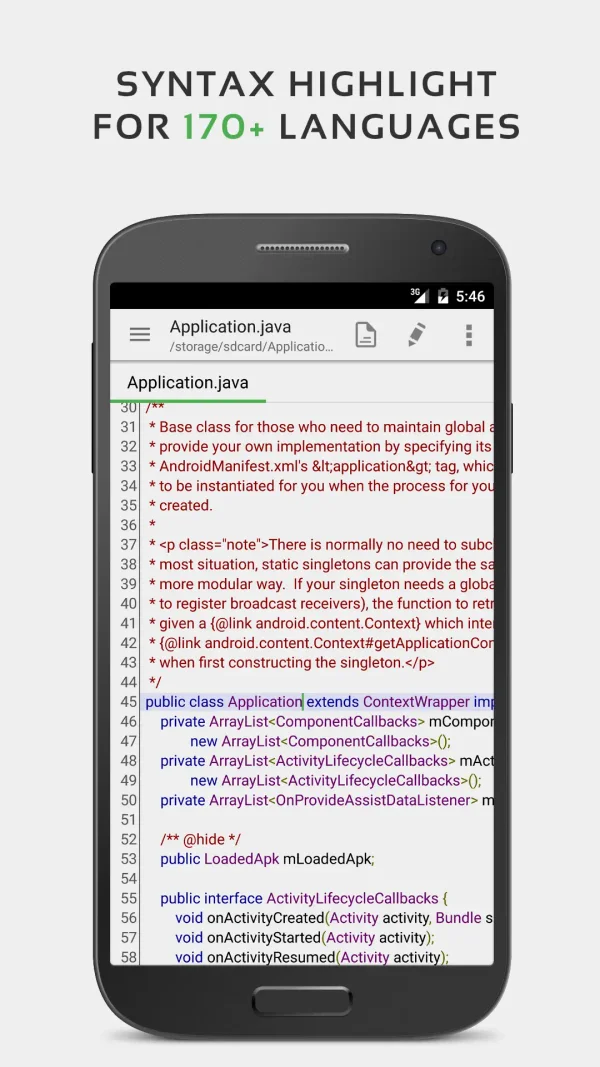
✓ Code editor and syntax highlight for 170+ languages (C++, C#, Java, XML, Javascript, Markdown, PHP, Perl, Python, Ruby, Smali, Swift, etc).
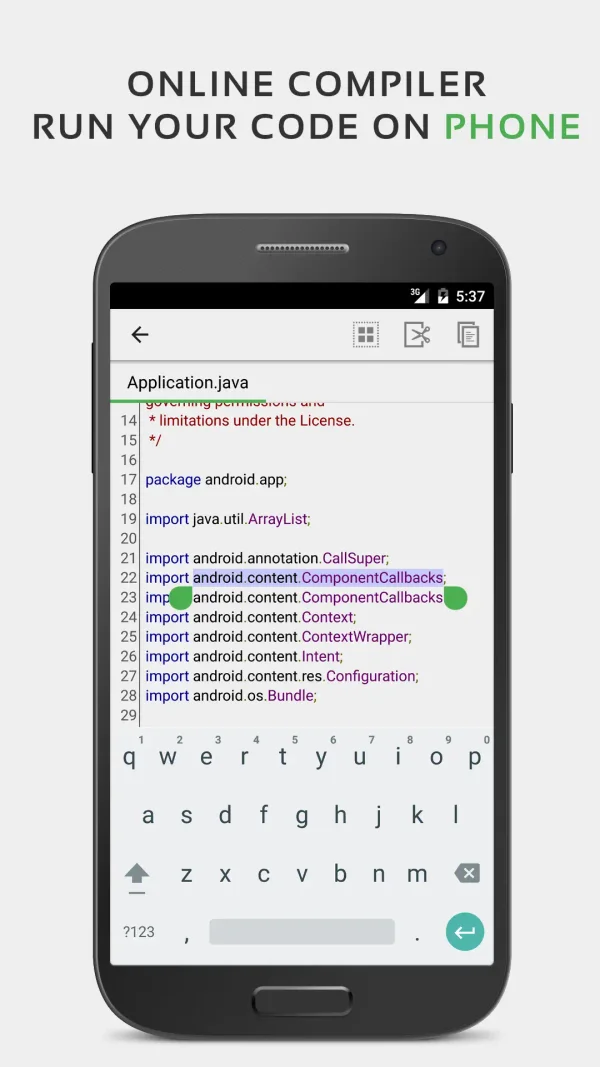
✓ Include online compiler, can compile and run over 30 common languages (Python, PHP, Java, JS/NodeJS, C/C++, Rust, Pascal, Haskell, Ruby, etc).
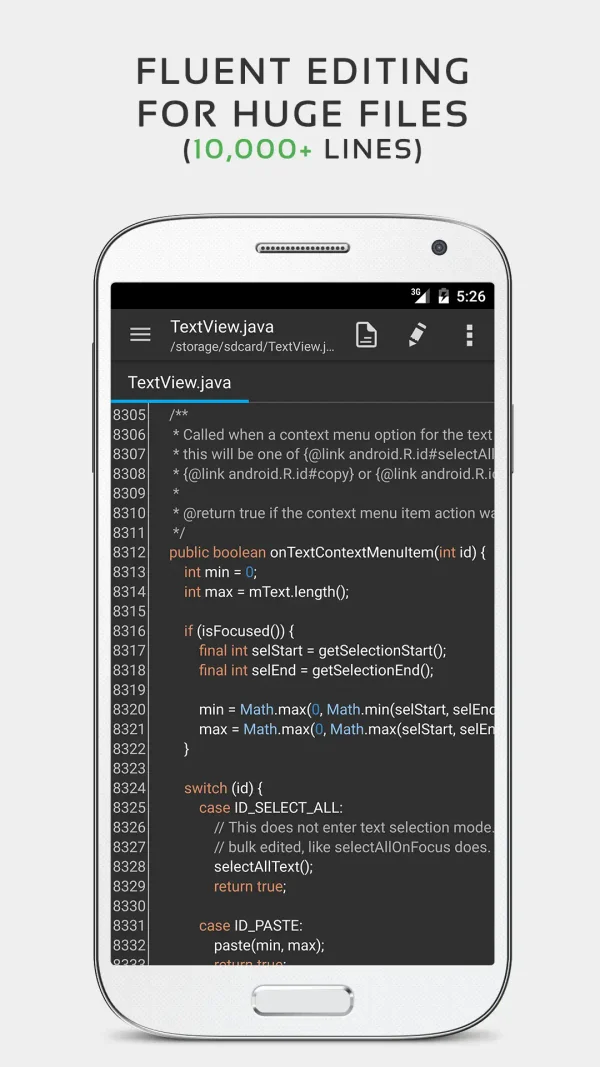
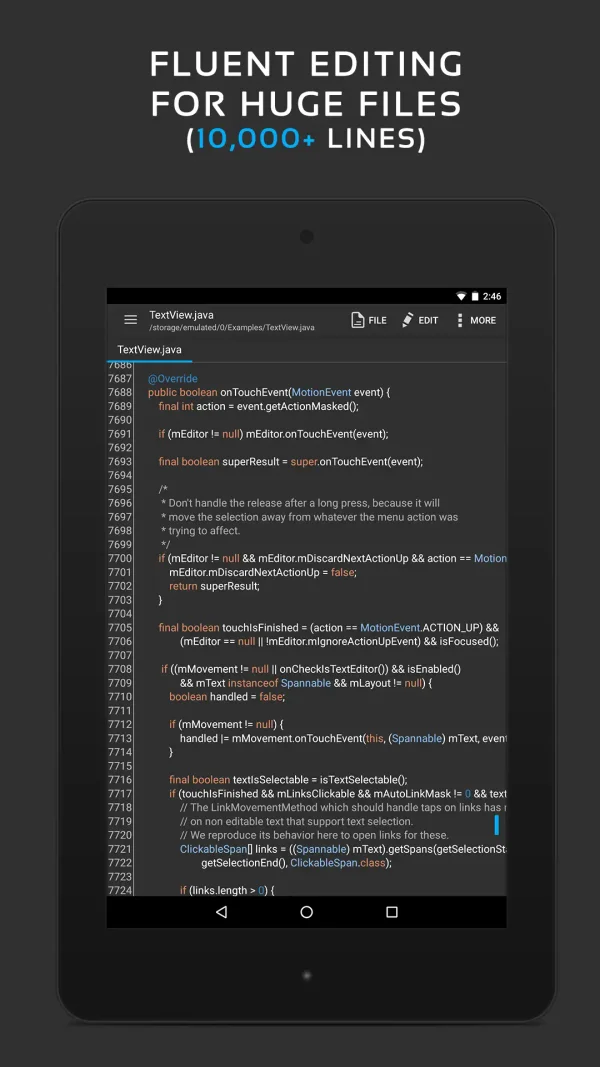
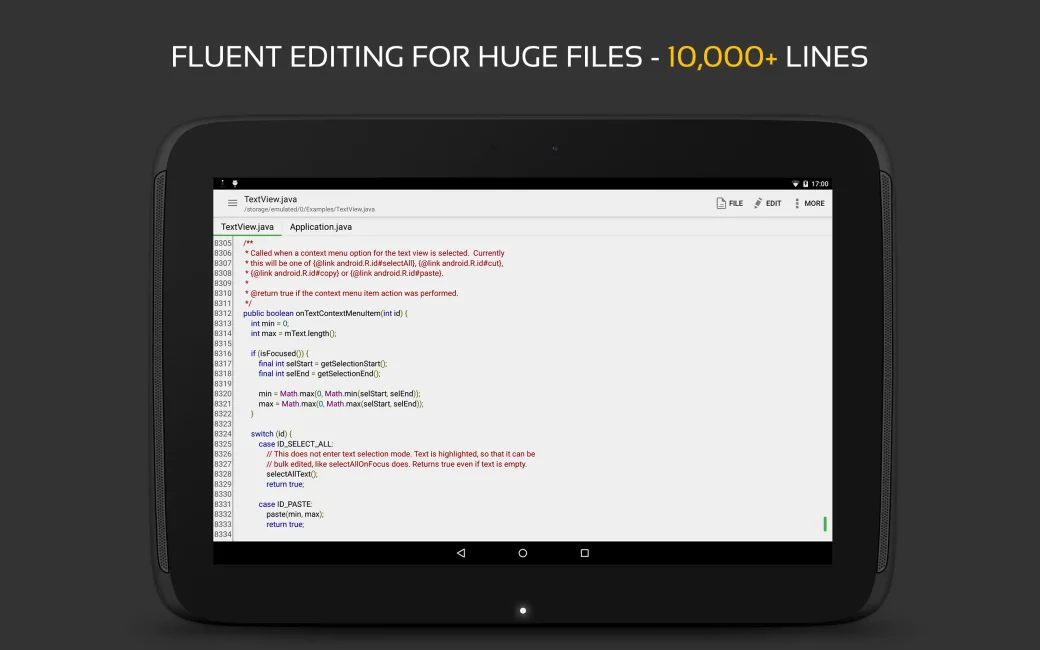
✓ High performance with no lag, even on large text files (more than 10,000 lines).
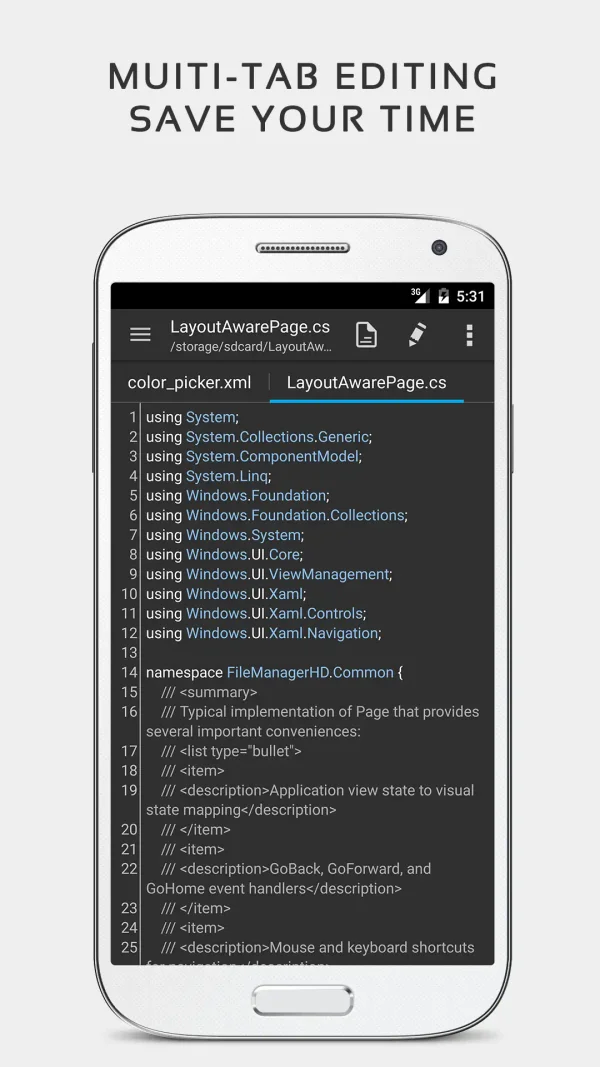
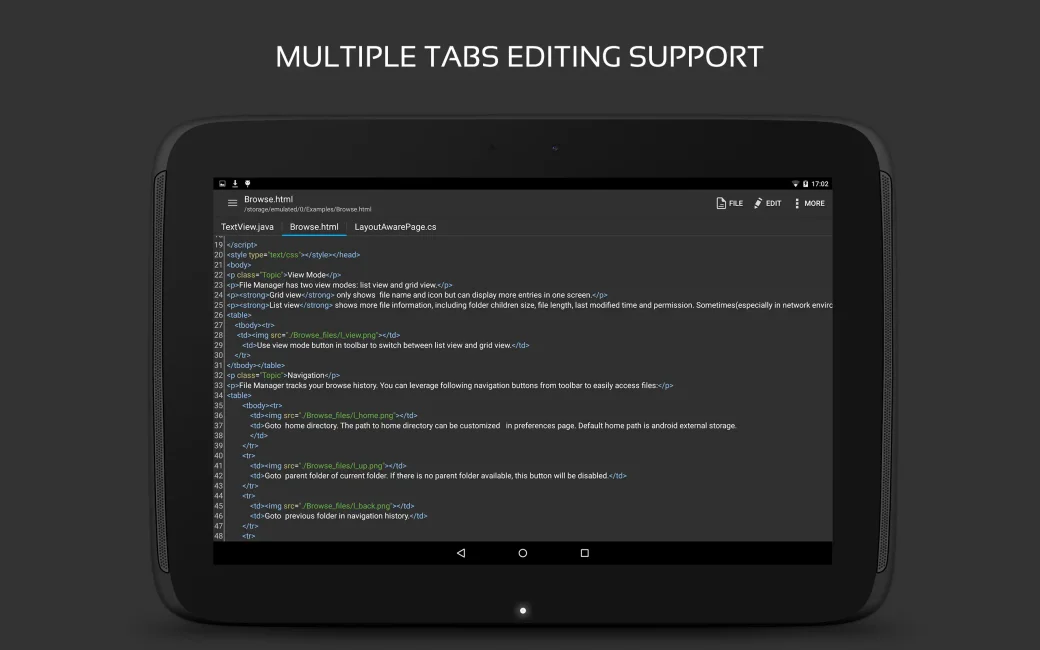
✓ Easily navigate between multiple open tabs.
✓ Show or hide line numbers.
✓ Undo and redo changes without limit.
✓ Display, increase, or decrease line indentations.
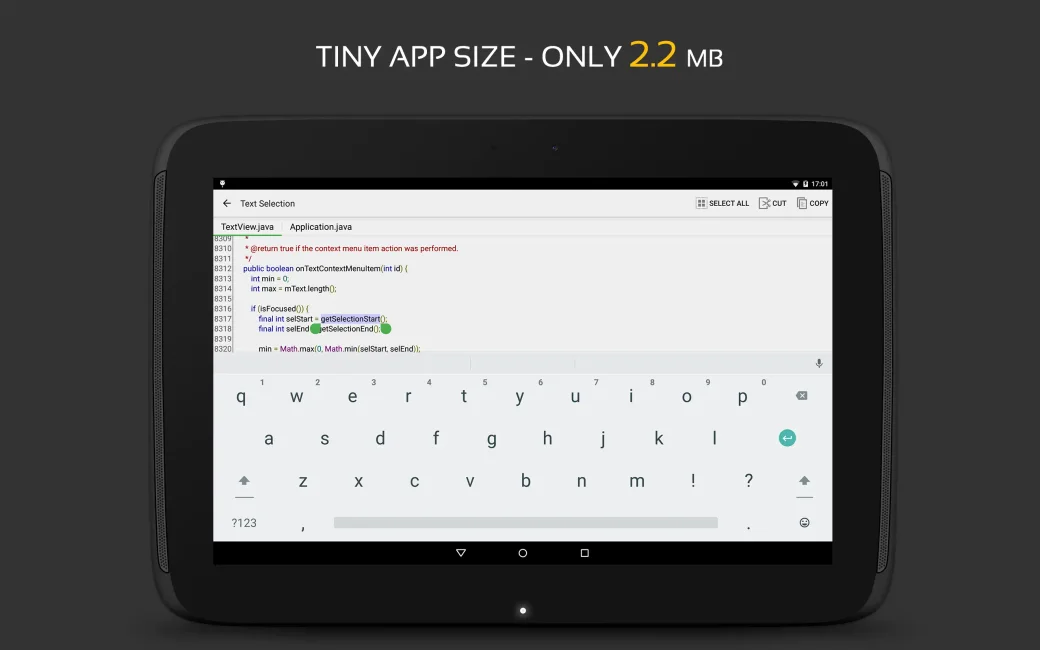
✓ Fast selecting and editing abilities.
✓ Physical keyboard support, including key combinations.
✓ Smooth scrolling both vertically and horizontally.
✓ Directly target any specified line number.
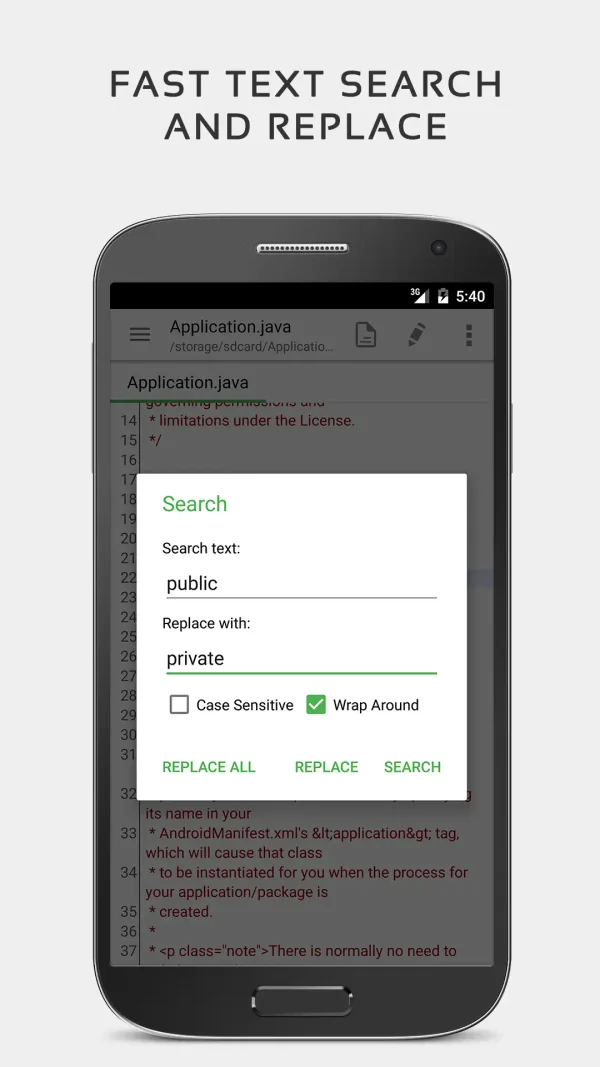
✓ Quickly search and replace content.
✓ Easily input hex color values.
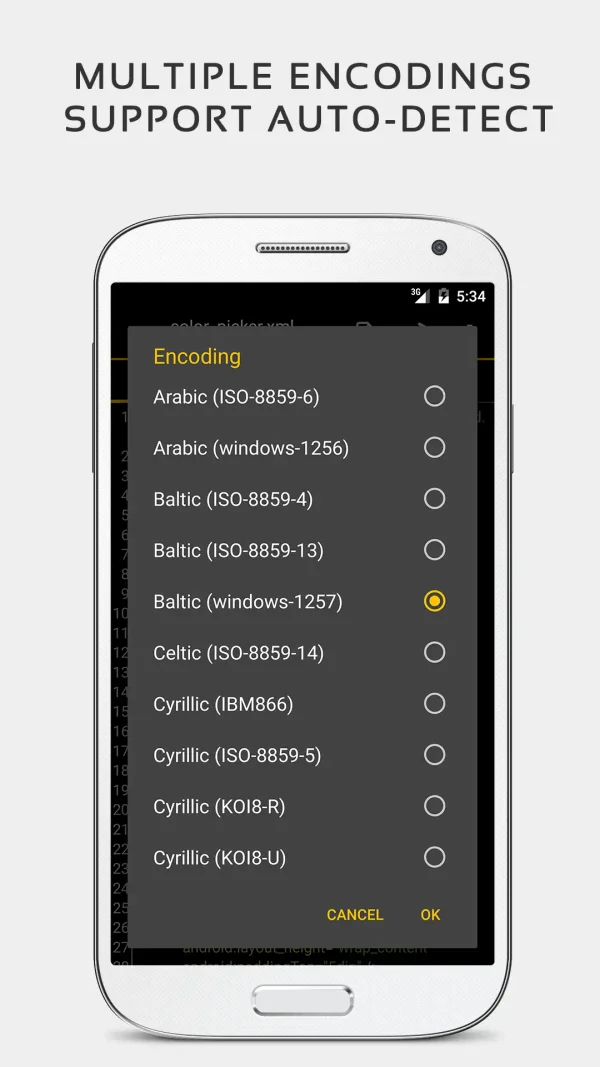
✓ Automatically detect charset and encoding.
✓ Automatically indent new lines.
✓ Various fonts and sizes.
✓ Preview HTML, CSS, AsciiDoc and markdown files.
✓ Open files from recently opened or added file collections.
✓ Ability to edit system files on rooted devices.
✓ Integrate and easy access to GitHub and GitLab.
✓ Access files from FTP, Google Drive, Dropbox, and OneDrive.
✓ Handy tool to edit INI, LOG, TXT files and hack games.
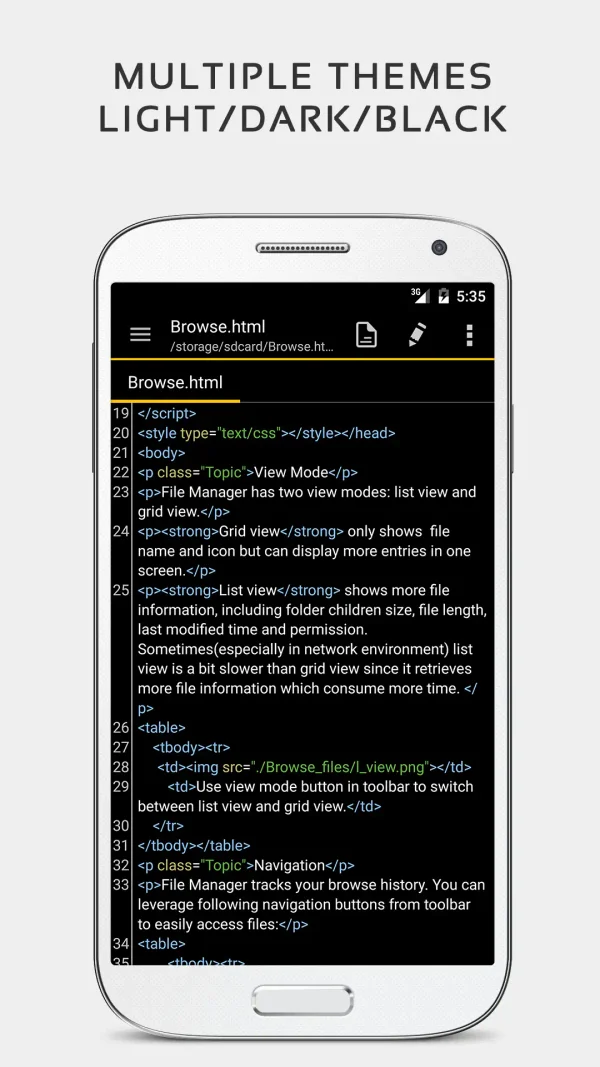
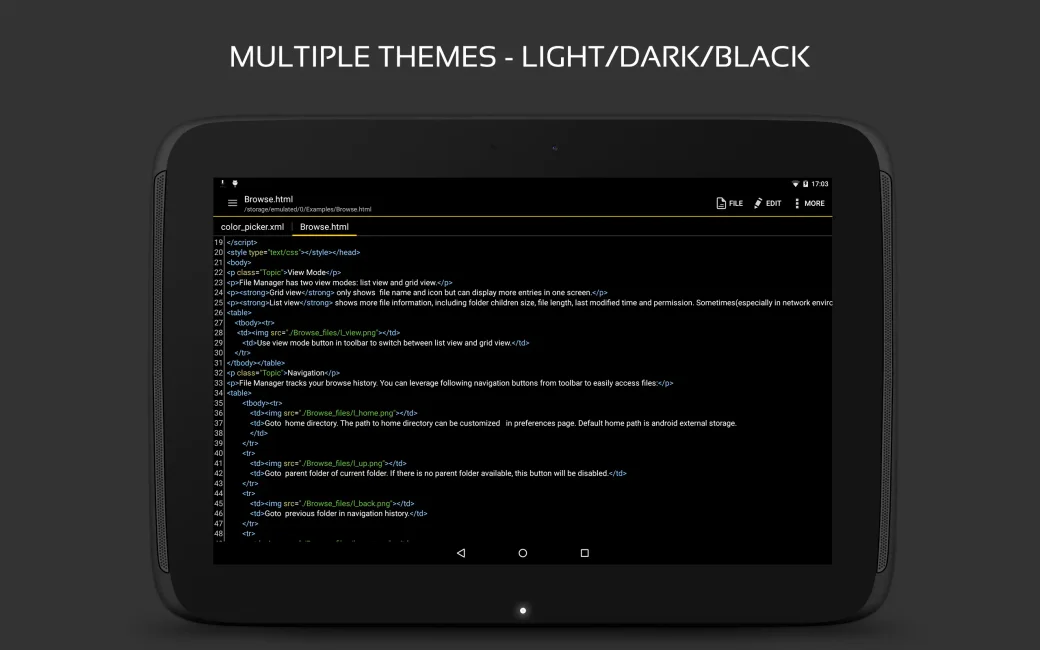
✓ Supports both light and dark themes.
✓ Optimized usage for phones and tablets.
If you can help to translate this application to your native language, please contact our email: support@rhmsoft.com.
If you encounter any issues or have any suggestions, please feel free to contact us: support@rhmsoft.com
You can also share your comments with the QuickEdit thread on xda-developers:
http://forum.xda-developers.com/android/apps-games/app-quickedit-text-editor-t2899385
Thank you for using QuickEdit!
Data safety
What Rhythm Software declares on Google Play about the data this app collects and shares.
- No data shared with third partiesLearn more about how developers declare sharing
- No data collectedLearn more about how developers declare collection
- Data is encrypted in transit
- Data can’t be deleted
What’s new
Version 1.12.13 · Oct 25, 2026
✓ Added an option to disable auto save success message.
✓ Improved the logic for detecting text file encodings.
Developer contact
- Websiterhmsoft.com
- Emailsupport@rhmsoft.com
- Privacy policyrhmsoft.com
- Address2108 N St Ste N Sacramento, CA 95816-5712 United States
Information
- Offered by
- Rhythm Software
- Category
- Productivity
- Version
- 1.12.13
- Updated
- Oct 25, 2026
- Released
- Sep 17, 2014
- Requires
- Android 7.0 or later
- Age rating
- Everyone
- Price
- Free
- Package name
- com.rhmsoft.edit
Similar apps
-
 Google Docs
Productivity
-
 Notepad - Notes、Todo、Memo
Productivity
-
 Pydroid 3 - IDE for Python 3
Education
-
 Noteshelf - Notes, Annotations
Productivity
-
 RS File Manager: File Explorer
Productivity
-
 MobiOffice: Word, Sheets, PDF
Productivity
-
 Cx File Explorer
Tools
-
 Jetpack – Website Builder
Productivity
-
 RAR
Tools
-
 Writer Journal - Text,Note
Productivity
-
 Coding Python
Tools
-
 BlackNote: Dark Notes, Notepad
Productivity