Reading mode
Google LLC- EveryoneAge rating
- ToolsCategory
- Sep 21, 2026Updated
- FreePrice
Links to the official Google Play listing of com.google.android.accessibility.reader. Last checked on Nov 20, 2026.
Screenshots
About this app
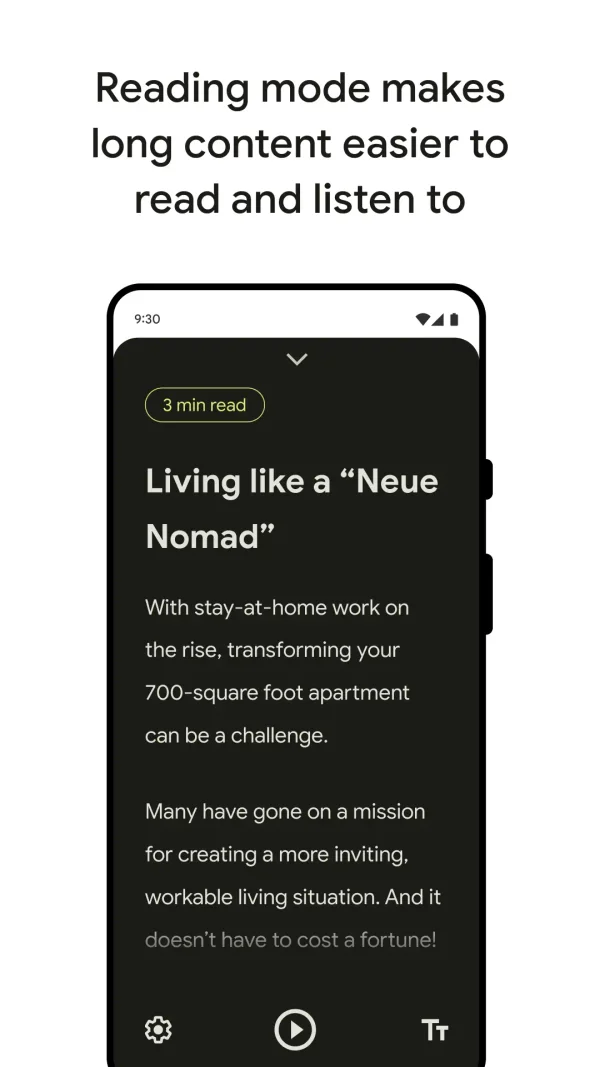
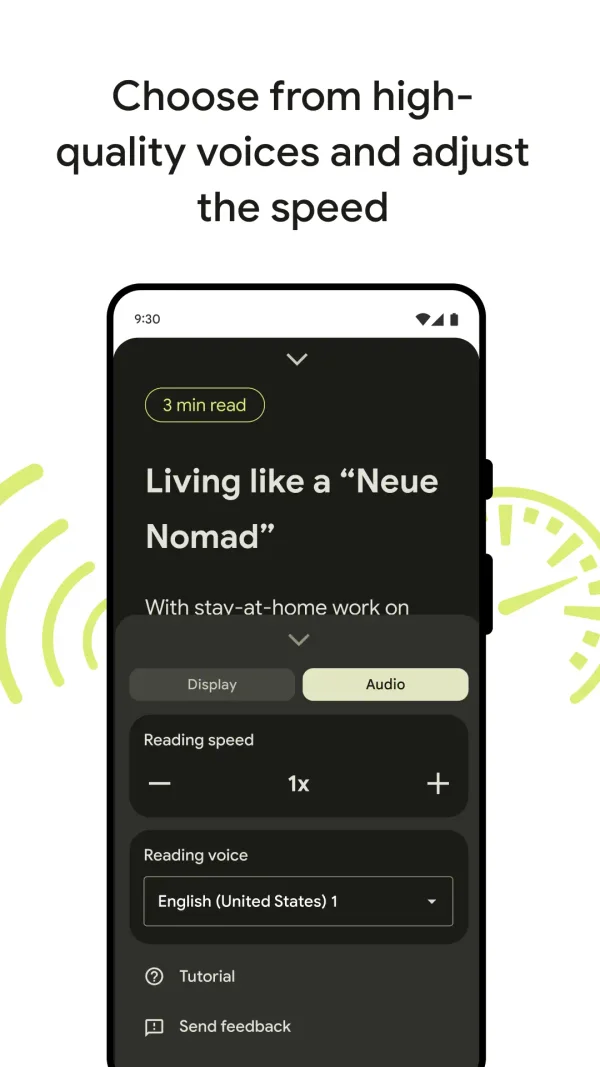
Reading mode helps you with difficult-to-read text.
Designed for and with people with low vision, blindness and dyslexia, reading mode helps improve your screen reading experience with a focus on customisable contrast, text size, text-to-speech, page clutter and font types. Once downloaded, the app integrates into your Quick Settings and can be easily accessed across apps and web pages.
Instructions:
To get started:
1. Download and install reading mode via Play Store
2. Find reading mode on your home screen and tap to open it
3. Read the tutorial and it will redirect you to the settings at the end
4. In the settings, tap 'reading mode' and toggle on 'reading mode shortcut' to allow reading mode to access your device
5. Please refer to https://support.google.com/accessibility/android/answer/7650693 to set up different reading mode entry points
Key features:
• Focused reading view: Reading mode provides a customisable reading environment without clutter to make it easier to access content and focus
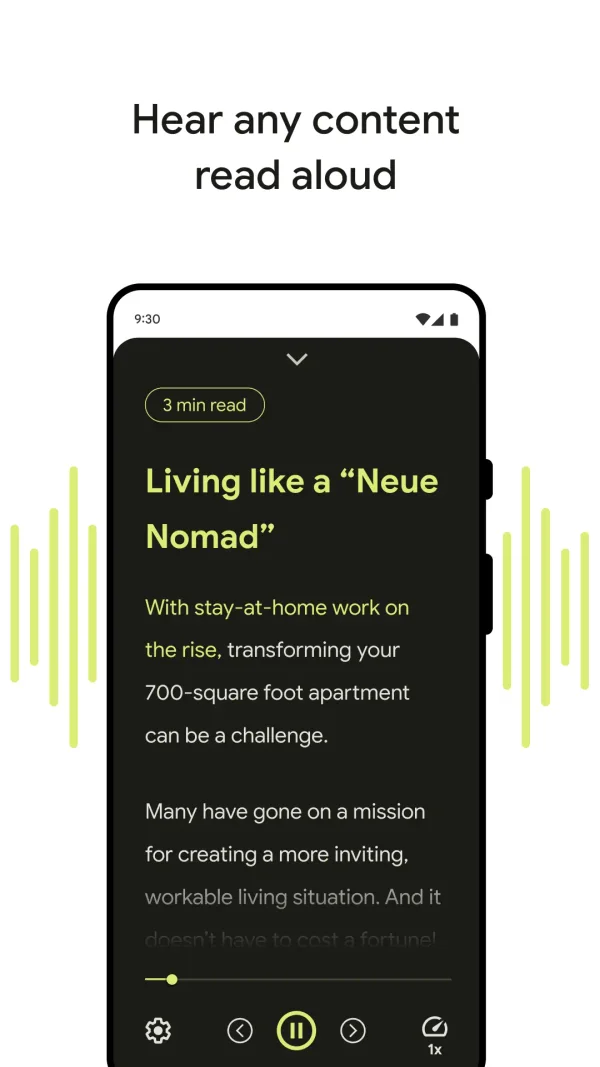
• Text-to-speech: Hear written content read out loud to you at the touch of a button. Choose from a selection of high-quality long-form voices. Easily accessible audio control options to rewind, fast forward and change reading speed on the go
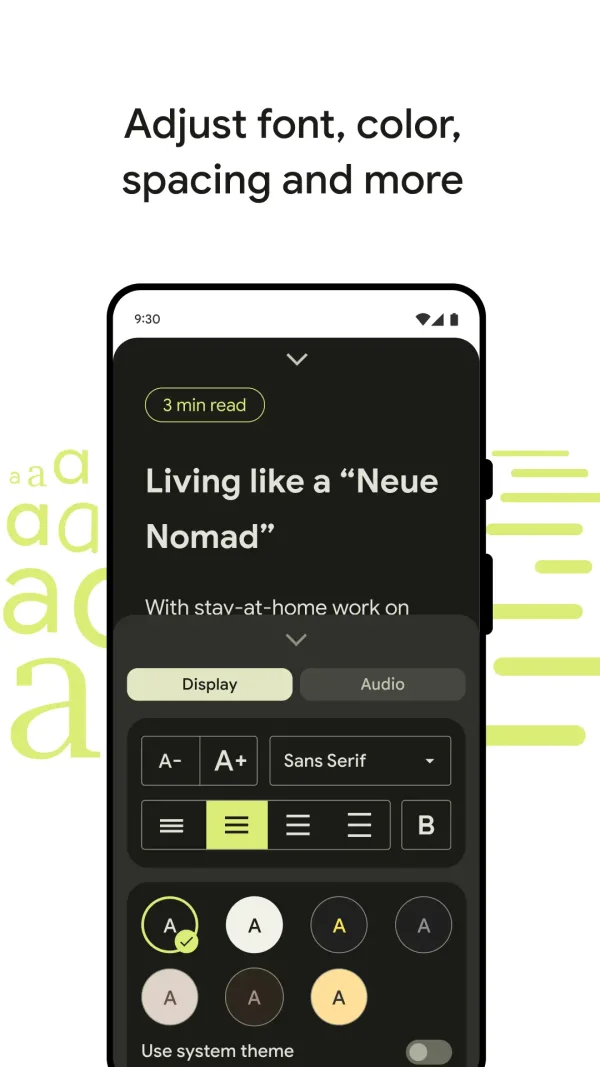
• Adjust font type and size: Toggle quickly between font sizes, styles, colours and line spaces to customise what’s best for your reading needs
• Quick access: Once downloaded, reading mode is integrated into the phone interface for fast access
• Multi-language support: Reading mode supports English, French, Italian and Spanish with additional languages to follow
• Compatible with TalkBack: Easily use reading mode when using your screen reader.
• Designed with privacy in mind: Content is never sent off your phone.
Join the group https://groups.google.com/forum/#!forum/accessible to provide feedback and receive product updates.
Requirement:
• Available for phones on Android 9 and later
• Currently, reading mode supports English, French, Italian and Spanish
Permissions notice:
• Accessibility service: Since this app is an accessibility service, it can observe your actions and window content.
Data safety
What Google LLC declares on Google Play about the data this app collects and shares.
- No data shared with third partiesLearn more about how developers declare sharing
- This app may collect these data typesApp activity, App info and performance, and Device or other IDs
- Data is encrypted in transit
- Data can’t be deleted
What’s new
Version 1.3.1.982174651 · Sep 21, 2026
Bug fixes and performance improvements.
Developer contact
- Websitegoogle.com
- Emailapps-help@google.com
- Privacy policygoogle.com
- Address1600 Amphitheatre Pkwy Mountain View, CA 94043 United States
Information
- Offered by
- Google LLC
- Category
- Tools
- Version
- 1.3.1.982174651
- Updated
- Sep 21, 2026
- Released
- Nov 30, 2022
- Requires
- Android 9 or later
- Age rating
- Everyone
- Price
- Free
- Package name
- com.google.android.accessibility.reader
Similar apps
-
 Text Reader: Text to Speech
Tools
-
 Readwise Reader
Productivity
-
 AudioPen: AI Voice to Text
Lifestyle
-
 PDF Reader Zone
Productivity
-
 OtterAI Transcribe Voice Notes
Productivity
-
 Speechify – Text to Speech
Productivity
-
 Smart AudioBook Player
Music & Audio
-
 Listening: Text to Speech
Books & Reference
-
 Plaud: AI Work Companion
Tools
-
 GroupCal - Shared Calendar
Productivity
-
 Lite Writer: Writing/Note/Memo
Productivity
-
 UpNote - notes, diary, journal
Productivity