Root Browser Classic
Maple MediaContains ads · In-app purchases
- EveryoneAge rating
- ToolsCategory
- Jun 8, 2026Updated
- FreePrice
Links to the official Google Play listing of com.jrummyapps.rootbrowser.classic. Last checked on Nov 21, 2026.

Screenshots
About this app
Fully customizable Root Browser for Android users and rooted superusers
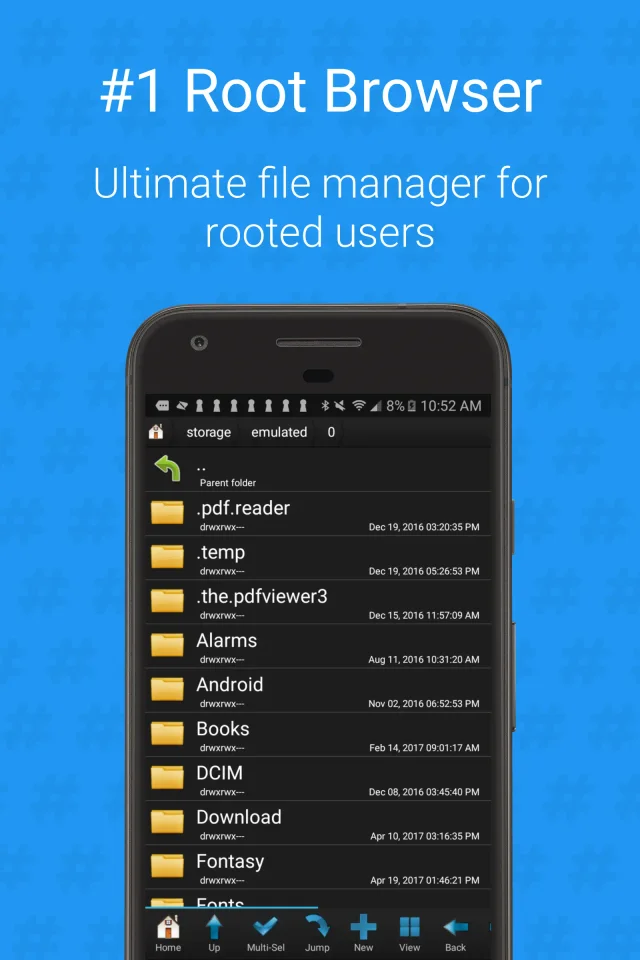
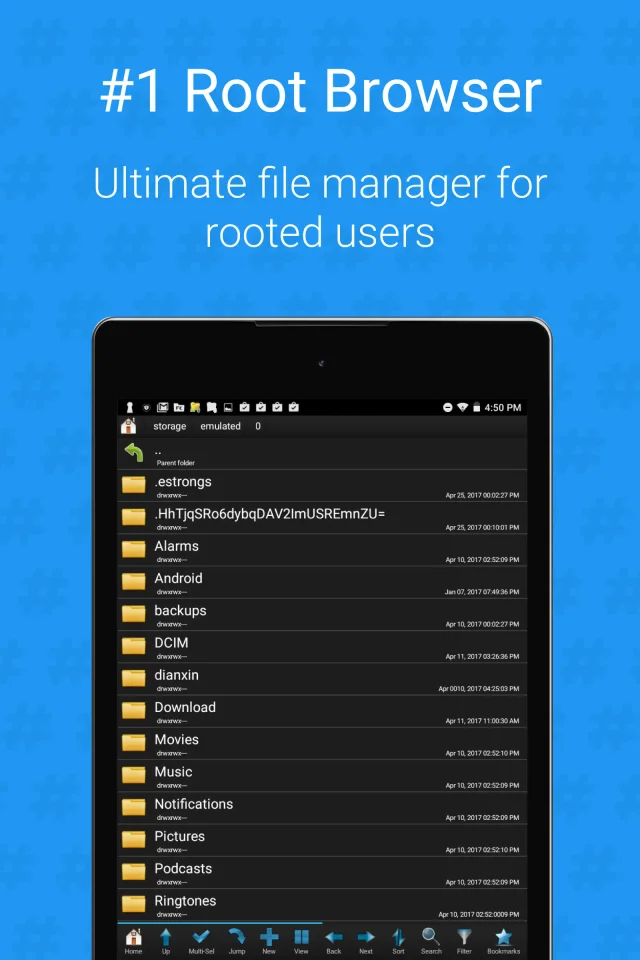
Root Browser Classic is the ultimate file manager for rooted users!
Explore all of Android's file systems and take control of your Android device. From copying and pasting files, to moving and renaming them, you will have full root access to your device.
Root Browser Classic features include:
★ File Management
* Two file manager panels
* Zip, tar, delete, and move any file or folder
* Add new files & folders in any directory
* Change file permissions and ownership
* Create and delete directories
* Extract single files from zip/apks/jars
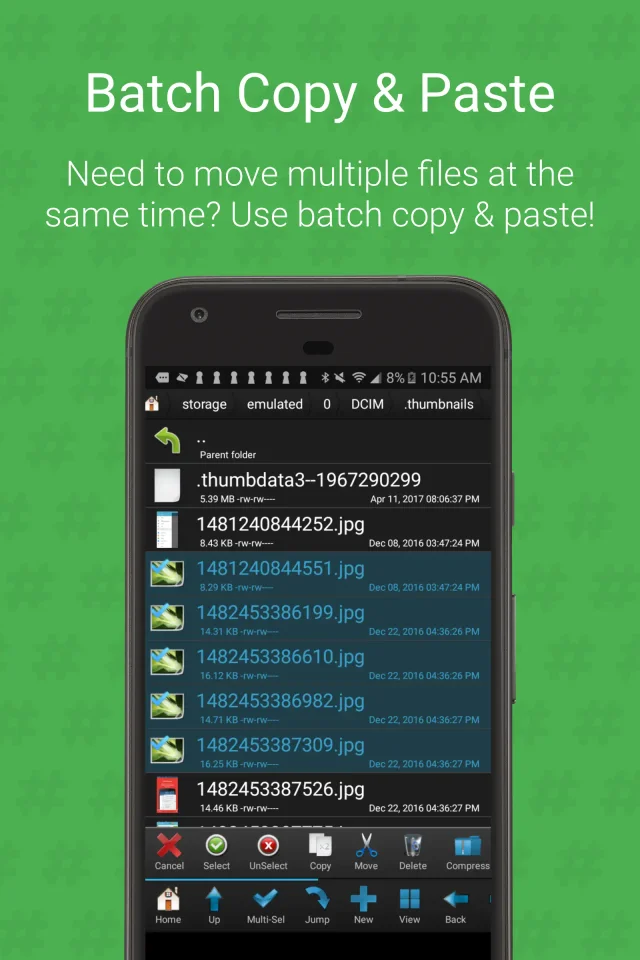
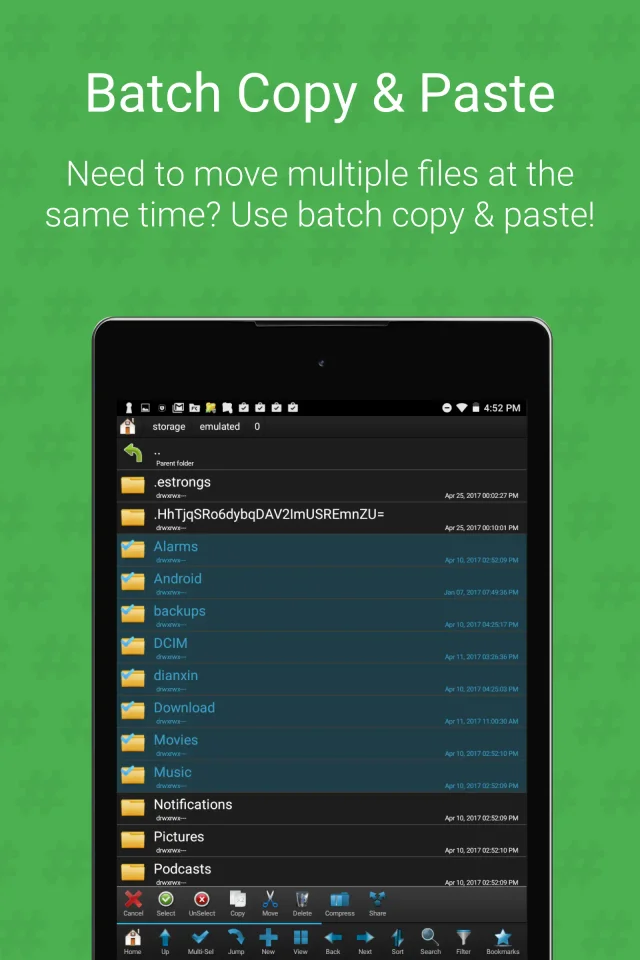
★ Batch Copy & Paste
* Move multiple files at the same time
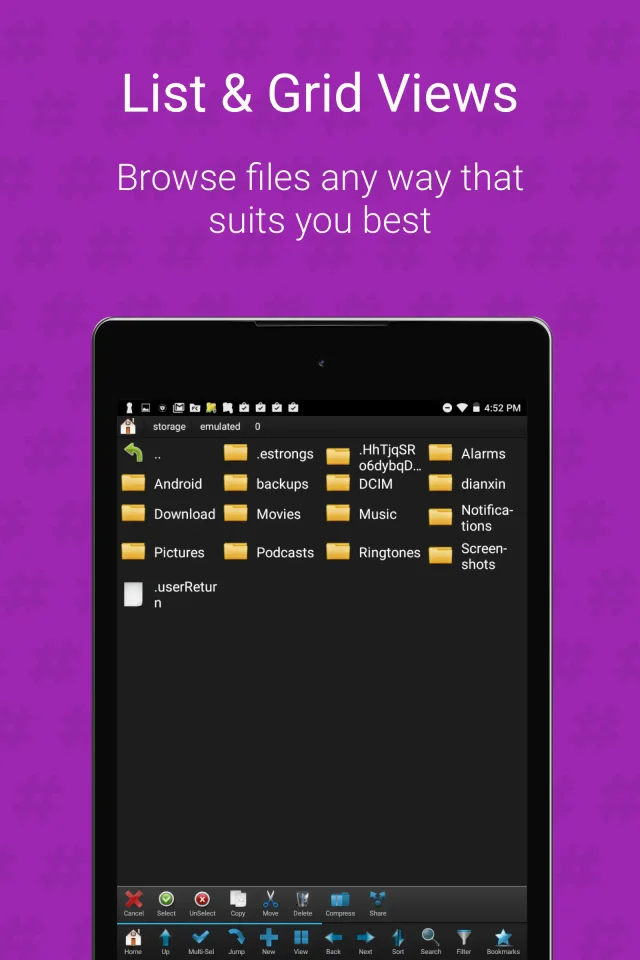
★ Browse Files
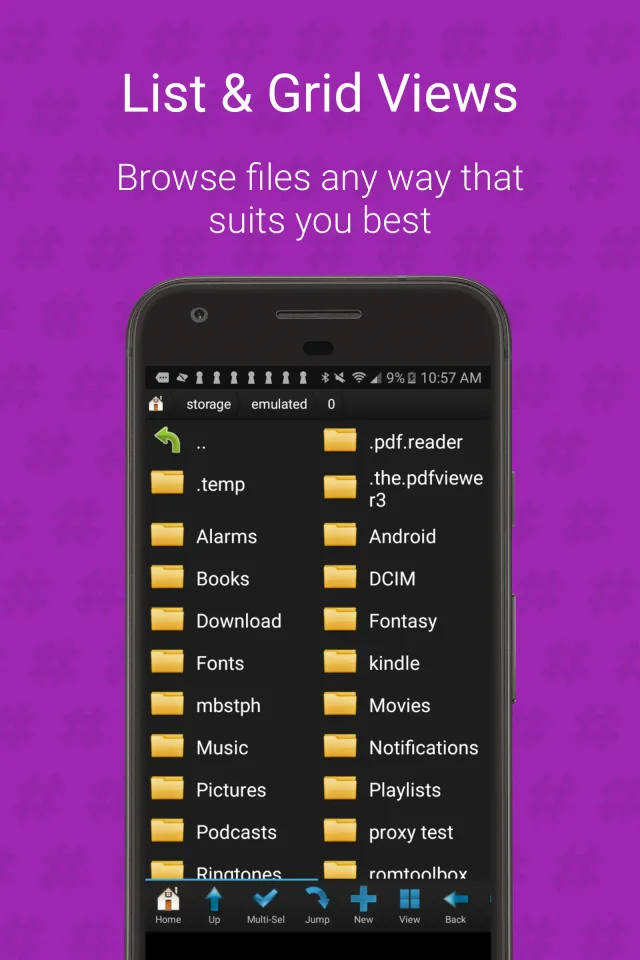
* View and edit files in list, grid, or thumbnail format
* Explore apk, rar, zip & jar files
* Sort by name, size, or date
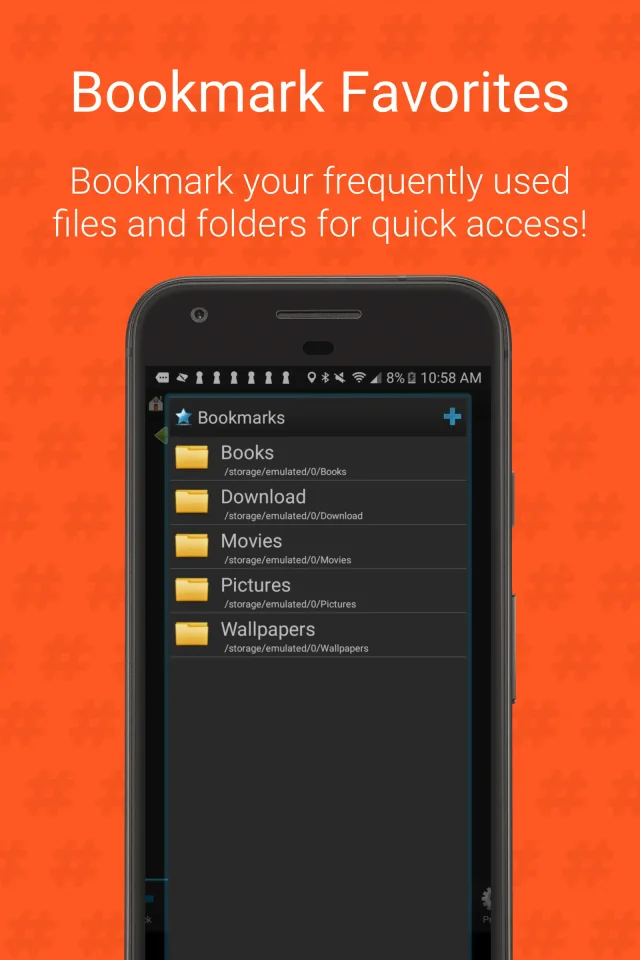
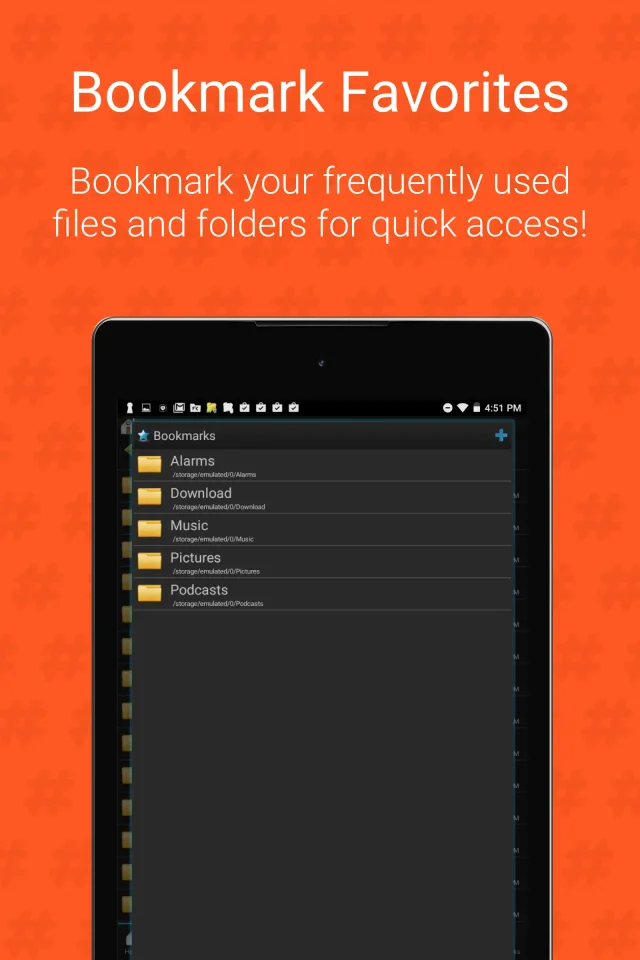
★ Bookmark Favorites
* Save your frequently used files and folders for quick access
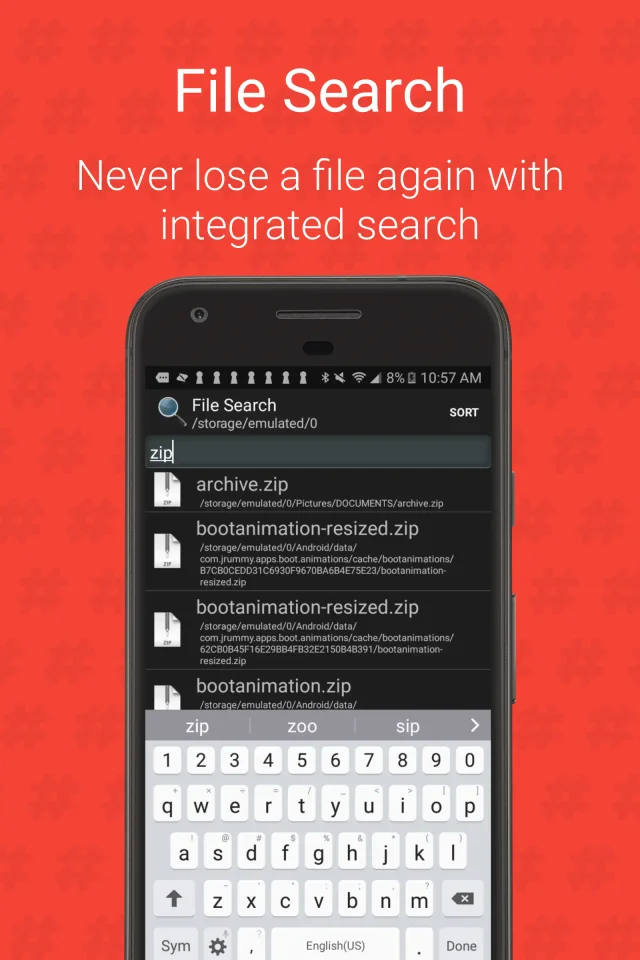
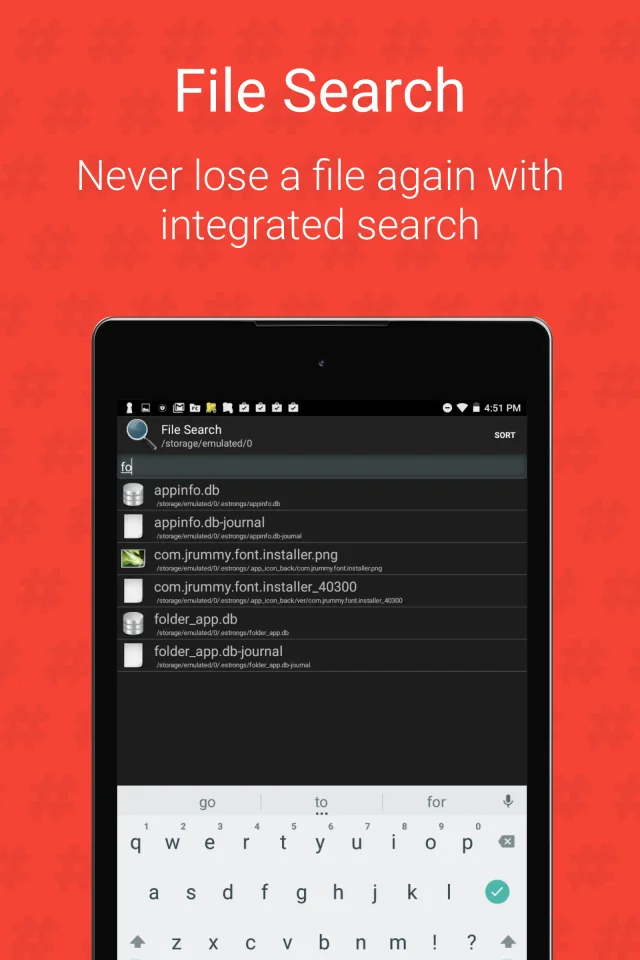
★ File Search
* Integrated search function
* Never lose a file!
★ Other Awesome Features
* SQLite explorer
* Send files by email
* Install zips using clockwork recovery
* Execute script files
* Change the theme by double tapping home button
* Open files and folders of other apps
✩ Check out ROM Toolbox, which includes this app and many more features: https://play.google.com/store/apps/details?id=com.jrummy.liberty.toolbox
✩ This app requires root permission. Root Browser Classic does not root your device. If your device is not rooted, features might be inaccessible for your device.
Thank you for downloading Root Browser Classic. For additional questions or feedback, please email us at contact@maplemedia.io.
Data safety
What Maple Media declares on Google Play about the data this app collects and shares.
- This app may share these data types with third partiesDevice or other IDs
- This app may collect these data typesFinancial info, App activity and 2 others
- Data is encrypted in transit
- Data can’t be deleted
What’s new
Version 3.4.0(27919) · Jun 8, 2026
Here's a quick update to enhance your Root Browser experience. This release includes:
- A few minor bug fixes and user interface improvements. Update now!
- We also made some small but significant changes for app optimization.
Thanks for using Root Browser Classic. For questions or feedback, please email us at contact@maplemedia.io.
Developer contact
- Websitemaplemedia.io
- Emailcontact@maplemedia.io
- Privacy policymaplemedia.io
- Address6618 San Fernando Rd Unit 205 Glendale, CA 91201-1703 United States
Information
- Offered by
- Maple Media
- Category
- Tools
- Version
- 3.4.0(27919)
- Updated
- Jun 8, 2026
- Released
- Jul 21, 2017
- Requires
- Android 6.0 or later
- Age rating
- Everyone
- Price
- Free
- In-app purchases
- $2.99 per item
- Package name
- com.jrummyapps.rootbrowser.classic
Similar apps
-
 AppDash: App Manager & Backup
Tools
-
 App Usage - Manage/Track Usage
Productivity
-
 ASTRO File Manager & Cleaner
Tools
-
 Kiren by F-Secure
Tools
-
 pCloud: Cloud Storage
Productivity
-
 RS File Manager: File Explorer
Productivity
-
 nzb360 - Media Server Manager
Tools
-
 Swift Backup
Tools
-
 Total Drive - Cloud Storage
Productivity
-
 Avira Security Antivirus & VPN
Tools
-
 Solid Explorer File Manager
Productivity
-
 Zenze- Block Apps,Stay Focused
Health & Fitness