Samsung Browser Beta
Samsung Electronics Co., Ltd.- EveryoneAge rating
- CommunicationCategory
- Jul 8, 2026Updated
- FreePrice
Links to the official Google Play listing of com.sec.android.app.sbrowser.beta. Last checked on Nov 19, 2026.
Screenshots
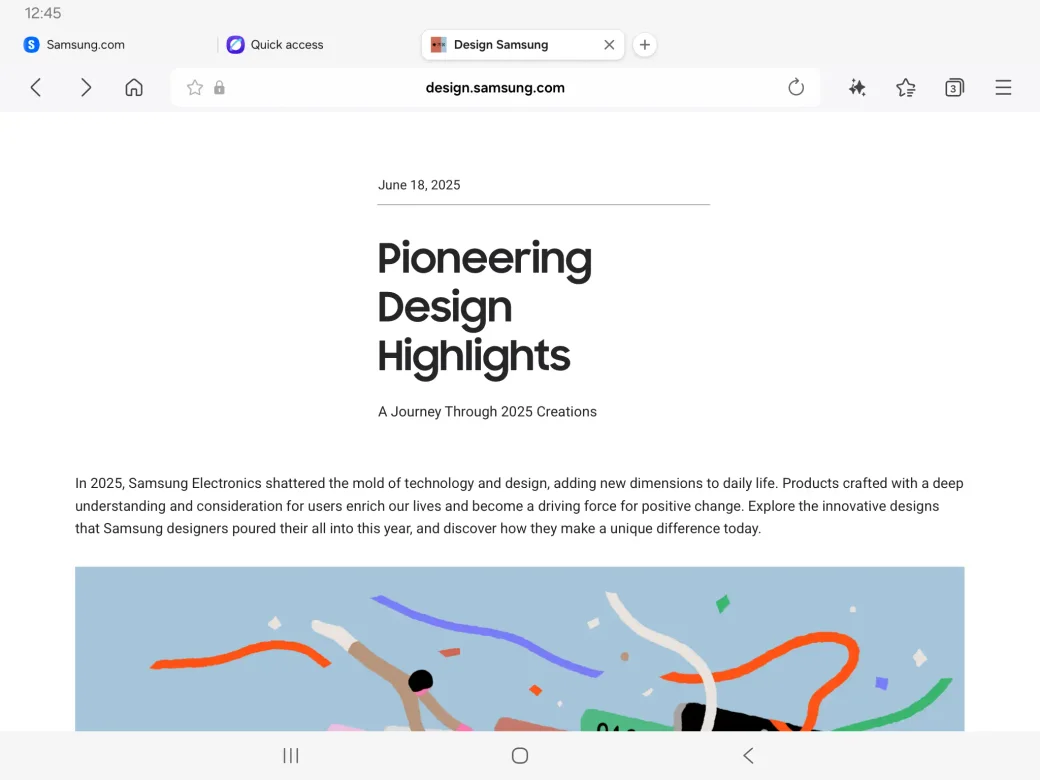
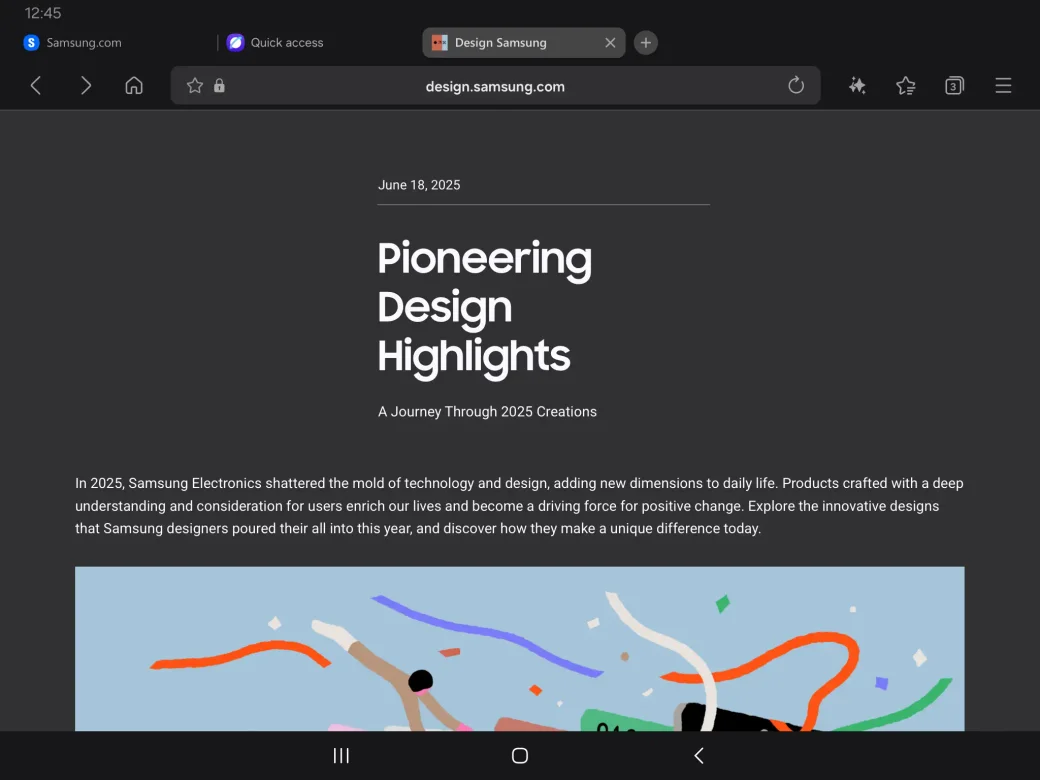
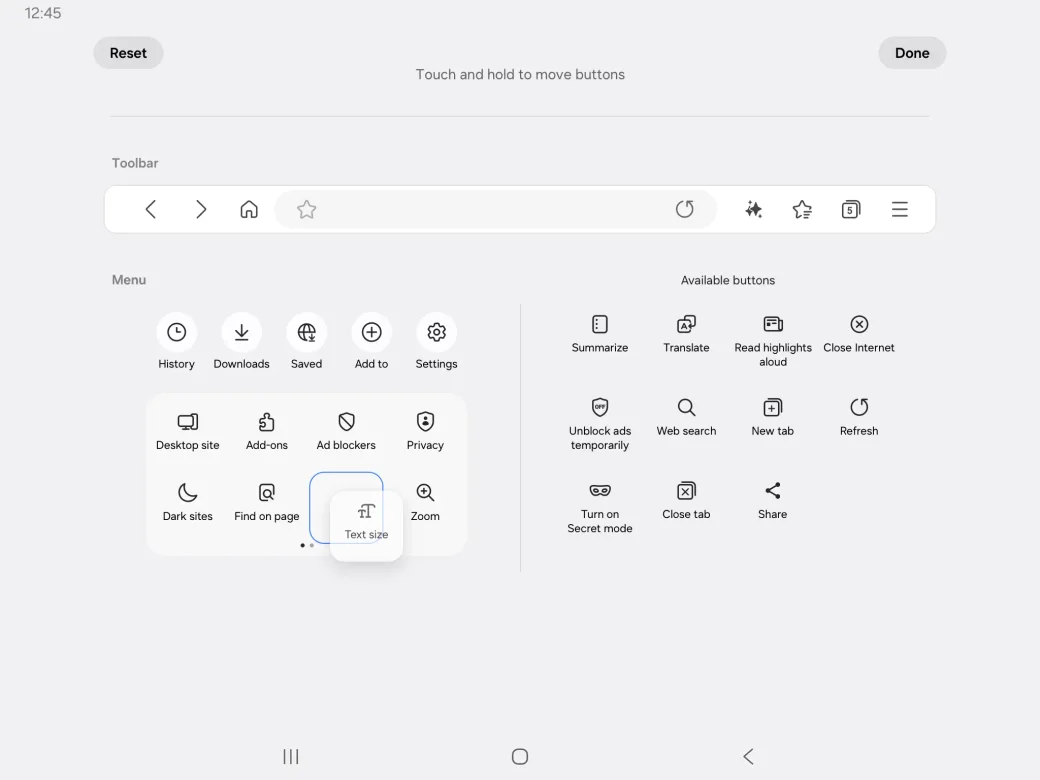
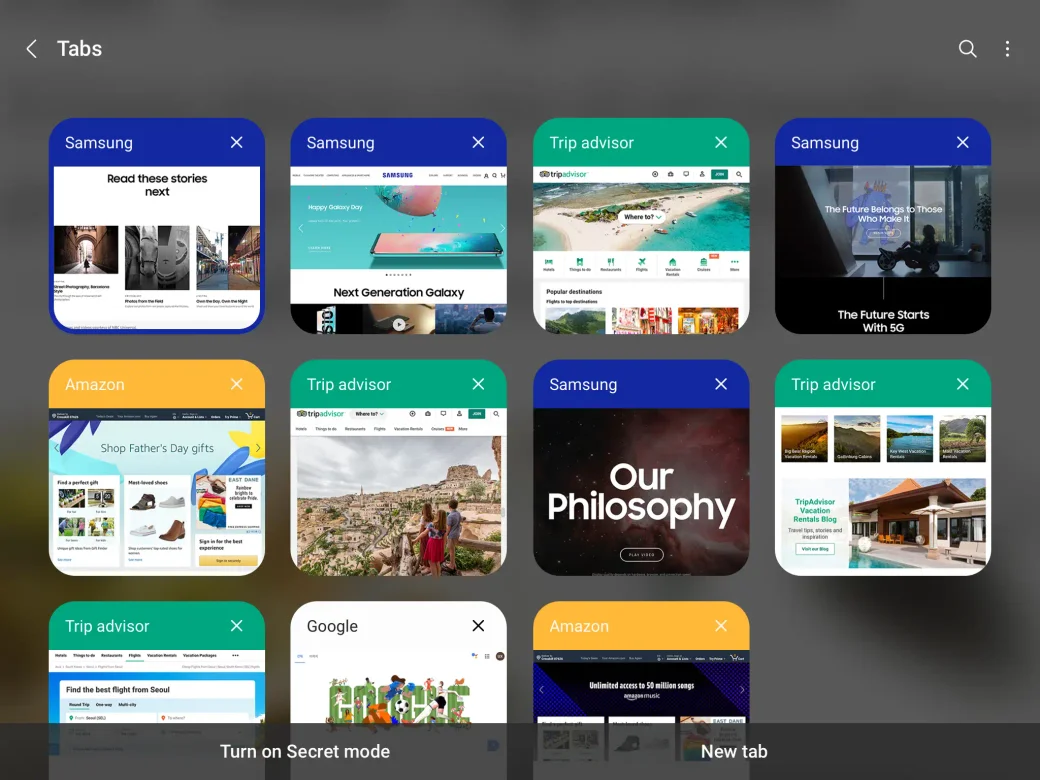
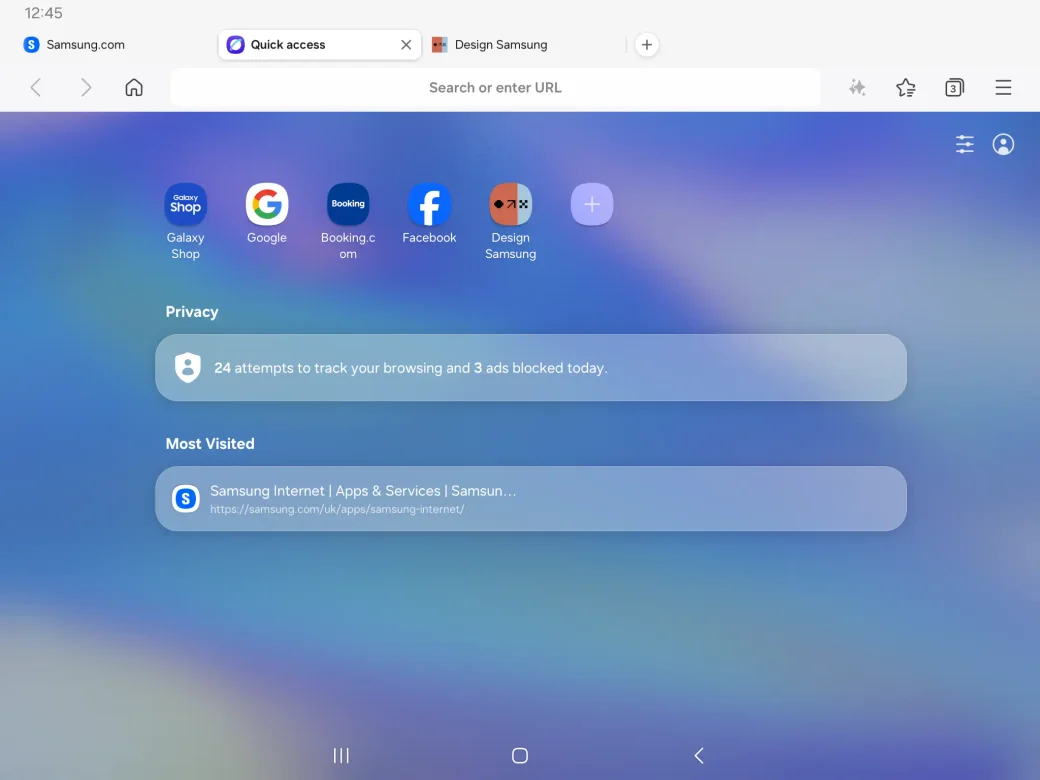
About this app
Try out Samsung Browser's latest features, one step ahead!
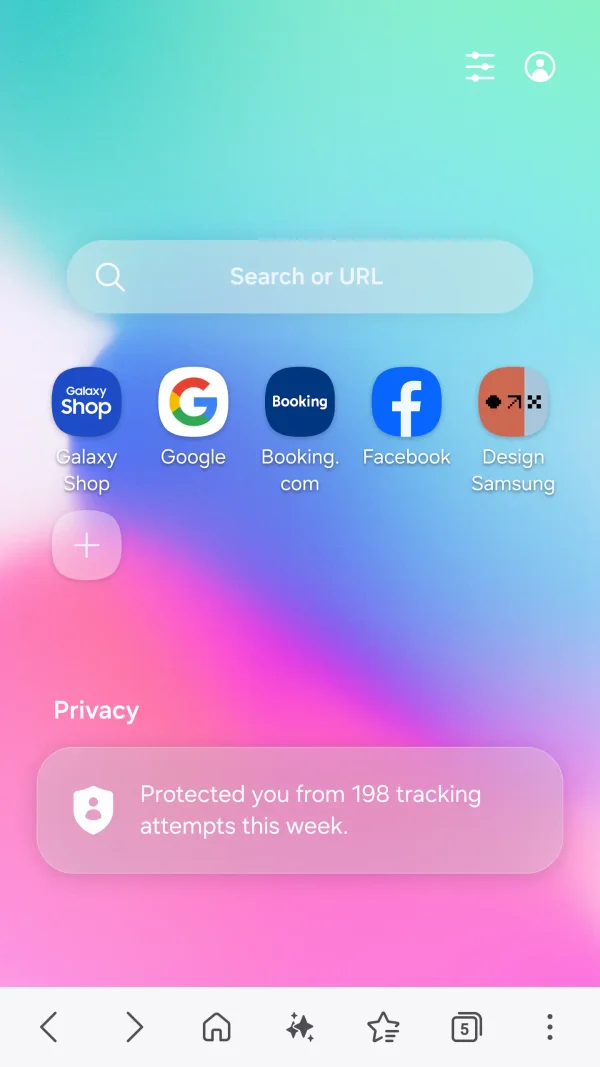
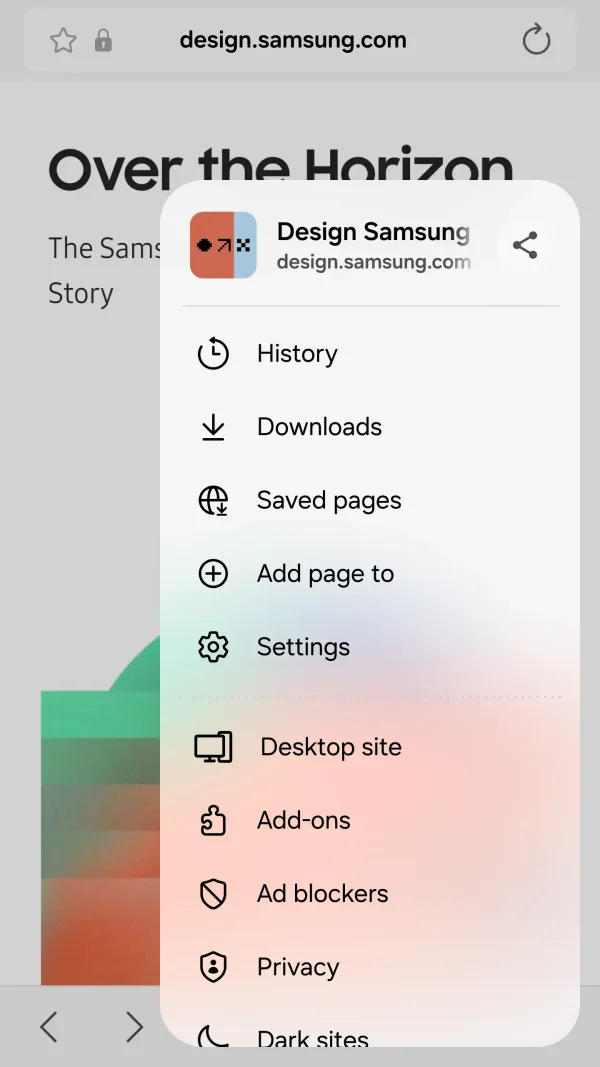
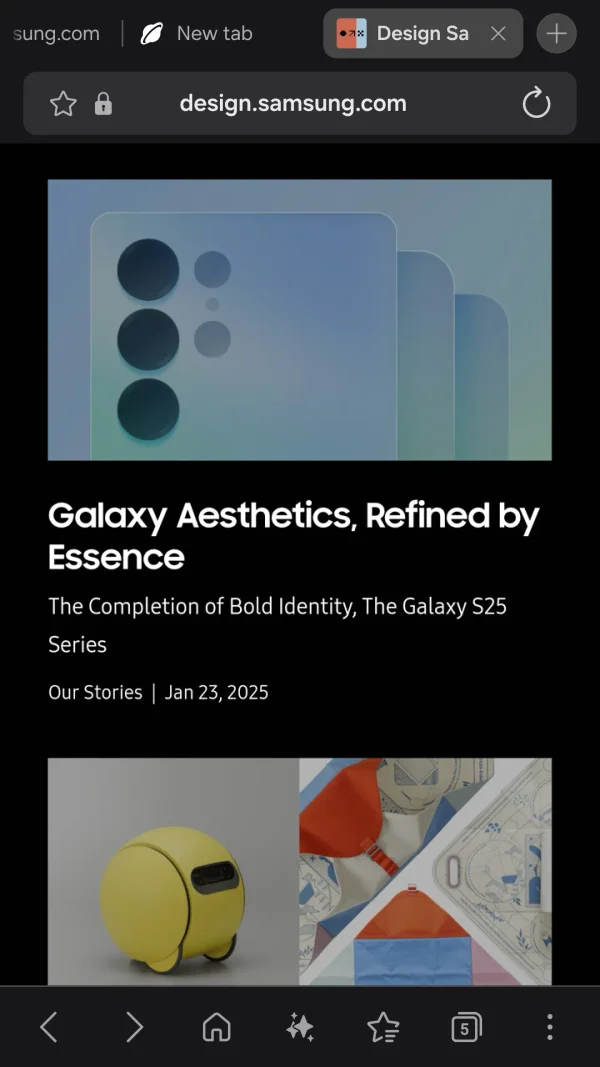
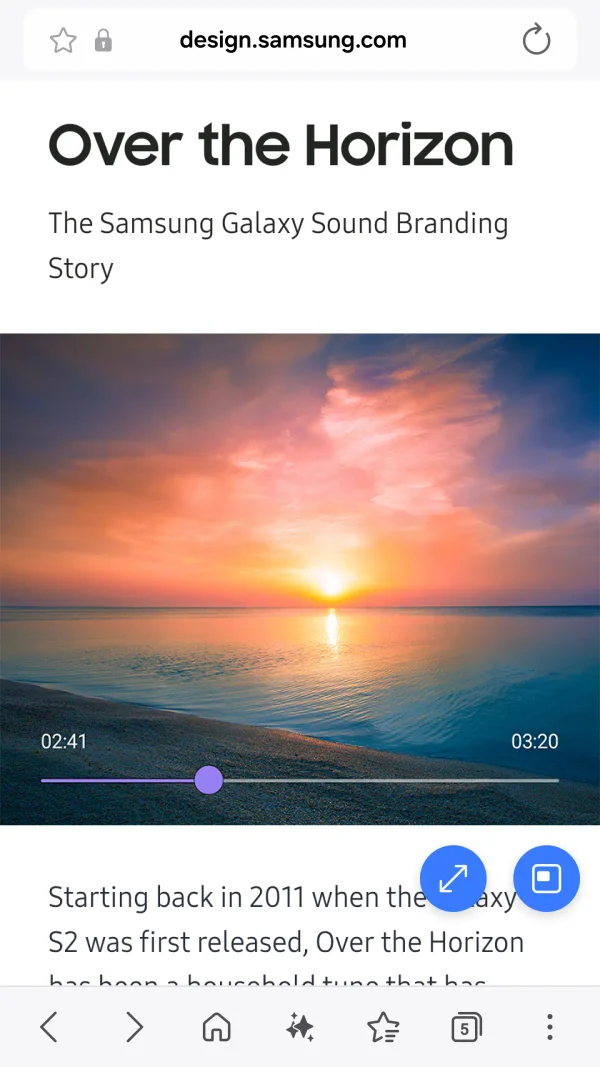
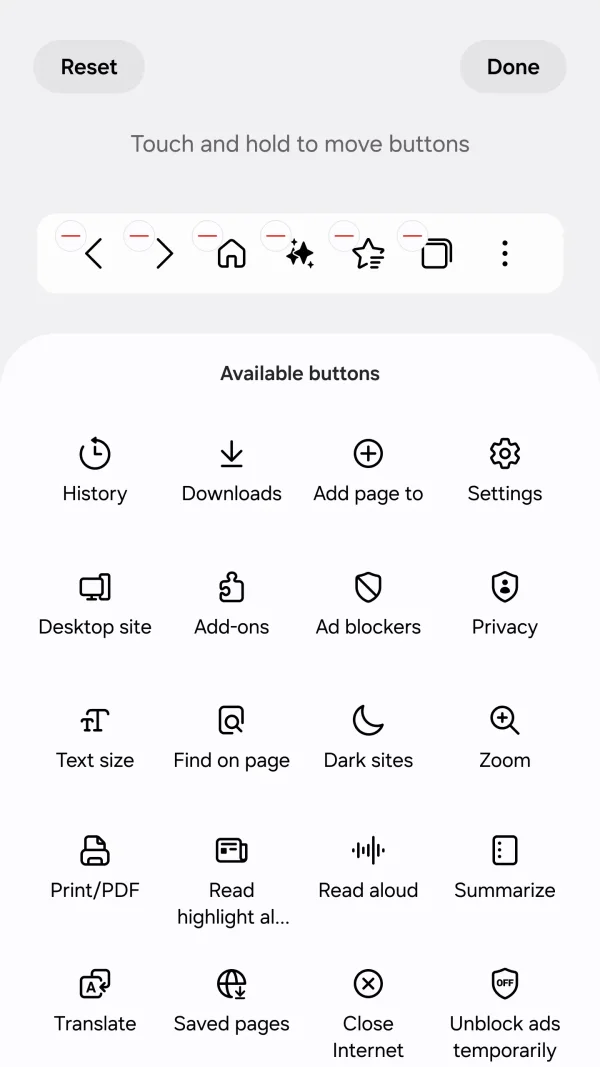
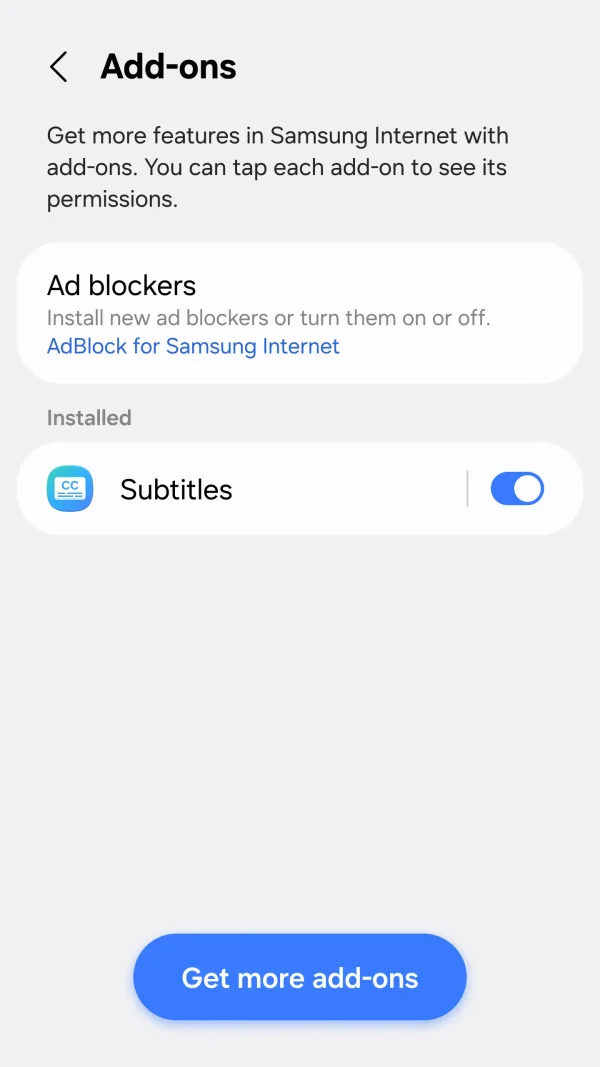
Samsung Browser provides the best web browsing experience for you with Video Assistant, Dark Mode, Customize menu, Extensions such as Translator, and by protecting your privacy with Secret mode, Smart Anti-Tracking and Smart Protection.
■ New Features for you
* Support for searching text within images
You can search for text included in images using the "Find on Page" menu.
■ Security & Privacy
Samsung Browser helps you protect your security and privacy while browsing the Internet.
* Smart Anti-Tracking
Intelligently identify domains which have cross-site tracking ability and block storage (cookie) access.
* Protected Browsing
We will warn you before you can view known malicious sites to prevent you from visiting web sites which may try to steal your data.
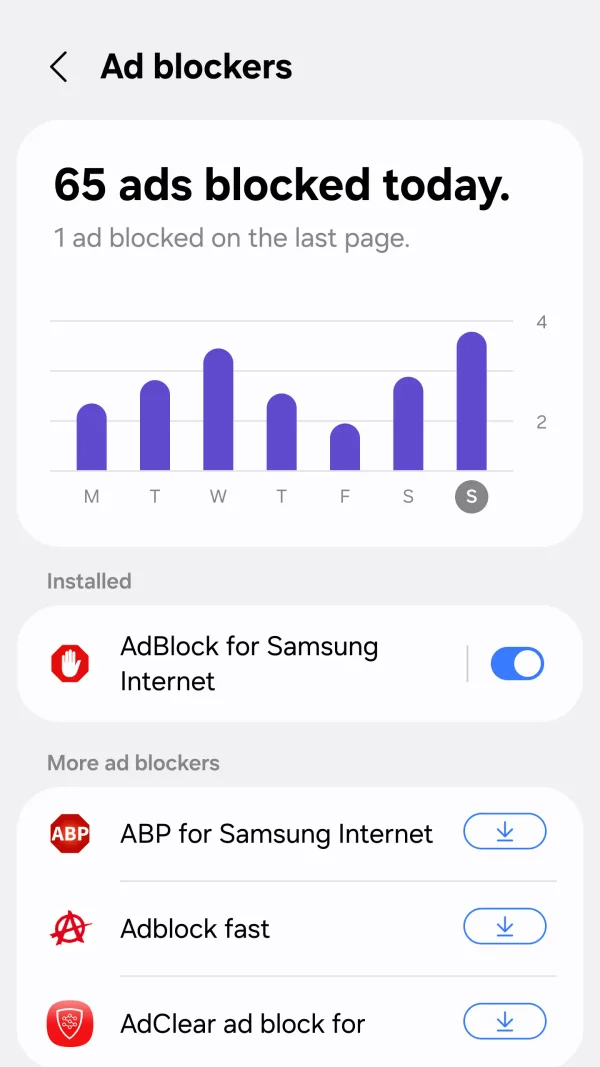
* Content Blockers
Samsung Browser for Android allows 3rd party apps to provide filters for content blocking, making browsing safer and more streamlined.
The following permissions are required for the app service.
For optional permissions, the default functionality of the service is turned on, but not allowed.
[Required permissions]
none
[Optional permissions]
Location: Used to provide location-based content requested by the user or location information requested by the webpage in use
Camera: Used to provide webpage shooting function and QR code shooting function
Microphone: Used to provide recording function on webpage
Phone: (Android 11) Requires access permission to check the mobile phone information in order to provide country-specific feature optimization
Nearby devices: (Android 12 or higher) To find and connect to nearby Bluetooth devices when requested by the website
Music and audio: (Android 13 or higher) To upload audio files on webpages
Photos and videos: (Android 13 or higher) To upload photos and videos on webpages
Files and media: (Android 12) To upload files stored in storage spaces on webpages
Storage: (Android 11 or lower) To upload files stored in storage spaces on webpages
Notifications: (Android 13 or higher) To display the download progress and website notifications
Data safety
What Samsung Electronics Co., Ltd. declares on Google Play about the data this app collects and shares.
- No data shared with third partiesLearn more about how developers declare sharing
- This app may collect these data typesApp activity
- Data is encrypted in transit
- You can request that data be deleted
What’s new
Version 30.0.0.67 · Jul 8, 2026
v30.0.0.67
* Fixed bugs and improved stability
Developer contact
- Websitehelp.content.samsung.com
- Emailnoreply.sec@samsung.com
- Privacy policysamsung.com
- Address대한민국 16677 경기도 수원시 영통구 삼성로 129 (매탄동)
Information
- Offered by
- Samsung Electronics Co., Ltd.
- Category
- Communication
- Version
- 30.0.0.67
- Updated
- Jul 8, 2026
- Released
- Mar 15, 2017
- Requires
- Android 11 or later
- Age rating
- Everyone
- Price
- Free
- Package name
- com.sec.android.app.sbrowser.beta
Similar apps
-
 Samsung Browser
Communication
-
 Internet Browser
Tools
-
 Device Care
Tools
-
 Samsung Members
Tools
-
 Samsung Calculator
Tools
-
 Samsung Global Goals
Education
-
 Chrome Beta
Productivity
-
 FREE ADBLOCKER BROWSER
Communication
-
 Adblock Browser: Fast & Secure
Communication
-
 Yandex Start
Tools
-
 Samsung Email
Productivity
-
 Chrome Dev
Communication