Samsung Email
Samsung Electronics Co., Ltd.- EveryoneAge rating
- ProductivityCategory
- Nov 18, 2026Updated
- FreePrice
Links to the official Google Play listing of com.samsung.android.email.provider. Last checked on Nov 23, 2026.

Screenshots
About this app
Experience powerful and Reliable email client on your Galaxy.
This update is available for Samsung Mobile with Android OS.
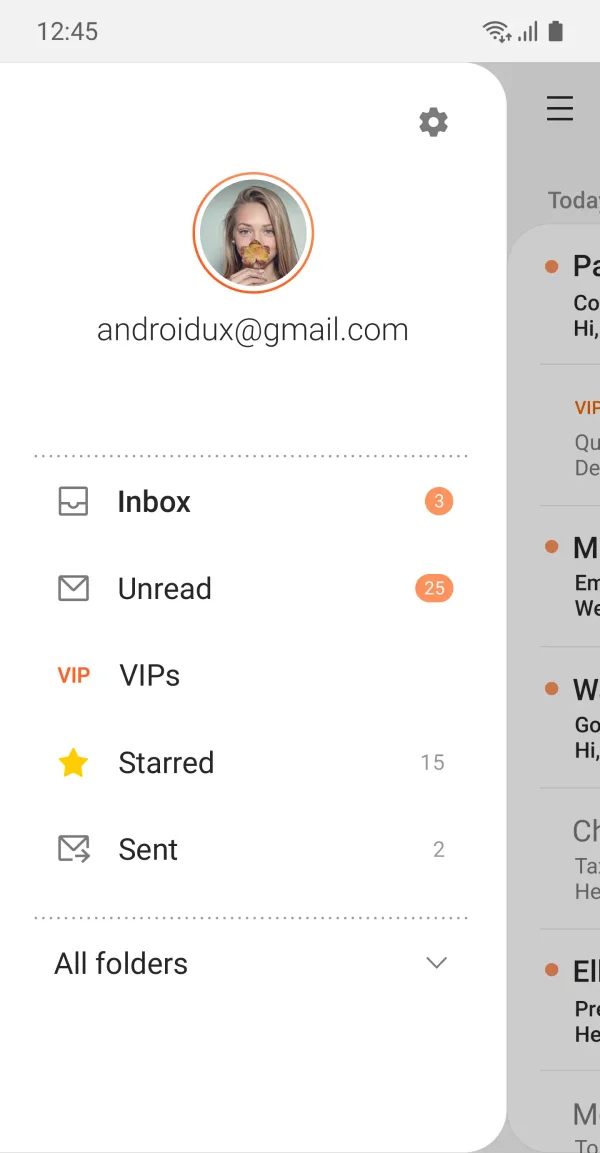
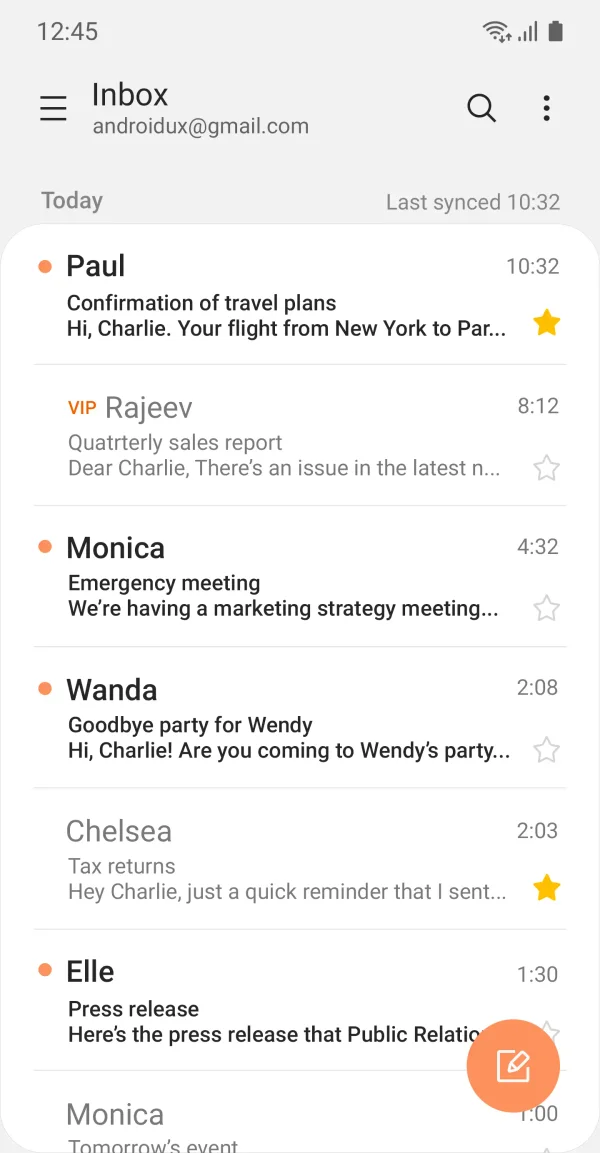
Samsung Email enables users to manage multiple personal and business email accounts seamlessly. Samsung Email also offers EAS integration for business, encryption using S/MIME to safeguard data and ease-of-use features such as insightful notifications, SPAM management. Furthermore, organizations can administer various policies as needed.
Key features
· POP3 and IMAP support for managing personal email accounts
· Exchange ActiveSync (EAS) integration for synchronizing Exchange Server based business email, calendars, contacts and tasks
· Encryption using S/MIME for secure email communication
Additional features
· Customizable user experience with notifications, schedule synchronization, SPAM management, and combined mailboxes
· Policy administration with comprehensive, built-in EAS support
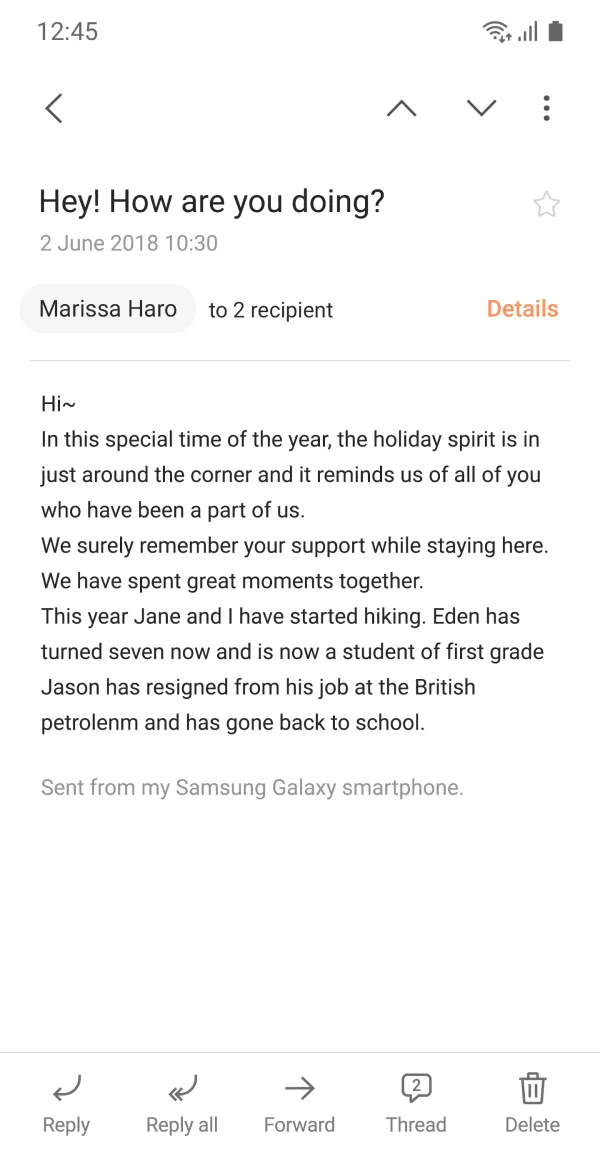
· Conversation and thread view to read related mail
--- Regarding the App Access Permission ---
The following permissions are required for the app service. For optional permissions, the default functionality of the service is turned on, but not allowed.
[Required permissions]
- None
[Optional permissions]
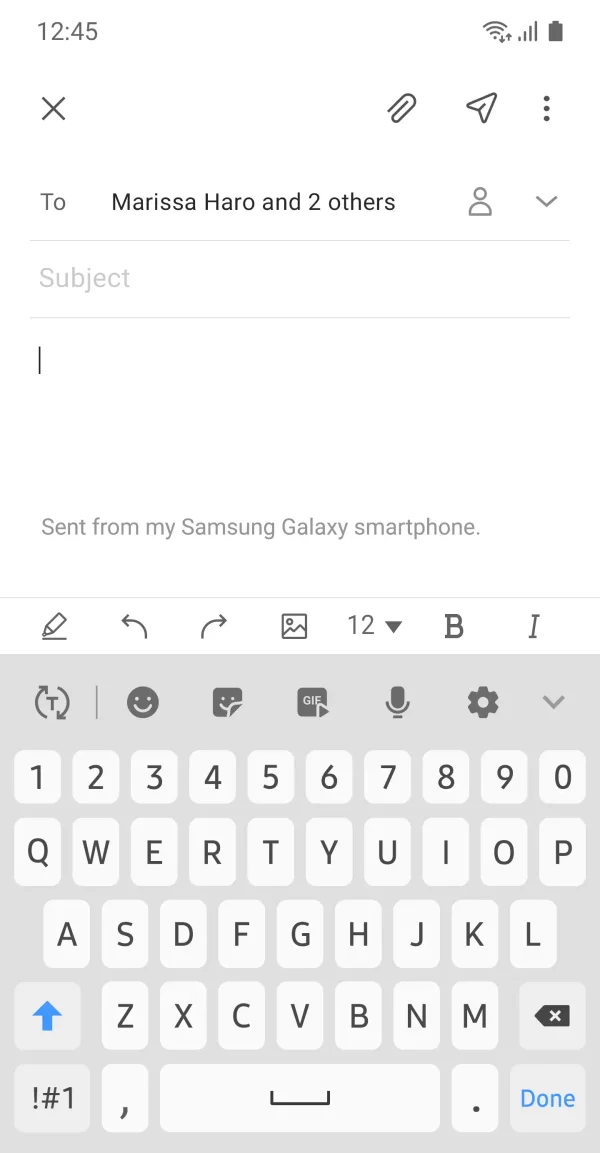
- Camera: Used to attach photos to email
- Location: Used to attach current location information to email
- Contacts: Used to link email recipients/senders with contacts and synchronize contact information when using Microsoft Exchange account
- Calendar: Used to synchronize calendar infomation when using Microsoft Exchange account
- Notification : Used to display notification when sending or receiving emails
- Music and audio (Android 13 or higher) : Used to attach or save files such as music and audio
- File and Media (Android 12) : Used to attach(insert) or save files and media.
- Storage (Android 11 or less) : Used to attach(insert) or save files
[Privacy Policy]
https://eula.secb2b.com/EULA/EMAIL/GLOBAL_en_rUS_Privacy_Policy.html
[Supported E-mail]
b2b.sec@samsung.com
Data safety
What Samsung Electronics Co., Ltd. declares on Google Play about the data this app collects and shares.
- No data shared with third partiesLearn more about how developers declare sharing
- No data collectedLearn more about how developers declare collection
- Data is encrypted in transit
What’s new
Version 6.2.16.5 · Nov 18, 2026
• Improved search: better contact name matching and server search in Drafts
• Fixed sending through local network mail servers on One UI 9.0. If your mail server is on your local network, allow the "Local network" permission for Email in Settings > Apps.
• Fixed app freezes and crashes when viewing or searching emails
• Fixed widget issues. Widgets now follow the system font size.
• Security enhancements and stability improvements
Developer contact
- Emailb2b.sec@samsung.com
- Privacy policyeula.secb2b.com
- Address대한민국 16677 경기도 수원시 영통구 삼성로 129 (매탄동)
Information
- Offered by
- Samsung Electronics Co., Ltd.
- Category
- Productivity
- Version
- 6.2.16.5
- Updated
- Nov 18, 2026
- Released
- Jan 16, 2017
- Requires
- Android 11 or later
- Age rating
- Everyone
- Price
- Free
- Package name
- com.samsung.android.email.provider
Similar apps
-
 Yahoo Mail – Organised Email
Communication
-
 Boxer - Workspace ONE
Productivity
-
 Galaxy Wearable
Tools
-
 Email - Fast & Secure Mail
Productivity
-
 Inoreader: News & RSS reader
News & Magazines
-
 Planning Center Services
Productivity
-
 Samsung Calculator
Tools
-
 Any.do - To do list & Calendar
Productivity
-
 Samsung My Files
Tools
-
 SupaTask - Daily Task Planner
Productivity
-
 Device Care
Tools
-
 Email Aqua Mail - Secure Inbox
Business