Scan Hero: Document Scanner
Mosaic SrlContains ads · In-app purchases
- EveryoneAge rating
- BusinessCategory
- Dec 15, 2025Updated
- FreePrice
Links to the official Google Play listing of com.apalon.scanner.app. Last checked on Nov 20, 2026.

Screenshots



About this app
Scan paper documents or any pictures to PDF with this pocket mobile scanner app.
Tired of the paper shuffle? Make your life easier with a scanner app for your Android phone! Scan Hero is a handy, all-in-one scanner app that turns your device into a multifunctional office tool.
With your Android phone and the Scan Hero app, you can instantly scan documents to PDF, edit, organize, print and share PDF files – all in a tap or two! Use this ultra convenient and powerful document scanner app to:
- Contracts for client and partner deals
- Business cards for collecting contact info
- Receipts for expense tracking and taxes
- Notes and mind maps for saving big ideas
- Book pages and articles for further reading and analysis
- Saving text documents that don't offer a digital copy
You can also play with multiple editing options and filters to use the document scanner app as a full-fledged photo scanner.
This smart PDF scanner helps you manage your documents easily:
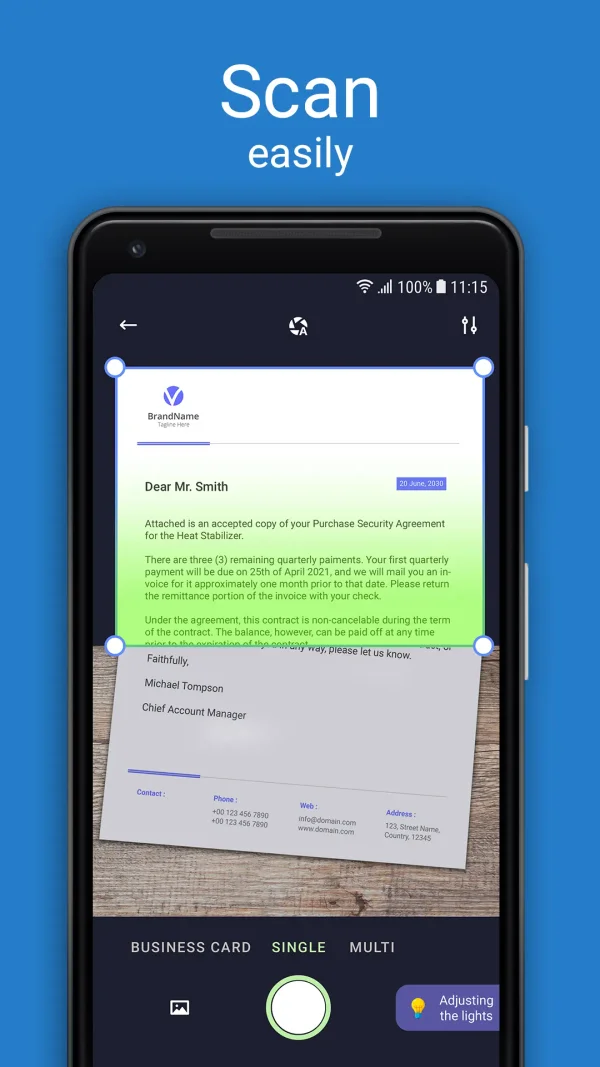
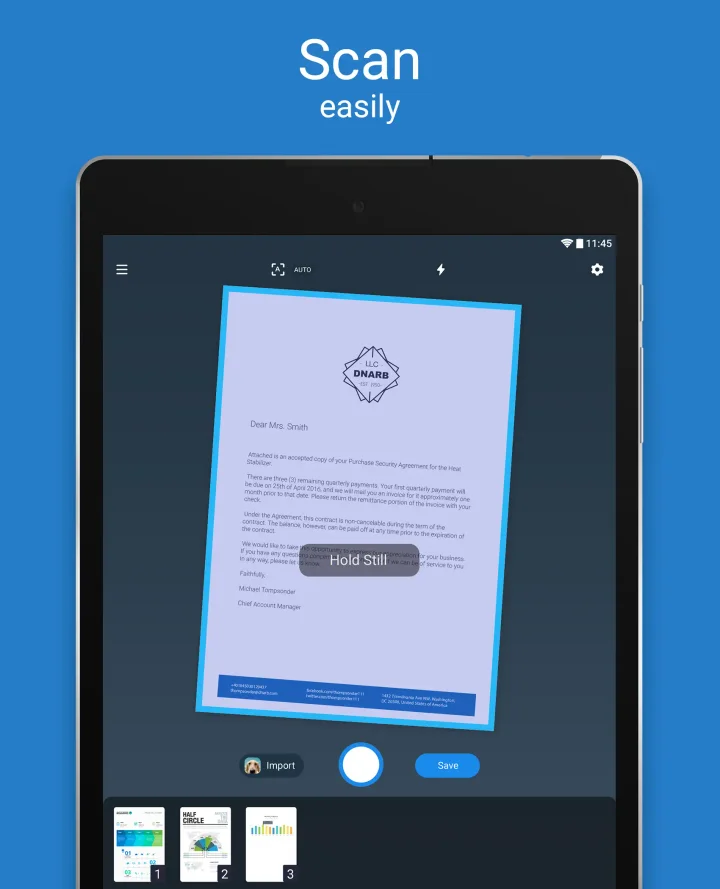
SCAN anything to PDF with your camera or add photos from your camera roll. You can even merge multi-page documents and books into one PDF file.The scanner app detects page edges automatically and creates perfect scans in seconds.
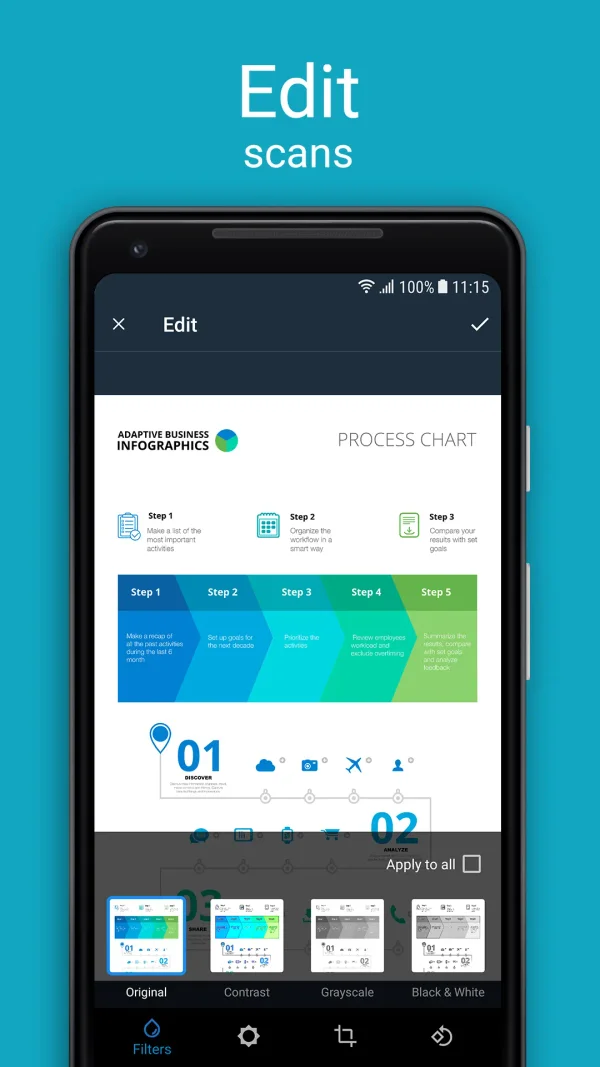
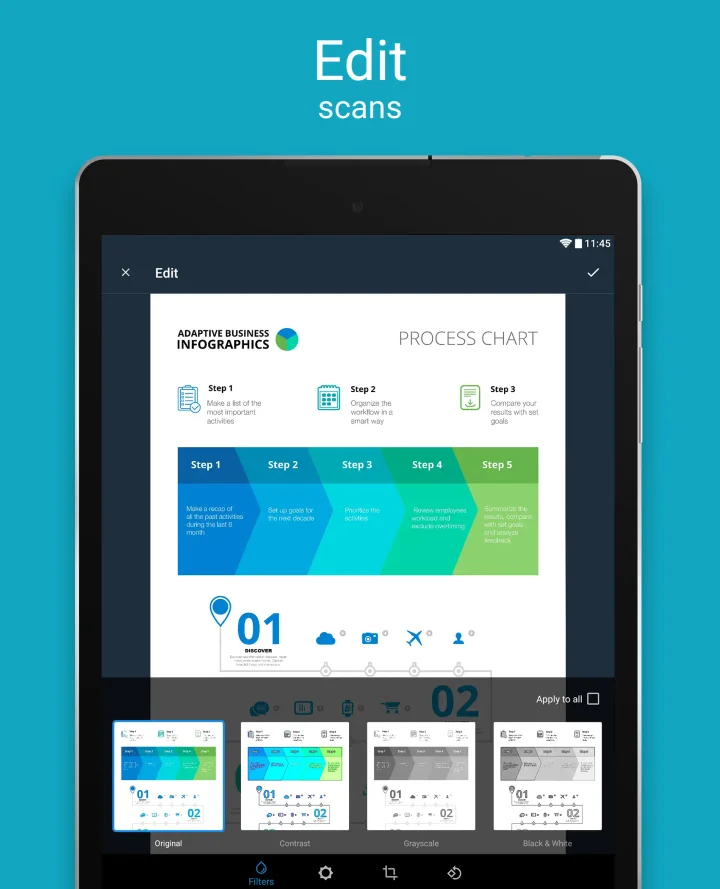
EDIT the document perspective and borders, adjust scanner brightness, rotate pages, apply filters or correct capture area borders if needed. Clean up your PDF scans in seconds.
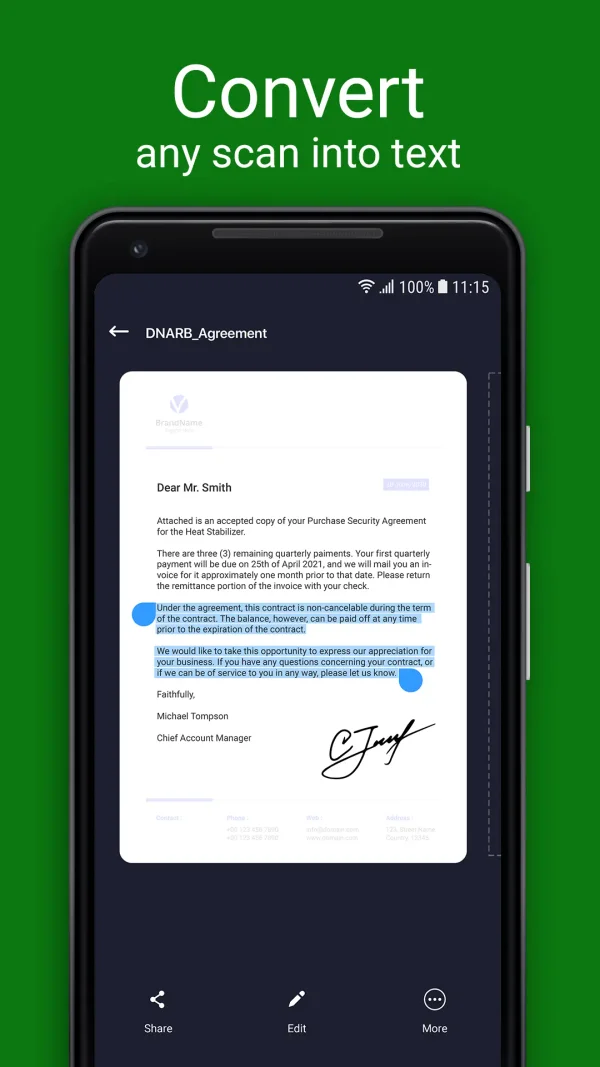
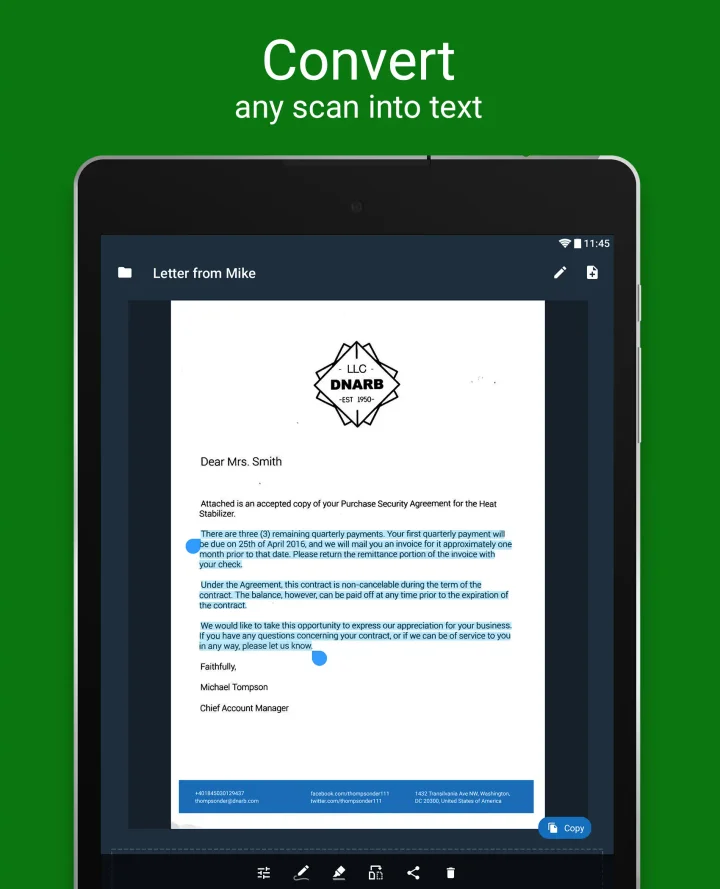
CONVERT your document and PDF scans into editable and searchable text that can be extracted and copy-pasted. This scanner’s Optical Character Recognition (OCR) makes it possible.
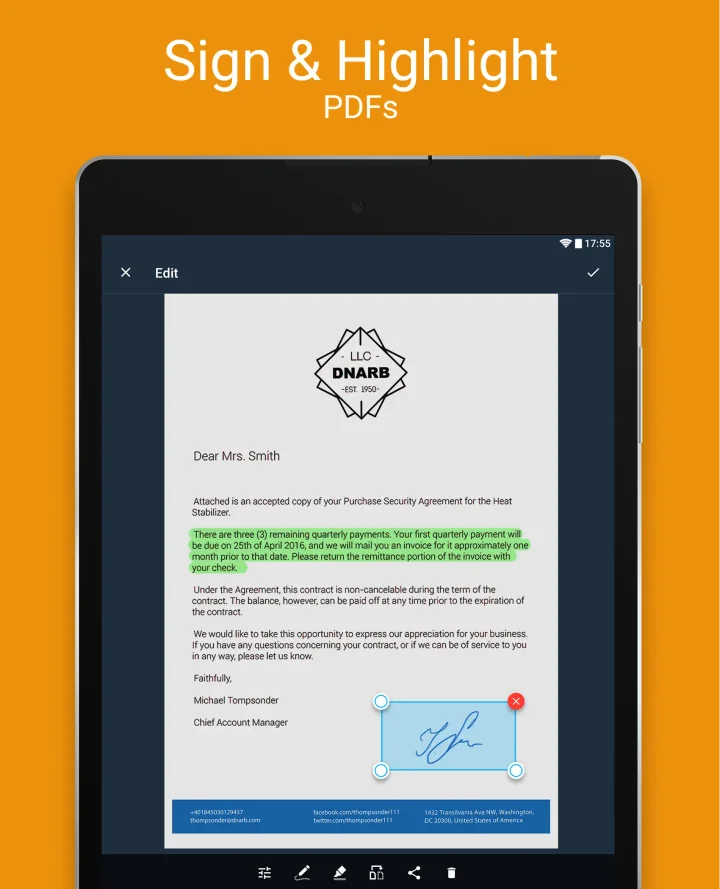
SIGN documents easily on the screen of your device. With this PDF scanner you can create and save an electronic signature to promptly add it to your scans.
HIGHLIGHT key text in your scans and documents to see the main idea at a glance.
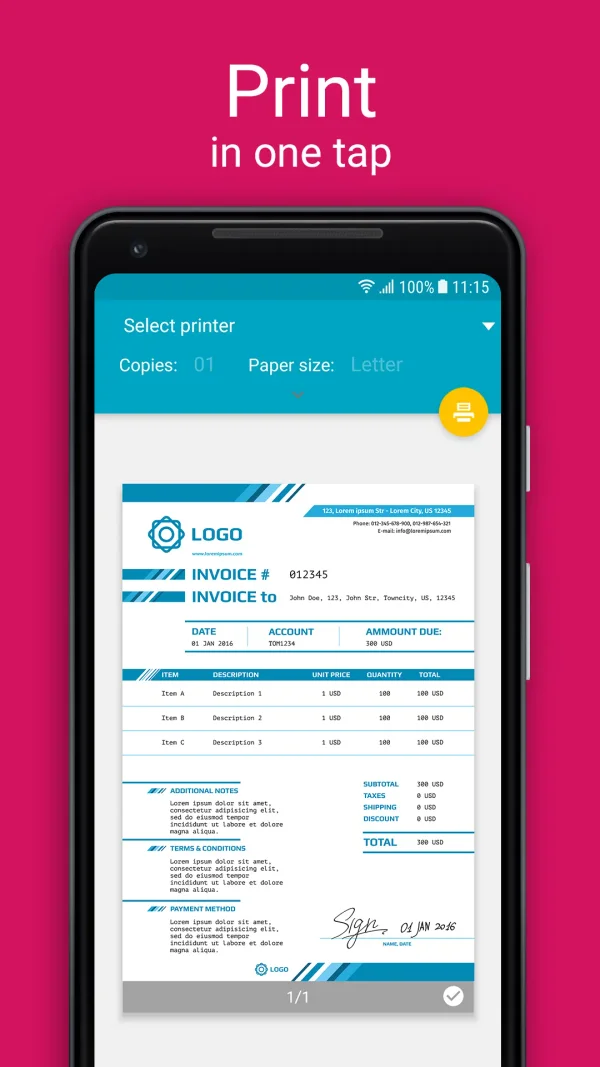
PRINT scanned documents and photos, clipboard text, attached email files and webpages.
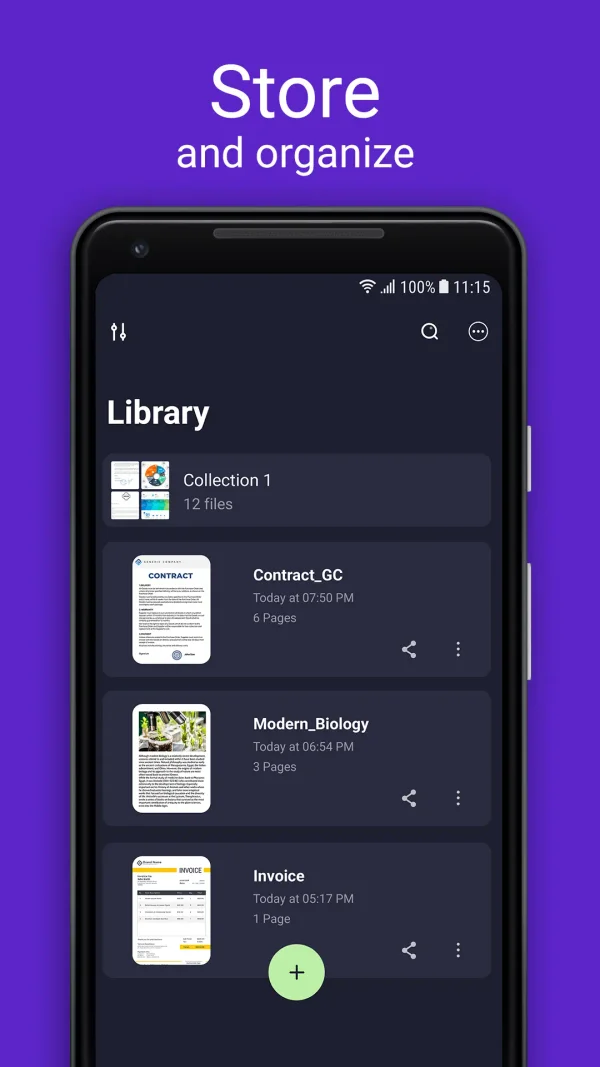
STORE all PDF files and documents directly in the scanner app, and sort them by folders for quick access. Or, easily upload to your cloud storage (Dropbox, Google Drive, Box, etc.)
PROTECT your files and documents with a password.
KEEP business cards on hand and organized.
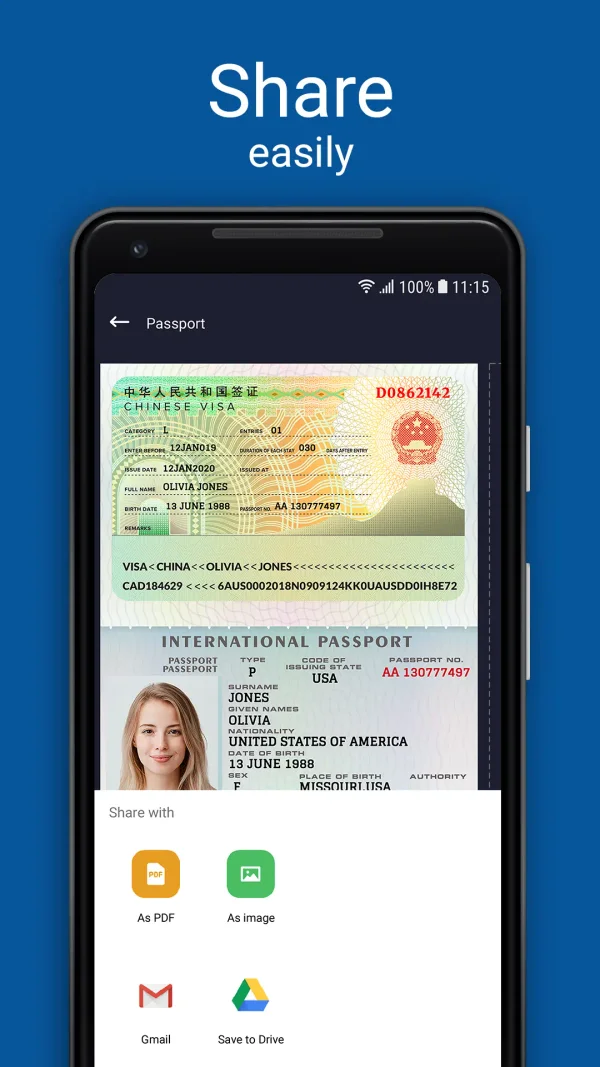
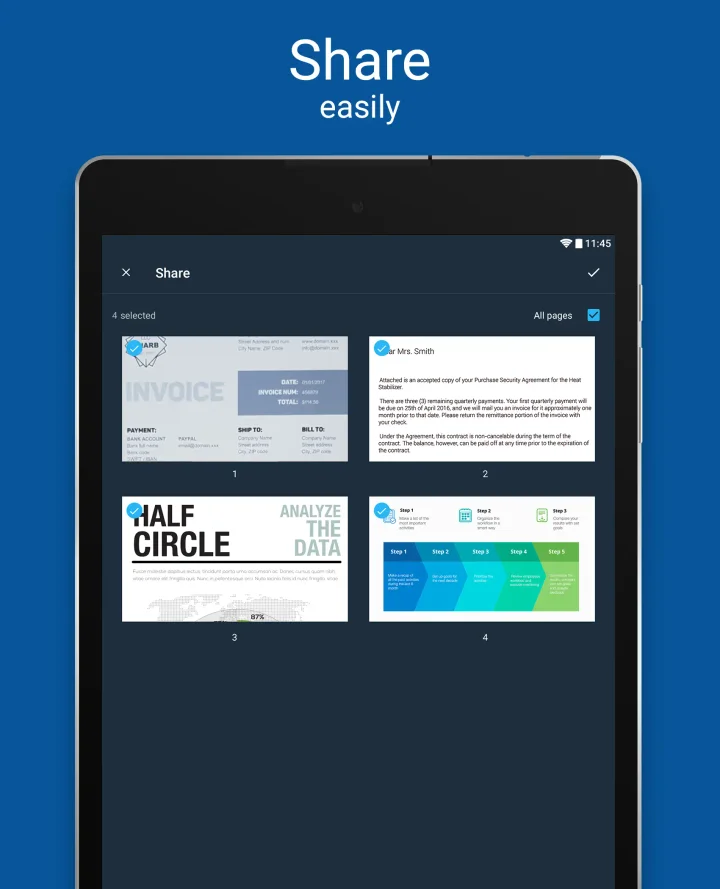
SHARE each PDF file separately or combined into one, export them to photos or send via Mail or any other 3rd party applications.
READ QR codes.
♕ Scan like a PRO using the PREMIUM scanner app features ♕
PRINT & SHARE documents without limits and zero ads!
Scanning documents and pictures to pdf has never been easier. Take full advantage of this mobile scanner app to simplify the mess of papers!
By downloading this application, you agree to the Apalon Apps End User License Agreement and Privacy Policy.
You can choose from different options.
* A subscription with a free trial will automatically renew to a paid subscription unless you cancel before the end of the free trial period.
* Cancel a free trial or subscription anytime through your account settings on the Google Play Store and continue to enjoy the premium content until the end of the free-trial period or paid subscription!
Privacy Policy: http://www.apalon.com/privacy_policy.html
EULA: http://www.apalon.com/terms_of_use.html
AdChoices: http://www.apalon.com/privacy_policy.html#4
California Privacy Notice: https://apalon.com/privacy_policy.html#h
Data safety
What Mosaic Srl declares on Google Play about the data this app collects and shares.
- This app may share these data types with third partiesLocation and Device or other IDs
- This app may collect these data typesLocation, Personal info and 6 others
- Data is encrypted in transit
- You can request that data be deleted
What’s new
Version 1.67.4 · Dec 15, 2025
Bug fixes and performance improvements.
Developer contact
- Websiteapalon.com
- Emailsupport@scanhero.app
- Privacy policysupport.bendingspoons.com
- AddressVIA NINO BONNET 10 20154 MILANO Italy
Information
- Offered by
- Mosaic Srl
- Category
- Business
- Version
- 1.67.4
- Updated
- Dec 15, 2025
- Released
- May 17, 2018
- Requires
- Android 7.0 or later
- Age rating
- Everyone
- Price
- Free
- In-app purchases
- $1.99 - $99.99 per item
- Package name
- com.apalon.scanner.app
Similar apps
-
 PDF Scanner Plus - Doc Scanner
Productivity
-
 QR Code & Barcode Scanner Plus
Tools
-
 iScanner - PDF Scanner App
Productivity
-
 ScanMaster for ELM327 OBD-2
Communication
-
 Mobile Scanner App - Scan PDF
Productivity
-
 Tiny Scanner - PDF Scanner App
Business
-
 Smallpdf: PDF Scanner & Editor
Productivity
-
 PDF Merge: Scan, Sign & Edit
Productivity
-
 Healthier: Track Calories
Health & Fitness
-
 Genius Scan - PDF Scanner
Business
-
 OBDocker - OBD2 Car Scanner
Auto & Vehicles