ScreenMaster:Screenshot Markup
BlossgraphContains ads · In-app purchases
- EveryoneAge rating
- ProductivityCategory
- Sep 22, 2026Updated
- FreePrice
Links to the official Google Play listing of pro.capture.screenshot. Last checked on Nov 20, 2026.
Screenshots




About this app
Powerful screenshot app, with various image annotation methods.
Screen Master is a free, easy-to-use, no rooting required screenshot & photo markup tool. With Screen Master, you can capture screen by touching the floating button or shaking device, lets you take screenshot on your tablet, phone or other Android device the easy way!
Screen Master also provides a variety of annotation features such as crop, add text, pixelated image, draw arrow, rect, circle and more. Lets you easily edit and markup your screenshot and quickly share it with your friends!
► Advantages:
1. No rooting required, No restrictions on use
2. HIGH-QUALITY screenshot, saved without any loss, support PNG format
3. A variety of image annotation features
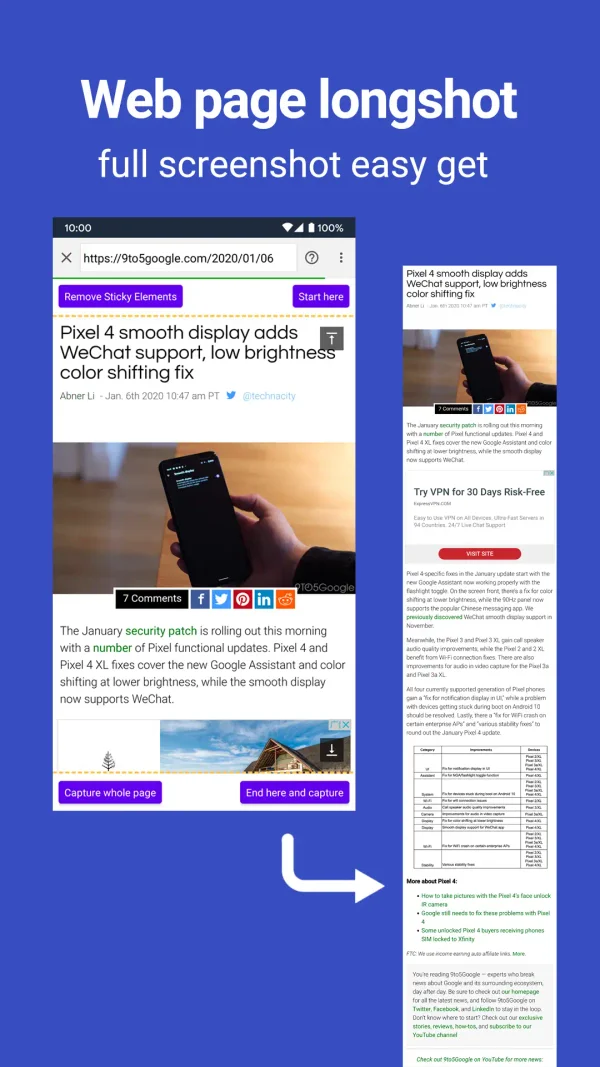
4. Web page whole capture, quickly save webpage as image
5. Support save screenshot to external SD card
6. Support Android 7.0 Shortcuts and QuickTile features
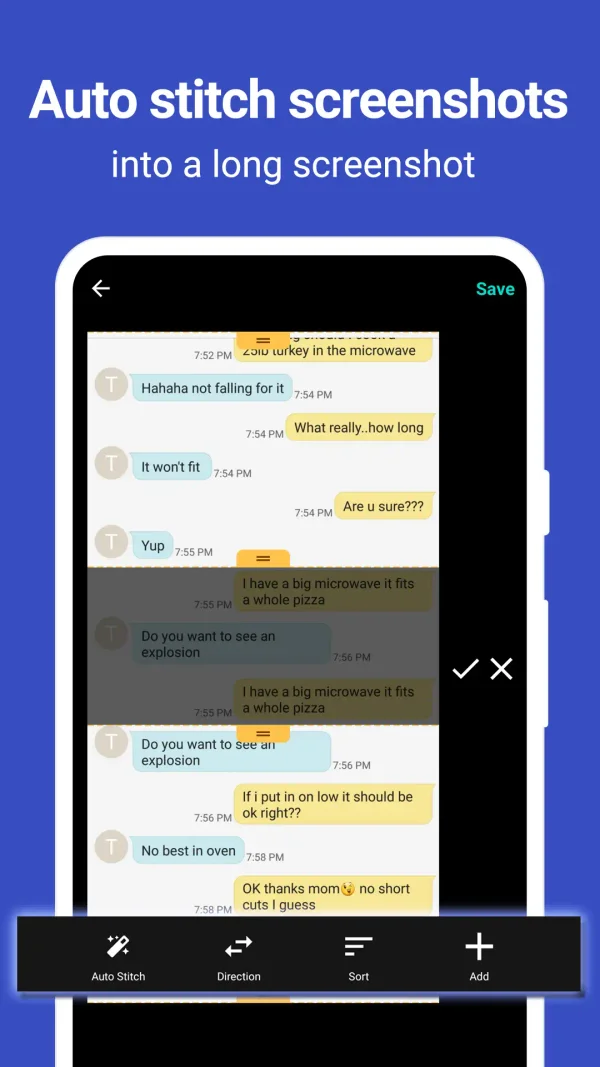
7. Support long screenshot and stitching photos
► Key Features:
★ Take screenshot:
Screen Master provides a variety of features to take a screenshot
- Floating button: An simple button that is displayed on top of everything, just one-click to take a screenshot
- Shaking device: Shaking your device to take a screenshot
- Web capture: The simplest way to take a full page screenshot of your web page, just share the url to Screen Master
- Long screenshot: Support long screen capture function to easily capture the entire screen
★ Photo Markup:
- Crop and rotate image: can be cut into rectangular, round, star, triangle and other shapes
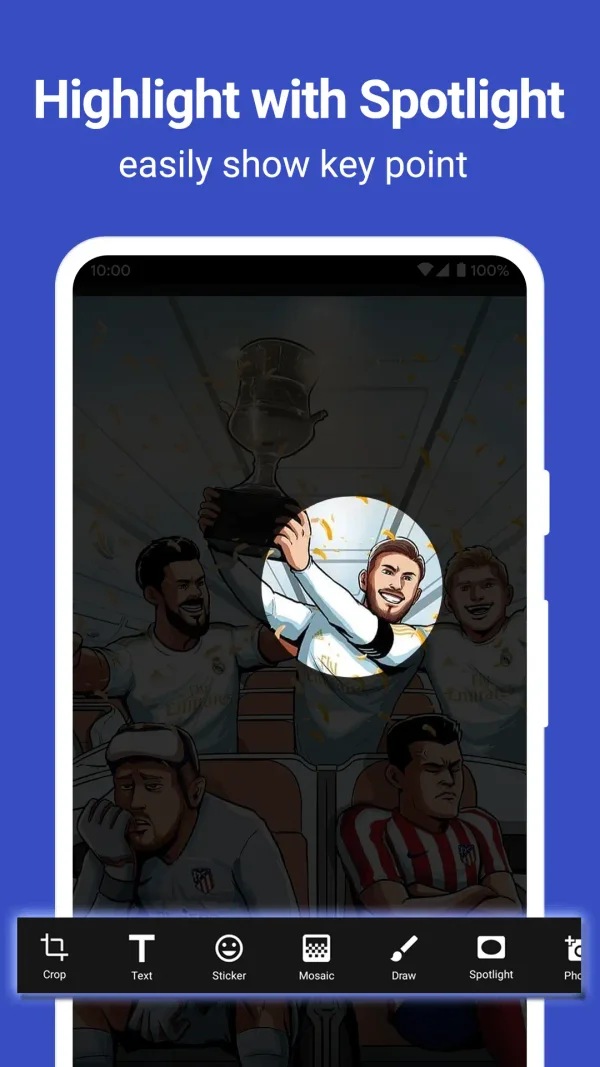
- Spotlight key info: highlight something with Spotlight
- Blur image: pixelate the image to cover areas you do not want to show
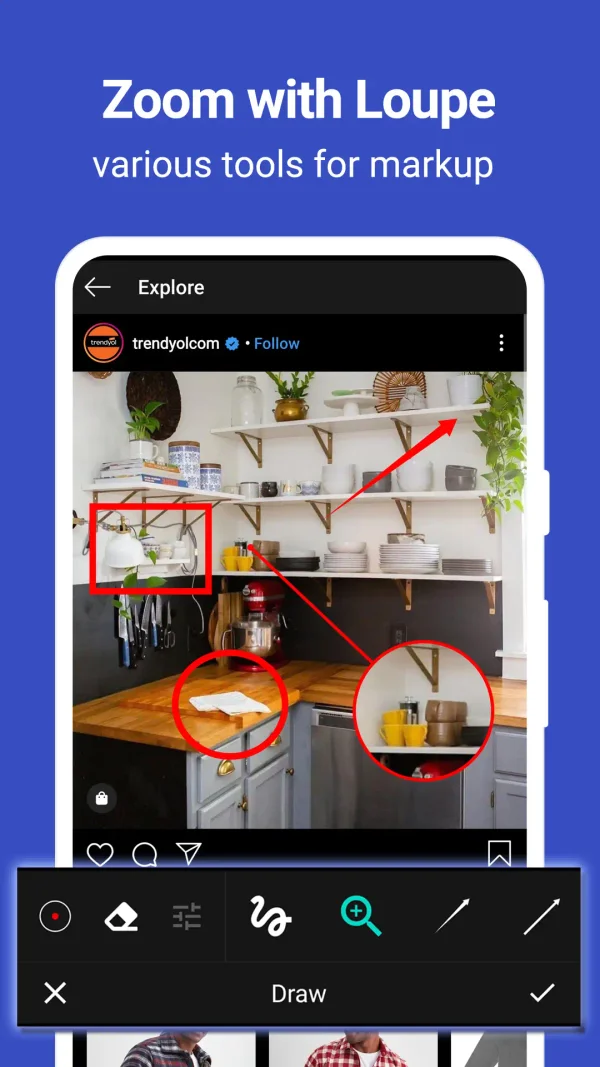
- Magnify image: zoom in your selected section with loupe
- Add emoji sticker: Make your pictures look lively and interesting
- Add text on photo: can be customized text color, background, shadow, stroke, style, size and more
- Annotate picture, all tools you need: Arrow, Rect, Circle, Pen
- Large picture can be directly annotated and do not have to be cropped first
- Not only screenshot but all pictures are supported, you could import photo from gallery, HD save and share with your friends
★ Photo Stitching:
Automatically recognize and stitch multiple photos into a long screenshot, that can be stitched horizontally and vertically
Accessibility Service:
This app uses the accessibility service provided by Android to help you take long screenshots, we will not use the accessibility service to collect and share any data, or take actions that users do not do
► Notice: Screen Master can't capture secure pages, such as Youtube protected content, pages in a banking app, or a password input page
If you have any comments or suggestions on Screen Master, please contact us at blossgraph@gmail.com. We appreciate your feedback!
Data safety
What Blossgraph declares on Google Play about the data this app collects and shares.
- No data shared with third partiesLearn more about how developers declare sharing
- This app may collect these data typesApp info and performance and Device or other IDs
- Data is encrypted in transit
- Data can’t be deleted
What’s new
Version 1.8.0.40 · Sep 22, 2026
Stability improvements and bug fixes.
Developer contact
- Websiteblosstech.github.io
- Emailblossgraph@gmail.com
- Privacy policyblosstech.github.io
- Address五常街道荆长路西溪之星公寓 余杭区, 杭州市, 浙江省 China 310000
Information
- Offered by
- Blossgraph
- Category
- Productivity
- Version
- 1.8.0.40
- Updated
- Sep 22, 2026
- Released
- May 23, 2017
- Requires
- Android 7.0 or later
- Age rating
- Everyone
- Price
- Free
- In-app purchases
- $0.99 - $4.99 per item
- Package name
- pro.capture.screenshot
Similar apps
-
 Soundtrap: Music Making Studio
Music & Audio
-
 ADV Screen Recorder
Tools
-
 Shiny: TCG Card Scanner
Tools
-
 Glip Screen Recorder
Tools
-
 Screen Recorder Unlimited
Tools
-
 Screen Recorder -VidmaRecorder
Video Players & Editors
-
 Apowersoft Background Eraser
Art & Design
-
 ASTRO File Manager & Cleaner
Tools
-
 Up Tempo: Pitch, Speed Changer
Music & Audio
-
 Zeemo: AI Video&Auto Captions
Video Players & Editors
-
 Nomad Sculpt
Art & Design
-
 Photone - Grow Light Meter
Tools