Screen Recorder -VidmaRecorder
Vidma Video StudioContains ads · In-app purchases
- EveryoneAge rating
- Video Players & EditorsCategory
- Aug 14, 2026Updated
- FreePrice
Links to the official Google Play listing of vidma.screenrecorder.videorecorder.videoeditor.pro. Last checked on Nov 20, 2026.

Screenshots

About this app
Video recorder & screen recording app to record screen video and screenshot!
Capture highlights in one tap! Vidma Recorder is an all-in-one free screen recorder and video editor! Use Vidma Screen Recorder to record video without a time limit! Record and share your videos with Vidma Screen Recorder!
Why choose Vidma Screen Recorder?
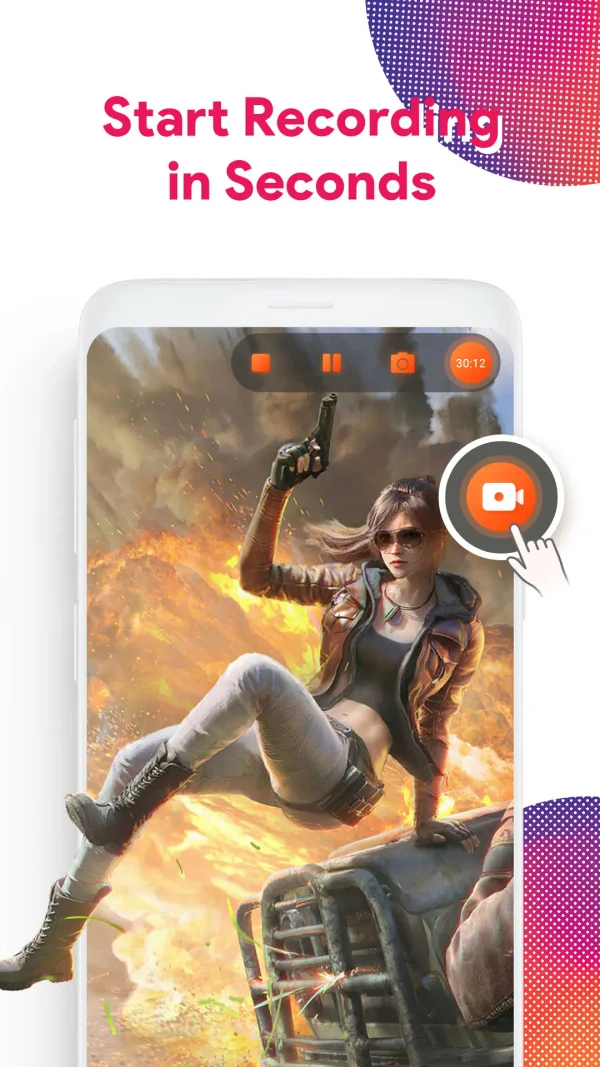
✅ Screen record with facecam
✅ Free screen recorder with audio
✅ Unlimited screen recording time
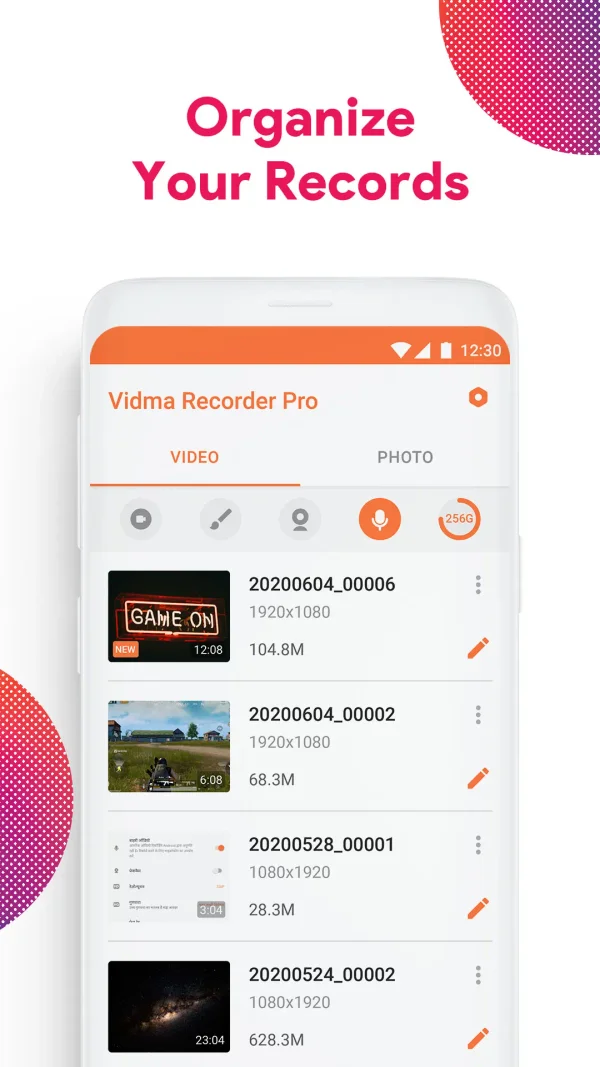
✅ Easy-to-use screen recording app with shortcuts
✅ A screen recorder app works without root
✅ Video recorder with brush tool to draw on the screen
✅ A full-featured video recorder loaded with video editing tools
✅ Screen recorder with internal sound for Android 10 system and above
Feature Highlights
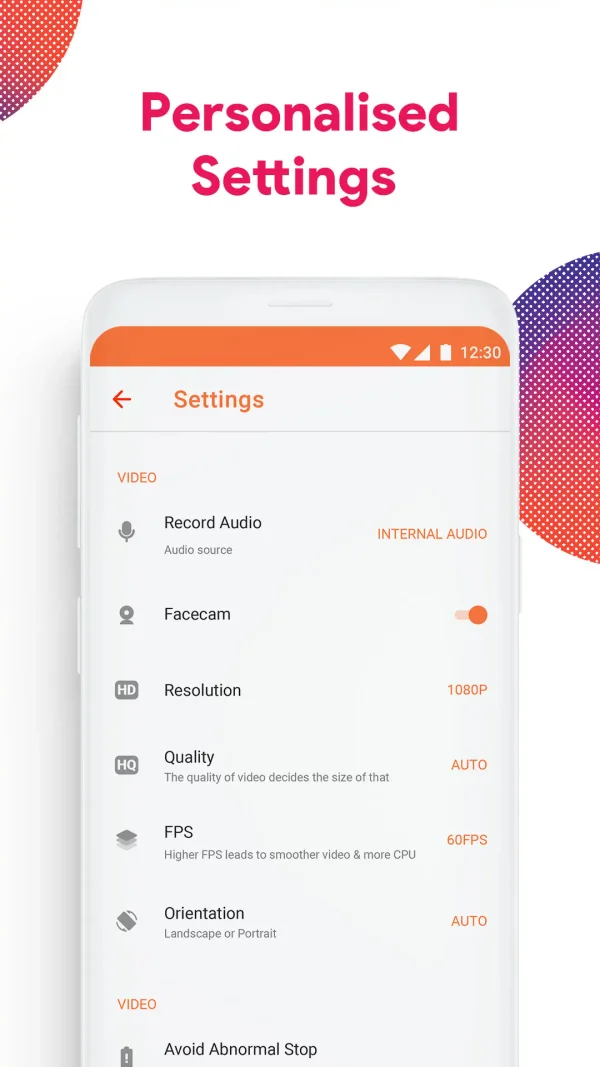
• Free screen recorder in high quality (1080p, 60fps)
• Screen recorder with audio: Screen recording videos with or without sound
• Video recorder without lag: Record screen smoothly on Android devices
• Video recorder without root: No need to root for screen recording
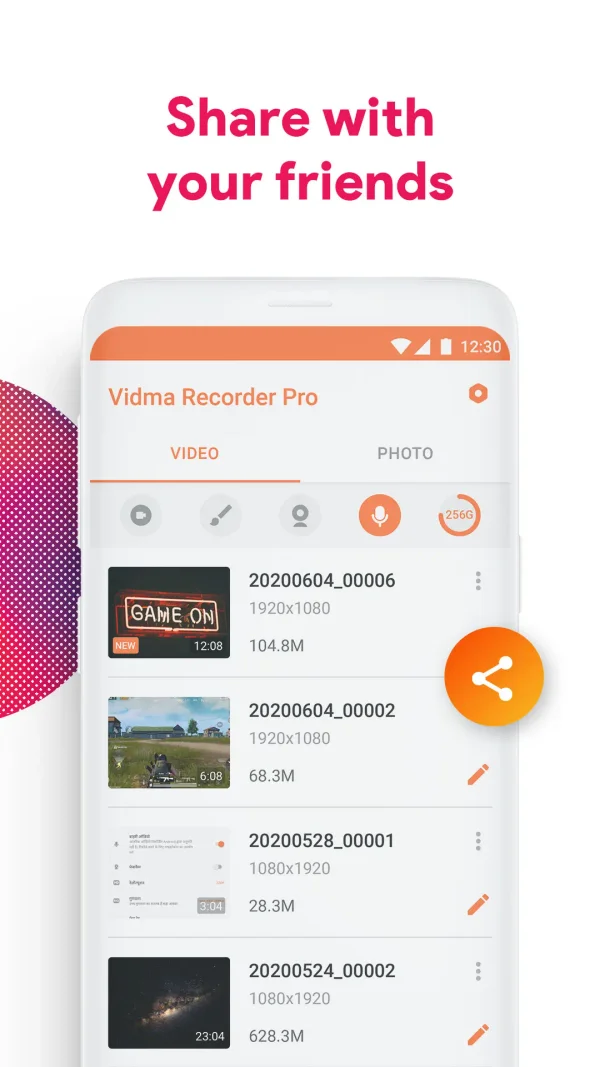
• Screen record and share your recordings with friends
• Export your videos and edit with professional editing apps
Video recording with handy screen capture tool 🥳
• Enable the floating window to start screen recording quickly
• Hide record window during screen recording
• Stop video recording by shaking the phone
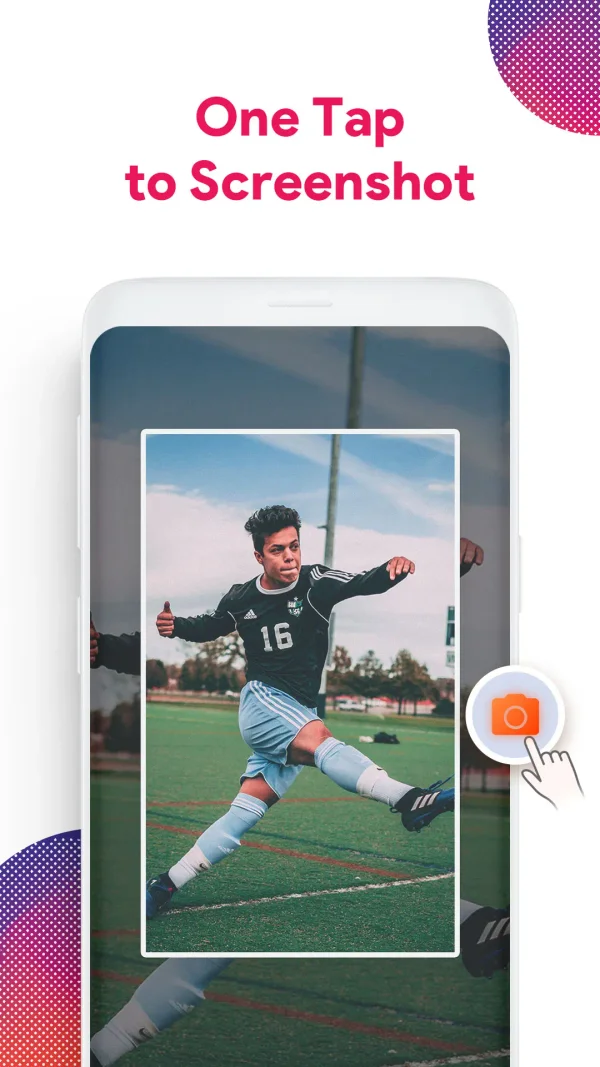
• Capture screenshots using Vidma Screen Recorder
Vidma Video editor with practical video editing tools
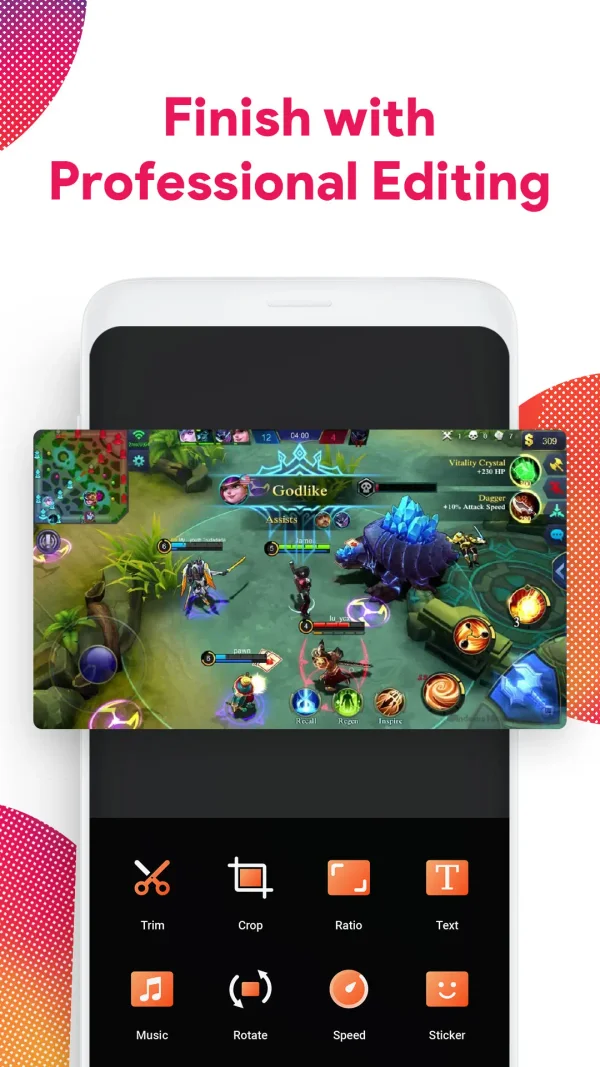
• Rotate, cut, and crop videos in Vidma Recorder
• Video trimmer: Remove the middle of videos or remove both sides
• Music video maker - add music in your screen recording
• Speed control: Slow down or speed up your screen recording
• Funny stickers and texts to make your videos stand out
• Export and upload your unique videos to social media
The video recording features of Vidma Screen Recorder are free to use. Yet you can unblock more powerful video editing tools with Vidma Premium.
Download Vidma Video Recorder to record, edit, and share amazing videos with friends!
Love Vidma Screen Recorder, Video Recorder? We'd love to hear from you! Stay connected
with us:
Discord: https://discord.gg/NQxDkMH
Email: support_recorderpro@vidma.com
Note:
• Internal sound recording is only available for Android 10 and up.
• Recording shows a black image? Some apps may disable the screen recording feature by blacking out the portion of the screen recorder app out of copyright and privacy concerns.
• Be mindful that two applications can't use the microphone simultaneously. If another app is using the microphone, recorded videos in Vidma Screen Recorder will be muted.
Disclaimer:
* Vidma Screen Recorder is not affiliated with any social media platforms.
* The features of Vidma Screen Recorder are offered for non-commercial and personal use only.
* Users shall be solely responsible for any intellectual property infringement arising from the screen recording.
* Vidma Screen Recorder will never collect personal files from users without permission. All the recorded files are saved locally on your device. Neither we nor any third party can access them.
Data safety
What Vidma Video Studio declares on Google Play about the data this app collects and shares.
- This app may share these data types with third partiesDevice or other IDs
- No data collectedLearn more about how developers declare collection
- Data isn’t encrypted
- You can request that data be deleted
What’s new
Version 3.7.45 · Aug 14, 2026
Bug fixes and recording performance improvements.
Developer contact
- Websiterecorder.vidma.com
- Emailsupport_recorderpro@vidma.com
- Privacy policyrecorder-res.vidma.com
- Address331 North Bridge Road #22-08 Odeon 331 Singapore 188720
Information
- Offered by
- Vidma Video Studio
- Category
- Video Players & Editors
- Version
- 3.7.45
- Updated
- Aug 14, 2026
- Released
- Oct 23, 2020
- Requires
- Android 6.0 or later
- Age rating
- Everyone
- Price
- Free
- In-app purchases
- $6.99 - $199.99 per item
- Package name
- vidma.screenrecorder.videorecorder.videoeditor.pro
Similar apps
-
 Screen Recorder - G1REC
Video Players & Editors
-
 Smart Video Crop - Video Cut
Video Players & Editors
-
 Video Editor - Video.Guru
Video Players & Editors
-
 Screen Recorder Video Recorder
Tools
-
 Screen Recorder
Video Players & Editors
-
 Screen Recorder: Facecam Audio
Video Players & Editors
-
 Screen Recorder - XRec Lite
Video Players & Editors
-
 Mobizen Screen Recorder
Productivity
-
 GoCut - Effect Video Editor
Video Players & Editors
-
 YouCut - Video Editor & Maker
Video Players & Editors
-
 Screen Recorder Video Recorder
Video Players & Editors
-
 Screen Recorder - AX Recorder
Video Players & Editors