Shapes: Vector Drawing Tool
Mobile Infographics ToolsContains ads
- EveryoneAge rating
- Art & DesignCategory
- Aug 21, 2025Updated
- FreePrice
Links to the official Google Play listing of com.mobile_infographics_tools.patternmaker. Last checked on Nov 14, 2026.
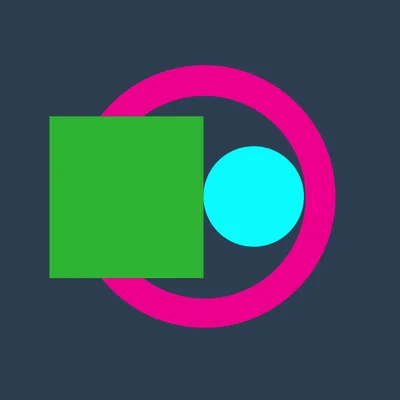
Screenshots

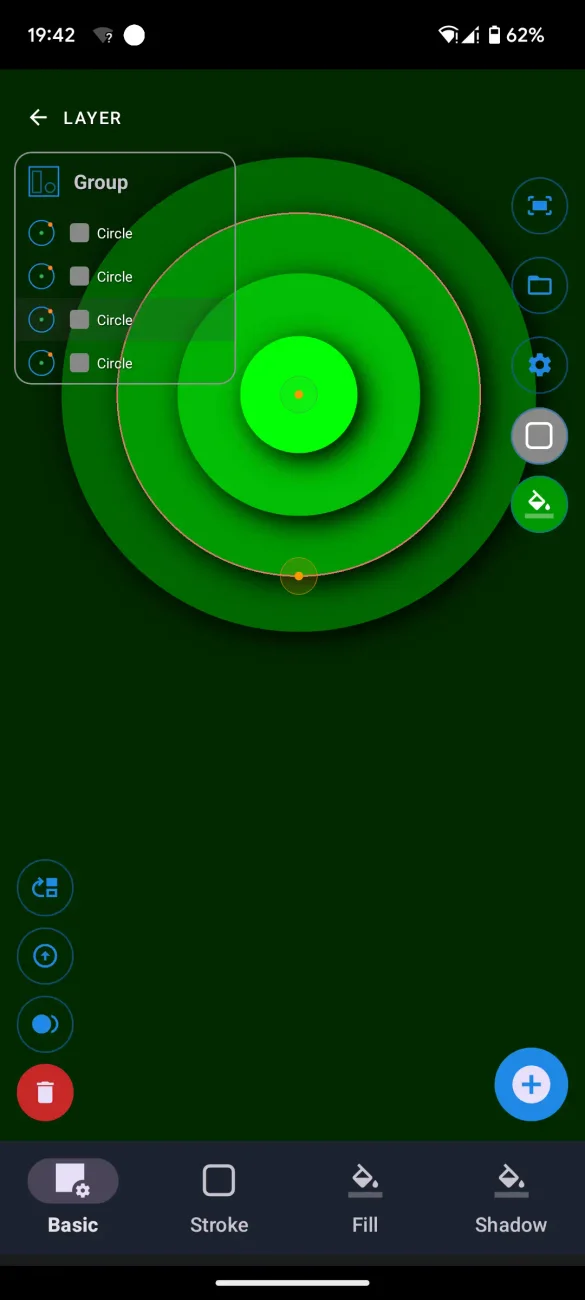
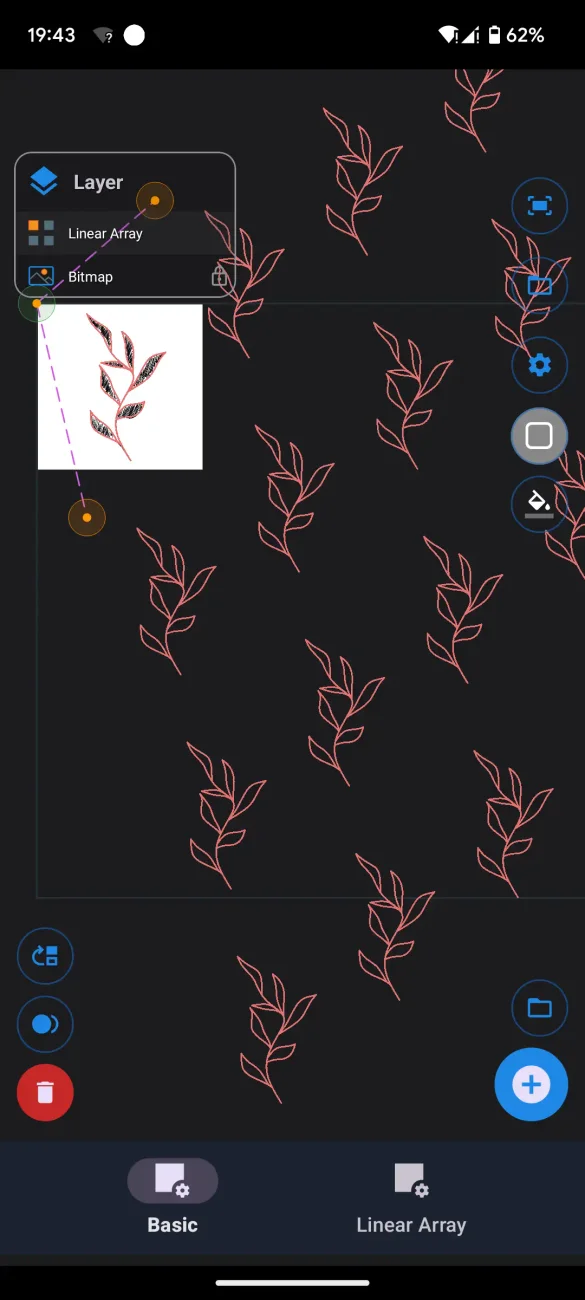

About this app
Vector drawing app with parametric patterns making ability
The application is designed to create high-quality images both from geometric primitives (line, circle, spline, etc.) and using custom vector (SVG) and raster images (PNG, JPG, BMP). Using the application, you can quickly test your ideas and implement them in a full-fledged graphic editor.
Key Features:
- the application contains examples of projects with a demonstration of its capabilities. You can delete examples and restore them if necessary,
- when creating a project, it is possible to specify the size of the image export area in pixels. The more pixels, the better the final image will be.
- the application stores the entire construction history in the form of a construction tree - this allows you to make adjustments at any level of the scene, for example, enter a circular array and edit the curve that forms it;
- the application supports snapping of the created geometry to the shape key points (end of the segment, midpoint, center, spline node, point on the curve, intersection). This provides more precise positioning of elements relative to each other;
Main functionality:
- drawing vector primitives (point, line, circle, ellipse, arc, spline, vertical and horizontal guide),
- inserting vector (SVG) and bitmap images into the scene,
- grouping shapes and images into groups,
- formation of arrays of shapes (circular array, linear array, reflection),
- shapes editing at any level through control points,
- assigning line color and shape fill,
- the ability to clone both a separate shape or the entire project,
- blocking and hiding currently unnecessary objects
- export scene to bitmap.
The application is under development, write your suggestions for errors and desired functionality to mobile.infographics@gmail.com
Features to be added in upcoming versions:
- there are no undo/redo functions in the editor - before modifying an shape (project), you can clone it;
- there is no warning about project modification, do not forget to save the project before closing;
- text creation.
Data safety
What Mobile Infographics Tools declares on Google Play about the data this app collects and shares.
- This app may share these data types with third partiesApp info and performance and Device or other IDs
- No data collectedLearn more about how developers declare collection
- Data is encrypted in transit
- Data can’t be deleted
Developer contact
- Emailmobile.infographics@gmail.com
- Privacy policydocs.google.com
- AddressГорный переулок 8 Минск Минская область 220005 Belarus
Information
- Offered by
- Mobile Infographics Tools
- Category
- Art & Design
- Version
- 1.0.286.release
- Updated
- Aug 21, 2025
- Released
- Apr 9, 2023
- Requires
- Android 5.0 or later
- Age rating
- Everyone
- Price
- Free
- Package name
- com.mobile_infographics_tools.patternmaker