Shapes: Vector Drawing Tool
Mobile Infographics ToolsEnthält Werbung
- USK ab 0 JahrenAltersfreigabe
- Kunst & DesignKategorie
- 21.08.2025Aktualisiert
- KostenlosPreis
Verlinkt auf den offiziellen Google Play-Eintrag von com.mobile_infographics_tools.patternmaker. Zuletzt geprüft am 14.11.2026.
Screenshots


Über diese App
Automatische Übersetzung von Google. Originalsprache: Englisch (Vereinigte Staaten).
Vektorzeichen-App mit parametrischer Mustererstellungsfähigkeit
Die Anwendung wurde entwickelt, um qualitativ hochwertige Bilder sowohl aus geometrischen Grundelementen (Linie, Kreis, Spline usw.) als auch unter Verwendung von benutzerdefinierten Vektor- (SVG) und Rasterbildern (PNG, JPG, BMP) zu erstellen. Mit der Anwendung können Sie Ihre Ideen schnell testen und in einem vollwertigen Grafikeditor umsetzen.
Hauptmerkmale:
- Die Anwendung enthält Projektbeispiele mit einer Demonstration ihrer Fähigkeiten. Sie können Beispiele löschen und bei Bedarf wiederherstellen,
- Beim Erstellen eines Projekts kann die Größe des Bildexportbereichs in Pixel angegeben werden. Je mehr Pixel, desto besser wird das endgültige Bild.
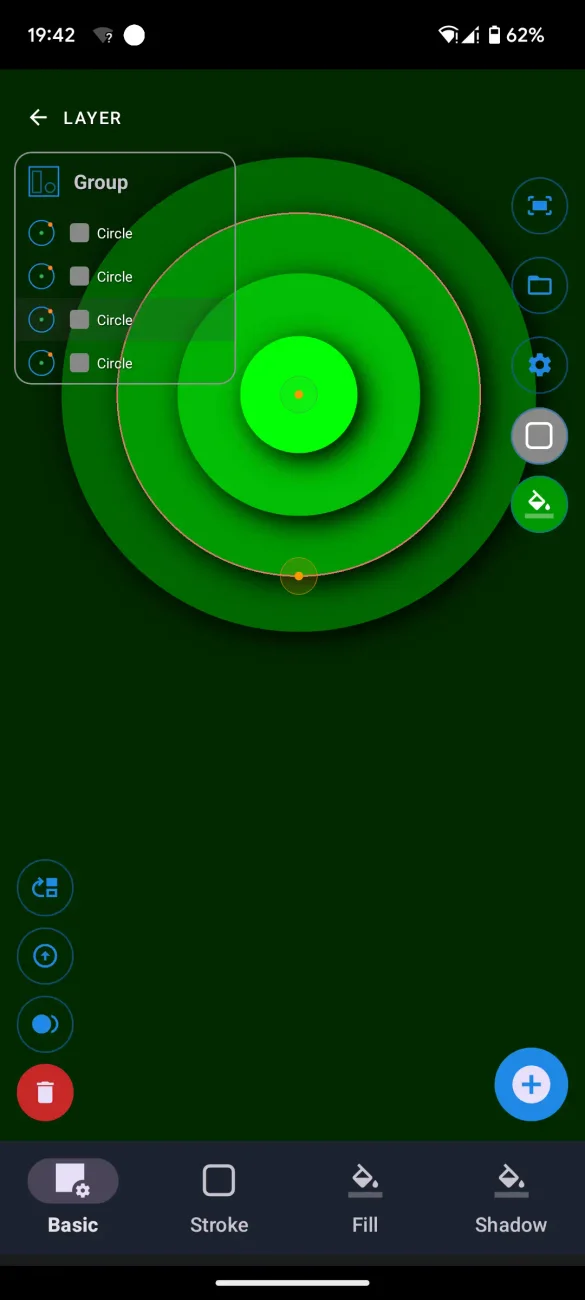
- Die Anwendung speichert die gesamte Konstruktionshistorie in Form eines Konstruktionsbaums - dies ermöglicht es Ihnen, Anpassungen auf jeder Ebene der Szene vorzunehmen, z. B. eine kreisförmige Anordnung einzugeben und die Kurve zu bearbeiten, die sie bildet;
- Die Anwendung unterstützt das Fangen der erstellten Geometrie an den Schlüsselpunkten der Form (Ende des Segments, Mittelpunkt, Mittelpunkt, Spline-Knoten, Punkt auf der Kurve, Schnittpunkt). Dies ermöglicht eine genauere Positionierung der Elemente relativ zueinander;
Hauptfunktionalität:
- Zeichnen von Vektorprimitiven (Punkt, Linie, Kreis, Ellipse, Bogen, Spline, vertikale und horizontale Führung),
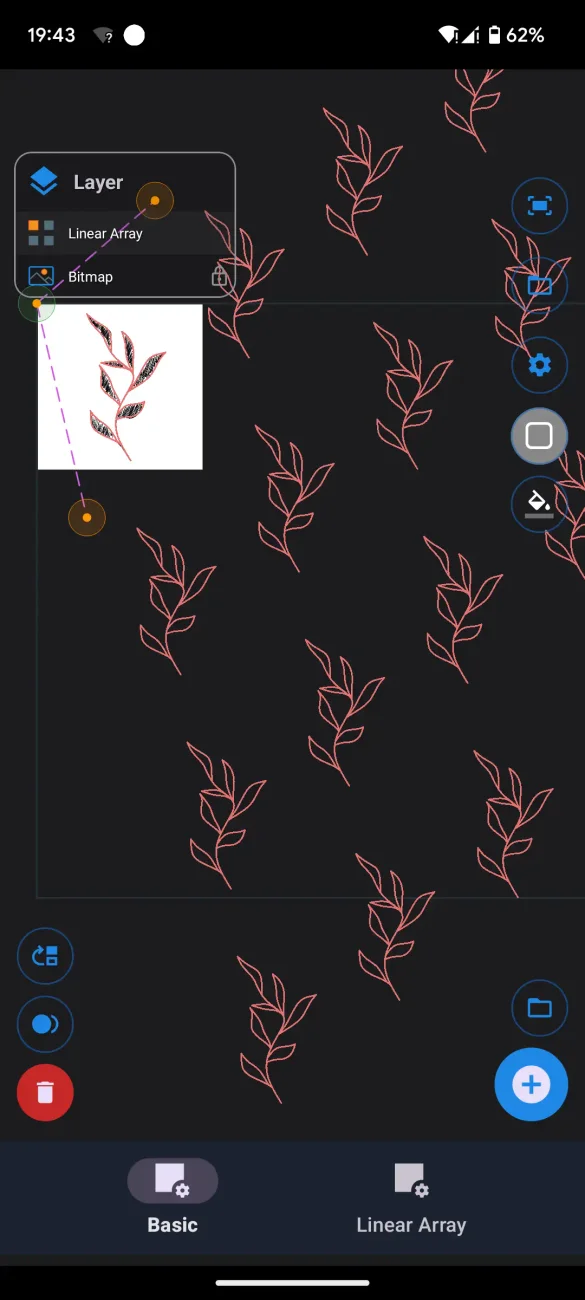
- Einfügen von Vektor- (SVG) und Bitmap-Bildern in die Szene,
- Gruppieren von Formen und Bildern in Gruppen,
- Bildung von Anordnungen von Formen (kreisförmige Anordnung, lineare Anordnung, Reflexion),
- Bearbeiten von Formen auf jeder Ebene durch Kontrollpunkte,
- Linienfarbe und Formfüllung zuweisen,
- die Möglichkeit, sowohl eine separate Form als auch das gesamte Projekt zu klonen,
- Blockieren und Ausblenden von derzeit unnötigen Objekten
- Szene in Bitmap exportieren.
Die Anwendung befindet sich in der Entwicklung, schreiben Sie Ihre Vorschläge zu Fehlern und gewünschten Funktionen an mobile.infographics@gmail.com
Funktionen, die in kommenden Versionen hinzugefügt werden:
- Es gibt keine Undo/Redo-Funktionen im Editor - Bevor Sie eine Form (Projekt) ändern, können Sie sie klonen;
- Es gibt keine Warnung vor Projektänderungen, vergessen Sie nicht, das Projekt vor dem Schließen zu speichern;
- Texterstellung.
Originaltext anzeigen
The application is designed to create high-quality images both from geometric primitives (line, circle, spline, etc.) and using custom vector (SVG) and raster images (PNG, JPG, BMP). Using the application, you can quickly test your ideas and implement them in a full-fledged graphic editor.
Key Features:
- the application contains examples of projects with a demonstration of its capabilities. You can delete examples and restore them if necessary,
- when creating a project, it is possible to specify the size of the image export area in pixels. The more pixels, the better the final image will be.
- the application stores the entire construction history in the form of a construction tree - this allows you to make adjustments at any level of the scene, for example, enter a circular array and edit the curve that forms it;
- the application supports snapping of the created geometry to the shape key points (end of the segment, midpoint, center, spline node, point on the curve, intersection). This provides more precise positioning of elements relative to each other;
Main functionality:
- drawing vector primitives (point, line, circle, ellipse, arc, spline, vertical and horizontal guide),
- inserting vector (SVG) and bitmap images into the scene,
- grouping shapes and images into groups,
- formation of arrays of shapes (circular array, linear array, reflection),
- shapes editing at any level through control points,
- assigning line color and shape fill,
- the ability to clone both a separate shape or the entire project,
- blocking and hiding currently unnecessary objects
- export scene to bitmap.
The application is under development, write your suggestions for errors and desired functionality to mobile.infographics@gmail.com
Features to be added in upcoming versions:
- there are no undo/redo functions in the editor - before modifying an shape (project), you can clone it;
- there is no warning about project modification, do not forget to save the project before closing;
- text creation.
Datensicherheit
Was Mobile Infographics Tools bei Google Play zu den Daten angibt, die diese App erfasst und weitergibt.
- Diese App kann die folgenden Datentypen an Dritte weitergebenApp-Informationen und -Leistung und Geräte- oder andere IDs
- Keine Daten erhobenWeitere Informationen dazu, wie Entwickler Angaben zur Datenerhebung machen
- Daten werden bei der Übertragung verschlüsselt
- Daten können nicht gelöscht werden
Kontakt zum Entwickler
- E-Mailmobile.infographics@gmail.com
- Datenschutzerklärungdocs.google.com
- AdresseГорный переулок 8 Минск Минская область 220005 Belarus
Informationen
- Angeboten von
- Mobile Infographics Tools
- Kategorie
- Kunst & Design
- Version
- 1.0.286.release
- Aktualisiert
- 21.08.2025
- Veröffentlicht
- 09.04.2023
- Erfordert
- Android 5.0 oder höher
- Altersfreigabe
- USK ab 0 Jahren
- Preis
- Kostenlos
- Paketname
- com.mobile_infographics_tools.patternmaker