Simple App Launcher
Simple Mobile ToolContains ads · In-app purchases
- EveryoneAge rating
- PersonalizationCategory
- Oct 16, 2026Updated
- FreePrice
Links to the official Google Play listing of com.simplemobiletools.applauncher. Last checked on Nov 20, 2026.

Screenshots
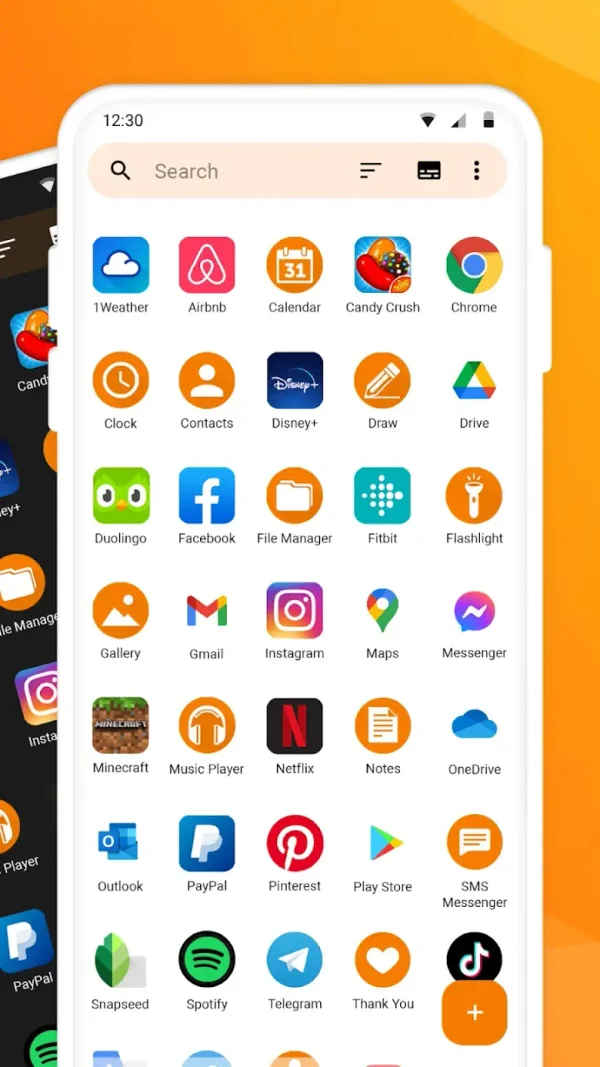
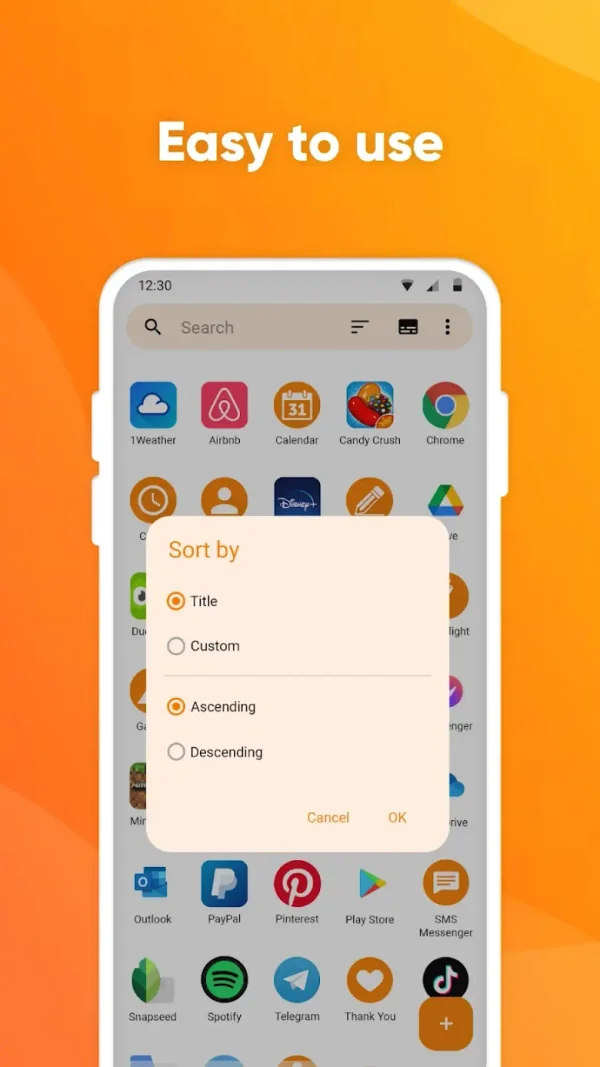
About this app
A simple holder for quick access to your favourite apps, easy icon management
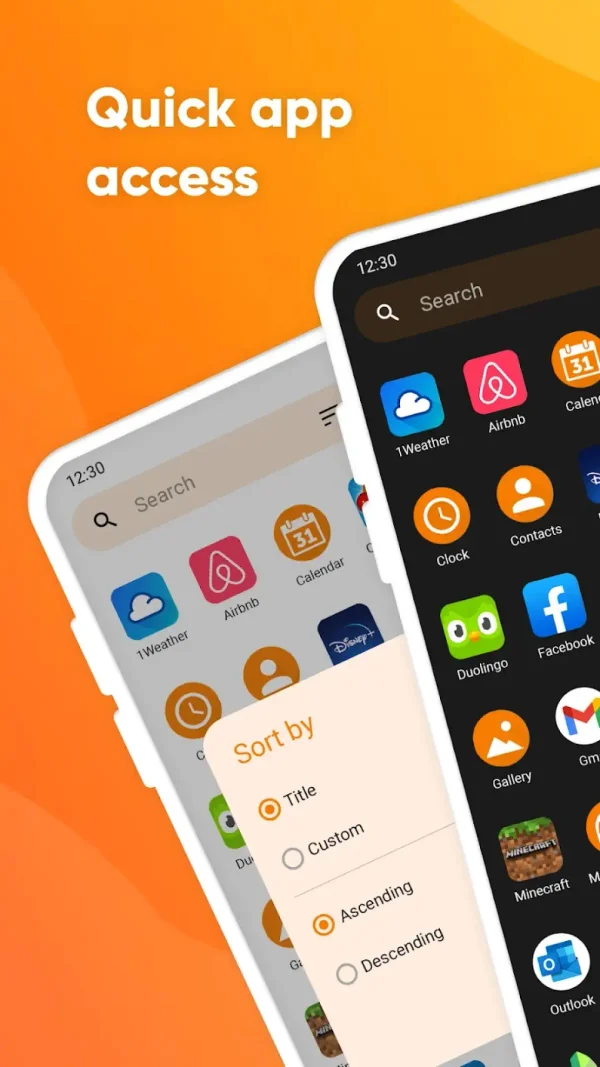
A nice wrapper for your favorite app icons for quick launching. You can easily add any app launcher, so you won't ever again have to swipe through useless apps to find the one you need. You can also rename the launchers as you wish.
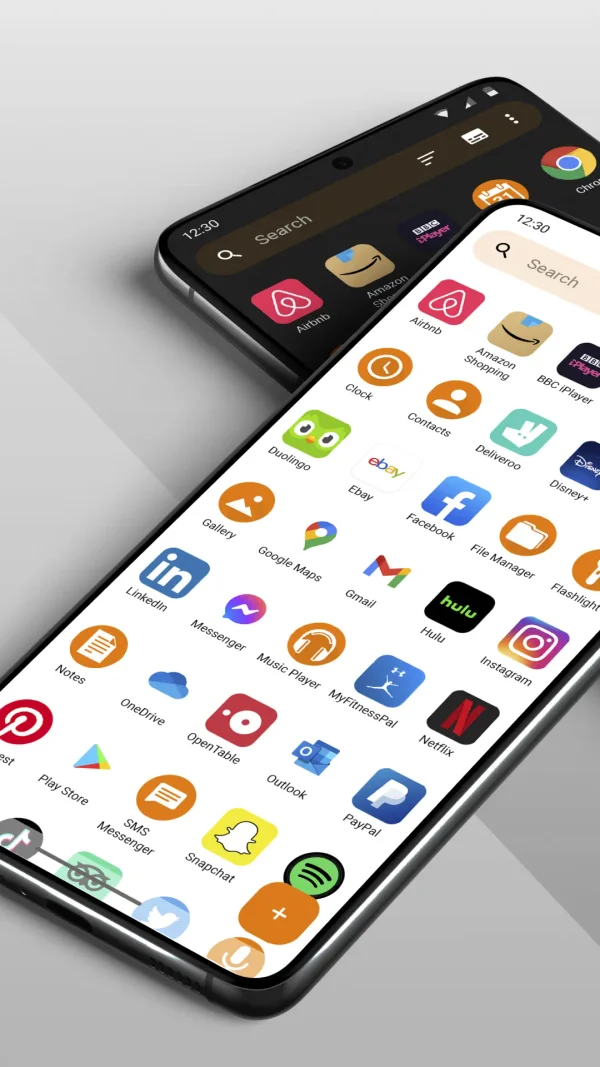
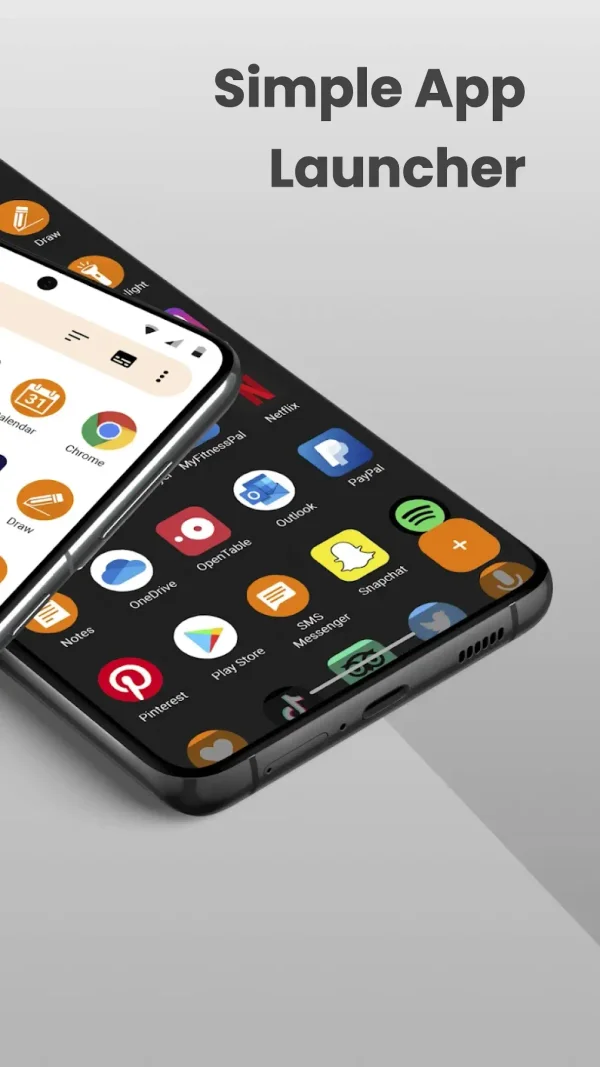
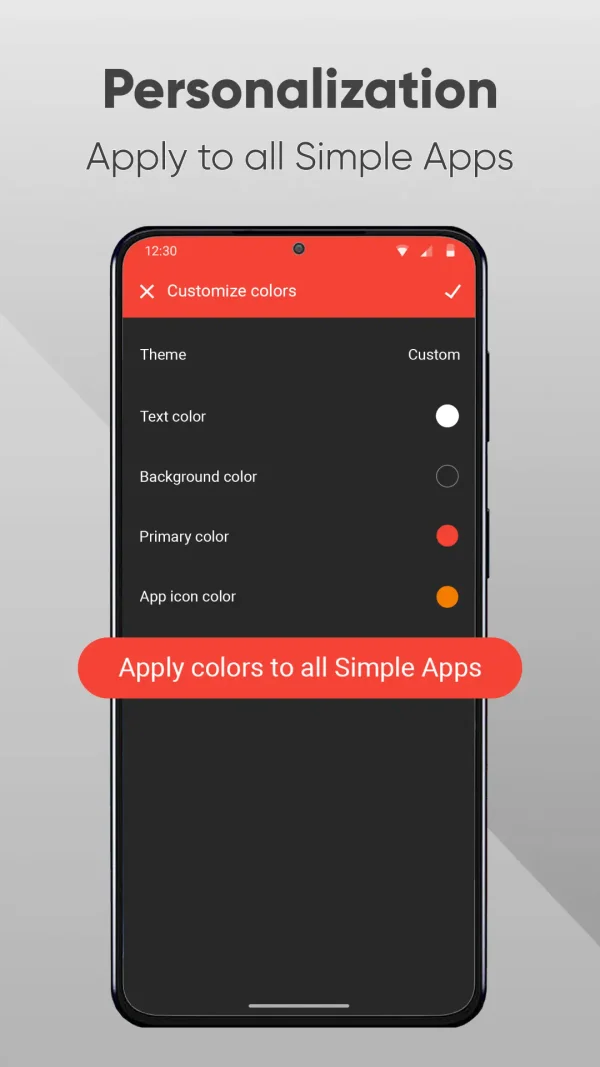
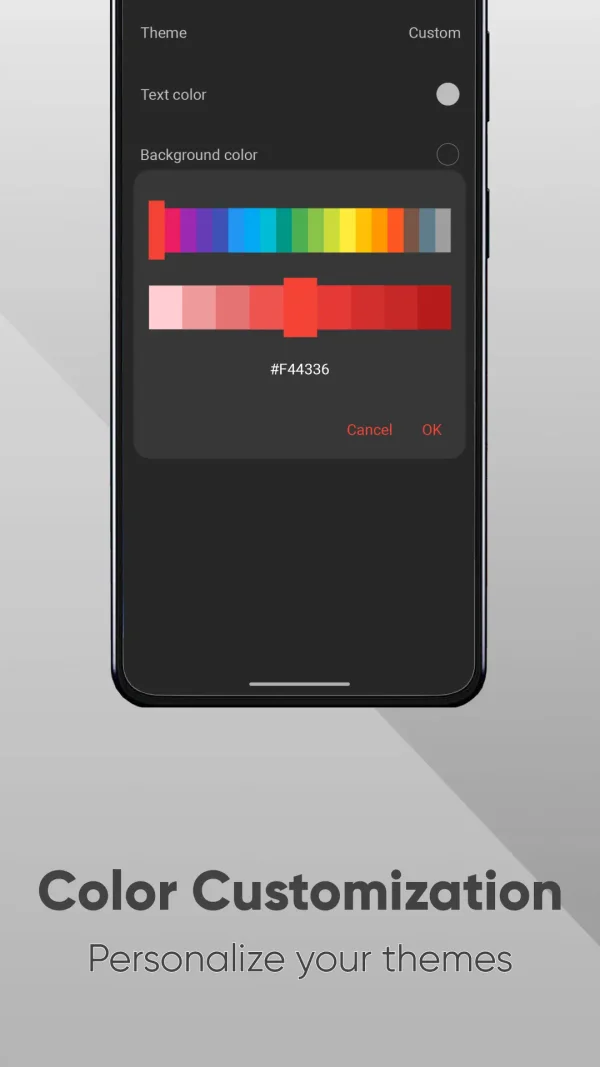
You can customize the colors in different styles. This launcher also comes with a dark theme to give you a smoother feel while using your device.
There is an option to close the app itself and launch a different one for easy navigation. Discover the only app launcher for Android you'll ever need, which is simple to use and has great features!
We can not uninstall unwanted system apps; you can just remove and ignore their icons.
It comes with a material design and dark theme by default, providing a great user experience for easy usage. The lack of internet access gives you more privacy, security, and stability than other apps. With this launcher, you don't have to connect your device to any network. Simply install it and use it.
Simple game launcher for Android provides customizable colors and dark themes to make your home screen look more stunning. With this launcher, you can enjoy different new and improved icons and designs that are not available in any other app launcher.
Features:
✅ Dark theme to give you a more smoother feel of your device.
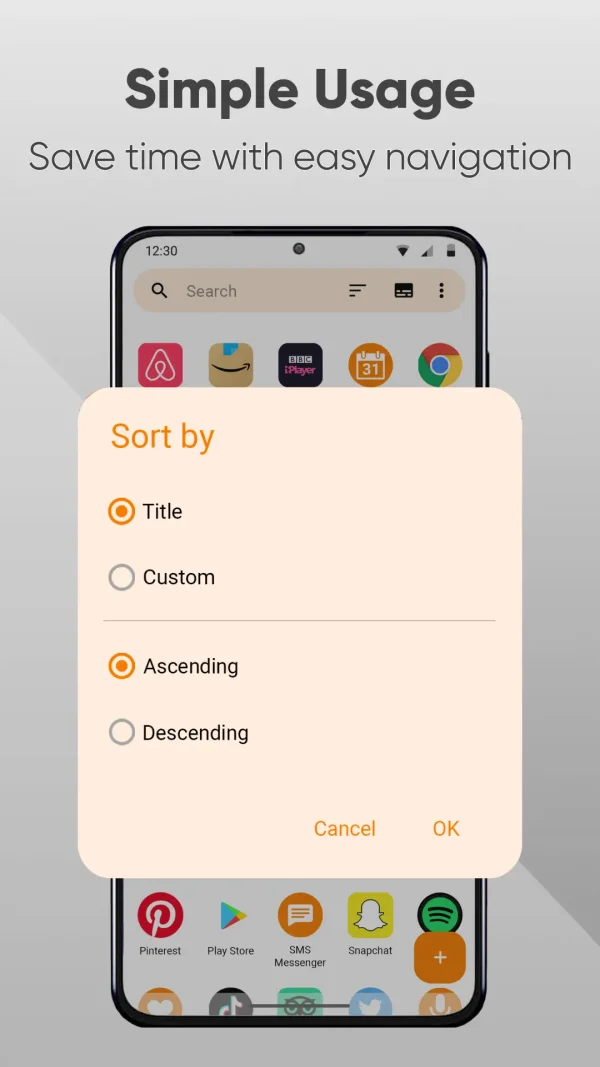
✅ Easy navigation through the launcher to choose the best one for yourself.
✅ Organize your apps into sections.
✅ Exquisite color themes.
✅ No annoying advertisements.
✅ Enjoy! 💯
Organize Like a Pro with Simple App Launcher for Android - Get started today to categorize your apps effortlessly.
✅ Simplify Your Screen!
You can customize the colors in different styles. This launcher also comes with a dark theme to give you a smoother feel while using your device.
There is an option to close the app itself and launch a different one for easy navigation. Discover the only app launcher for Android you'll ever need, which is simple to use and has great features!
We can not uninstall unwanted system apps; you can just remove and ignore their icons.
Simple yet Powerful Launcher for Android!
It comes with a material design and dark theme by default, providing a great user experience for easy usage. The lack of internet access gives you more privacy, security, and stability than other apps. With this launcher, you don't have to connect your device to any network. Simply install it and use it.
Simple game launcher for Android provides customizable colors and dark themes to make your home screen look more stunning. With this launcher, you can enjoy different new and improved icons and designs that are not available in any other app launcher.
Features:
✅ Dark theme to give you a more smoother feel of your device.
✅ Easy navigation through the launcher to choose the best one for yourself.
✅ Organize your apps into sections.
✅ Exquisite color themes.
✅ No annoying advertisements.
✅ Enjoy! 💯
Organize Like a Pro with Simple App Launcher for Android - Get started today to categorize your apps effortlessly.
Data safety
What Simple Mobile Tool declares on Google Play about the data this app collects and shares.
- This app may share these data types with third partiesDevice or other IDs
- No data collectedLearn more about how developers declare collection
- Data is encrypted in transit
- Data can’t be deleted
What’s new
Version 5.12.1 · Oct 16, 2026
Added some UI and translation improvements
Developer contact
- Websitesimplemobiletools.com
- Emailsupport.simpleapplauncher@simplemobiletools.com
- Privacy policysimplemobiletools.com
- Address16 Spinoza TEL AVIV-JAFFA, 6438422 Israel
Information
- Offered by
- Simple Mobile Tool
- Category
- Personalization
- Version
- 5.12.1
- Updated
- Oct 16, 2026
- Released
- Aug 20, 2016
- Requires
- Android 6.0 or later
- Age rating
- Everyone
- Price
- Free
- In-app purchases
- $0.99 - $99.99 per item
- Package name
- com.simplemobiletools.applauncher
Similar apps
-
 Right Dialer
Communication
-
 Cool Mi Launcher - CC Launcher
Personalization
-
 Color Widgets, Theme: iWidgets
Lifestyle
-
 Love Launcher: lovely launcher
Personalization
-
 Smart Watch - Clock Wallpaper
Personalization
-
 Newlook Launcher - Galaxy Star
Personalization
-
 Wallpapers For Xiaomi HD - 4K
Personalization
-
 My Folder : Safe Secure Hidden
Tools
-
 OxygenOS 16 Icon pack
Personalization
-
 CMM Launcher 2.0
Personalization
-
 Wallpapers 4K
Personalization
-
 Color Launcher, cool themes
Personalization