Simple Calculator
Simple Mobile ToolContains ads · In-app purchases
- EveryoneAge rating
- ToolsCategory
- Oct 27, 2026Updated
- FreePrice
Links to the official Google Play listing of com.simplemobiletools.calculator. Last checked on Nov 20, 2026.
Screenshots




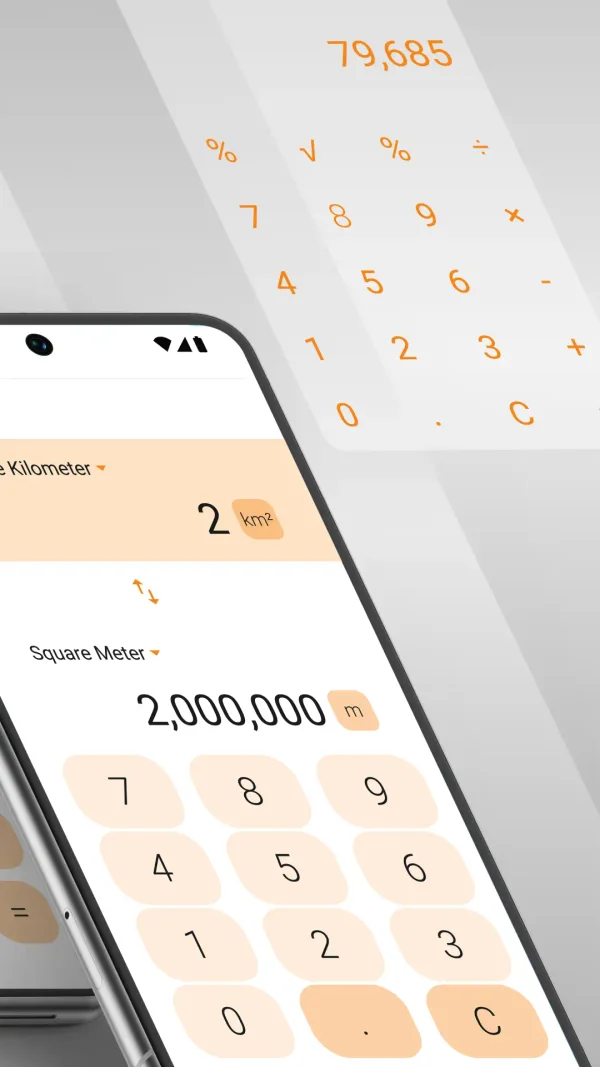

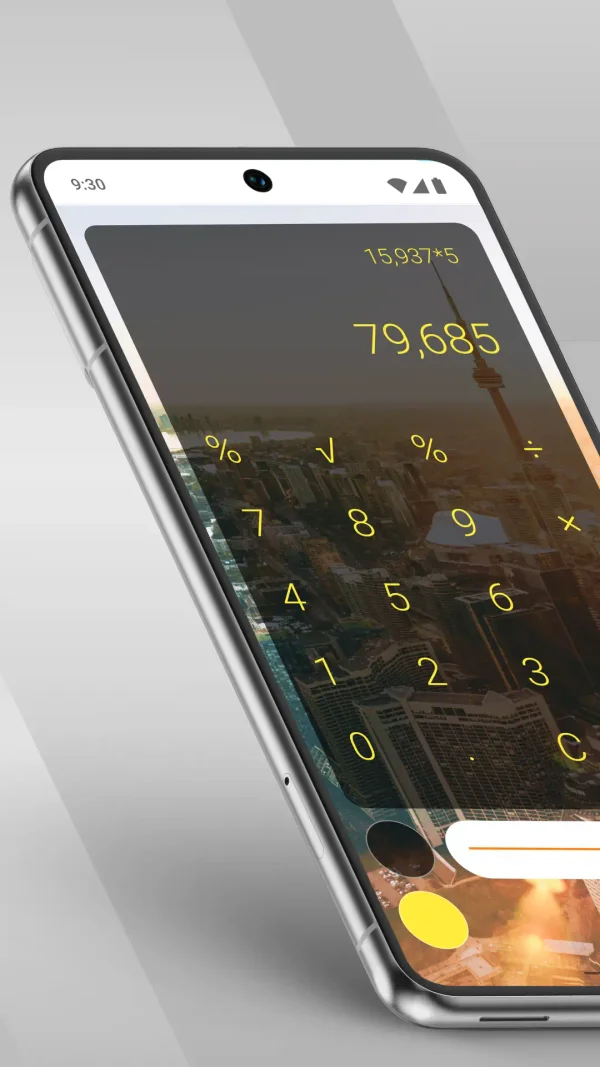
About this app
A beautiful calculator for quick simple calculations with smooth user interface
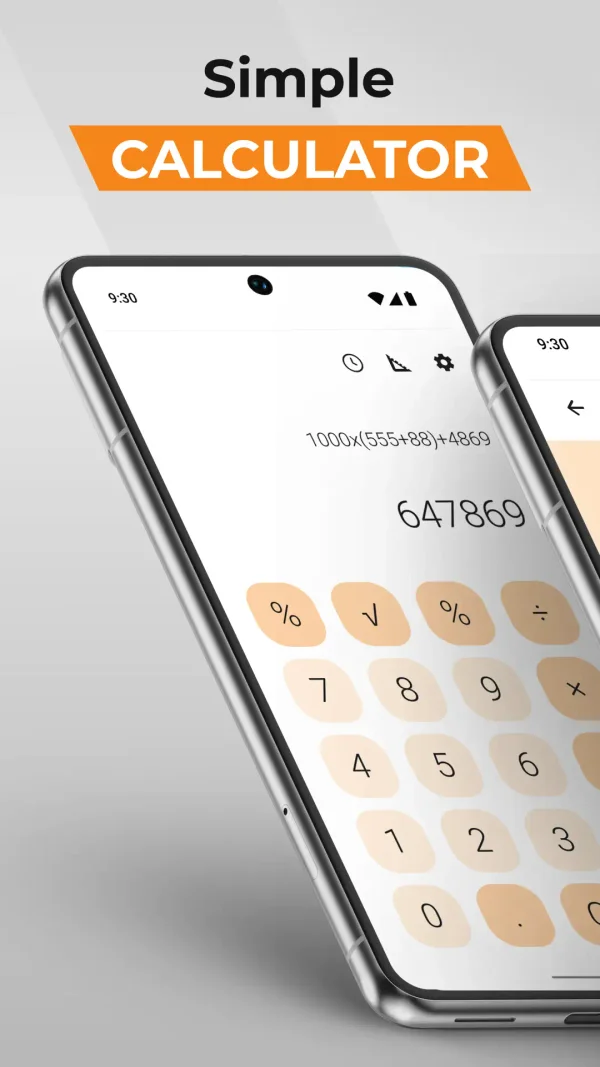
This stylish modern calculator offers a great user experience that you will love seeing. You can copy the result or formula to the clipboard by long-pressing it. You can also use this calculator as a currency converter to calculate your daily income and other amounts in different countries' currencies. With a soothing dark theme, it is now easy for you to see buttons and numbers more easily and use this calculator for simple calculations or use it as a currency converter. You can also use this math calculator as a mortgage calculator.
The app is a simple helper for fast calculations with many basic functions, including multiplying, dividing, rooting, and powers. It also comes with the dark theme so that you can use this new technology to make your calculator look smoother and easier to use rather than using sharp colors provided in different calculators that can't help you concentrate on your complex calculations in this math calculator.
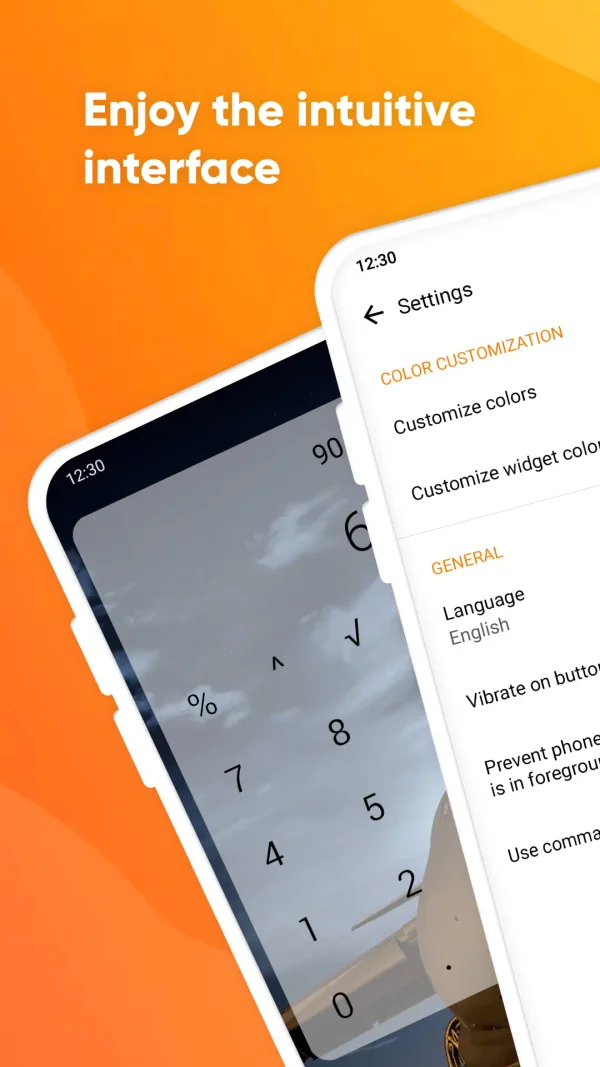
You can make it vibrate on button presses to make you confident while inserting your values. The exquisite colors used in this app are cool and look smooth to the eyes, so you can easily distinguish between all the buttons and calculate with ease. This calculator can be used to solve complex root problems, or it can also be used as a currency converter or graphing calculator.
There is an option in the setting to prevent the phone from sleeping while using the app for comfortable usage.
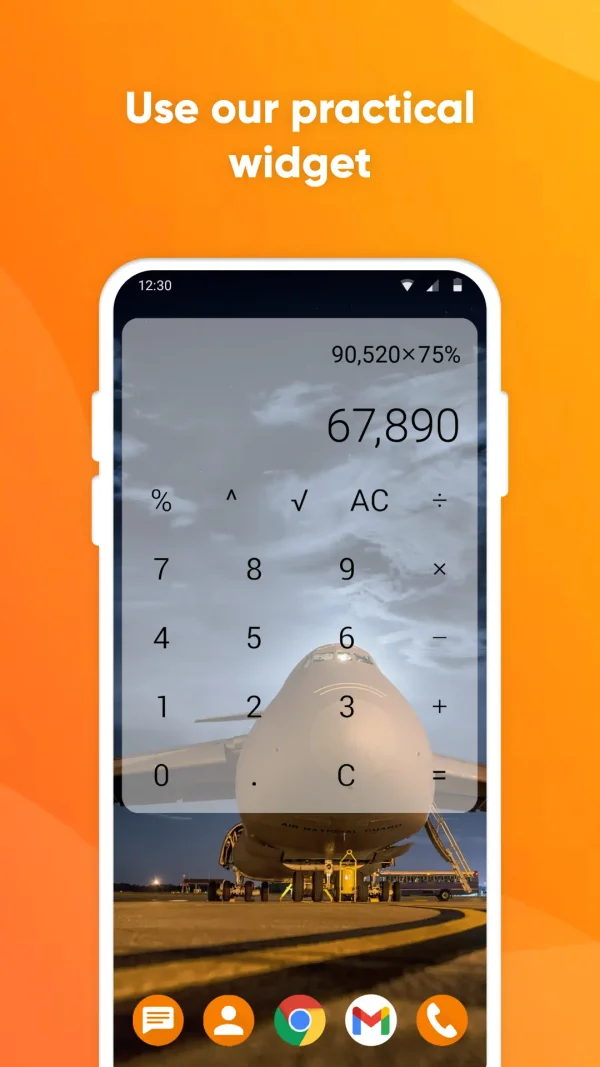
The text color of the resizable widget can be customized, as well as the color and the background's alpha. Press the result or formula in the widget to open the app.
You can access a history of the operations to scan through recent calculations quickly.
It has a material design and dark theme by default, providing a great user experience for easy usage. Enjoy privacy, security, and stability with our Simple Calculator.
Features:
✅ Easy to use calculator.
✅ Operations history.
✅ Comes with a dark theme to allow smooth usage of the calculator.
✅ Works as a currency converter to help you calculate your income and other amounts.
✅ Customizable text color to make it look more cool and according to your needs.
✅ Buttons sized according to the average finger tapping on the screen to make calculations more comfortable.
Tap into the power of our multifunctional calculator for all your mathematical needs.
Simplify Complex Calculations with Simple Calculator!
The app is a simple helper for fast calculations with many basic functions, including multiplying, dividing, rooting, and powers. It also comes with the dark theme so that you can use this new technology to make your calculator look smoother and easier to use rather than using sharp colors provided in different calculators that can't help you concentrate on your complex calculations in this math calculator.
You can make it vibrate on button presses to make you confident while inserting your values. The exquisite colors used in this app are cool and look smooth to the eyes, so you can easily distinguish between all the buttons and calculate with ease. This calculator can be used to solve complex root problems, or it can also be used as a currency converter or graphing calculator.
There is an option in the setting to prevent the phone from sleeping while using the app for comfortable usage.
The text color of the resizable widget can be customized, as well as the color and the background's alpha. Press the result or formula in the widget to open the app.
You can access a history of the operations to scan through recent calculations quickly.
It has a material design and dark theme by default, providing a great user experience for easy usage. Enjoy privacy, security, and stability with our Simple Calculator.
Features:
✅ Easy to use calculator.
✅ Operations history.
✅ Comes with a dark theme to allow smooth usage of the calculator.
✅ Works as a currency converter to help you calculate your income and other amounts.
✅ Customizable text color to make it look more cool and according to your needs.
✅ Buttons sized according to the average finger tapping on the screen to make calculations more comfortable.
Tap into the power of our multifunctional calculator for all your mathematical needs.
Data safety
What Simple Mobile Tool declares on Google Play about the data this app collects and shares.
- This app may share these data types with third partiesApp info and performance and Device or other IDs
- This app may collect these data typesApp info and performance and Device or other IDs
- Data is encrypted in transit
- Data can’t be deleted
What’s new
Version 6.1.0 · Oct 27, 2026
Added a Unit converter
Added some UI, translation and stability improvements
Developer contact
- Websitesimplemobiletools.com
- Emailsupport.simplecalculator@simplemobiletools.com
- Privacy policysimplemobiletools.com
- Address16 Spinoza TEL AVIV-JAFFA, 6438422 Israel
Information
- Offered by
- Simple Mobile Tool
- Category
- Tools
- Version
- 6.1.0
- Updated
- Oct 27, 2026
- Released
- Jun 5, 2016
- Requires
- Android 6.0 or later
- Age rating
- Everyone
- Price
- Free
- In-app purchases
- $0.99 - $99.99 per item
- Package name
- com.simplemobiletools.calculator
Similar apps
-
 Calculator Pro: Calculator App
Tools
-
 Simple Calculator
Productivity
-
 Calculator
Tools
-
 Calculator Lock - Hide Photos
Video Players & Editors
-
 Calculator Hide Photo, Video
Tools
-
 Calculator Lock - Hide Photos
Tools
-
 Champ Scientific Calculator
Tools
-
 Smart Calculator: Photo Math
Tools
-
 LOCKit: App Lock, Photos Vault
Tools
-
 Scientific Calculator Pro
Tools
-
 Smart Calc: Daily Calculator
Tools
-
 ShiftFlow - Track Team Hours
Business