Simple Scan - PDF Scanner App
Easy inc.Contains ads · In-app purchases
- EveryoneAge rating
- BusinessCategory
- Nov 16, 2026Updated
- FreePrice
Links to the official Google Play listing of com.simplescan.scanner. Last checked on Nov 18, 2026.
Screenshots



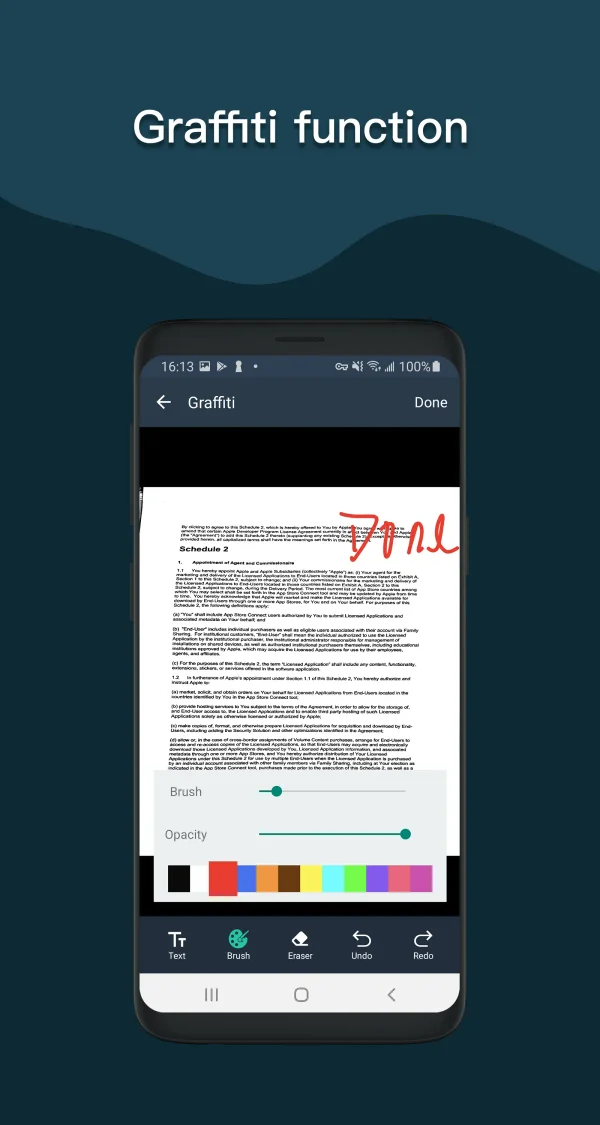
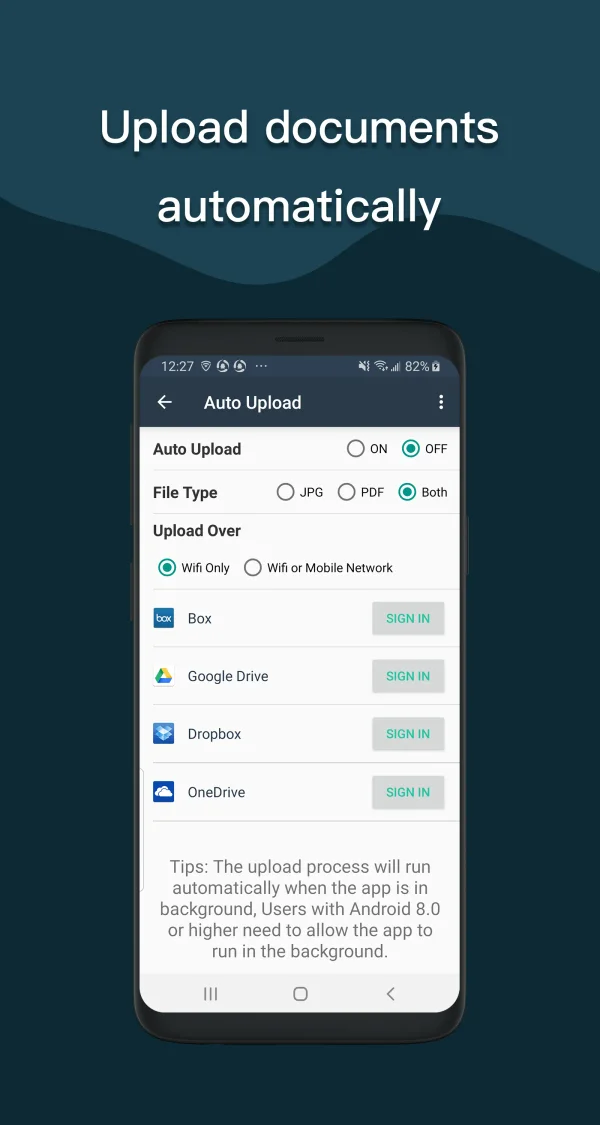

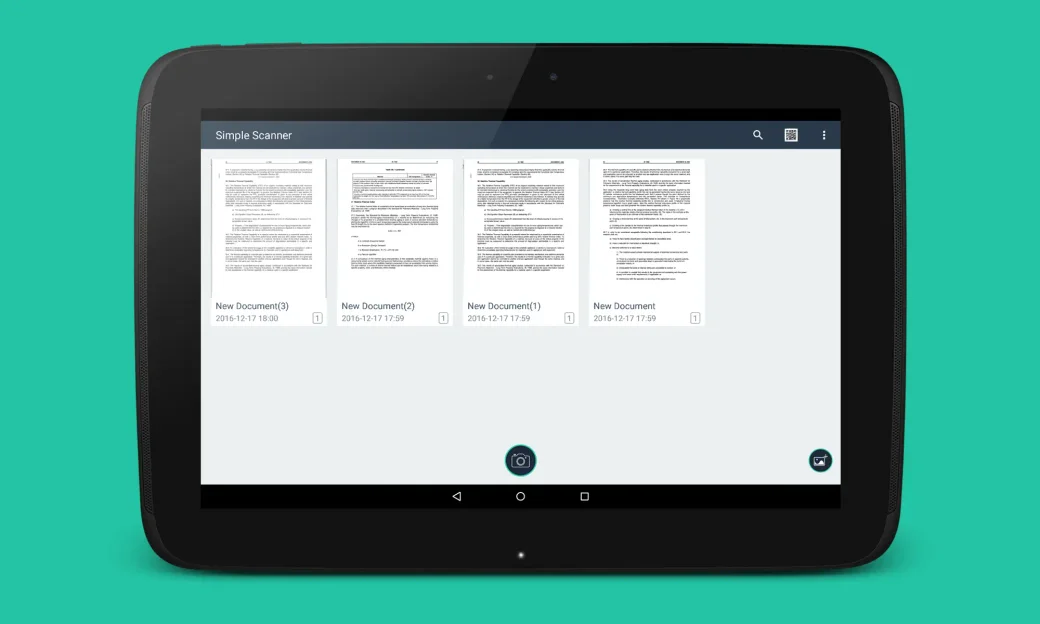
About this app
Fast easy way to scanner, professional pdf documents,Support Send Fax+Share Link
Want a moving scanner?
The Simple Scanner is a PDF document scanner application that turns your phone into a portable scanner. you can scan documents, photos, receipts, reports, or just about anything. The scan will be saved to the device in image or PDF format. Name and organize your scan to a folder, or share it in the following ways:
-Automatically upload JPG and PDF files to the cloud disk
-Backup and restore synchronization files between multiple devices
- E-mail, print, Fax
- Dropbox, Evernote, Google Drive, WhatsApp, or more
- Wifi connects directly to your computer
- Support importing PDF files into JPG.
- Support for adding tags for quick file search.
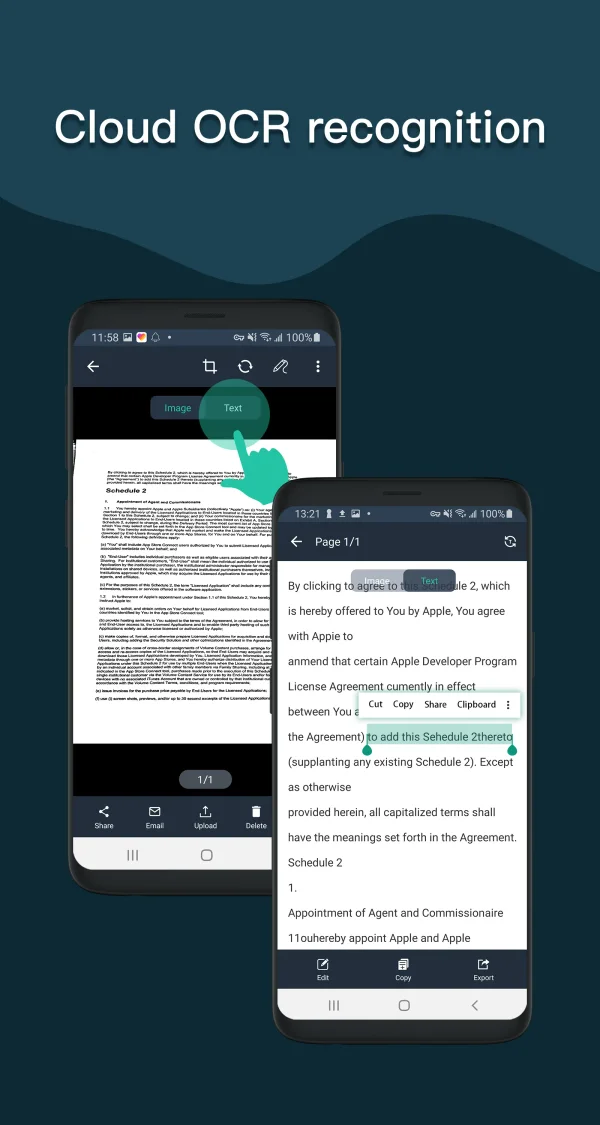
- Support OCR text recognition, export text.
The Document Scanner application has all the features you need:
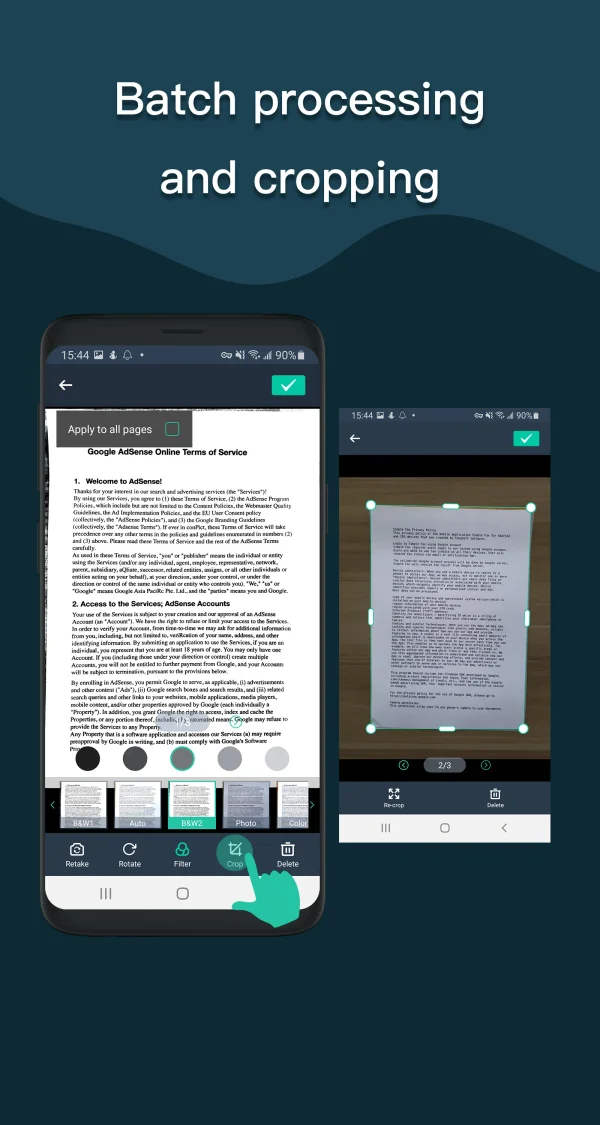
- Mobile phone document, automatically remove the clutter background, generate high-definition JPEG pictures or PDF files.
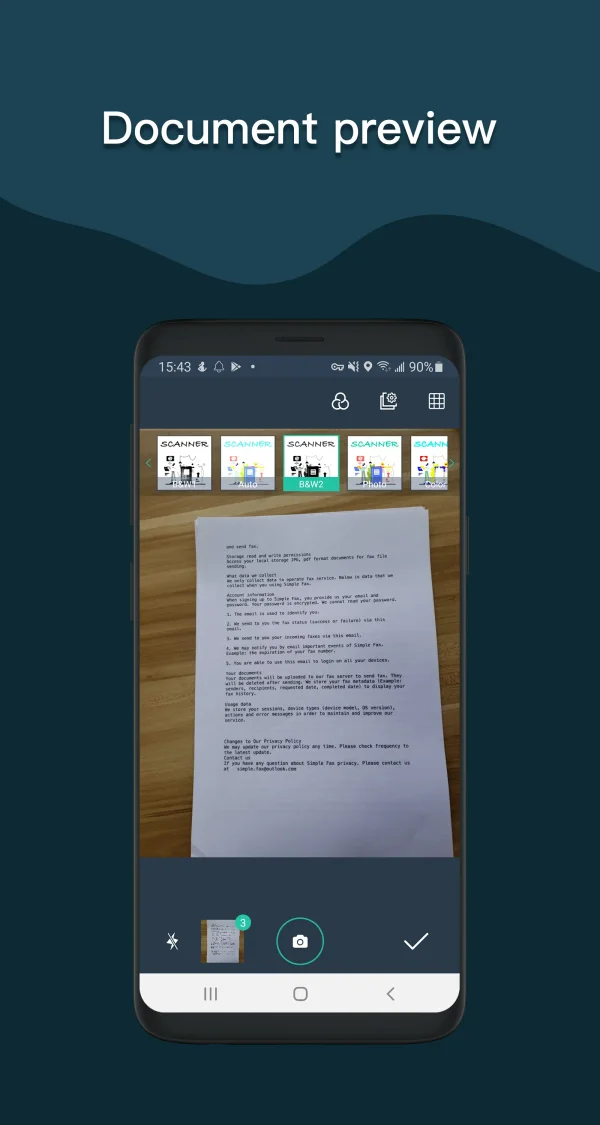
- A variety of image processing mode, you can manually adjust the image parameters, with a mobile phone can be paper documents, quickly turned into a clear electronic draft.
- Scan color, grayscale, or black and white
- Can be used in office, school, home and any place you want
- Automatically detects page edges
- 5 levels of contrast for clear monochrome text
- Set the PDF page size (Letter, Legal, A4, etc.)
- Thumbnail or list view, sorted by date or title
- Simple scanner are optimized to run very fast.
- Quick search by document title
- Use a password to protect your documents
- General - A single application that works on your phone!
For users above Android 11, files are stored in a private directory and cannot be changed. This is determined by Google's latest storage policy. For mobile phones below Android 11, the external storage option can still be selected.
If you like simple scanner or have any other comments, please take a moment to write us a comment, or simply email us at simple.scanner@outlook.com, which will help us improve our products and give you a better experience. .
Data safety
What Easy inc. declares on Google Play about the data this app collects and shares.
- No data shared with third partiesLearn more about how developers declare sharing
- This app may collect these data typesApp info and performance
- Data is encrypted in transit
- You can request that data be deleted
What’s new
Version 5.2.5 · Nov 16, 2026
===V5.2.5===
——Bug fix
Developer contact
- Websitetongsoftinfo.com
- Emailsimple.scanner@outlook.com
- Privacy policysites.google.com
- Address石籬邨10座1樓11室 葵涌 新界 Hong Kong
Information
- Offered by
- Easy inc.
- Category
- Business
- Version
- 5.2.5
- Updated
- Nov 16, 2026
- Released
- Nov 13, 2016
- Requires
- Android 7.0 or later
- Age rating
- Everyone
- Price
- Free
- In-app purchases
- $0.99 - $89.99 per item
- Package name
- com.simplescan.scanner
Similar apps
-
 FIXD OBD2 Scanner
Auto & Vehicles
-
 Clear Scan - PDF Scanner App
Business
-
 PDF Scanner Plus - Doc Scanner
Productivity
-
 PDF Editor – Edit Everything!
Tools
-
 PDF Merge: Scan, Sign & Edit
Productivity
-
 Car Scanner ELM OBD2
Auto & Vehicles
-
 iScanner - PDF Scanner App
Productivity
-
 vFlat Scan - PDF Scanner, OCR
Productivity
-
 AI Resume Builder CV Maker PDF
Business
-
 SCRIBZEE®
Productivity
-
 Photo to PDF Maker & Converter
Productivity
-
 GradeUp: Homework Scanner
Education