vFlat Scan - PDF Scanner, OCR
VoyagerXIn-app purchases
- EveryoneAge rating
- ProductivityCategory
- Nov 17, 2026Updated
- FreePrice
Links to the official Google Play listing of com.voyagerx.scanner. Last checked on Nov 18, 2026.

Screenshots



About this app
Fast, precise scanning with advanced AI. Strong privacy protection in a scan app
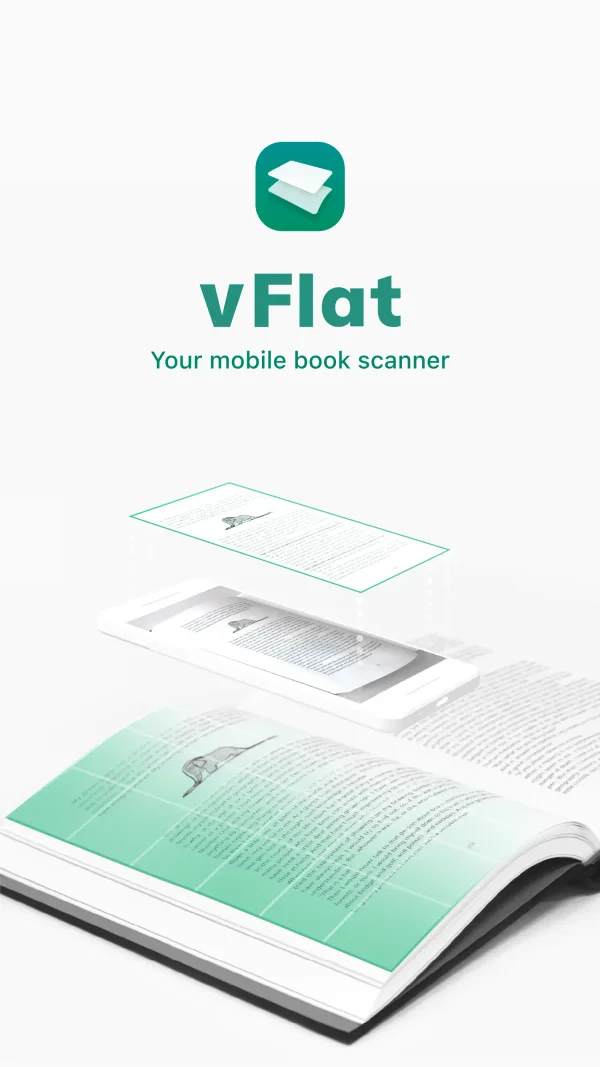
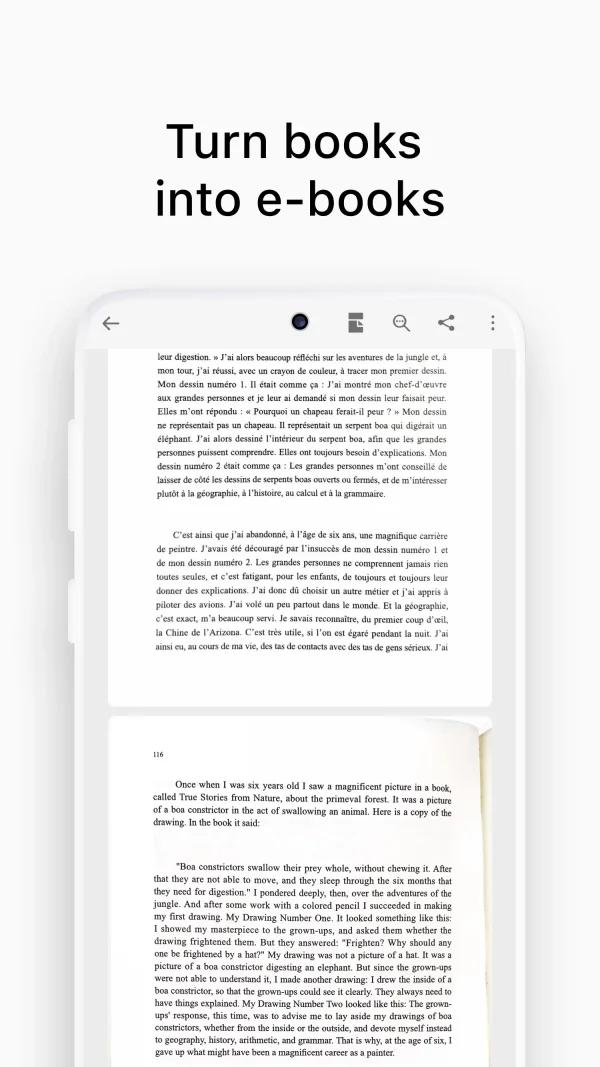
vFlat Scan is a powerful scanner app that automatically crops, flattens, and enhances images on your mobile device, allowing you to effortlessly scan, save, and share documents as digital files.
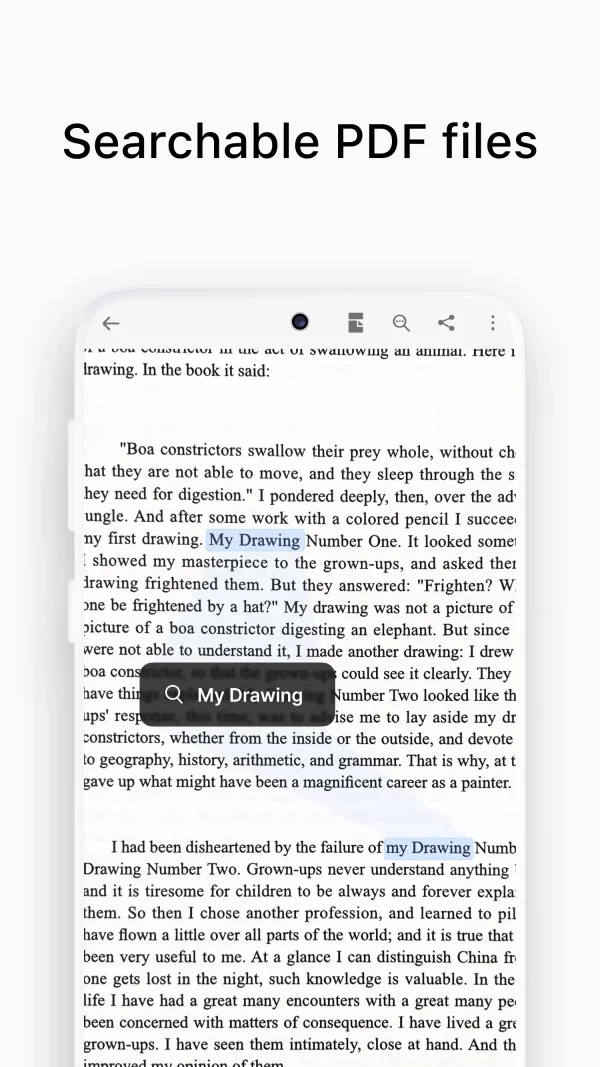
Convert images to text using vFlat Scan's text recognition (OCR) feature to copy, edit, and search for content in your documents.
Get unlimited scans without any annoying watermarks, ads, or sign-ins. Sounds too good to be true? Download vFlat Scan for free and start scanning right away!
NO ADS OR WATERMARKS
• Enjoy a complete ad-free UI with no sign-in required.
• vFlat Scan will not add watermarks to your scans.
CAPTURE DOCUMENTS
• Scan anything from receipts, books, forms, and notes without the need to manually crop them.
• Automatically detects document borders so you can get a clear-cut scan from any angle.
• Use Auto Scan to scan multiple pages in quick succession without needing to tap any buttons.
AUTO-FLATTEN & ENHANCE
• Documents are automatically flattened, even for curved book pages.
• Enable enhanced colors to boost color saturation and contrast for improved text visibility.
• Hide visible fingers in scans when holding books or documents.
SCAN TWO-PAGE BOOKS
• Capture two pages at once for better efficiency. Pages are automatically divided and saved.
• You can change the scan order to right-hand page first for right-to-left language books.
EXTRACT & USE TEXT
• Text recognition (OCR) allows you to extract text from any scanned image.
• Select, copy, and edit text directly in the app before sharing it as a Word or TXT file.
• Search for specific words or phrases across all your scans with extracted text.
TEXT TO SPEECH
• Text to speech (TTS) is also included. Play, pause, or skip to the next or previous sentence.
• Change the voice settings for faster or slower playback speed or different voice pitch.
ERASE HANDWRITTEN NOTES
• AI technology detects and removes all handwritten text or scribbles from books or other printed material so you can get a clean version of the document again.
SHARE FILES
• Scan, save, and share documents as PDF, JPG, Word, TXT, or ZIP files.
• Generate shareable URL links to view and download your scans via web browser.
vFlat does not collect your personal information or scans without your explicit consent.
Terms of Service - https://go.vflat.com/s/terms_en
Privacy Policy - https://go.vflat.com/s/privacy_en
Compatibility:
vFlat Scan is supported on devices running Android 8.0 or higher, with a minimum of 2 GB of RAM and OpenGL ES 3.1 or higher. Additionally, vFlat Scan is available for iPhone and iPad through the App Store.
If you enjoyed our app, please leave us a review.
We'd also love to hear your feedback. Please send us your comments and suggestions: support@vflat.com
Data safety
What VoyagerX declares on Google Play about the data this app collects and shares.
- This app may share these data types with third partiesPersonal info, Photos and videos and 3 others
- This app may collect these data typesPersonal info, Financial info and 5 others
- Data is encrypted in transit
- You can request that data be deleted
What’s new
Nov 17, 2026
- Invite Friends (Earn Rewards)
Recommend vFlat to your friends and get more free allowance! Share your invite link or code to unlock extra rewards for both of you.
- Free Monthly Allowance
Easily track and manage your free monthly allowance and extra rewards earned from invites in one place.
- App stability improvements and bug fixes
Developer contact
- Websitevflat.com
- Emailsupport@vflat.com
- Privacy policyvflat.page.link
- Address서초구 서초대로38길 12, 10층(서초동, 마제스타시티 타워1) 서초구, 서울특별시 06655 South Korea
Information
- Offered by
- VoyagerX
- Category
- Productivity
- Updated
- Nov 17, 2026
- Released
- May 8, 2019
- Age rating
- Everyone
- Price
- Free
- In-app purchases
- $1.66 - $44.99 per item
- Package name
- com.voyagerx.scanner
Similar apps
-
 Clear Scan - PDF Scanner App
Business
-
 Epson iPrint
Tools
-
 Samsung Print Service Plugin
Productivity
-
 FAX App: Faxing from Phone
Business
-
 GradeUp: Homework Scanner
Education
-
 ACE Scanner - PDF Scanner App
Productivity
-
 DrawNote: Drawing Notepad Memo
Productivity
-
 PDF Scanner Plus - Doc Scanner
Productivity
-
 PhotoScan by Google Photos
Photography
-
 PDF Scanner App: Document Scan
Tools
-
 PDF Scanner APP - Scan to PDF
Productivity
-
 Focus Plant: Pomodoro Forest
Productivity