Super Status Bar - Customize
Tom BayleyContains ads · In-app purchases
- EveryoneAge rating
- PersonalizationCategory
- Aug 24, 2026Updated
- FreePrice
Links to the official Google Play listing of com.tombayley.statusbar. Last checked on Nov 20, 2026.
Screenshots

About this app
Status bar gestures, brightness control, notification ticker text & battery bar
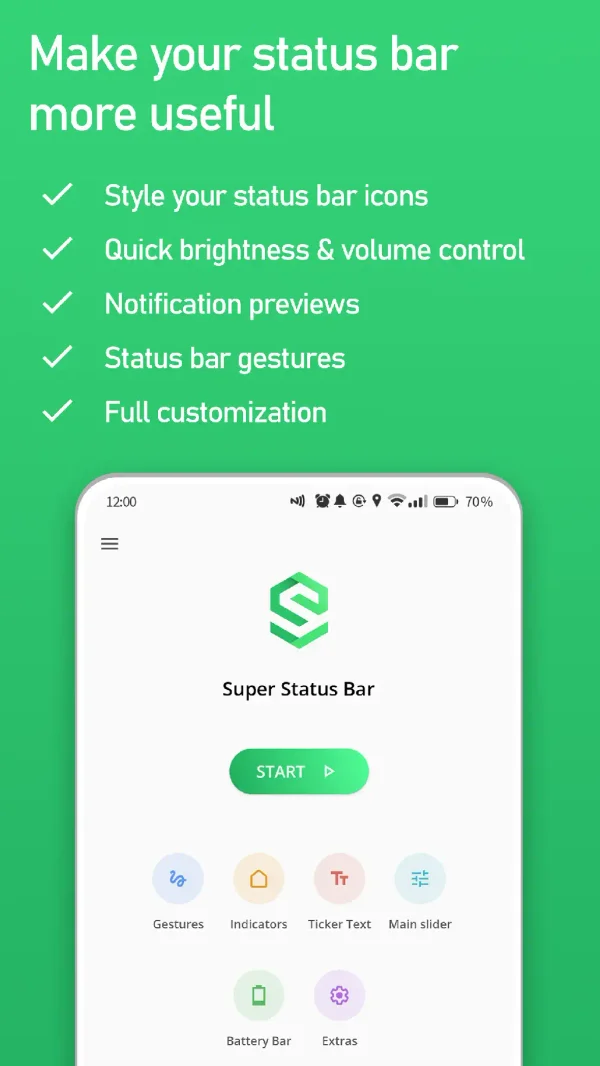
Super Status Bar is the most complete Android status bar customisation app — no root required. Bring back notification ticker text, swipe to control brightness and volume, assign gesture shortcuts to any action, add a battery bar, and restyle your icons to match any look.
⭐ Trusted by 5+ million Android users worldwide ⭐
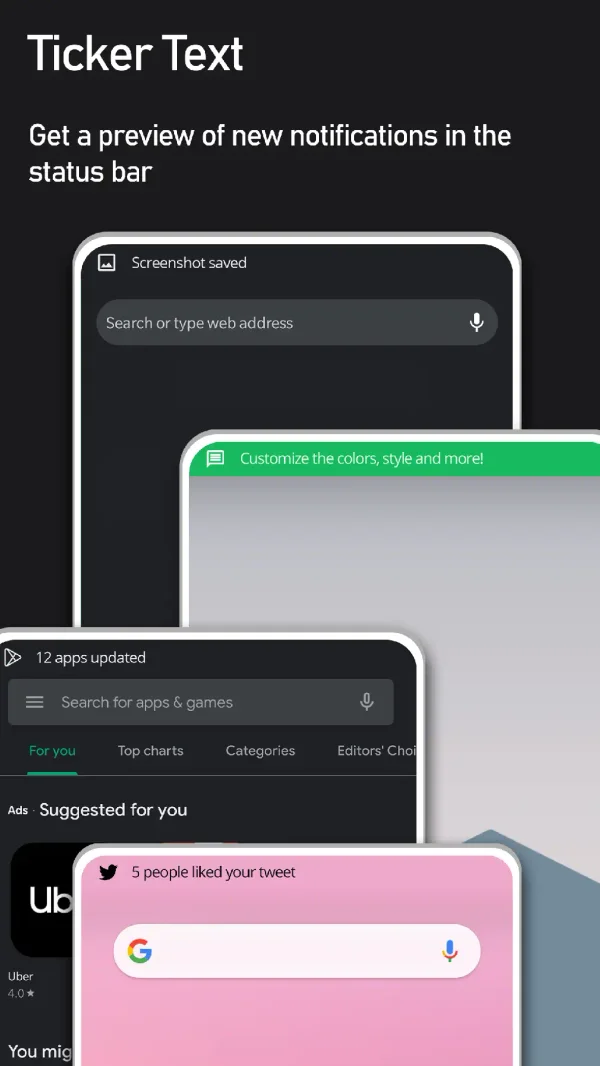
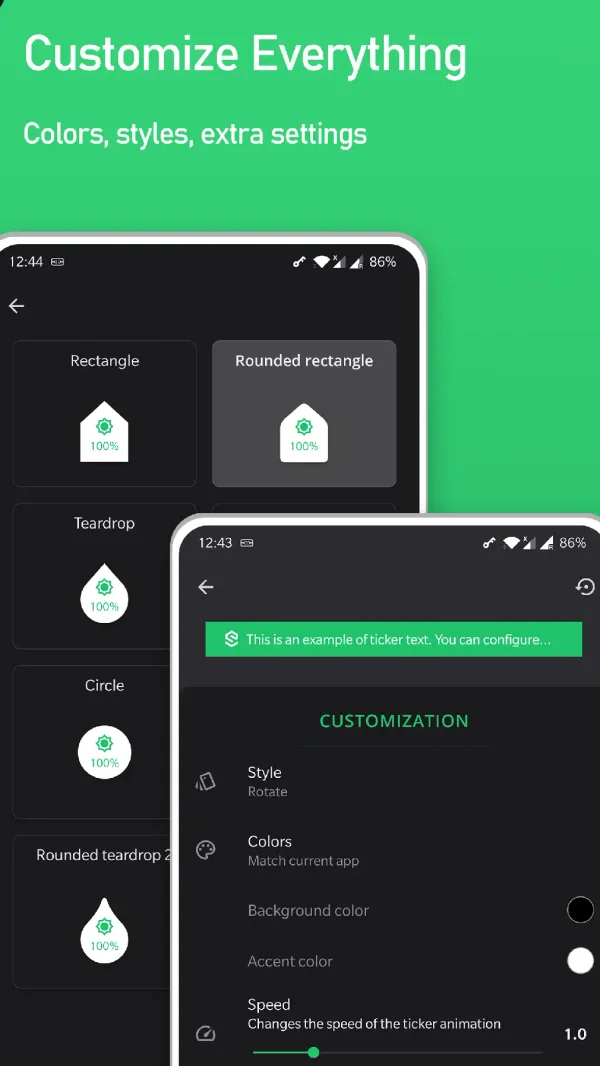
🔔 NOTIFICATION TICKER TEXT
Restore the classic scrolling notification ticker. New notifications display discreetly along your status bar — no intrusive pop-ups, no interruptions.
- Fully customisable font, colour, size, and scroll speed
- Optionally replaces floating heads-up notifications
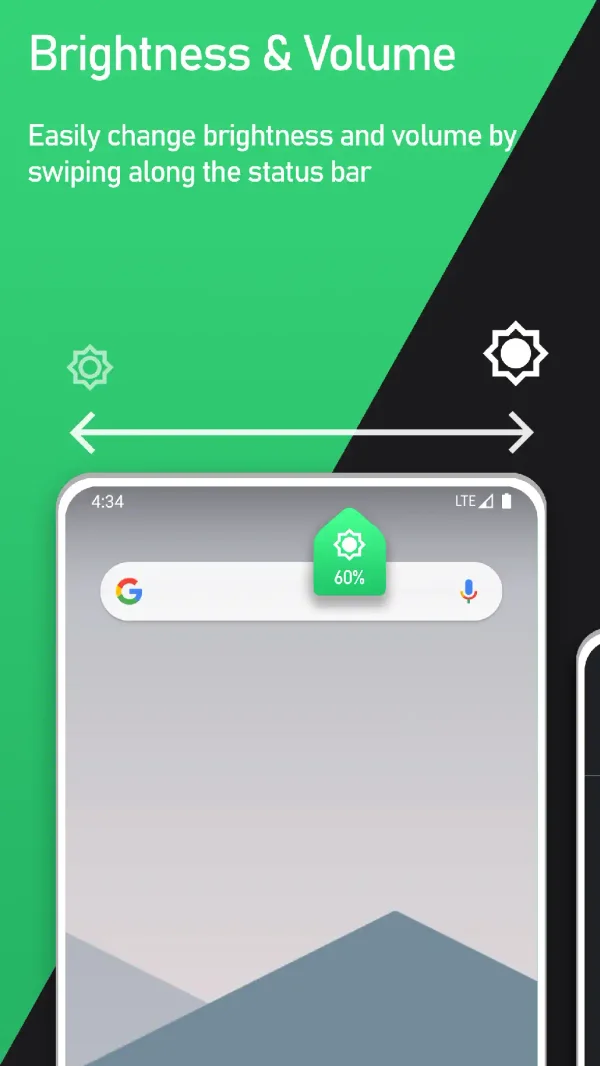
⚡ STATUS BAR BRIGHTNESS & VOLUME CONTROL
Swipe along the status bar to instantly adjust brightness or volume — no need to open settings or pull down the shade.
- Screen brightness
- Media, ring, notification, alarm, and call volumes
- Smart auto-detection: automatically adjusts whichever audio is currently active
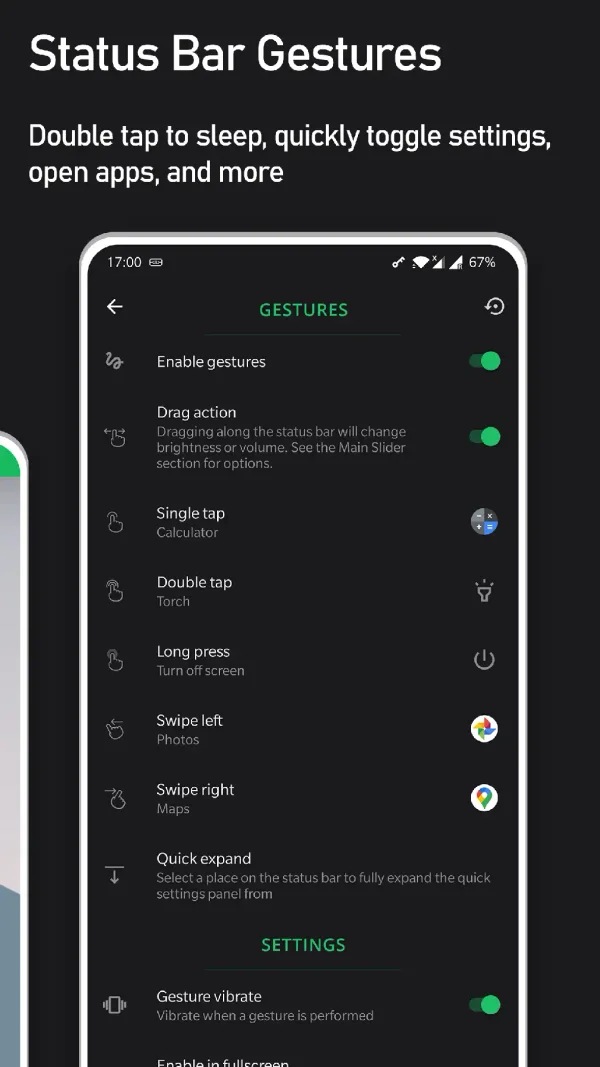
👆 STATUS BAR GESTURES
Turn your status bar into a powerful shortcut hub. Assign any action to tap, double tap, long press, or left/right swipe:
- Lock screen / turn off display
- Toggle flashlight or screen rotation
- Take a screenshot
- Open any app or app shortcut
- Expand notifications or quick settings
- Navigate: Back, Home, Recents, switch apps
- Enter split screen mode
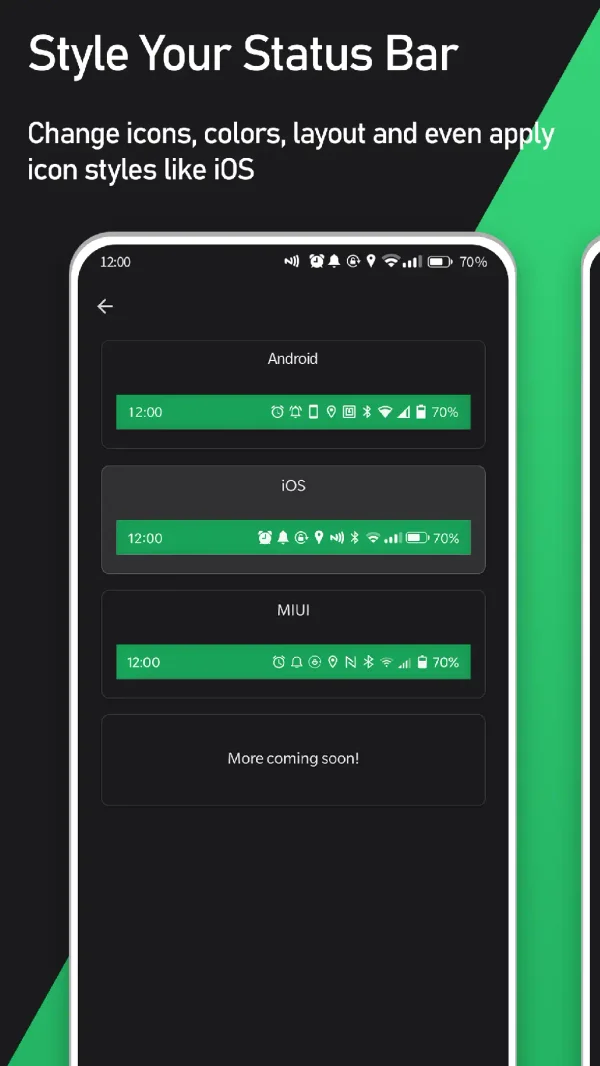
🎨 STATUS BAR ICON STYLES
Restyle your status bar icons with a single tap:
- iOS, HyperOS, MIUI, and Android styles
- Hide any icons you don't want cluttering your status bar
- Customise icon tint and status bar background colour
🔋 BATTERY BAR
Display your battery level as a sleek bar along the top of your screen:
- Smooth charging animation
- Fully customisable colour, size, and position
- Always visible at a glance — no need to squint at a tiny icon
WHY SUPER STATUS BAR?
✔ No root required
✔ Lightweight with minimal battery impact
✔ Fully customisable — make it yours
✔ Regular updates and active community support
Super Status Bar uses Android's Accessibility Service to power status bar gestures and the notification ticker. This permission is required for these features to function.
Data safety
What Tom Bayley declares on Google Play about the data this app collects and shares.
- No data shared with third partiesLearn more about how developers declare sharing
- No data collectedLearn more about how developers declare collection
- Data is encrypted in transit
- You can request that data be deleted
What’s new
Version 2.13.1 · Aug 24, 2026
Bug fixes and enhancements
Developer contact
- Websitetombayley.dev
- Emailsupport@tombayley.dev
- Privacy policytombayley.dev
- Address31 Glastonbury Drive POYNTON SK12 1EN United Kingdom
Information
- Offered by
- Tom Bayley
- Category
- Personalization
- Version
- 2.13.1
- Updated
- Aug 24, 2026
- Released
- Mar 6, 2020
- Requires
- Android 7.0 or later
- Age rating
- Everyone
- Price
- Free
- In-app purchases
- $1.99 - $9.49 per item
- Package name
- com.tombayley.statusbar
Similar apps
-
 Square Home Launcher - Tile UI
Personalization
-
 dynamicSpot - Floating Island
Tools
-
 Gallup Access
Productivity
-
 Quikshort: Shortcut Creator
Tools
-
 Nokia WiFi
Lifestyle
-
 Zeel Walls - 4K Wallpapers
Personalization
-
 Typewise Custom Keyboard
Personalization
-
 Ares Light: Pastel Icon Pack
Personalization
-
 Shortcut Maker
Personalization
-
 Calendar Widget: Month/Agenda
Productivity
-
 Magic Lantern
Entertainment
-
 Digital Clock Widget
Tools