TikFinity Mobile - Alerts&TTS
Streamheroes GmbHIn-app purchases
- EveryoneAge rating
- ToolsCategory
- Nov 24, 2026Updated
- FreePrice
Links to the official Google Play listing of com.streamtv.tikstream. Last checked on Nov 24, 2026.

Screenshots

About this app
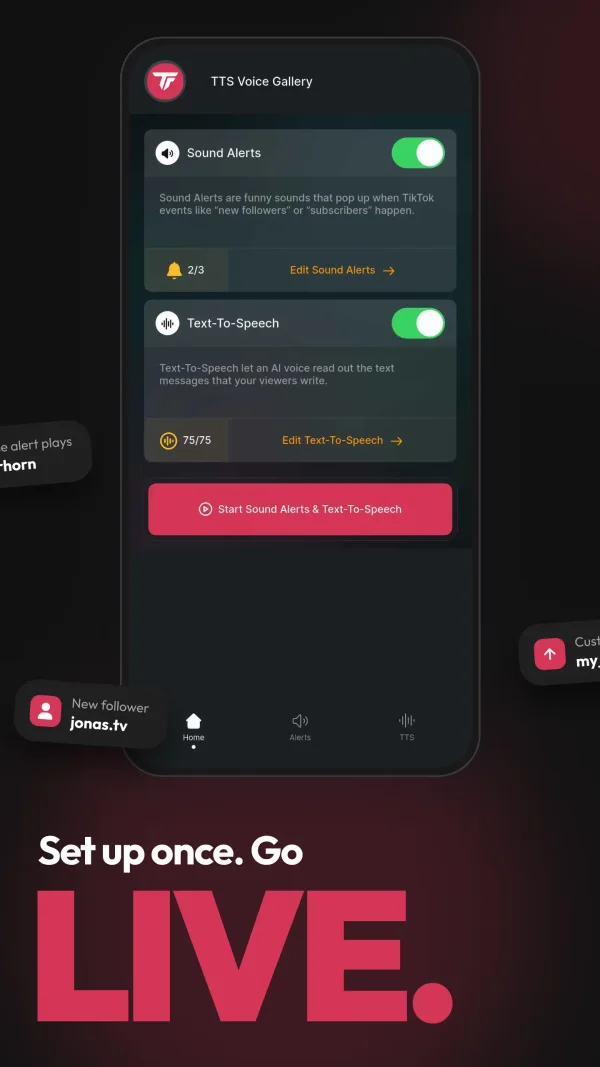
Sound Alerts & Text-to-Speech for TikTok LIVE. Stream from your phone, no PC.
📱 TikFinity Mobile
Sound alerts and text-to-speech for your TikTok LIVE, running on the phone you stream from.
You know the moment. Someone sends you a rose, you catch it out of the corner of your eye, you say thanks, and by the time you look up the name is already gone. Twenty comments later you're the only person in that room who noticed anything happened at all.
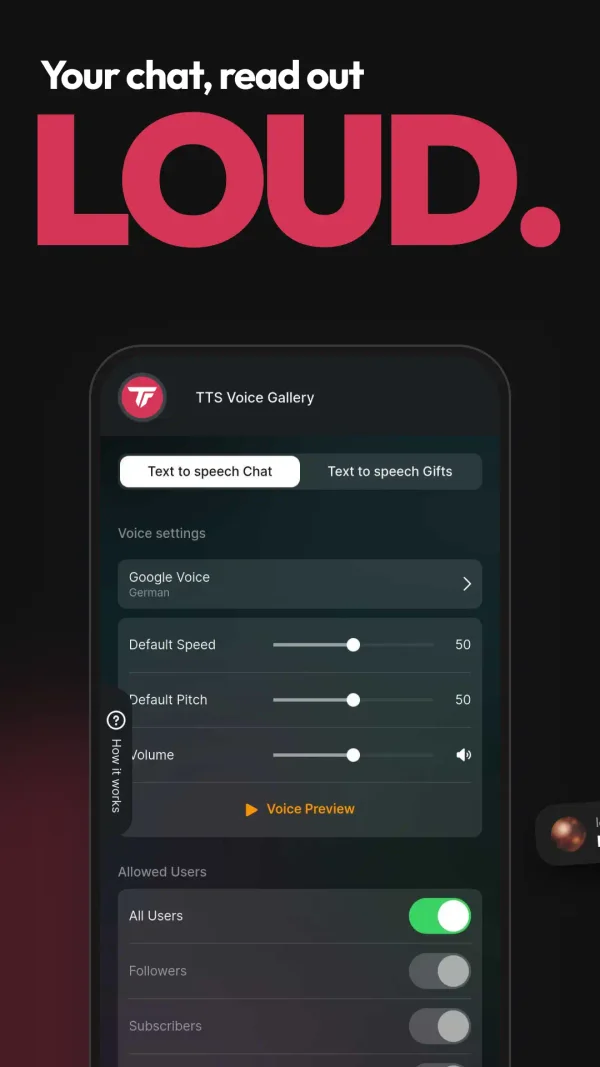
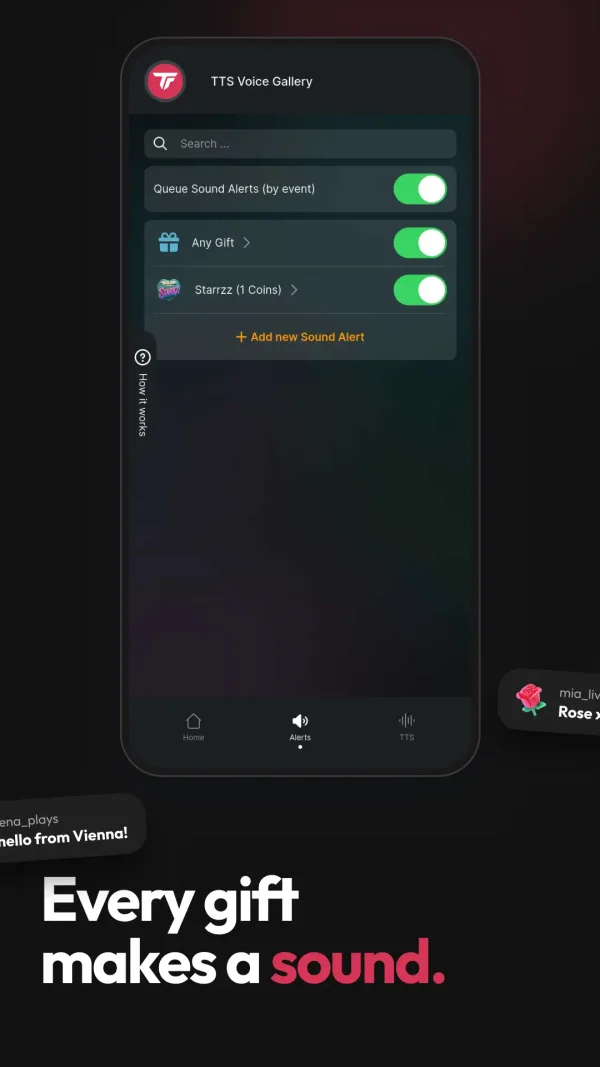
TikFinity Mobile puts sound in that gap. A gift lands, and a sound goes off. Someone follows, another sound. Chat messages get read out loud in a voice you picked, so the person typing hears their own words come out of your live.
It changes how the whole thing feels, and not just for you. Your viewers get a reaction they can hear, and they keep testing it, gifting again just to set their sound off one more time.
No PC, no extra gear. Same phone you're already streaming from!
Getting started
1. Install the app and sign in with Apple or Google.
2. Enter your TikTok username, pick your sounds and a voice, then hit Start Sound Alerts & TTS.
3. Go live the way you always do. From there, it runs in the background.
Good to know: the sounds play out loud on your phone. Without headphones, your viewers hear them too, which is usually the whole point. With headphones, they stay yours. Either way works, it's your live.
What's in it
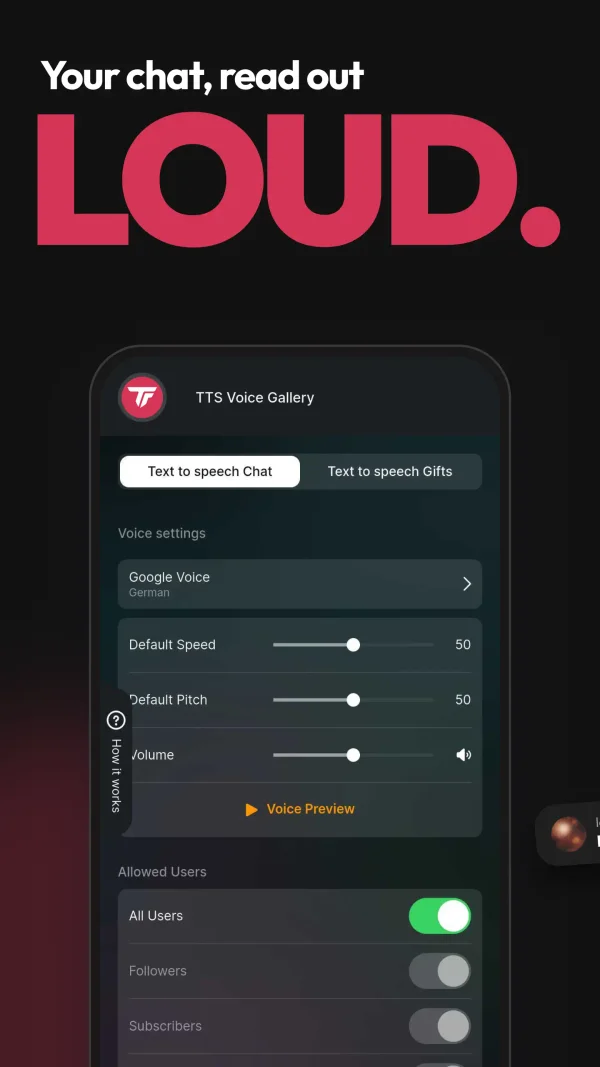
🗣️ Text-to-Speech reads your chat out loud in a voice you choose.
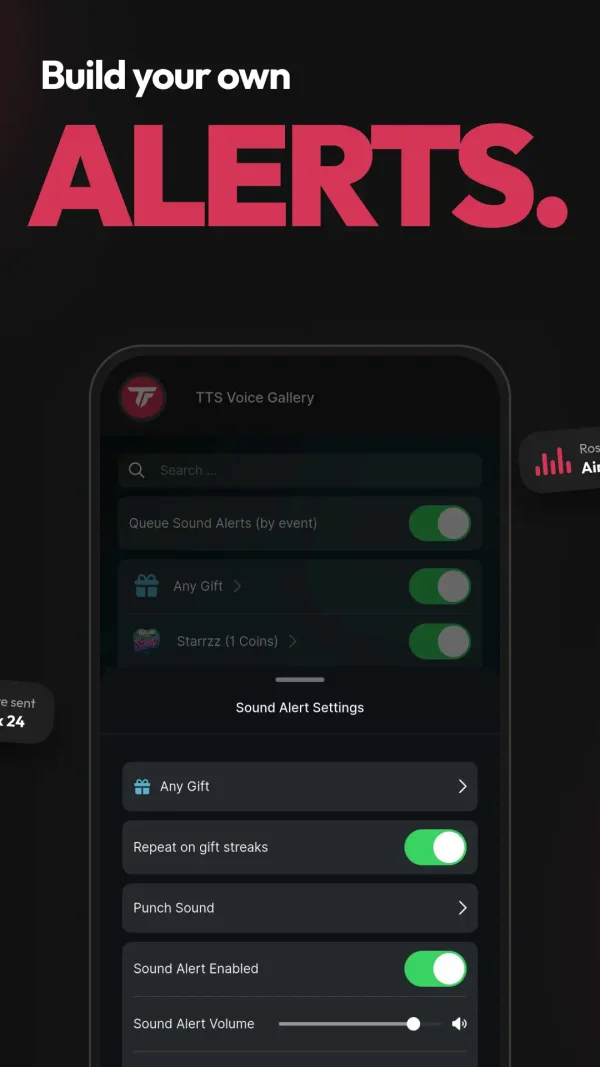
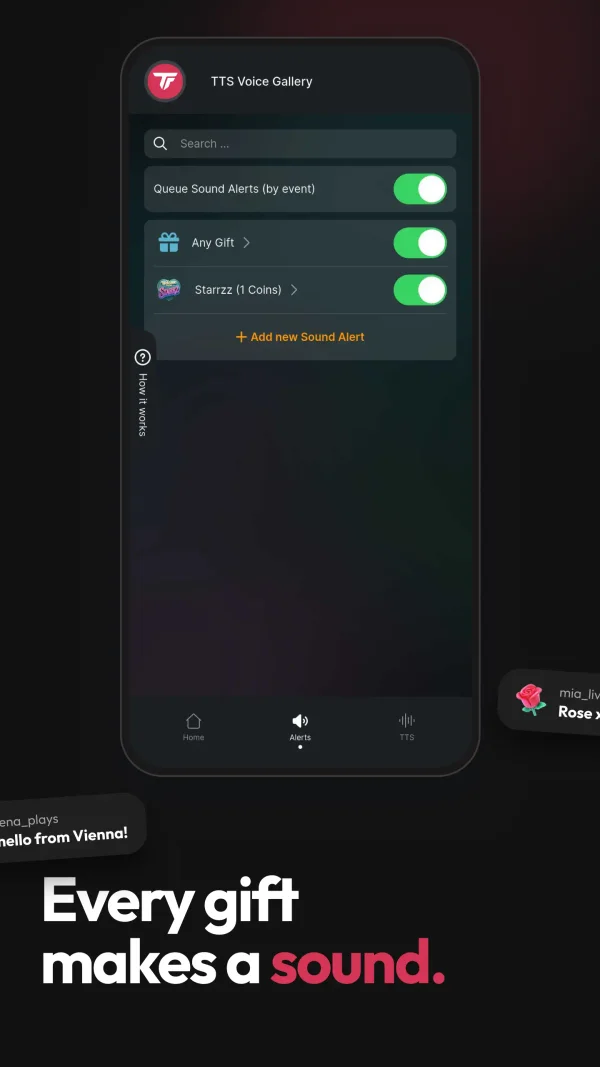
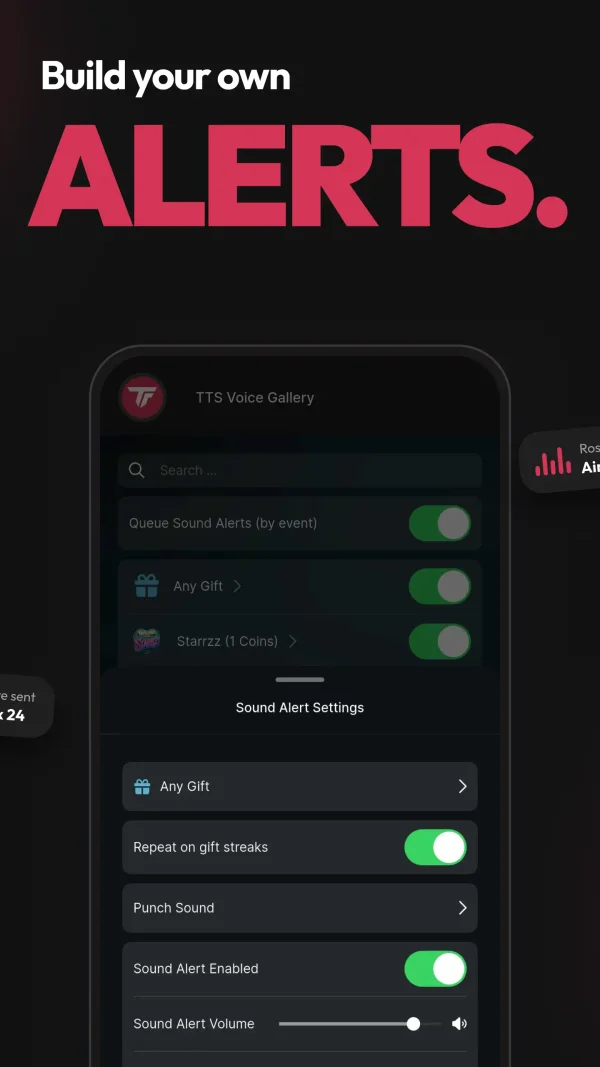
🔊 Sound Alerts go off when someone gifts, follows, or does whatever else you set them to.
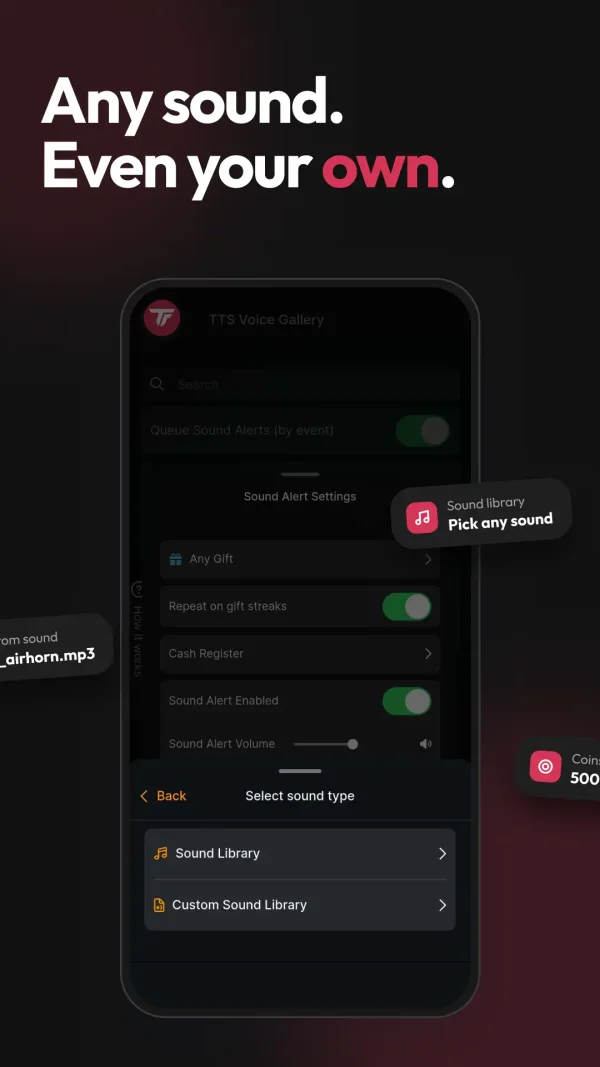
🎵 Custom Alert Sounds let you upload your own, from inside jokes to a recording of yourself.
👋 Join Announcements greet viewers by name the moment they show up in your live.
✨ Premium Voices sound like real people. There are character voices too, and you can switch when the mood in your chat changes.
📲 Background mode keeps everything running for the whole live.
Free and Pro
Free gives you 3 sound alerts and 75 text-to-speech messages a day. Pro takes the daily limits off and unlocks every Premium Voice.
📌 TikFinity Mobile and TikFinity Desktop are two different products. Each one has its own subscription.
📄 Privacy Policy: https://www.own3d.pro/pages/privacy-policy
Data safety
What Streamheroes GmbH declares on Google Play about the data this app collects and shares.
- No data shared with third partiesLearn more about how developers declare sharing
- This app may collect these data typesFinancial info and Device or other IDs
- Data is encrypted in transit
- You can request that data be deleted
Developer contact
- Emailsupport@own3d.tv
- Privacy policyown3d.pro
- AddressSaarbrücker Str. 8 66839 Schmelz Germany
Information
- Offered by
- Streamheroes GmbH
- Category
- Tools
- Version
- 2.7.10
- Updated
- Nov 24, 2026
- Released
- Aug 28, 2024
- Requires
- Android 8.0 or later
- Age rating
- Everyone
- Price
- Free
- In-app purchases
- $4.49 - $49.99 per item
- Package name
- com.streamtv.tikstream
Similar apps
-
 Glip Screen Recorder
Tools
-
 CastChat
Communication
-
 Satoshi App: Get Airdrops
Tools
-
 Virtual Master - Android Clone
Tools
-
 Learn Ethical Hacking
Education
-
 buz - Friends, One Tap Away
Social
-
 Auto Clicker - Automatic tap
Tools
-
 Followers for tik-likes views
Tools
-
 Linktree: Link in bio creator
Social
-
 MacroDroid - Device Automation
Tools
-
 E-Pal: Never Battle Alone
Social
-
 ViYa: Group Voice Chat Rooms
Entertainment