Tiny Calendar: Planner & Tasks
TinyWork AppsContains ads · In-app purchases
- EveryoneAge rating
- ProductivityCategory
- Jul 30, 2026Updated
- FreePrice
Links to the official Google Play listing of com.beesoft.tinycalendar. Last checked on Nov 13, 2026.
Screenshots



About this app
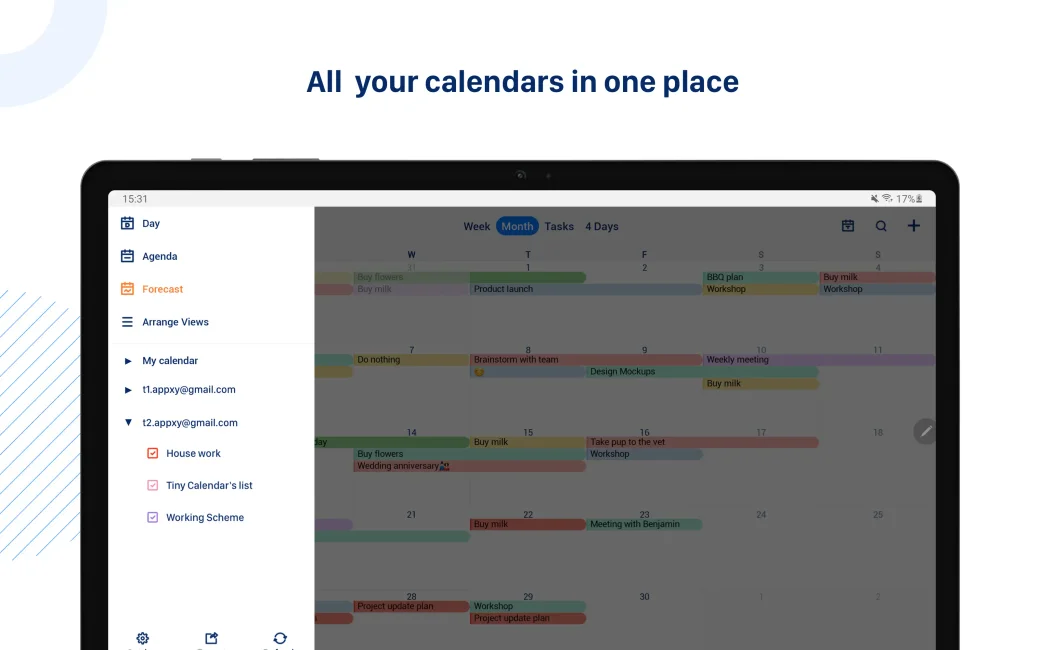
All your calendars in one place.
Tiny Calendar is an intuitive smart calendar works with all your calendars. It inherits the simple and clean look of calendars but makes it more accessible, powerful and reliable on your android phone. With Tiny Calendar, you can access and manipulate your calendar events more easily, anyway you want.
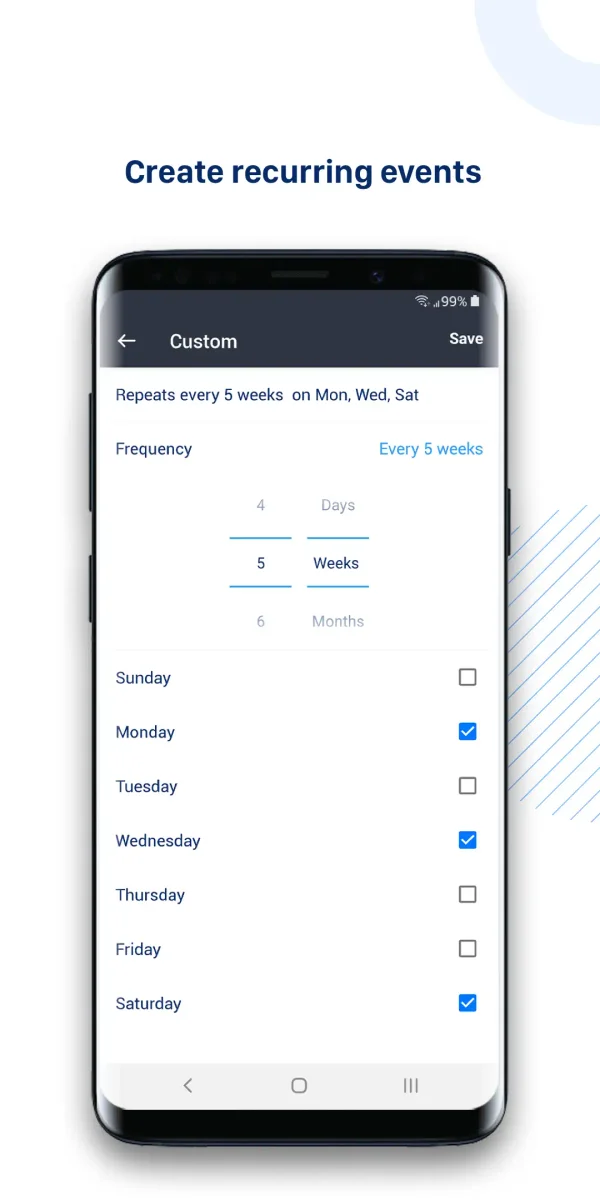
SMART ENOUGH TO CREATE
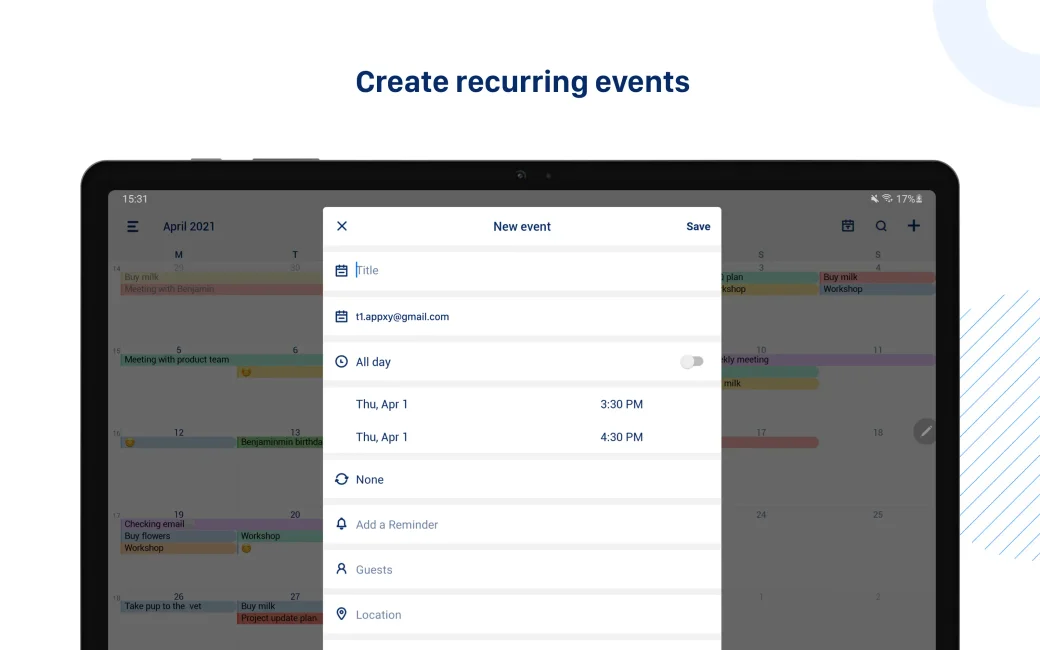
Tiny Calendar has features like drag and drop, gestures and other smart methods to predict your intention and help you create and edit your events more easily.
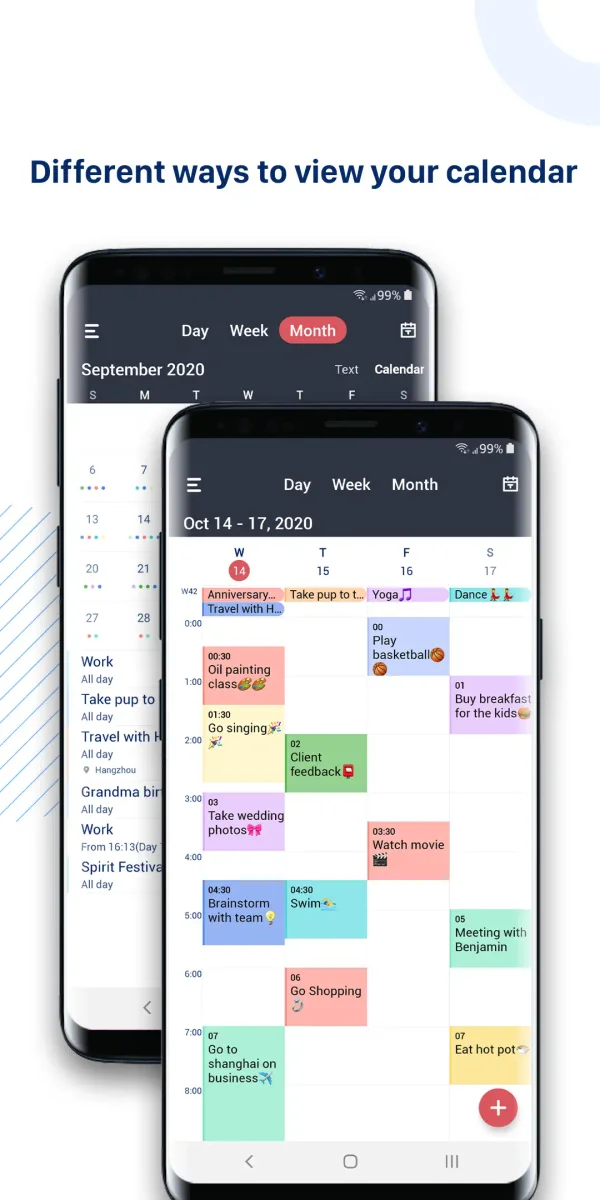
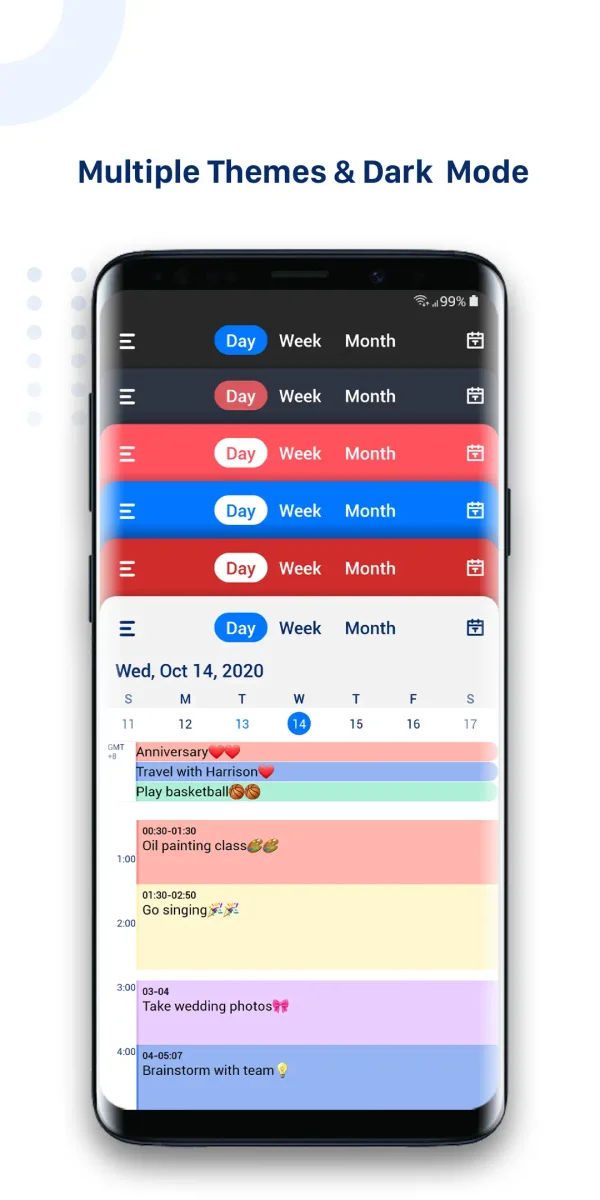
MULTIPLE WAYS TO VIEW
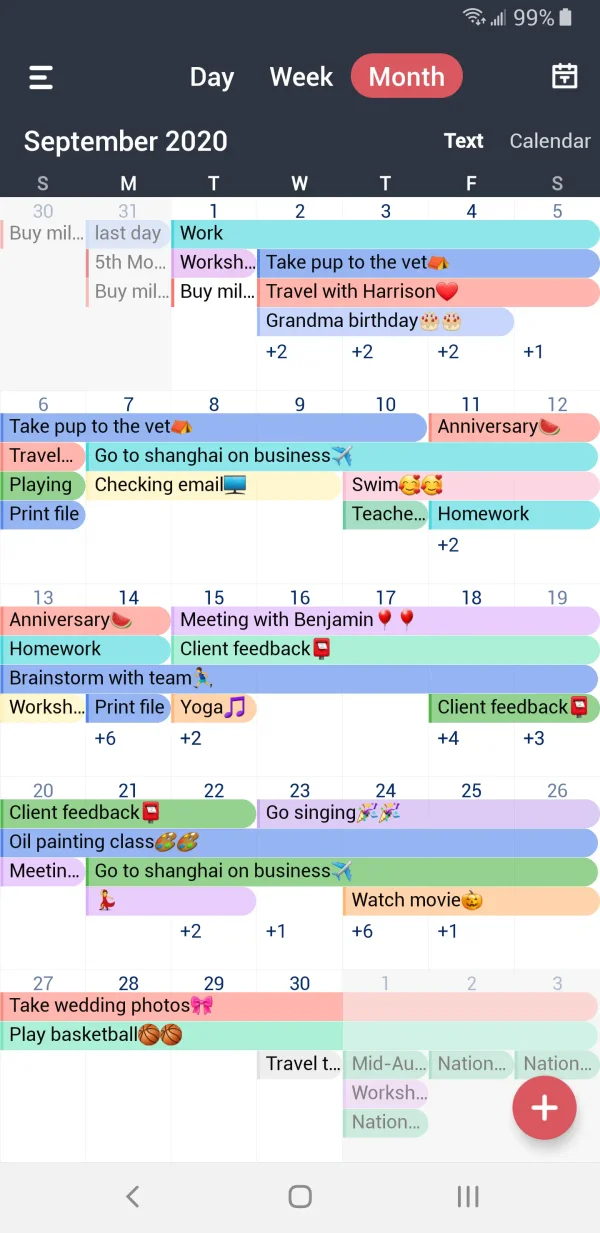
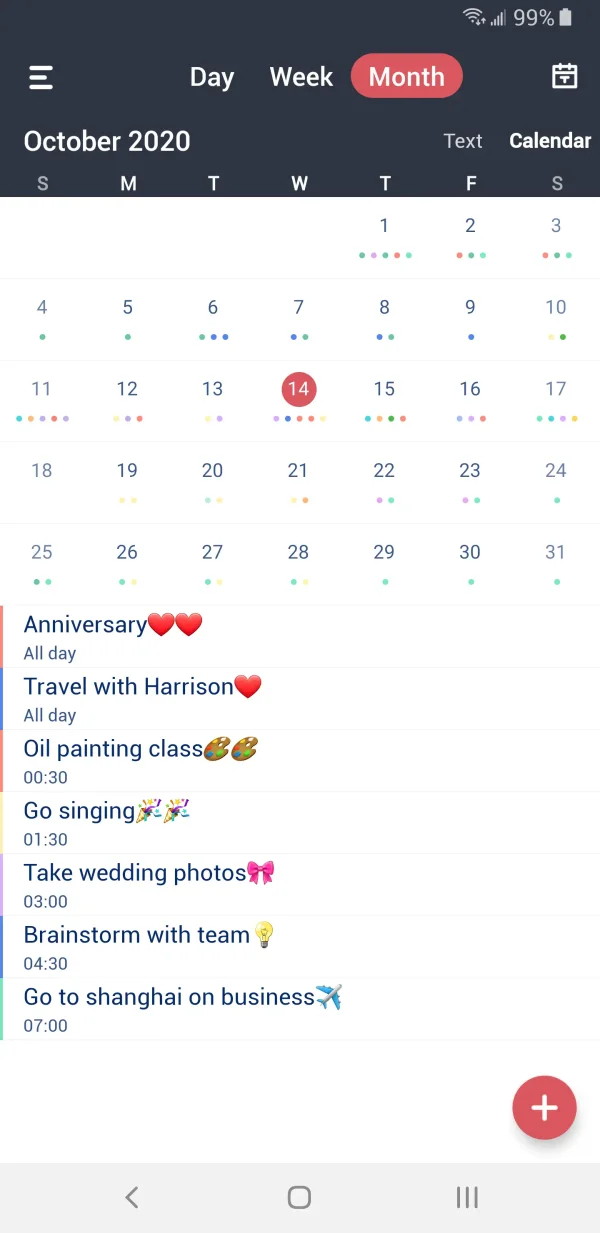
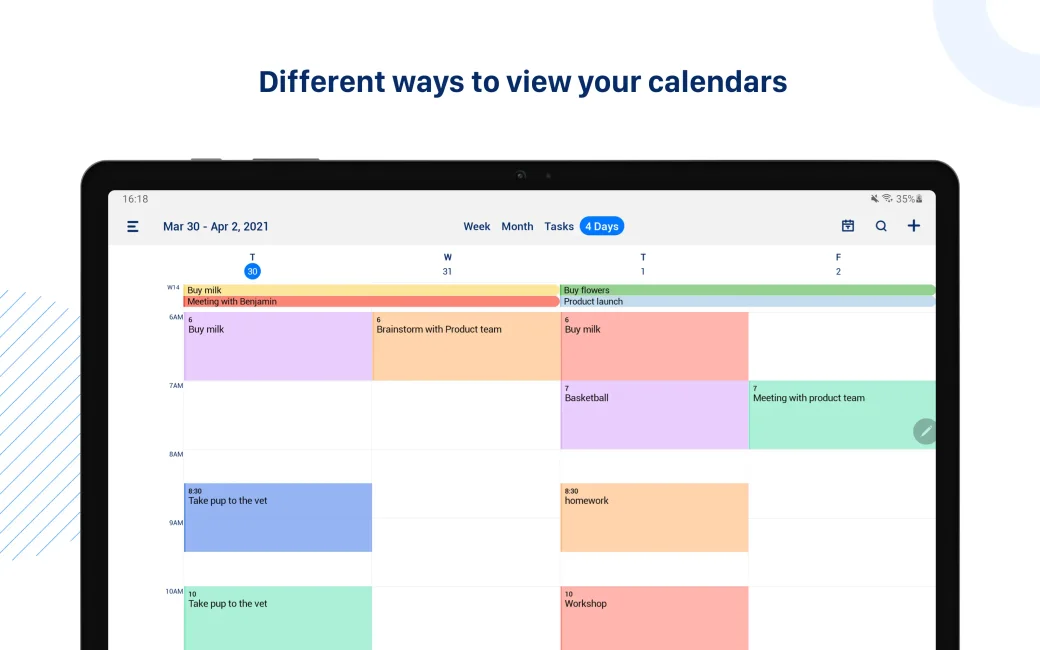
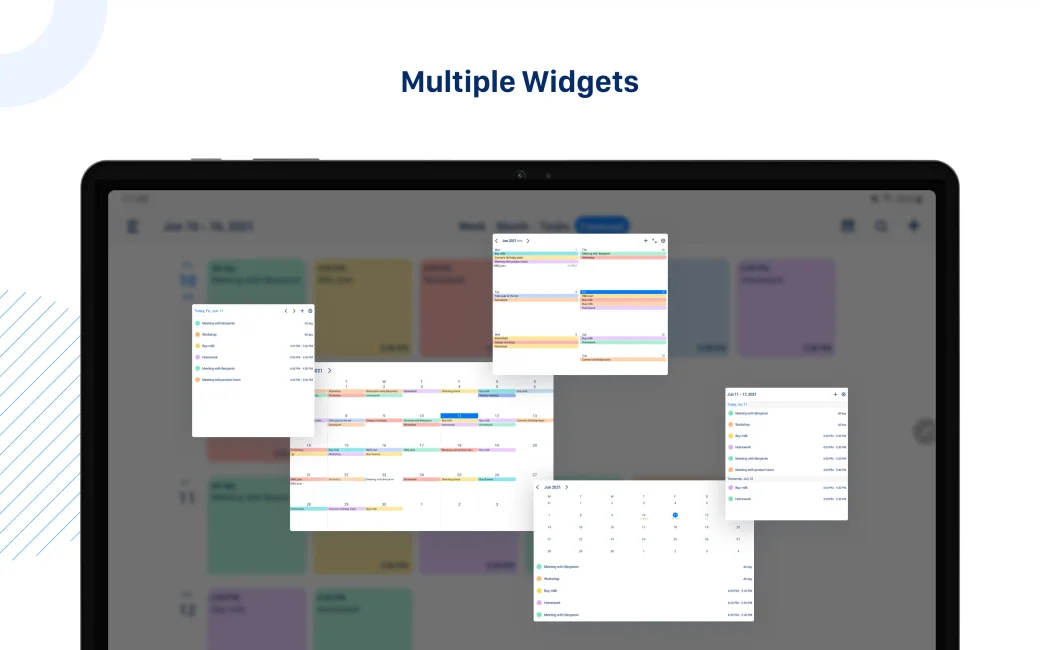
Tiny Calendar supports 8 standard views - day, week, month, 4-days, year, mini-month, week agenda and agenda. You can instantly switch views to discover events or find a time you're looking for.
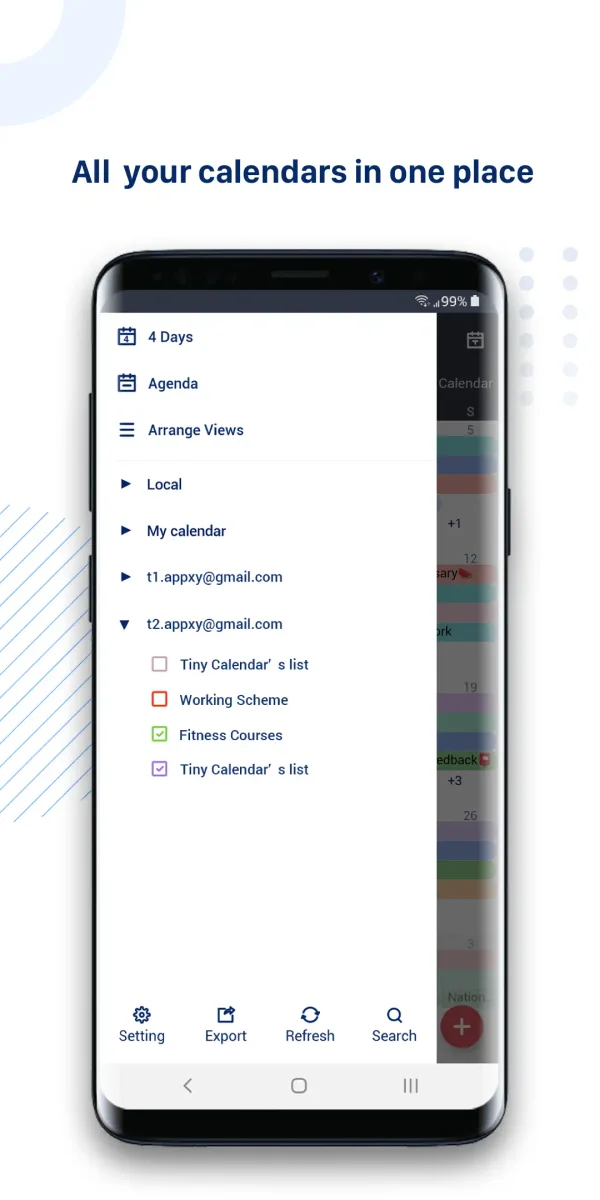
CONNECT ALL YOUR CALENDARS
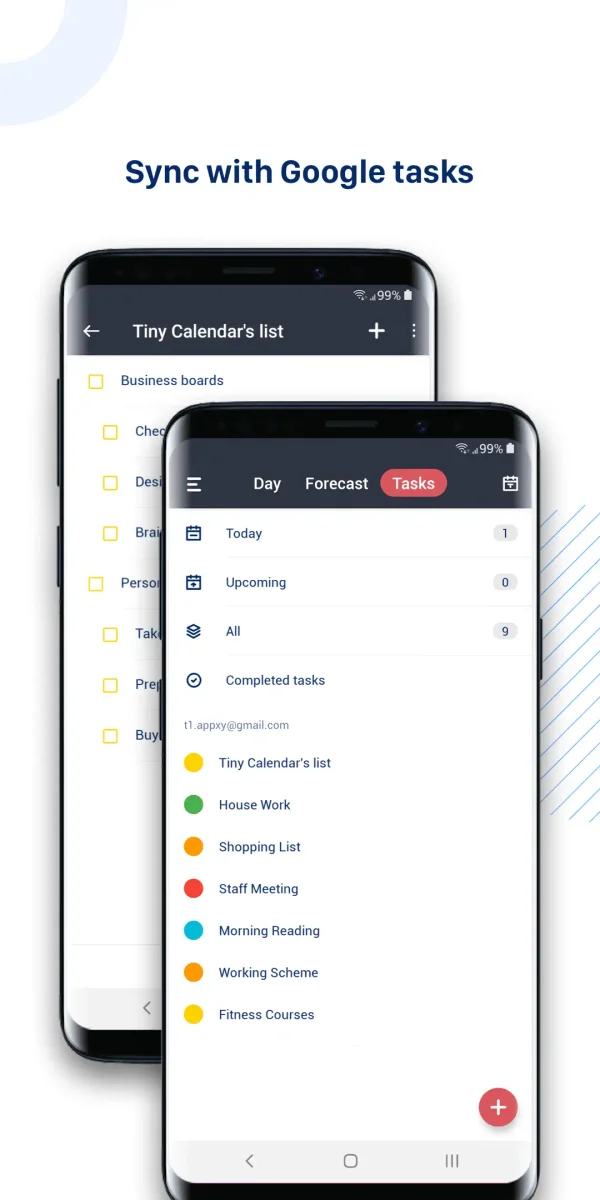
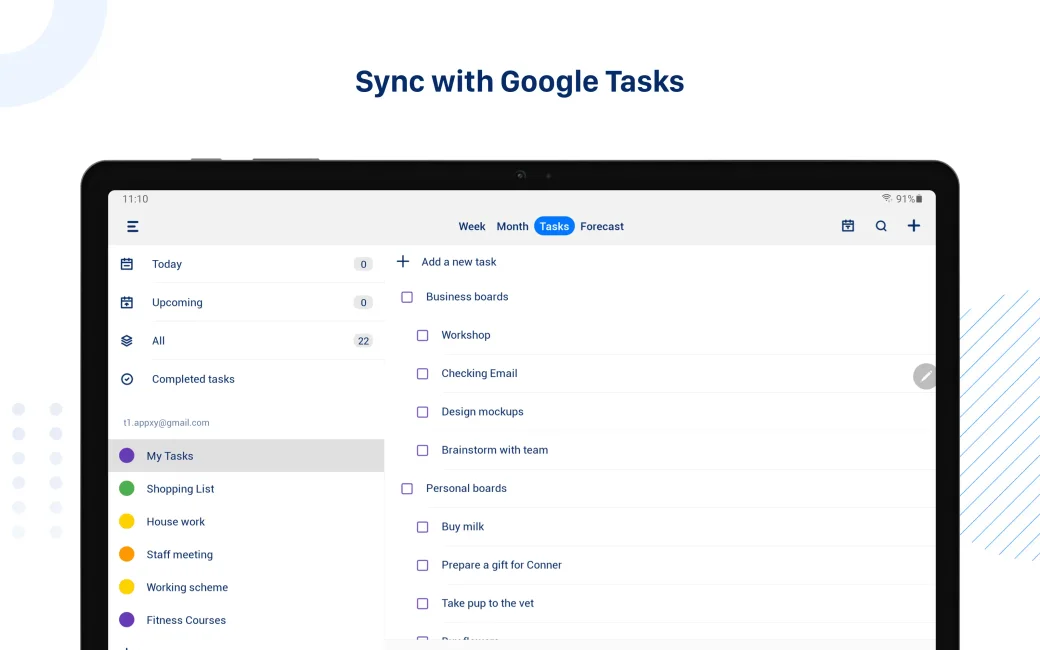
Tiny Calendar supports to read events from Google Calendar directly via Google OAuth, it also reads events from local calendar to supports events on Microsoft Outlook, Exchange and other calendars.
WORKS OFFLINE
You can still create, edit and delete events when you don't have an Internet connection.
ADVANCED REMINDER SYSTEM
Never forget about a meeting! Tiny Calendar allows you to set multiple reminders for an event.
Permissions Used in Tiny Calendar:
1. Calendar: Tiny Calendar needs this permission to read events from local calendars.
2. Contacts: Tiny Calendar needs this permission to read Google Accounts from your device for adding Google account within app. Also Tiny Calendar needs this permission to read contacts from local when you choose to add attendees for an event.
Data safety
What TinyWork Apps declares on Google Play about the data this app collects and shares.
- No data shared with third partiesLearn more about how developers declare sharing
- This app may collect these data typesLocation, Financial info and 5 others
- Data is encrypted in transit
- Data can’t be deleted
What’s new
Version 3.4.2 · Jul 30, 2026
Thanks for using Tiny Calendar! With this update we've fixed a few minor bugs and improved the app stability to help us serve you better.
Developer contact
- Emailtinycalendar.a@beesoft.io
- Privacy policyiubenda.com
- Address中国 浙江省杭州市 上城区新风路266、268、270、272号三层3010室 邮政编码: 310009
Information
- Offered by
- TinyWork Apps
- Category
- Productivity
- Version
- 3.4.2
- Updated
- Jul 30, 2026
- Released
- Oct 18, 2020
- Requires
- Android 7.0 or later
- Age rating
- Everyone
- Price
- Free
- In-app purchases
- $4.99 per item
- Package name
- com.beesoft.tinycalendar