Tiny Calendar: Planner & Tasks
TinyWork Apps広告を含む · アプリ内課金
- 3 歳以上対象年齢
- 仕事効率化カテゴリ
- 2026/7/30更新日
- 無料価格
com.beesoft.tinycalendarのGoogle Play公式ページにリンクしています。最終確認:2026/11/13。
スクリーンショット



このアプリについて
Googleによる英語 (アメリカ合衆国)からの自動翻訳です。
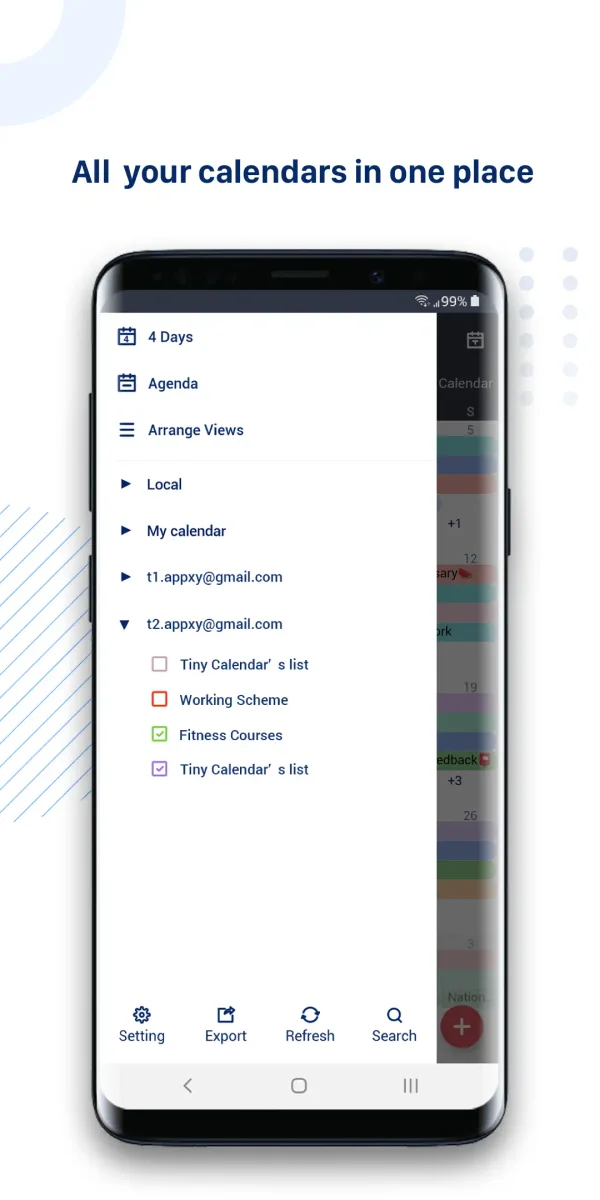
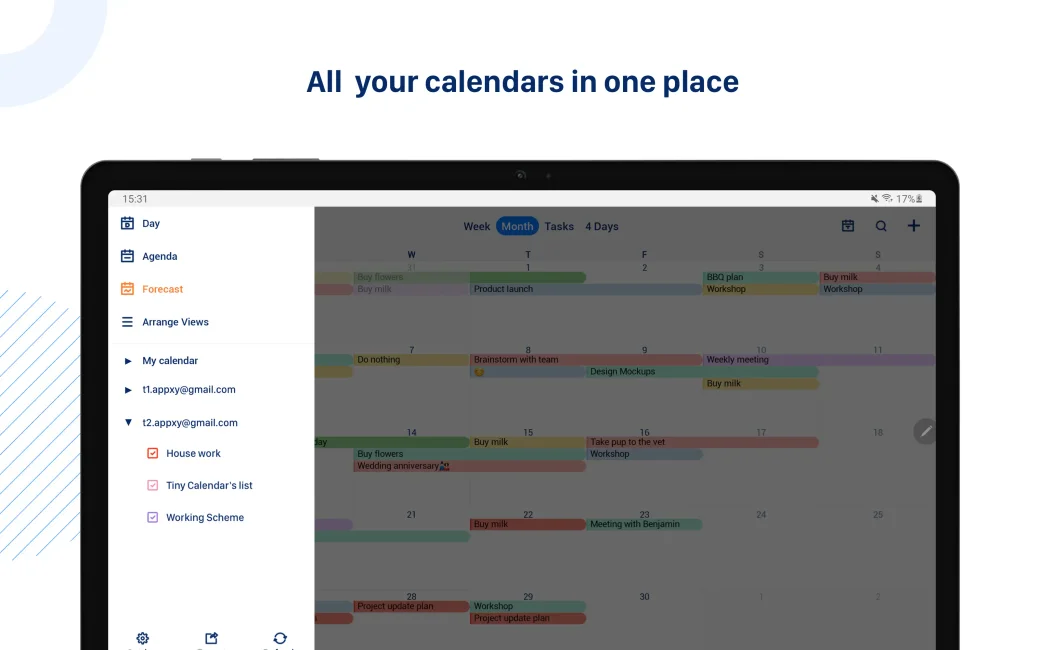
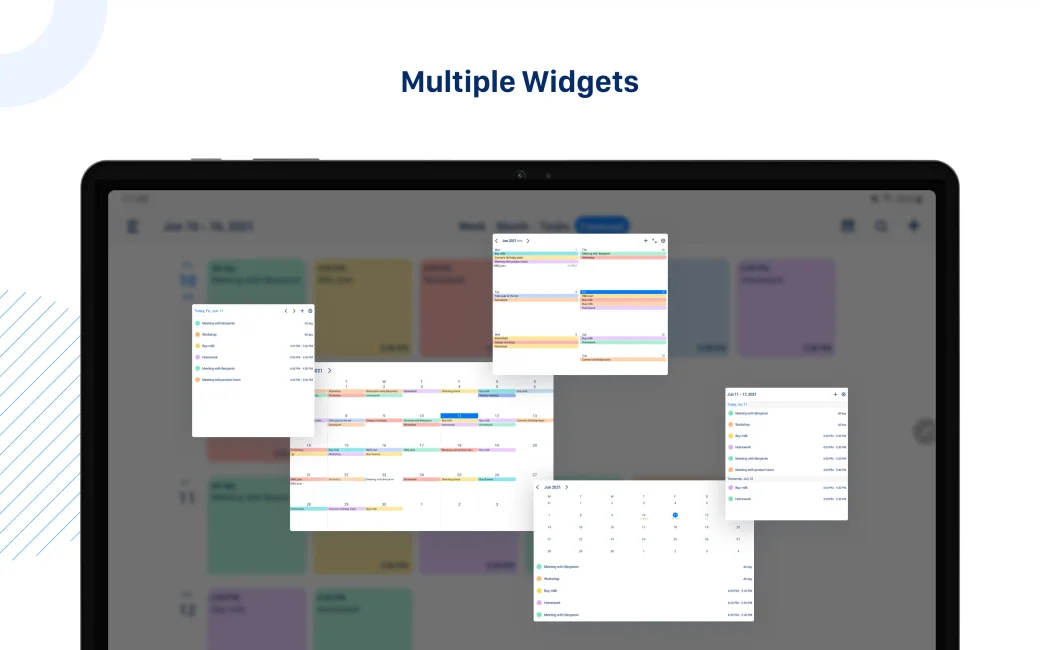
すべてのカレンダーを1か所に。
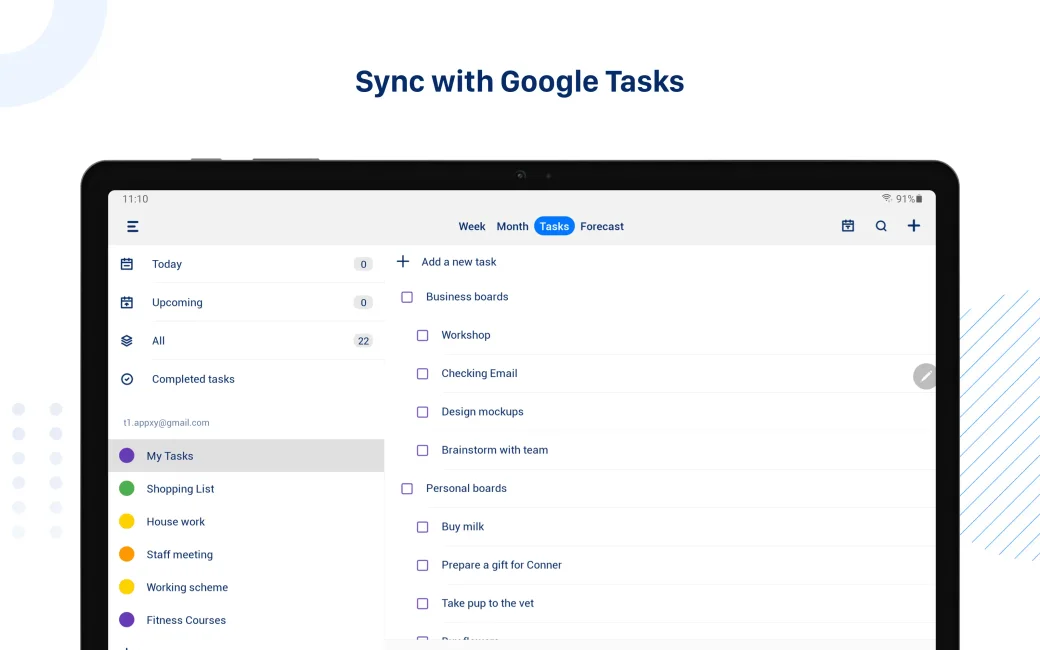
Tiny Calendarは、すべてのカレンダーで機能する直感的なスマートカレンダーです。カレンダーのシンプルでクリーンな外観を継承しますが、Android携帯でよりアクセスしやすく強力で信頼性の高いものになります。 Tiny Calendarを使用すると、カレンダーのイベントに簡単にアクセスして操作できます。
作成するのに十分なスマート
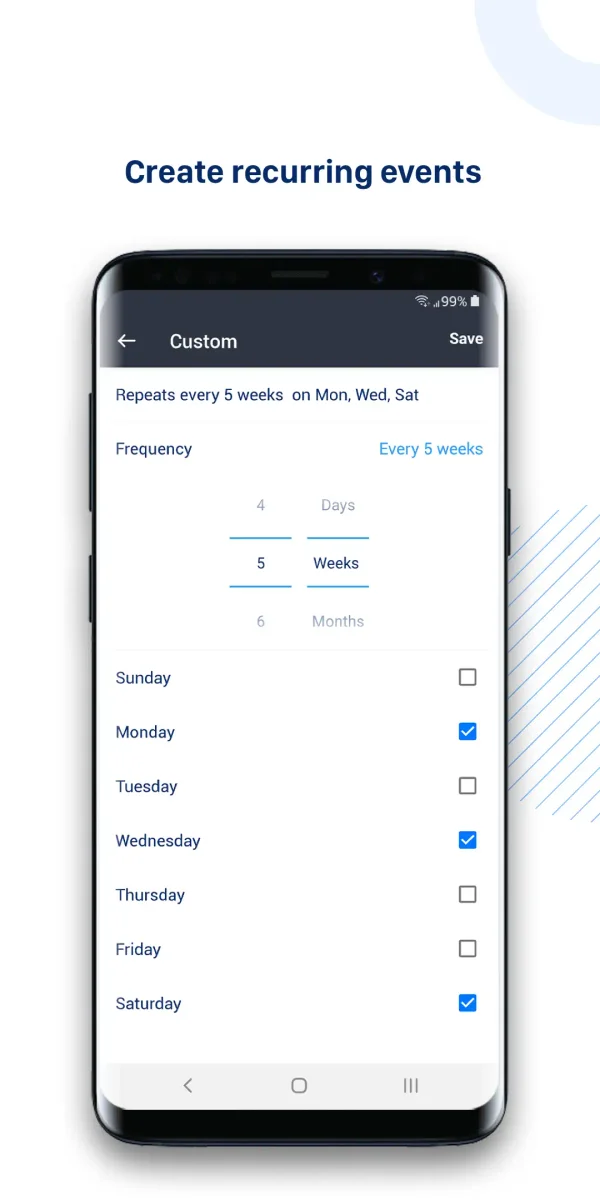
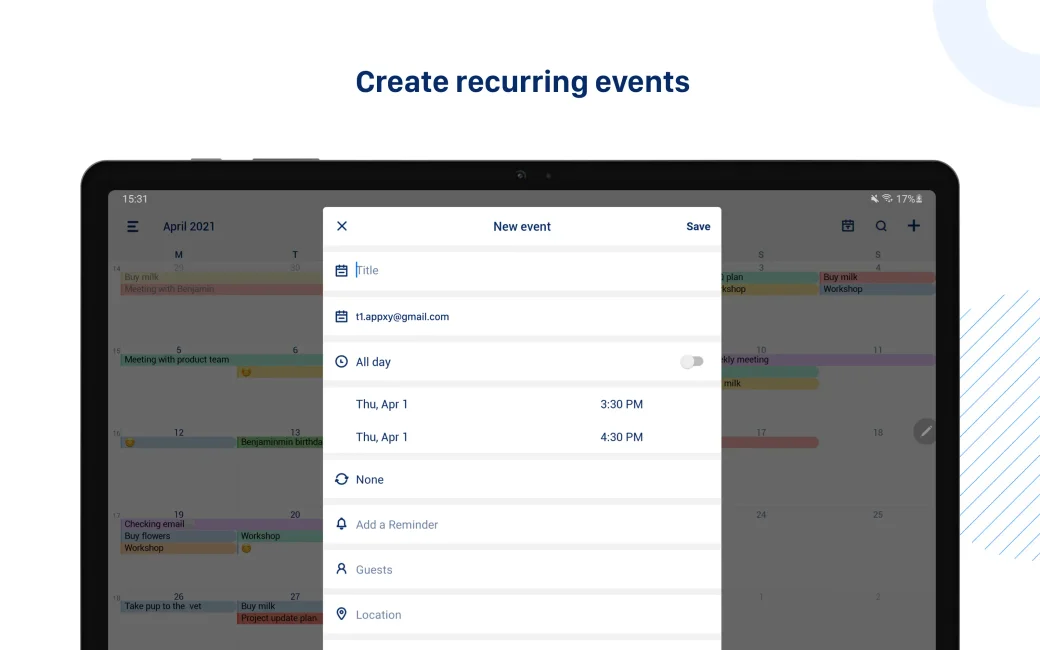
Tiny Calendarには、ドラッグアンドドロップ、ジェスチャー、その他のスマートな方法などの機能があり、意図を予測して、イベントをより簡単に作成および編集するのに役立ちます。
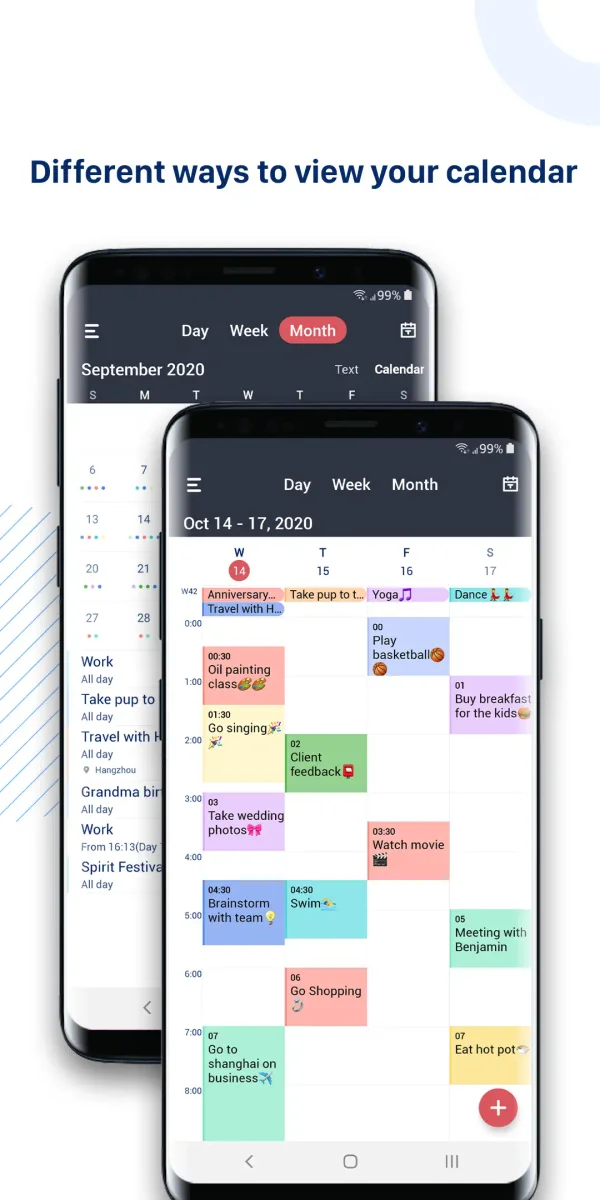
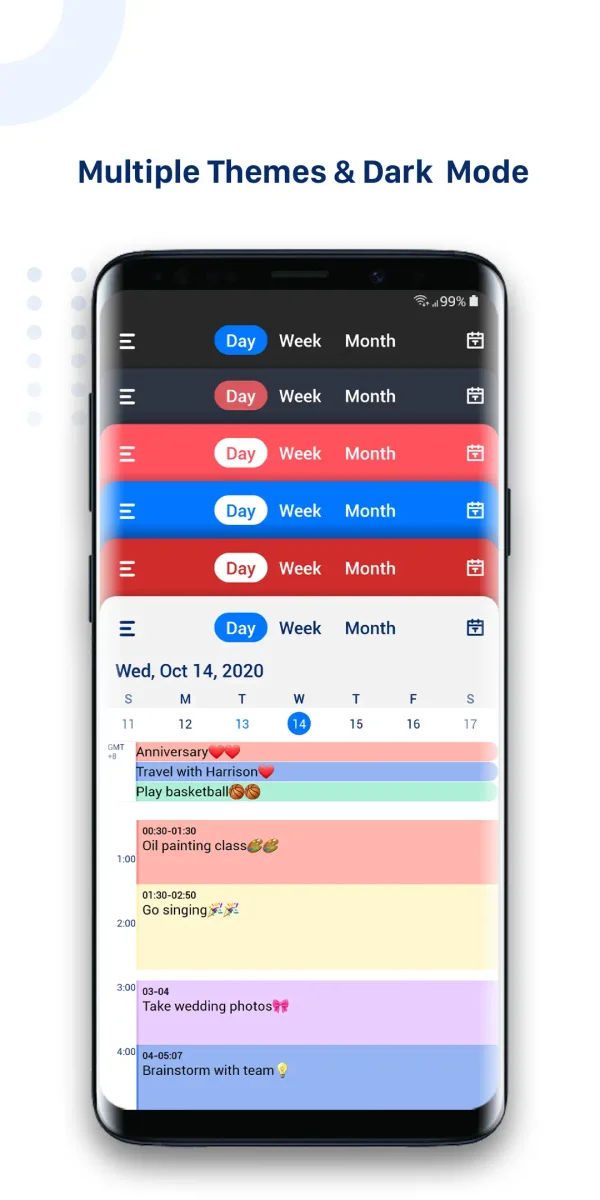
複数の表示方法
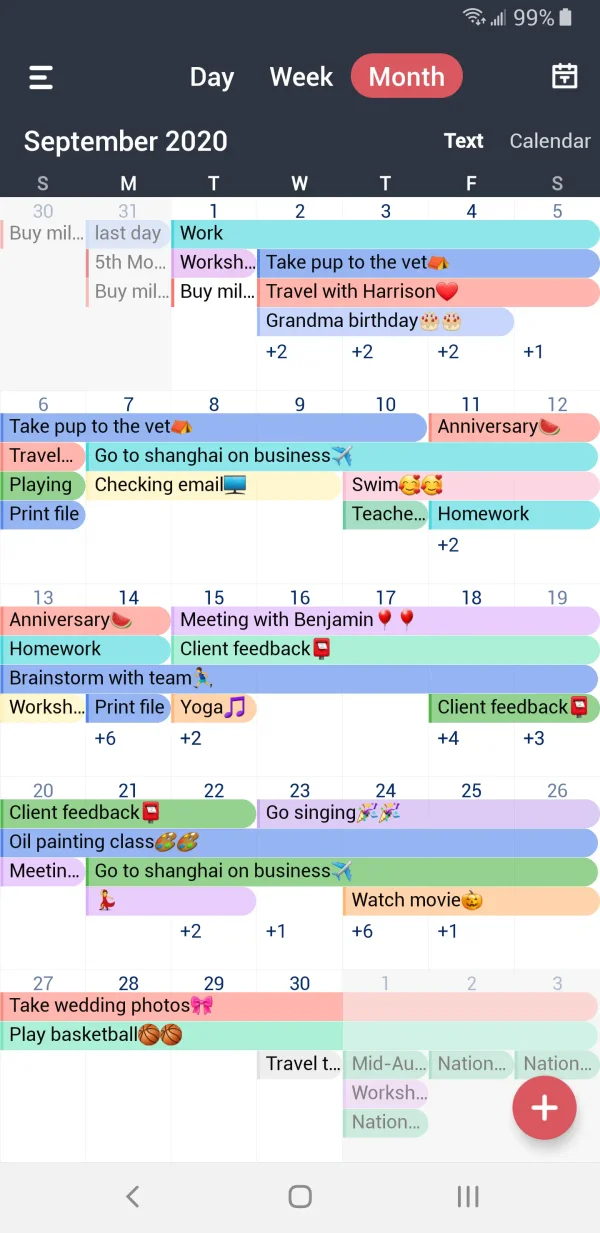
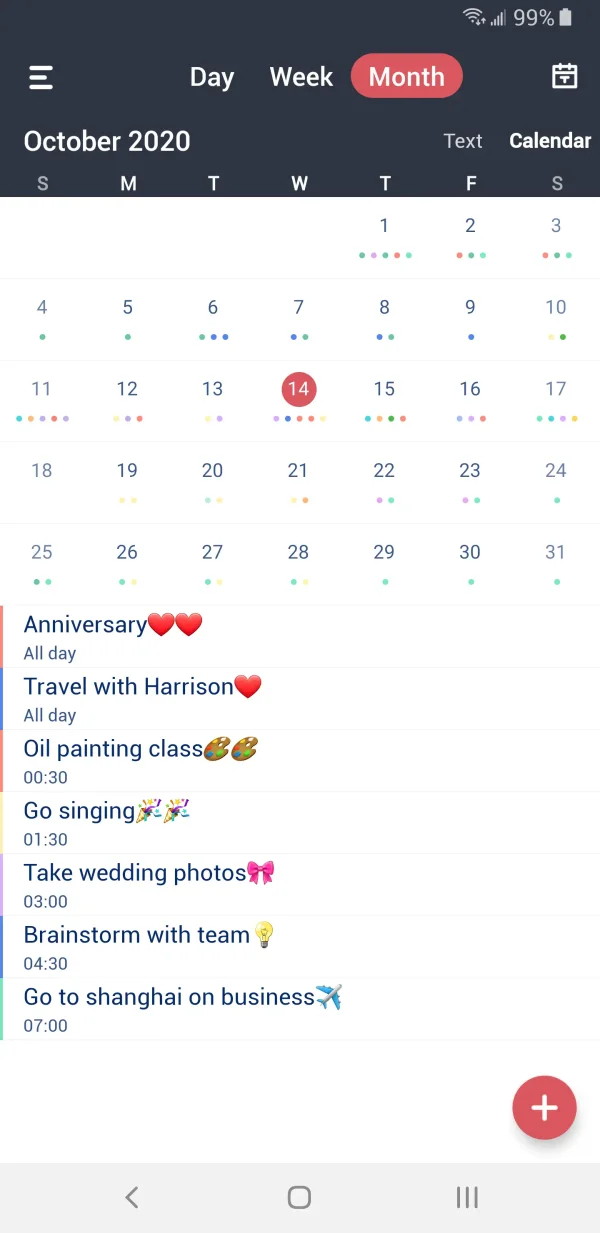
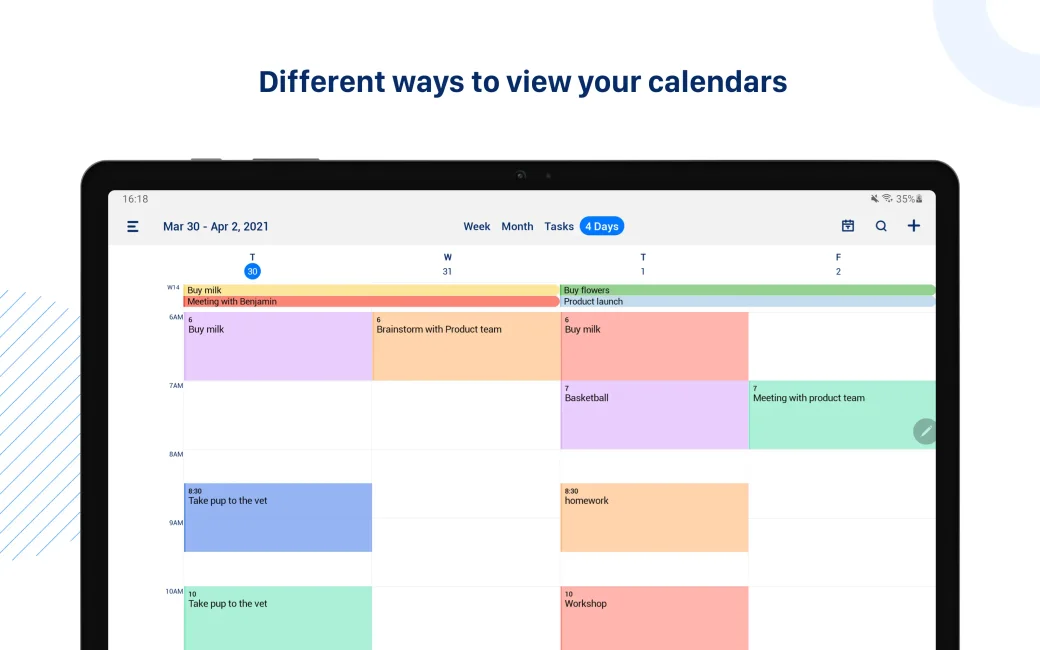
Tiny Calendarは、日、週、月、4日、年、ミニ月、週のアジェンダ、アジェンダの8つの標準ビューをサポートしています。ビューを即座に切り替えて、イベントを見つけたり、探している時間を見つけることができます。
すべてのカレンダーを接続する
Tiny Calendarは、Google OAuthを介してGoogleカレンダーから直接イベントを読み取ることをサポートします。また、ローカルカレンダーからイベントを読み取り、Microsoft Outlook、Exchange、およびその他のカレンダーのイベントをサポートします。
オフラインで動作します
インターネットに接続していない場合でも、イベントを作成、編集、および削除できます。
高度なリマインダーシステム
会議を忘れないでください! Tiny Calendarを使用すると、イベントに複数のリマインダーを設定できます。
Tiny Calendarで使用される権限:
1.カレンダー:Tiny Calendarは、ローカルカレンダーからイベントを読み取るためにこの権限が必要です。
2.連絡先:Tiny Calendarは、アプリ内にGoogleアカウントを追加するために、デバイスからGoogleアカウントを読み取るためにこの権限が必要です。また、Tiny Calendarは、イベントの参加者を追加することを選択したときに、ローカルから連絡先を読み取るためにこの権限を必要とします。
原文を表示
Tiny Calendar is an intuitive smart calendar works with all your calendars. It inherits the simple and clean look of calendars but makes it more accessible, powerful and reliable on your android phone. With Tiny Calendar, you can access and manipulate your calendar events more easily, anyway you want.
SMART ENOUGH TO CREATE
Tiny Calendar has features like drag and drop, gestures and other smart methods to predict your intention and help you create and edit your events more easily.
MULTIPLE WAYS TO VIEW
Tiny Calendar supports 8 standard views - day, week, month, 4-days, year, mini-month, week agenda and agenda. You can instantly switch views to discover events or find a time you're looking for.
CONNECT ALL YOUR CALENDARS
Tiny Calendar supports to read events from Google Calendar directly via Google OAuth, it also reads events from local calendar to supports events on Microsoft Outlook, Exchange and other calendars.
WORKS OFFLINE
You can still create, edit and delete events when you don't have an Internet connection.
ADVANCED REMINDER SYSTEM
Never forget about a meeting! Tiny Calendar allows you to set multiple reminders for an event.
Permissions Used in Tiny Calendar:
1. Calendar: Tiny Calendar needs this permission to read events from local calendars.
2. Contacts: Tiny Calendar needs this permission to read Google Accounts from your device for adding Google account within app. Also Tiny Calendar needs this permission to read contacts from local when you choose to add attendees for an event.
データ セーフティ
このアプリが収集・共有するデータについて、TinyWork AppsがGoogle Playで申告している内容です。
- 第三者と共有されるデータはありません詳しくは、デベロッパーが共有を申告する方法についての説明をご覧ください
- このアプリは以下の種類のデータを収集することがあります位置情報、財務情報、他 5 件
- データは送信中に暗号化されます
- データを削除できません
新機能
バージョン 3.4.2 · 2026/7/30
Thanks for using Tiny Calendar! With this update we've fixed a few minor bugs and improved the app stability to help us serve you better.
開発元の連絡先
- メールtinycalendar.a@beesoft.io
- プライバシーポリシーiubenda.com
- 住所中国 浙江省杭州市 上城区新风路266、268、270、272号三层3010室 邮政编码: 310009
情報
- 提供元
- TinyWork Apps
- カテゴリ
- 仕事効率化
- バージョン
- 3.4.2
- 更新日
- 2026/7/30
- リリース
- 2020/10/18
- 必要条件
- Android 7.0以降
- 対象年齢
- 3 歳以上
- 価格
- 無料
- アプリ内課金
- ¥560/アイテム
- パッケージ名
- com.beesoft.tinycalendar