Tiny Calendar: Planner & Tasks
TinyWork AppsContiene anuncios · Compras en la aplicación
- PEGI 3Clasificación por edad
- ProductividadCategoría
- 30/7/2026Actualizado
- GratisPrecio
Enlaza a la ficha oficial de com.beesoft.tinycalendar en Google Play. Última comprobación el 13/11/2026.
Capturas de pantalla



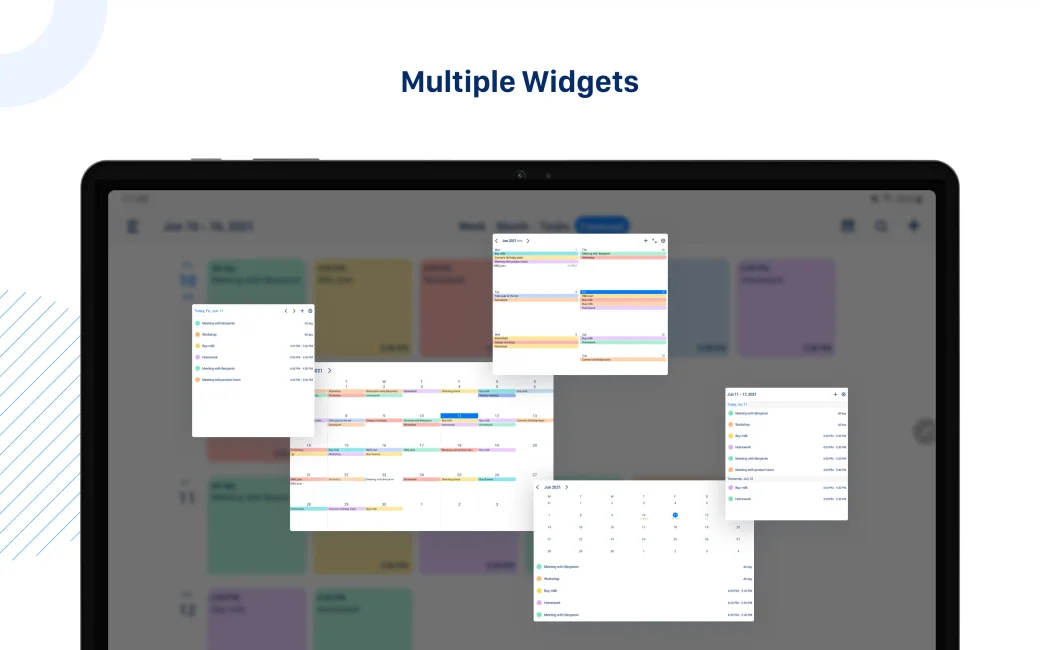
Acerca de esta aplicación
Traducción automática de Google. Idioma original: Inglés (Estados Unidos).
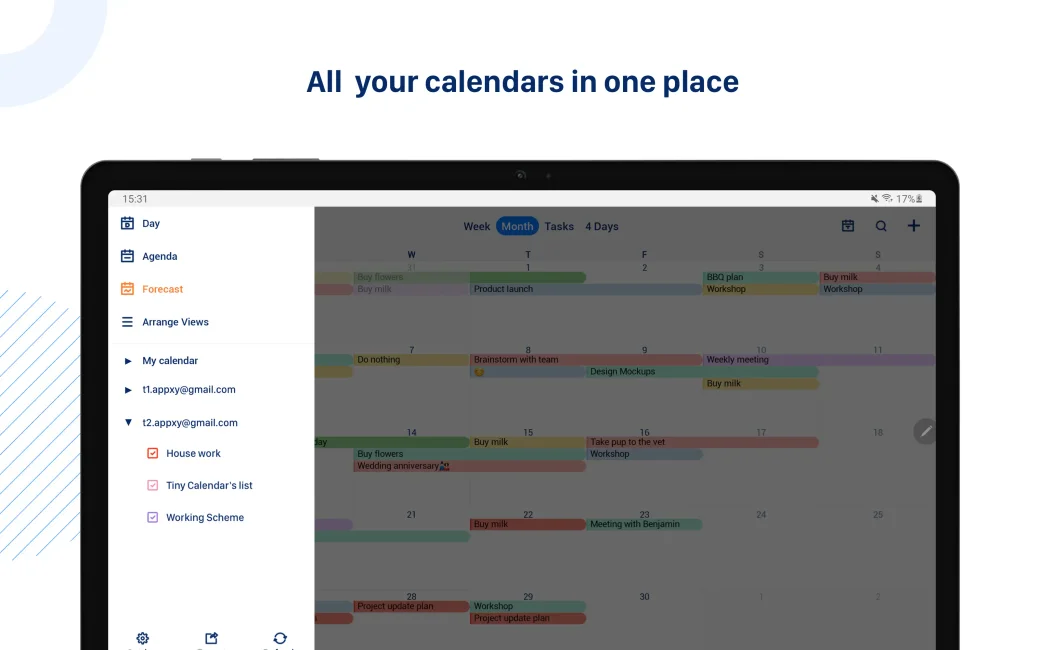
Todos tus calendarios en un solo lugar.
Tiny Calendar es un calendario inteligente intuitivo que funciona con todos tus calendarios. Hereda el aspecto simple y limpio de los calendarios, pero lo hace más accesible, potente y confiable en su teléfono Android. Con Tiny Calendar, puede acceder y manipular los eventos de su calendario más fácilmente, de la forma que desee.
SUFICIENTE INTELIGENTE PARA CREAR
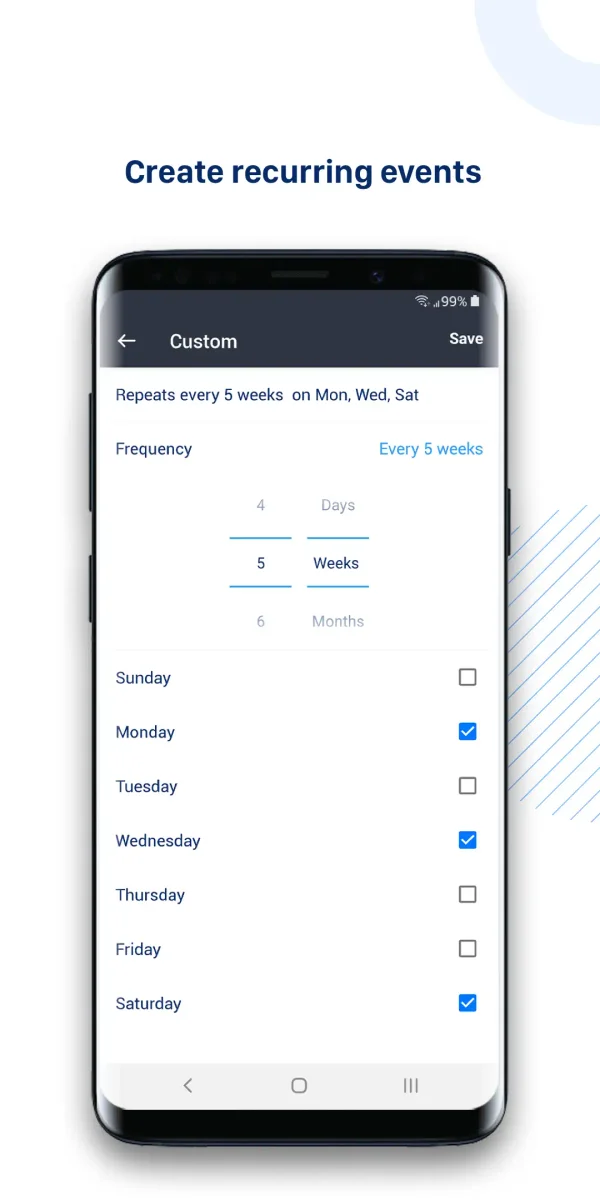
Tiny Calendar tiene funciones como arrastrar y soltar, gestos y otros métodos inteligentes para predecir su intención y ayudarlo a crear y editar sus eventos más fácilmente.
MÚLTIPLES FORMAS DE VER
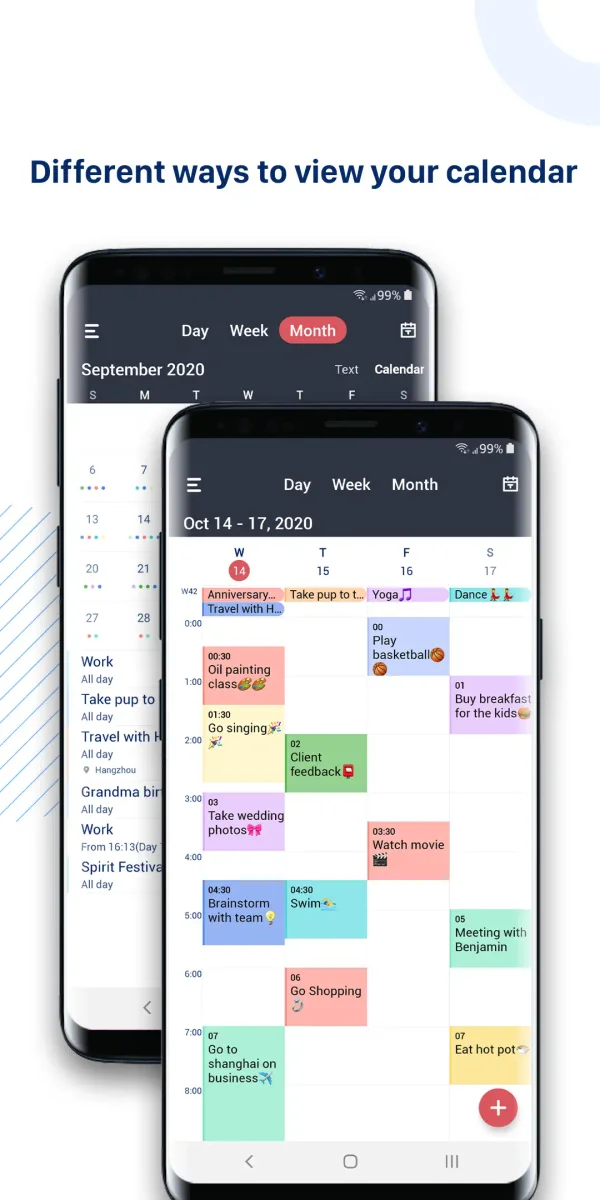
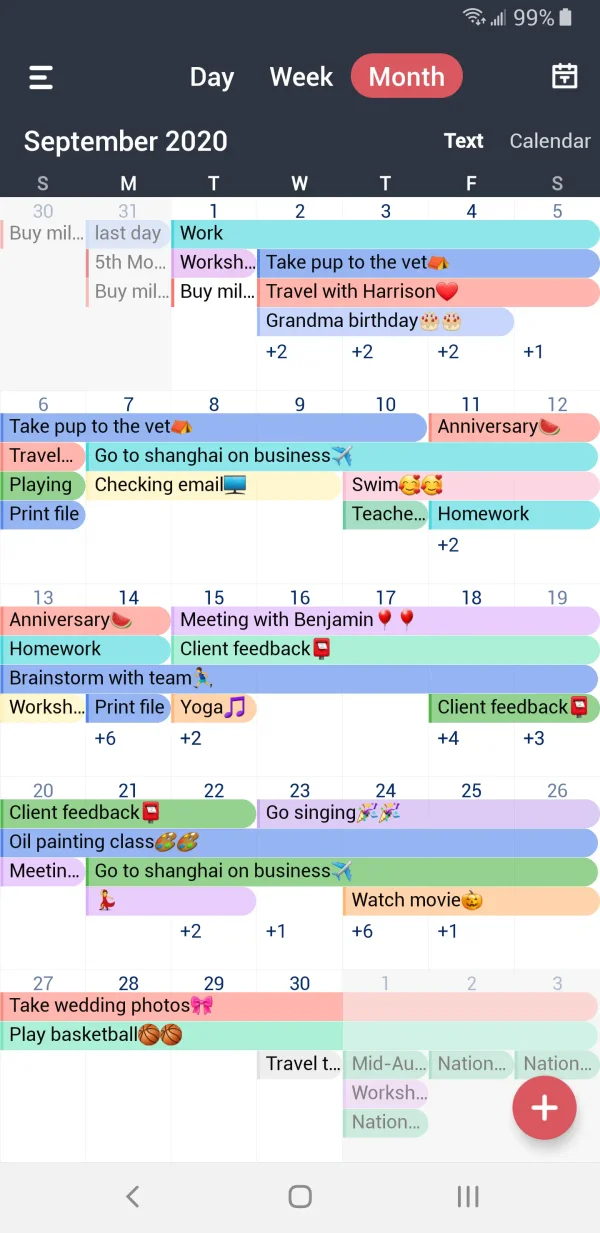
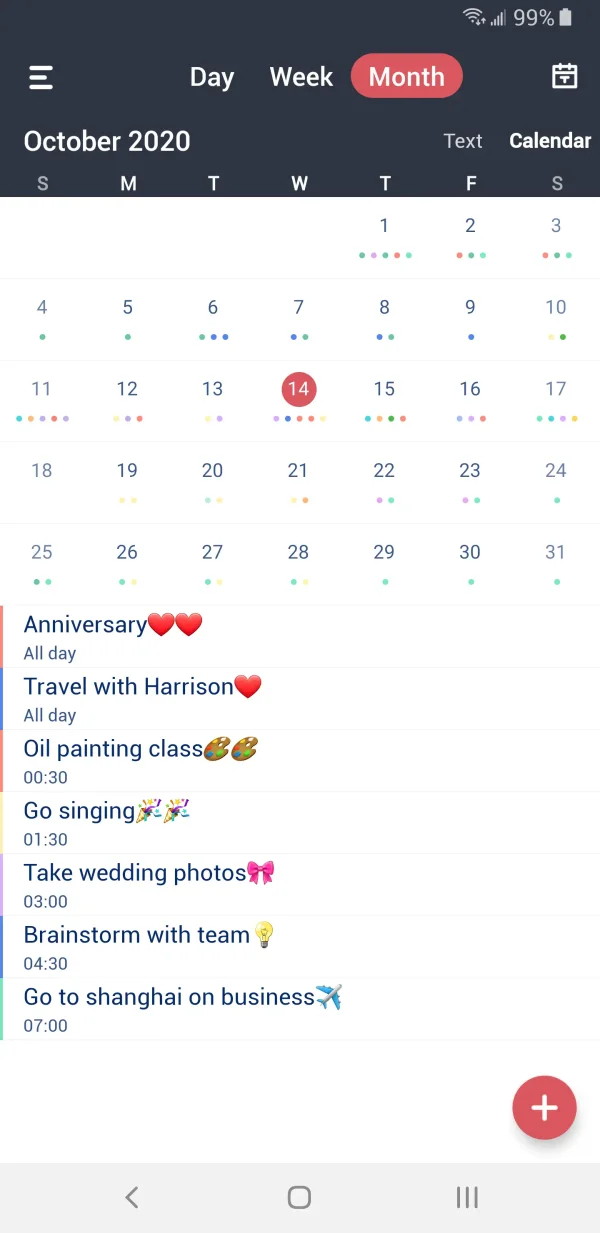
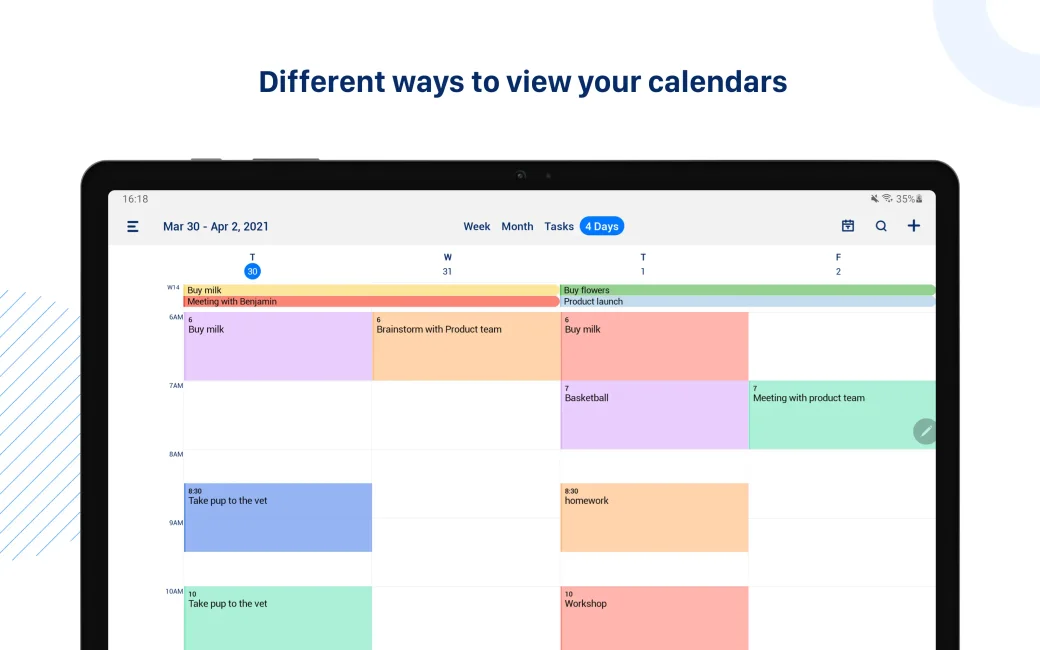
Tiny Calendar admite 8 vistas estándar: día, semana, mes, 4 días, año, mini mes, agenda semanal y agenda. Puede cambiar instantáneamente de vista para descubrir eventos o encontrar la hora que está buscando.
CONECTA TODOS TUS CALENDARIOS
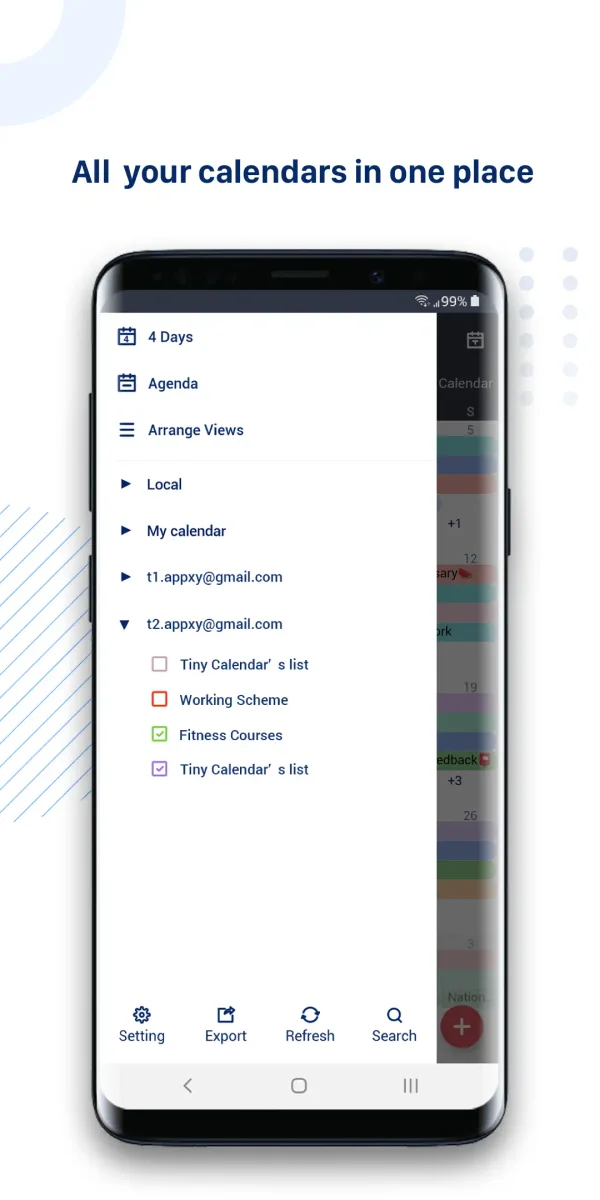
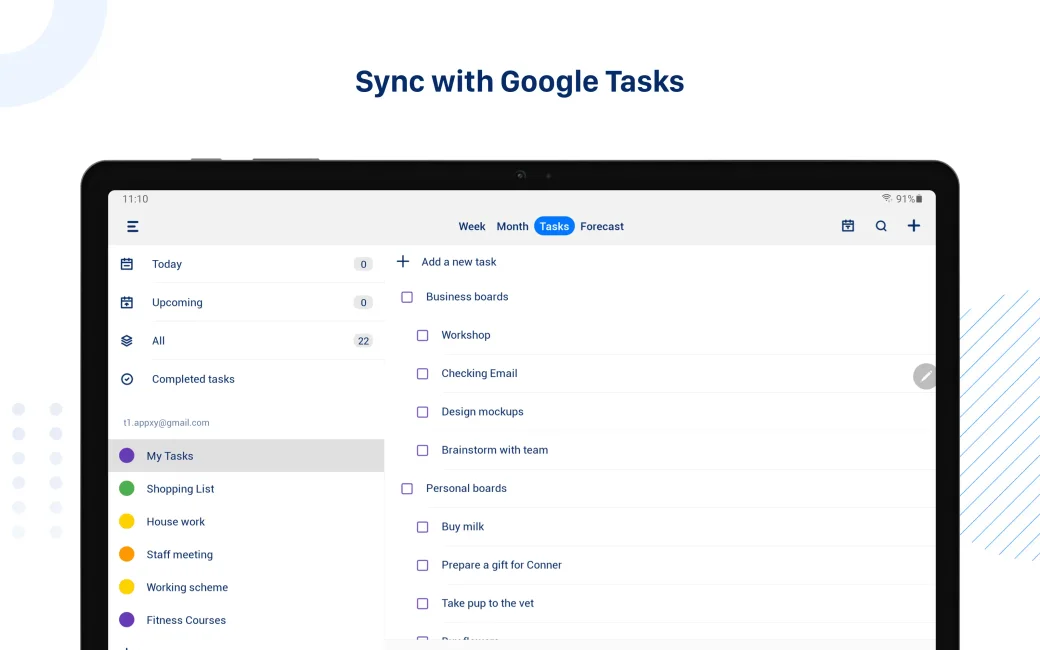
Tiny Calendar admite leer eventos de Google Calendar directamente a través de Google OAuth, también lee eventos del calendario local para admitir eventos en Microsoft Outlook, Exchange y otros calendarios.
FUNCIONA SIN CONEXIÓN
Aún puede crear, editar y eliminar eventos cuando no tenga una conexión a Internet.
SISTEMA AVANZADO DE RECORDATORIO
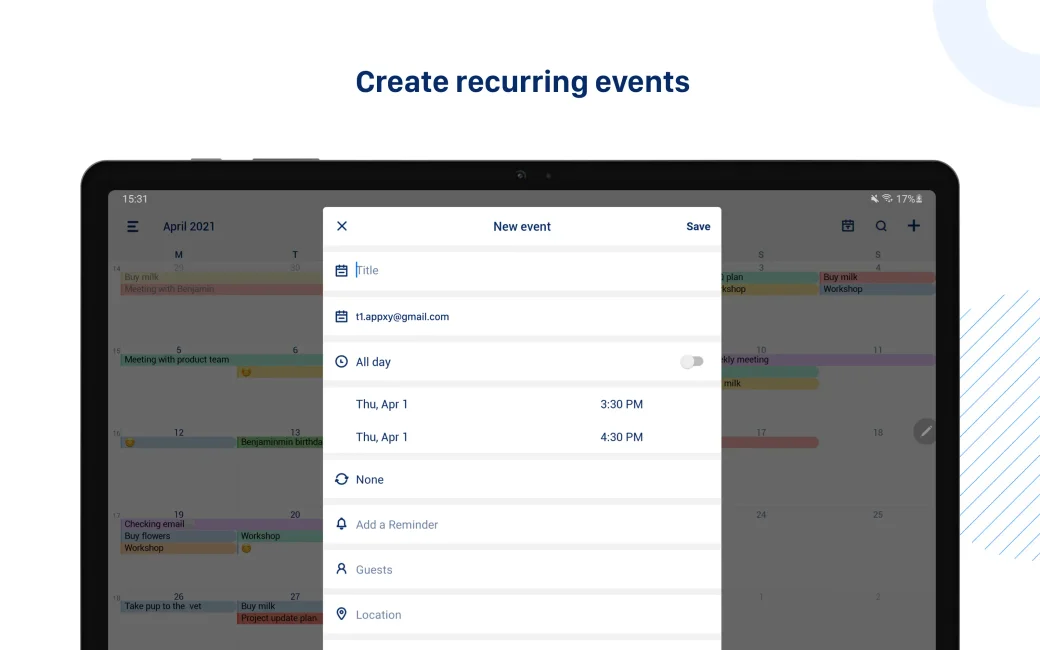
¡Nunca te olvides de una reunión! Tiny Calendar te permite configurar varios recordatorios para un evento.
Permisos utilizados en Tiny Calendar:
1. Calendario: Tiny Calendar necesita este permiso para leer eventos de calendarios locales.
2. Contactos: Tiny Calendar necesita este permiso para leer las cuentas de Google de su dispositivo para agregar una cuenta de Google dentro de la aplicación. Además, Tiny Calendar necesita este permiso para leer contactos de local cuando elige agregar asistentes a un evento.
Mostrar el texto original
Tiny Calendar is an intuitive smart calendar works with all your calendars. It inherits the simple and clean look of calendars but makes it more accessible, powerful and reliable on your android phone. With Tiny Calendar, you can access and manipulate your calendar events more easily, anyway you want.
SMART ENOUGH TO CREATE
Tiny Calendar has features like drag and drop, gestures and other smart methods to predict your intention and help you create and edit your events more easily.
MULTIPLE WAYS TO VIEW
Tiny Calendar supports 8 standard views - day, week, month, 4-days, year, mini-month, week agenda and agenda. You can instantly switch views to discover events or find a time you're looking for.
CONNECT ALL YOUR CALENDARS
Tiny Calendar supports to read events from Google Calendar directly via Google OAuth, it also reads events from local calendar to supports events on Microsoft Outlook, Exchange and other calendars.
WORKS OFFLINE
You can still create, edit and delete events when you don't have an Internet connection.
ADVANCED REMINDER SYSTEM
Never forget about a meeting! Tiny Calendar allows you to set multiple reminders for an event.
Permissions Used in Tiny Calendar:
1. Calendar: Tiny Calendar needs this permission to read events from local calendars.
2. Contacts: Tiny Calendar needs this permission to read Google Accounts from your device for adding Google account within app. Also Tiny Calendar needs this permission to read contacts from local when you choose to add attendees for an event.
Seguridad de los datos
Lo que TinyWork Apps declara en Google Play sobre los datos que esta aplicación recopila y comparte.
- No se comparten datos con tercerosMás información sobre cómo los desarrolladores declaran lo que comparten
- Esta aplicación puede recoger estos tipos de datosUbicación, Información financiera y 5 más
- Los datos están cifrados durante el tránsito
- Los datos no se pueden eliminar
Novedades
Versión 3.4.2 · 30/7/2026
Thanks for using Tiny Calendar! With this update we've fixed a few minor bugs and improved the app stability to help us serve you better.
Contacto del desarrollador
- Correo electrónicotinycalendar.a@beesoft.io
- Política de privacidadiubenda.com
- Dirección中国 浙江省杭州市 上城区新风路266、268、270、272号三层3010室 邮政编码: 310009
Información
- Ofrecida por
- TinyWork Apps
- Categoría
- Productividad
- Versión
- 3.4.2
- Actualizado
- 30/7/2026
- Publicado
- 18/10/2020
- Requiere
- Android 7.0 o posterior
- Clasificación por edad
- PEGI 3
- Precio
- Gratis
- Compras en la aplicación
- 5,49 € si se factura a través de Google Play
- Nombre del paquete
- com.beesoft.tinycalendar