Total Commander - file manager
C. GhislerContains ads
- EveryoneAge rating
- ToolsCategory
- Feb 13, 2026Updated
- FreePrice
Links to the official Google Play listing of com.ghisler.android.TotalCommander. Last checked on Nov 20, 2026.

Screenshots




About this app
Android version of the desktop file manager Total Commander (www.ghisler.com).
Android version of the desktop file manager Total Commander (www.ghisler.com).
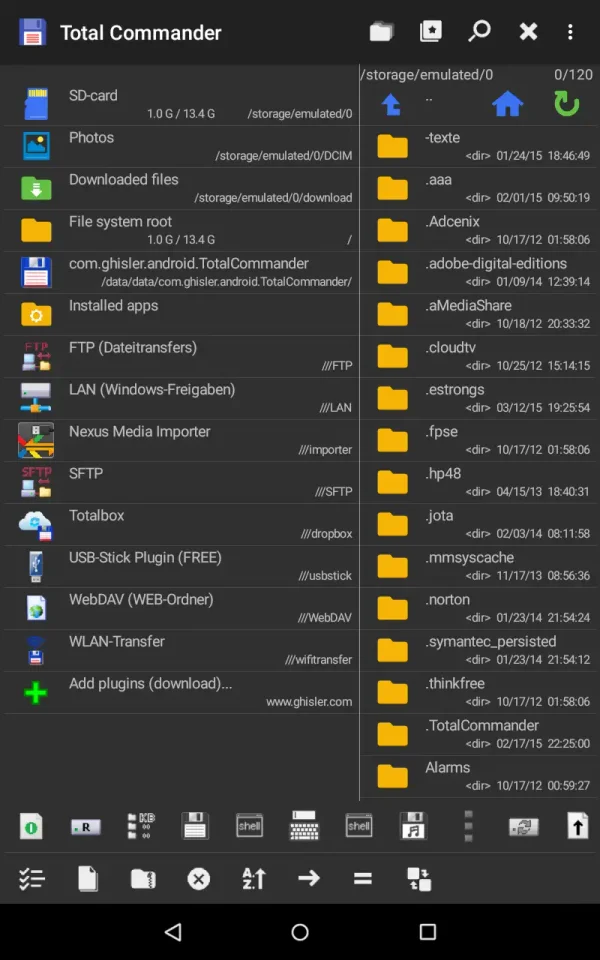
Important note: This app does NOT contain any ads. However, it contains a link "Add plugins (download)" in the home folder. This is treated as an ad by the Play Store because it links to our other apps (plugins).
Main features:
- Copy, Move whole subfolders
- Drag & Drop (long press on file icon, move icon)
- In place rename, create directories
- Delete (no recycle bin)
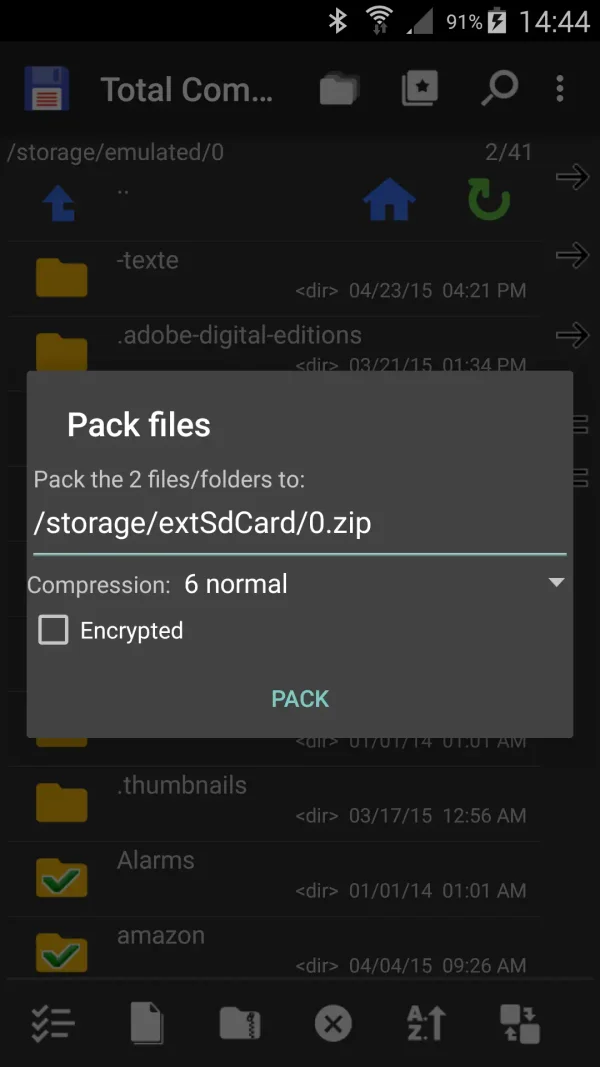
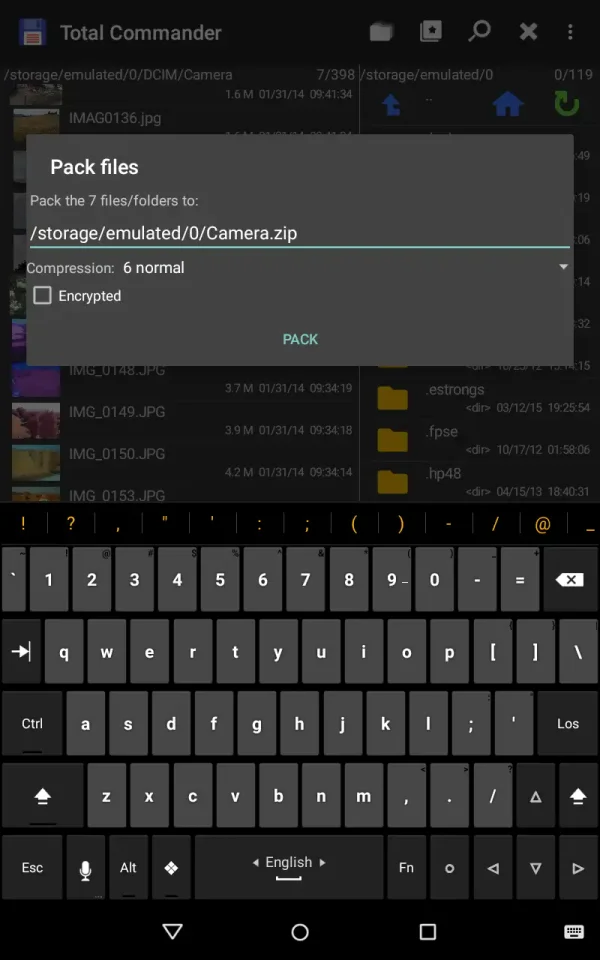
- Zip and unzip, unrar
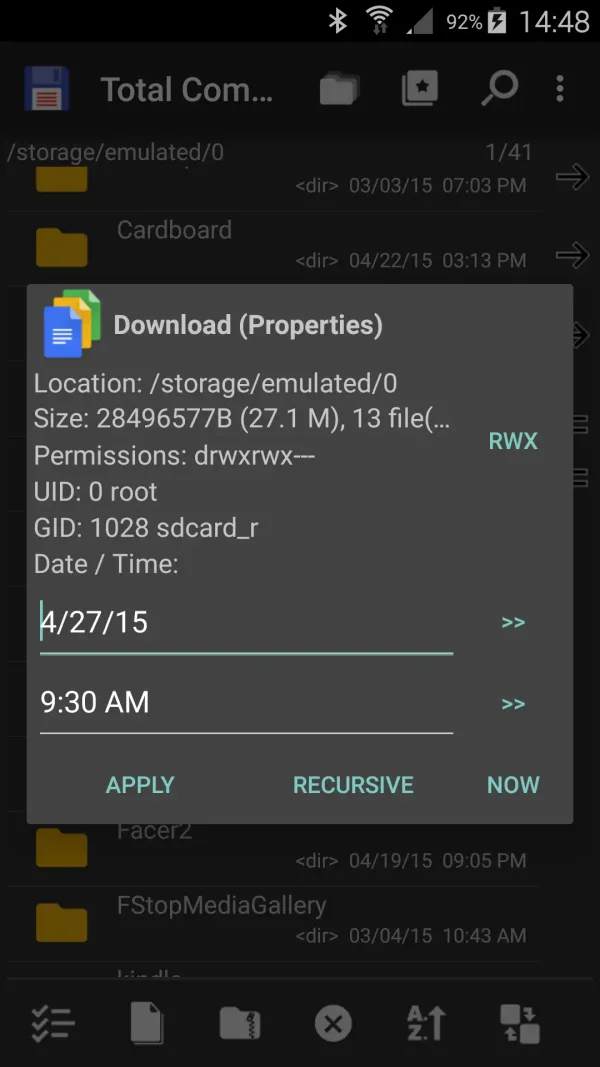
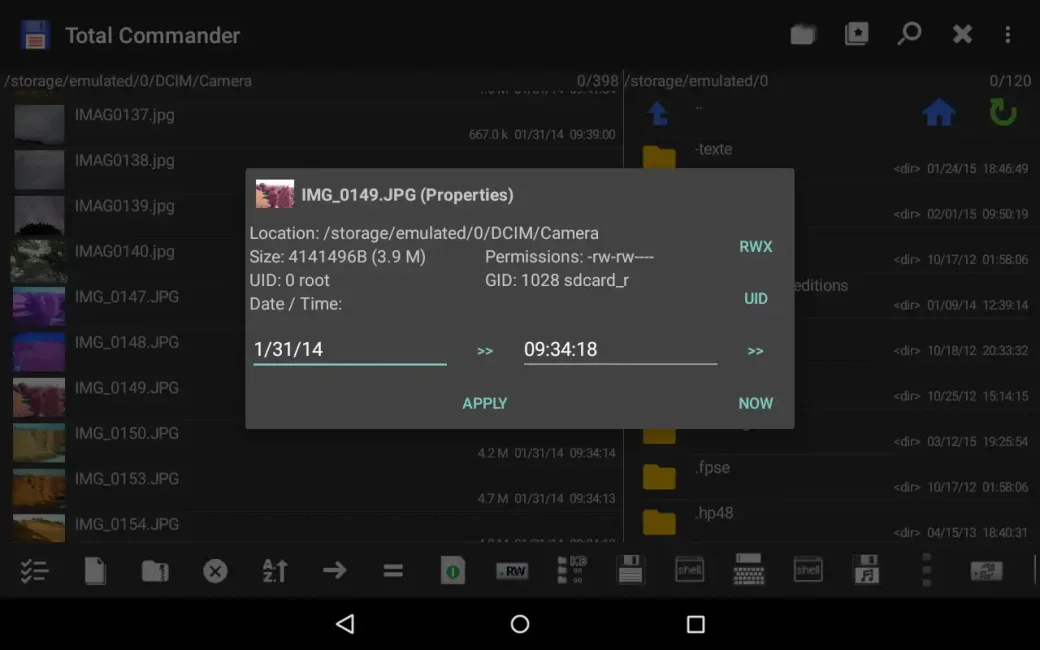
- Properties dialog, change permissions
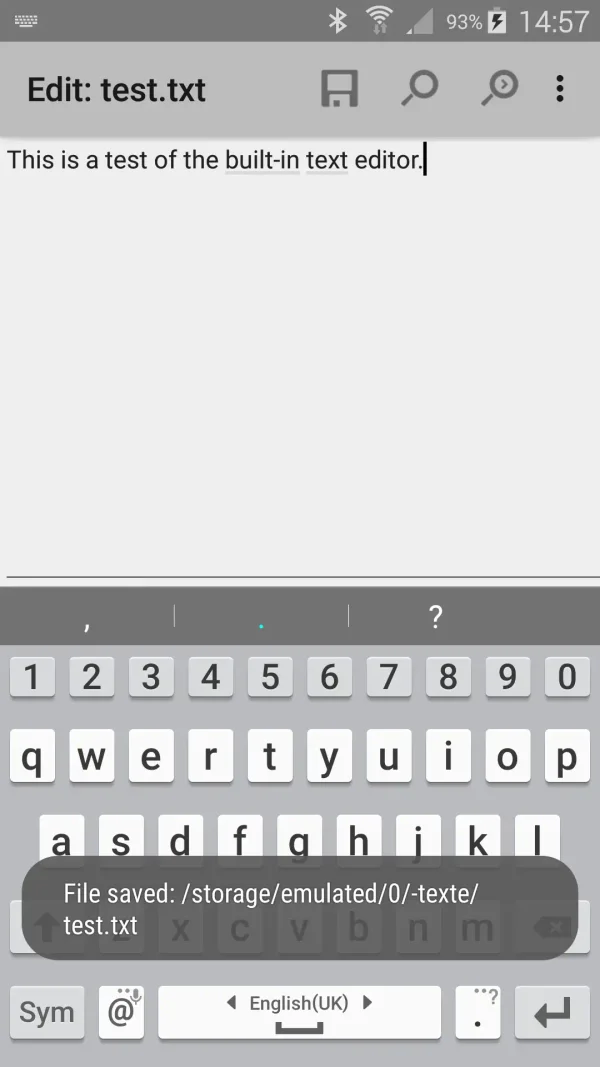
- Built-in text editor
- Search function (also for text)
- Select/unselect groups of files
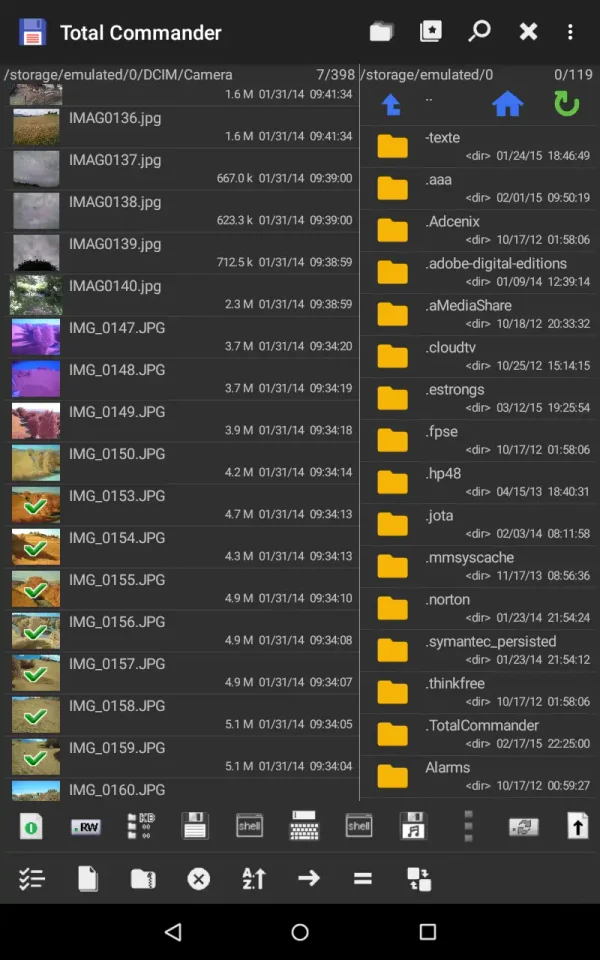
- Select by tapping on file icons
- Select range: Long tap+release on icon
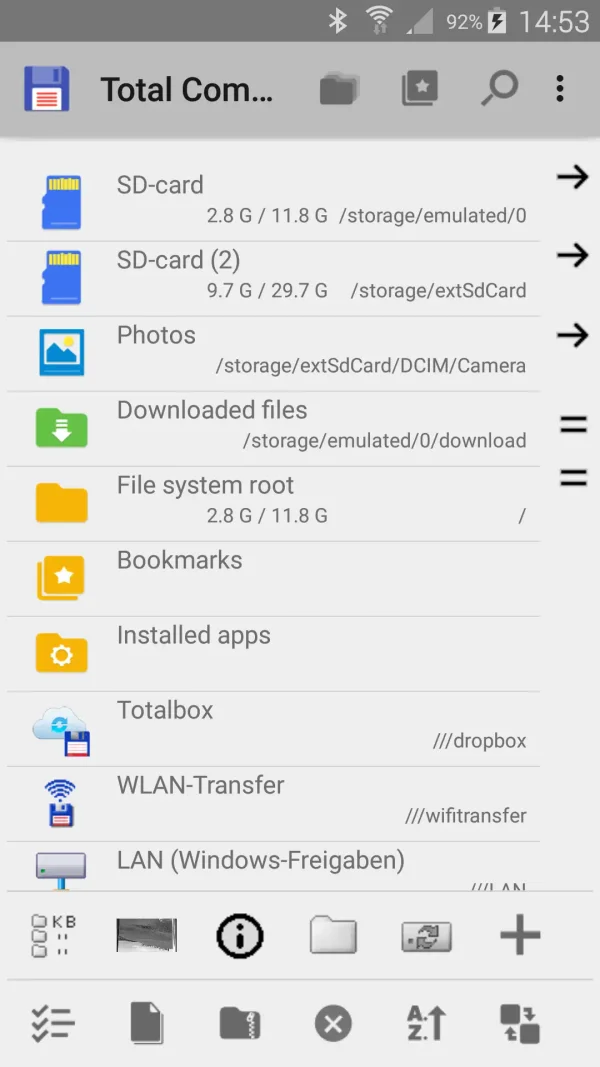
- Show List of installed Applications, manually backup apps (built-in plugin)
- FTP and SFTP client (plugin)
- WebDAV (Web folders) (plugin)
- LAN access (plugin)
- Plugins for cloud services: Google Drive, Microsoft Live OneDrive, Dropbox
- Root support for the main functions (optional)
- Send files via Bluetooth (OBEX)
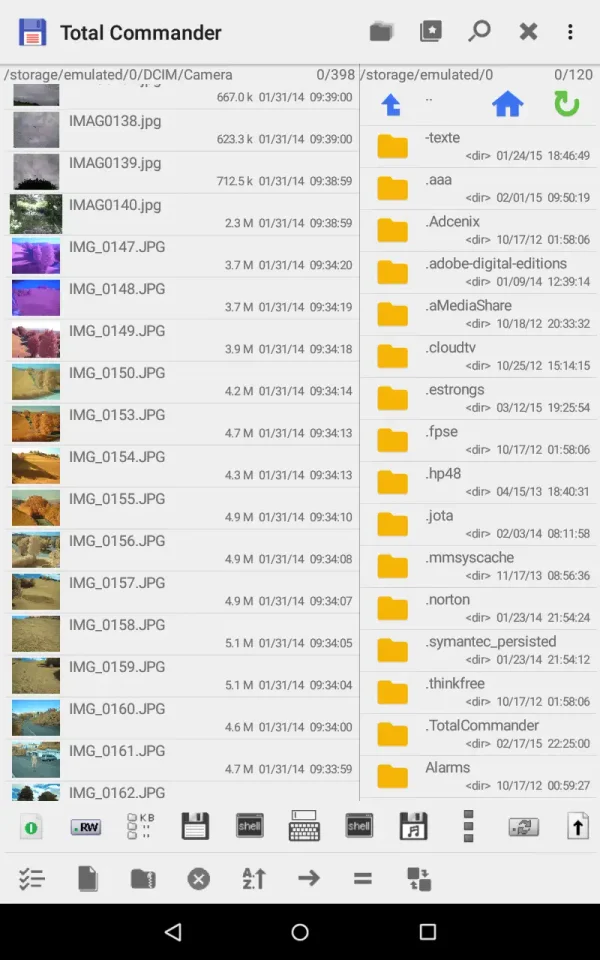
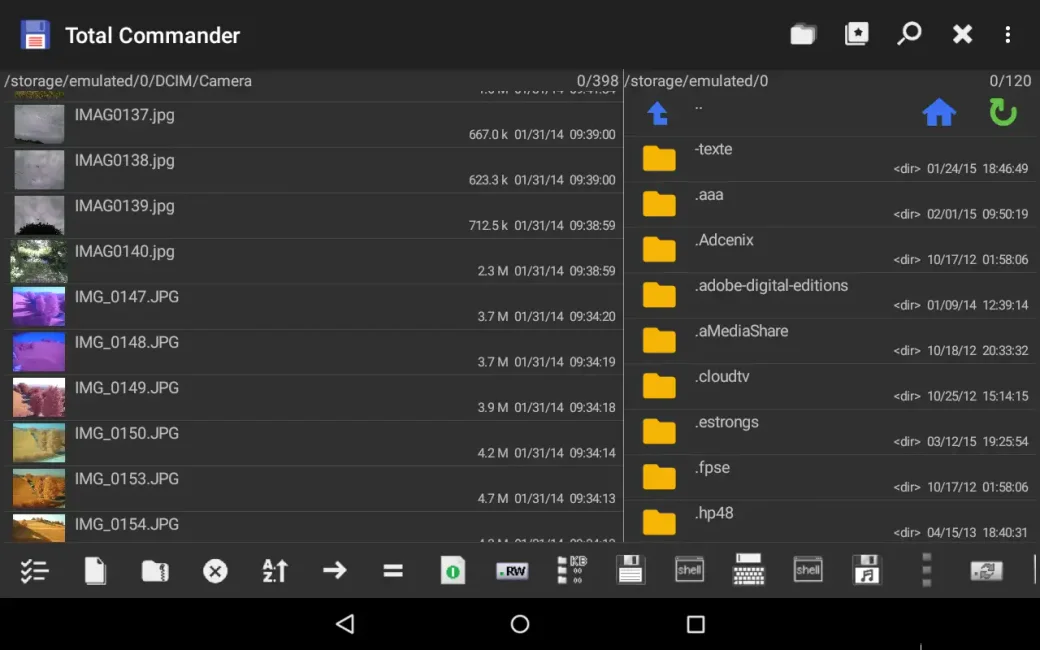
- Thumbnails for pictures
- Two panels side by side, or virtual two panel mode
- Bookmarks
- Directory history
- Save files received from other apps via share function
- Media player which can stream directly from LAN, WebDAV and cloud plugins
- Configurable button bar for changing directories, internal commands, launching apps, and sending shell commands
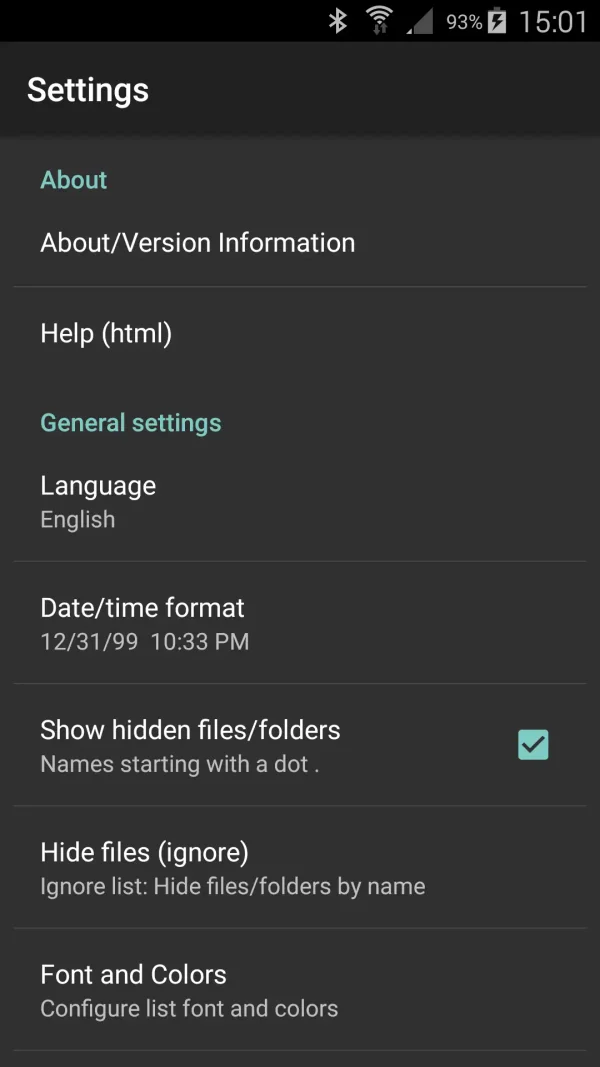
- Simple help function in English, German, Russian, Ukrainian and Czech
- Optimizations for visually impaired, like text for icons
- Supported languages of the main program: English, German, Bulgarian, Croatian, Czech, Danish, Dutch, French, Greek, Hebrew, Hungarian, Indonesian, Italian, Japanese, Korean, Polish, Portuguese, Romanian, Russian, Serbian, Simplified Chinese, Slovak, Slovenian, Spanish, Swedish, Traditional Chinese, Turkish, Ukrainian and Vietnamese.
- Public translation via http://crowdin.net/project/total-commander
About the new permission "SuperUser":
This permission is now requested to make Total Commander work better on rooted devices. It tells the SuperUser app that Total Commander supports root functions. It has no effect if your device is not rooted. Root functions allow Total Commander to write to system folders like /system or /data. You will be warned before anything is written if the partition is write protected.
You can find some more information here:
http://su.chainfire.eu/#updates-permission
Data safety
What C. Ghisler declares on Google Play about the data this app collects and shares.
- No data shared with third partiesLearn more about how developers declare sharing
- This app may collect these data typesApp info and performance
- Data is encrypted in transit
- Data can’t be deleted
What’s new
Version 3.62 · Feb 13, 2026
- Bugfixes
Developer contact
- Websiteghisler.com
- Emailcghisler@gmail.com
- Privacy policyghisler.com
- AddressSwitzerland
Information
- Offered by
- C. Ghisler
- Category
- Tools
- Version
- 3.62
- Updated
- Feb 13, 2026
- Released
- May 20, 2012
- Requires
- Android 2.2 or later
- Age rating
- Everyone
- Price
- Free
- Package name
- com.ghisler.android.TotalCommander
Similar apps
-
 AdGuard Mini: Ad Blocker & DNS
Tools
-
 File Manager
Productivity
-
 Building Tools
Tools
-
 Tooly Toolbox All Tools In One
Tools
-
 TAP Kiln Control Mobile
Tools
-
 Uninstaller
Tools
-
 ASTRO File Manager & Cleaner
Tools
-
 Cx File Explorer
Tools
-
 Robokiller - Spam Call Blocker
Communication
-
 Deleted Photo & Video Recovery
Tools
-
 EX File Manager
Tools
-
 Norton Cleaner – Junk removal
Tools