Widgets OS 18 - Color Widgets
ZipoAppsContains ads · In-app purchases
- EveryoneAge rating
- PersonalizationCategory
- Oct 30, 2026Updated
- FreePrice
Links to the official Google Play listing of com.blueskysoft.colorwidgets. Last checked on Nov 27, 2026.
Screenshots


About this app
Add Color Widgets easily. Customize your home screen with widgets OS 18 style.
What is Widgets OS 18 - Color Widgets?
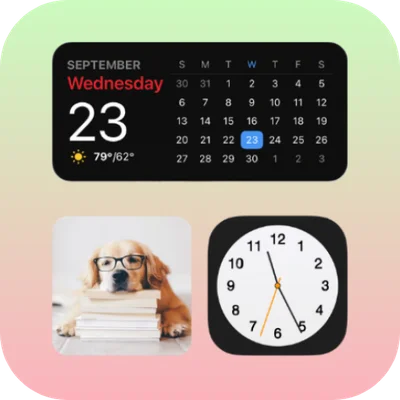
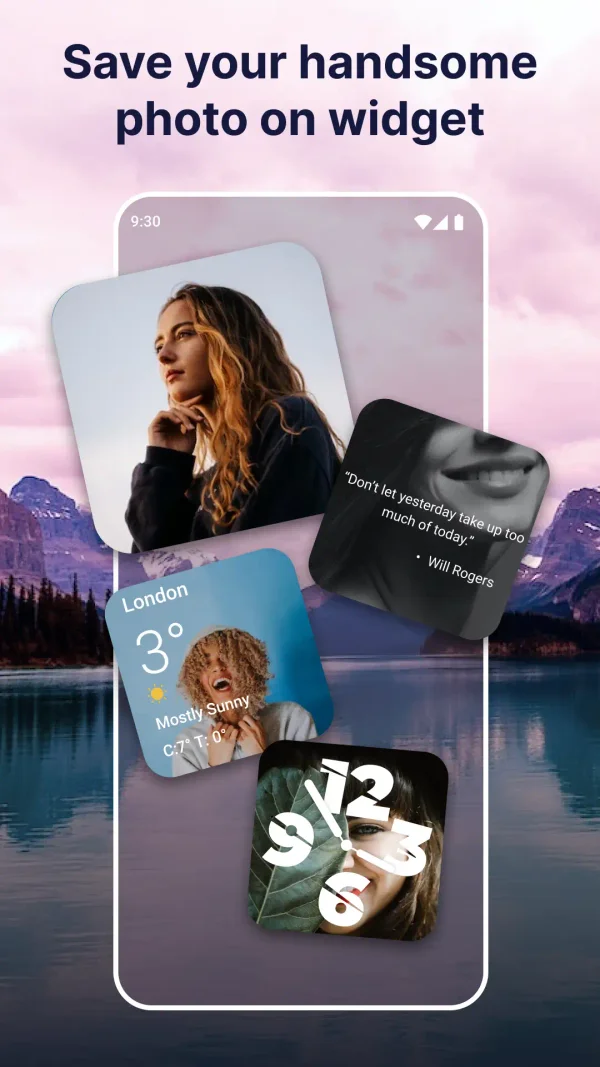
Personalize your Android home screen with photo widgets, clocks, calendars and other at-a-glance displays. Choose a ready-made theme or combine your own photos, fonts and colors to create widgets with an OS 18-inspired look.
Who is Widgets OS 18 - Color Widgets for?
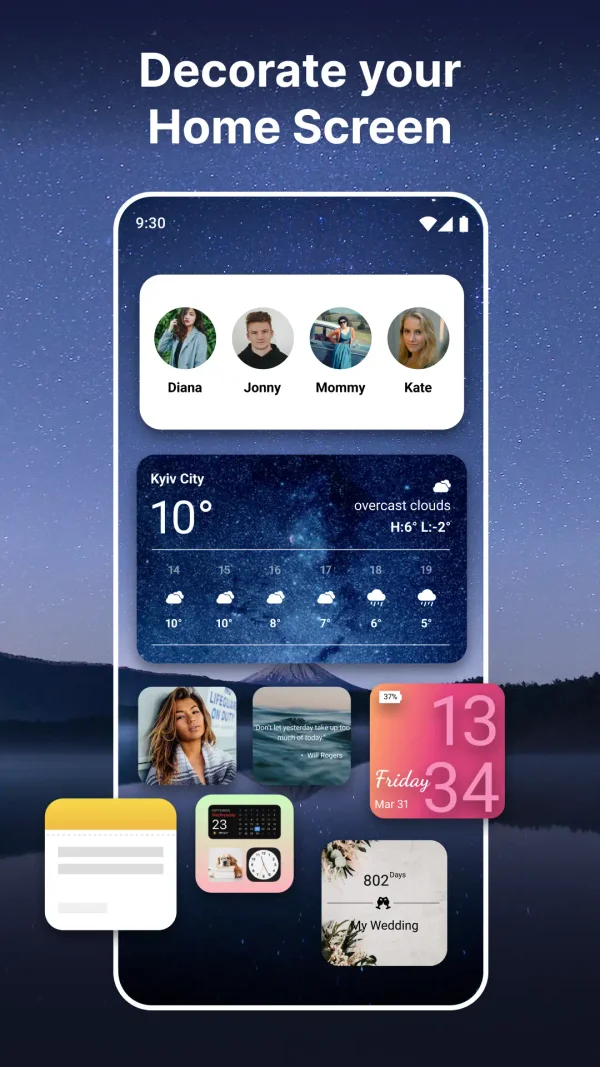
Use it when you want favorite photos beside everyday information, a coordinated color scheme, or a home screen that fits your style. A photo widget can keep a memory in view, while a clock, note or calendar gives that space a practical purpose.
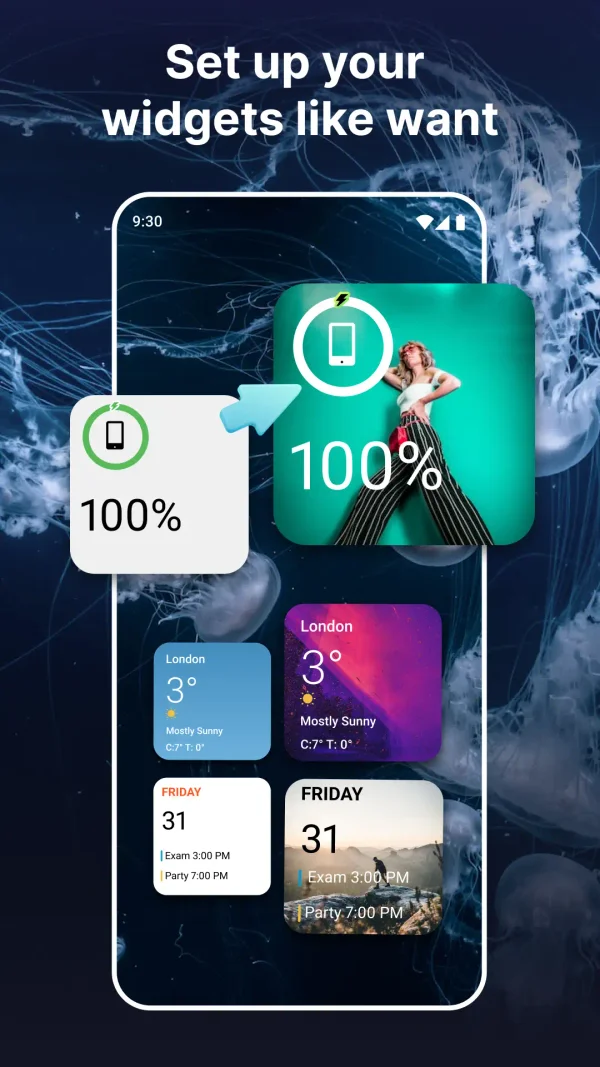
Small, medium and large widget options let you choose how much room to give each item. Mix designs rather than using the same appearance for every widget.
What does Widgets OS 18 - Color Widgets do?
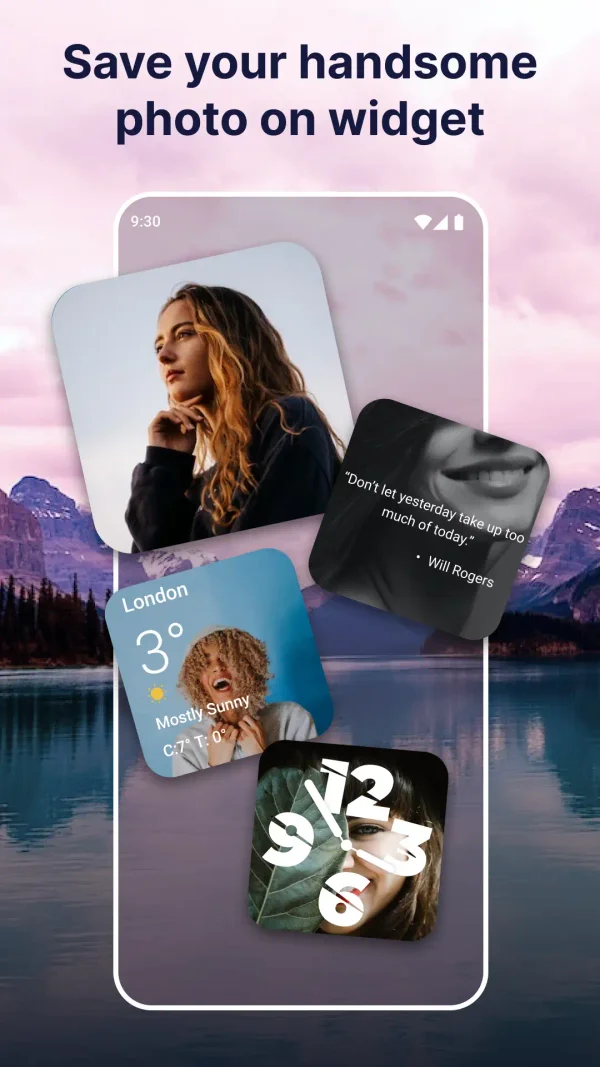
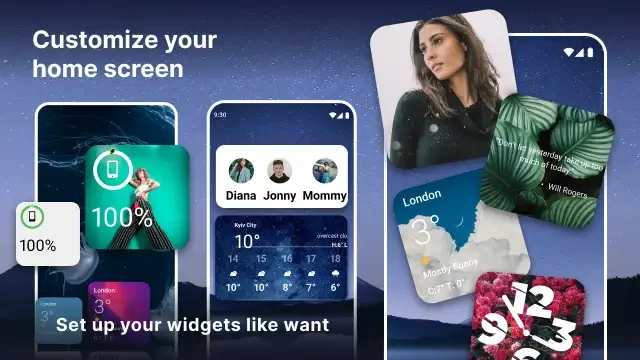
• 🖼️ Photo and album widgets: place your chosen pictures on the home screen and build a theme around them.
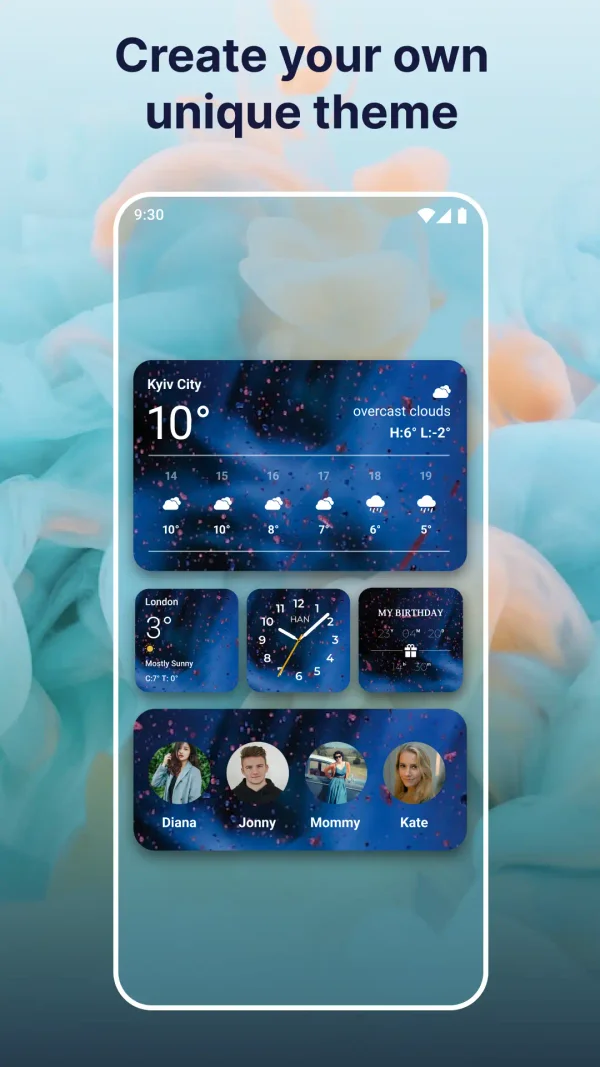
• Fonts, colors and themes: start with a default design or customize the available styling options to coordinate your widgets.
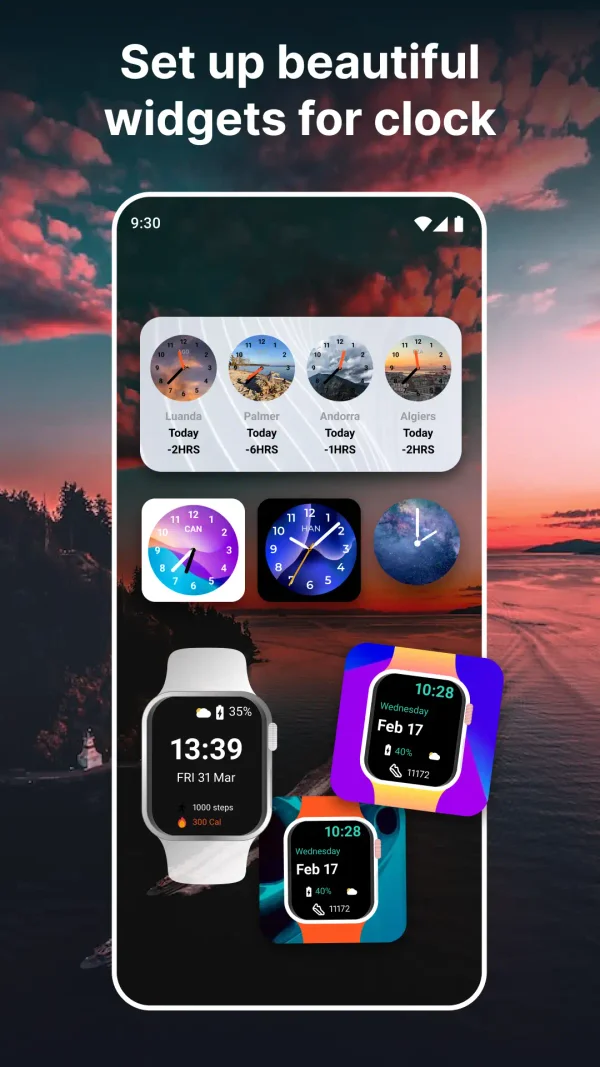
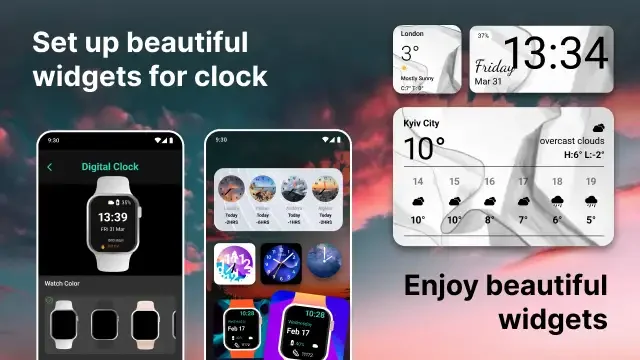
• Clock choices: use digital, world and color clocks to display time in different styles.
• Calendar and notes: keep dates and written reminders visible alongside your other widgets.
• Battery display: see the battery level at a glance.
• Step and calorie counters: display activity information on your home screen.
• Daily motivational quotes: add a short piece of inspiration to your layout.
• Weather: show weather information in a dedicated widget or a color clock with weather details.
Premium options include full customization of all widgets, the weather widget and the color clock with weather information. The app also contains ads and offers in-app purchases.
How does Widgets OS 18 - Color Widgets work?
1. Choose the widget content you want, such as a photo, clock or calendar.
2. Select a small, medium or large size and choose a theme or adjust the available fonts and colors.
3. Add the configured widget to your Android home screen and arrange it with your other items.
4. If a widget stops refreshing, open the app's Settings and enable the option to allow apps to run in the background.
Compatibility and requirements
This is an Android home-screen customization app. The OS 18-inspired appearance does not change your phone's operating system.
Background operation matters for widget refreshes. Step and calorie information is for general activity awareness, not medical assessment. Premium features are separate from the available free options.
Third-party names and brands belong to their respective owners and do not imply endorsement. This app is not officially affiliated with other apps or companies.
Widgets OS 18 - Color Widgets brings personal photos and everyday information together in a home-screen layout you can style yourself.
Data safety
What ZipoApps declares on Google Play about the data this app collects and shares.
- This app may share these data types with third partiesLocation, App info and performance, and Device or other IDs
- This app may collect these data typesApp info and performance and Device or other IDs
- Data is encrypted in transit
- Data can’t be deleted
Developer contact
- Websitezipoapps.com
- Emailsupport.widgets@zipoapps.com
- Privacy policyzipoapps.com
- Address24/1 Mapu TEL AVIV-JAFFA, 6343423 Israel
Information
- Offered by
- ZipoApps
- Category
- Personalization
- Version
- 1.12.6
- Updated
- Oct 30, 2026
- Released
- Jan 5, 2021
- Requires
- Android 8.0 or later
- Age rating
- Everyone
- Price
- Free
- In-app purchases
- $0.99 - $99.99 per item
- Package name
- com.blueskysoft.colorwidgets
Similar apps
-
 Color Widgets, Theme: iWidgets
Lifestyle
-
 Facemoji AI Emoji Keyboard
Personalization
-
 PurpleLine Icon Pack : LineX
Personalization
-
 Aesthetic Wallpapers & Icons
Art & Design
-
 Move to iOS
Tools
-
 POCO Launcher 2.0 - Customize,
Personalization
-
 Good Lock
Tools
-
 Facemoji Emoji Keyboard Pro
Tools
-
 Fonts Art: Cute Keyboard Font
Personalization
-
 iScreen - Widgets & Themes
Tools
-
 Everything Widgets
Personalization
-
 DNA Launcher ‧ Home Screen
Personalization